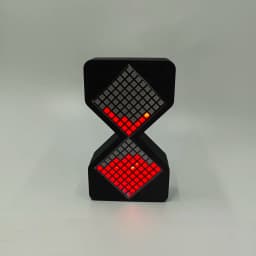
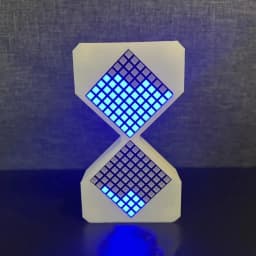
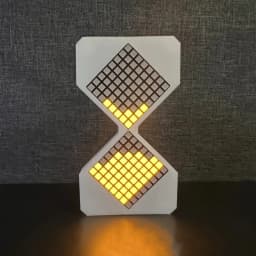
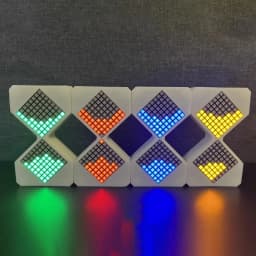
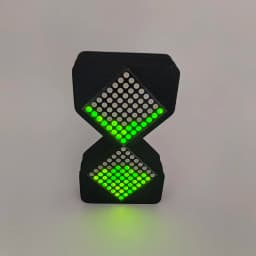
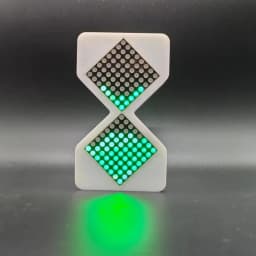

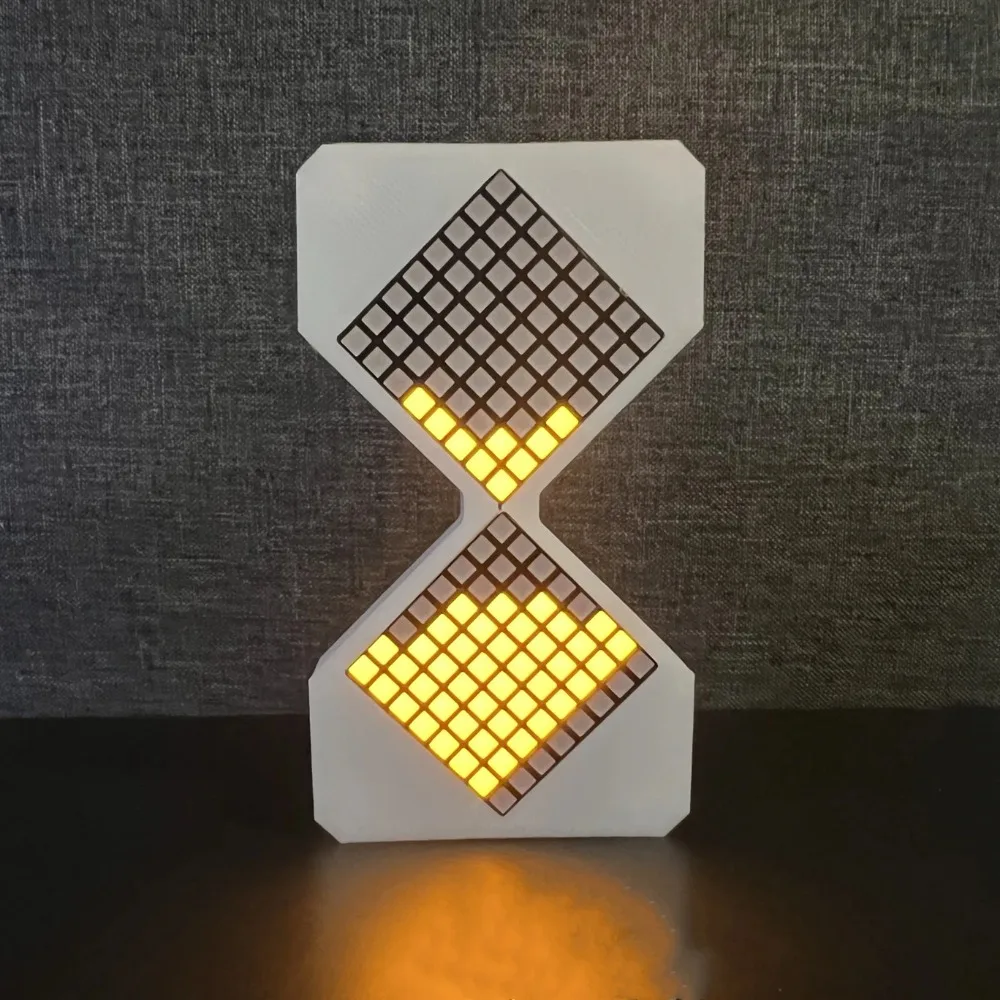
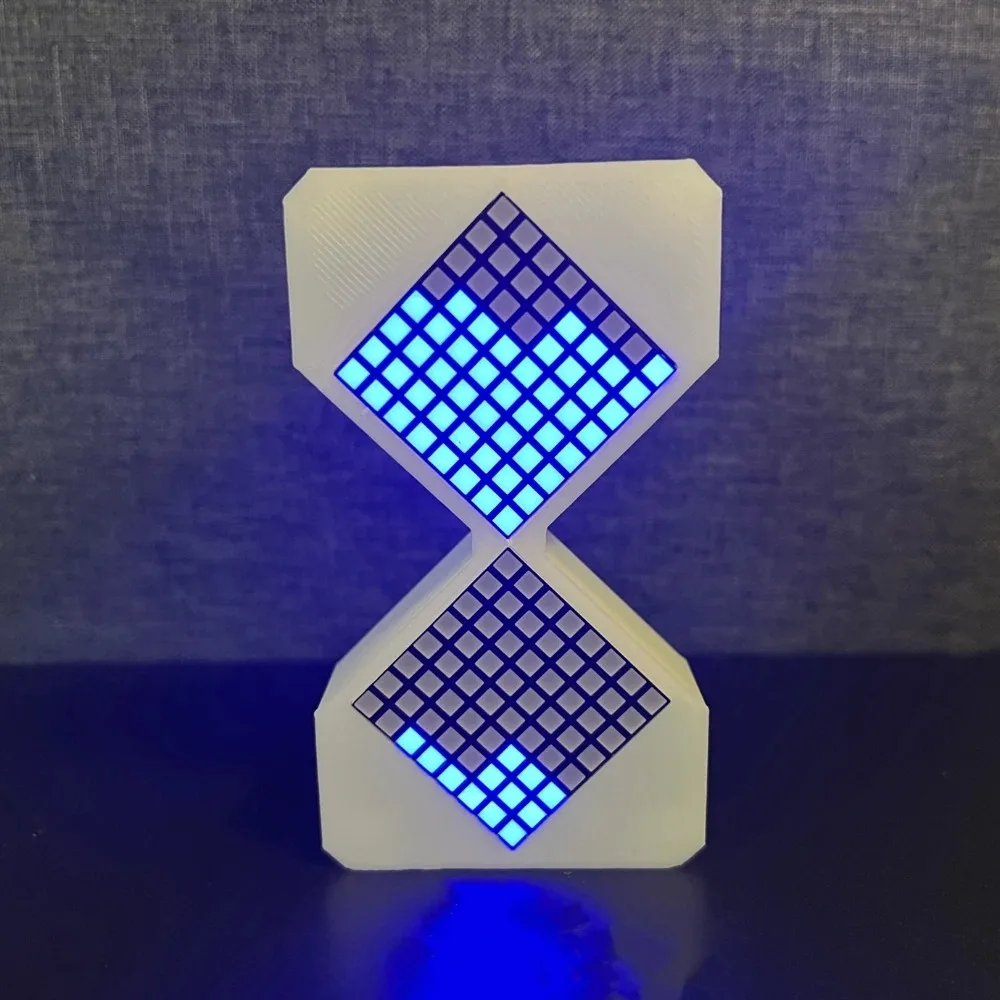
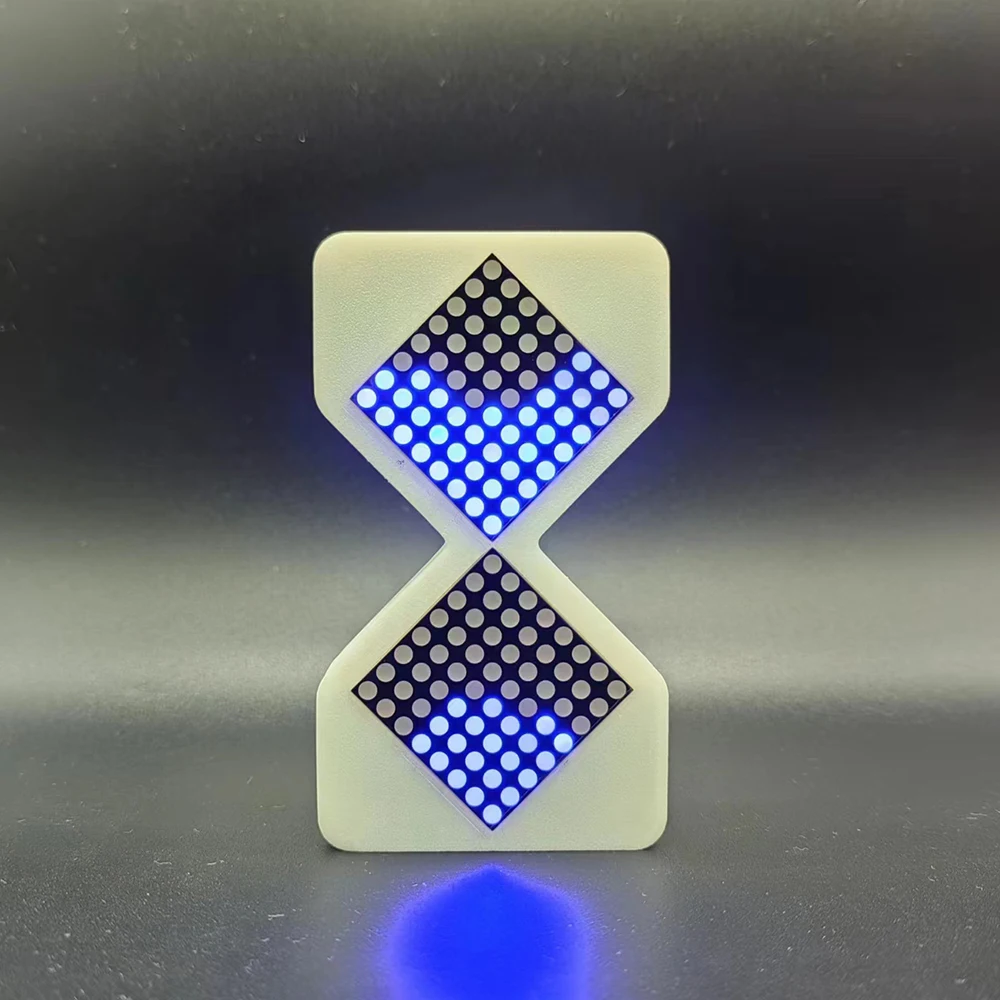
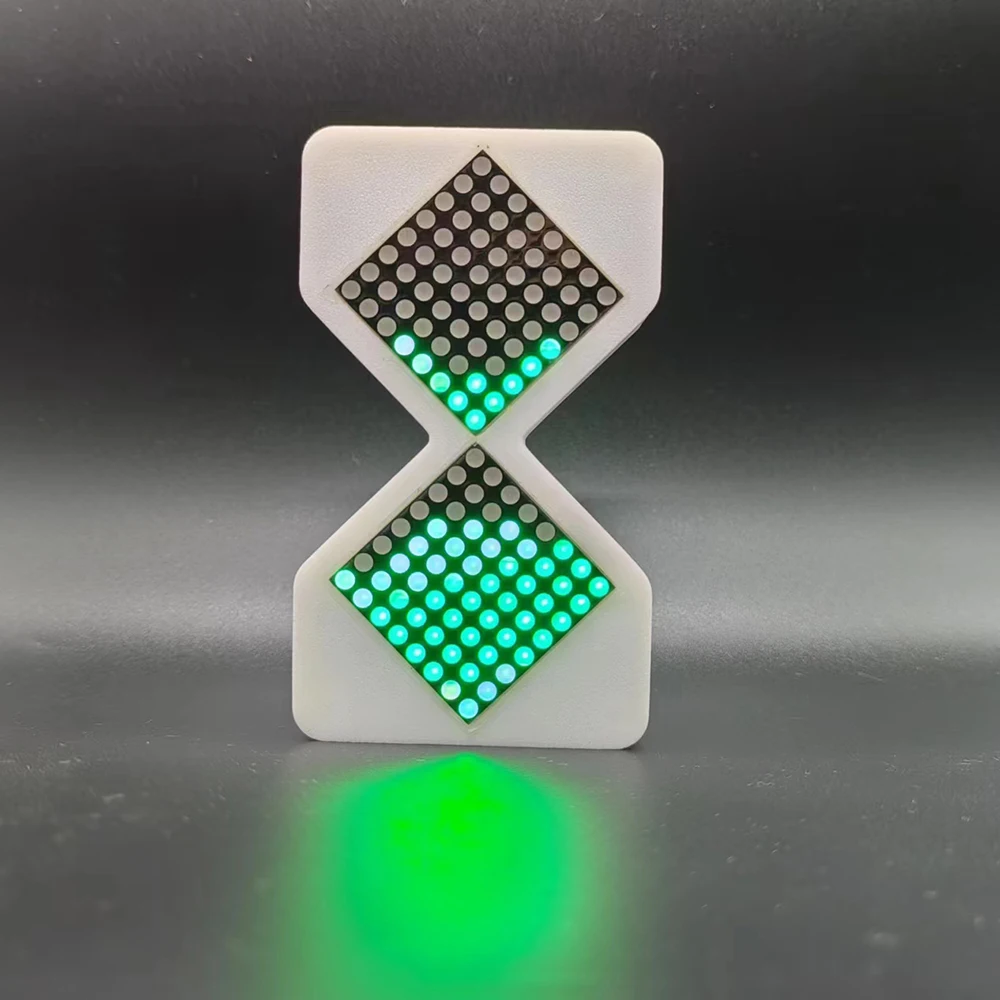
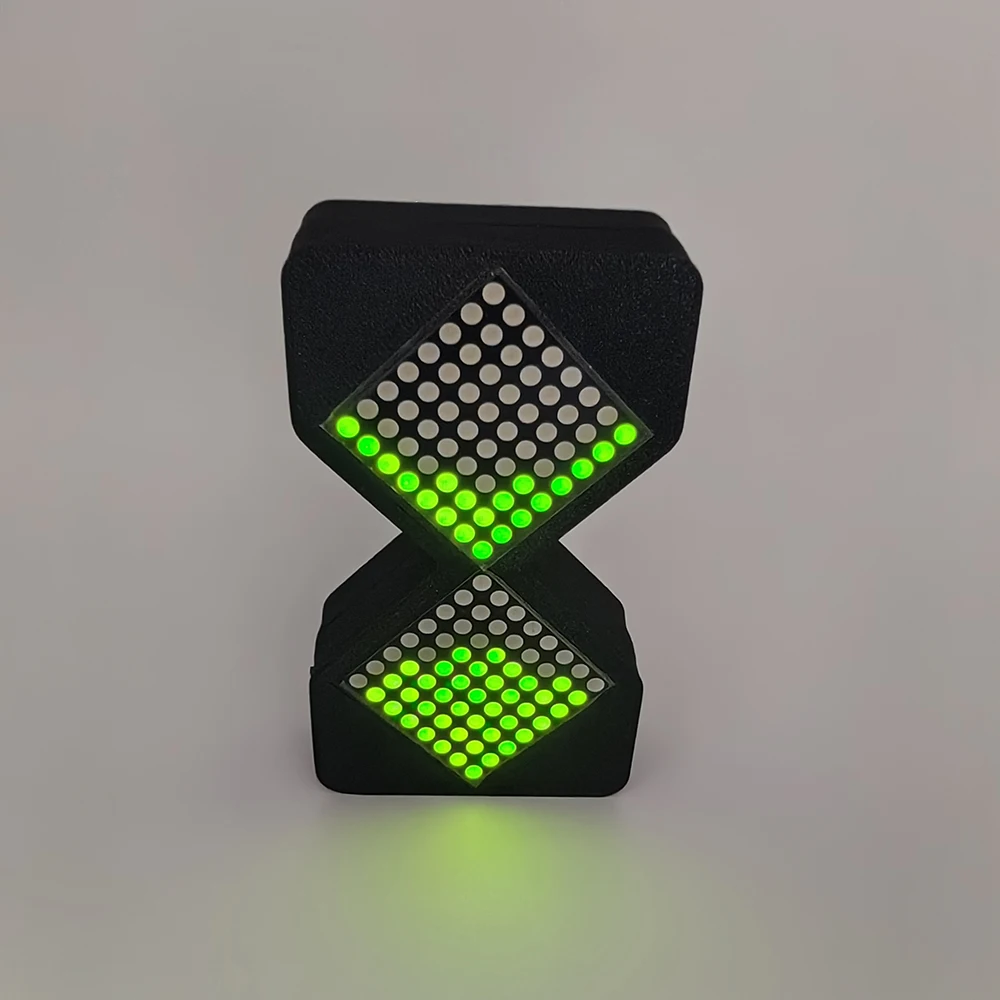
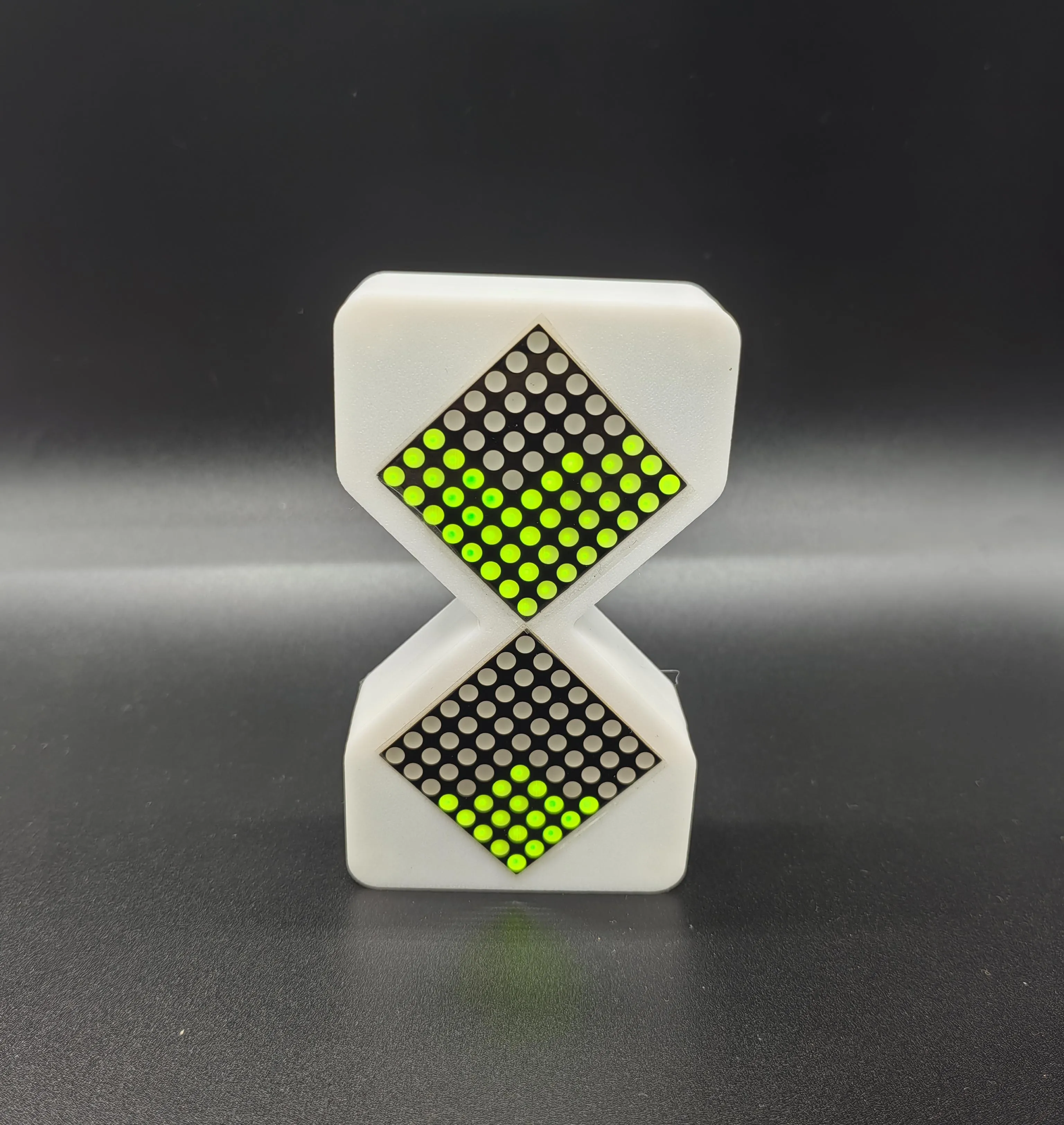
DIY Digital Hourglass Birthday Gift Toys Game Kids Cyber Hourglass Electronic Hourglass Cyber Style Sense of Technology Glow
18.51$
12.95$
Quantity:
1
Availability:
Color
Card Payments
Crypto Payments
Easy return
Reliable Shipping
DIY Digital Hourglass Birthday Gift Toys Game Kids Cyber Hourglass Electronic Hourglass Cyber Style Sense of Technology Glow
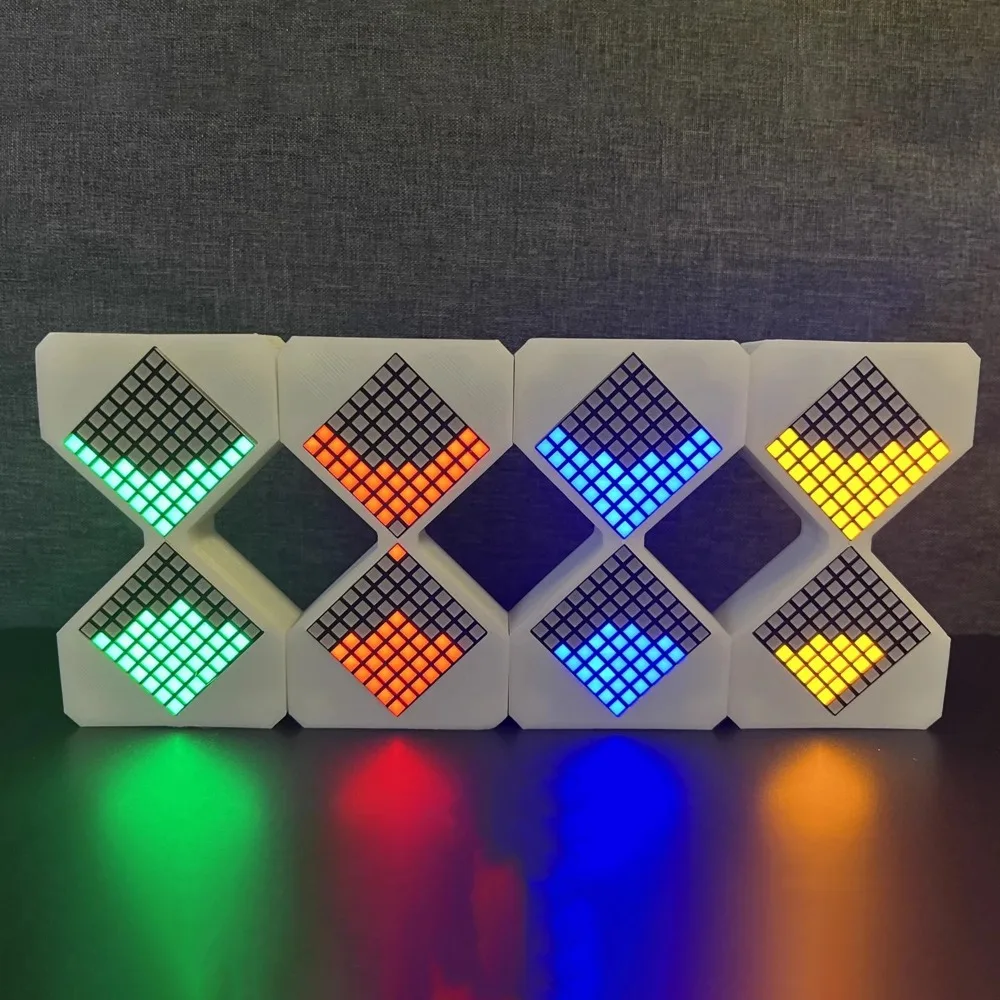
[Name]:cyber Hourglass
[category]:Model
[Game]:Hourglass
[Codition]:100% new in stock
[Packaging]:Color box
[Shipping]:free shipping items
[Purchase method]:Single piece/ wholesale
[NOTE 1]: There may be slight flaws in the simulation mold, please do not buy if you mind.
[NOTE 2]: The Alloy swords may be rejected by customs due to customs issues.
[NOTE 3]:Commodity shooting display stand, all need to be purchased separately, and the gift will be clearly indicated
[NOTE 4]: If you don't understand the style, please communicate with me via chat in time afterplacing the order.
Built -in rechargeable battery
5 hours working hours
Electronic hourglass operation description
1. Key & interface
A. There is a dial switch on the side of the hourglass to execute the switch.
B. There are three keys behind the hourglass, which are "function" keys, "+" keys, "-" key. The "function" key is used to enter the time settings mode and start timing. The "+" key, the "-" key is used in time setting mode to increase or reduce the timing cycle unit. It is used to adjust the brightness of the hourglass during the hourglass timing process.
C. On the other side of the hourglass is the Typec charging port.
2. Operation description
A. After turning on the hourglass, enter the standby screen, and a smiley face and love picture will be displayed on the dot matrix display.
B. Press the "function" key at this time and set the screen to enter the time. The "符" symbol (infinite symbols) on the above line, and the English letters "T" shows the dot matrix below.
C. Press the "function" key at this time to enter the infinite timing mode. In this mode, the hourglass timing will automatically start the timing.
D. Time setting screen Press the "+" key or "-" key, and the point matrix is switched to 0-1-2-3-4-5 .... 20 The dot matrix below shows the English letters "T", indicating that it means The timing cycle of the hourglass is 0-20 minutes. After selecting the time, press the "function" key, and the hourglass starts time.
D. During the hourglass timing, press the "+" key to light up the brightness, and press the "-" key to dimly display the brightness.
E. During the hourglass timing, press the "function" key to set the time to set the screen.
Customer Reviews
No reviews yet
DIY Digital Hourglass Birthday Gift Toys Game Kids Cyber Hourglass Electronic Hourglass Cyber Style Sense of Technology Glow
18.51$
12.95$
Quantity:
1
Availability:
Color