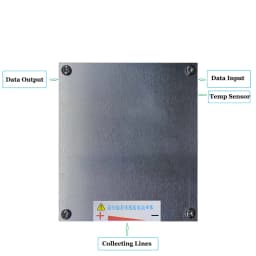
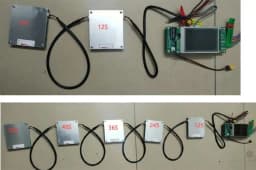
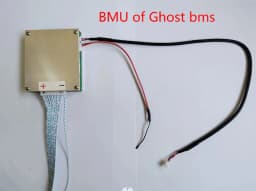
12S BMU of Ghost BMS 4S to 12S With Communication Port, With Temperature Sensor
38.4$
36.36$
Quantity:
1
Availability:
Color
Card Payments
Crypto Payments
Easy return
Reliable Shipping
Notices:
1.If you have no experience for DIY battery assembly, please spend more time to check more details or ask us before you buy.
2.The BMS are with much components and software, Please do well in insulation for each step. Otherwise, it will damaged the
whole pack.
3.The BMS is suitable for 4S To 12SLi-ion/LiFePO4/LTO Battery Pack.
4.Packing list is with two relays.
5.Current is continuous current.

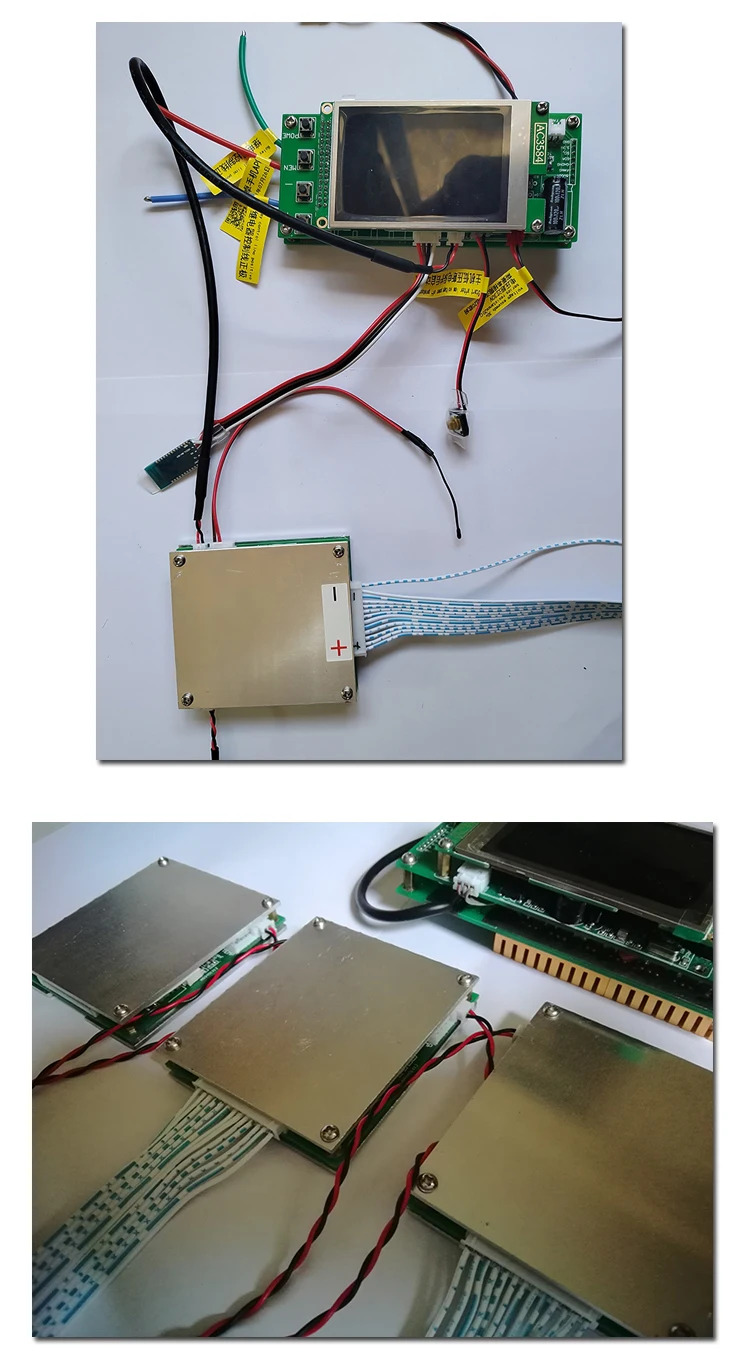

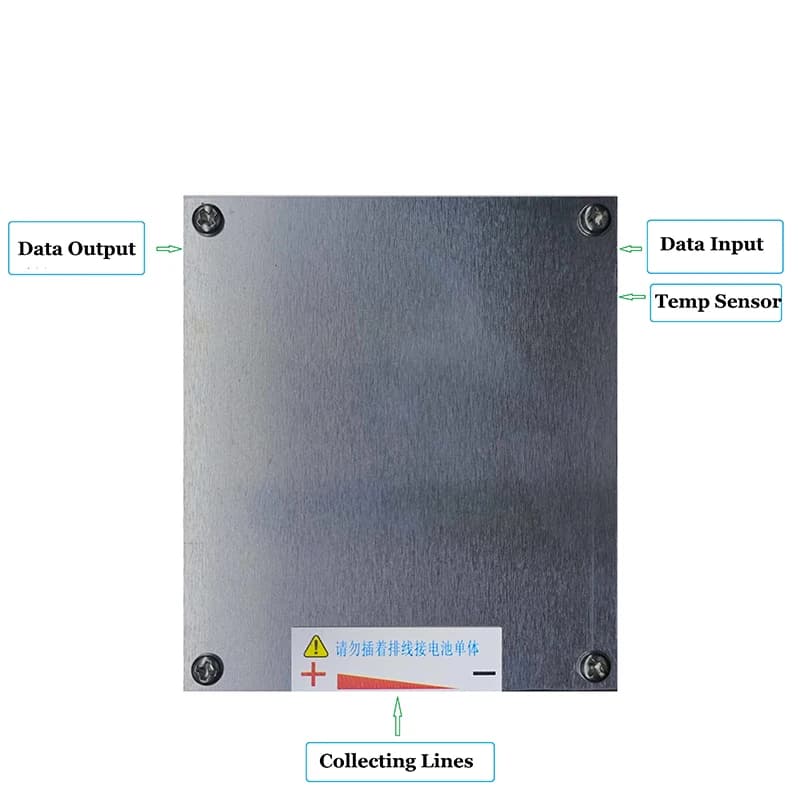
With communication port, with temperature sensor port.
Each module Support 4S to 12S, The minimum is 4S, the maximum is 12S,less 12S, short high bit signal.
VAM (Voltage acquisition module)

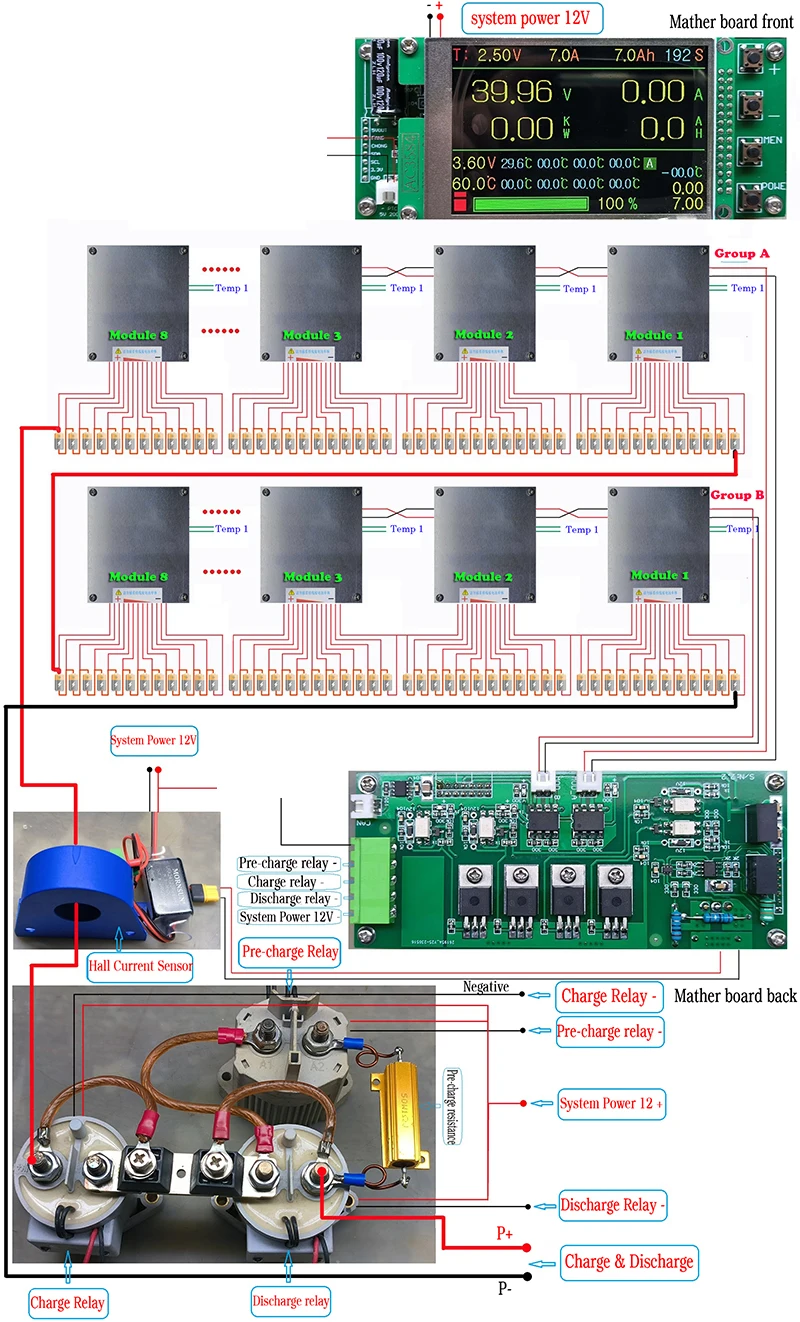

After receiving the BMS, please do not hurry to link the battery, please remove the motherboard screws, check inside of the port name carefully.
1.The distribution of small key switches and joints welding.
2.Then reassemble the motherboard. Do not connect the battery in the case of the motherboard decomposition, so that the permanent damage the motherboard
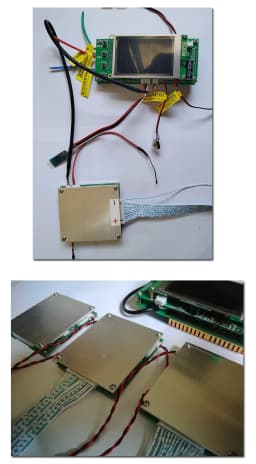
3.The following figure is to test board to connect the battery the most simple wiring diagram.
4.Motherboard power supply voltage: 24V ~ 100V (many customers can not start the motherboard, because the motherboard input voltage is too low)
5.Start the motherboard: it needs to link the line completely, hold down the small switch for 3 seconds, until the motherboard red light, release the switch.
6.About Turn ON/OFF Button:
A, Hold down the boot switch for about 5 seconds, release the switch, the motherboard display light goes out;
B, the phone APP link motherboard, click APP on the button to close the motherboard.
7.If the motherboard start successfully, please disconnect the power supply. Put balance line into the motherboard, the display can be displayed the battery voltage. The battery equalizer line must be checked to see if the connection is correct.


After receiving the BMS, please do not hurry to link the battery, please remove the motherboard screws, check inside of the port name carefully.
1.The distribution of small key switches and joints welding.
2.Then reassemble the motherboard. Do not connect the battery in the case of the motherboard decomposition, so that the permanent damage the motherboard
3.The following figure is to test board to connect the battery the most simple wiring diagram.
4.Motherboard power supply voltage: 24V ~ 100V (many customers can not start the motherboard, because the motherboard input voltage is too low)
5.Start the motherboard: it needs to link the line completely, hold down the small switch for 3 seconds, until the motherboard red light, release the switch.
6.About Turn ON/OFF Button:
A, Hold down the boot switch for about 5 seconds, release the switch, the motherboard display light goes out;
B, the phone APP link motherboard, click APP on the button to close the motherboard.
7.If the motherboard start successfully, please disconnect the power supply. Put balance line into the motherboard, the display can be displayed the battery voltage. The battery equalizer line must be checked to see if the connection is correct.
Customer Reviews
No reviews yet
12S BMU of Ghost BMS 4S to 12S With Communication Port, With Temperature Sensor
38.4$
36.36$
Quantity:
1
Availability:
Color