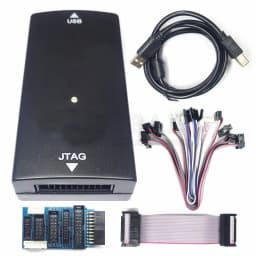

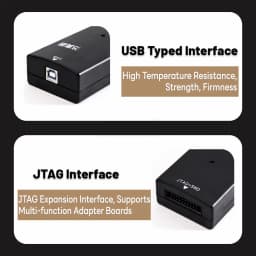


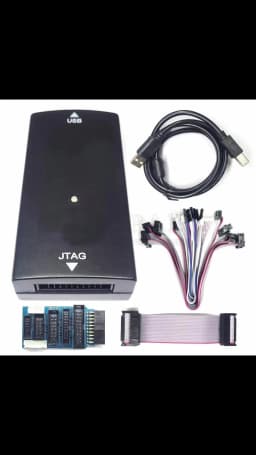
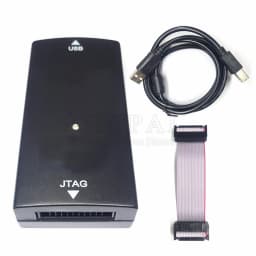
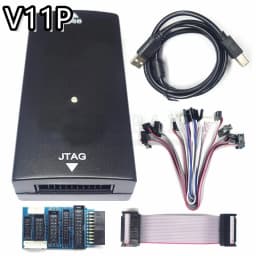
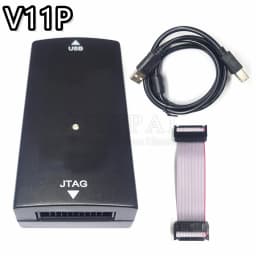
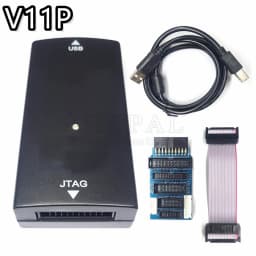
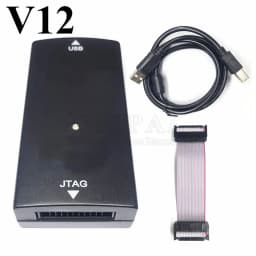
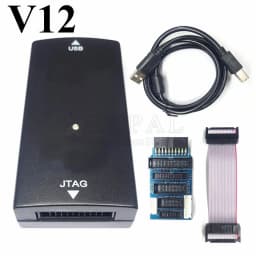
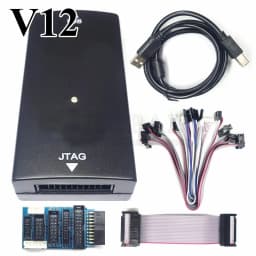
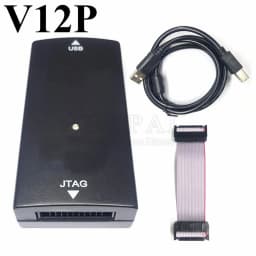
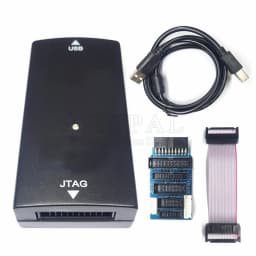
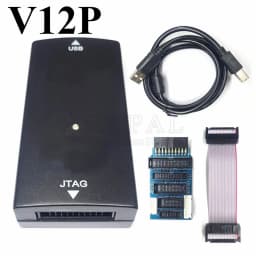
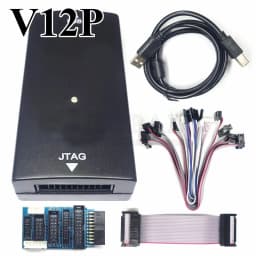
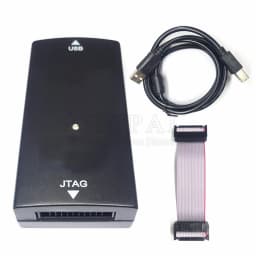
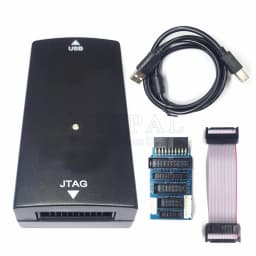
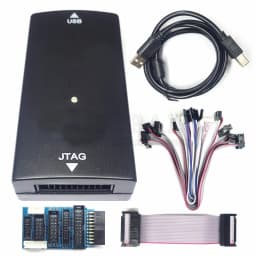
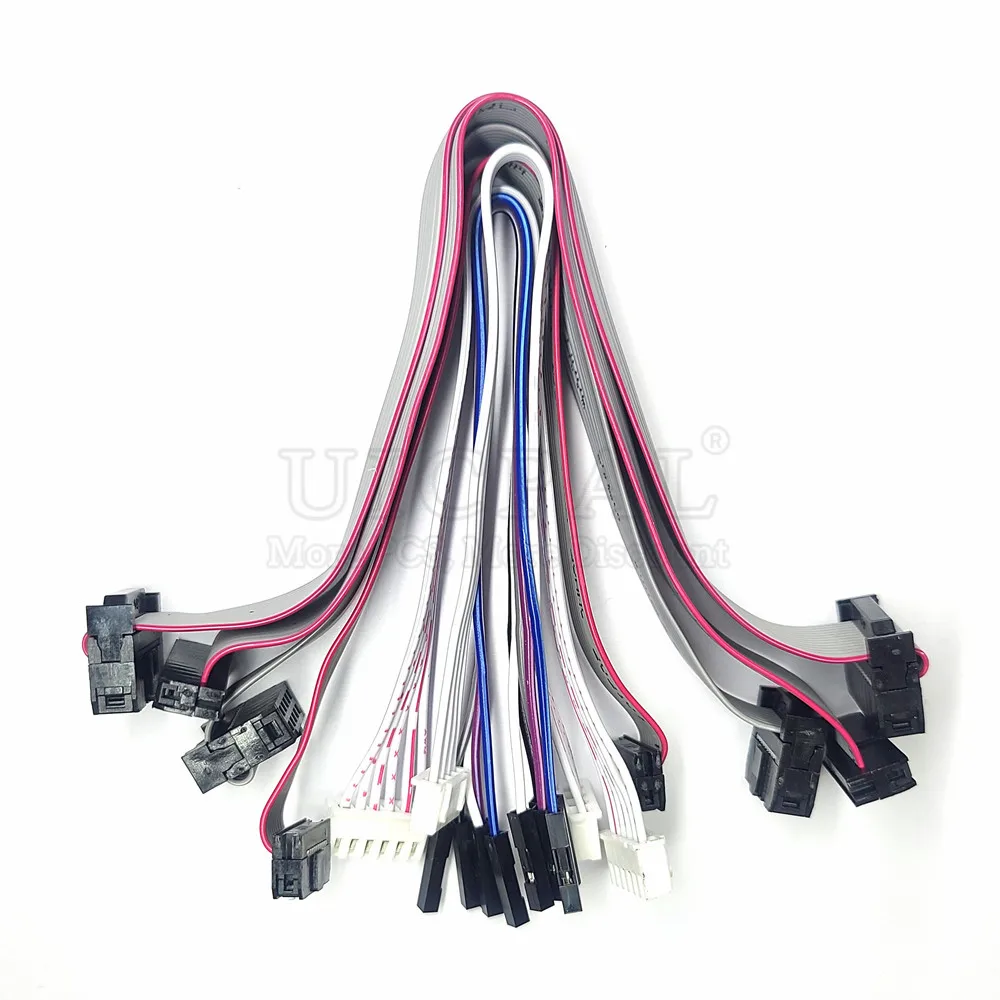
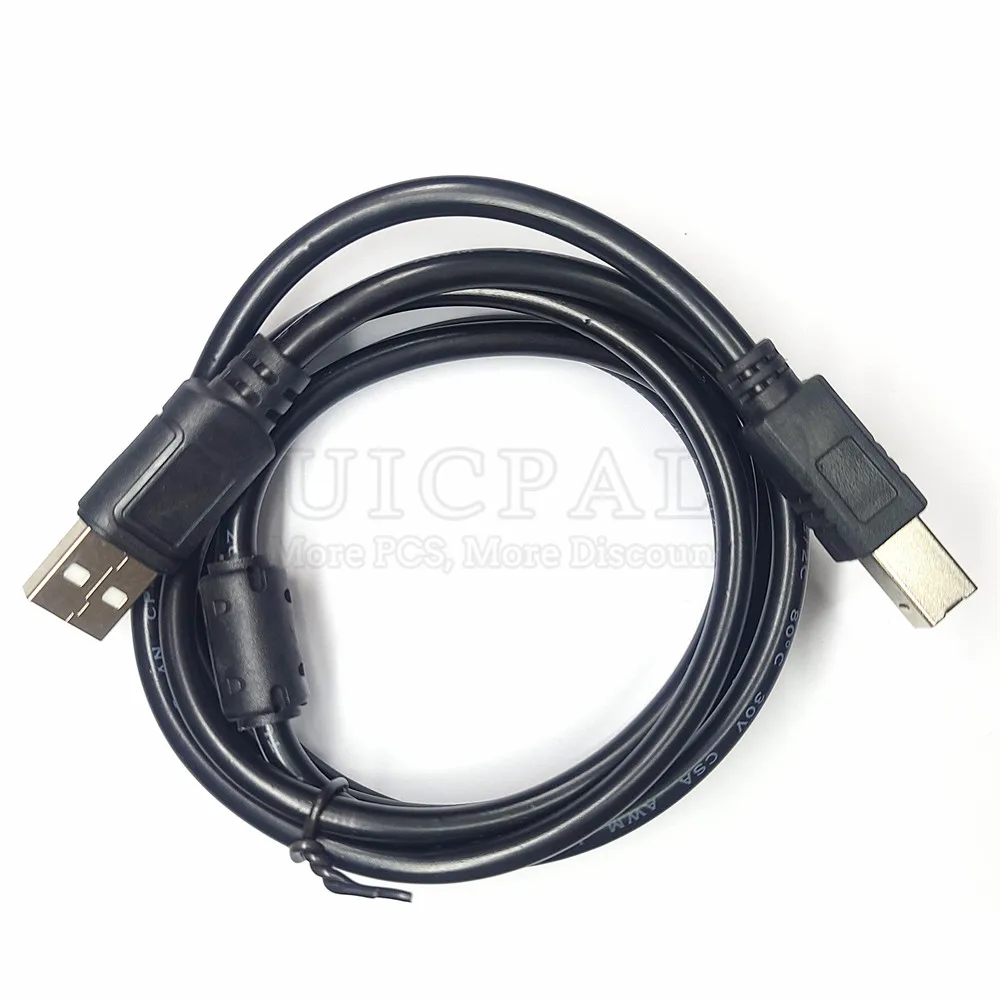
High Speed Emulator for J-Link V9 JLink USB JTAG Debugger Emulator for J-Link V11 V11P STM32F103C8T6 STM MCU V11
43.7$
43.58$
Quantity:
1
Availability:
Color
Card Payments
Crypto Payments
Easy return
Reliable Shipping

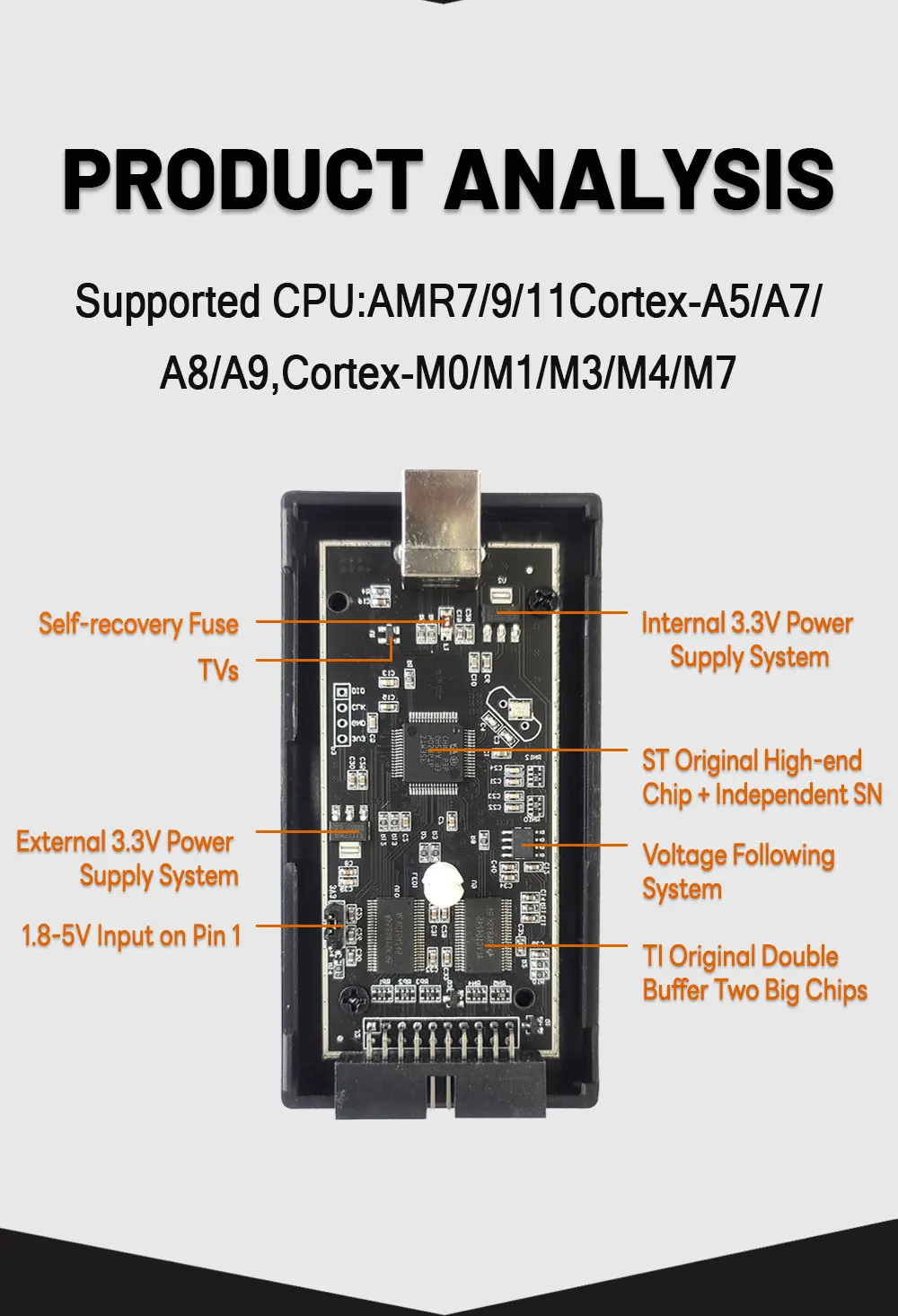
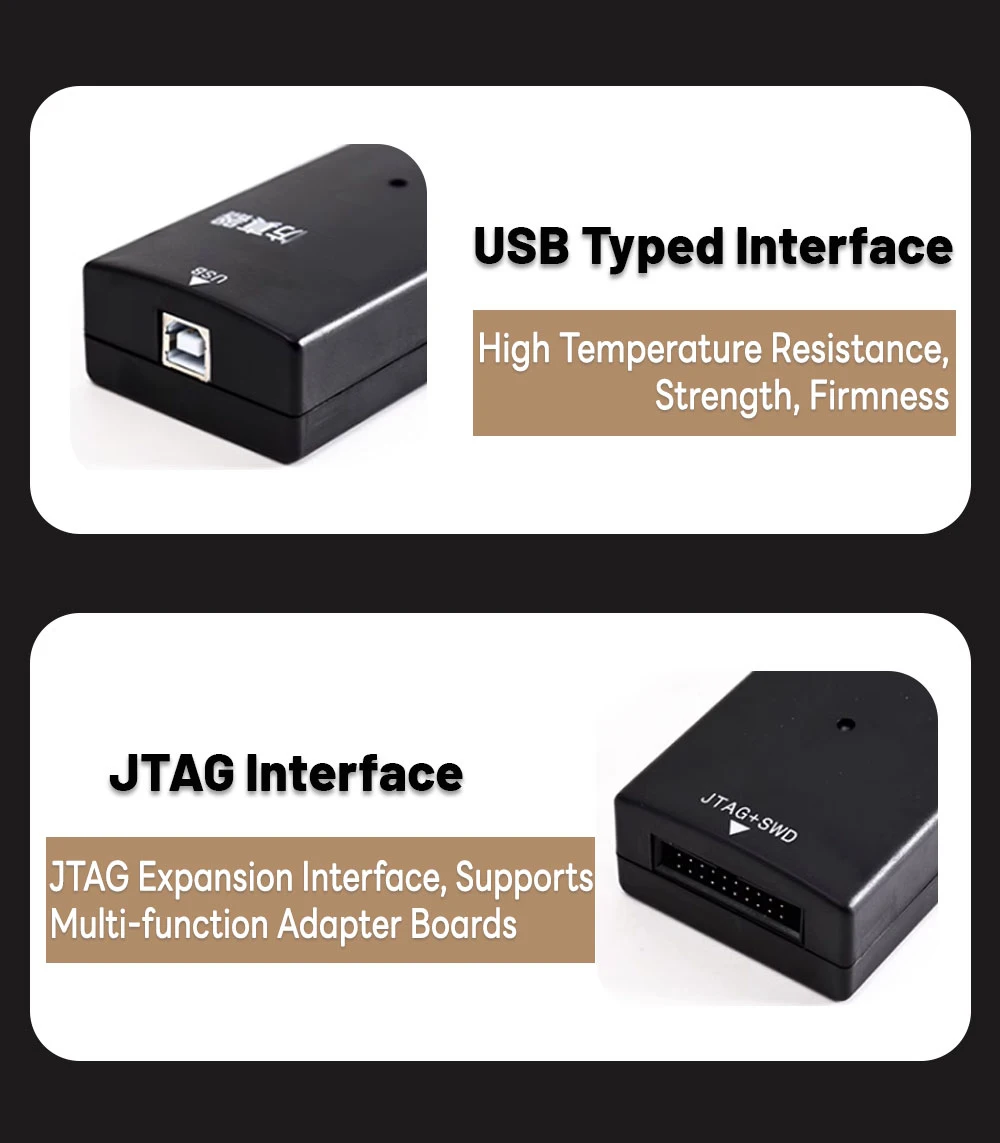




Note:
keil pop-up "The connected J-Link is defective,Proper operation cannot be guaranteed......"
The driver version is too high. The solution is as follows:
* Copy the "JL2CM3.dll" and "JLinkARM" files to the keil/arm/segger directory to replace the original files and restart the keil software.
Please contact us if you need these documents.
There are three ways to manually update the KEIL DLL Method:
1: Upgrade the J-link program that comes with Keil.
2: Use the J-link driver that came with the previous version of Keil to replace the current one, that is, replace the... \Keil\ARM\Segger folder for the old version, so that the J-Link driver is also an old version of the inside, it will not prompt the J-Link update!
3: Uninstalled segger, downloaded the newer driver and reinstalled it, and copied jlinkarm.dll from segger/jlinkarm_v440 directory to keil/armgger directory. Used the MDK again, prompted for an upgrade, OK'd the upgrade, but this time after the upgrade, jlink did recognize it.
jlink enable disable serial port:
Enable the virtual serial port: jlink commander command console enter the command vcom enable
Close the virtual serial port: jlink commander command console enter the command vcom disable
After inputting the command and unplugging the device manager again, the COM port will come out!
Enable VCOM (virtual serial port) function
Enable VCOM (virtual serial port) function! Make sure your jlink is V9 or above.
Enter vcom enable to turn on the virtual serial port (last power-up effective)
If the connected probe does not show up, the connected probe is not enabled.
If the connected probe does not support vcom functionality, follow these steps
1. input power on
2. enter power off
3. type vcom enable
The following steps can be used
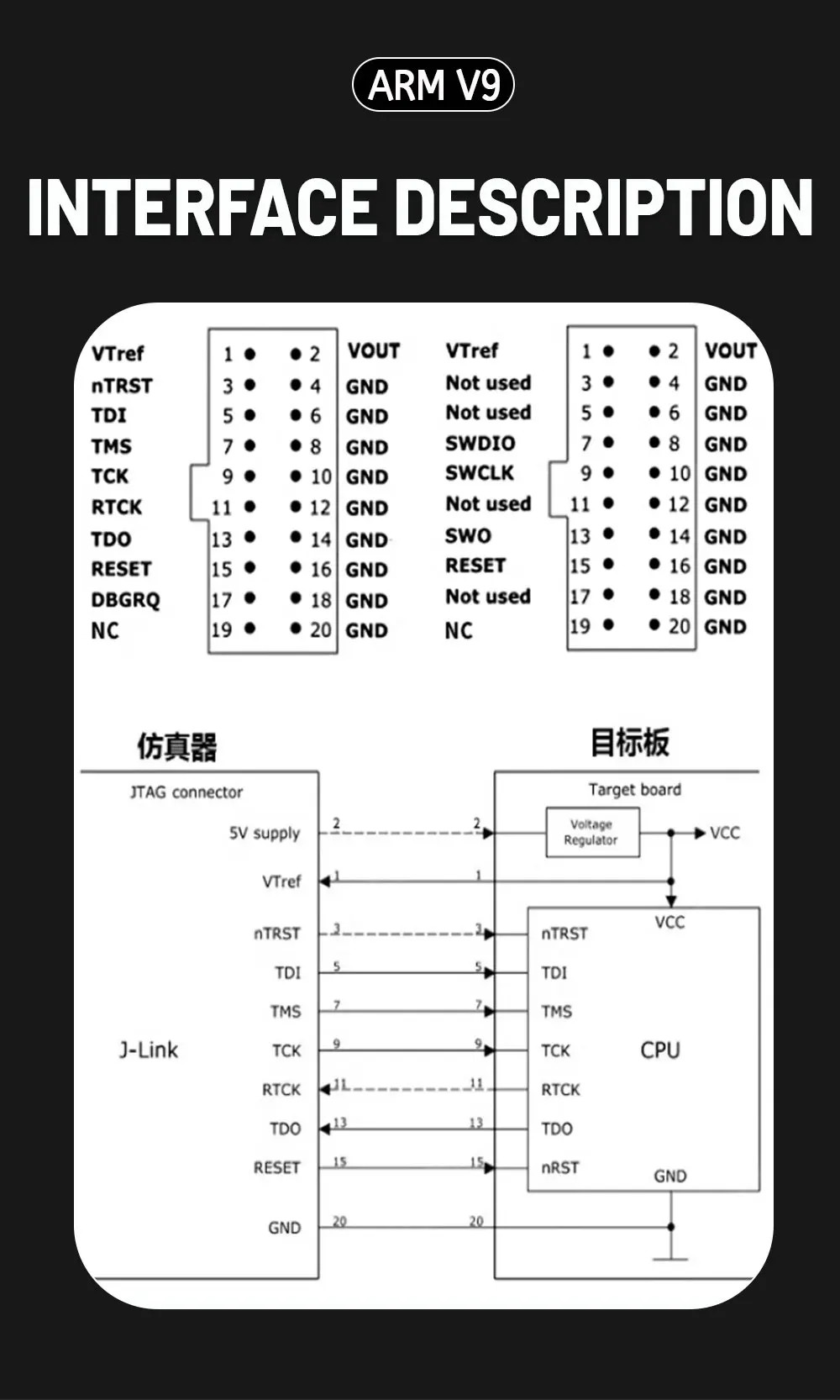
Pin 5 = J-Link-Tx (out), Pin 17 = J-Link-Rx (in)
Pin 5 = J-Link-Tx (out), Pin 17 = J-Link-Rx (in)
! Note
1. VCOM function can only be used in SWD mode, JTAG mode pin conflict!
2. Need to connect the VTref of the jlink to the 3v3 power supply.
3. vcom disable can disable vcom function.
Customer Reviews
No reviews yet
High Speed Emulator for J-Link V9 JLink USB JTAG Debugger Emulator for J-Link V11 V11P STM32F103C8T6 STM MCU V11
43.7$
43.58$
Quantity:
1
Availability:
Color