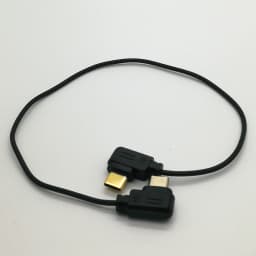
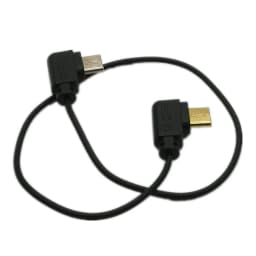
USB-C to Type-C Multi-Camera Control Cable for DJI Ronin-SC Canon EOS R RP R5 R6 Nikon Z5 Z6 Z7 II Sony A7C A7SIII GH5 Ronin SC
13.73$
13.73$
Quantity:
1
Availability:
Card Payments
Crypto Payments
Easy return
Reliable Shipping
Introduction
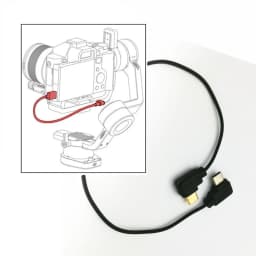
It connects the stabilizer to specified cameras to control the camera
Lightweight and Durable, easy to carry and store
It may enable the stabilizer to control compatible cameras to
Start/stop recording video
Pull focus electronically
Trigger auto focus, etc.
Note: Above functions depends on the camera and stabilizer, not our cable.
Only 'Capture photo' or 'Start/stop recording video' functions works for some cameras.
Specification
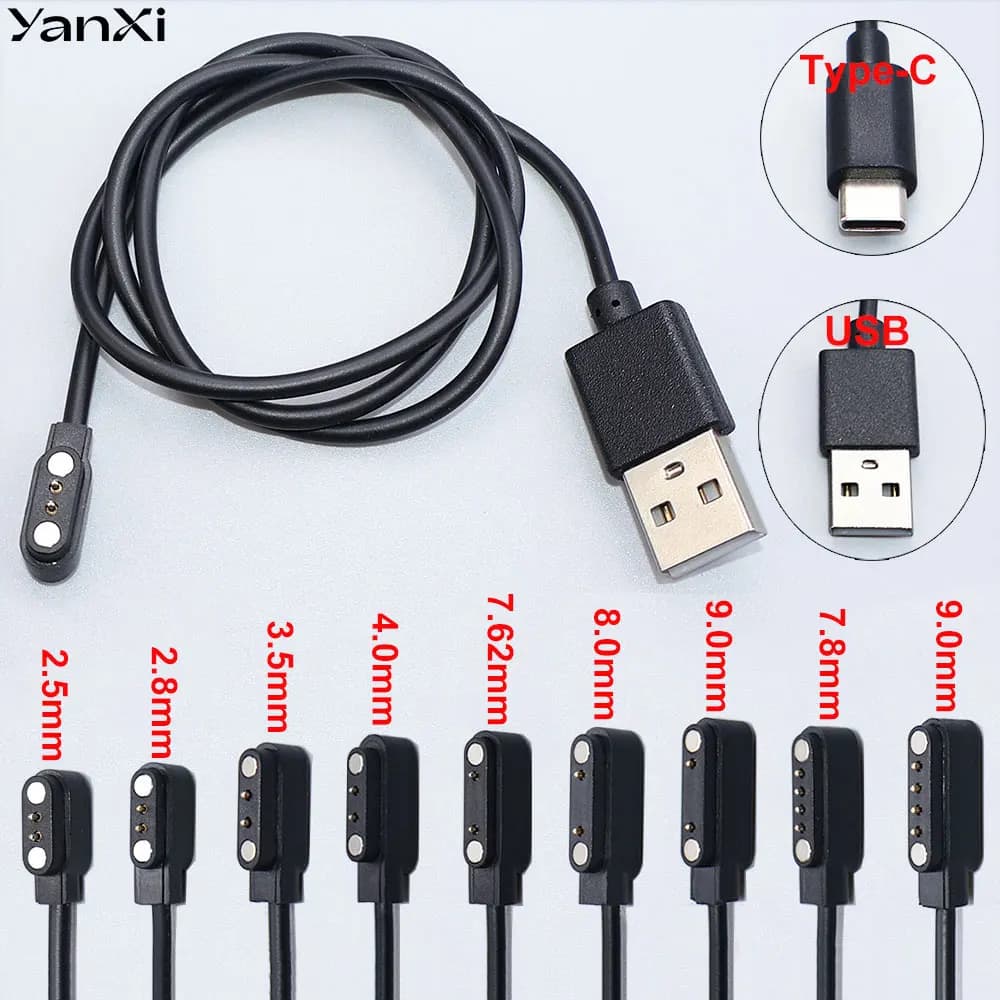
Color: Black
Material: PVC
Length: About 11.8 inch = 30cm
One End: Type-C, also called USB-C
Another End: Type-C, also called USB-C
Manufacturer: third-party, not original from DJI, replace: Ronin-SC Multi-Camera Control Cable (Type-C)
How to use (Strictly step by step)
1. Connect the cable to Camera and Stabilizer
2. Turn on the stabilizer and select the camera as specified or related brand in the menu
3. Switch on the camera
4. If not work, re-start the stabilizer first and turn on the camera
Suitable for
DJI Ronin-SC stabilizers only
Some of cameras with Type-C USB port, such as
CAN0N E0S R RP R5 R6, M6 Mark II, G7 Mark III
NIK0N D780 Z5 Z6 Z7 Z6II Z7II
S0NY A7C A7SIII
Fujifilm X-T4 X-T3
PANAS0NIC GH5 GH5S S5
Sigma FP
Note&Tips
**For Sony:
1. Set the camera to MF mode.
2. Select "Network" and then turn off "Ctrl w/Smartphone".
3. Set the USB Connection to PC remote.
4. The Optical Image Stabilization of the camera will be disabled when using MCC-C cable, but OIS of the lens will not be affected.
5. When using the focus control electronically, if the lens has AF/MF modes, set it to AF mode, otherwise the electronic focus control function cannot be used.
Note: When using this cable, the camera may not be able to use playback. In this case, put the gimbal in sleep mode.
**For Nikon:
1. To pull focus with Ronin-SC, set the lens focus mode to A, and make sure the camera focus mode is set to AF-S/AF-C.
2. Please ensure live view on camera stays on when used with Ronin-SC.
3. To pull focus with Ronin-SC, please set the lens focus mode to M/A, and make sure the camera focus mode is set to AF.
**For Canon:
1. Switch to Photo mode when need to capture photos. Switch to video mode when need to record videos.
2. Due to various lens focus control mechanisms, when using the gimbal to pull focus, you may need to set camera focus mode to AF.
3. Using adapter with EF lenses will increase the latency of focus.
4. Do not record video while the Canon EOS R5/R6 is in photo mode when using the camera control cable. Otherwise, the camera may crash.
5. When using the Camera Control button's auto focus, make sure the camera focus mode is set to AF.
**For Panasonic:
1. Choose PC (Tether) mode upon connection;
2. To pull focus with Ronin-SC, the focus mode toggle on the camera should be set to MF;
3. To trigger camera's auto focus, half press the Camera Control button on the gimbal and ensure the camera's focus mode is set to AFS/AFF/AFC.
Notes the camera may crash if focus pull is used while in playback.
**For Fuji:
1. Set PC connection mode to "USB Auto Mode."
2. The camera buttons' functions are not supported during the connection. To use the camera buttons' functions, make sure the
gimbal is in sleep mode.
4. Note that the camera is unable to auto focus in video recording mode.
**For Sigma FP:
1. The camera buttons cannot be used when the camera is connected using the camera control cable. Pause the motor or unplug the
camera control cable to use the camera buttons.
2. Set the USB mode to camera control in the camera settings when connecting the camera control cable.
3. Auto focus must be disabled in the camera focus settings when using focus pull.
4. Do not take photos in video mode when using the gimbal to control the camera. Otherwise, the camera needs to be restarted.
Notes Only the front dial can be used to set camera parameters. The Ronin app does not offer support currently
Package Include
1 X Control Cable
Customer Reviews
No reviews yet
USB-C to Type-C Multi-Camera Control Cable for DJI Ronin-SC Canon EOS R RP R5 R6 Nikon Z5 Z6 Z7 II Sony A7C A7SIII GH5 Ronin SC
13.73$
13.73$
Quantity:
1
Availability: