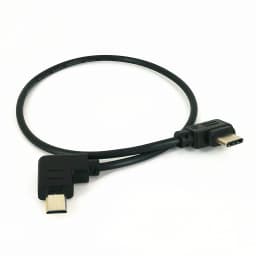
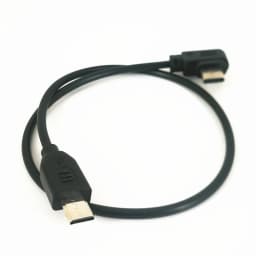
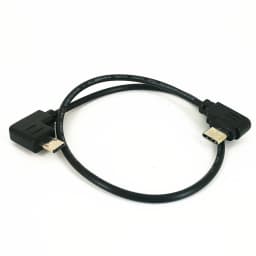
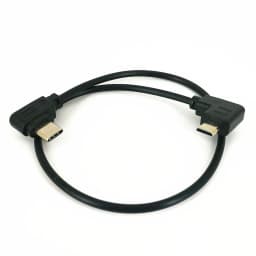
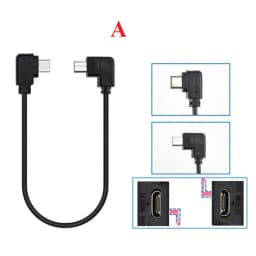
USB-C to Multi-USB Remote Camera Control Cable for DJI Ronin-SC Ronin RSC2 RS4 RS3 RS2 & Sony A7 A7R A7S III IV Camera TypeC
12.65$
12.65$
Quantity:
1
Availability:
Color
Card Payments
Crypto Payments
Easy return
Reliable Shipping
Introduction
100% Brand New, Good Quality
It connects the camera control port of Ronin-SC to the MultiPort on a S0NY camera to control the camera
Lightweight and Durable, easy to carry and store
Specification
Color: Black
Material: PVC
Length: About 11.8 inch (30cm)
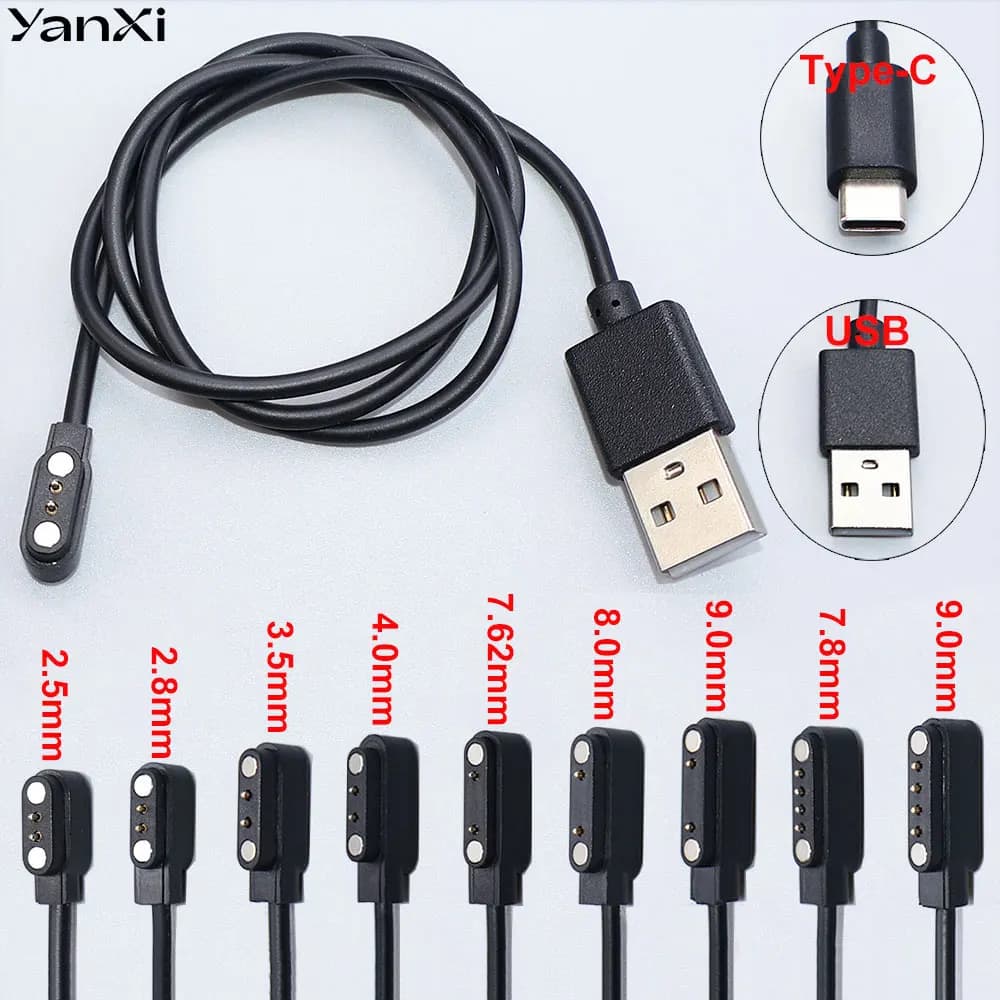
One End: USB-C, also called Type-C
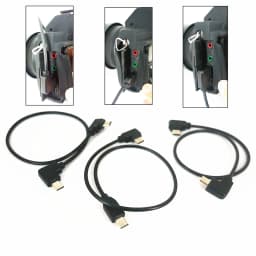
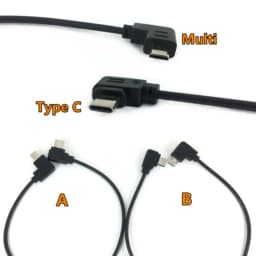
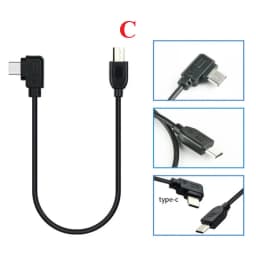
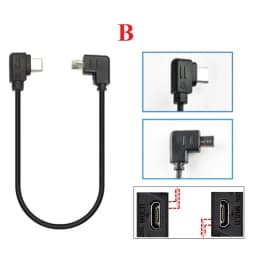
Another End: Multi-USB, also called S2 as popular abbr in business, 3 options for A/B/C different ways of plug
Manufacturer: third-party, not from DJI
How to use
Before use, it needs to adjust to PC REMOTE in the camera menu
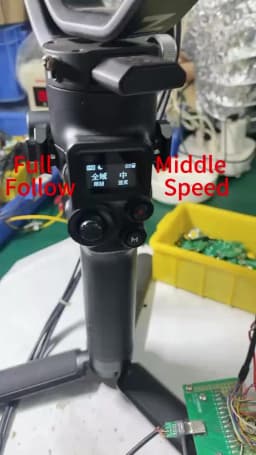
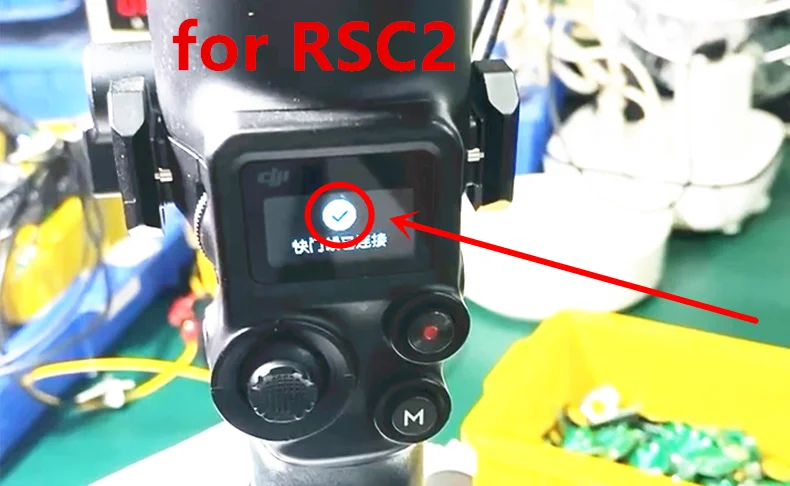
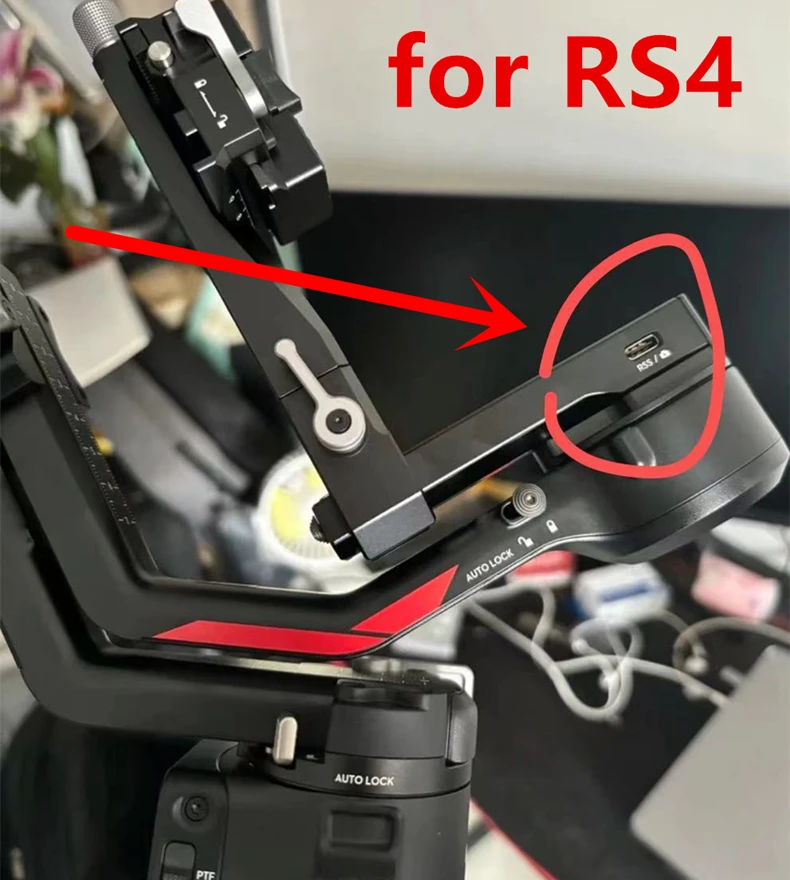
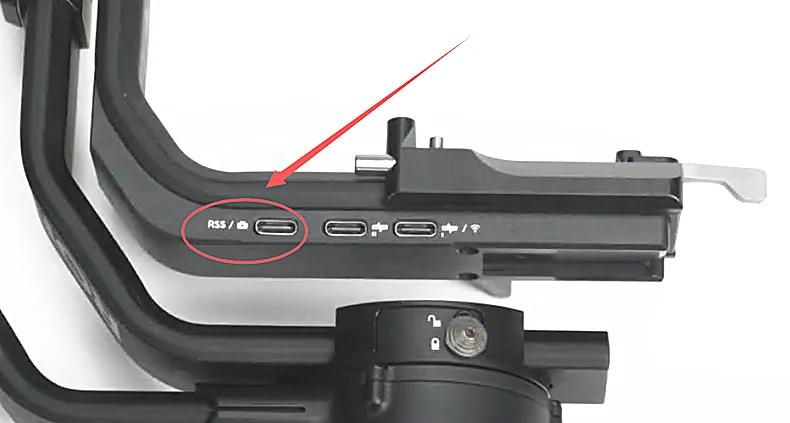
1. After connecting the cable to camera and RSS port on stabilizer, be sure to power on the Ronin-SC before the camera. Otherwise, the Ronin-SC will not recognize the camera. If the camera is not recognized, restart the camera or remove and reconnect the cable to the camera. If it's connected for RSC2, in the screen it will display a 'TICK' and 'shutter cable's connected' as photo.
2. When using a lens without the POWER ZOOM function, please activate the camera's digital zoom function to control the digital Zoom.
Specific setting method: Select menu--select settings--select zoom settings--select digital zoom.
Suitable for
DJI Ronin-SC, RSC2, RS3 Pro, RS3, RS2, RS3 Mini, RS4 Pro, RS4 stabilizer
Used to control S0NY Cameras with Multi-USB port, such as RX100 V, A6000, A6300, A6400, A6600, A9, A1, A7, A7S, A7 II, A7S II, A7R II, A7 III, A7R III, A7R IV, A7S III, A9 II, FX3, etc.
Please note that not compatible with A6500.
Note:
1. It may enable Ronin-SC to: Capture photo, Start/stop recording video Zoom control(digital or optical), Trigger auto focus, but the functions depend on camera and stabilizer both, not our product. Please refer to DJI official site for detail. Only photo and recording functions may work with some cameras.
2. Some cameras may not be able to shoot when proper focus has not been achieved due too focus speed or in a complex environments such as low light situations. If there's an issue with the shutter or rec button not responding properly in these situations, manual focus mode is recommended.
3. When using intelligent functions such as Timelapse, it is recommended to turn off the camera's auto review (S0NY) to reduce system latency.
4. After connecting with a Sony camera using the cable, if you need to swap to a camera of other manufacturers then a gimbal reboot is required.
Package Include
1 X Control Cable
Customer Reviews
No reviews yet
USB-C to Multi-USB Remote Camera Control Cable for DJI Ronin-SC Ronin RSC2 RS4 RS3 RS2 & Sony A7 A7R A7S III IV Camera TypeC
12.65$
12.65$
Quantity:
1
Availability:
Color