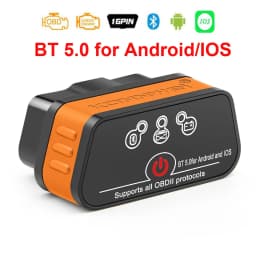
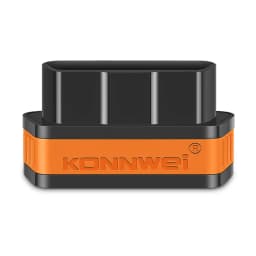
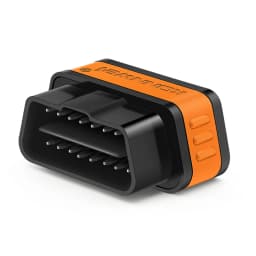
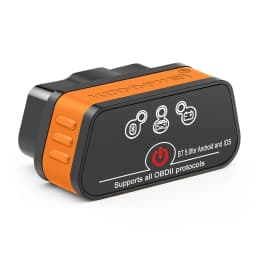
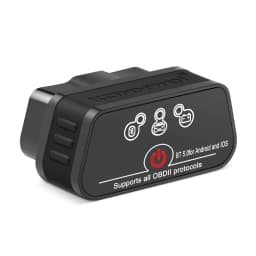
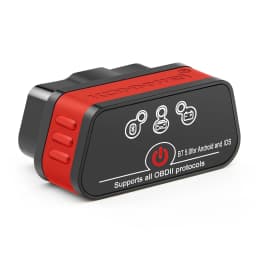
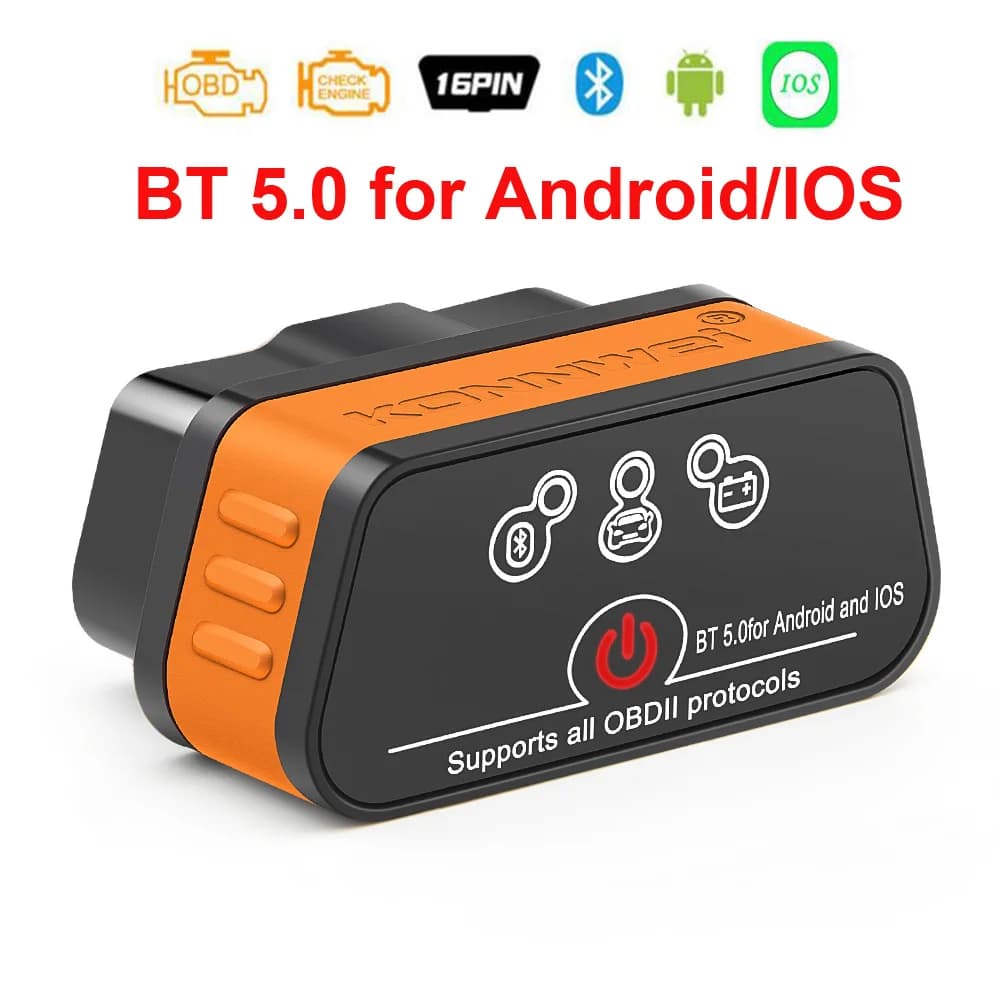
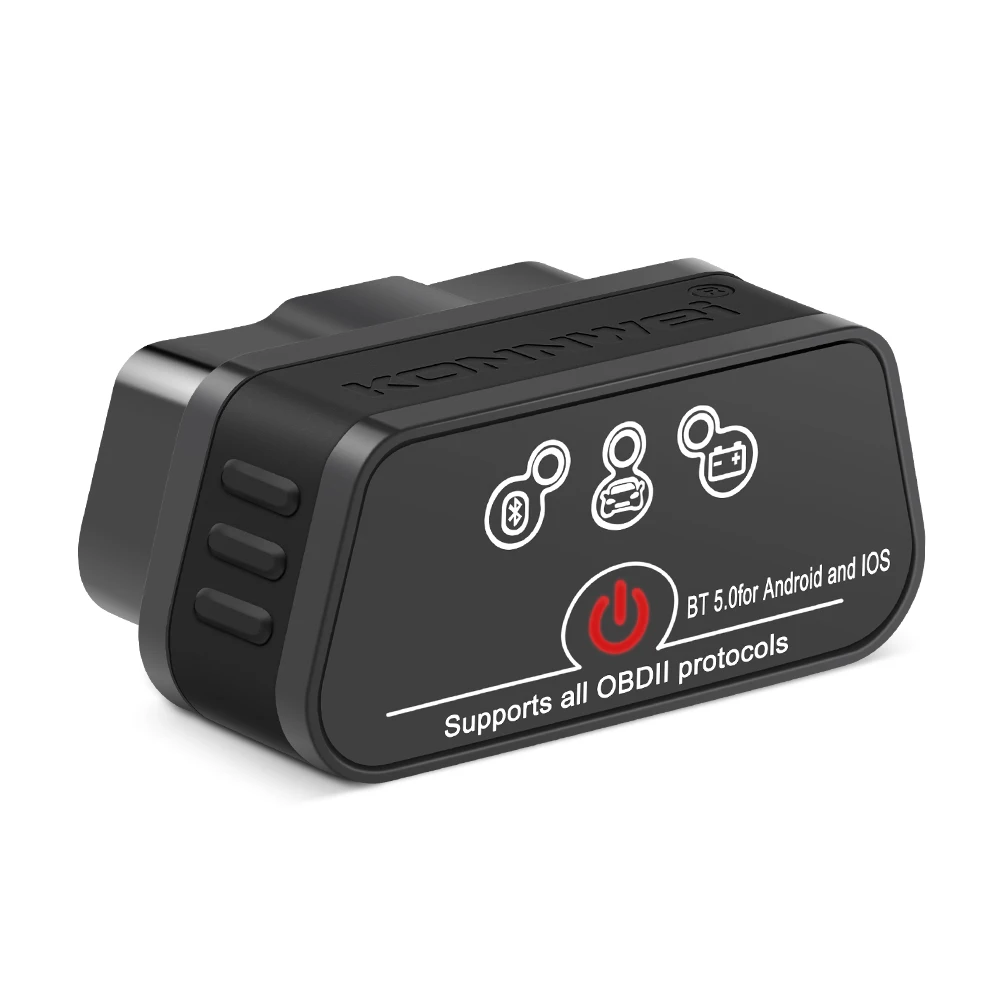
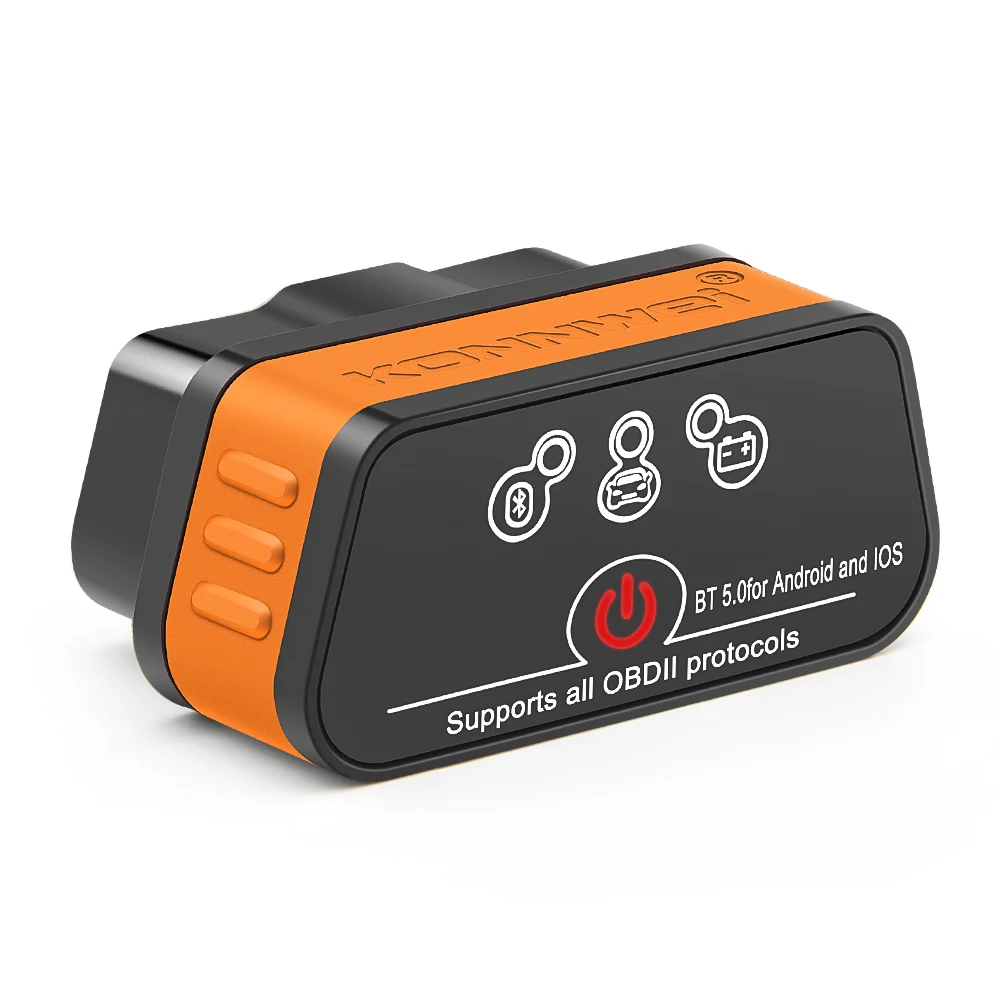
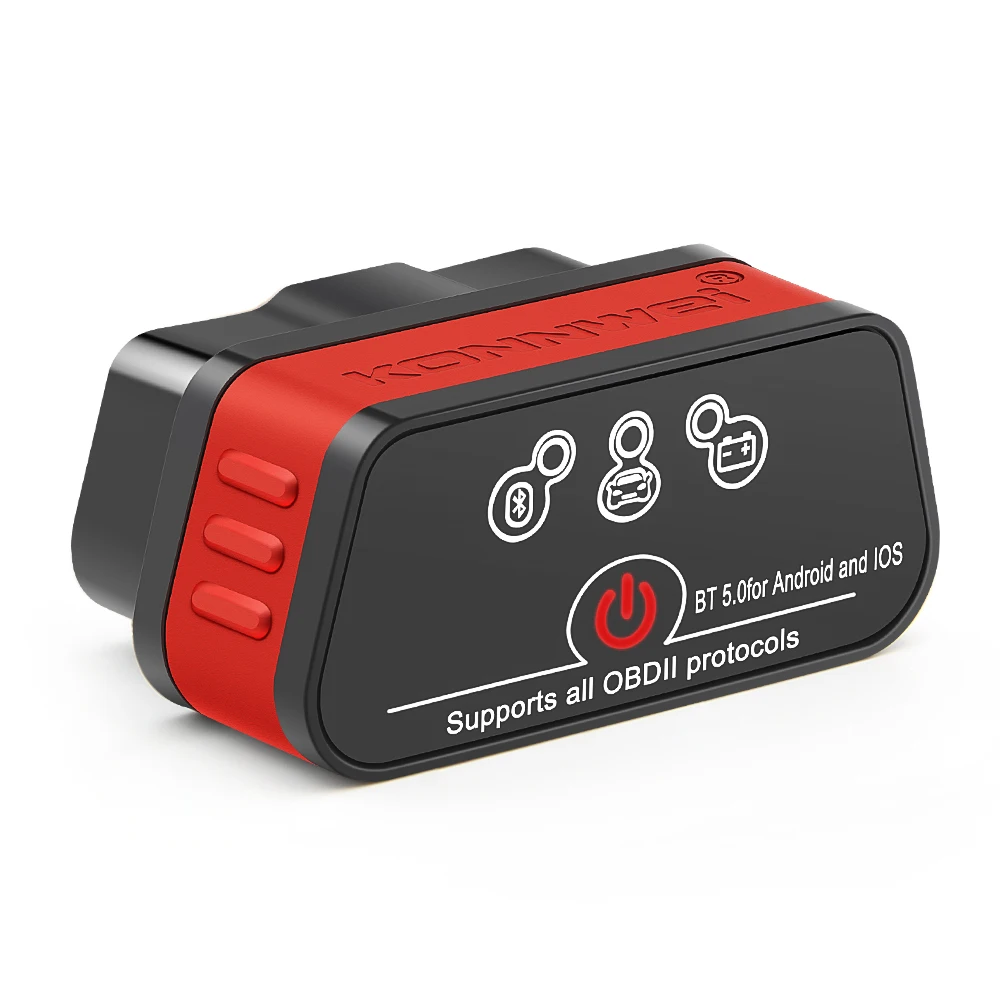
Konnwei ELM327 V1.5 Bluetooth 5.0 OBD2 Scanner ELM 327 V1 5 OBDII Auto Car Diagnostic Tools ODB2 OBD 2 Code Reader
Quantity:
1
Availability:
Not AvailableCard Payments
Crypto Payments
Easy return
Reliable Shipping

Konnwei ELM327 V1.5 Bluetooth 5.0 OBD2 Scanner ELM 327 V1 5 OBDII Auto Car Diagnostic Tools ODB2 OBD 2 Code Reader
Purchase Notes!!!
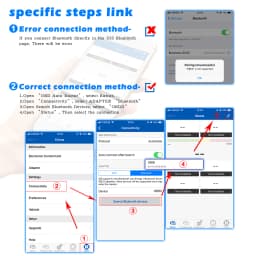
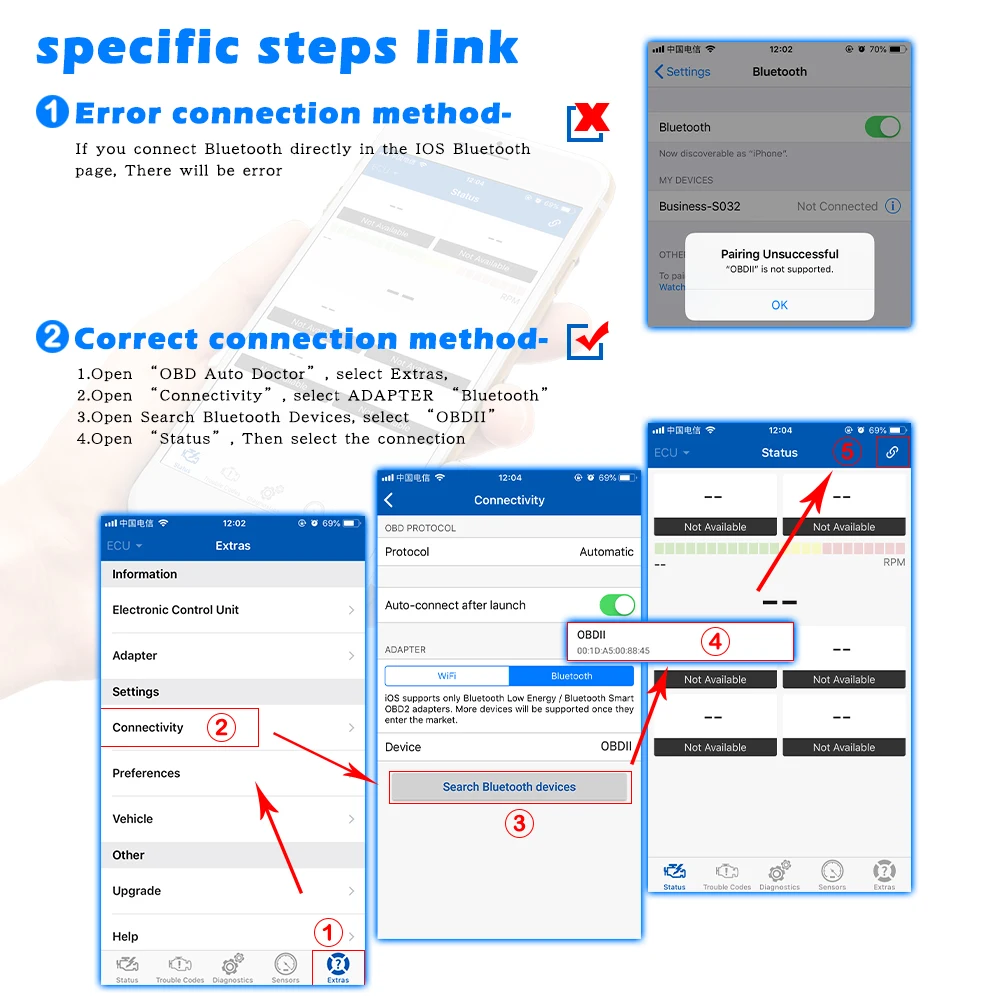
Some customers have feedback that the bluetooth will not connect when they connect to IOS,please follow the tips:(The IOS system cannot support Bluetooth 5.0 ELM327 connection on the Bluetooth page)
1.Plug in the KW901 to the OBD2 interface,and Open the IPhone's Bluetooth first
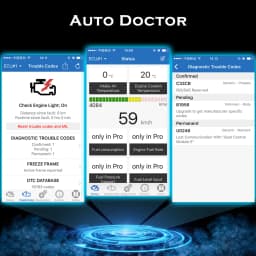
2.Open the software(like AUTO Doctor)
3.Choose "Extras",then click "Connectivity ",choose"Bluetooth",and click "Device",choose "Konnwei"
4.Connect Bluetooth in the"Connectivity ",then refresh software
For IOS Connection method:
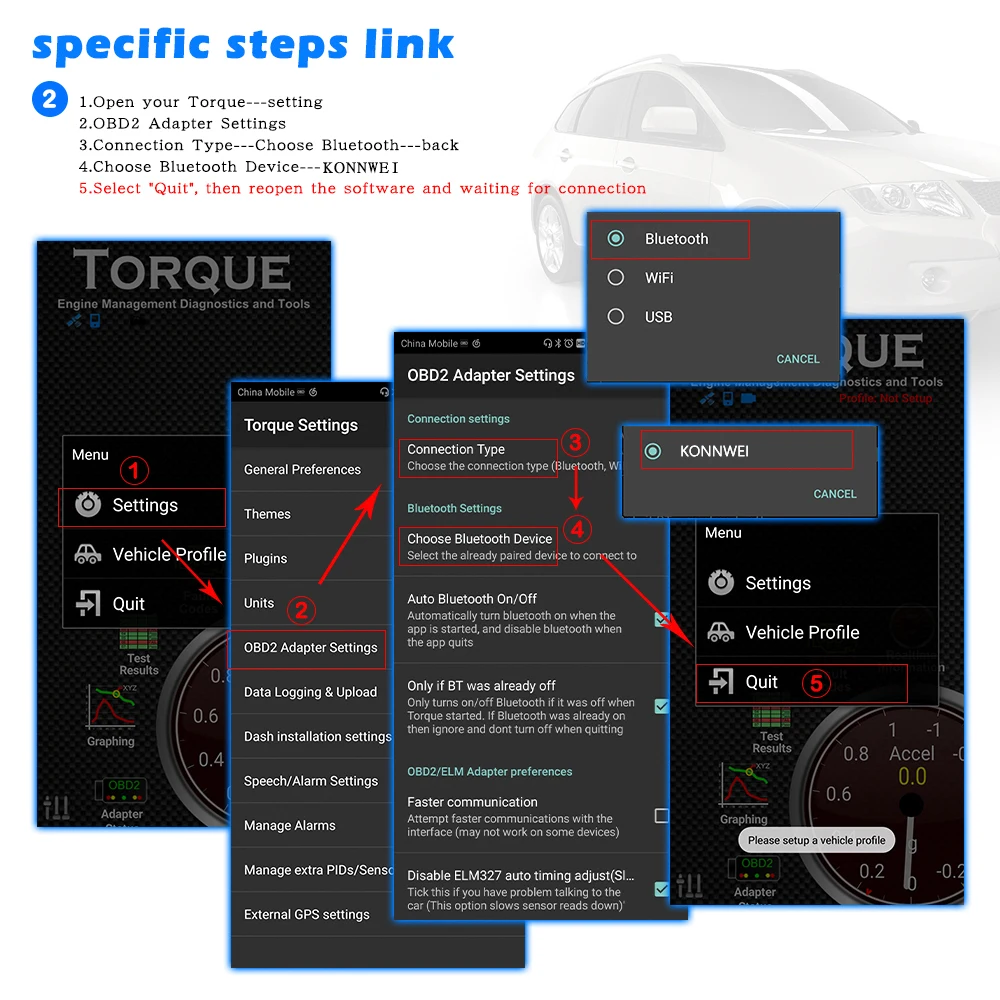
For Android Connection method:
Spports all OBD-II protocols:
0.Automatic
1.SAE J1850 PWM (41.6Kbaud)
2.SAE J1850 VPW (10.4Kbaud)
3.ISO9141-2 (5 baud init, 10.4Kbaud)
4.ISO14230-4 KWP (5 baud init, 10.4 Kbaud)
5.ISO14230-4 KWP (fast init, 10.4 Kbaud)
6.ISO15765-4 CAN (11bit ID, 500 Kbaud)
7.ISO15765-4 CAN (29bit ID, 500 Kbaud)
8.ISO15765-4 CAN (11bit ID, 250 Kbaud)
9.ISO15765-4 CAN (29bit ID, 250 Kbaud)
A.SAE J1939 CAN (29bit ID, 250 * Kbaud)
B.USER1 CAN (11 * bit ID, 125 * Kbaud)
C.USER2 CAN (11 * bit ID, 50 * kbaud)
Possible problems
1.The device cannot find the"KONNWEI" Bluetooth network.
·Check if the adapter is powered on (button on the front panel);
·Check the power supply of your OBDllI connector,it should give out 12-14volts;
·Check if the car ignition is on;
·Try to turn off the ignition,remove the adapter from the socket,reinsert it,turn on the ignition;
·Try searching for a Bluetooth network using another smart phone/laptop/ tablet,etc.
2.Adapter disconnects during operation.
·Make sure that during the operation of the adapter,high-power devices are not charged through the cigarette lighter;
·There are strong voltage surges in the car's network,due to which the adapter cannot work stably; OBDll connector outputs voltage 12-14
volts
3.The adapter cannot connect to the ECU.
·Perhaps the ECU installed on your car requires additional add-ons for correct connection,namely,entering the initialization code.The initialization code is written in most applications,as many of the programs have a ready-made list of codes for various car brands;
·Try some other applications.Different applications may use the protocols differently to communicate the adapter with the ECU;
·Make sure that only one adapter application is running at a time;
·Try reconnecting from step 1.
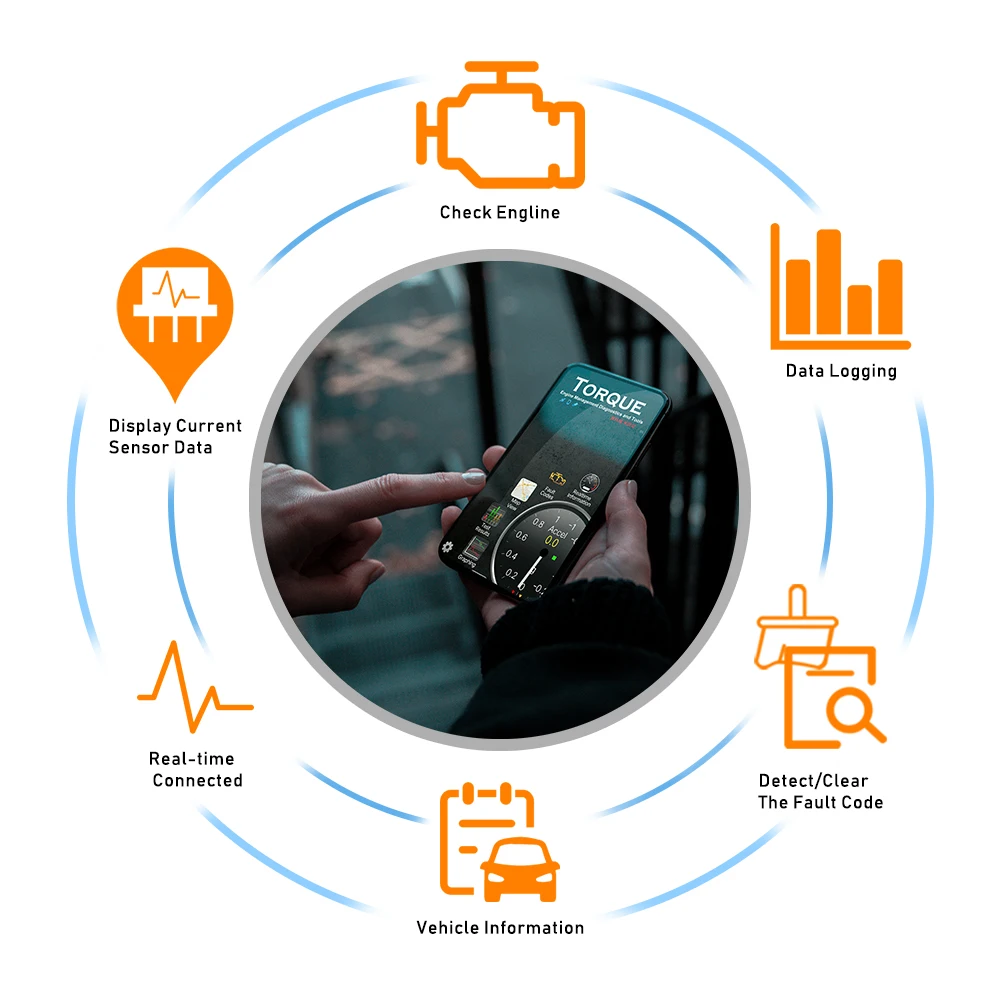
ELM327 V1.5 (Bluetooth BT5.0 )Features:
* Small size, compact structure. Plug and never unplug* Stable wireless connection via Wireless BT5.0* No wires or batteries (adapter is powered by the 12V Vehicles battery)* 30 Minutes without communication, it will automatically go to sleep mode.* Ultra low cumsumption in sleep-mode, less than 10MA* Supports ALL OBDII protocols, widest coverages* The adapter uses the fast communication mode , up to 30PID/S.* True ON-OFF button, you can press button to turn off the elm if not in use.
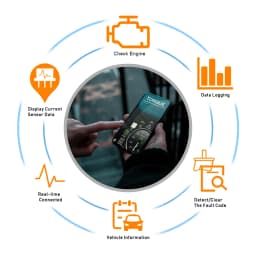
ELM327 V1.5 (Bluetooth BT5.0) Function List:
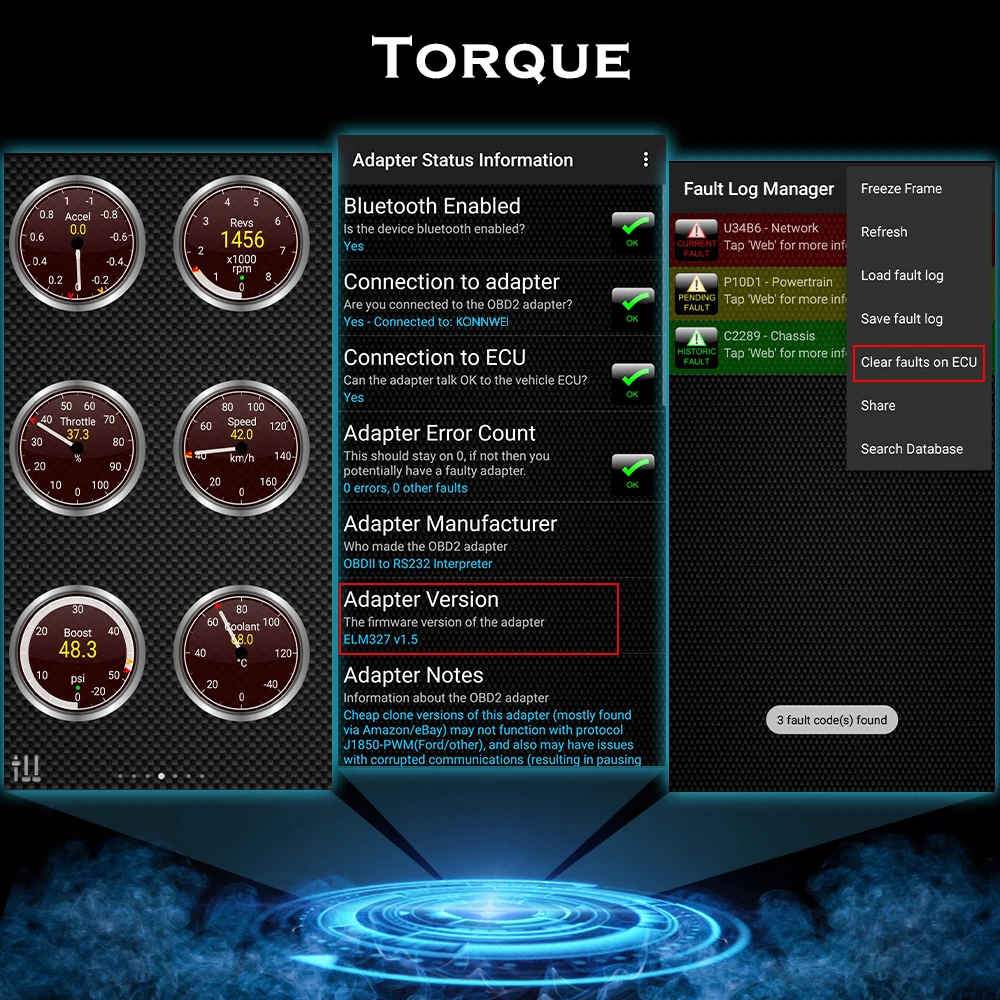
1.Read diagnostic trouble codes, both generic and manufacturer specific
2.Clear trouble codes and turn off the MIL ("Check Engine" light)
3.Display current sensor data, including:
4.Engine RPM
5.Calculated Load Value
6.Coolant Temperature
7.Fuel System Status
8.Vehicle Speed
9.Short Term Fuel Trim
10.Long Term Fuel Trim
11.Intake Manifold Pressure
12.Timing Advance
13.Intake Air Temperature
14.Air Flow Rate
15.Absolute Throttle Position
16.Oxygen sensor voltages/associated short term fuel trims
17.Fuel System status
18.Fuel Pressure
How to setup B-luetooth pairing: BLE5.0 Dual mode version
For Android users:
Home screen
Go to setting page
Select V-LINK Default password is “1234”
Device paired
Run Torque app
Go to Torque app OBD II adapter setting
Choose connecion type>Bluetooth
Choose B-luetooth device>V-LINK
Exit Torque app completely
Run Torque app
Connected
For iOS users:
Home screen
Go to setting page
Click on B-luetooth function
(Device name is invisible)
Run Accurate app
Go to Accurate app setting page
Select B-luetooth and connect
Exit Accurate app and run again
Connected

PACKING LIST
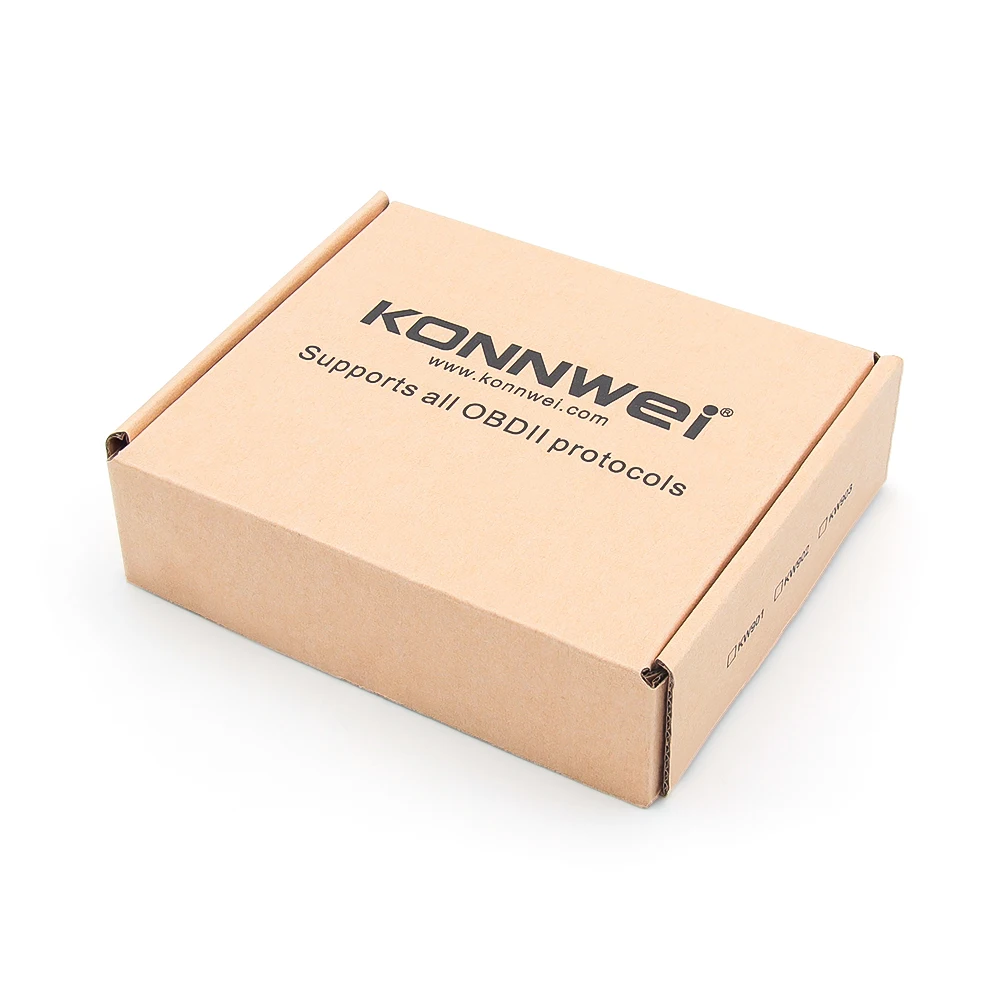
1x KW902 Wireless BT5.0 scanner (pic18f25k80 chip set)
1x English User Manual
Customer Reviews
513 ratings
compatibility issues (27)
works well (26)
satisfied (18)
fast delivery (15)
works well with app (13)
as described (9)
Customer photos (30)

Buyer from United States
April 19, 2026
Variant: Color:KW901 BT5.0 Red
Arrived faster than expected. Easy to set up and use, appears to be good quality.

d***r
April 11, 2026
Variant: Color:KW901 BT5.0 Orange
comes with a suggestion for a recommended app to use, i just need to find a better app to suit my needs, otherwise does the job for clearing codes fine.
Buyer from United States
March 11, 2026
Variant: Color:KW901 BT5.0 Orange
works well!

O***o
December 4, 2025
Variant: Color:KW901 BT5.0 Red
Gut
Buyer from United States
December 1, 2025
Variant: Color:KW901 BT5.0 Orange
этот девайс говно полное, кнопка включения лишняя. девайс очень долго подключается, очень долго передает данные... все очень долго и тормознуто по сравнению с моим очень старым 19летним обд2 , от блютуз 5 одно название!!! брехня! в общем - не рекомендую!
Buyer from United States
November 20, 2025
Variant: Color:KW901 BT5.0 Red
perfect
Konnwei ELM327 V1.5 Bluetooth 5.0 OBD2 Scanner ELM 327 V1 5 OBDII Auto Car Diagnostic Tools ODB2 OBD 2 Code Reader
Quantity:
1
Availability:
Not Available