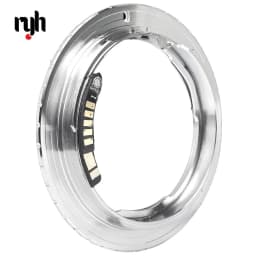
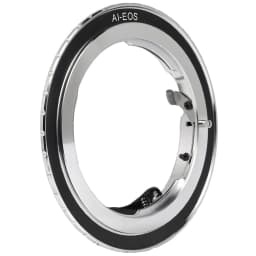
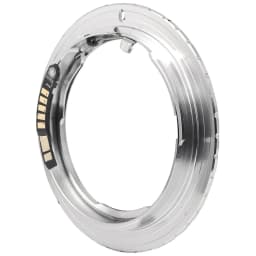
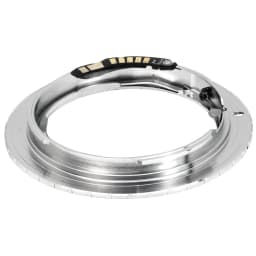
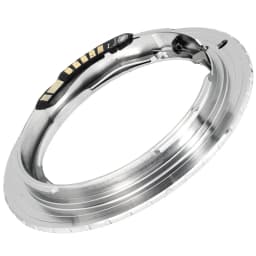
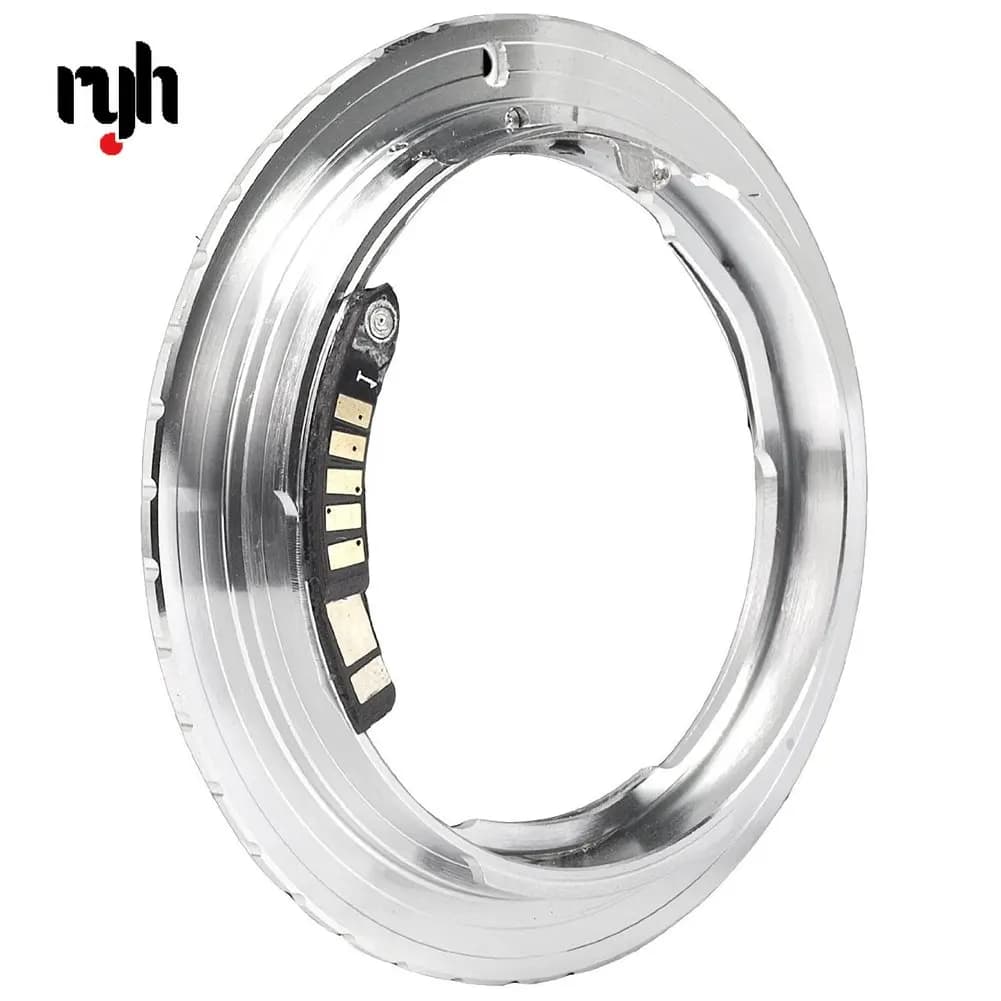
AF Confirm with Chip Lens Adapter for Nikon F AI AIS Lens To Canon EOS EF 5D 7D 600D DC192
18.16$
17.56$
Quantity:
1
Availability:
Card Payments
Crypto Payments
Easy return
Reliable Shipping
Description: This adapter can not be compatible with Canon Full Frame Camera and 650D, 700D Although the lens will fit physically, automatic diaphragm, auto-focusing, or any other functions will not operate correctly while using this adapter In this case, since the lens does not have the ability to have its aperture controlled by the camera body You can shoot with manual mode or aperture priority mode For this inches inch adapter, it is didn't mean you can use Autofocus, it only have an indication (bee sound) when you manual focus actually For Nikon F AI AIS Lens to Canon EF 5D 7D 600D DC192 This fabulous Adapter can enable Canon cameras to work with a variety of accessories It will allow the Canon owner to widen the scope of photography they undertake With AF-Confirm Chip EXIF is fixed 50mm f1.4 Supports AV (Aperture Priority) and Manual Mode fixed a bug of focus on 60D, 550D, 7D, and reprinted contacts Make For Nikon AI AF mount lenses can be used on Canon EF camera body It is an aperture pin stop down flange version It is possible to use Macro rings and other accessories It can focusing infinite Material: Chrome-plated brass Colour: silver To Mount: Attach the adapter onto the For Nikon Lens, then mount them onto the camera To Remove: Remove both lens/adapter together from the camera, then press the lens lock and then remove the adapter from the lens simultaneously Package Includes: 1 x AF Confirm For Nikon Lens to Canon Camera Mount Adapter How to activate the setting mode 1) Power off your camera, attach the adapter to your lens and attach the lens to the camera. 2) Power on the camera and set the camera to manual mode. 3) Set the camera in single shoot drive mode and set the shutter speed to 1/60 second and aperture increment step to 1/3 EV. 4) Set the aperture value to F64 and press shutter button once. 5) Set the aperture value to F57 and press shutter button once. 6) Set the aperture value to F64 and press shutter button once. Turning the aperture dial, if the maximum aperture value can be set to F1.0, it means your ring is now in setting mode. And you can begin to set the focal length, maximum aperture value and focus micro adjustment of your lens. (note: focus micro adjustment is not present on all models of Canon DSLRs, unless your camera has this function, such as 50D, 7D, 5D mark ii, etc.)
Customer Reviews
No reviews yet
AF Confirm with Chip Lens Adapter for Nikon F AI AIS Lens To Canon EOS EF 5D 7D 600D DC192
18.16$
17.56$
Quantity:
1
Availability: