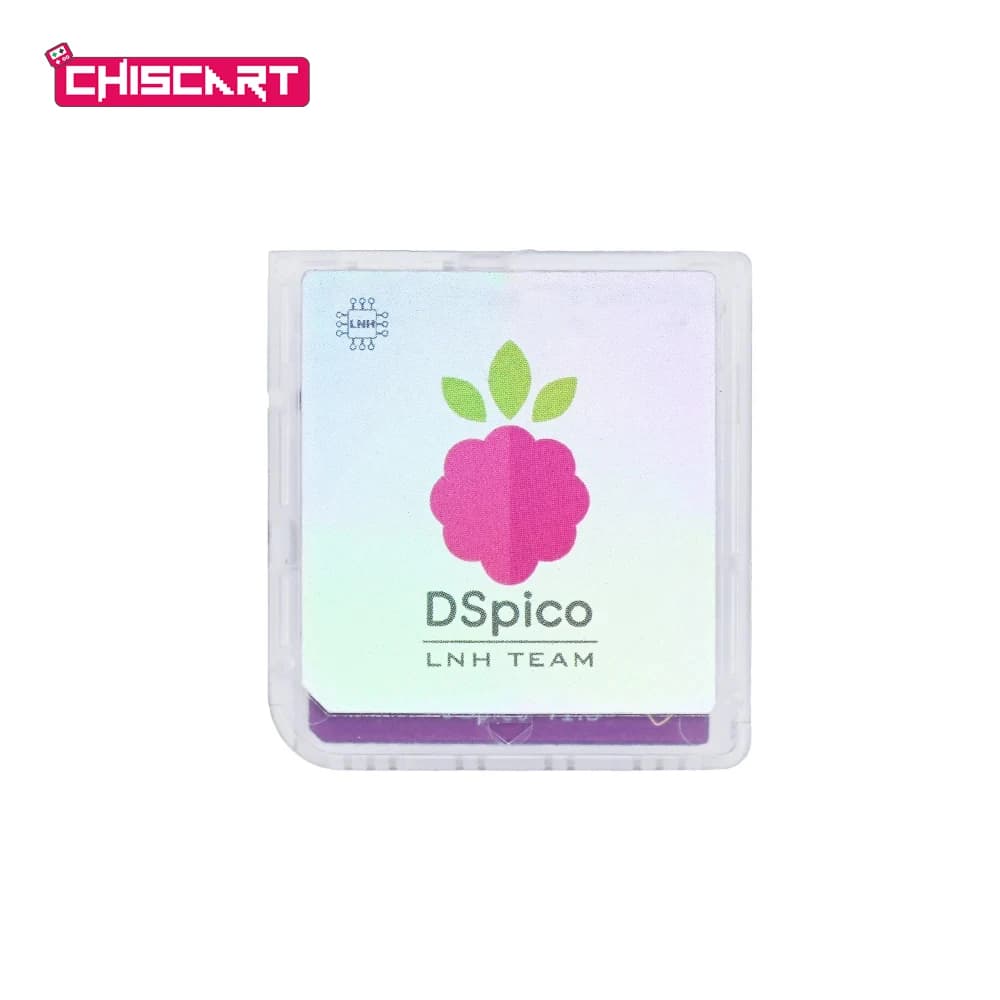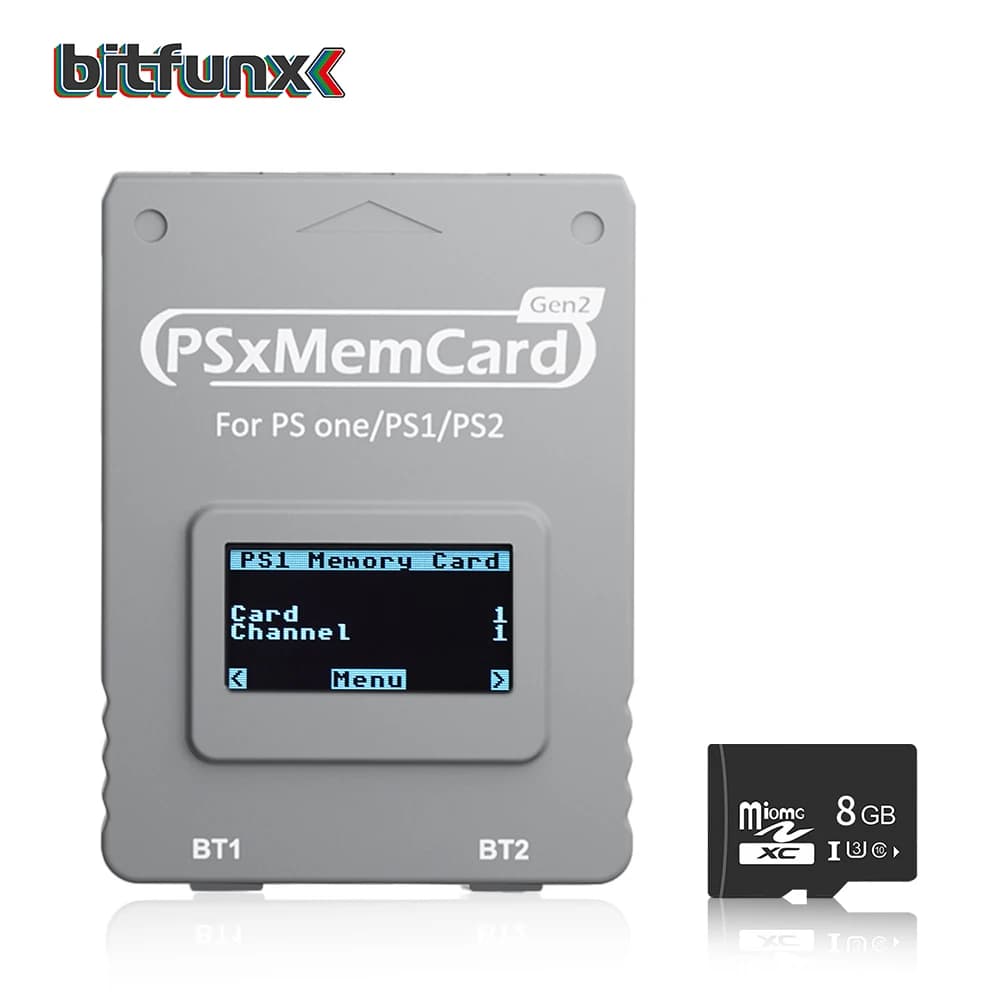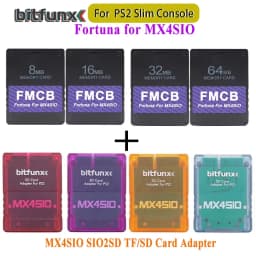
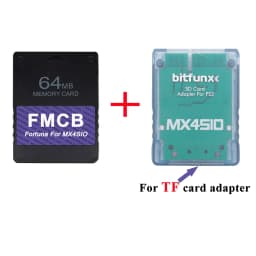
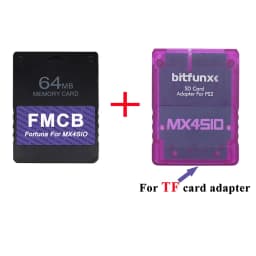
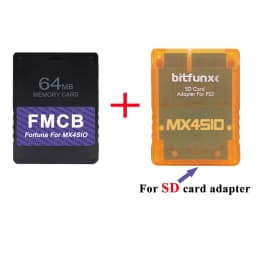
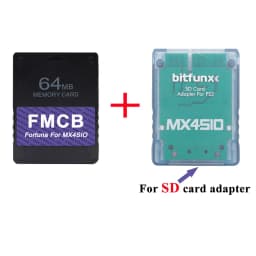
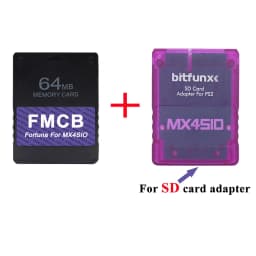
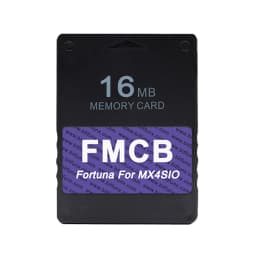
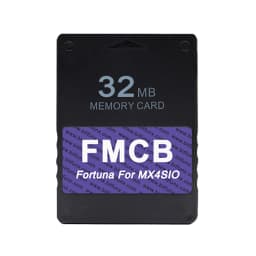
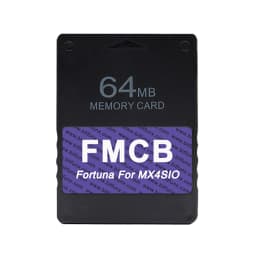
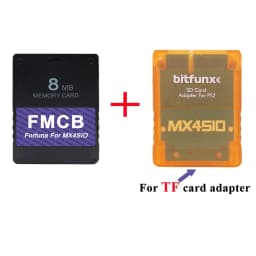
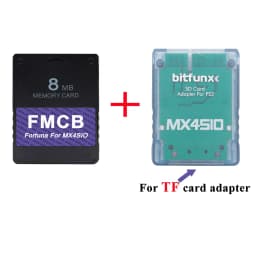
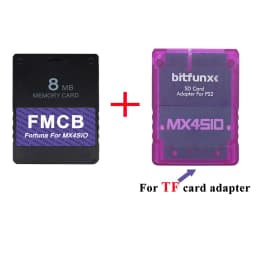
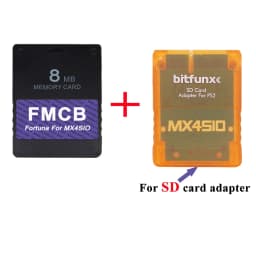
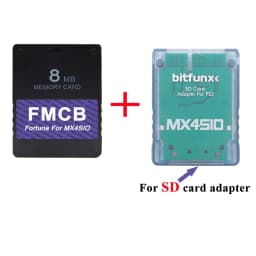
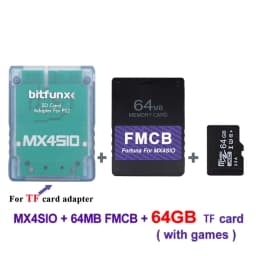
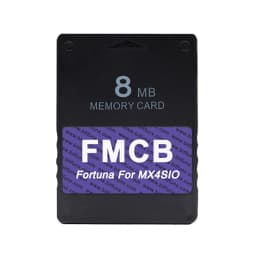
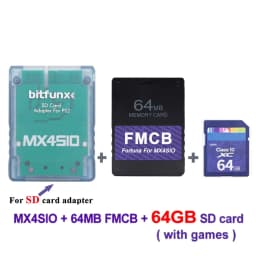
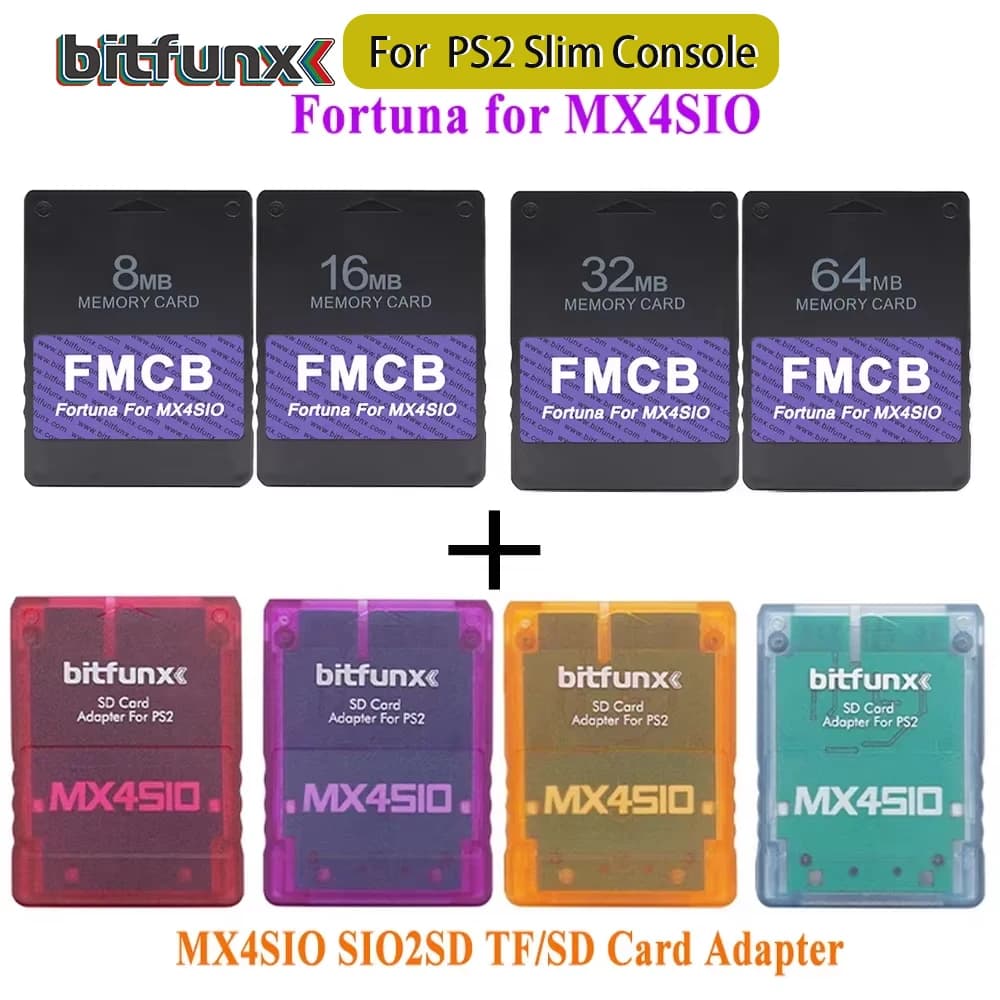
BitFunx Fortuna FMCB PS2 Card OPL 1.2.0 For MX4SIO SIO2SD TF/SD Card Adapter For Playstation2 Slim Game Consoles
16.98$
10.87$
Quantity:
1
Availability:
Color
Card Payments
Crypto Payments
Easy return
Reliable Shipping
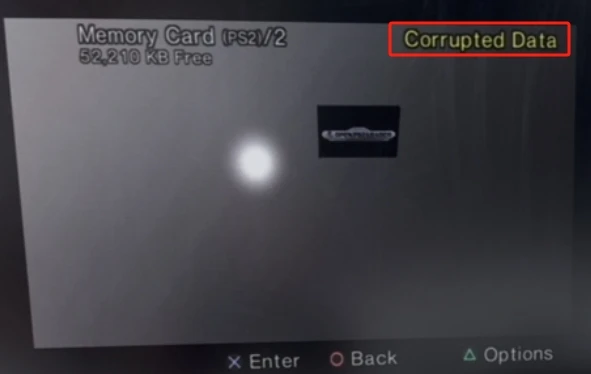
Please Attention:
The occurrence of Corrupted Data is normal and will not cause any impact when used.
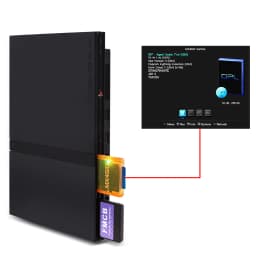
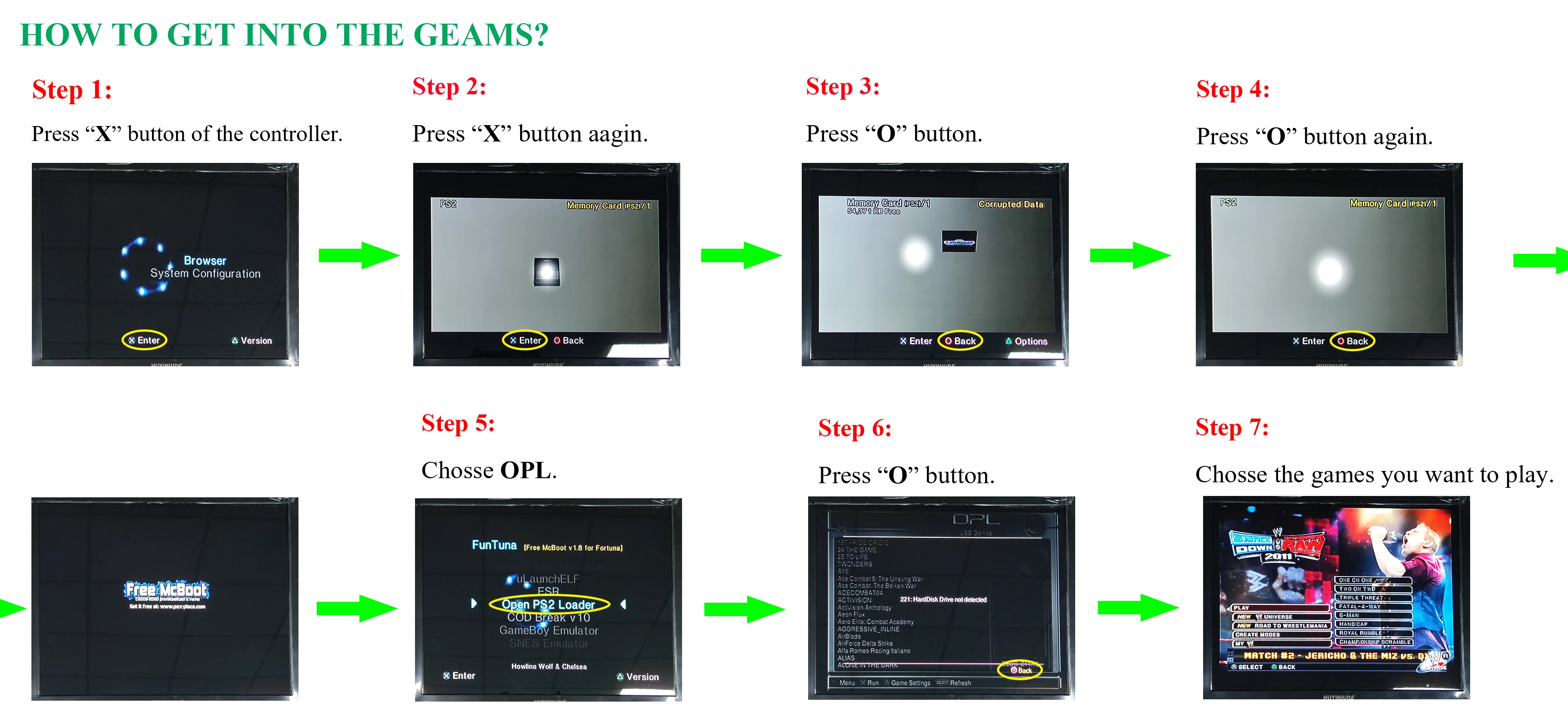
Through the game controller operation, first press "X" to enter the Browser, then press "X" to enter the Memory Card module (corrupted data is displayed, ignore it), continue to press "O" twice to start Free Macboot
For specific operations, please refer to this operation video
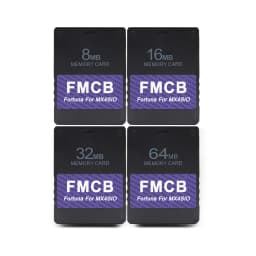
Fortuna FMCB For PS2 card OPL 1.2.0 For MX4SIO SIO2SD TF/SD Card Adapter For Playstation2 Slim Game Consoles
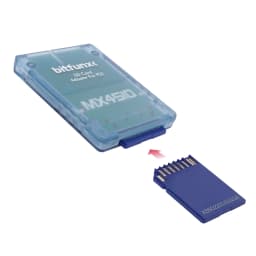
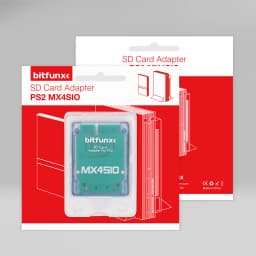
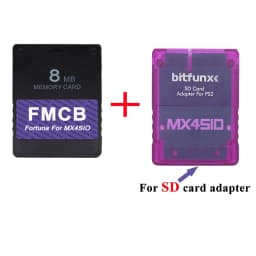
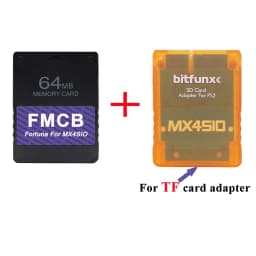
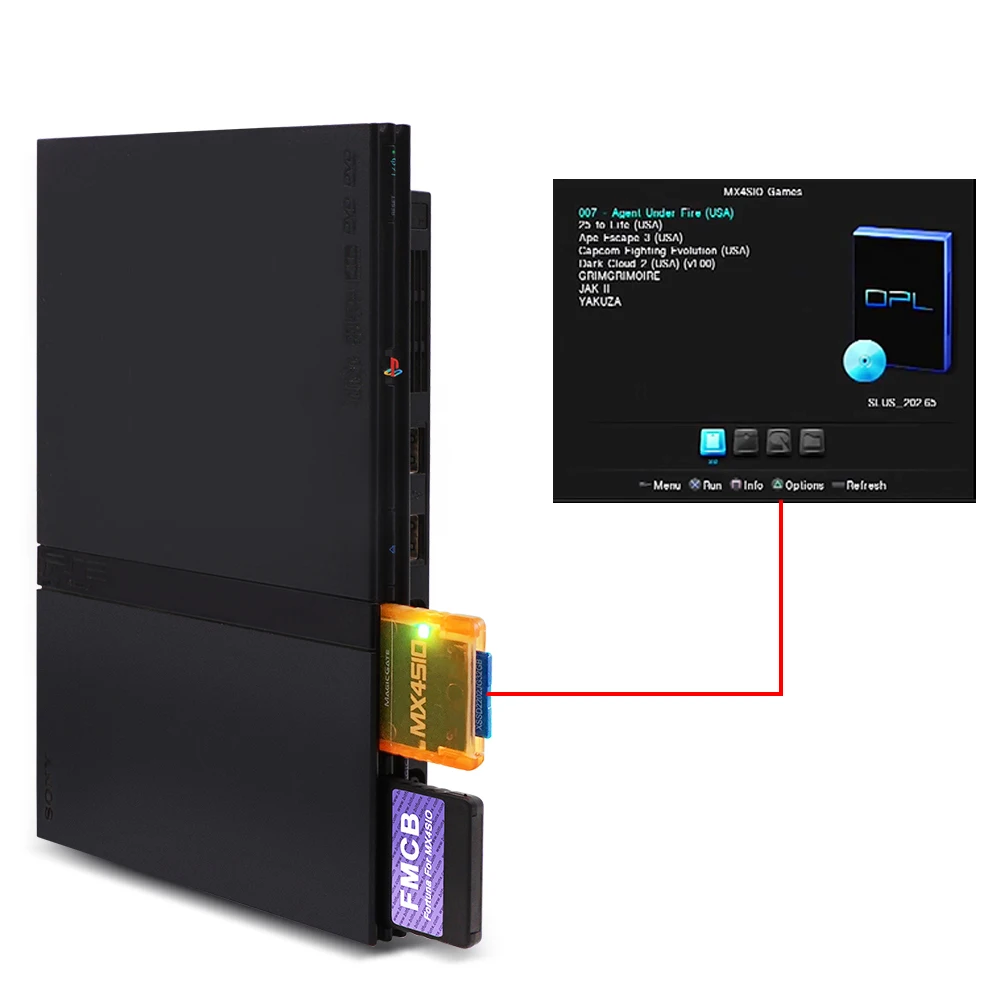
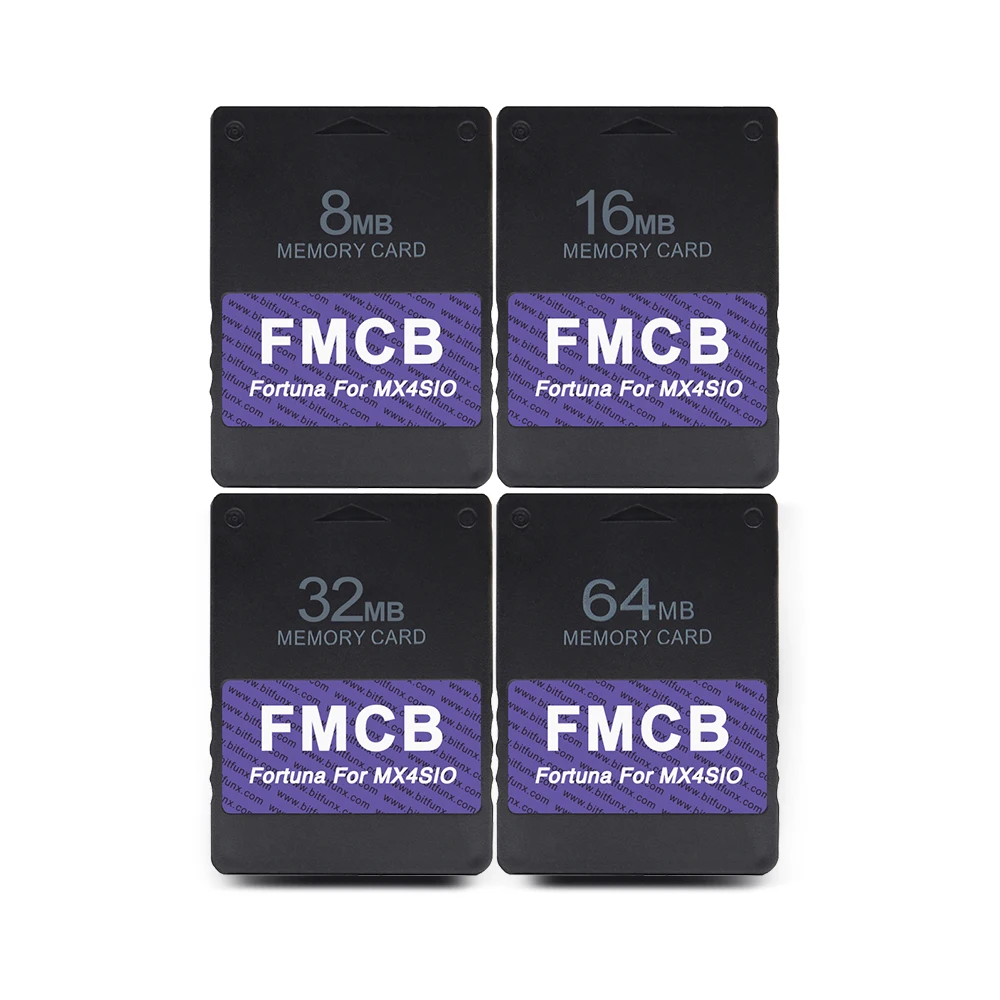
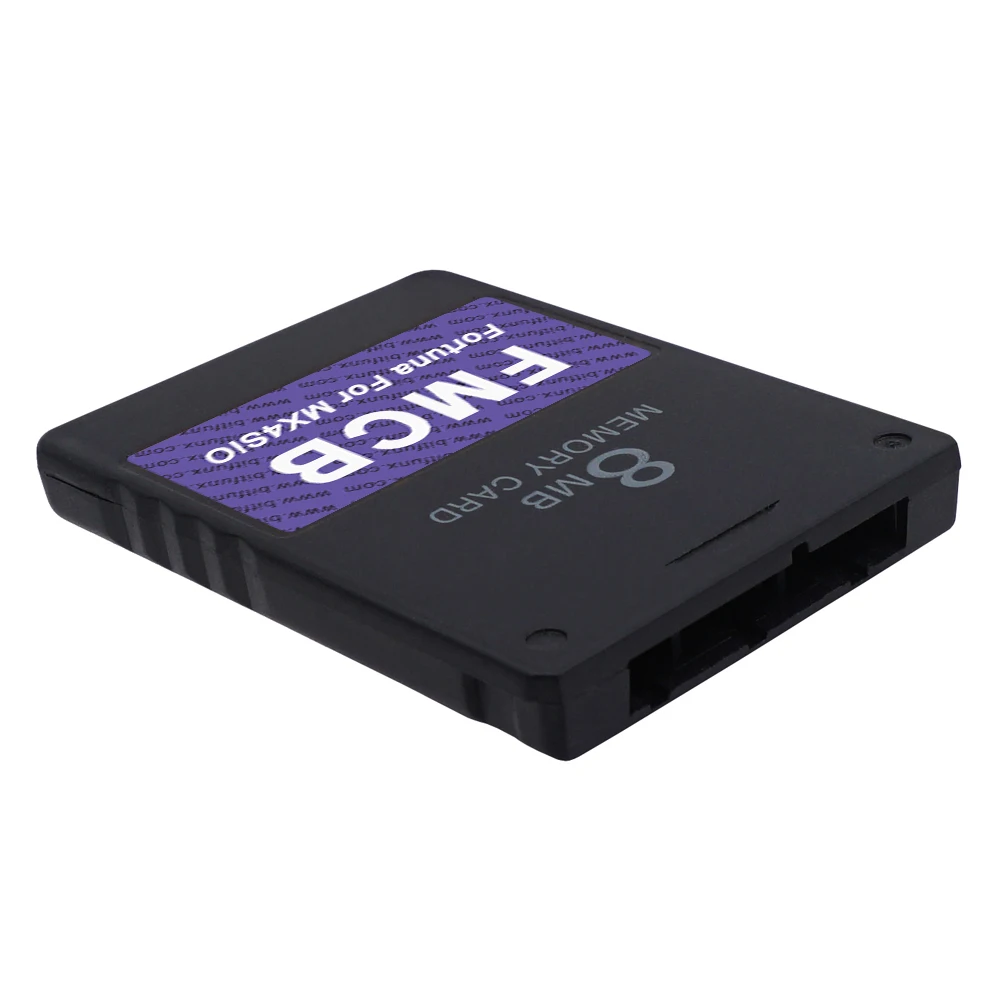
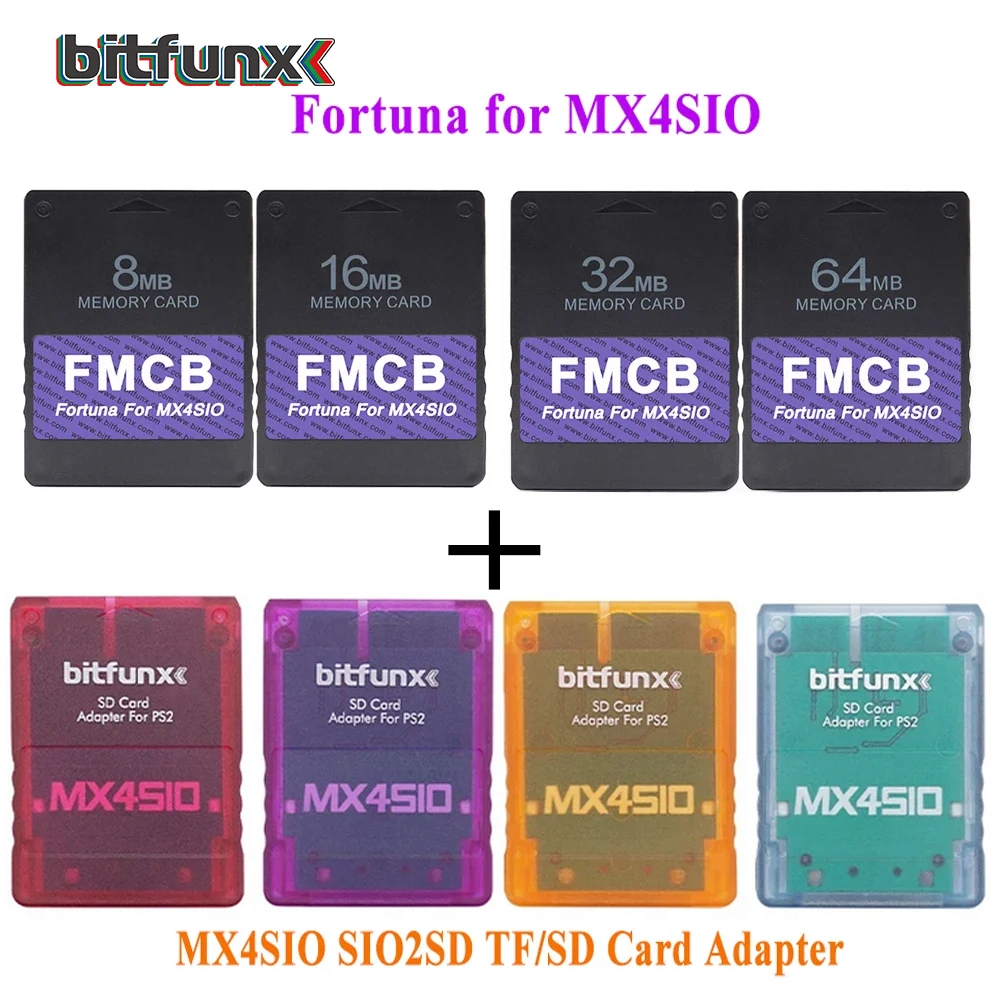
This Fortuna FMCB card has the newest OPL program. It was made for being used with the MX4SIO SIO2SD TF/SD card adapter on purpose.
It supports all PS2 slim consoles.
Note1:
***This product is a DIY product. It will be continuously updated and improved. If you have any questions, please contact us.
***The PCB for SD card adapter is high quality, if you could not load the games, please try to update OPL on the FMCB card first! Thanks!
Note2:
1.Do not support EXFAT file format
2.Do not use FMCB for game saving,There is a certain chance that the FMCB file will be damaged during the process of writing the saves, making the FMCB unable to work. Please plug another memory card for saving.
3.Do not delete system files of the FMCB arbitrarily. Otherwise, the system may fail to start properly
4.When using the FMCB , Before entering the software, please do not plug anything into the USB, some USB devices may conflict and cause inaccessibility. If you use an HDMI adapter, please use a mobile phone charger to power the HDMI adapter.
You can refer to the games installed for mx4sio:
https://mega.nz/file/2G5iDTiJ#TwPS54wsETxLJU_pKo05n1kefwL7pDSz_Bt2yuZK7-s
SD Cards Supported By MX4SIO Adapter:
https://docs.google.com/spreadsheets/d/1dPFl6ZWSILpKTATMS5iG7KVnUnHl2sWuZZtG_586NPc/edit?gid=1668706932#gid=1668706932
FAQ
Q:Which brand of TF Card works on Bitfunx PS MX4SIO?
A:Support Kingston CANVAS Select Plus, Patriot EP memory card , Lexar Card, Lenovo SD card , Movespeed card.
Not Support Western Digital Card
What file formats does SD support?
Please use FAT32 format
INTRODUCTION:
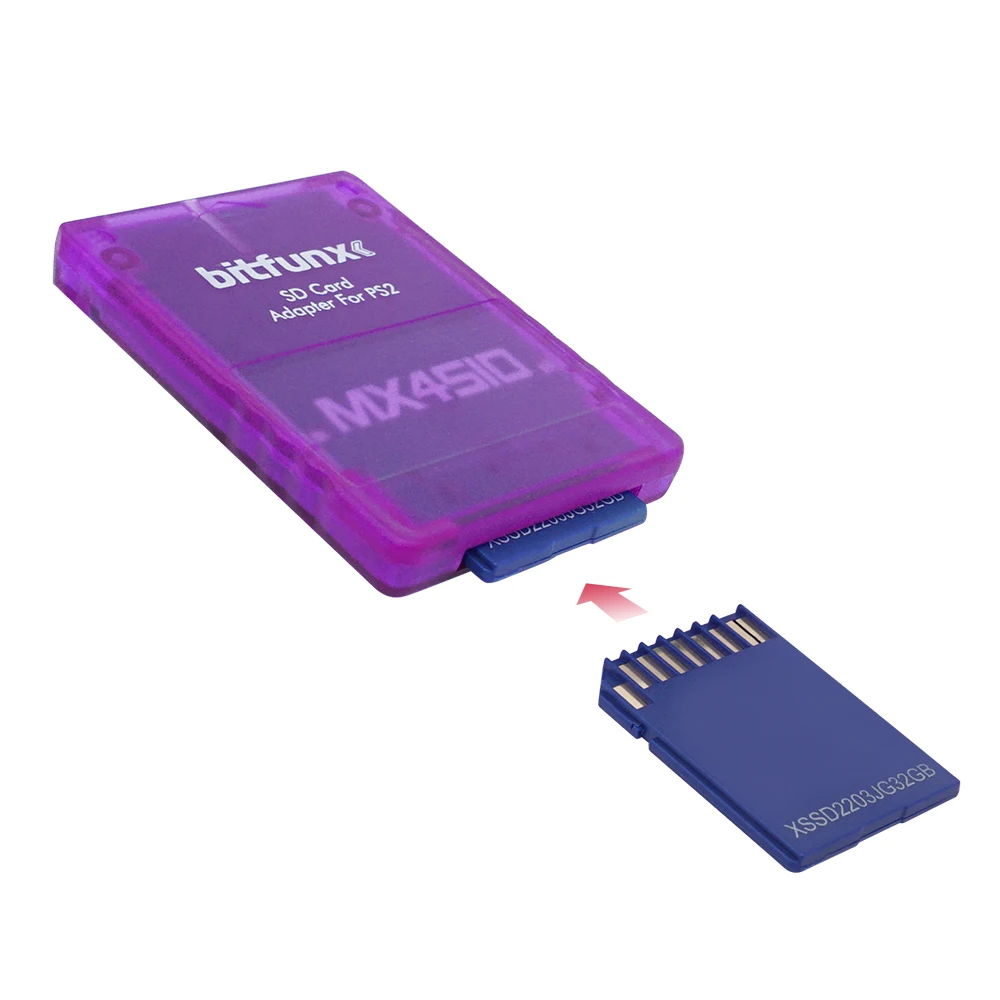
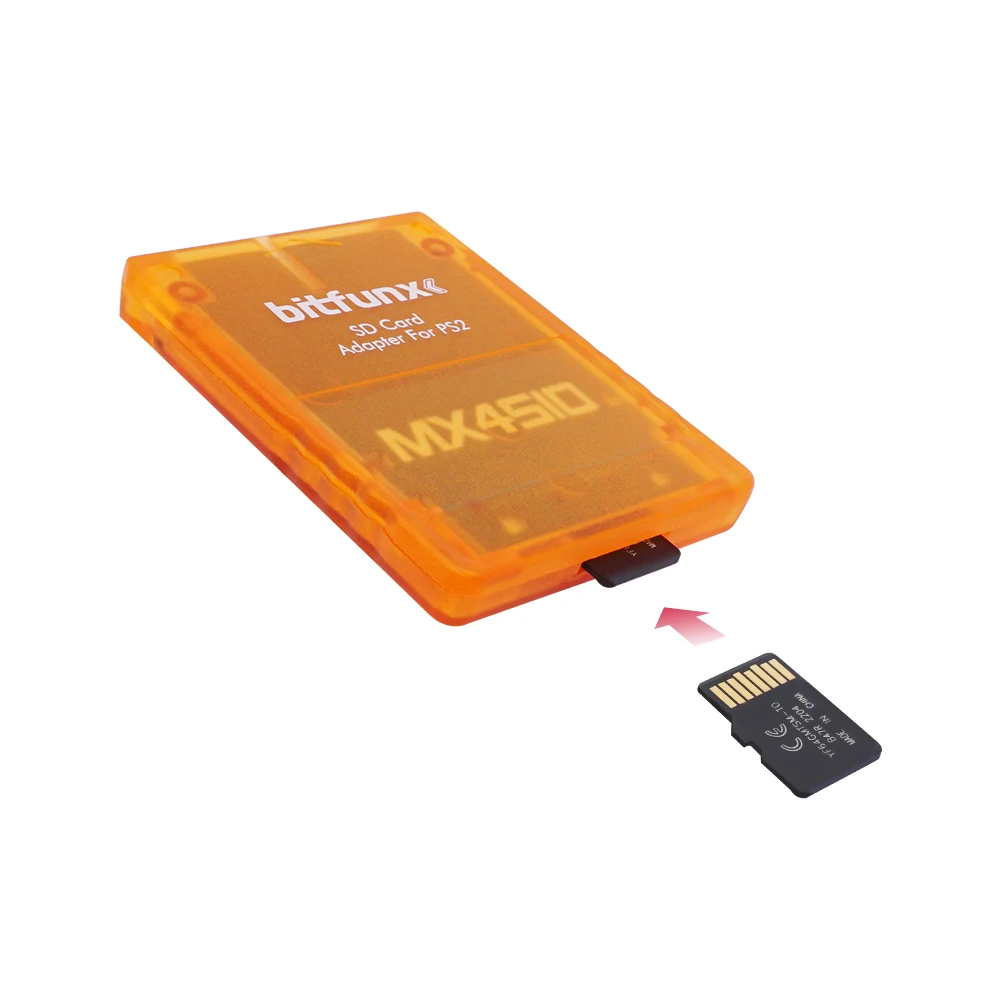
1) MX4SIO (Memory expansion For SIO) is an adapter for the PlayStation2 that lets you connect SD cards to the memory card slot.
2) The MX4SIO can not replace a memory card! Since it is only an adapter and not a converter to make an SD card into the ps2 memory card.
3) The SD/TF card is not recognized by the console directly. Only specially developed homebrew software can access the SD/TF card, although the software is currently in the development phase (like the OPL).
4) It is recommended to use the latest version OPL v1.2.0-Beta-1832-f087feb.7z, can download in the link attached:
https://github.com/ps2homebrew/Open-PS2-Loader/release
Please pay attention before placing order:
1. Not all SD/TF cards could be recognized, theSanDisk brand SD/TF card is unavailable through testing. So please choose the SD/TF card kit in our listing or use your own card, all cards through strict testing before shipment.
For PS2 FAT Consoles:
https://www.aliexpress.com/item/1005004004817052.html
3. Do not accept all PS2 games, please consult the OPL game compatibility list on the link attached. Also we suggest that you can update the game compatibility detail in the list after strictly testing, it would help a lot, thanks
https://docs.google.com/spreadsheets/d/1zHxhwT4nSkrCCAqJNlSndw1Yeh_9g3eL/edit?pli=1#gid=669997000
4.The MX4SIO adapters only work with the newest OPL, you can choose the FMCB card in the same listing. Or download in the link attached:
https://github.com/ps2homebrew/Open-PS2-Loader/releases
5. The SD/TF card slot is not flat, because of hand-made.
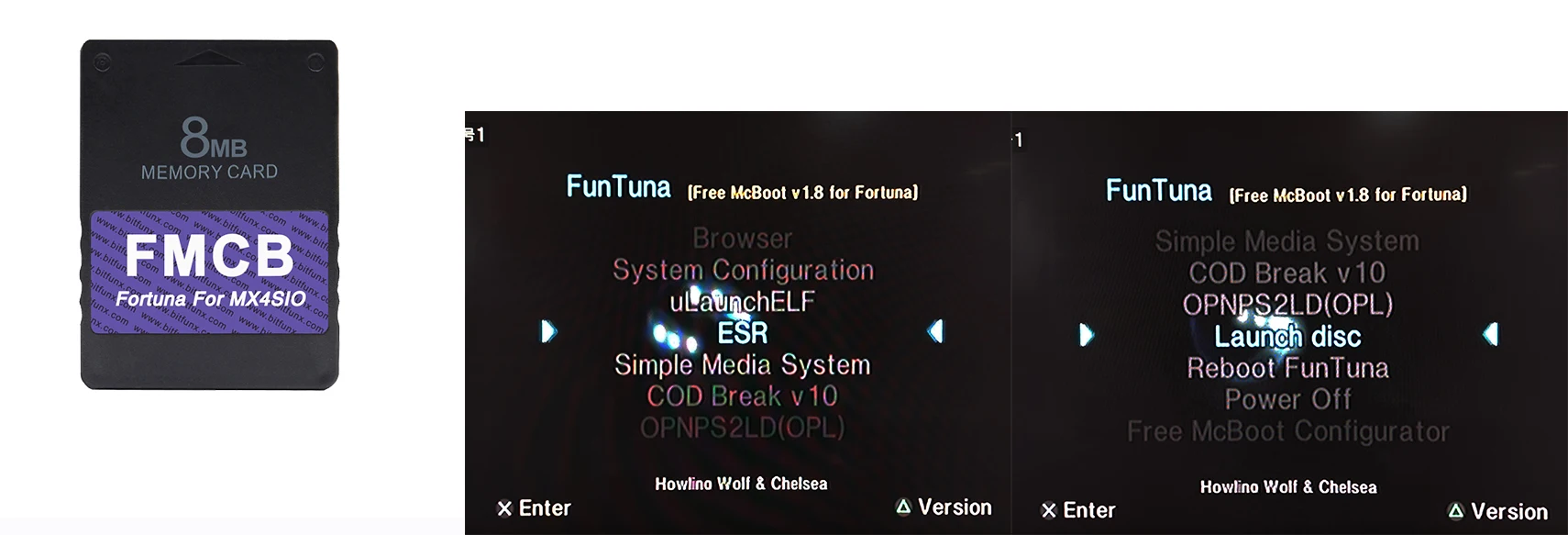
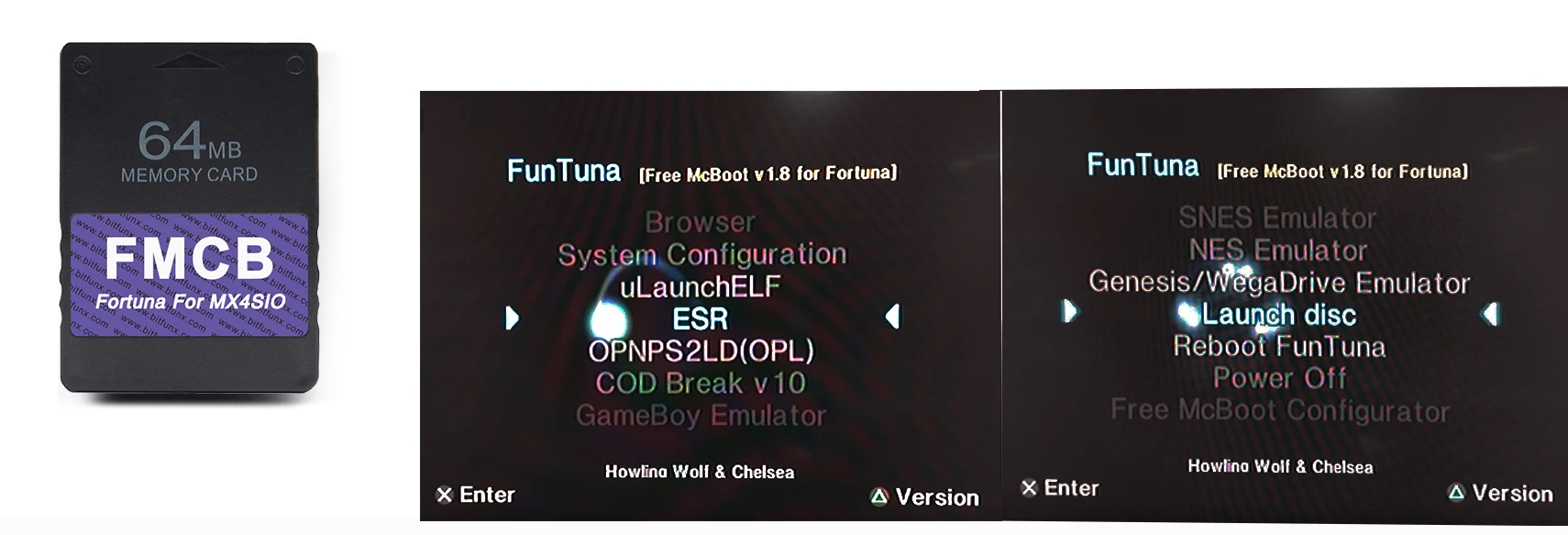
How to enter the menu operation interface??
Consoles without modchip:
1 - Go to the PS2 Browser, then open your 1st memory card and you will see an invisible icon.
2 - Press O to go back (or X if your console is Asian).
3 - You will see that the memory card icons are now transparent. Press O (or X) to go back again and done.
Consoles with modchip:
1 - You can use the method for consoles without modchip.
2 - You can configure your modchip to autoboot DEV1, so it will launch Fortuna on boot.
Customer Reviews
No reviews yet
BitFunx Fortuna FMCB PS2 Card OPL 1.2.0 For MX4SIO SIO2SD TF/SD Card Adapter For Playstation2 Slim Game Consoles
16.98$
10.87$
Quantity:
1
Availability:
Color