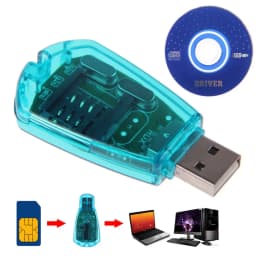
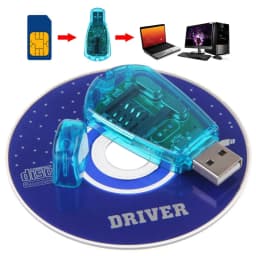
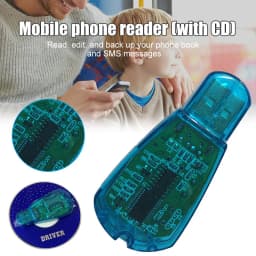
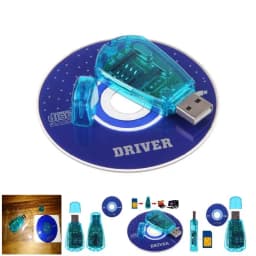
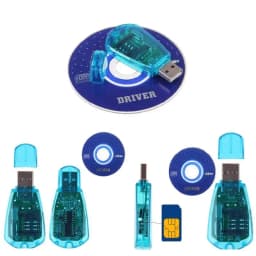
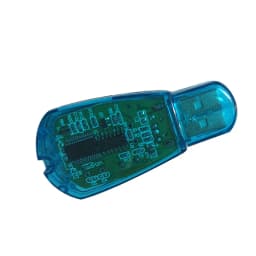
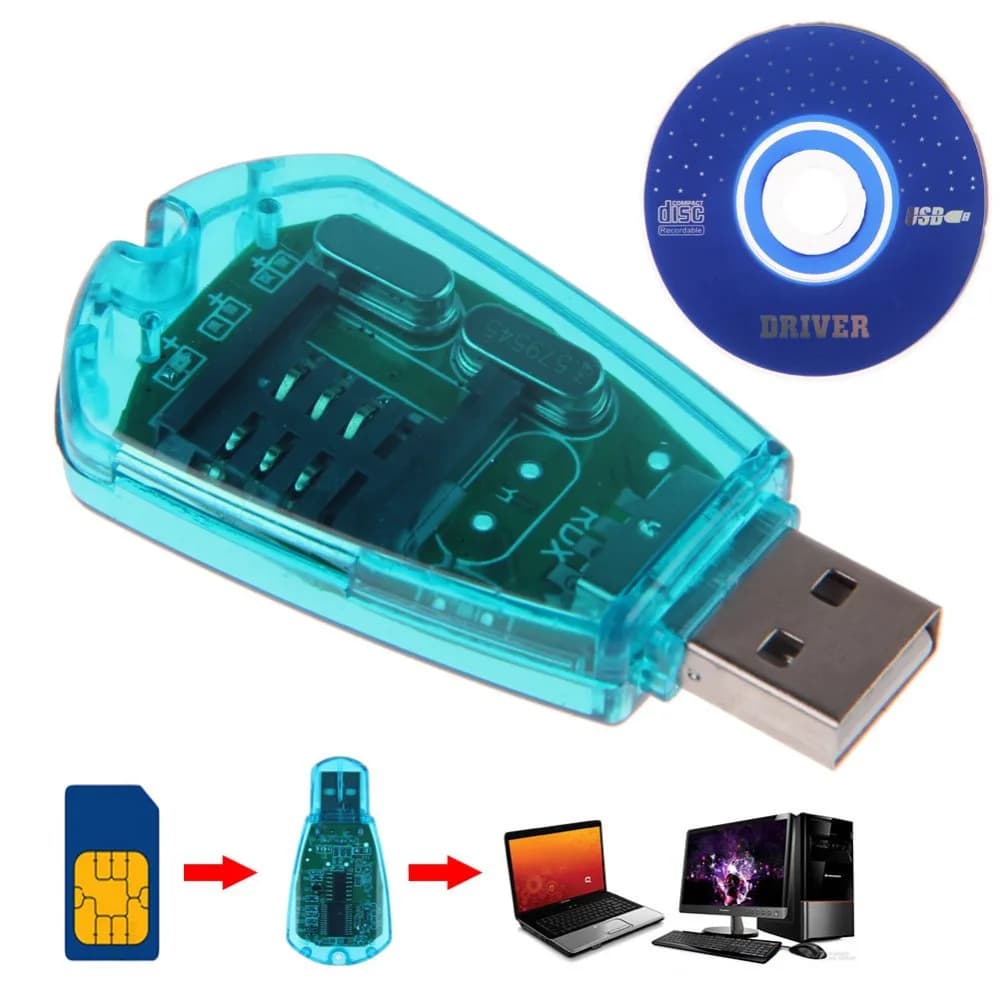
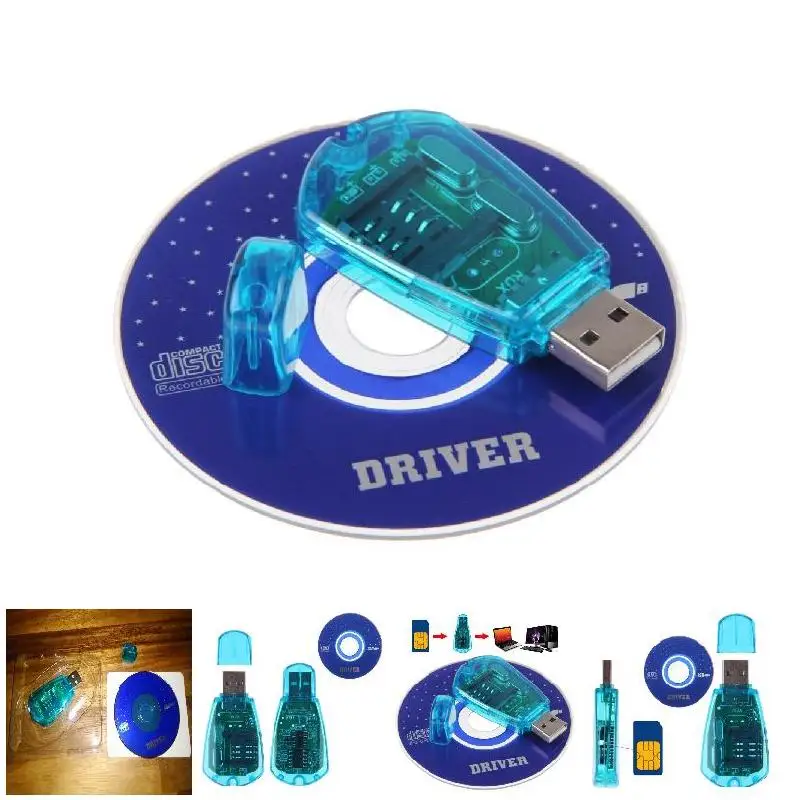
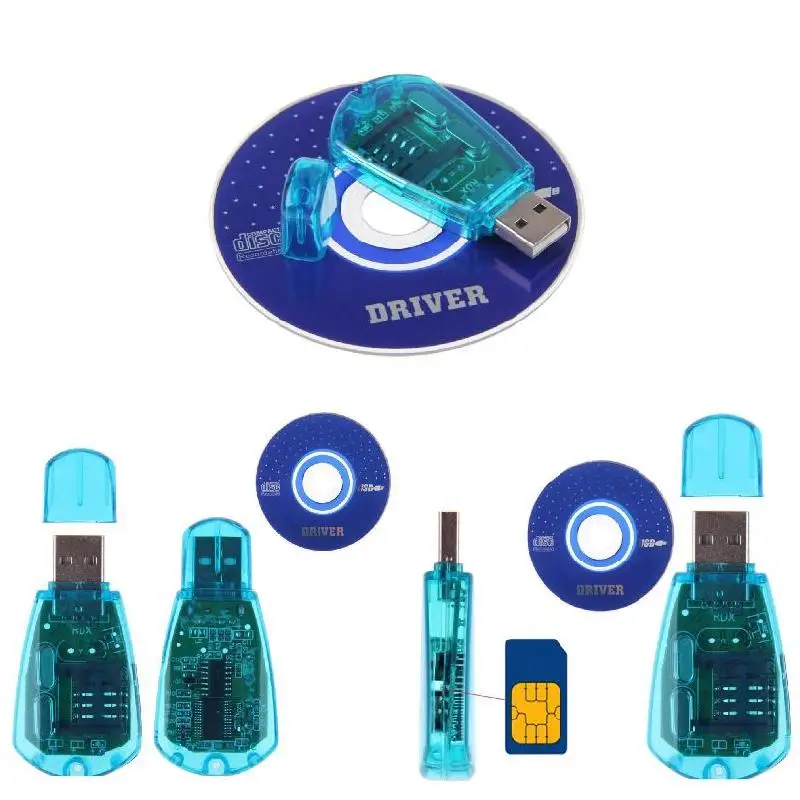
Blue USB SIM Card Reader Copy/Cloner/Writer/Backup Kit SIM Card Reader GSM CDMA SMS Backup + CD Disk
10.6$
3.71$
Quantity:
1
Availability:
Out of StockDelivery estimate
Delivery:
Description:
100% brand new and high quality.
Support Windows 98/Windows XP/ Windows Vista/Windows 7,it doesn't work at windows 10
Get full access to your SIM card through your PC.
Ability to copy the content from one SIM card to another.
No need to worry about the lose of your telephone directory.
Ideal for portable use on the road or at home with a desktop or laptop.
Software install will allow you to manage the sim card copying process.
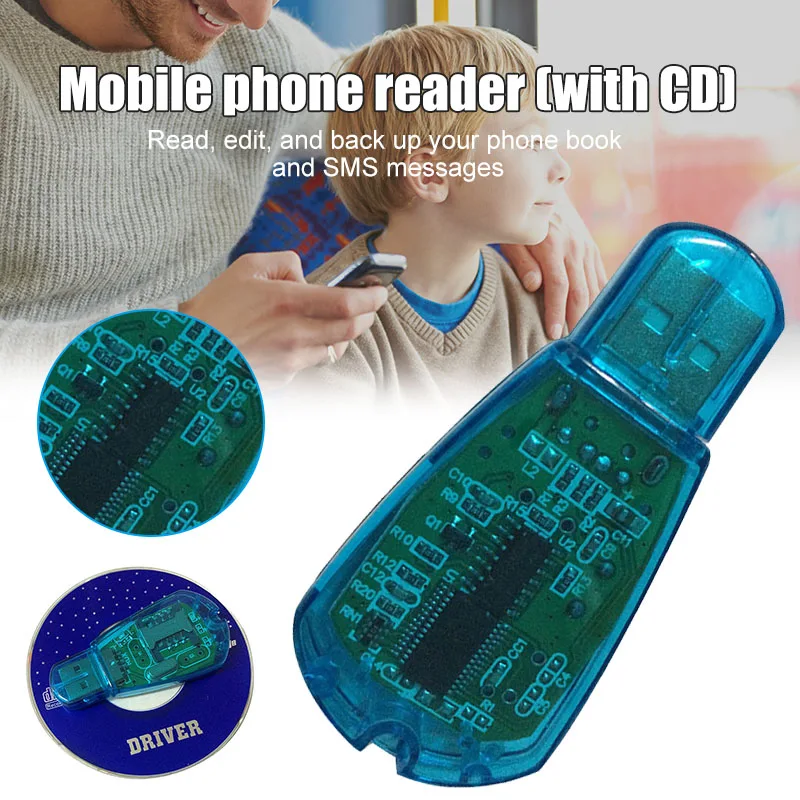
Read, edit, backup your telephone directory and SMS for your GSM devices.
Remove SIM card from your phone and place in the card reader for full access to your info on your PC.
Allows you to copy different number to one sim card, including phone book, SMS, ring tones, photos, etc.
High access speed, transfers data or images from flash cards to any host system. Get Power supply via USB cable. No external power supply required.
NOTE: It can just read the Standard SIM Card, if you want it to read Micro card or Nano card, you can put an card adapter to turn it into Standard Card then read it.
Specifications:
Net Weight: 19g
Color: Clear Blue
Dimension: Approx.6.2(L) x 3.0(W) x 1.0(H)cm
Package Included:
1 x Driver
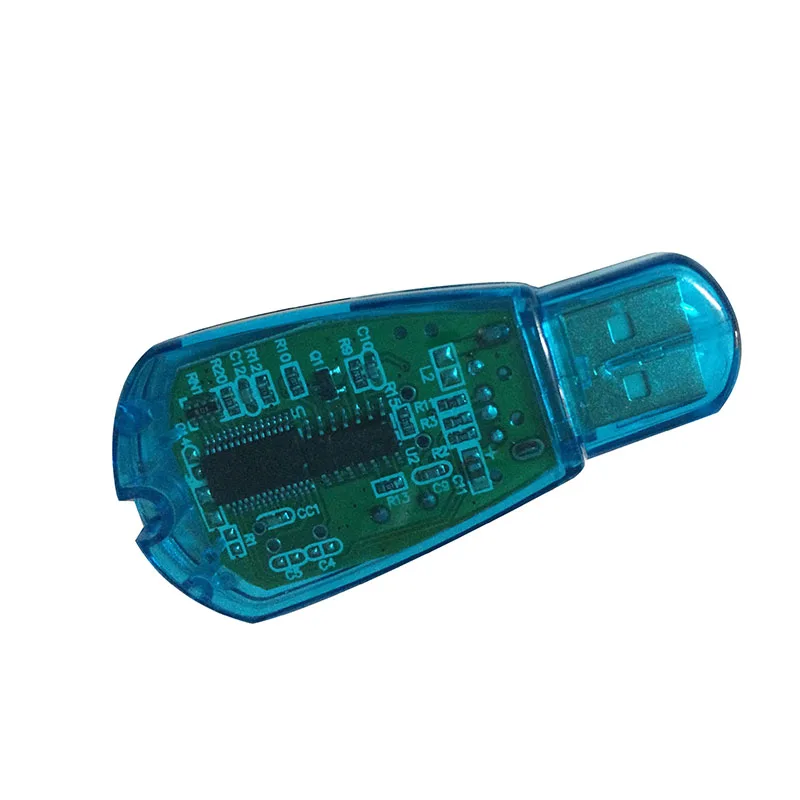
1 x SIM Card Reader
(Accessory ONLY: SIM Card is NOT Included)
if you cd driver can not be read ,you can download on the below website, or you could contact with us, thanks
https://drive.google.com/open?id=0BxJ1xkPhpA9uZTZYcHJRWG1fbUU
Friendly reminder:
When the phone card is inserted, the chip is facing downwards and the gap is facing outwards.
Do not plug in the wrong way, or the card may be burnt out!!
When the backup device is in the input or output state, do not remove the mobile phone card,
otherwise it will damage or loss of data, garbled!
To the mobile phone card backup copy data, copy of the mobile phone card in the old data will be deleted,
Installation instructions:
Run the SETUP.EXE executable file under the USB SIM Editer folder in the compact disk,
Then insert the SIM card into the card reader, insert the card reader into the computer's USB port,
and automatically install the driver after the system searches the hardware,
After you install, open the SIM Editor program and click Connect
Specifications
- Origin
- Mainland China
- Model Number
- SIM Card Readers/Backup
- Product Type
- SIM Card Readers/Backup
- Support
- Dropshipping,Wholesale
- Attention
- not support windows 10
- feature 1
- sim card readers
- feature 2
- Card reader
- feature 3
- simcard cloner
Customer Reviews
30 ratings
non-functional (6)
fast delivery (2)
easy transaction (1)
as described (1)
useful for older phones (1)
Customer photos (1)

M***l
August 15, 2026
No idea if it works. Arrived disassembled

2***r
July 28, 2026
Doesn’t work is cheap making
Buyer from United States
July 28, 2026
i burned up the first one and i pray that i didn't damage a bunch of electronics on the laptop and the SIM card was burnt beyond repair and it was very important to me and is shriveled up and melted SIM card and the reader writer doesn't light up anymore and doesn't work at all! the Sim slot is marked in itsy bitsy icon of the position of the Sim card placement and i took a picture of it with my phone and zoomed in numerous times until i could see the icon and the position of the Sim card but i thought that i had it in the right way but didn't and destroyed the Sim card and the reader!
Buyer from United States
June 18, 2026
never came
R***r
April 4, 2026
Ok

M***n
March 31, 2026
So it melted 2 SIM cards I had and got super hot so idk if it faulty but I didn’t work
Blue USB SIM Card Reader Copy/Cloner/Writer/Backup Kit SIM Card Reader GSM CDMA SMS Backup + CD Disk
10.6$
3.71$
Quantity:
1
Availability:
Out of StockDelivery estimate
Delivery: