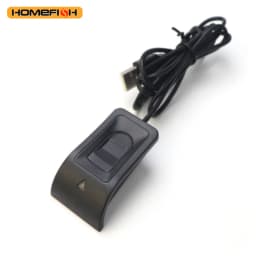
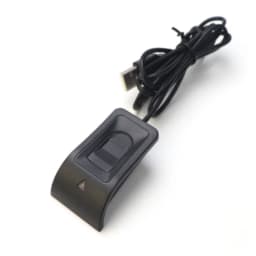
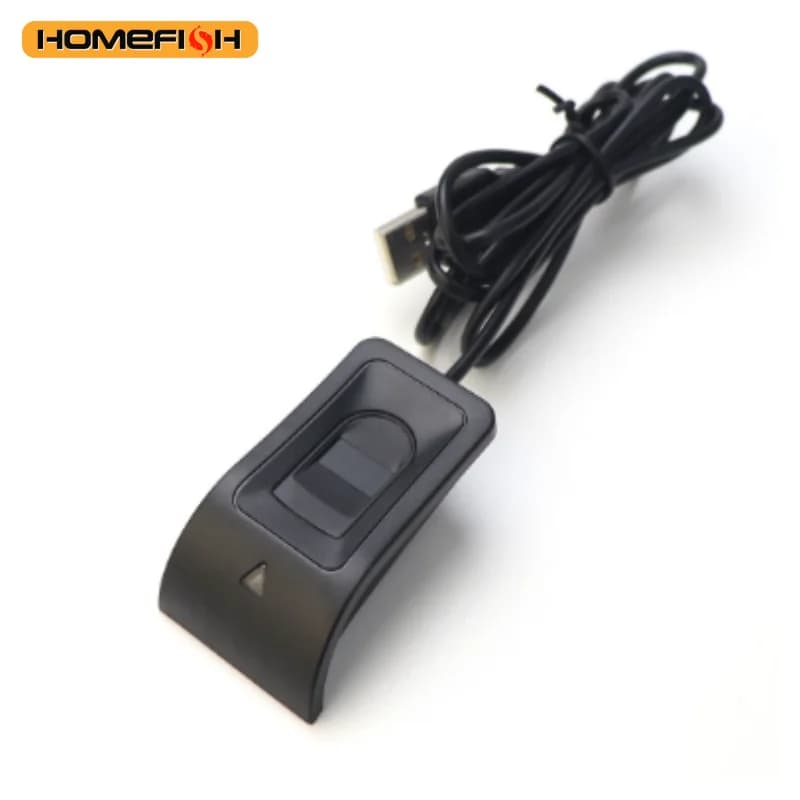
For Windows 10 11 Hello Biometric Fingerprint Login USB Scanner Reader Module Device Biometrics Security Key Safe Account Login
102.48$
35.87$
Quantity:
1
Availability:
Limited StockDelivery estimate
Delivery:
Nov 27 – Dec 3 to United States
1.99$ shippingTrackedImport duties may apply🌟 Product Introduction
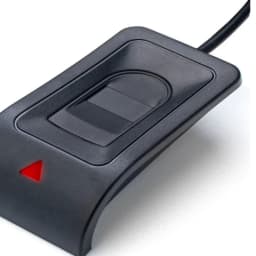
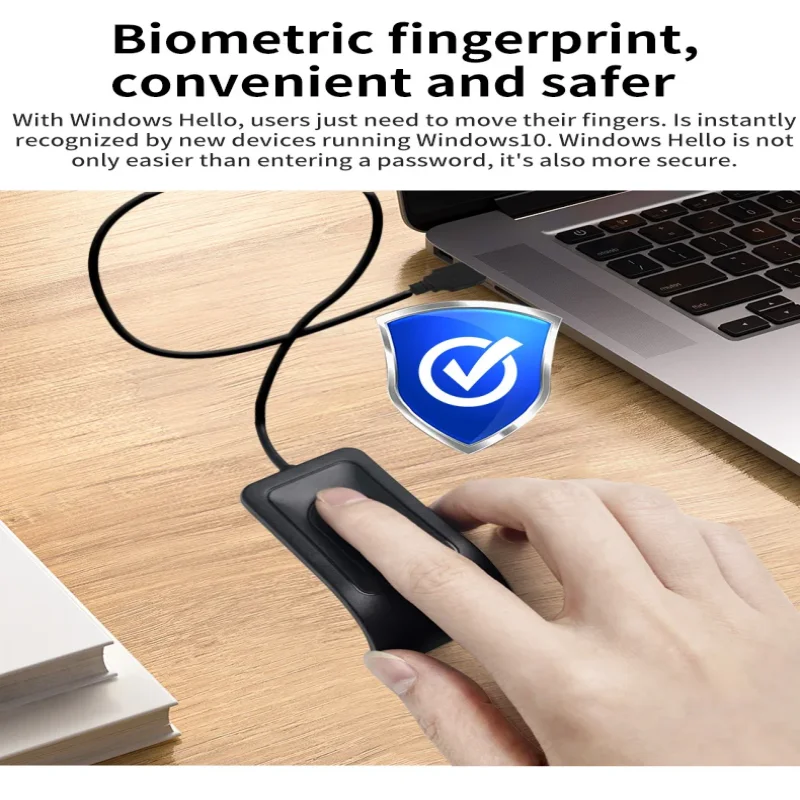
Upgrade your device security with our Windows Hello Biometric Fingerprint Login USB Reader—designed exclusively for Windows 10 and Windows 11 systems, offering fast, secure, and convenient account access. Say goodbye to tedious password typing and protect your personal data, work files, and online accounts from unauthorized access with advanced biometric technology.
📌 Core Features
Seamless Windows Hello Compatibility
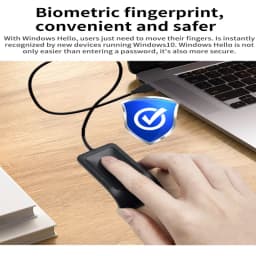
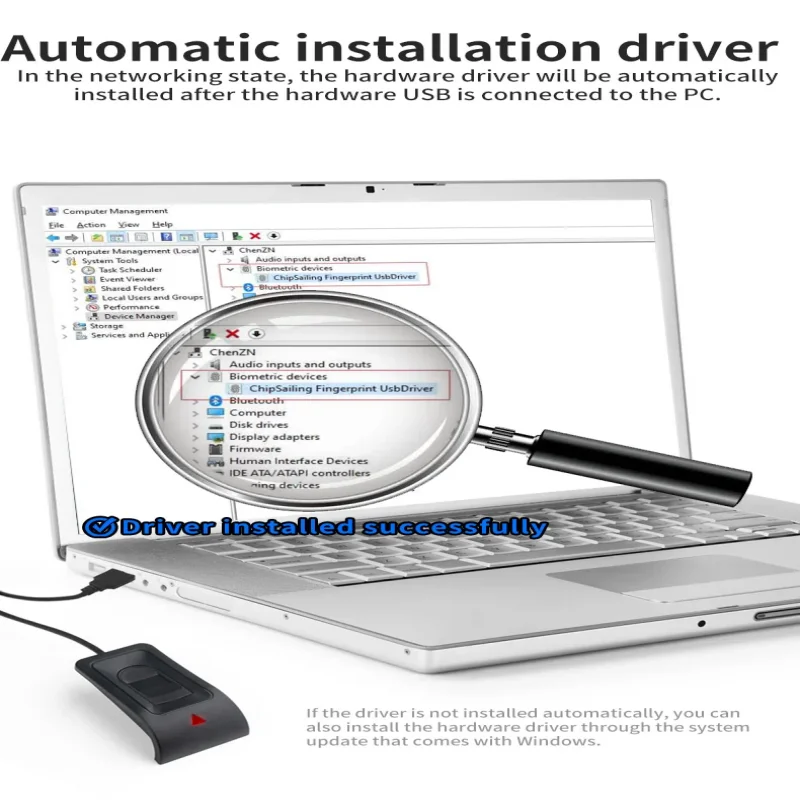
Perfectly supports Windows 10 (1903+) and Windows 11 operating systems, integrating seamlessly with the built-in Windows Hello feature. No extra software required—simply connect to your laptop, desktop, or tablet via USB port and complete the quick setup in system settings.
High-Speed Fingerprint Recognition
Equipped with a sensitive optical fingerprint sensor, it recognizes your fingerprint in just 0.3 seconds with 99.8% accuracy. Supports up to 10 fingerprint registrations, meeting the needs of family members or multiple users.
Bank-Grade Security Protection
Adopts AES-256 encryption technology to store fingerprint data locally on your device (not in the cloud), ensuring absolute privacy and preventing data leakage. Effectively blocks phishing, password theft, and brute-force attacks.
Plug-and-Play & Wide Compatibility
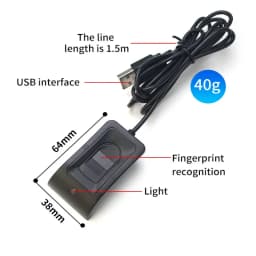
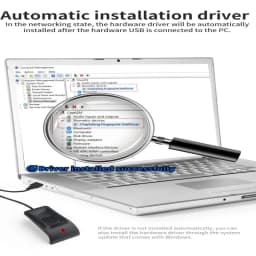
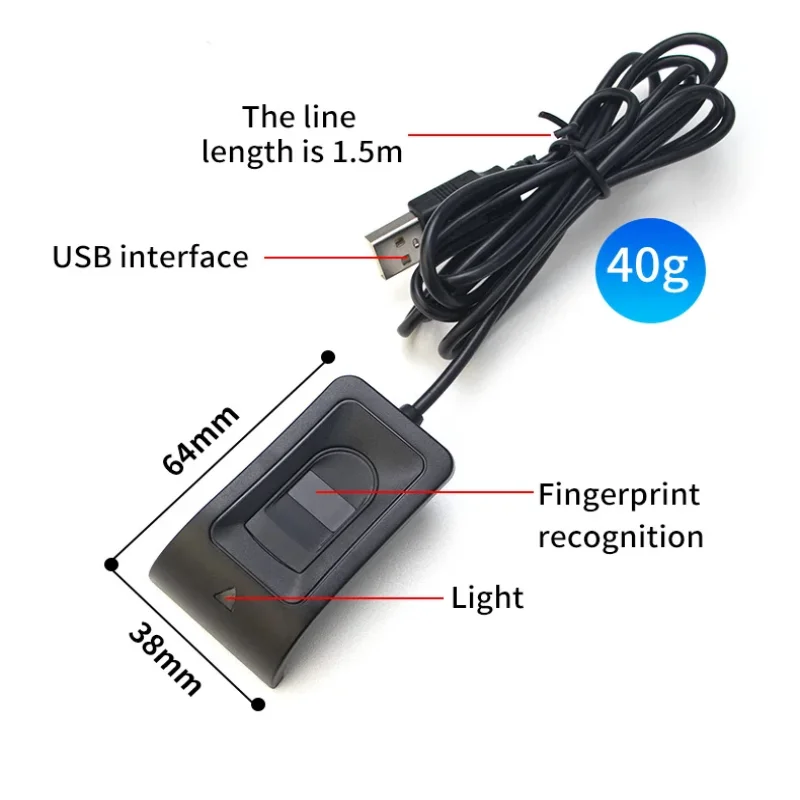
USB 2.0/3.0 universal interface—no drivers or complex installations. Compatible with most Windows laptops (Dell, HP, Lenovo, ASUS, etc.), desktops, and 2-in-1 devices. Compact and lightweight (only 15g), easy to carry in your laptop bag for on-the-go use.
Multi-Scenario Application
Ideal for securing Windows accounts, online banking, office software (Microsoft 365, Adobe), social media, and sensitive files. Suitable for home users, students, freelancers, and business professionals who value data security.
🛠️ Easy Setup Steps
✨Connect the USB fingerprint reader to your Windows 10/11 device.
Go to "Settings" > "Accounts" > "Sign-in options" > "Windows Hello Fingerprint".
Click "Set up" and follow the system prompts to scan your fingerprint (repeat 3-5 times for optimal recognition).
Complete setup—now you can log in with your fingerprint anytime!
Specifications
- Origin
- Mainland China
- Choice
- yes
Customer Reviews
48 ratings
easy to set up (9)
reliable performance (5)
inconsistent recognition (5)
fast recognition (4)
convenient to use (1)
attractive appearance (1)

Buyer from United States
November 5, 2026
Great item, works perfectly every time.
Buyer from United States
April 7, 2026
I can't read the tiny manual that came with it, even with a magnifying glass. However once I figured out how to get it working it's fine, very sensitive.

M***v
March 26, 2026
The commissioning and operating of the finger scanner- without problems. The product is small and looks good.
S***n
January 31, 2026
Really easy to set up. Worked fist time with Window Hello. Seems solid, hope it lasts well.
Buyer from Japan
October 25, 2026
It takes a bit of time, but it's currently running normally on Windows 11.
s***r
October 25, 2026
I purchased this because I needed to use Windows Hello on Windows 11. Initially, I received a message stating that the driver could not be found, but running Windows Update resolved the issue. After using it for a while, it began to produce errors frequently; however, wiping it with a soft cloth fixed the problem. It seems the fingerprint sensor needs to be kept clean.
For Windows 10 11 Hello Biometric Fingerprint Login USB Scanner Reader Module Device Biometrics Security Key Safe Account Login
102.48$
35.87$
Quantity:
1
Availability:
Limited StockDelivery estimate
Delivery:
Nov 27 – Dec 3 to United States
1.99$ shippingTrackedImport duties may apply