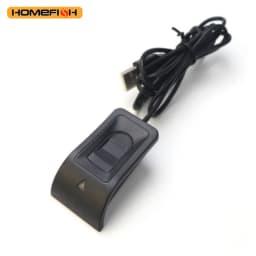
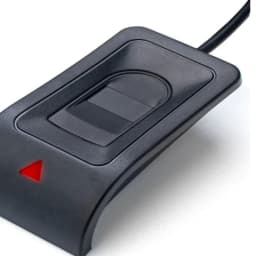
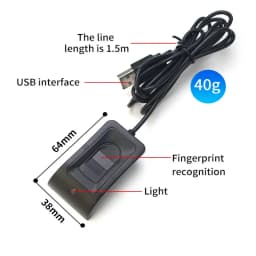
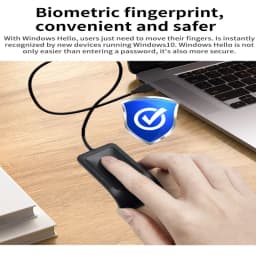
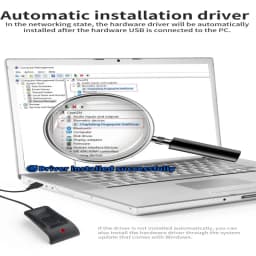
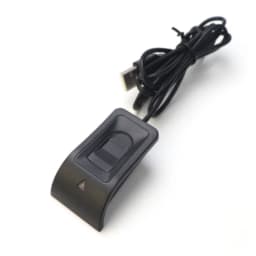
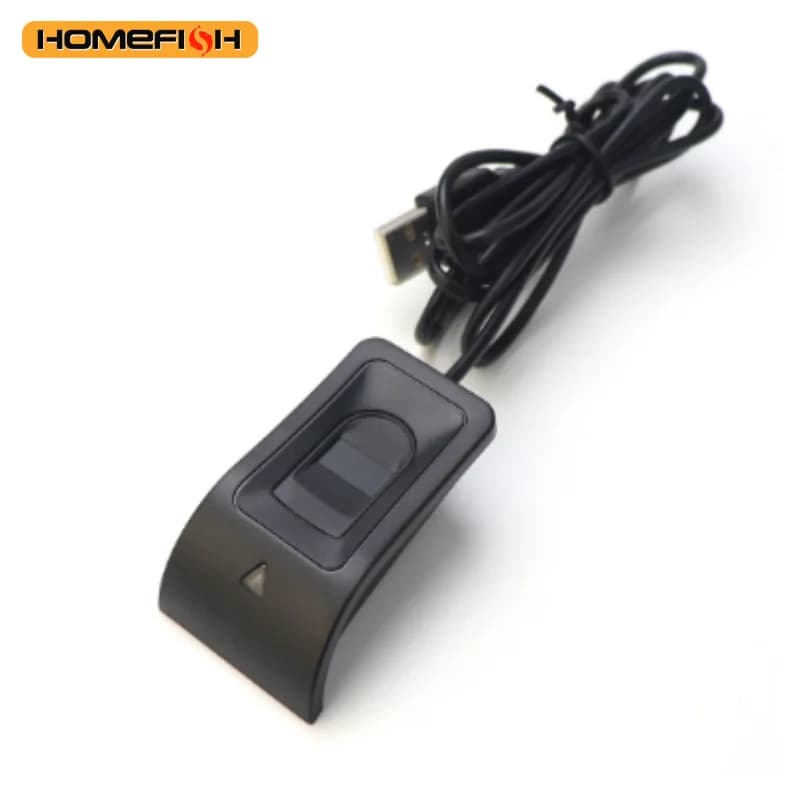
For Windows 10 11 Hello Biometric Fingerprint Login USB Scanner Reader Module Device Biometrics Security Key Safe Account Login
51$
25.5$
Quantity:
1
Availability:
Out of StockDelivery estimate
Delivery:
🌟 Product Introduction
Upgrade your device security with our Windows Hello Biometric Fingerprint Login USB Reader—designed exclusively for Windows 10 and Windows 11 systems, offering fast, secure, and convenient account access. Say goodbye to tedious password typing and protect your personal data, work files, and online accounts from unauthorized access with advanced biometric technology.
📌 Core Features
Seamless Windows Hello Compatibility
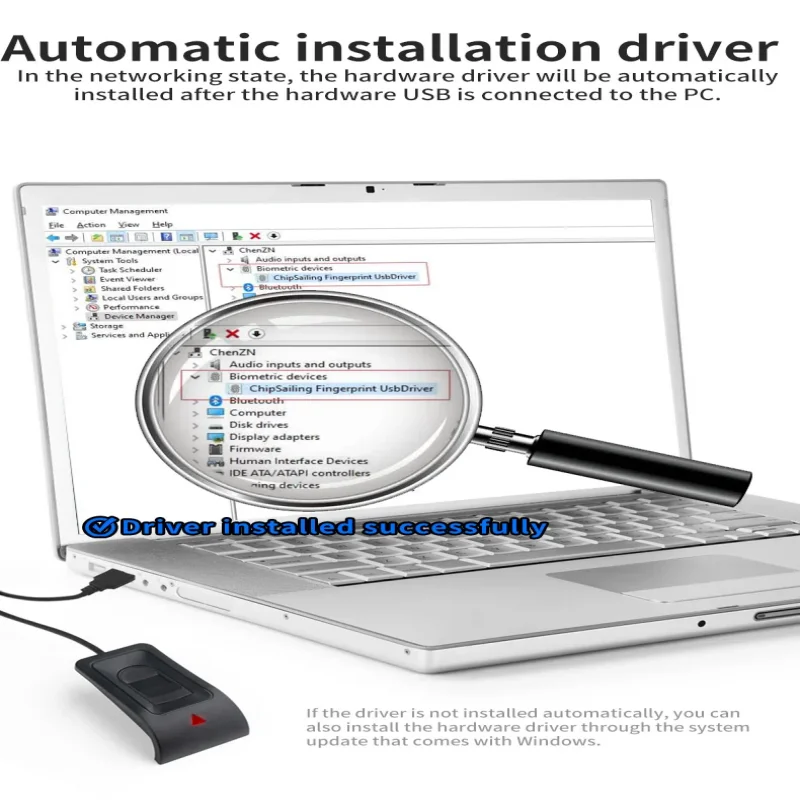
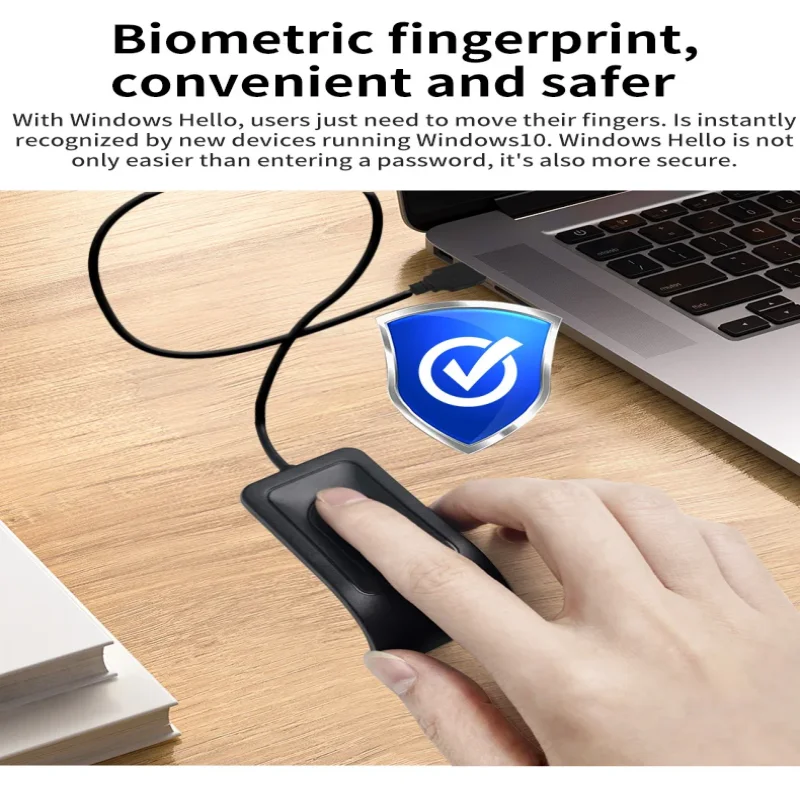
Perfectly supports Windows 10 (1903+) and Windows 11 operating systems, integrating seamlessly with the built-in Windows Hello feature. No extra software required—simply connect to your laptop, desktop, or tablet via USB port and complete the quick setup in system settings.
High-Speed Fingerprint Recognition
Equipped with a sensitive optical fingerprint sensor, it recognizes your fingerprint in just 0.3 seconds with 99.8% accuracy. Supports up to 10 fingerprint registrations, meeting the needs of family members or multiple users.
Bank-Grade Security Protection
Adopts AES-256 encryption technology to store fingerprint data locally on your device (not in the cloud), ensuring absolute privacy and preventing data leakage. Effectively blocks phishing, password theft, and brute-force attacks.
Plug-and-Play & Wide Compatibility
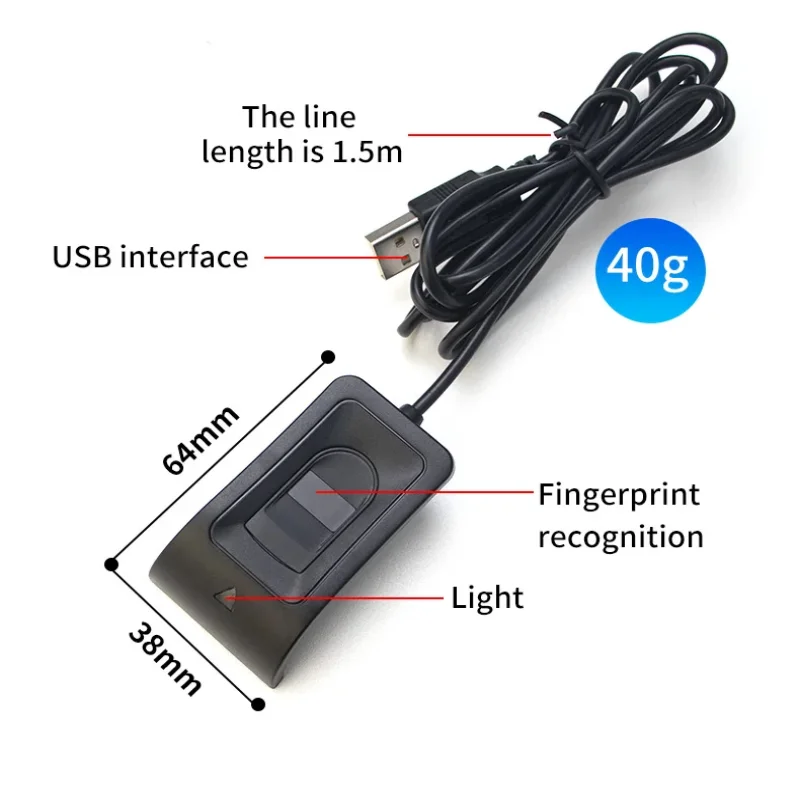
USB 2.0/3.0 universal interface—no drivers or complex installations. Compatible with most Windows laptops (Dell, HP, Lenovo, ASUS, etc.), desktops, and 2-in-1 devices. Compact and lightweight (only 15g), easy to carry in your laptop bag for on-the-go use.
Multi-Scenario Application
Ideal for securing Windows accounts, online banking, office software (Microsoft 365, Adobe), social media, and sensitive files. Suitable for home users, students, freelancers, and business professionals who value data security.
🛠️ Easy Setup Steps
✨Connect the USB fingerprint reader to your Windows 10/11 device.
Go to "Settings" > "Accounts" > "Sign-in options" > "Windows Hello Fingerprint".
Click "Set up" and follow the system prompts to scan your fingerprint (repeat 3-5 times for optimal recognition).
Complete setup—now you can log in with your fingerprint anytime!
Specifications
- Origin
- Mainland China
- Choice
- yes
Customer Reviews
115 ratings
works well (12)
works perfectly (11)
fast delivery (8)
easy to set up (7)
highly recommended (6)
works well on windows 11 (6)
Customer photos (24)

R***n
November 10, 2026
Variant: Color:Fingerprint Reader
עושה את העבודה

G***o
August 25, 2026
It works without any issues on Windows 11. It works perfectly in all scenarios where Windows Hello is used, such as waking up from sleep mode or entering passwords. It's not a touch-type fingerprint recognition device, but one that feels like you're sliding your finger across a surface, so it takes a little getting used to, but once you do, it's no big deal. I've only been using it for a week, so I don't know about its durability yet.

a***r
June 30, 2026
Good working device. Same as sold on Amazon but much cheaper. All works well after a month of using it.
G***l
May 28, 2026
Der artikel ist wie beschrieben, schneller Versand. Hat alles einwandfrei funktioniert
M***C
May 26, 2026
Lecteur d'empreinte qui s'est installé instantanément sur Windows 11 Pro. Il fait fonctionner Windows Hello parfaitement.
L***s
April 16, 2026
Variant: Color:Fingerprint Reader
It WORKS, no more passwords!
For Windows 10 11 Hello Biometric Fingerprint Login USB Scanner Reader Module Device Biometrics Security Key Safe Account Login
51$
25.5$
Quantity:
1
Availability:
Out of StockDelivery estimate
Delivery: