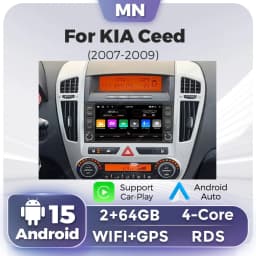
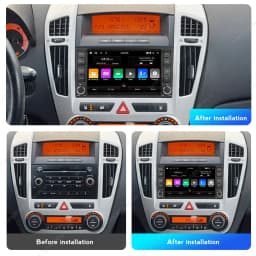
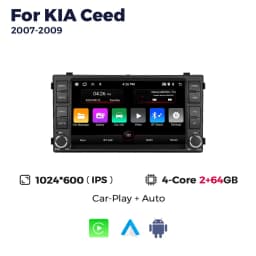
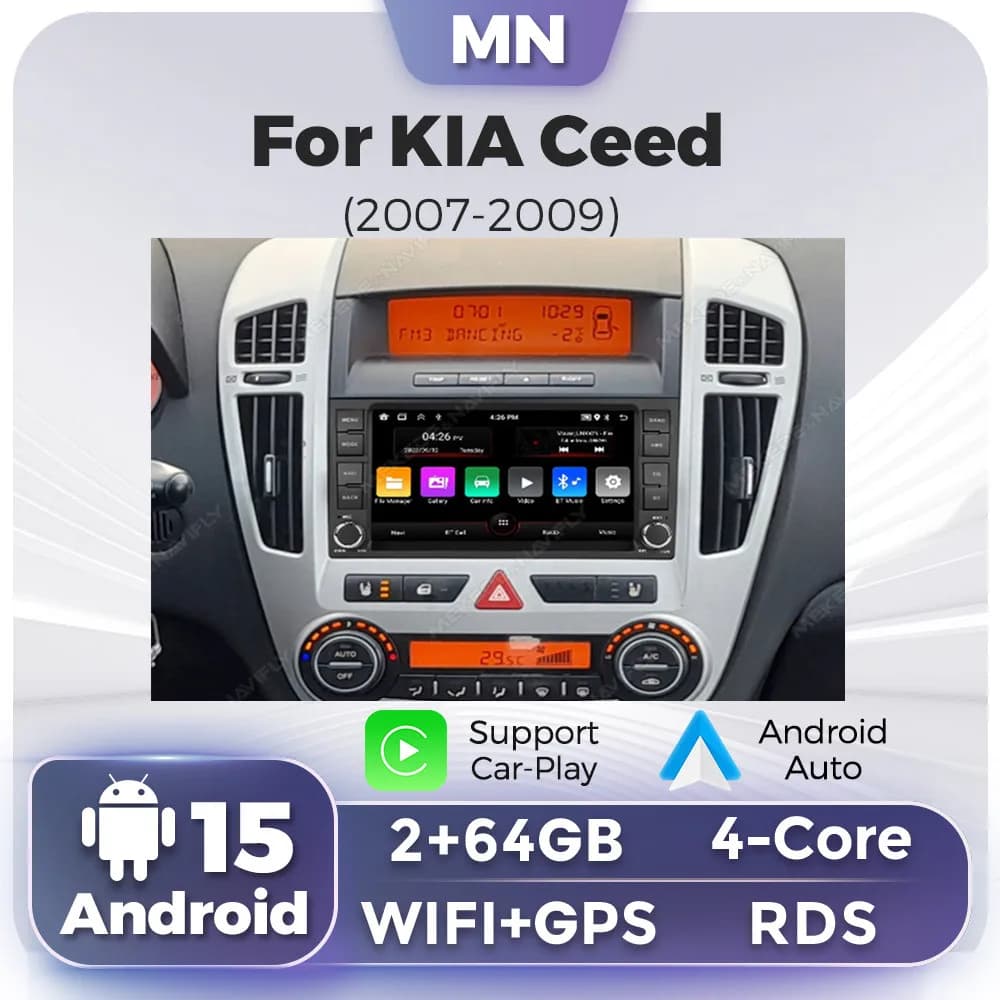
7inch Android 15 For KIA CEED 2007 2008 2009 Wireless Carplay Auto Car Radio Multimedia Player Audio GPS Navi Stereo Screen WIFI
Quantity:
1
Availability:
Card Payments
Crypto Payments
Easy return
Reliable Shipping
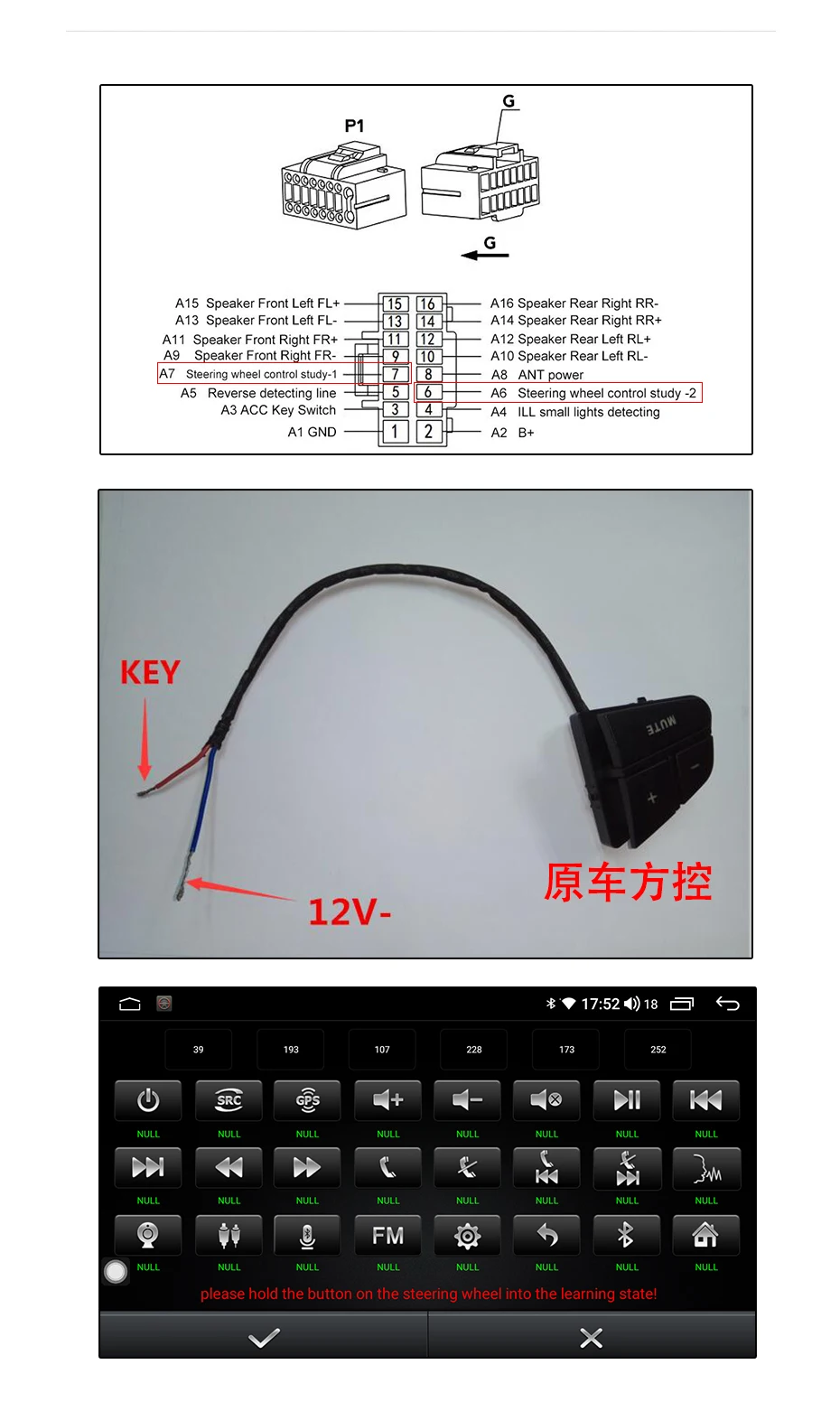
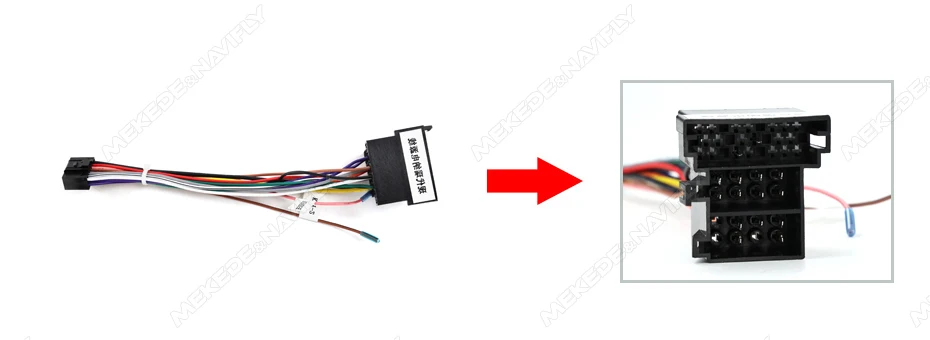
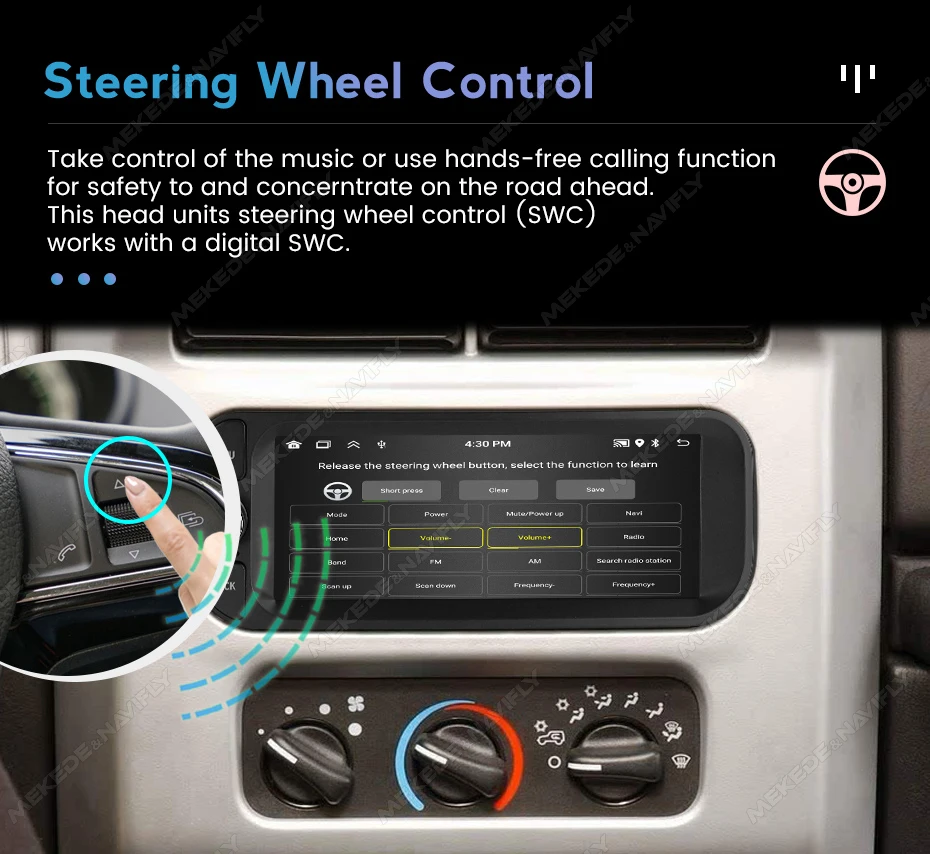
How to make the steering wheel buttons work: Find the key wire, connect it to the original steering wheel control wire, then enter the device and learn the buttons to work normally
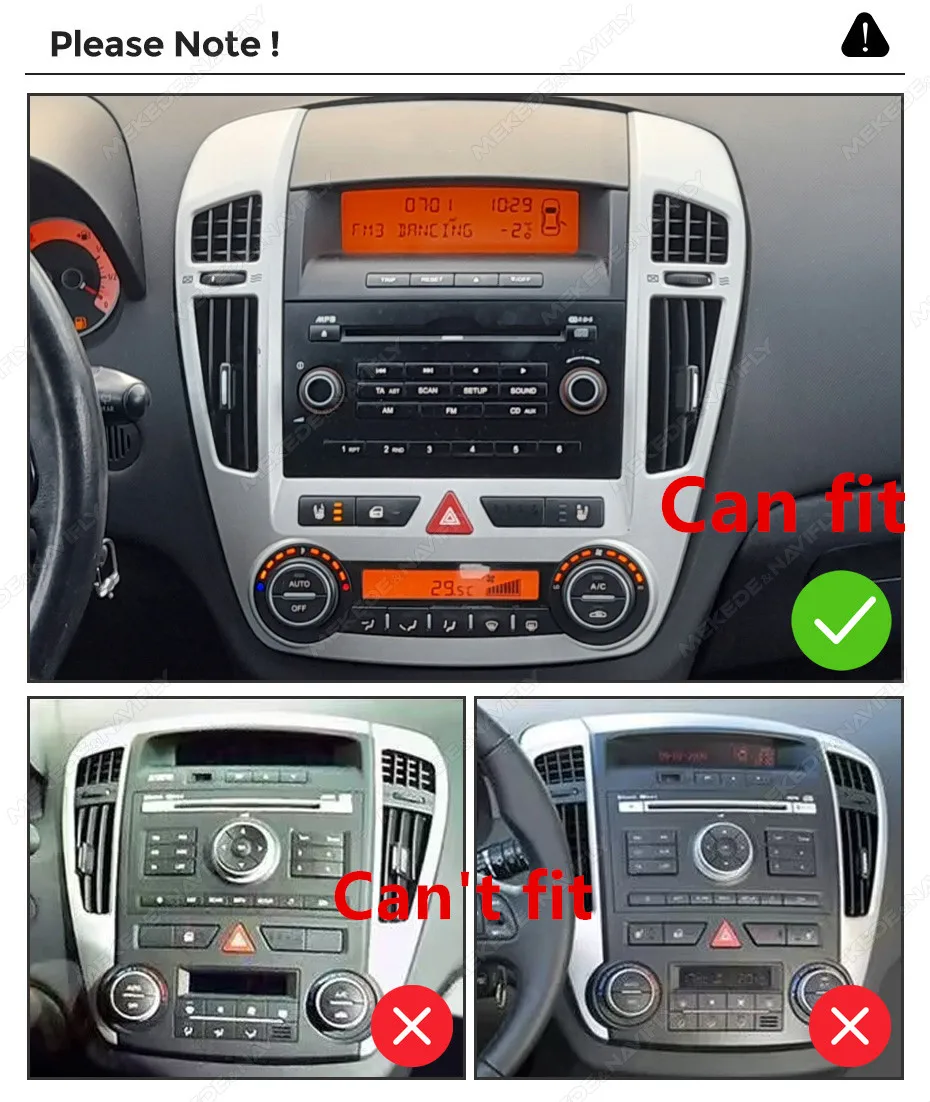
>>7inch Android 15 For KIA CEED 2007 2008 2009 Wireless Carplay Auto Car Radio Multimedia Player Audio GPS Navi Stereo Screen WIFI
>> Why choose Navifans?
1.As a supplier of major global brand,our goal is to keep working hard to make innovative hardware & software of the Car Multimedia player radio to give you that personalized experience. We provide updates for Firmware, Software, UI, GPS Navigation maps for FREE.
2.All products have been passed strict quality test before shipment, make sure high quality.
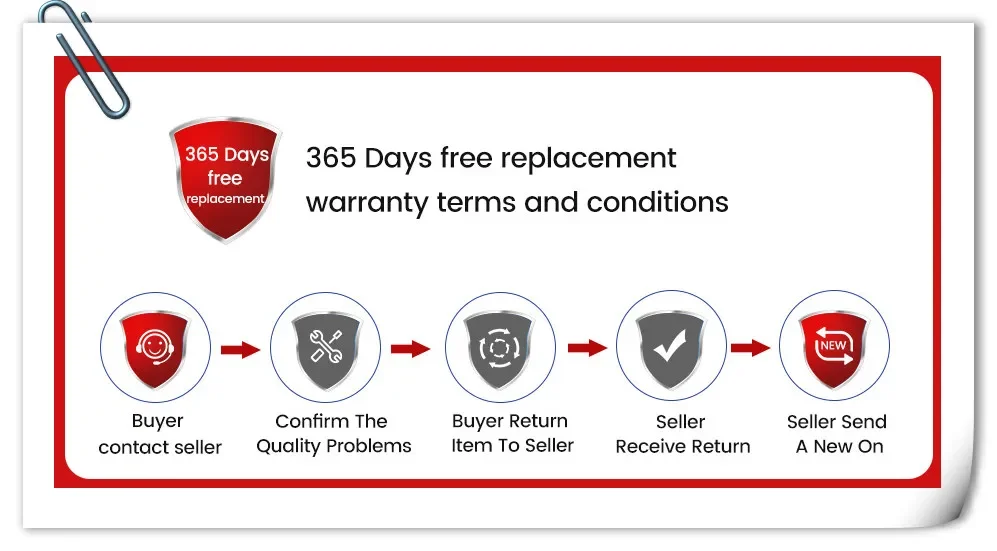
3.If the product has a problem within 365 DAYS after receipt confirmation, support for free return and refund within 15 days, or we will replace the new machine directly for you, but please contact us first to communicate.
4.Our products have a 1-year warranty period. If we have new software, we will update it at any time to bring you a better experience. If you give 5-star praise, and share the installation photos, after feedback to us Warranty can be extended to 2 years.
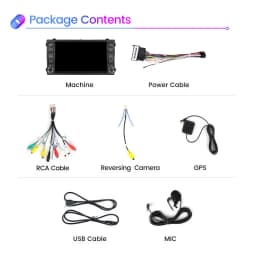
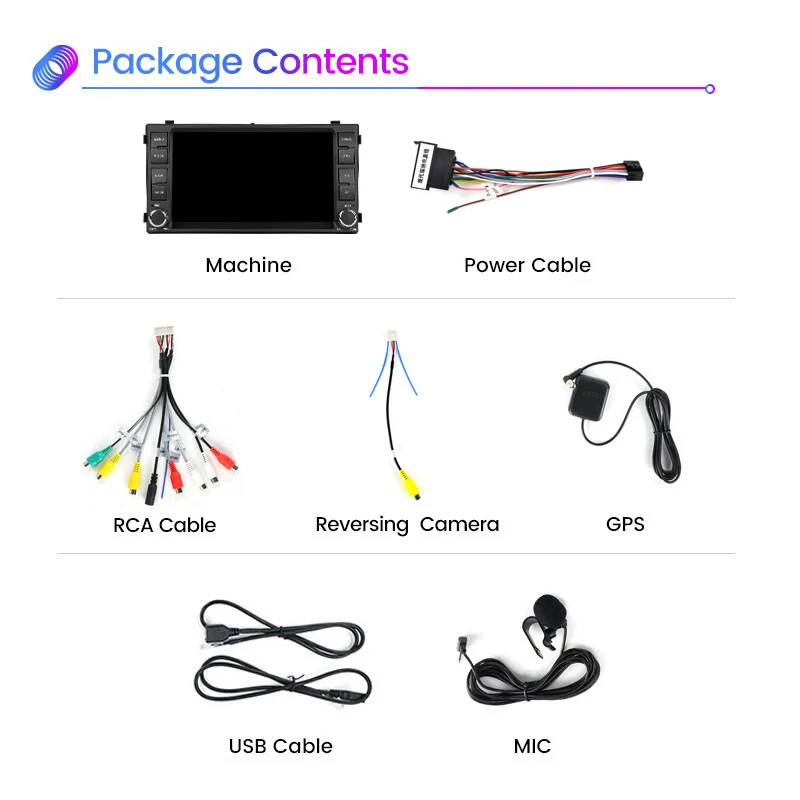
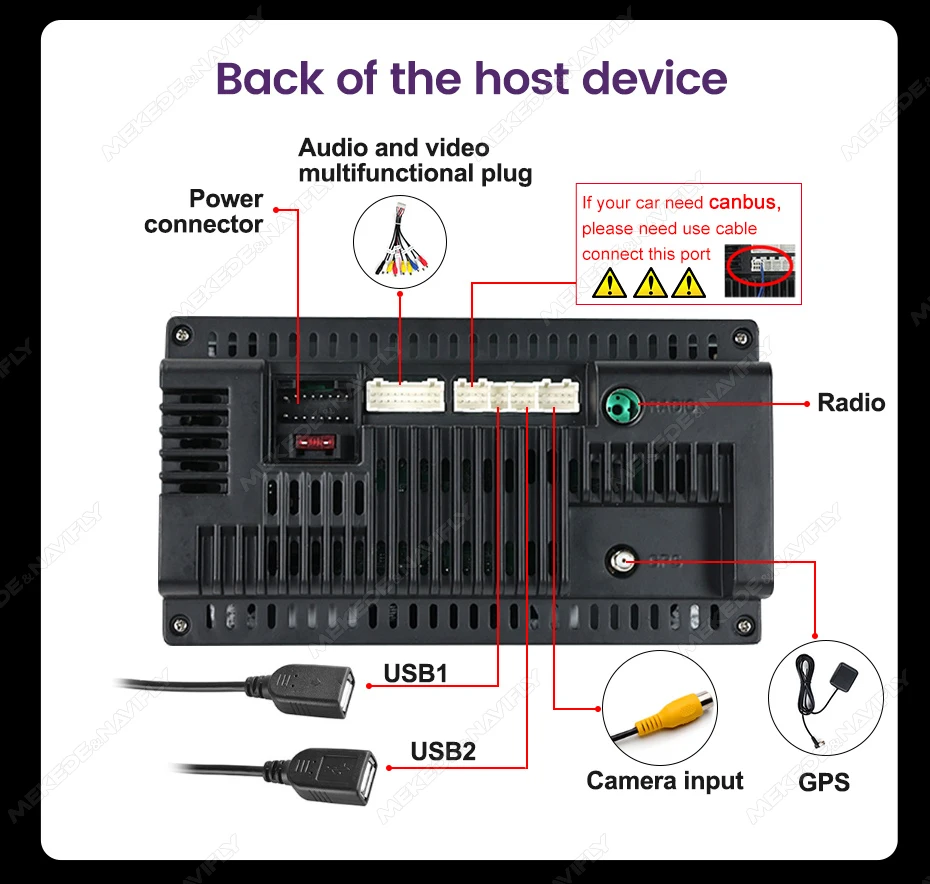
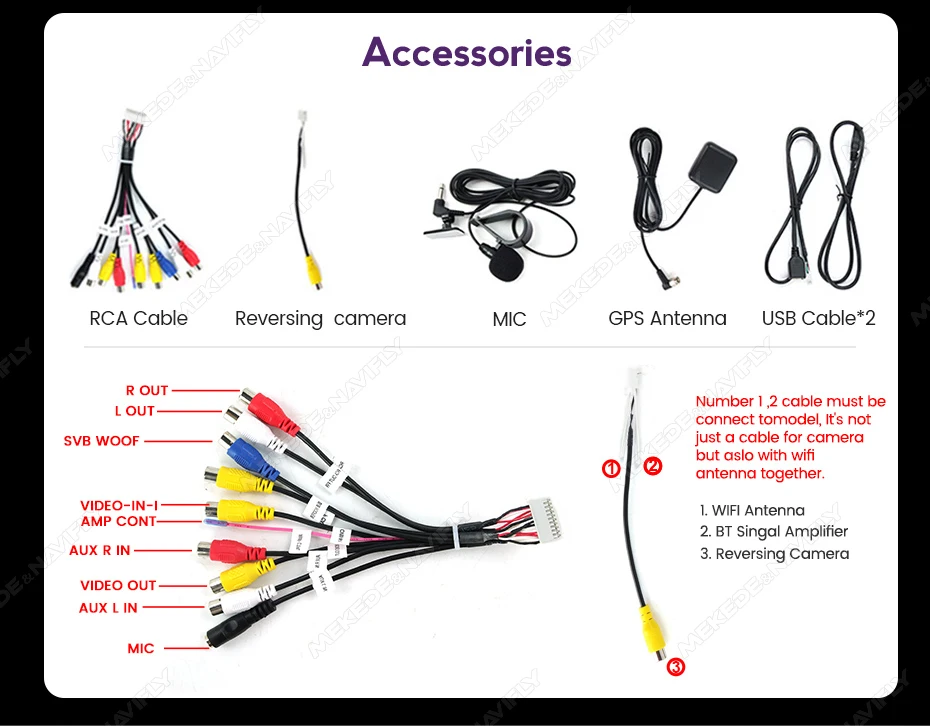
Accessories:
1 x Android Player
1 x GPS Antenna
1 x Power Harness
2 x USB Cable
1 x RCA cable
1 x Radio Antenna
1 x Camera (Optional)
If you have any questions, Please feel free to contact us.
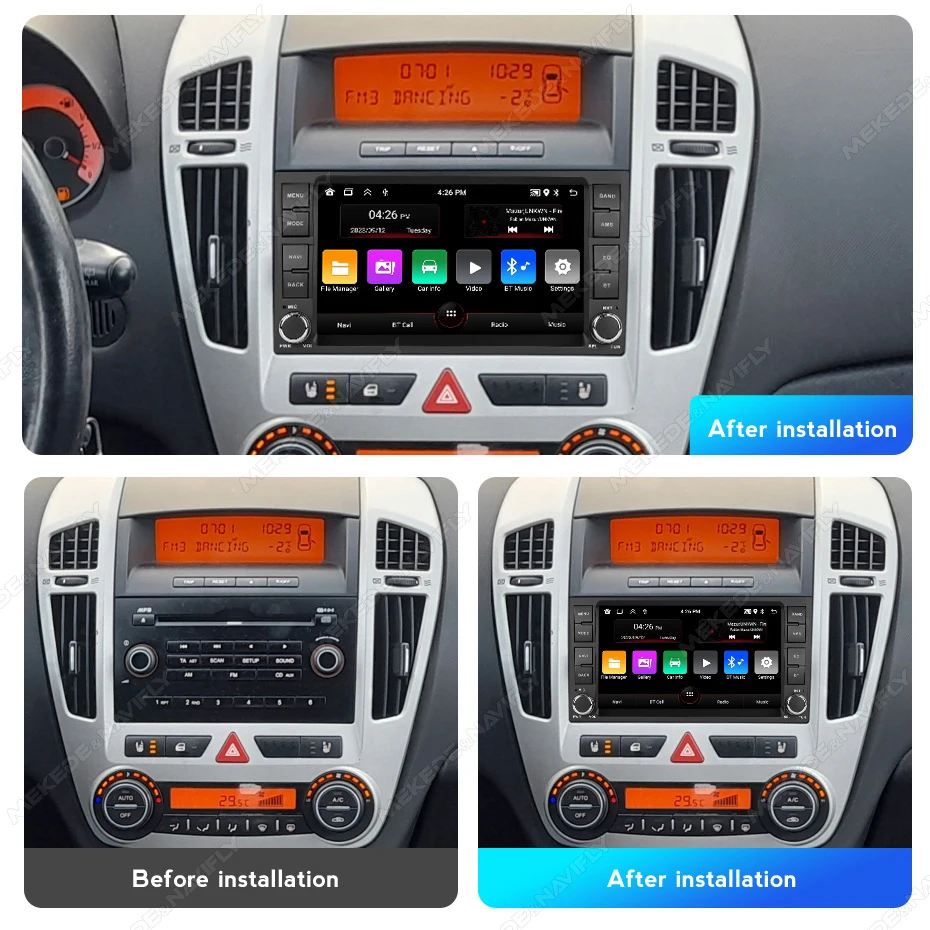
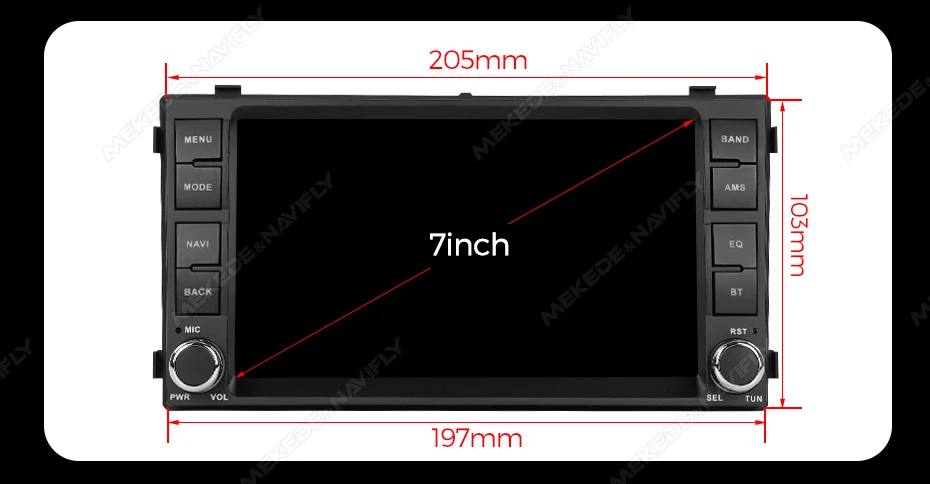
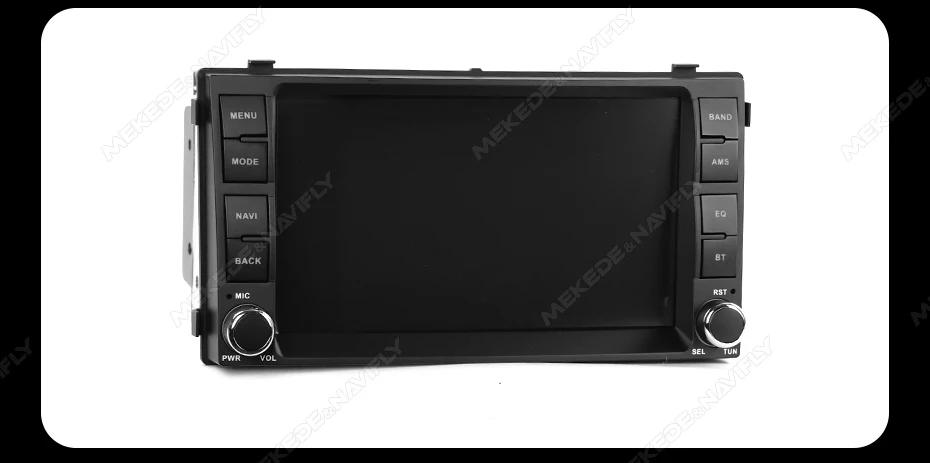
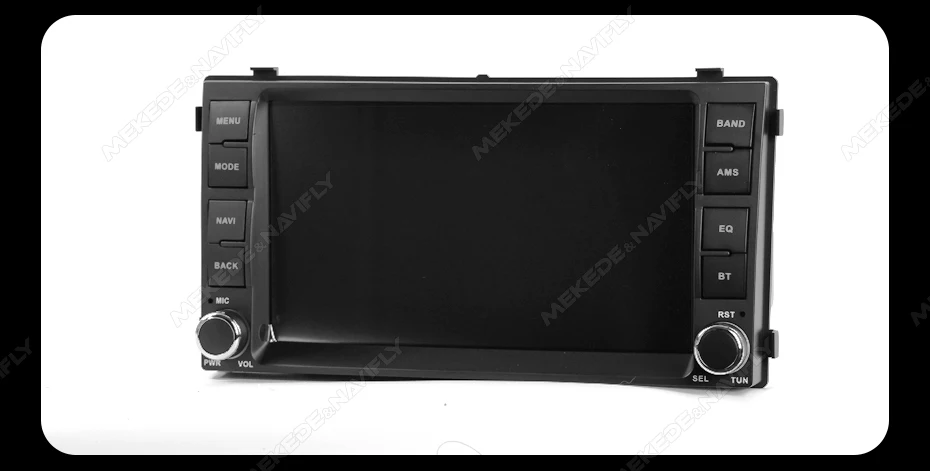
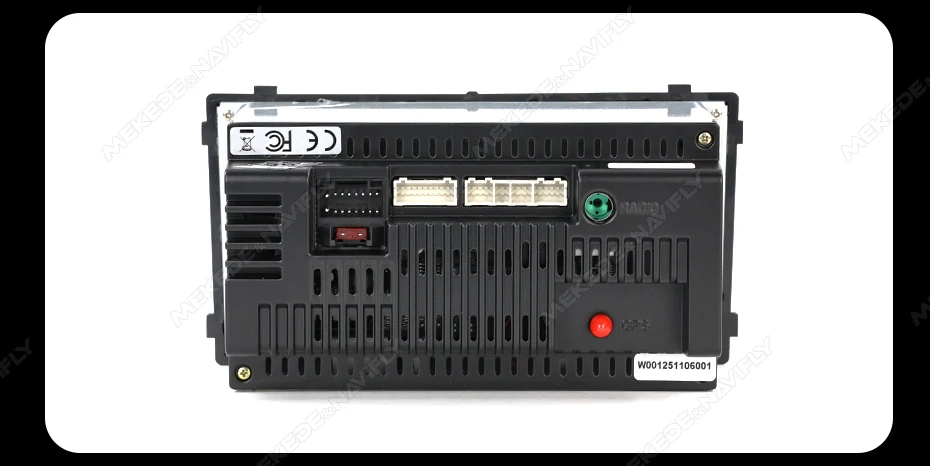
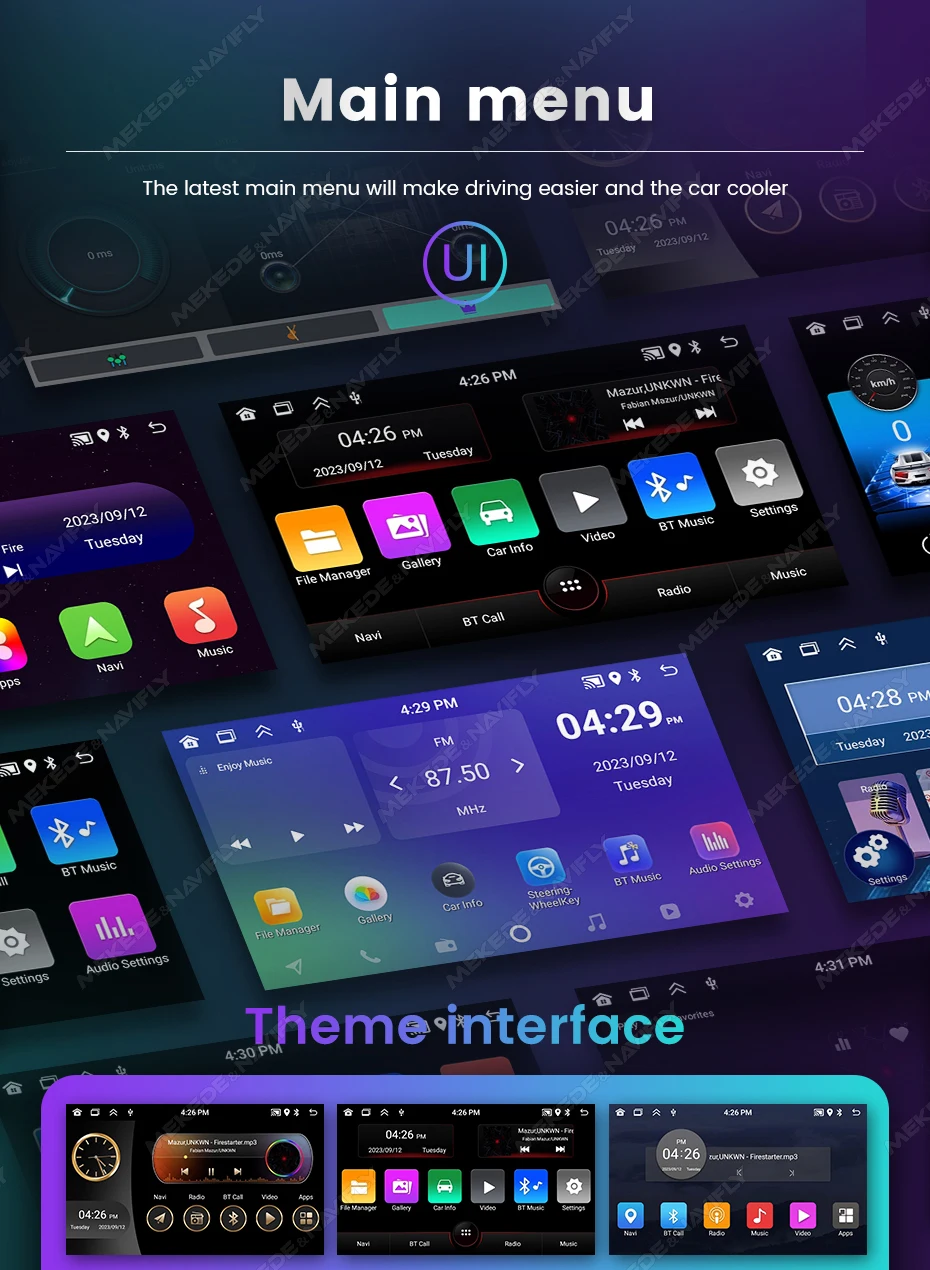
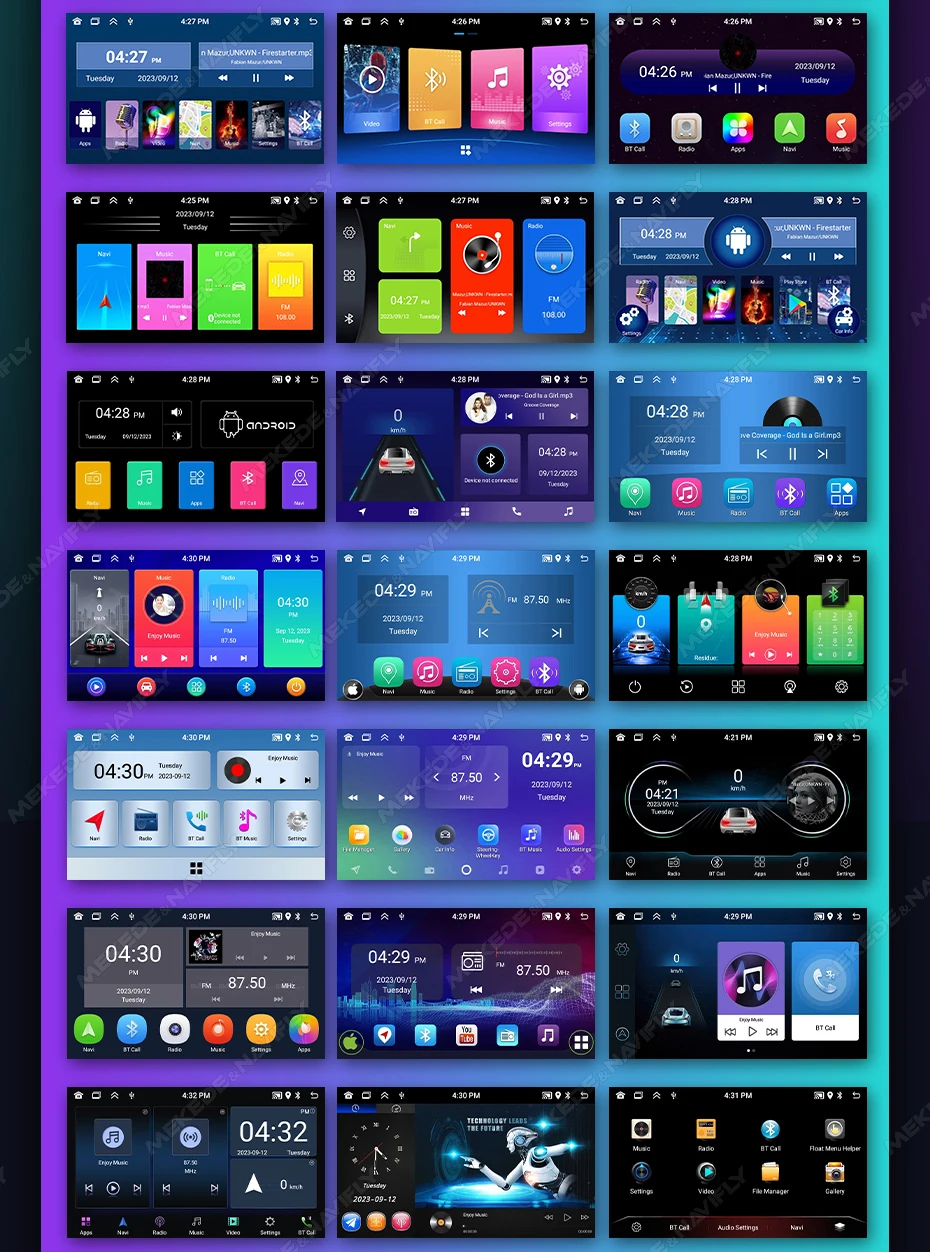
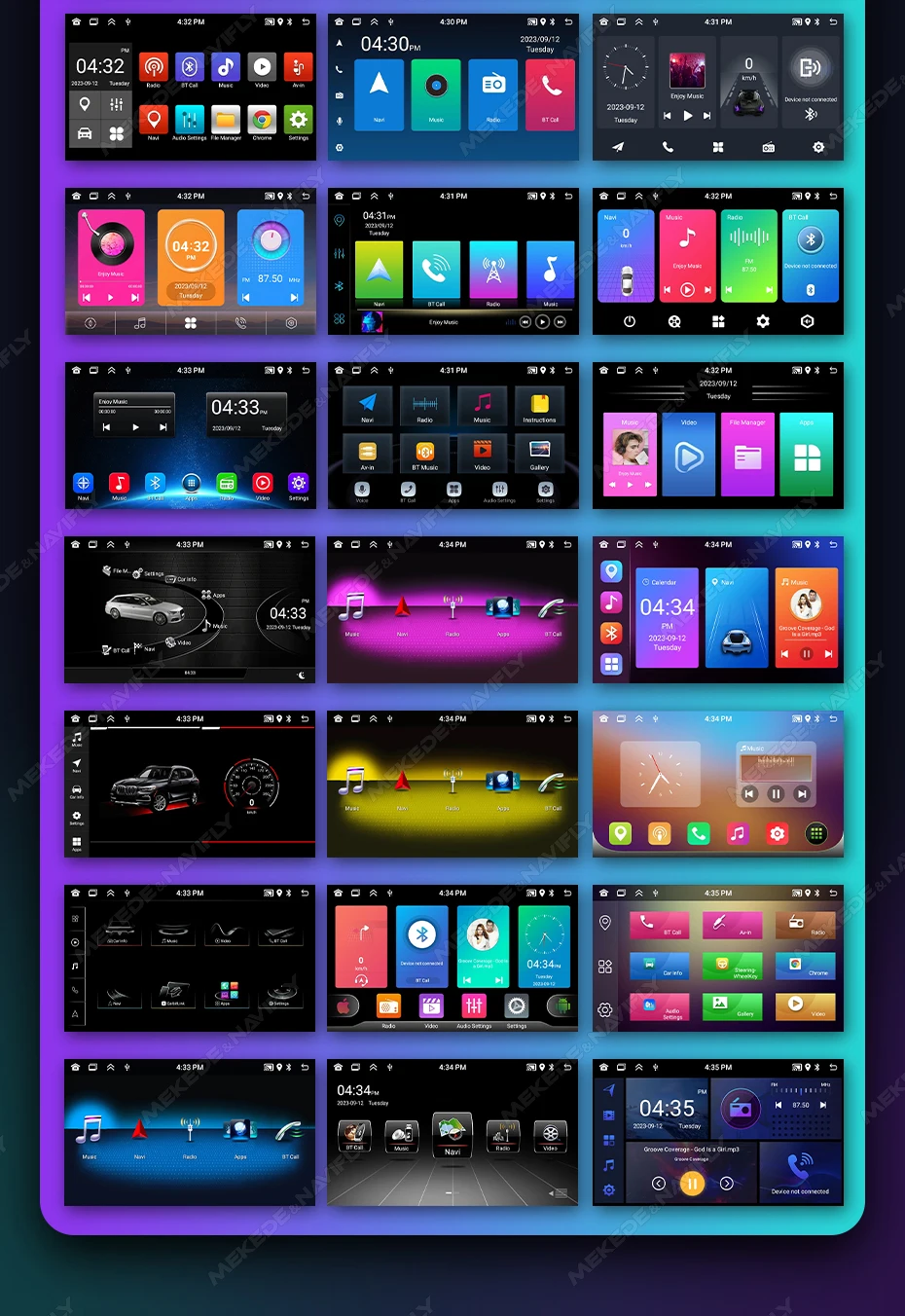
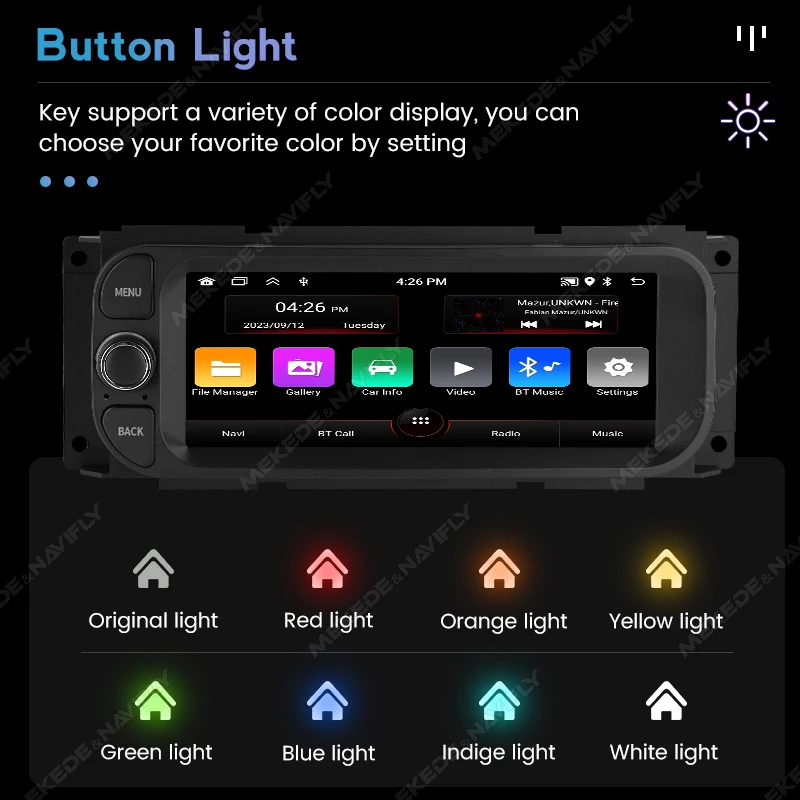
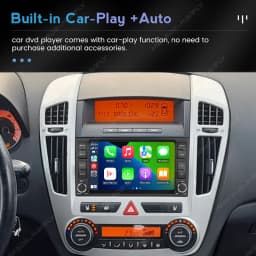
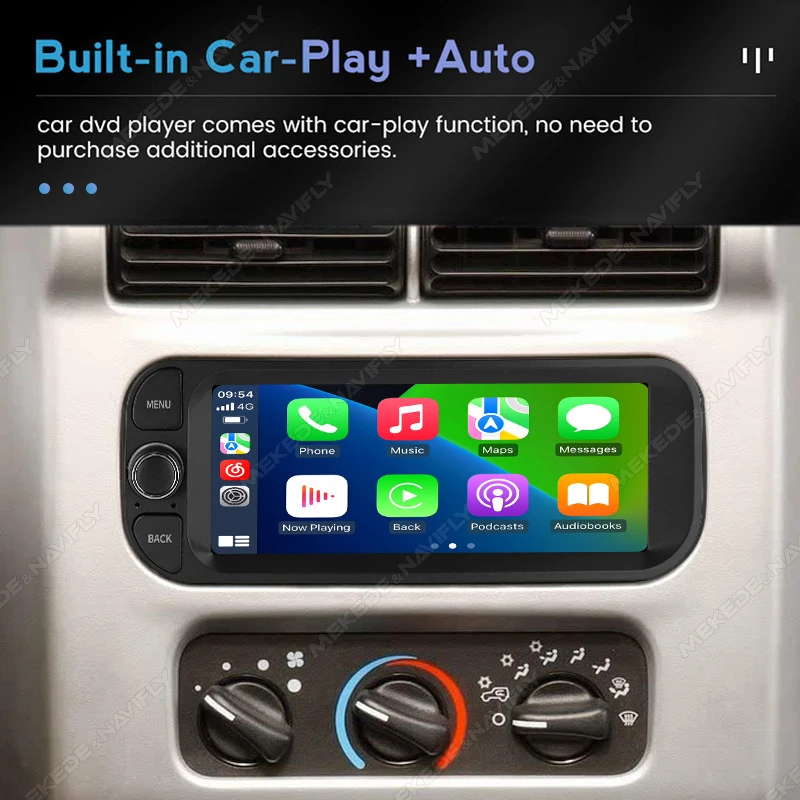
2+32G built in carplay and android auto
support steering wheel control
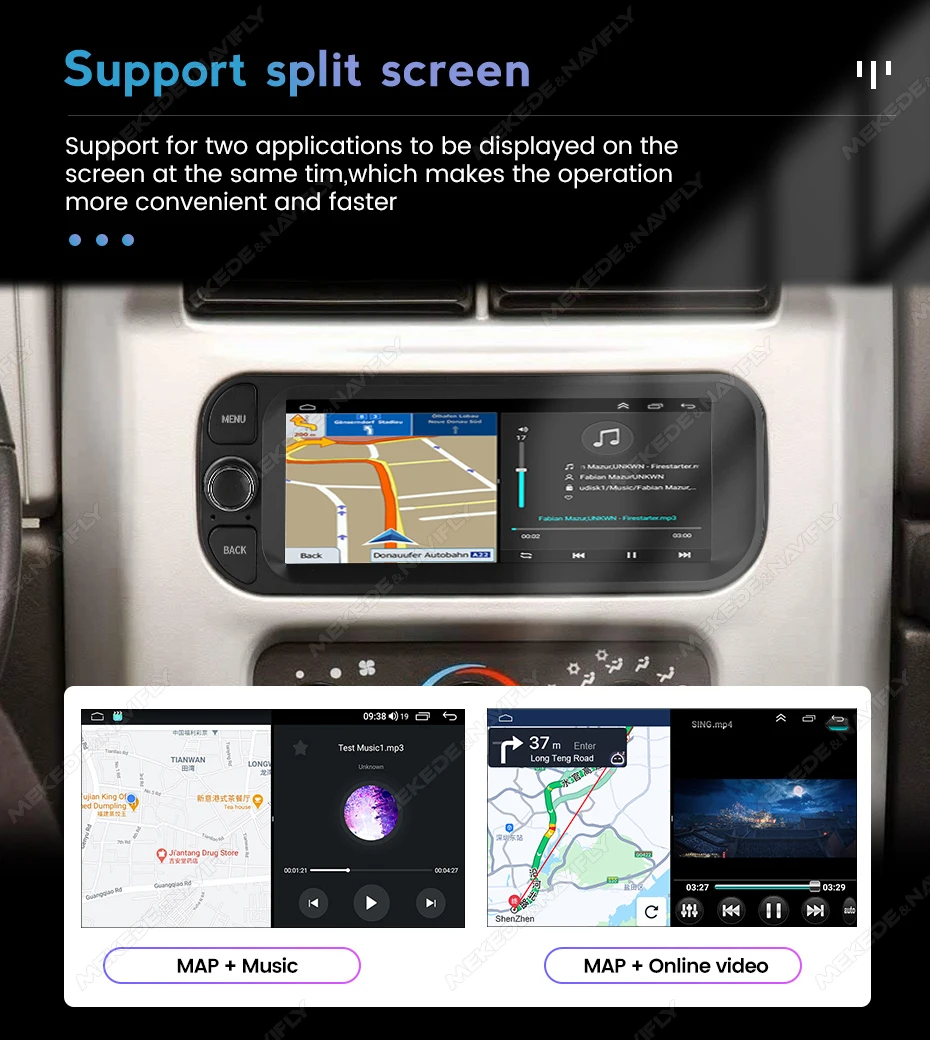
support split screen
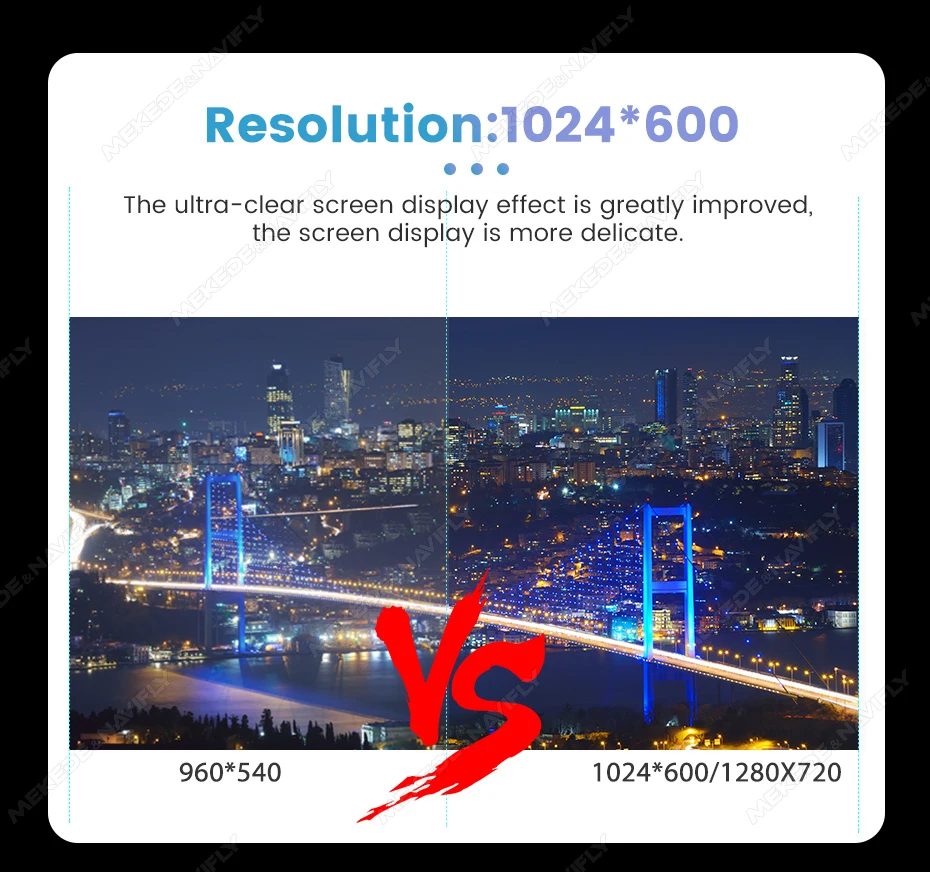
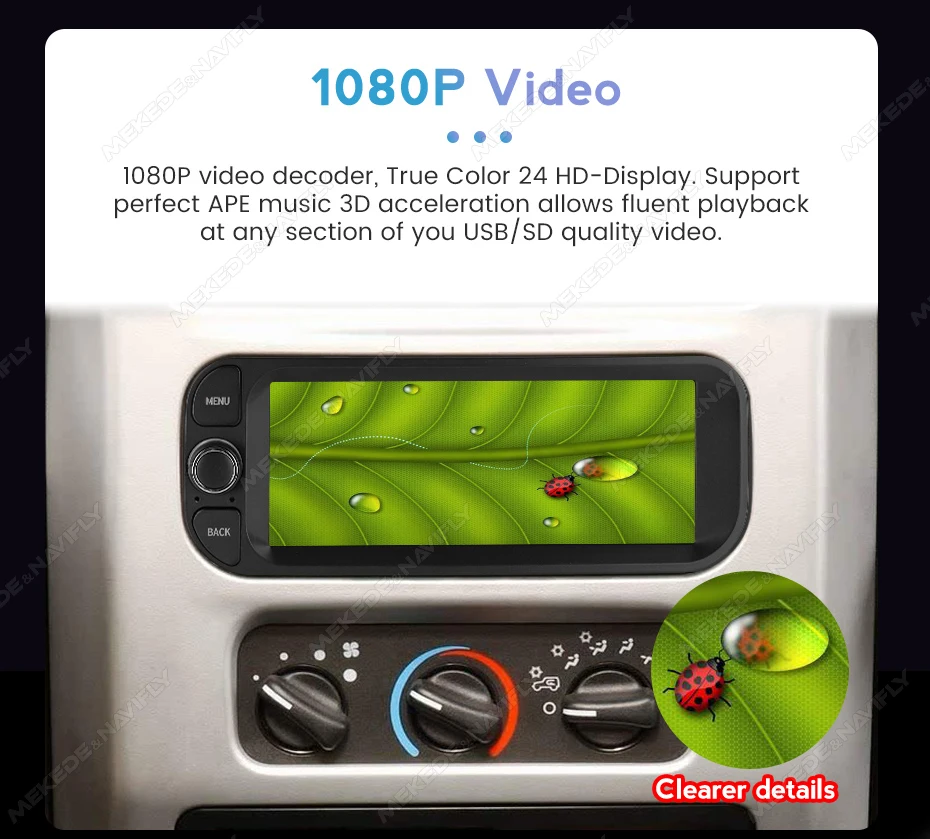
Support 1080p video decoder,ture color 24 HD-Display
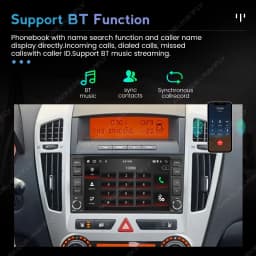
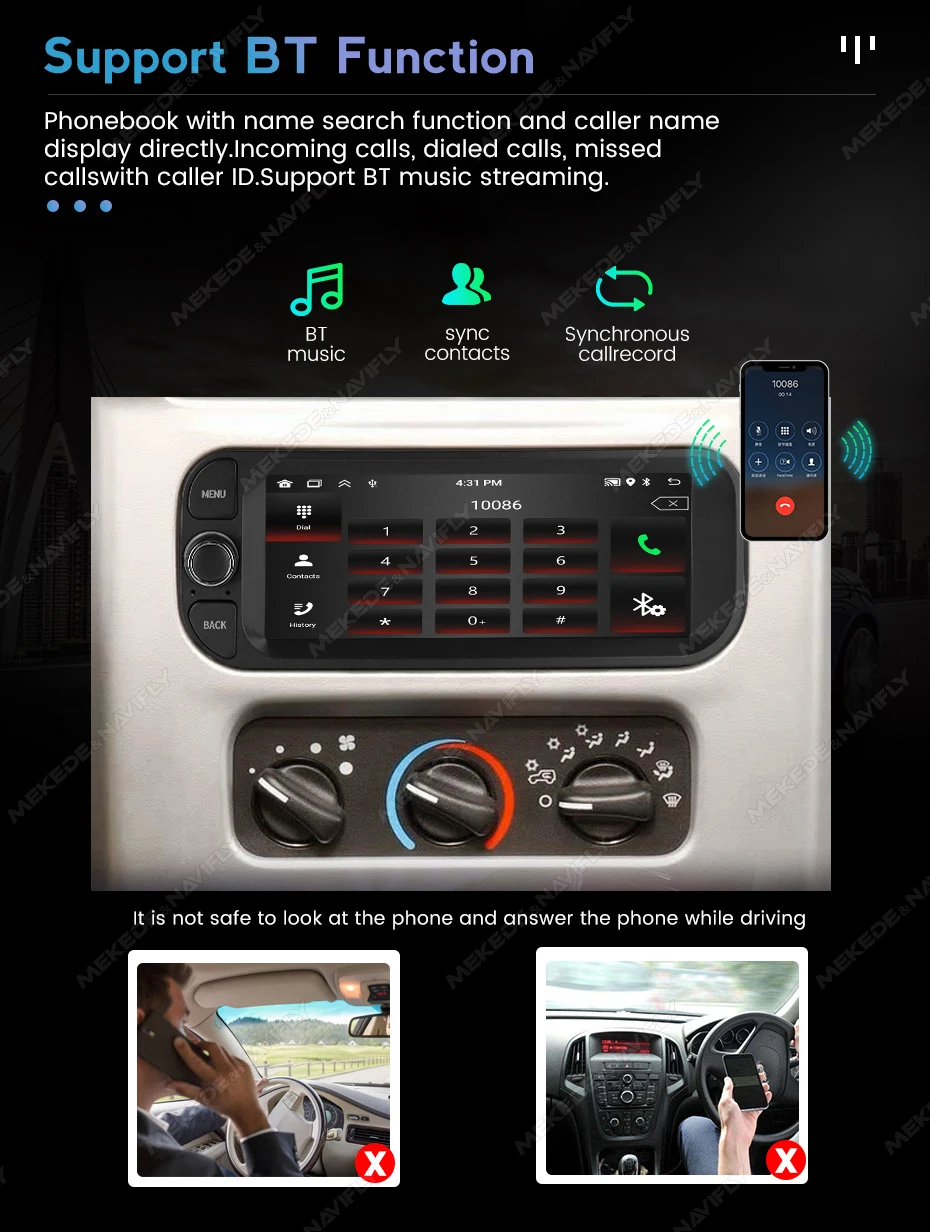
Phonebook with name search function and caller name display directly.Incoming calls, dialed calls, missed calls with caller ID.Support BT music streaming.
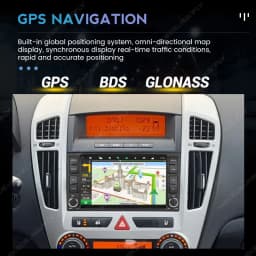
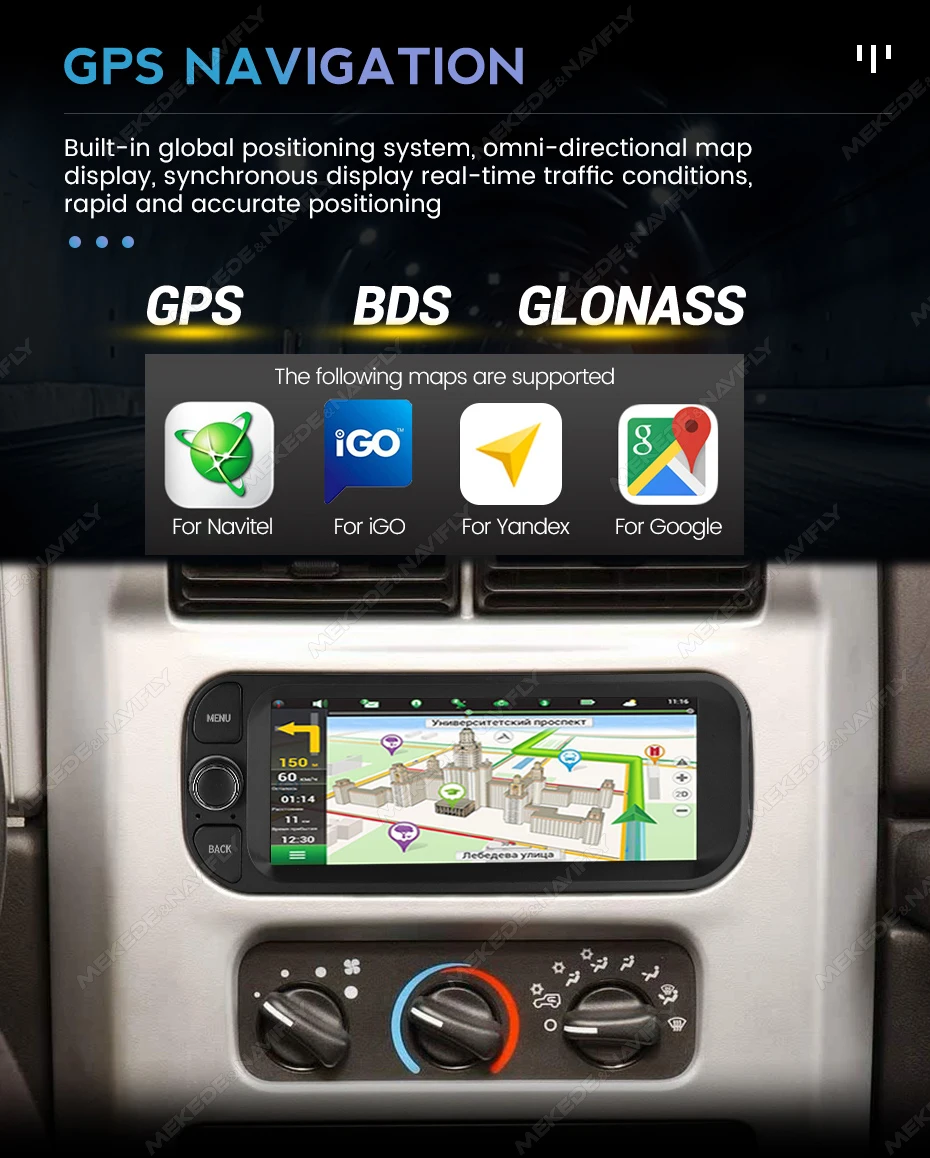
Maps are pre-installed and free permanent updates are provided
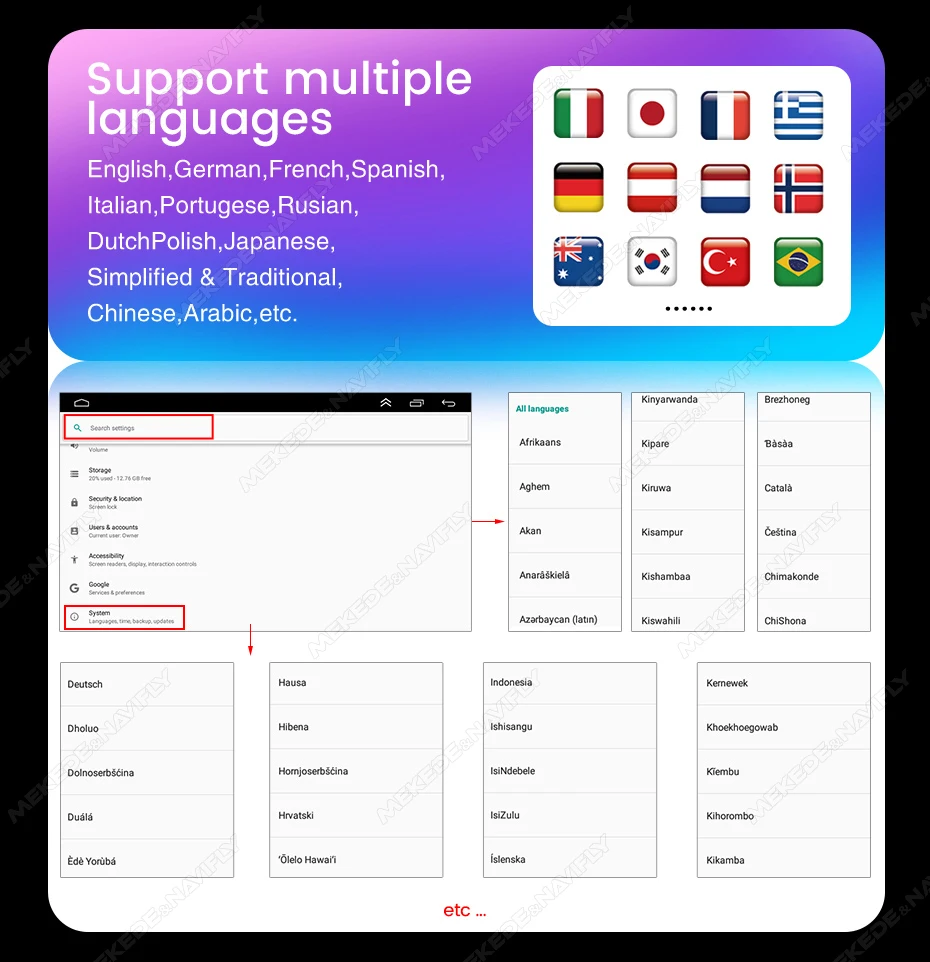
support multiple languages
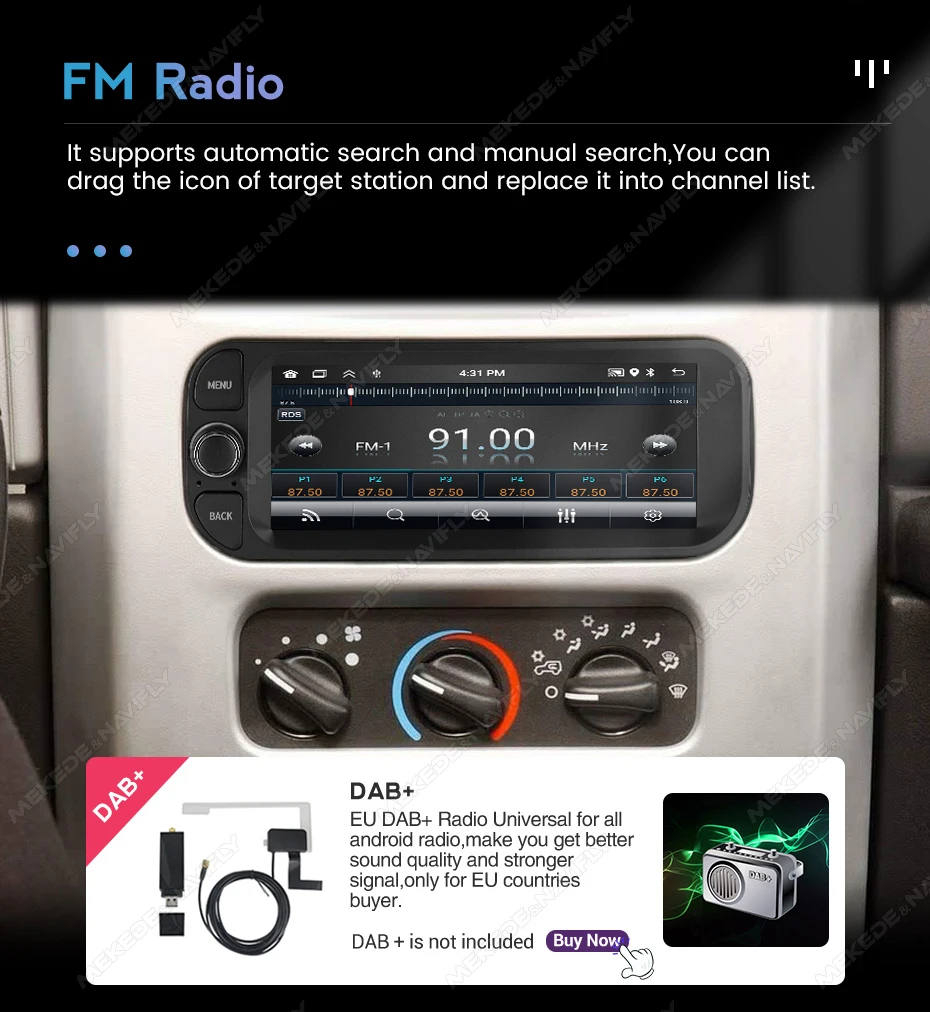
it supports automatic search and manual search,you can drag
the icon of target station and replace it into channel list.(EU DAB+ is not included)
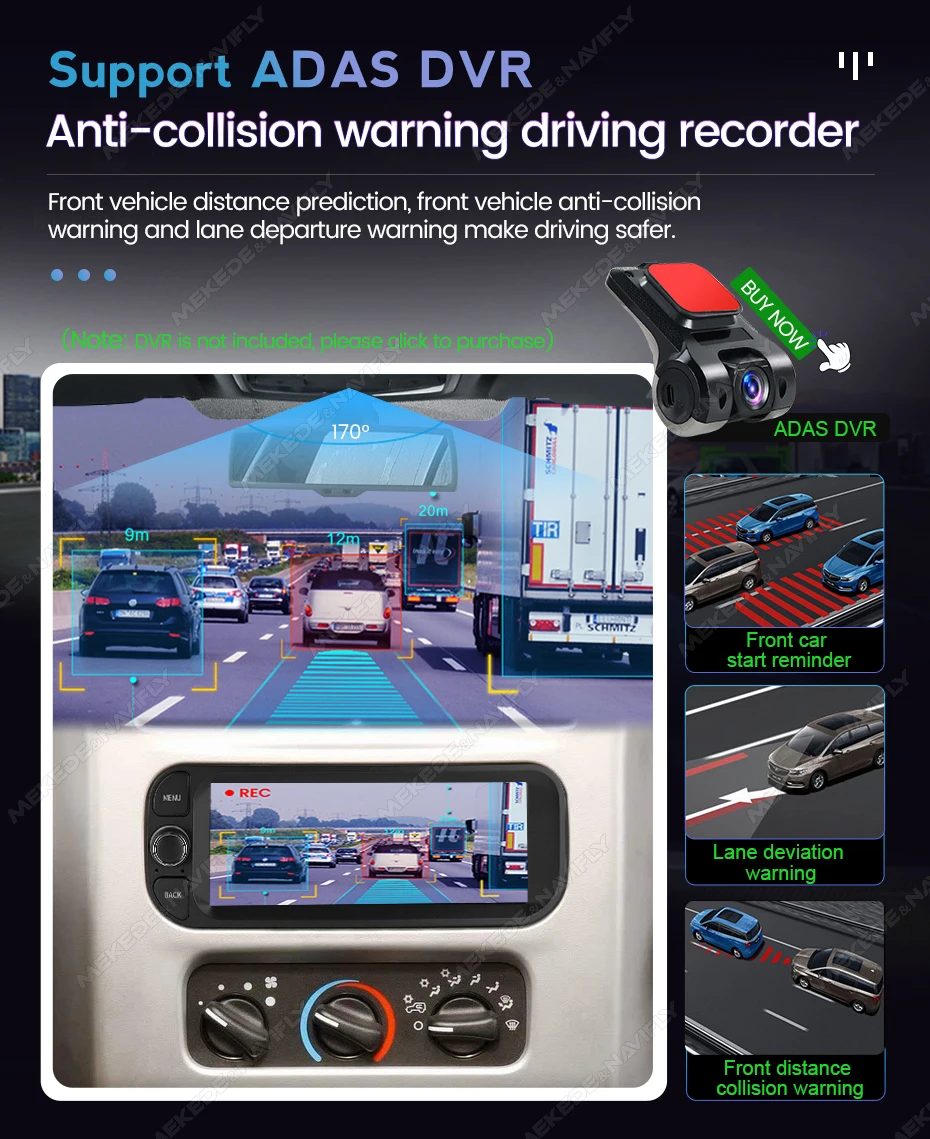
During the driving process, it is found that the car is too close tothe front car or the car will deviate from the lane and will emit anearly warning tone to reduce the occurrence of traffic accidents and make driving safer.
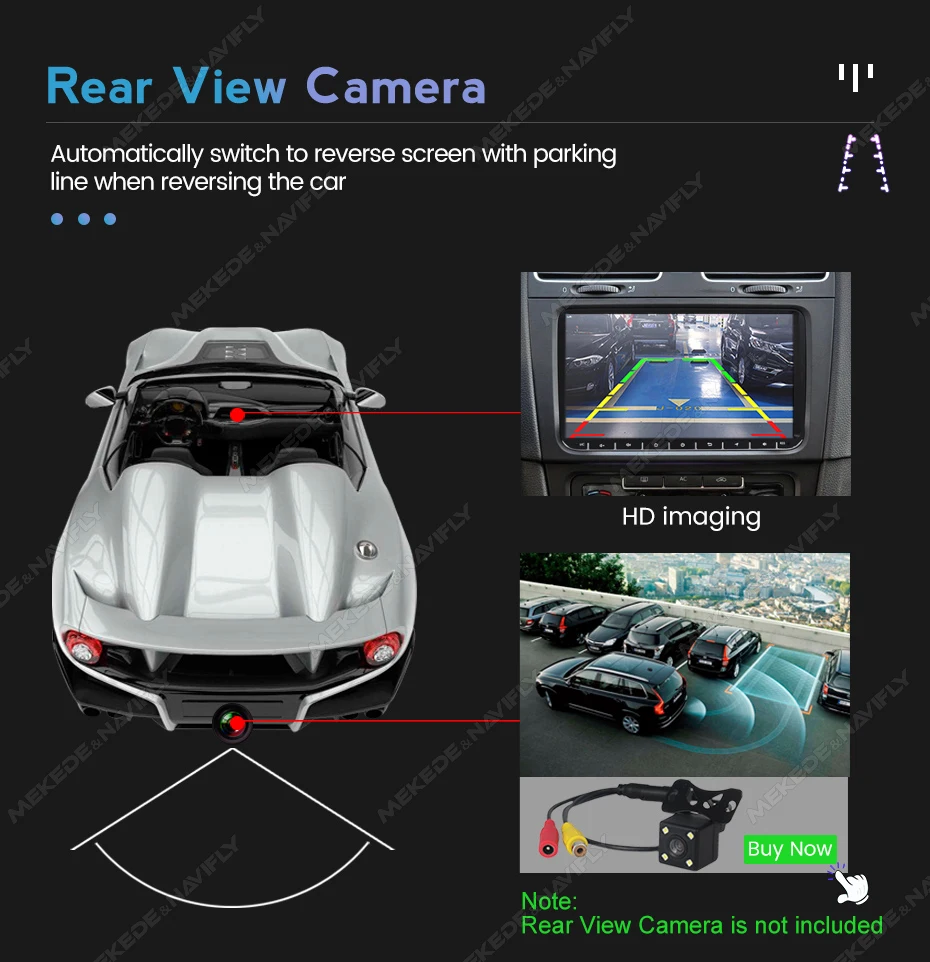
When the car in Reverse Gear, this car DVD will automatically switch to the back-up camera image view with park.
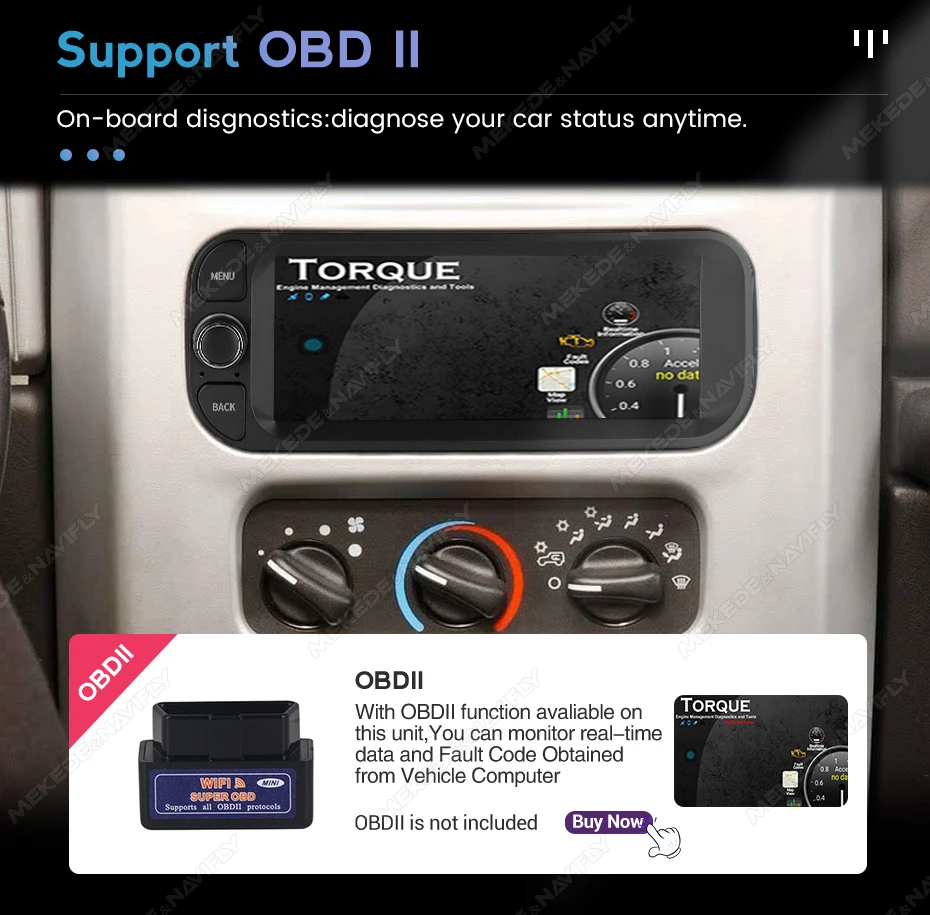
Real-time monitor vehicle,display the diagnosticvalues of various vehicle. (Database has more than3000 code definitions)(Need to buy separately)
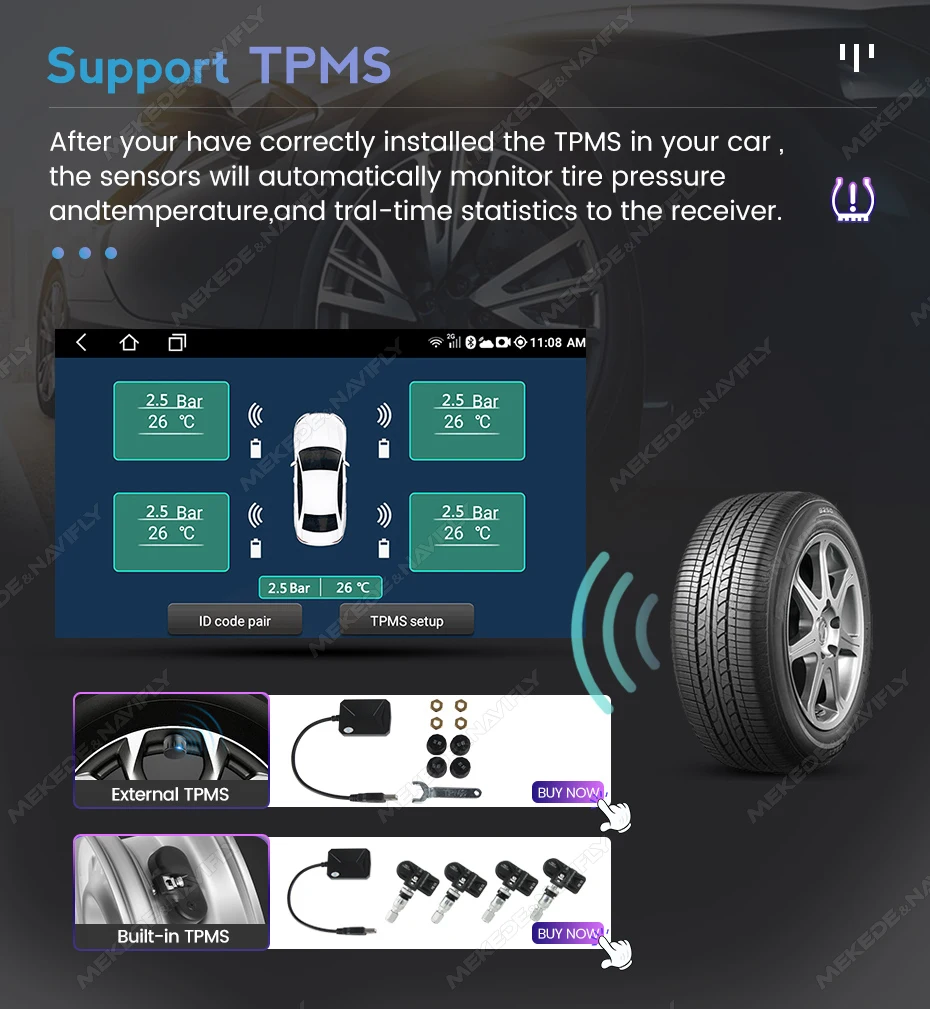
Real-time displays 4 tires' pressure and temperature, once the tirepressure or temperature limit is exceeded, alarm will be triggered
(Need to buy separately)
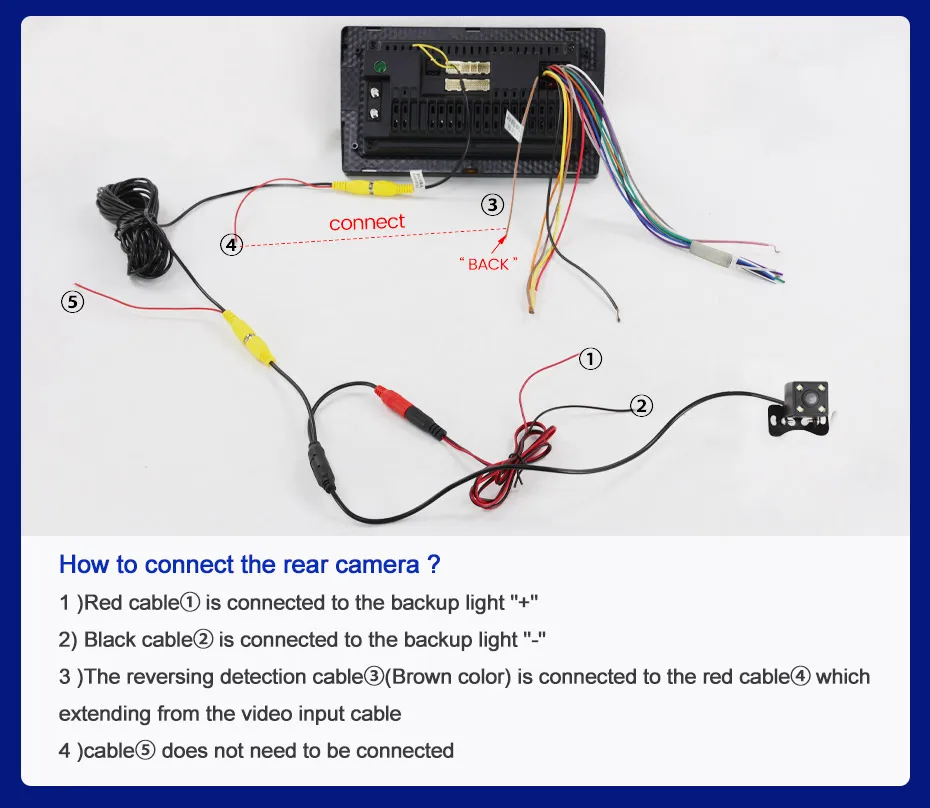
How to connect rear camera cable
Please do not give us bad reviews and disputes before contacting us. If there are any problems with the product, please contact us first, we will help you solve the problem with 5-star service!
FAQ
1. Why can't the car radio turn on?
① Check the car radio voltage: 12V
② When testing this car radio, you can combine the red and yellow wires and connect them to the positive side of the power supply. Black line to negative power supply.
③ replaces the same type of insurance to test the car radio.Note: You need to use our power cables to connect our car radio, it is not possible to insert the original car plug directly into our machine.
2. Why does the car radio show "no signal" when reversing?
Please check if the camera line is properly connected to the car radio.Note: the video port of the rear camera must insert the "CAMIN" port of the car radio.
3. Why does the camera show "!" and "I can't see video while driving" when using USB to watch videos?
Please turn off the "video warning" function in settings, then it will be ok.
4. Why can't I search for FM?
① no radio antenna inserted;
② Please check if the radio antenna is plugged in. Insert more antennas several times so that it is well contacted.
③ the signal of your location is not good. Head to a better place to try again.
④ The car radio antenna is broken / no effect; Replace the radio antenna and test again.
5. Why can't you connect the Bluetooth of the car radio?
① Open the phone settings interface, open the Bluetooth into the Bluetooth function, search for Bluetooth devices, find the Bluetooth model of the player to pair; If you need a pairing code, enter 0000; if not, try 1234 or 123456.
② Please try to use another mobile phone to test this function.All the methods are correct and still can't use the Bluetooth. Unplug the plug from the back of the player and plug it in after 3 minutes.


Customer Reviews
24 ratings
well-designed (5)
incompatible with steering wheel controls (5)
smooth operation (2)
easy installation (2)
good customer service (1)
good sound quality (1)
Customer photos (10)

M***k
October 9, 2026
Variant: Color:MN-KA01-H2-64G-A
In general, everything is fine, but the size of the housing in the Kia Seed 1 is about 5mm smaller, so it needs to be compensated with washers when installing the standard mounts. The depth also needs to be compensated with washers. The standard USB and AUX cannot be connected without a soldering iron; the microphone has a short cable. I have the 2GB RAM 64GB version, and there is a noticeable lag. On the plus side, the steering wheel buttons can be adjusted, and the button backlight color can be clearly matched to the color of the interior buttons. The sound seems better than the standard radio.

Buyer from France
July 15, 2026
Variant: Color:MN-KA01-H2-64G-A
It fits perfectly in the dashboard of a kia proceed ed 2008 But 2 things: The steering weel remote can t work with the way cables are set in the provided power cable: the black cable is set next to the brown one and must be placed under it (connector c2 brown in 5 "remote contl +" is ok but the black (gnd) is in 6 "prog rdx somi" and must be moved in 3 "remote contl gnd") Only then the radio can "see" and learn the keys in the "steering wheel control" app. And work as intended. If your rear camera image looks like this (splitted, distorded. . . ) the video imput mode in the radio is not set on the right setting, but the menu to change it (rear cam format imput) is hidden in the factory settings menu that requires a password to access Mine was 1234 Don t go mess around with all the new options here, you will definitively mess up the radio here, you are warned. Just go to rear cam format imput, set it to automatic, validate and let the radio reboot, be patient It should work fine then
Buyer from Hungary
June 13, 2026
Variant: Color:MN-KA01-H2-64G-A
To be fair the product is great. I had a little problem with the reversing camera but the store stepped in and all good now. I can Only recomend them. Would use them again
C***r
May 16, 2026
Variant: Color:MN-KA01-H2-64G
fits OK, installation is easy, everything you need is in the box, steering wheel doesn't work:(
s***r
May 15, 2026
Variant: Color:MN-KA01-H2-64G
I recommend it, it fits perfectly with the 2007 Kia Ceed, and the radio has very good sound and works quite smoothly.
Buyer from Portugal
May 5, 2026
Variant: Color:MN-KA01-H2-64G
The connection cable is incompatible with the steering wheel controls. The seller only wants a return and does not want to solve the problem or send a compatible cable.
7inch Android 15 For KIA CEED 2007 2008 2009 Wireless Carplay Auto Car Radio Multimedia Player Audio GPS Navi Stereo Screen WIFI
Quantity:
1
Availability: