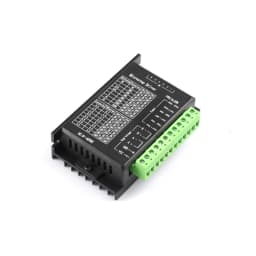
TB6600 Stepper Motor Driver 8 Speed Adjustment 32-Step 4A DC9-42V for 42/57 Single-Axis Motor Overcurrent/Overheat Dual Protect
19.64$
9.23$
Quantity:
1
Availability:
Out of StockDelivery estimate
Delivery:
Product Features
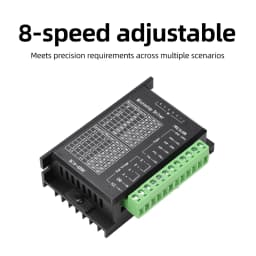
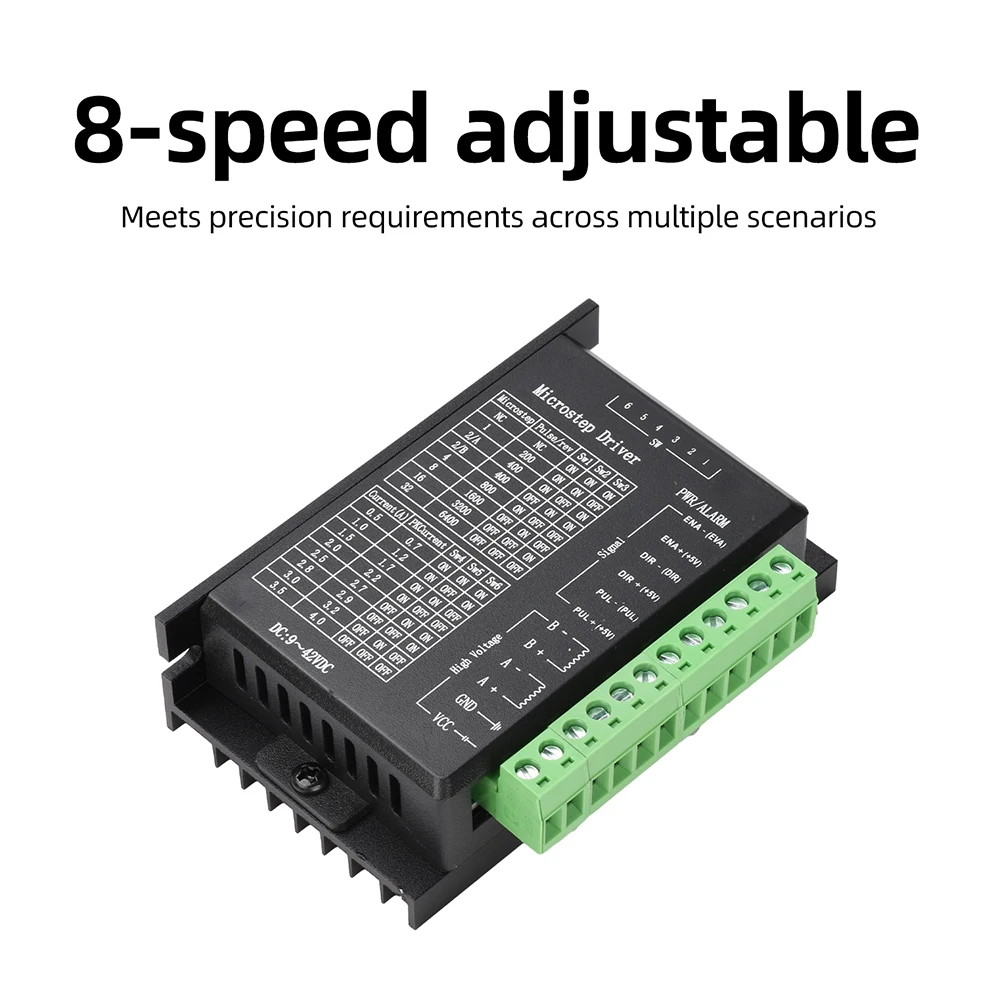
1. Eight-step fine-tuning to meet precision requirements across multiple scenarios
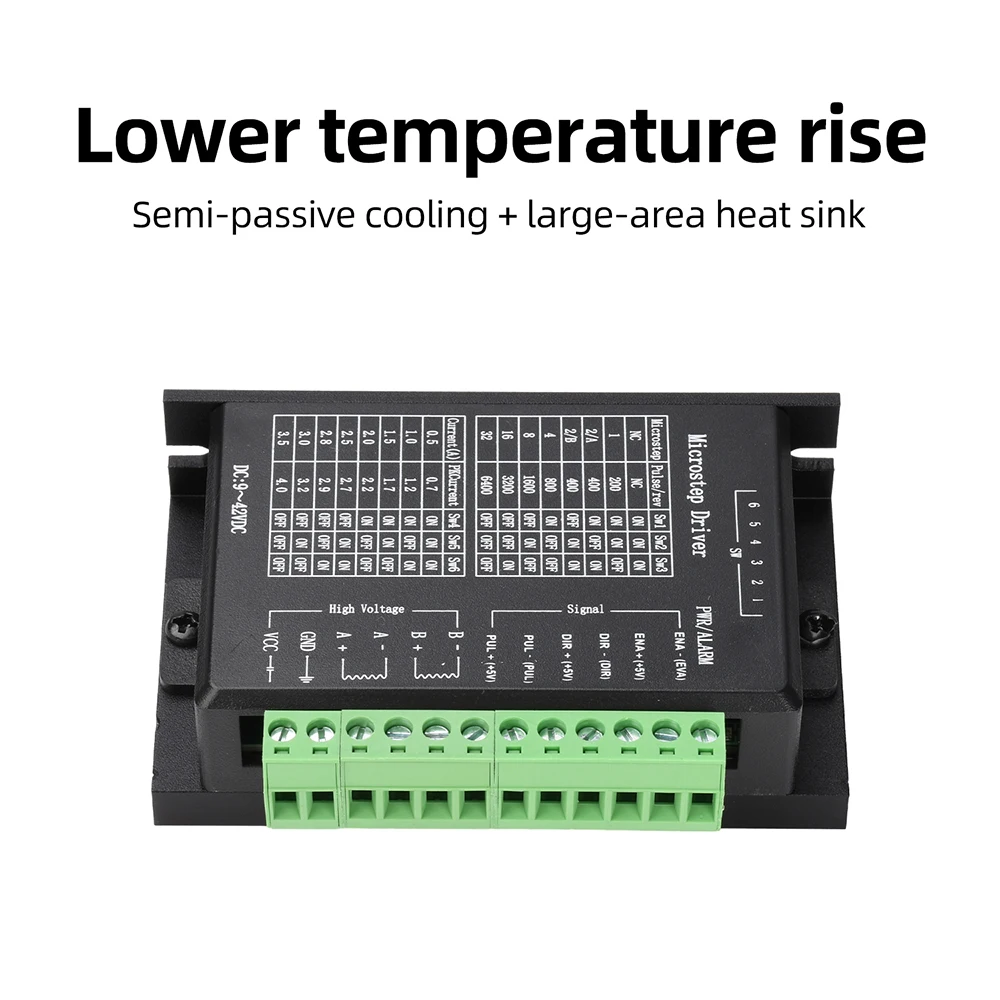
2. Automatic half-current mode + large-area heat sink for lower temperature rise
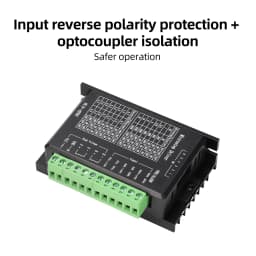
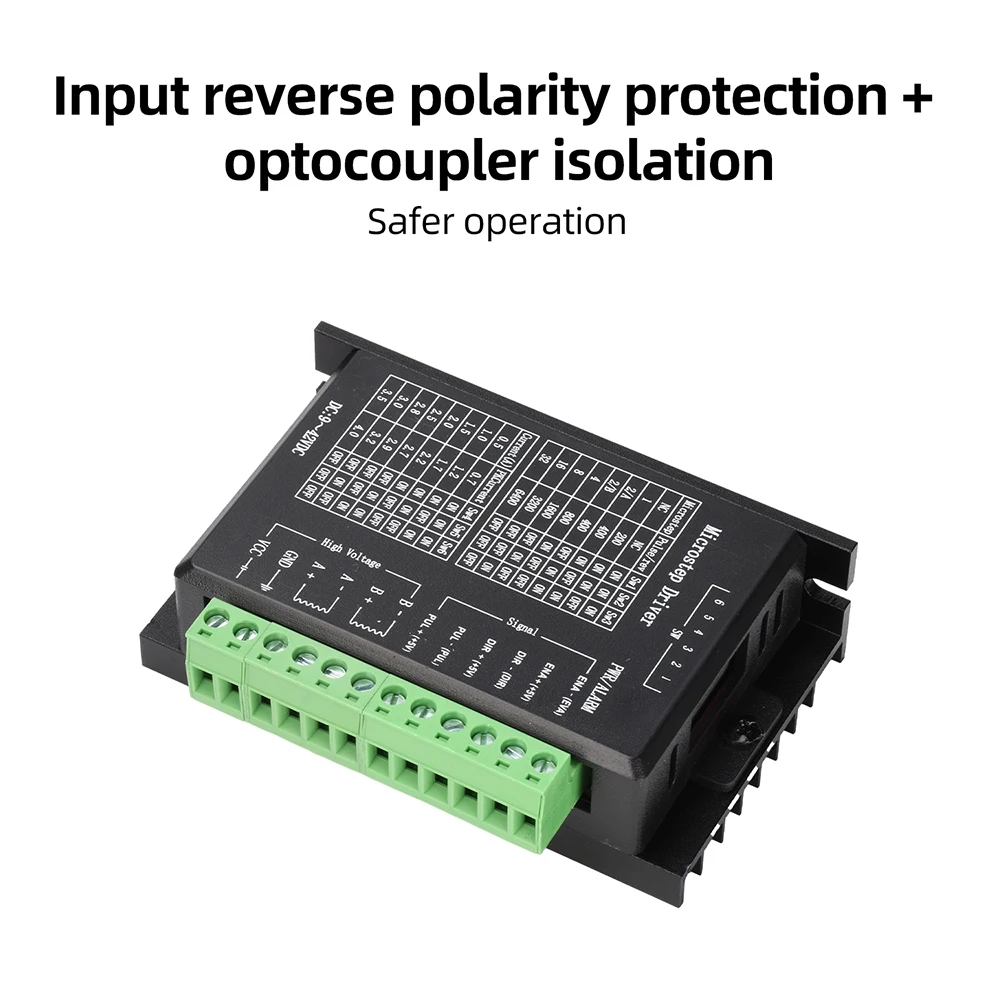
3. Reverse polarity protection + optocoupler isolation for safer operation
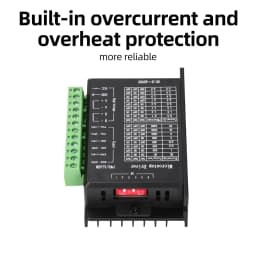
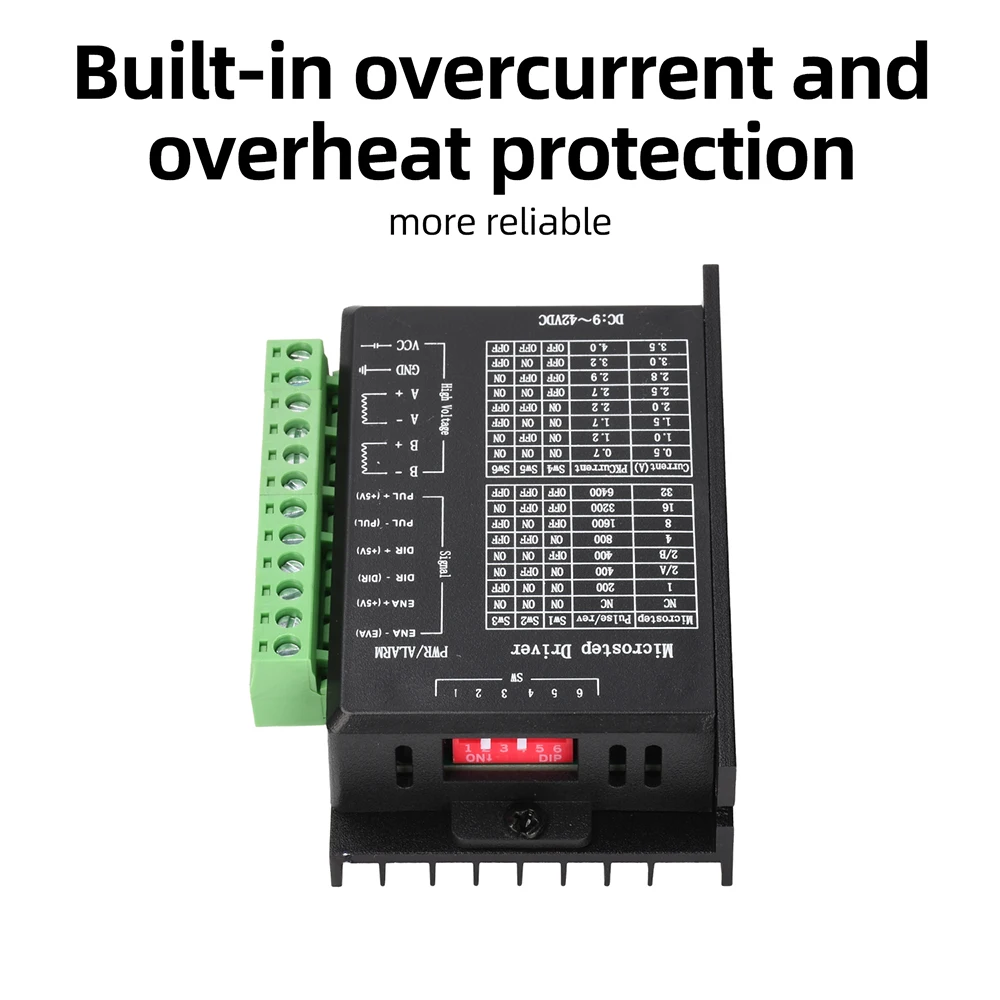
4. Built-in overcurrent and overheat protection for enhanced reliability
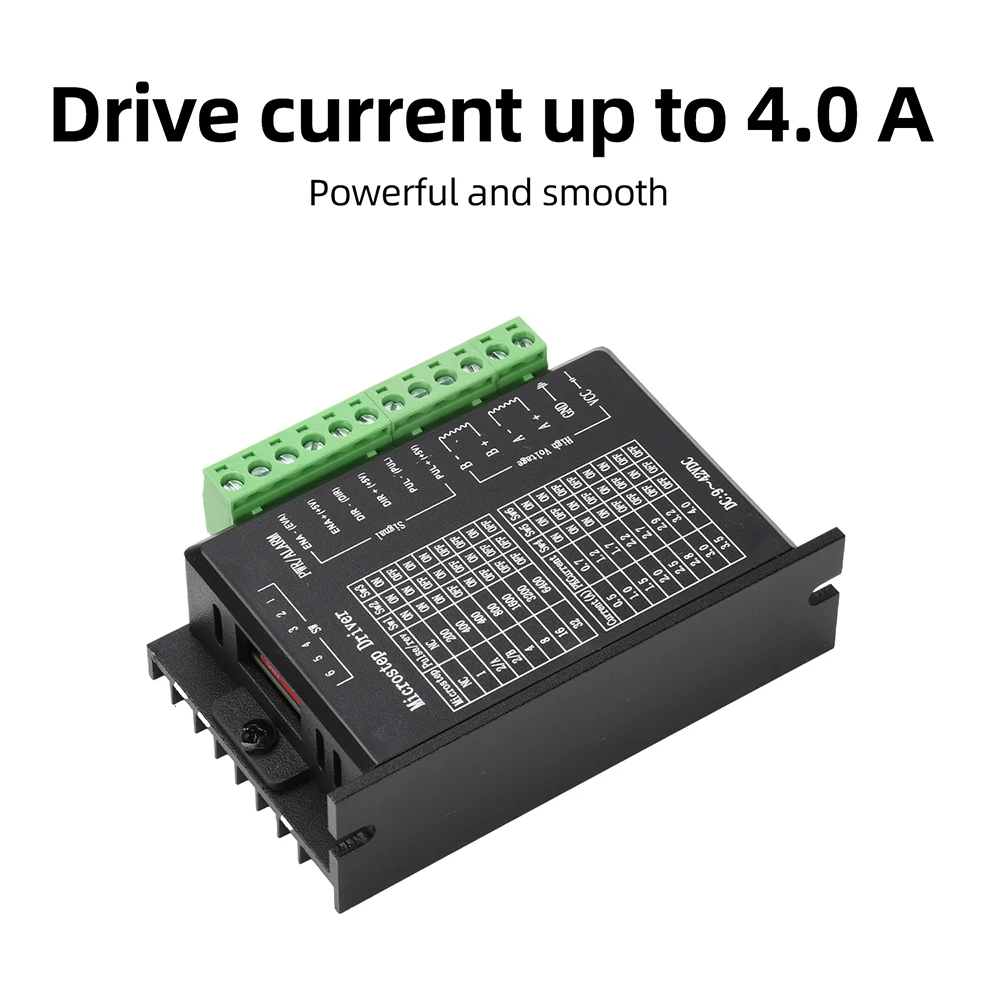
5. Drive current up to 4.0A for powerful and stable performance
Product Specifications
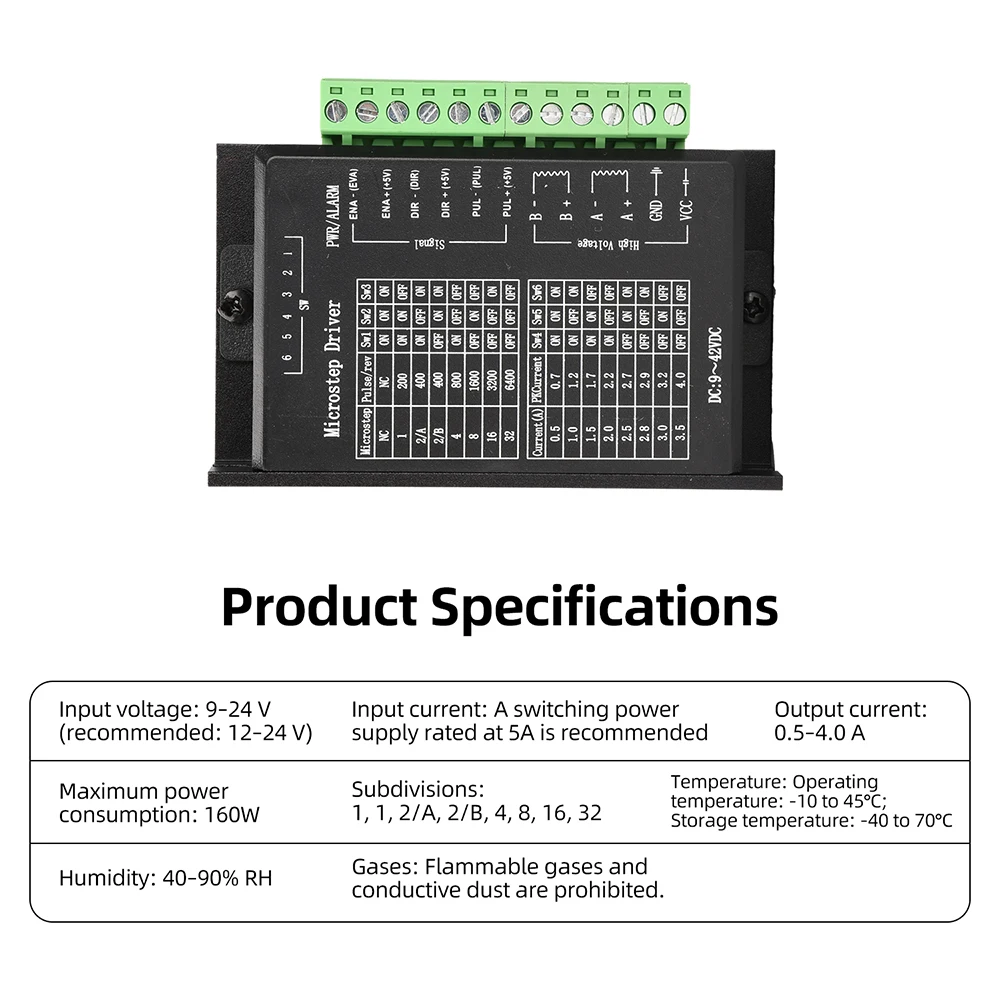
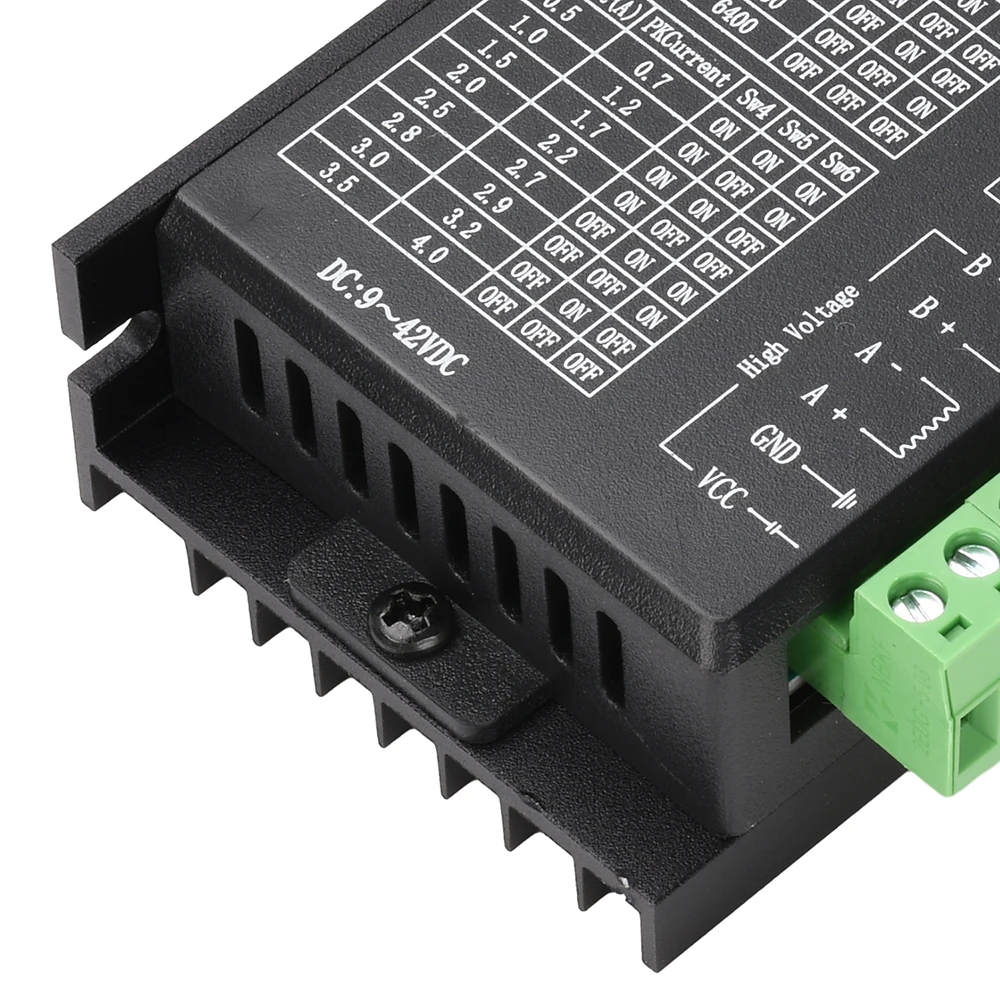
Input Voltage: 9–24V (12–24V recommended)
Input Current: Switching power supply with 5A capacity recommended
Output Current: 0.5–4.0A
Maximum Power Consumption: 160W
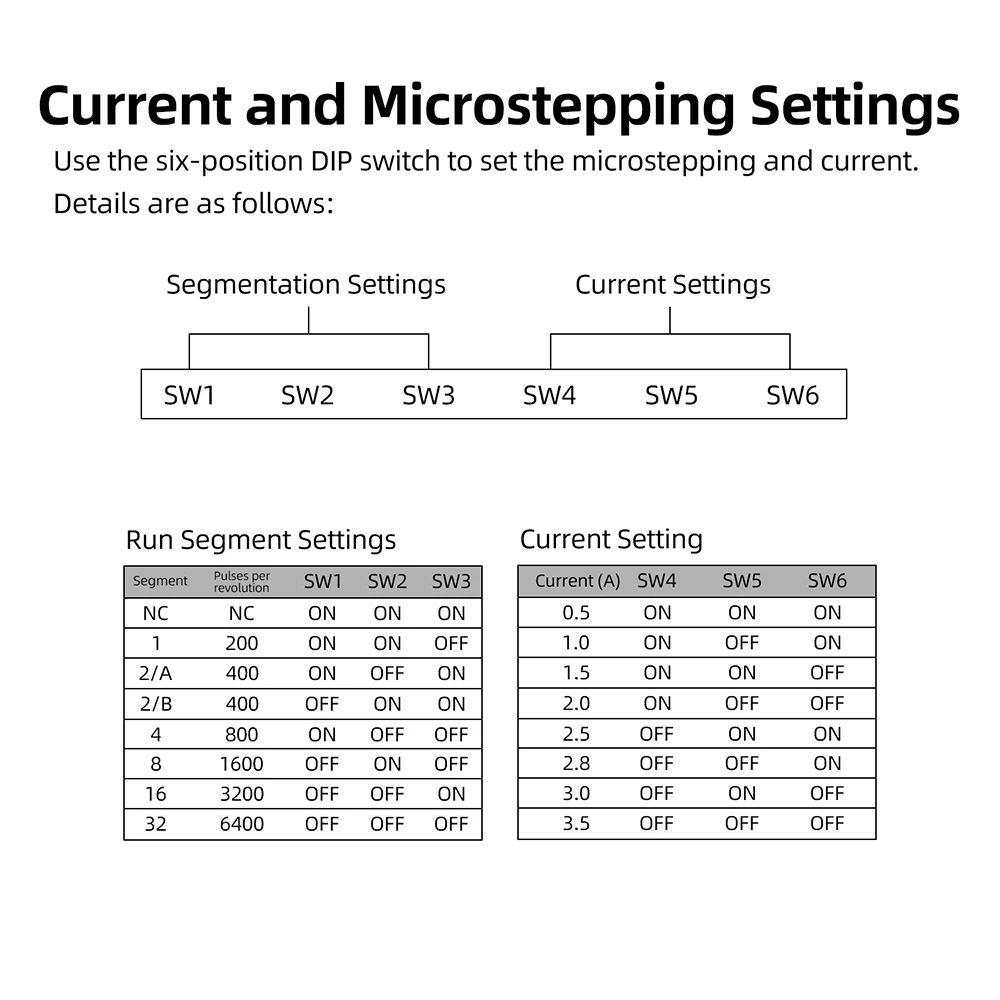
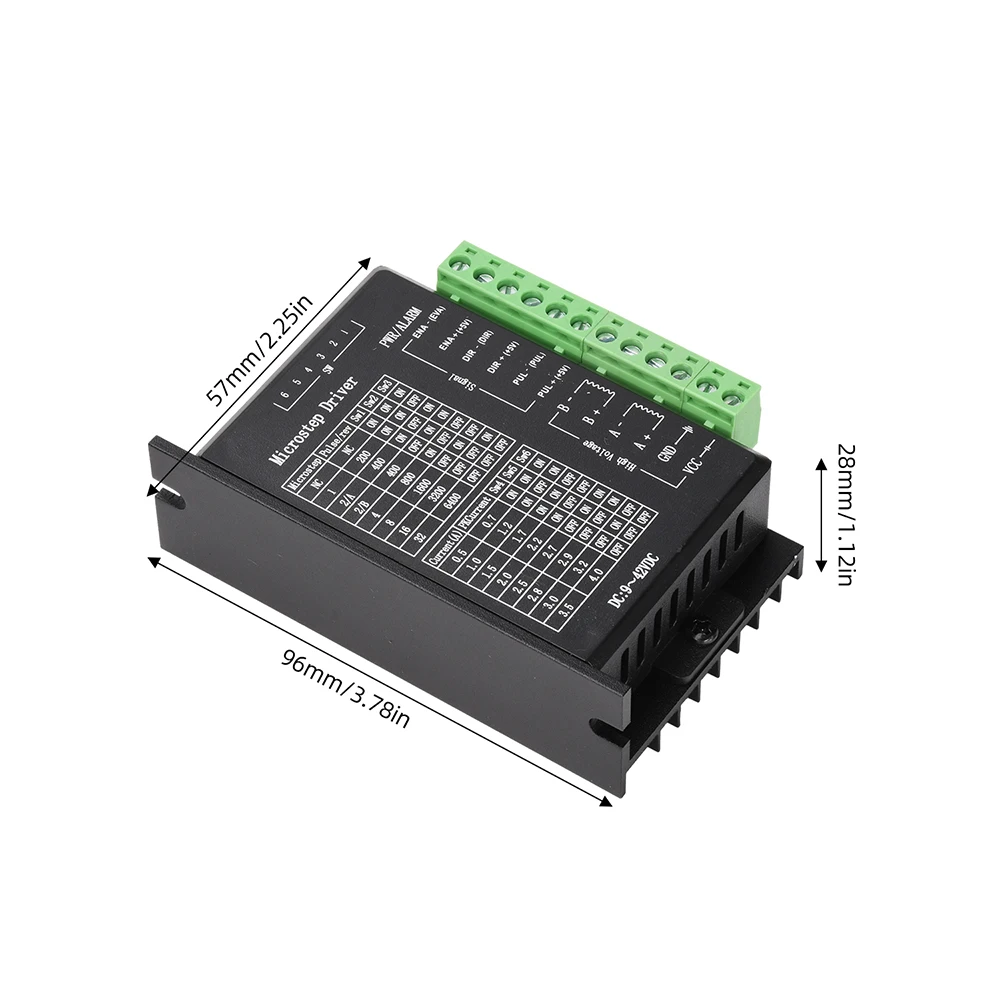
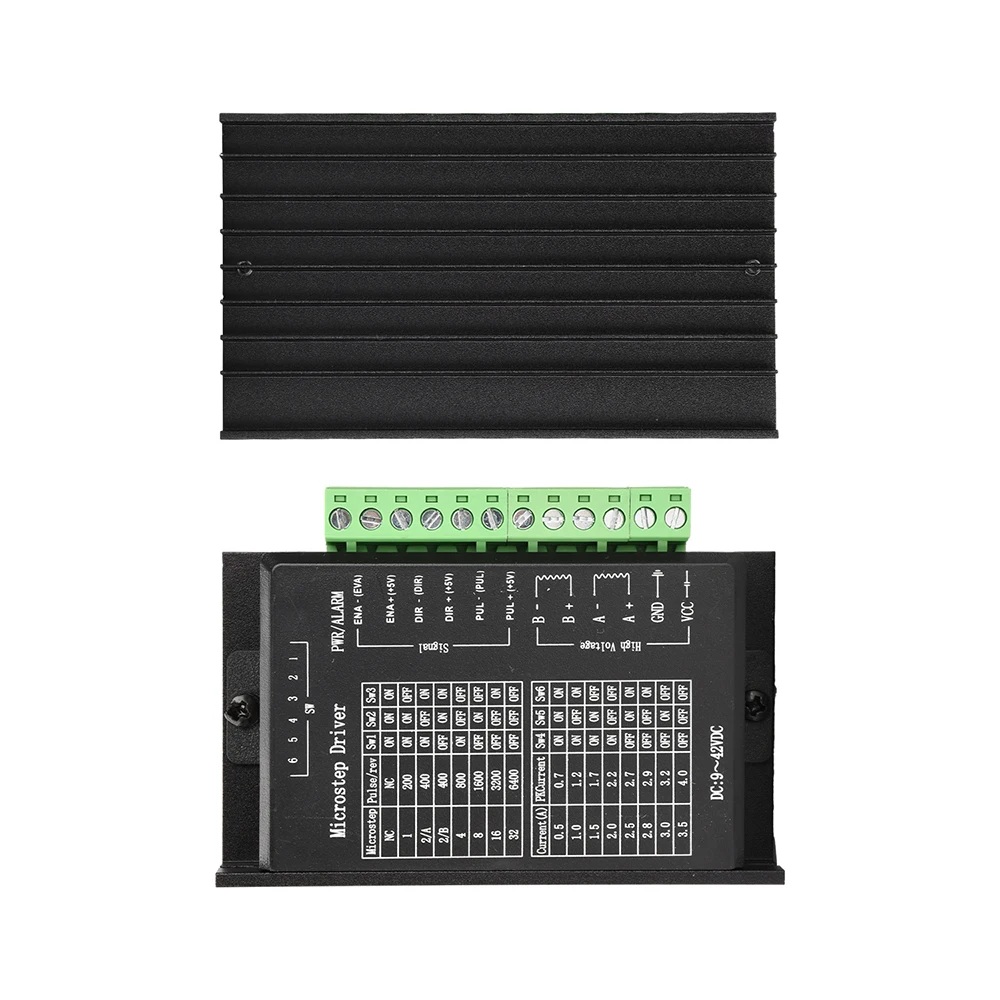
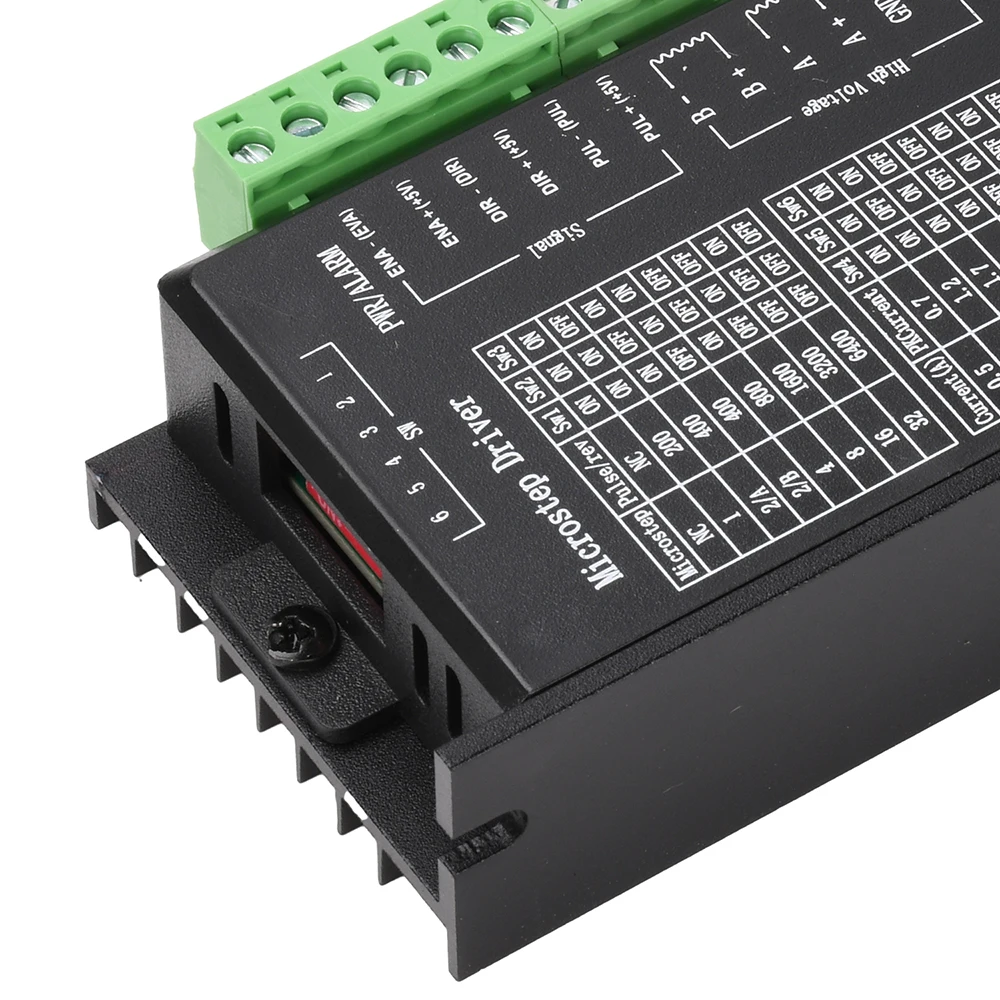
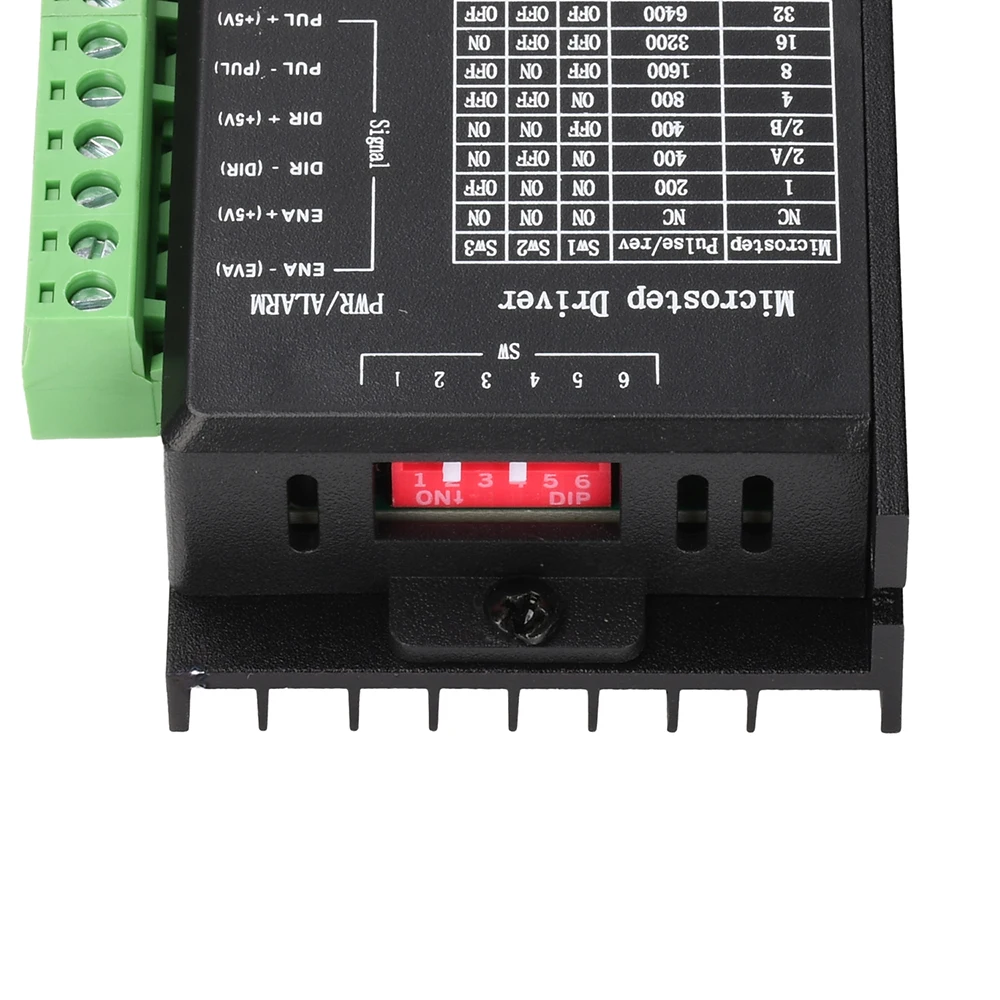
Microstepping: 1, 1, 2/A, 2/B, 4, 8, 16, 32
Temperature: Operating temperature –10 to 45°C; Storage temperature –40 to 70°C
Humidity: 40–90% RH
Gas: Flammable gases and conductive dust are prohibited
Product Overview
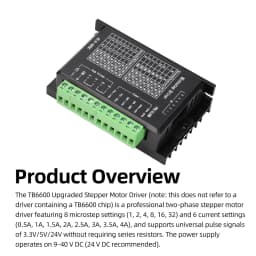
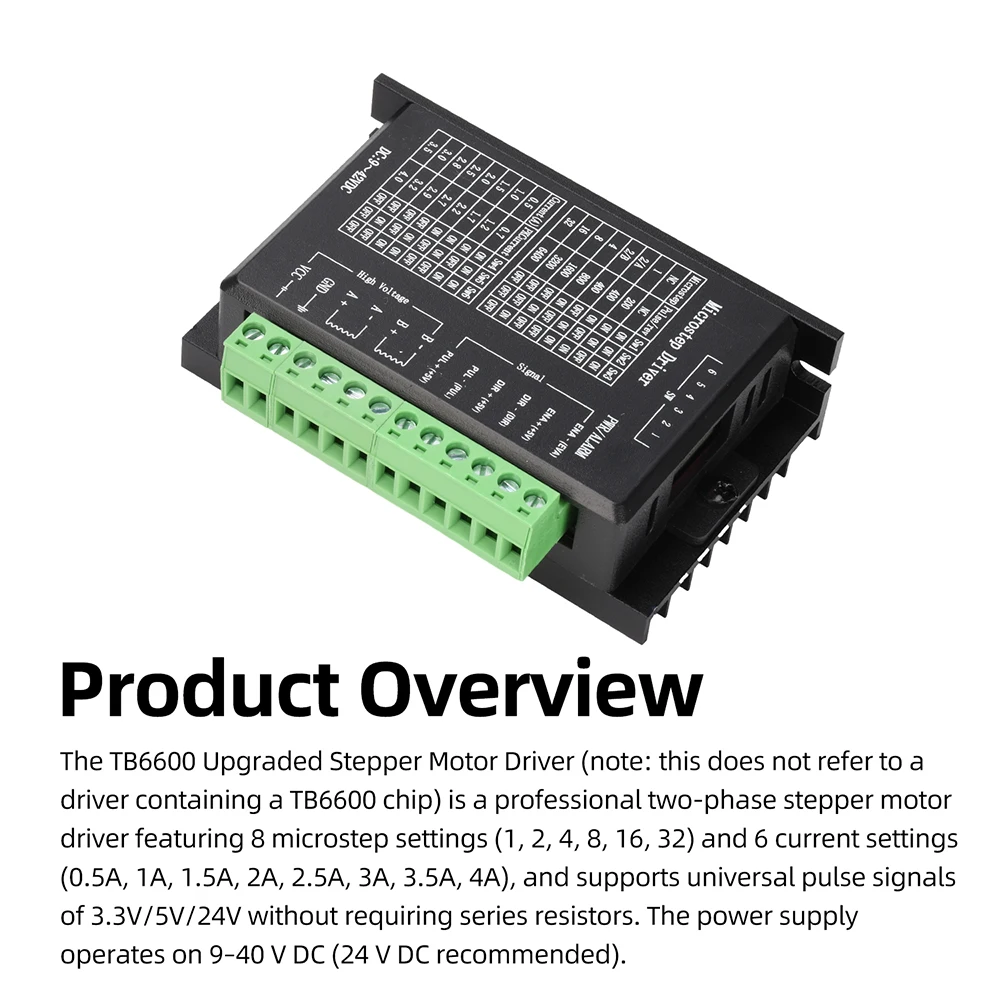
The TB6600 upgraded stepper motor driver (note: this does not refer to the driver containing a TB6600 chip) is a professional two-phase stepper motor driver featuring 8-step resolution control (1, 2, 4, 8, 16, 32) and 6 current control settings (0.5A, 1A, 1.5A, 2A, 2.5A, 3A, 3.5A, 4A). The driver supports universal pulse signals of 3.3V/5V/24V without the need for series resistors. Power supply: DC 9–40V (24V DC recommended).
Frequently Asked Questions
Q: How can I get started quickly when using this stepper motor driver for the first time?
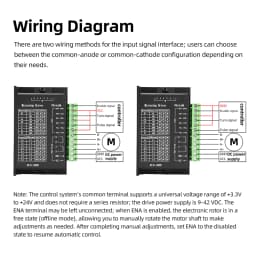
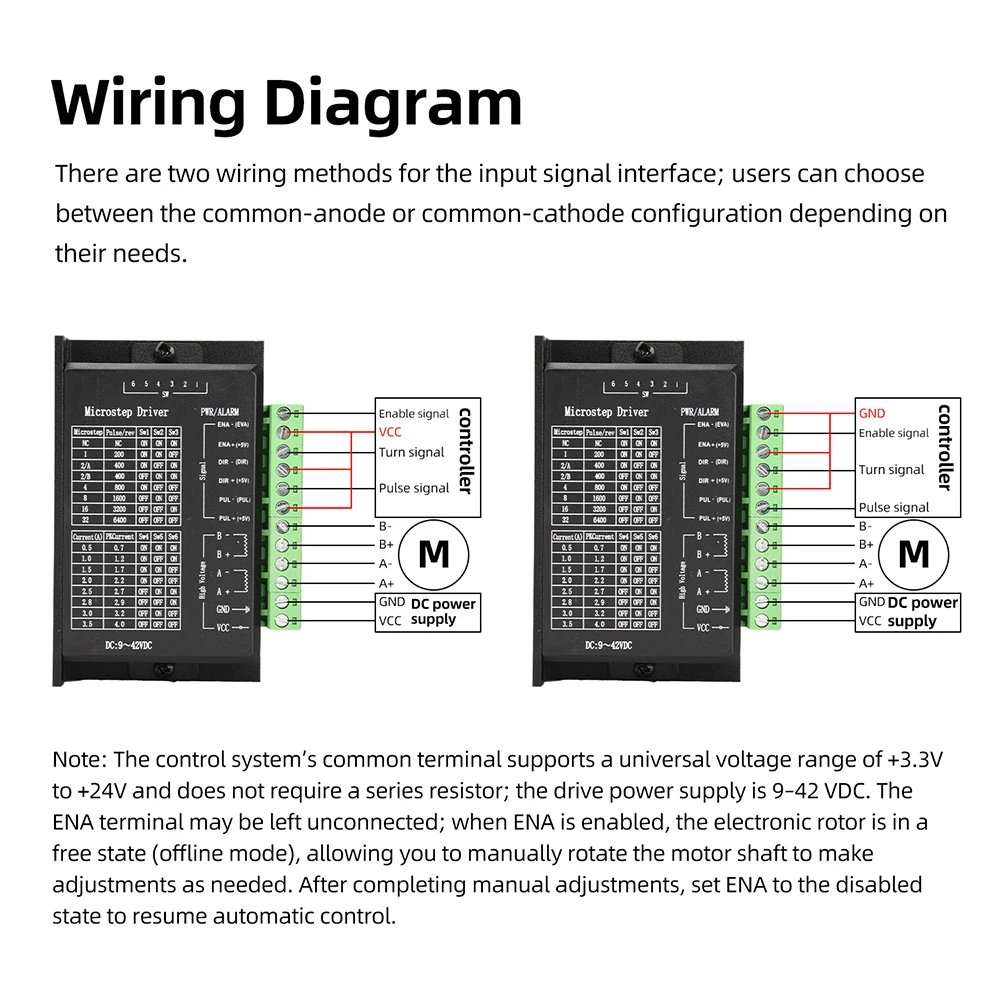
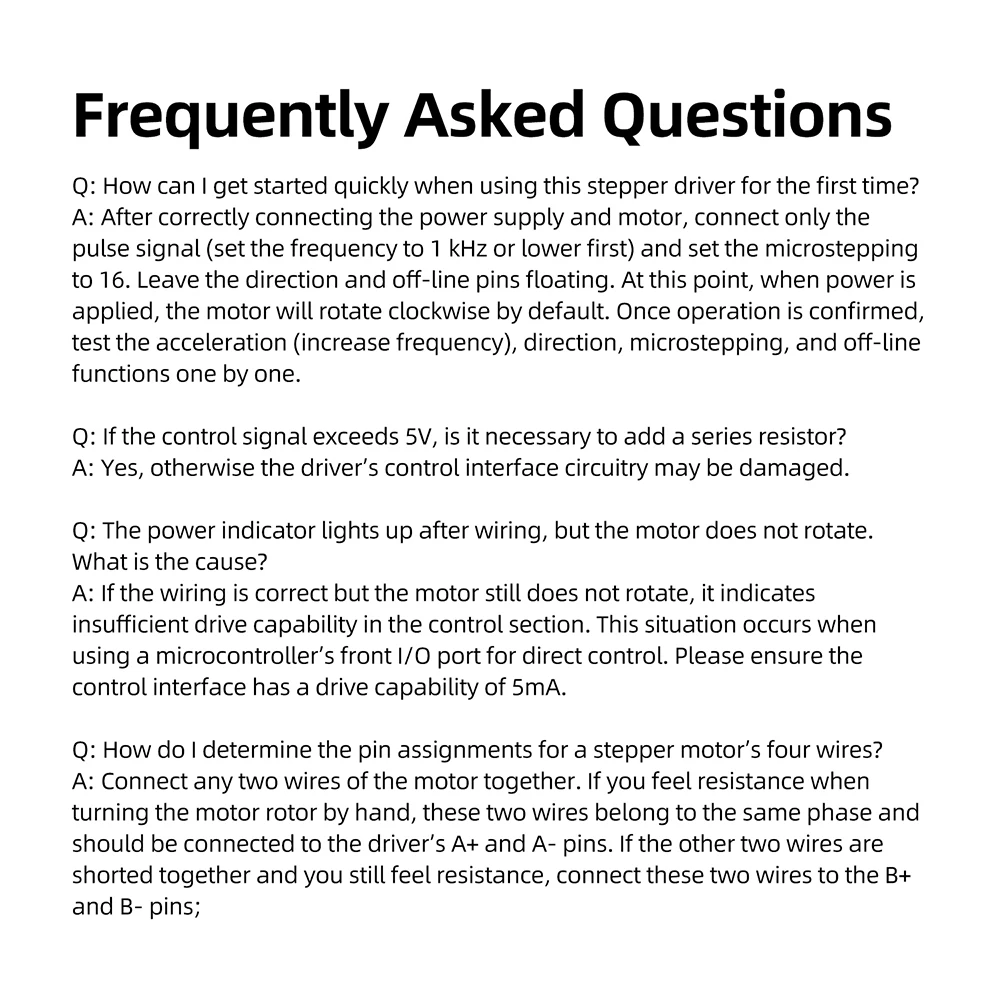
A: After correctly connecting the power supply and motor, connect only the pulse signal (set the frequency to within 1 kHz initially) with microstepping set to 16. Leave the direction and off-line pins floating; the motor will rotate clockwise by default when powered on. Once operation is confirmed, test the acceleration (increase frequency), direction, microstepping and off-line functions in sequence.
Q: If the control signal exceeds 5V, is it essential to add a series resistor?
A: Yes, otherwise there is a risk of damaging the driver’s control interface circuitry.
Q: The power indicator lights up after wiring, but the motor does not rotate. What is the cause?
A: If the wiring is correct but the motor still does not rotate, this indicates insufficient drive capability in the control section. This situation typically occurs when using a microcontroller’s front I/O port for direct control. Please ensure the control interface has a drive capability of 5mA.
Q: How do I identify the four wires of a stepper motor?
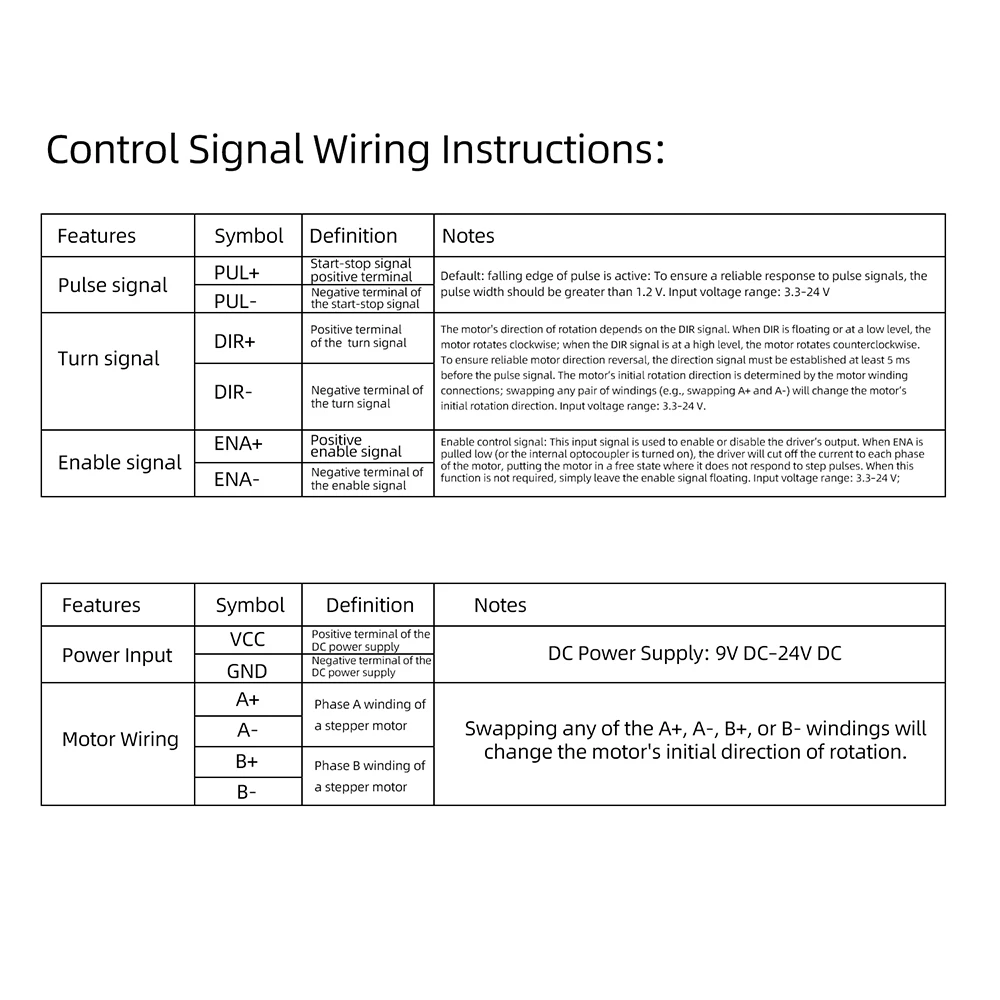
A: Connect any two wires of the motor together. If you feel resistance when turning the motor rotor by hand, these two wires belong to the same phase and can be connected to A+ and A- on the driver; if shorting the other two wires together still produces resistance, connect these two wires to B+ and B-;
Package Contents
Stepper motor driver *1
Specifications
- Motor
- Stepper Motor
- Origin
- Mainland China
- Does it include wireless functionality?
- No
- Does it include a Battery?
- No
- Certification
- RoHS, CE
- Choice
- yes
Customer Reviews
5 ratings

Buyer from Croatia
August 14, 2026
All. OK. Fast delivery. Thanks.
TB6600 Stepper Motor Driver 8 Speed Adjustment 32-Step 4A DC9-42V for 42/57 Single-Axis Motor Overcurrent/Overheat Dual Protect
19.64$
9.23$
Quantity:
1
Availability:
Out of StockDelivery estimate
Delivery: