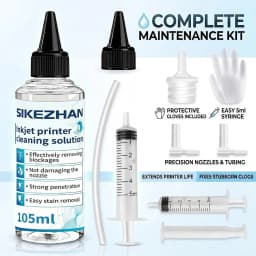
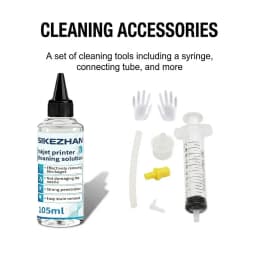
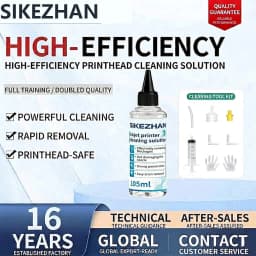
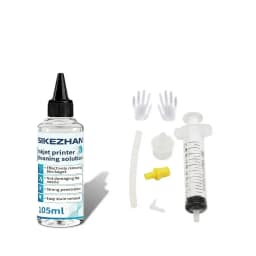
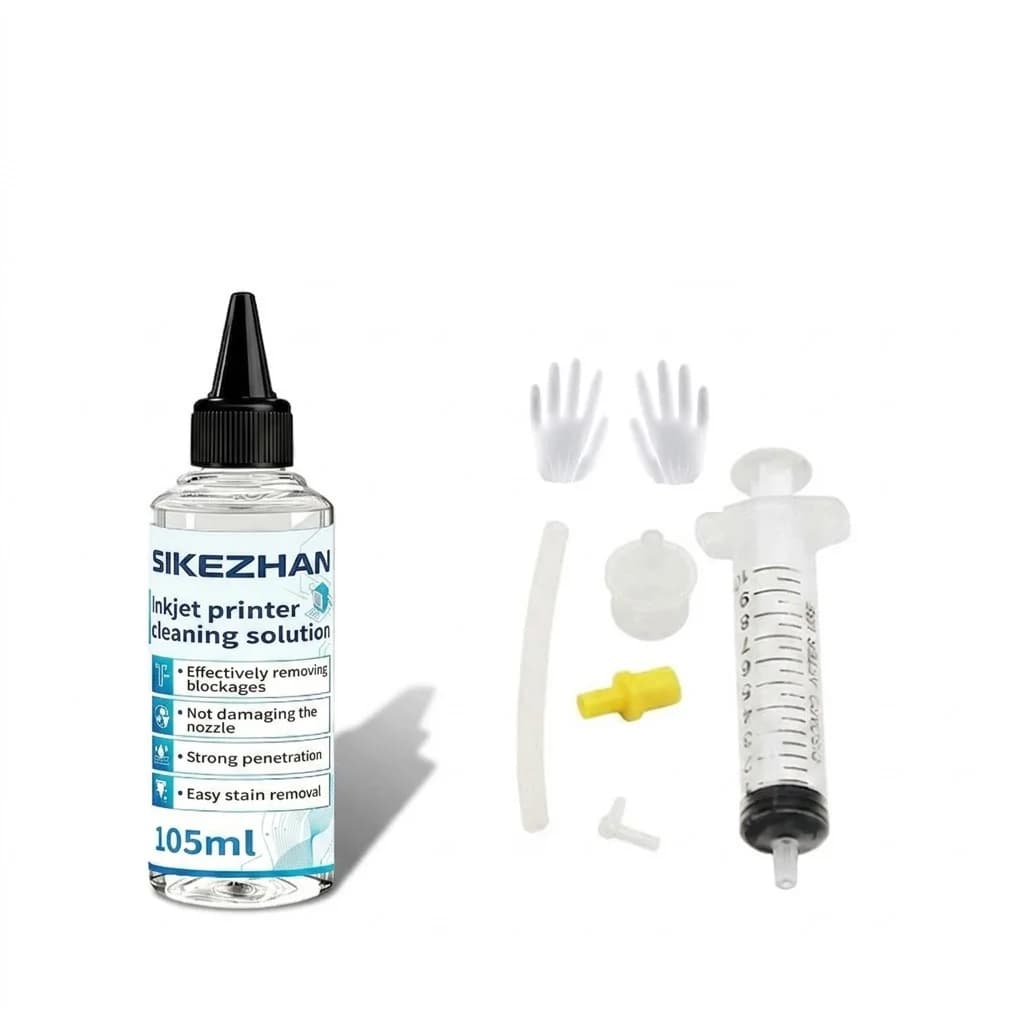
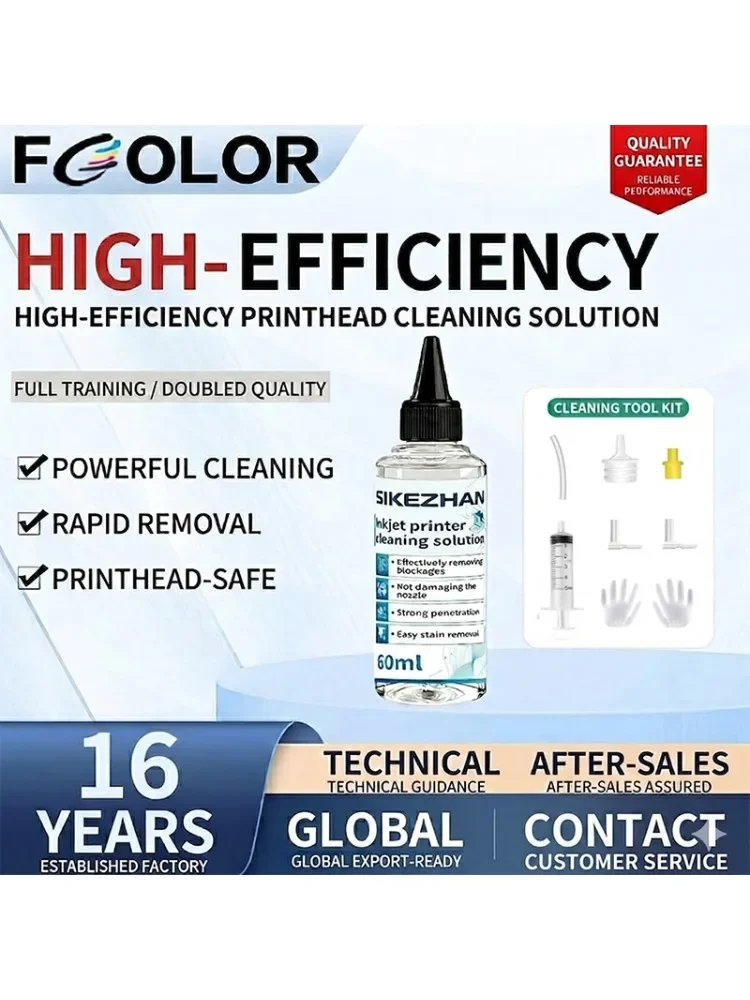
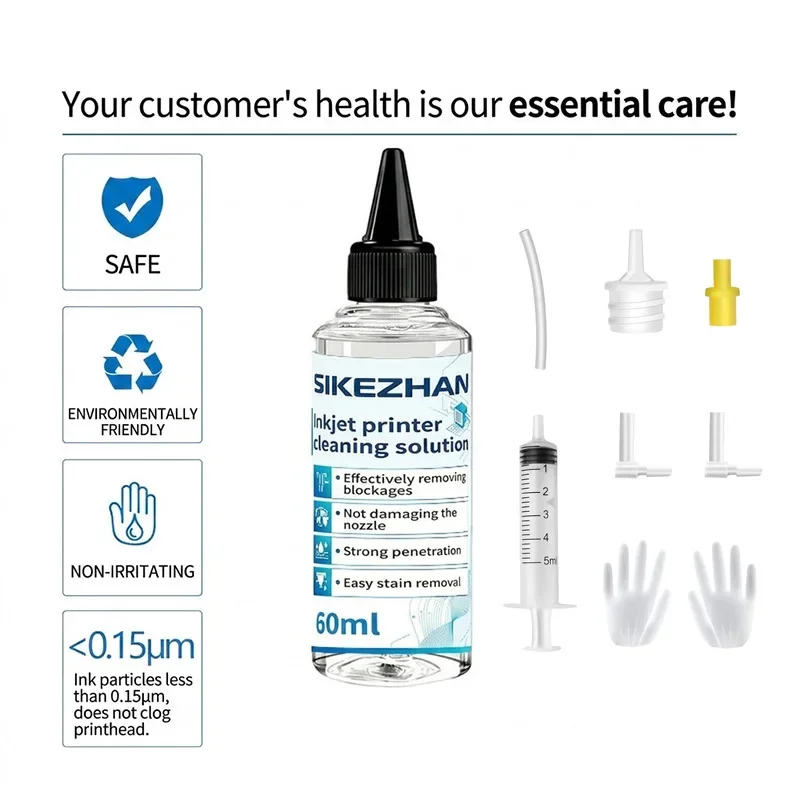
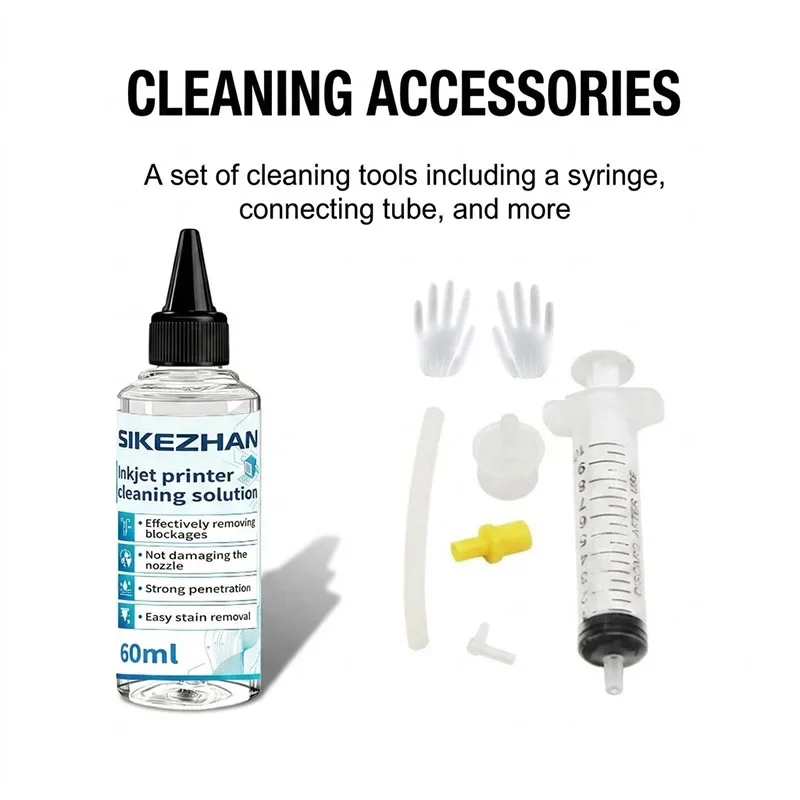
SIKEZHAN Inkjet Printer Cleaning Kit - Universal Printhead Cleaner Fluid for Epson HP Canon Brother Ink Blockage Clog Removal
13.76$
6.75$
Quantity:
1
Availability:
10+In StockColor
Delivery estimate
Delivery:
Delivery estimate shown at checkout
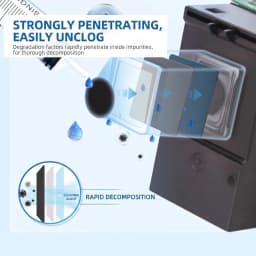
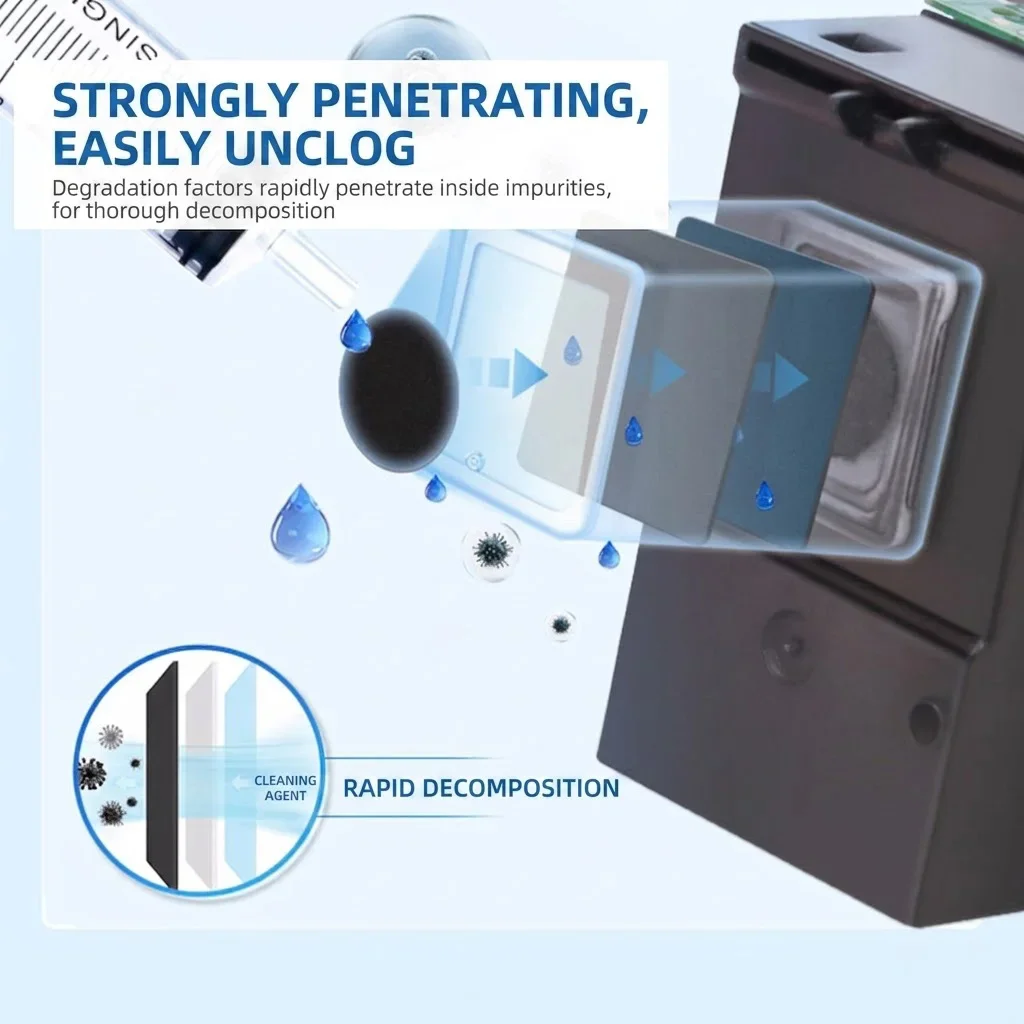
Universal Inkjet Printhead Cleaning Solution Instruction Manual Thank you for purchasing this product. This product utilizes a highly effective water-soluble solvent and nozzle maintenance formula, specifically designed to unclog the nozzles of inkjet printers that have become blocked due to long-term disuse or dried ink (resulting in broken lines, white streaks, and color cast).
⚠️ Core Safety Warning (Must Read Before Operation): Power Must Be Disconnected: Except for the first step where the printer needs to be turned on to reset the moving slider, the printer power cord must be unplugged during all other processes involving syringe rinsing. Strictly Prevent Water from Entering the Circuit: During cleaning, place a sufficient thickness of paper towels beneath and around the nozzle. It is strictly prohibited to allow cleaning fluid to flow onto the integrated circuit board, cable assembly, or contacts behind the nozzle. If water is accidentally spilled, do not turn on the printer; instead, thoroughly dry it with hot air. Do Not Push Violently: When using the syringe, if you feel extreme resistance, do not forcefully push down; otherwise, you may rupture the internal capsule of the nozzle, resulting in its complete disposal.
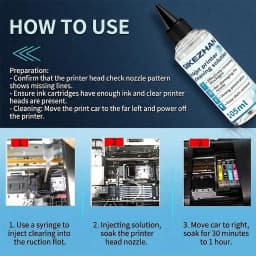
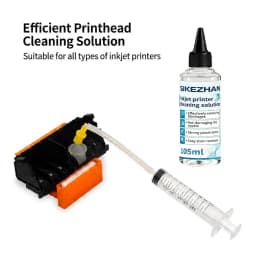
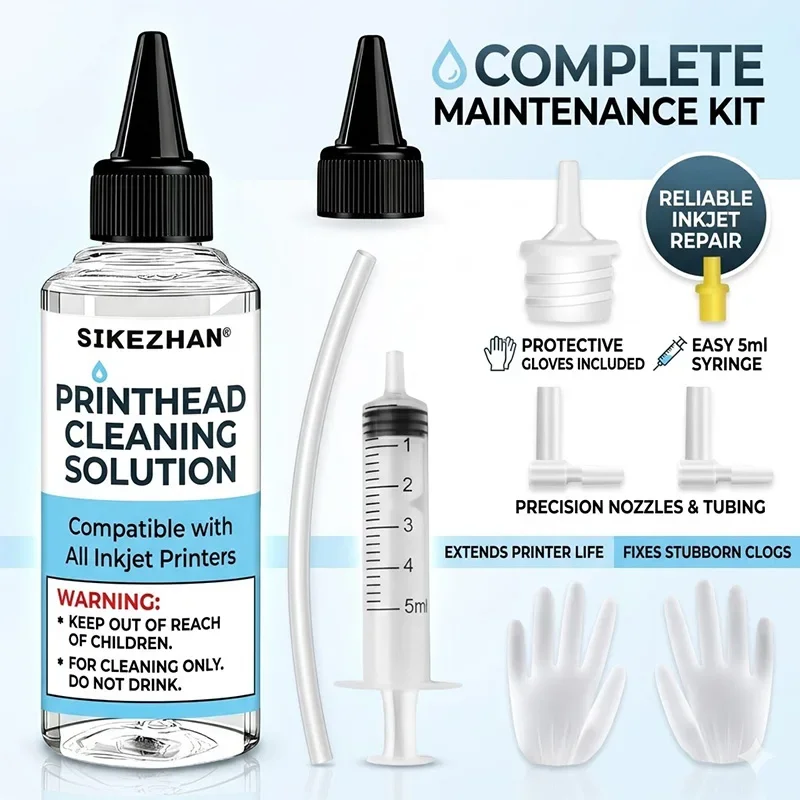
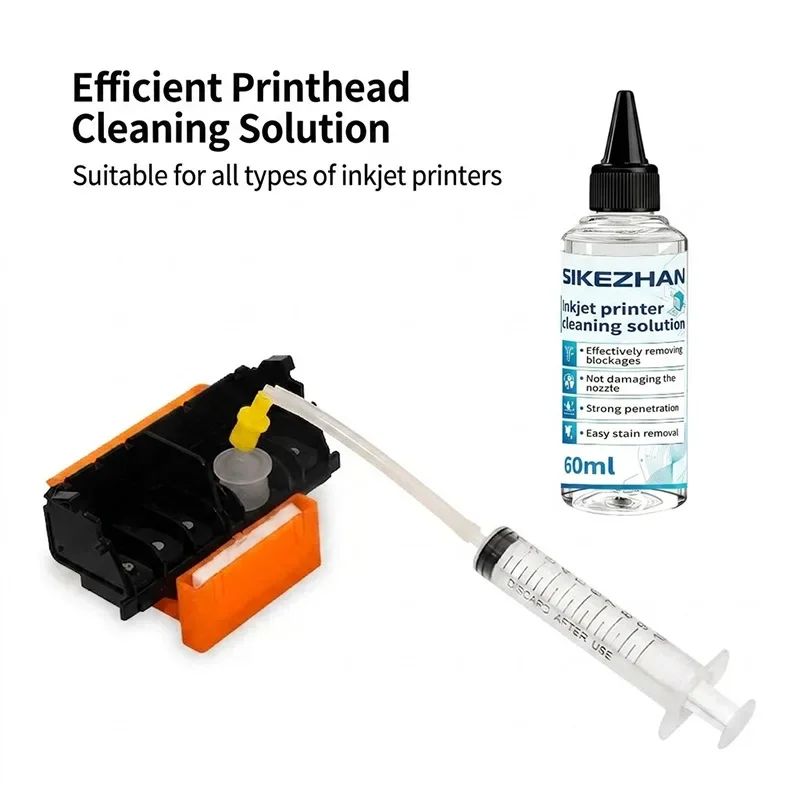
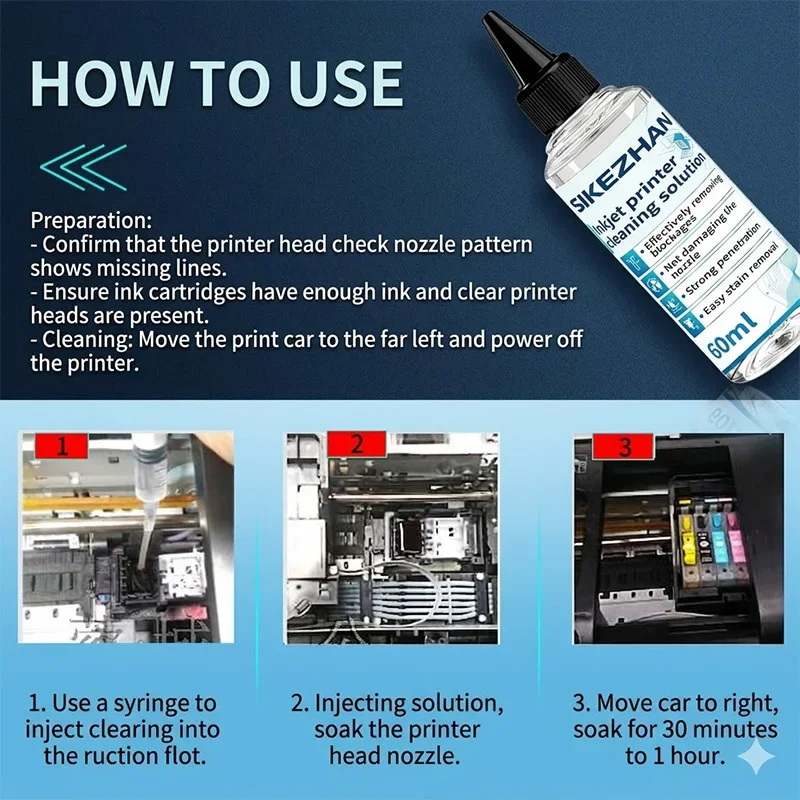
🛠️ Dual-mode Cleaning Instructions Select the corresponding cleaning solution based on your printer's printhead type: Solution A: Disassembly-free Injection Cleaning Method (applicable to Epson, Brother, and other ink tank/continuous ink supply models) Suitable for machines where the printhead is fixed inside the printer and cannot be easily disassembled. 1. Slide Frame Reset and Power Off: Preparation. Start the printer, and when the ink cartridge slide frame moves to the middle of the guide rail, directly unplug the power cord. On the track directly below the printhead, lay a folded thick paper towel flat (to catch the flowing waste water). 2. Install Silicone Hose: Tool Connection. Remove the ink cartridge or continuous ink supply bag from the printer. Securely attach one end of the silicone hose provided with this product to the front of the syringe, and tightly attach the other end to the ink inlet cone (needle) of the printhead that needs cleaning. 3. Micro-pressure Injection and Suction: Core Rinsing. Use the syringe to draw 2-3 ml of cleaning solution, and push it down very slowly and gently. If you feel that it is difficult to push, you can slightly withdraw the syringe (suction) backward, and repeatedly soften the internal caking through "pushing and suctioning". 4. Penetration Dissolution and Testing: Restoration. After pushing, keep the hose connected and let it sit for 20-30 minutes (1-2 hours for severe blockage). Then remove the wet paper towel below, wipe the surrounding area dry, and reinstall the ink cartridge. Power on and run the printer's built-in "printhead cleaning" program 1-2 times, and then print a test page. Solution B: External Disassembly and Soaking Cleaning Method (applicable to Canon, HP, and other integrated ink cartridges or detachable printheads) Suitable for machines where the printhead is attached to the bottom of the ink cartridge or the entire printhead assembly can be easily disassembled. Pour an appropriate amount of liquid: Prepare a clean flat-bottomed small container (such as a plastic lid or small dish), and pour in this product. The liquid level should be kept at 2-3 mm (just enough to immerse the bottom of the nozzle). Vertical Soaking: Place the disassembled printhead (or integrated ink cartridge) nozzle downwards and vertically in the liquid. Note: Do not let the cleaning solution exceed the metal chip or contact on the side. Time Control: Soak for 30 minutes to 1 hour. During this period, you can gently stick a clean paper towel to the nozzle to absorb. If the paper towel can print a neat, continuous, and obvious ink line, it indicates that it has been unblocked. Drying and reassembly: Wipe the area around the printhead with a paper towel to ensure complete dryness and absence of any liquid residue. Then, reinstall it into the printer, run the ink refilling or cleaning process, and test the printing.
❓ Frequently Asked Questions (FAQ) Q: Why does the printed output become completely white after cleaning, or why do there be more and more broken lines after cleaning? A: This is usually because the nozzle is filled with cleaning solution, diluting the ink. Please don't worry, let the printer sit for 3-5 hours to allow the ink to naturally settle and refill the nozzle, or perform 1-2 rounds of the printer's built-in "deep cleaning" to restore normal color. Q: Can cleaning solution repair all clogged nozzles? A: This product can only dissolve physical clogs caused by ink crystallization or drying. If your printer has hardware damage such as burned circuits, scratched nozzle chips, or broken needles, no cleaning solution can repair it.
📦 Product Specifications and Storage Main Ingredients: ultrapure water, surfactant, water-soluble organic solvent, nozzle wetting agent. Applicable Inks: dye ink, pigment ink, thermal transfer/sublimation ink. Shelf Life: 3 years (it is recommended to use up within 12 months after opening). Storage Method: Please store in a cool, dark place, keep out of reach of children, and do not drink.
Specifications
- Origin
- Mainland China
- appearance state
- Colorless or slightly blue/red transparent liquid
- Main functions
- Dissolve dry dyes and remove scale
- Penetration speed
- quick
- Common odors
- Commonly almost tasteless or slightly fragrant
- Corrosive risk
- Extremely low, highest security
- Choice
- yes
Customer Reviews
3 ratings
SIKEZHAN Inkjet Printer Cleaning Kit - Universal Printhead Cleaner Fluid for Epson HP Canon Brother Ink Blockage Clog Removal
13.76$
6.75$
Quantity:
1
Availability:
10+In StockColor
Delivery estimate
Delivery:
Delivery estimate shown at checkout