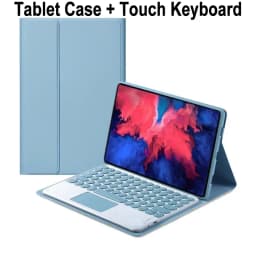
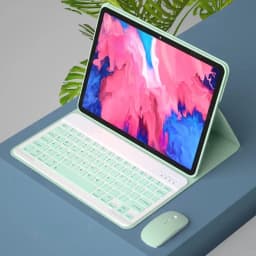

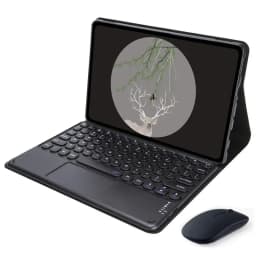
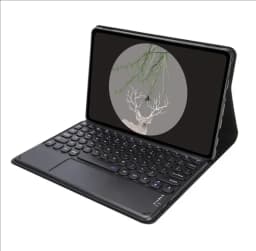

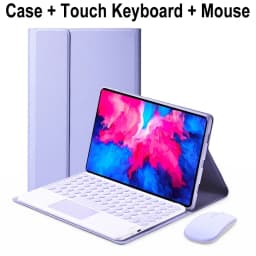
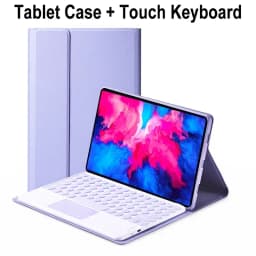
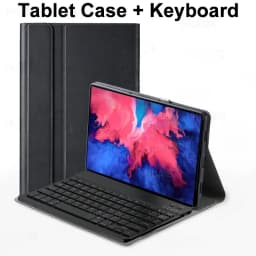
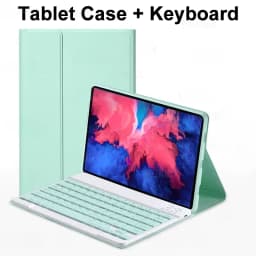
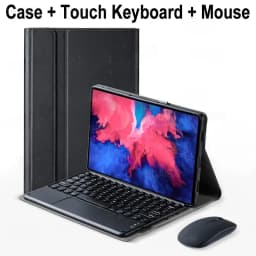
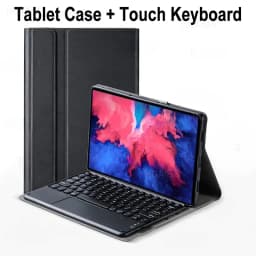
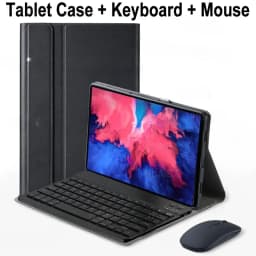
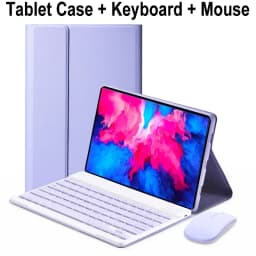
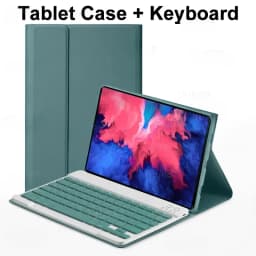
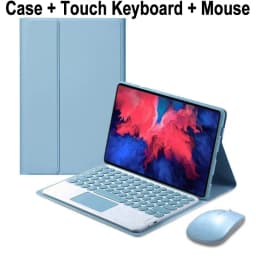
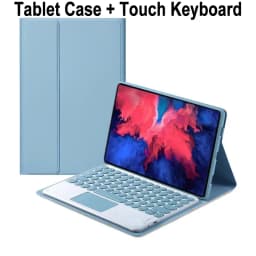
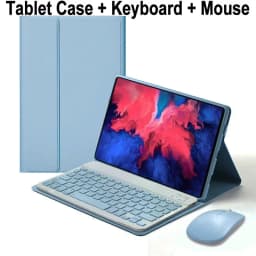
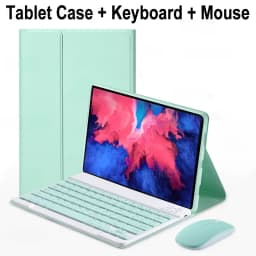
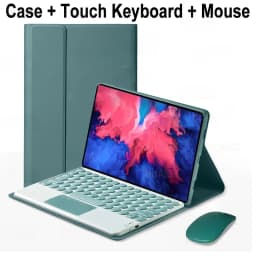
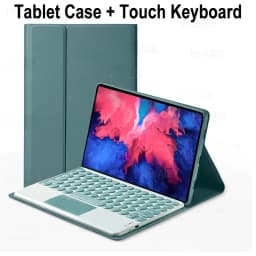
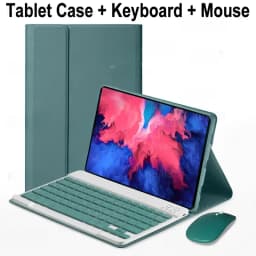
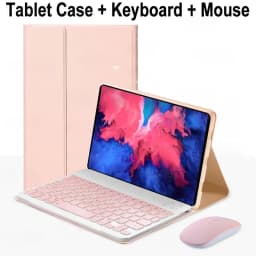
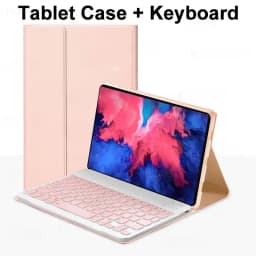
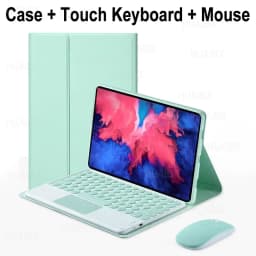
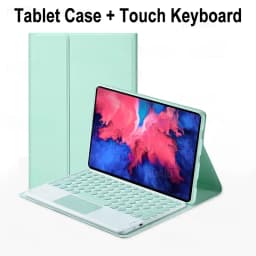
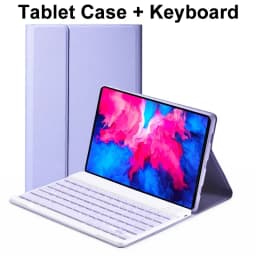
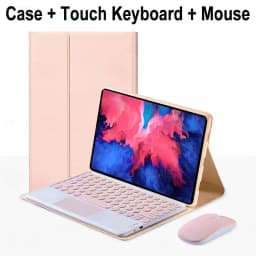
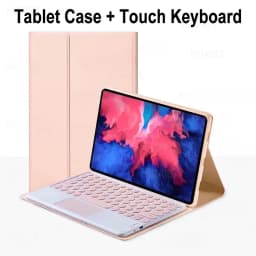
Tablets Keyboard Case for Lenovo Tab P11 11 Inch, Detachable Bluetooth Keyboard Cover for Lenovo Xiaoxin Pad 2020 11" TB-J606F/L
Quantity:
1
Availability:
Card Payments
Crypto Payments
Easy return
Reliable Shipping
Please confirm your machine model before purchasing~
For Lenovo Xiaoxin Pad 2020 11 Inch(Lenovo Tab P11 11 inchTB-J606F/L)Tablet.
Please note
English keyboard:There are only English letters on the keyboard.
Multilingual version keyboard:English letters and engraved language letters together.
Note:The digital tablet and stylus are not included in the package. The detailed description is for reference only. Please refer to the actual product for the color of the product.
How to connect keyboard & Mouse?
1,Connect the mouse first, then connect the keyboard.
2,Mouse:Push the switch to the "Bluetooth" icon, find the Bluetooth connection with "Mouse" in the device Bluetooth list.
3,Normal Keyboard:Push the switch in the upper right corner to "ON", press "Connect", and find the Bluetooth connection with "Keyboard" in the device Bluetooth list.
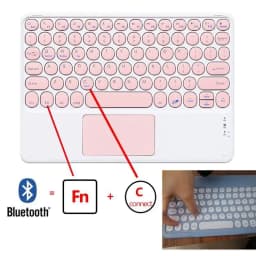
4,Touchpad Keyboard:turn on keyboard ,press Fn+C to,then find the Bluetooth connection with "Keyboard" in the device Bluetooth list.FAQ
Q:What should I pay attention to when connecting the mouse for the first time?
A:When the mouse is connected for the first time, you need to press the left button, the right button and the scroll wheel at the same time for about 3-5 seconds.
Q: Is the scroll direction of the mouse USB connector and Bluetooth connection the same?
A: No, they are different. When using the USB connector, the scroll wheel slides in the same direction as the computer mouse. Bluetooth connection is the opposite.
Q: How to switch between different systems?
A: Fn+Q=Android, Fn+W=Windows, Fn+E=IOS.
Please note that please switch the system before connecting the tablet.
Q:The bluetooth keyboard letters are messy?
A: Please check the settings according to the prompts,
a. Check whether the keyboard language set on the device is English.
b. Disconnect the keyboard Bluetooth, click Ignore the connected device, reopen the Bluetooth keyboard, select system, Fn+E (IOS system).
Note: Fn+Q=Android, Fn+W=Windows, Fn+E=IOS
c. Press the L S Z buttons at the same time to reset the keyboard
Q:How to configure the input method for different languages keyboard?
A:Take the samsung tablet as example,open "Settings--"ystem"--"Language & input"--"Add New Keyboard". (For other systems, please set them in the system settings according to the tips of the iPad example.)
Q:How does the mouse change teh scroll wheel sliding direction on the device?
A: The mouse is connected, open "General" - "Trackpad & Mouse" - close "Natural Scrolling".
Customer Reviews
38 ratings
beautiful design (3)
fits well (3)
excellent quality (2)
good value for money (2)
difficult to set up (2)
works well (1)
Customer photos (9)

M***s
August 27, 2026
Variant: Color:Dark green D Size:Hebrew
Excellent quality product, perfect functionality, and impeccable finish!

B***r
August 12, 2026
Variant: Color:Pink D Size:Portuguese
Very good, met expectations!!!
Buyer from South Korea
August 1, 2026
Variant: Color:Dark green B Size:English
It's okay. But what more can you expect at this price? It's reasonably cheap and useful.
Buyer from Spain
July 29, 2026
Variant: Color:Blue A Size:English
It hasn't arrived.
Buyer from Portugal
June 16, 2026
Variant: Color:Purple D Size:Portuguese
The keyboard is great, as is the mouse, but the color is not lilac...
Buyer from South Korea
May 21, 2026
Variant: Color:Black C Size:Korean
It's pretty and has a unified feel. It seems like the keyboard part is also fixed with a magnet at the bottom.
Tablets Keyboard Case for Lenovo Tab P11 11 Inch, Detachable Bluetooth Keyboard Cover for Lenovo Xiaoxin Pad 2020 11" TB-J606F/L
Quantity:
1
Availability: