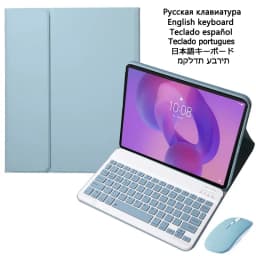
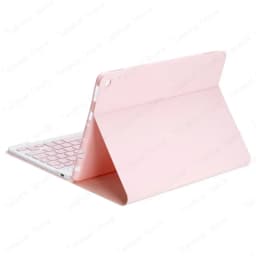
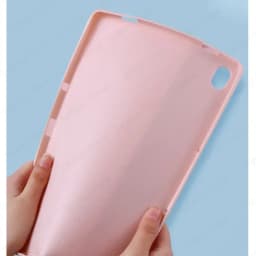
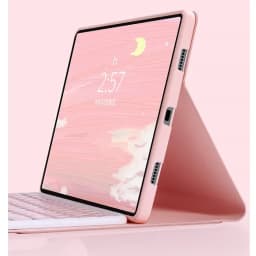
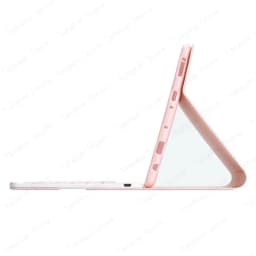
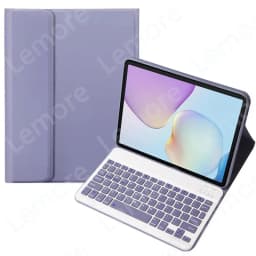
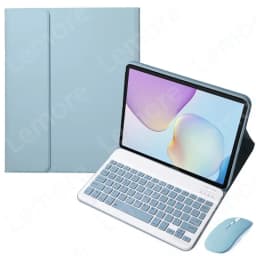

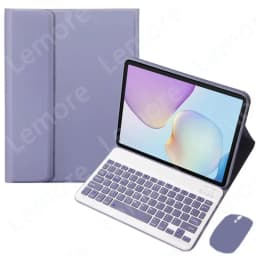
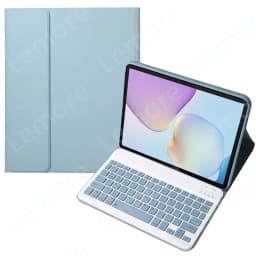
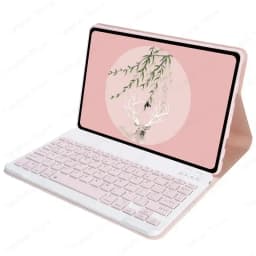
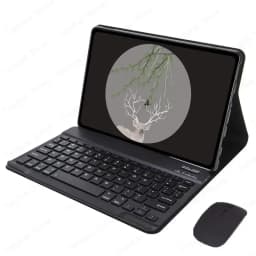
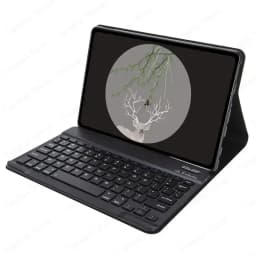
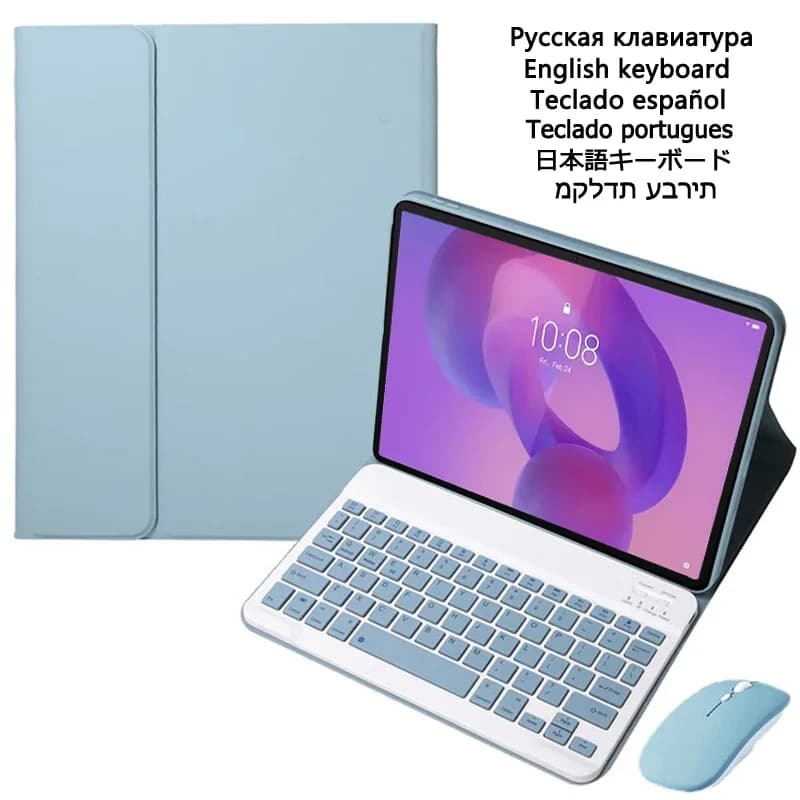
Tablet Case with Keyboard for Lenovo Xiaoxin Pad Pro GT 13 TB376FC TB378FC TB390FU 13 inch Detachable Tablet Keyboard Case Stand
Quantity:
1
Availability:
Card Payments
Crypto Payments
Easy return
Reliable Shipping
Features:
1.Standard 3.0 Bluetooth-compatible Solution
2.detachable keyboard
3.Easily to carry and use.
Specification:
Connection mode: 3.0 Bluetooth-compatible
Battery : Rechargeable lithium battery
Charging port: Standard USB
Keyboard Standard: Bluetooth-compatible Keyboard
For Lenovo Xiaoxin Pad Pro GT 13 TB376FC TB378FC TB390FU 13 inch
After connecting the keyboard, you need to open the tablet's "Settings" and then search for the "Physical Keyboard" in the language layout settings for the desired language
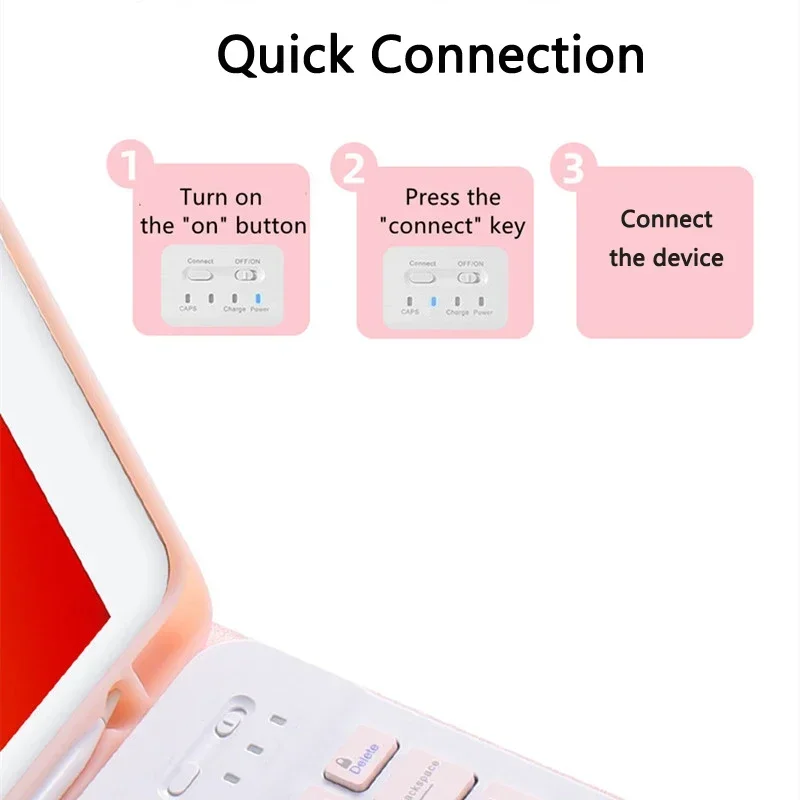
-keyboard connection method
1: Turn on the "on" button in the keyboard
2: Press the "connect" key on the keyboard
3: Turn on the Bluetooth-compatible device on tablet you need to connect to
4: Find it in "my device" and click "connected"

Customer Reviews
No reviews yet
Tablet Case with Keyboard for Lenovo Xiaoxin Pad Pro GT 13 TB376FC TB378FC TB390FU 13 inch Detachable Tablet Keyboard Case Stand
Quantity:
1
Availability: