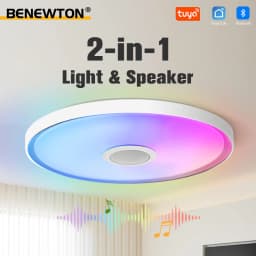
TUYA Smart RGB Music Ceiling Light Dimmable 30/37/46CM AC220-240V Remote APP Control Home Bedroom LED Ceiling Lamp Party Decor
134.64$
60.59$
Quantity:
1
Availability:
50+In StockBody Color
Delivery estimate
Delivery:
Delivery estimate shown at checkout
Product Features
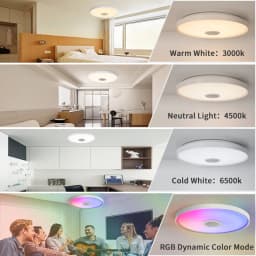
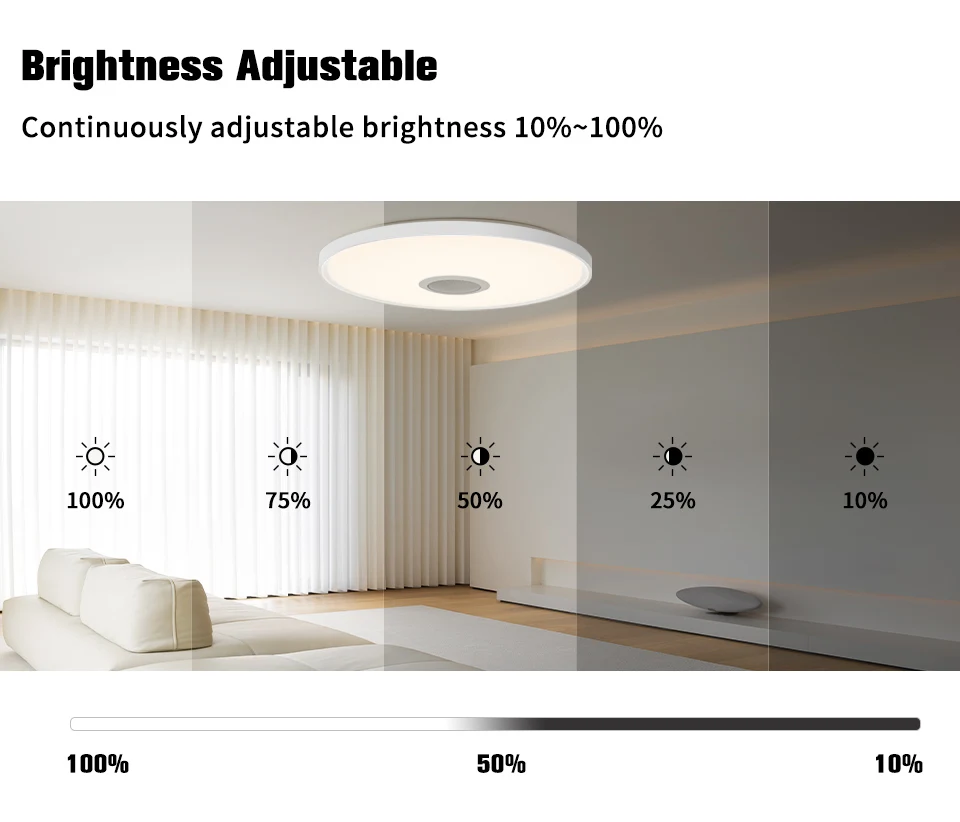
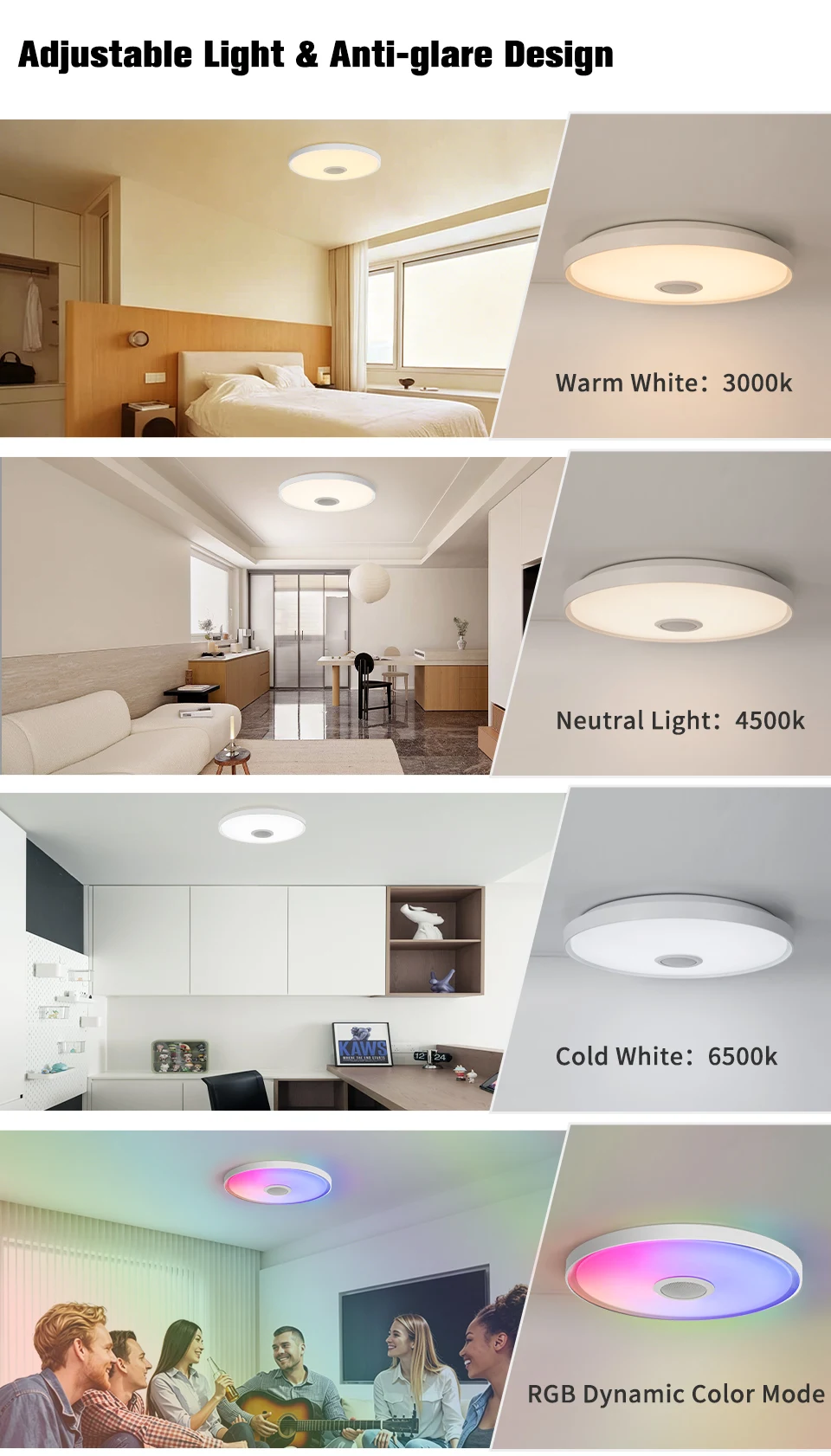
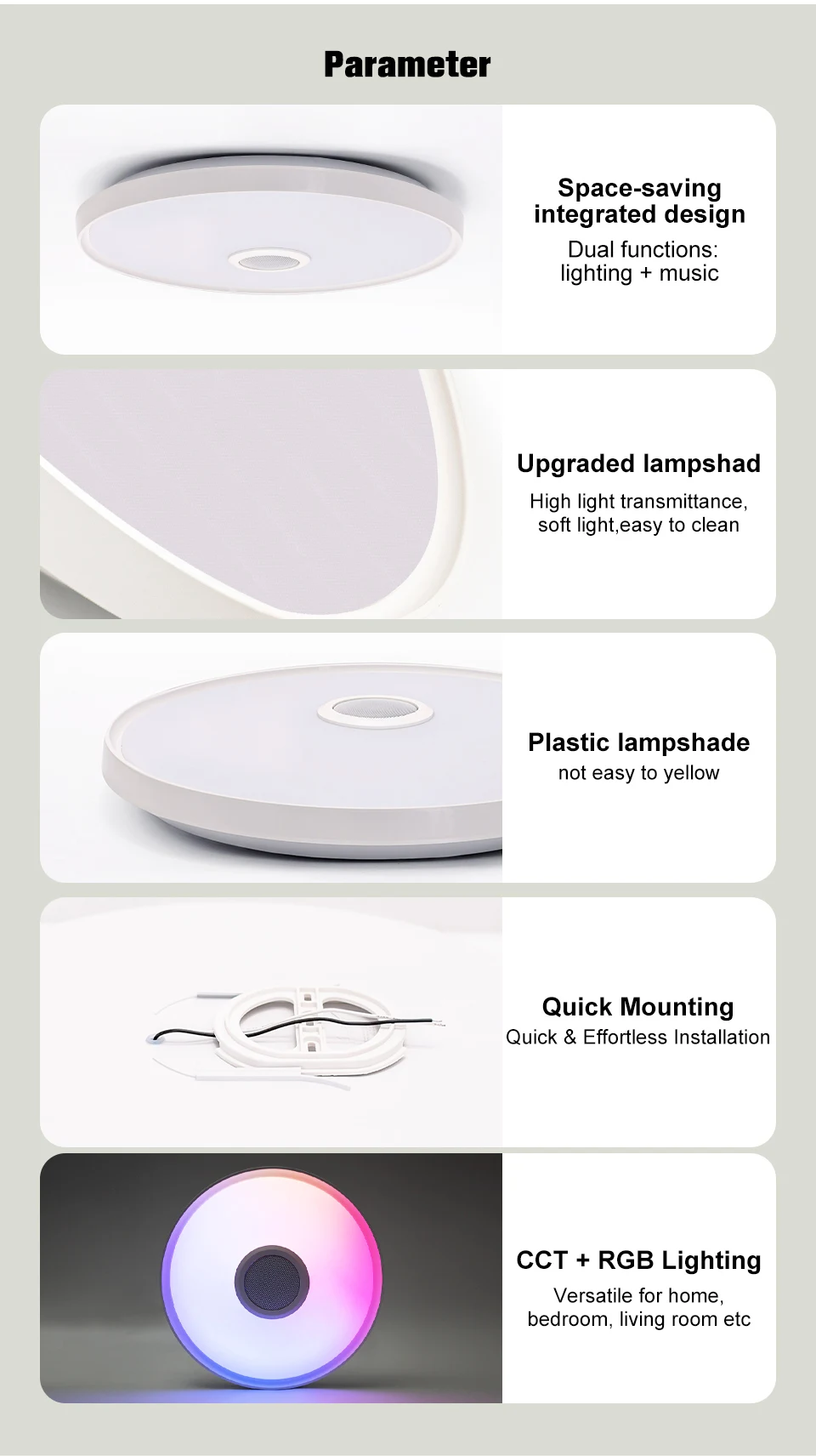
• Dimmable RGB Ambient Lighting
Adjust RGB colors and brightness freely to create sleep, daily or party atmosphere.
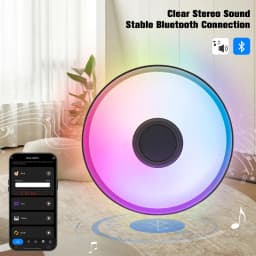
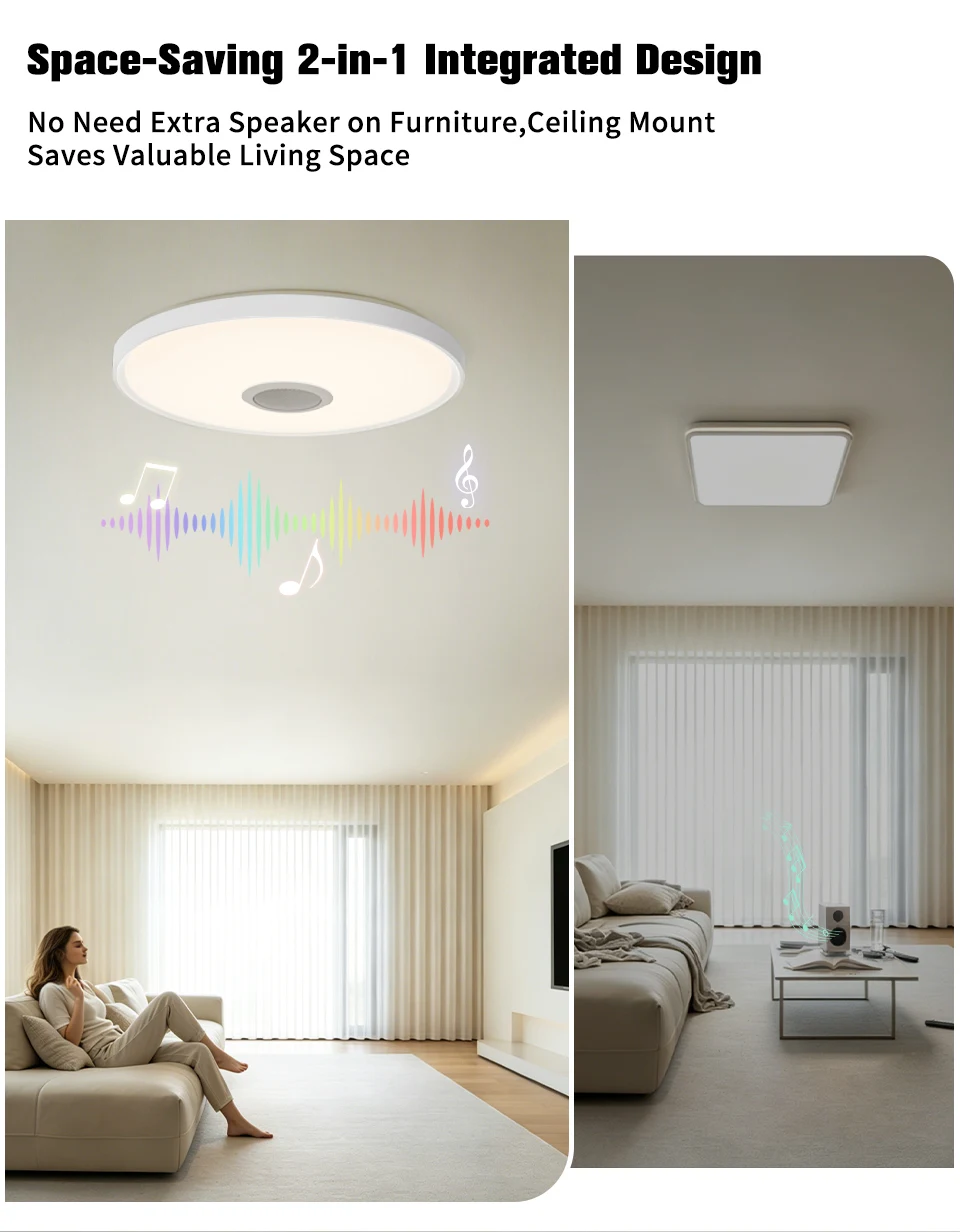
• Built-in Speaker Music Sync
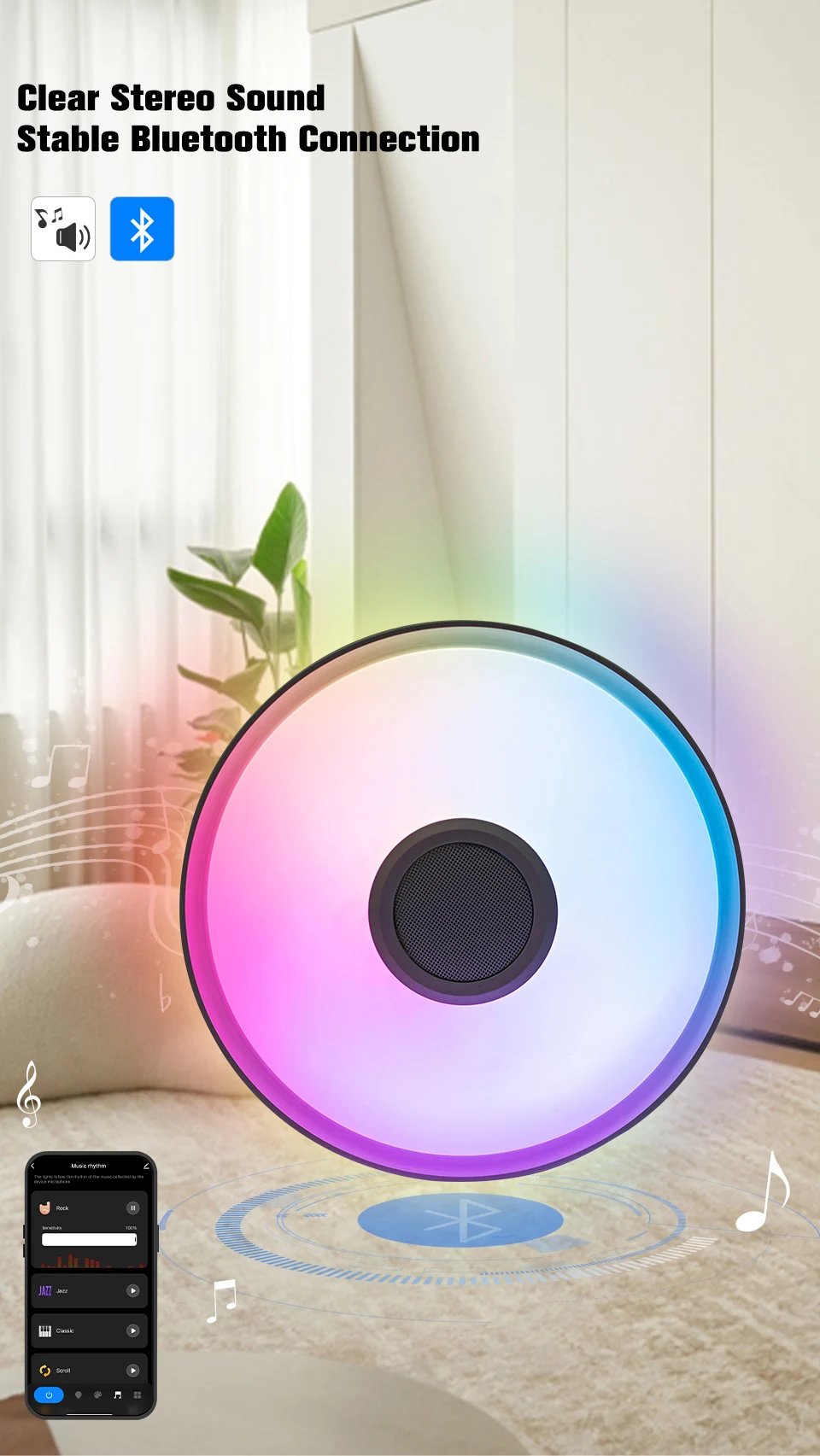
Built-in speaker sync light rhythm with music via Bluetooth for indoor entertainment.
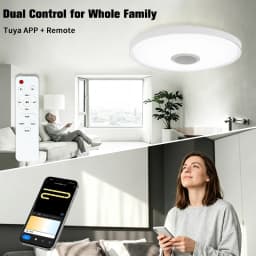
• TUYA Smart Dual Control
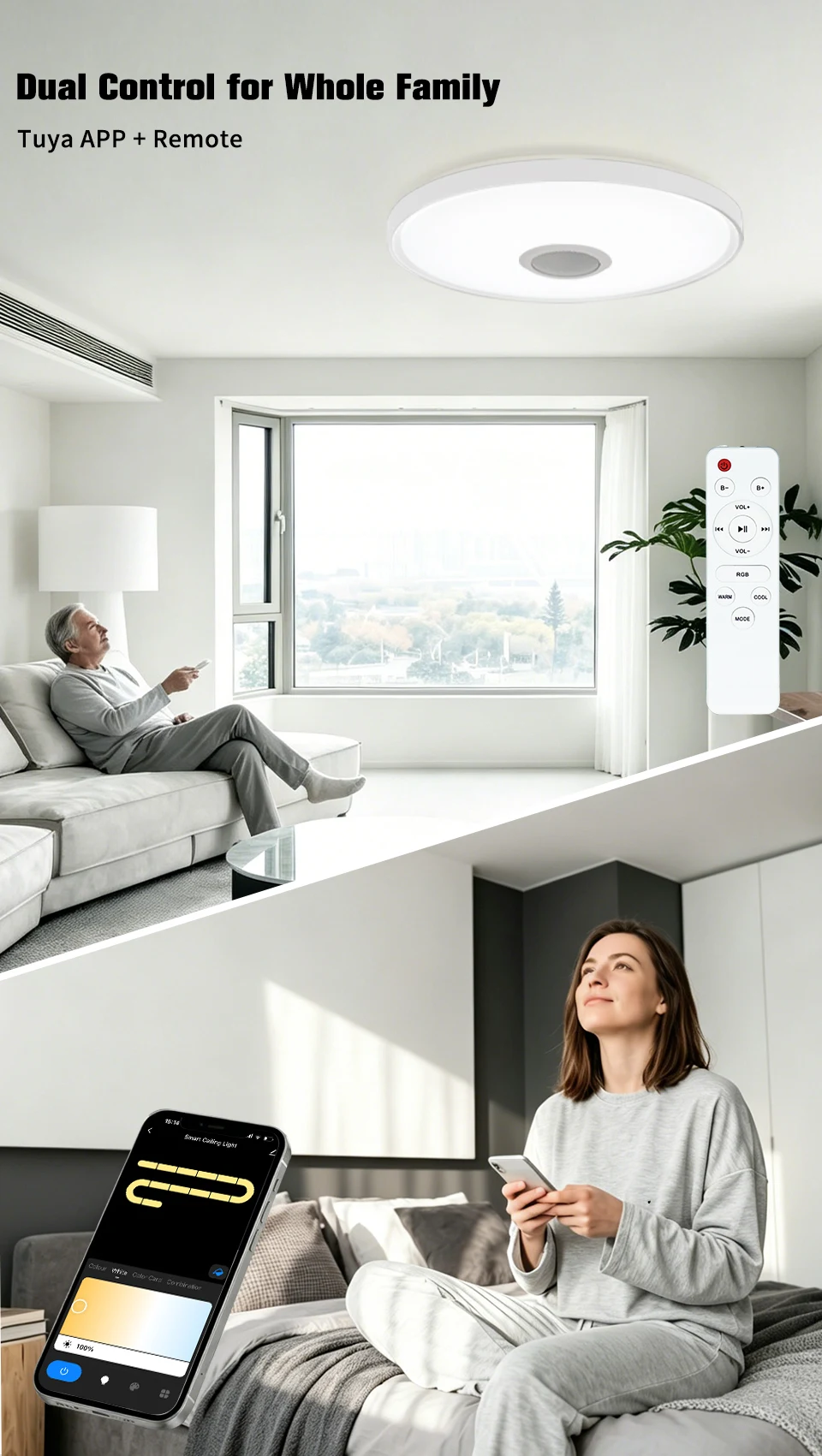
Easy light control with TUYA APP and remote, adjustable timing and personalized scenes
• Wide Coverage Space
3 sizes optional, fits 15-30㎡ bedroom, living room and game room.
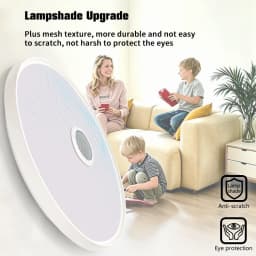
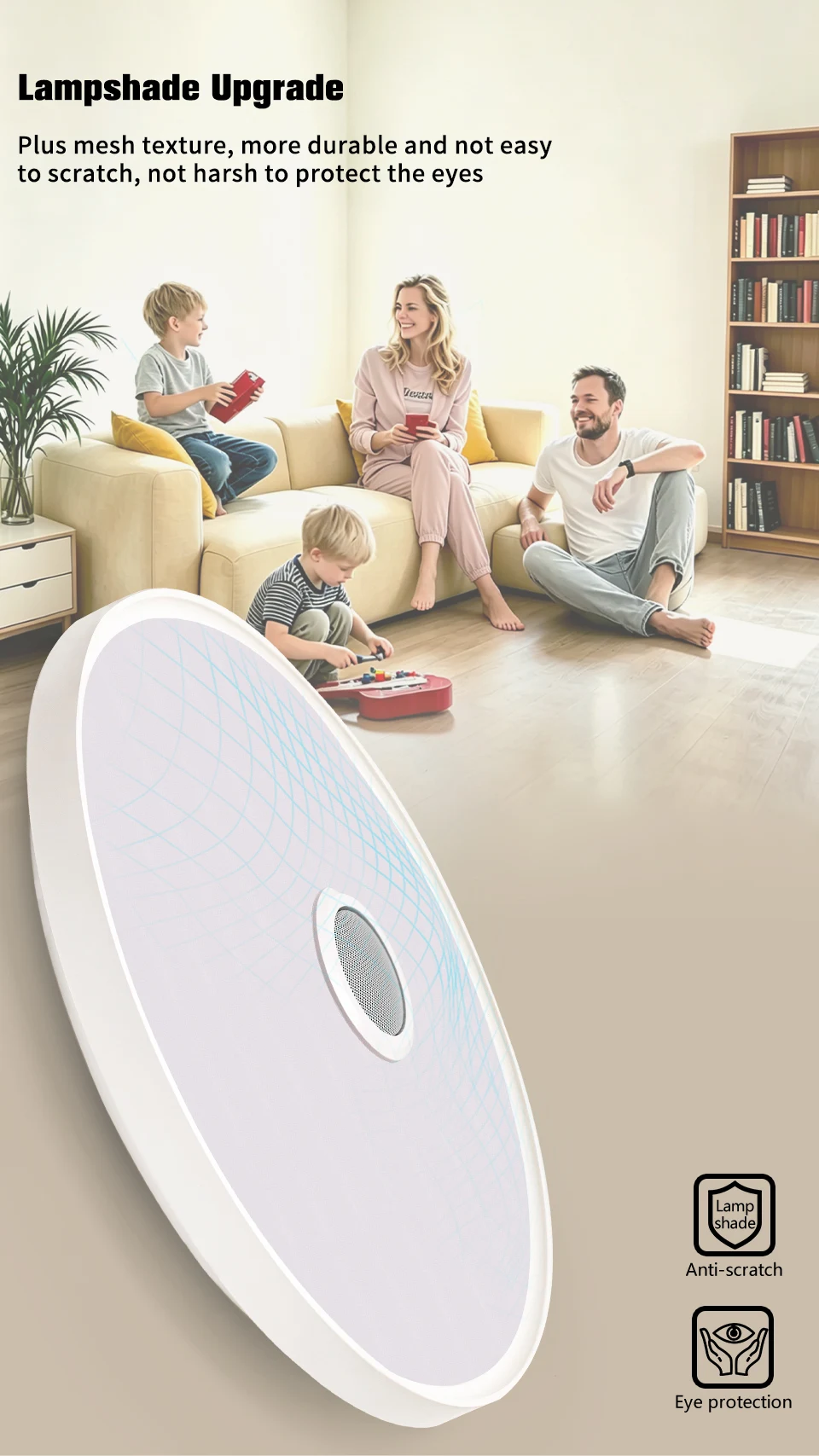
• Slim Modern Housing
Thin minimalist design matches all home decoration styles.
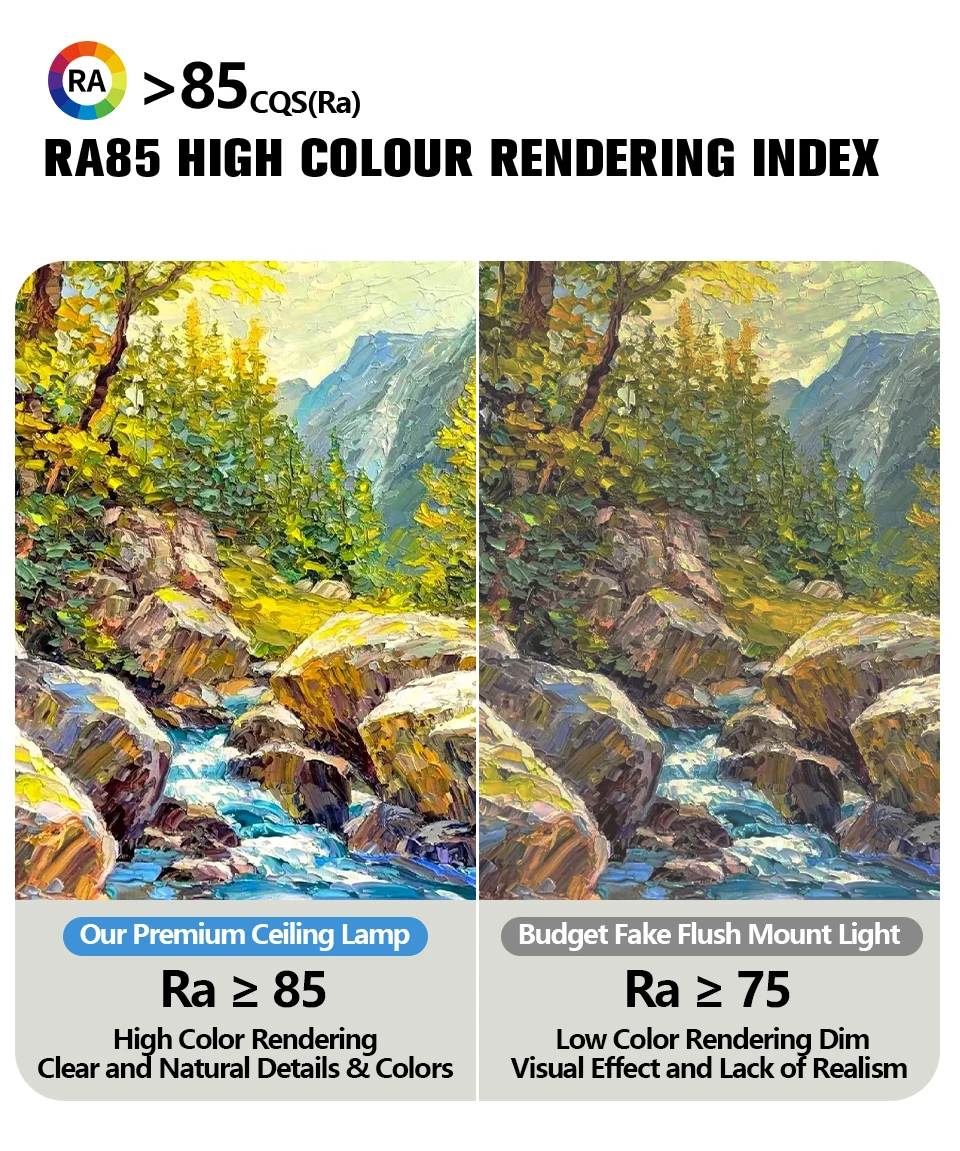
• Energy-saving LED Chip
Low-power flicker-free LED with long service life.
Specifications
Size & Power
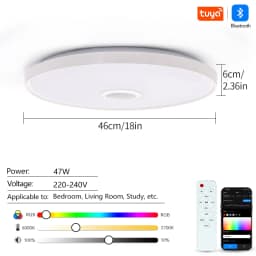
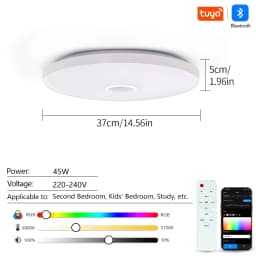
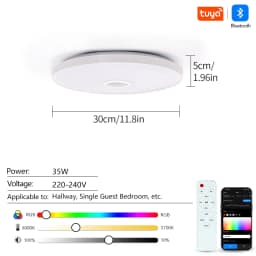
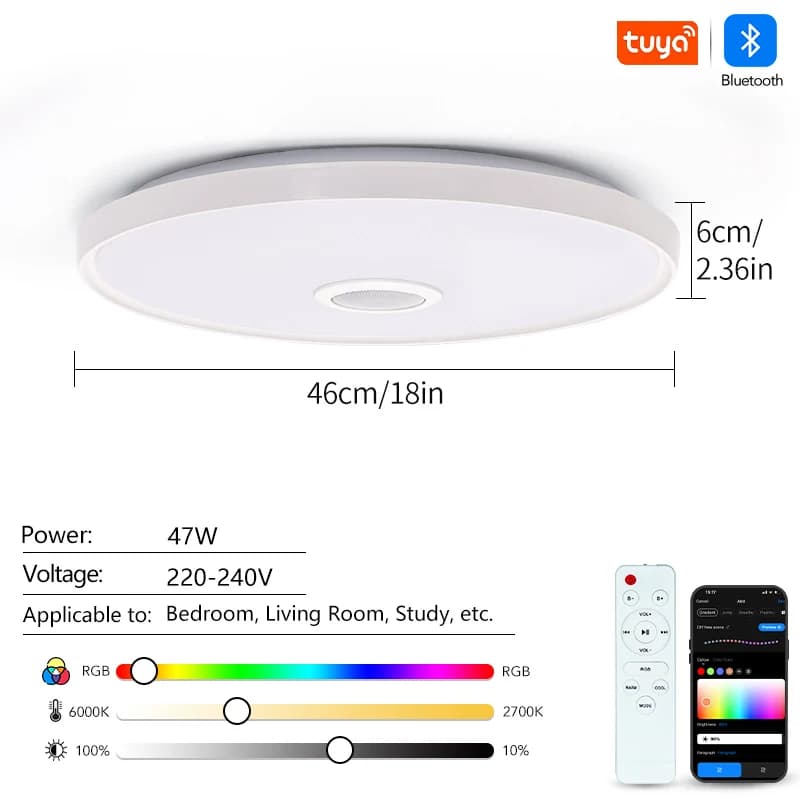
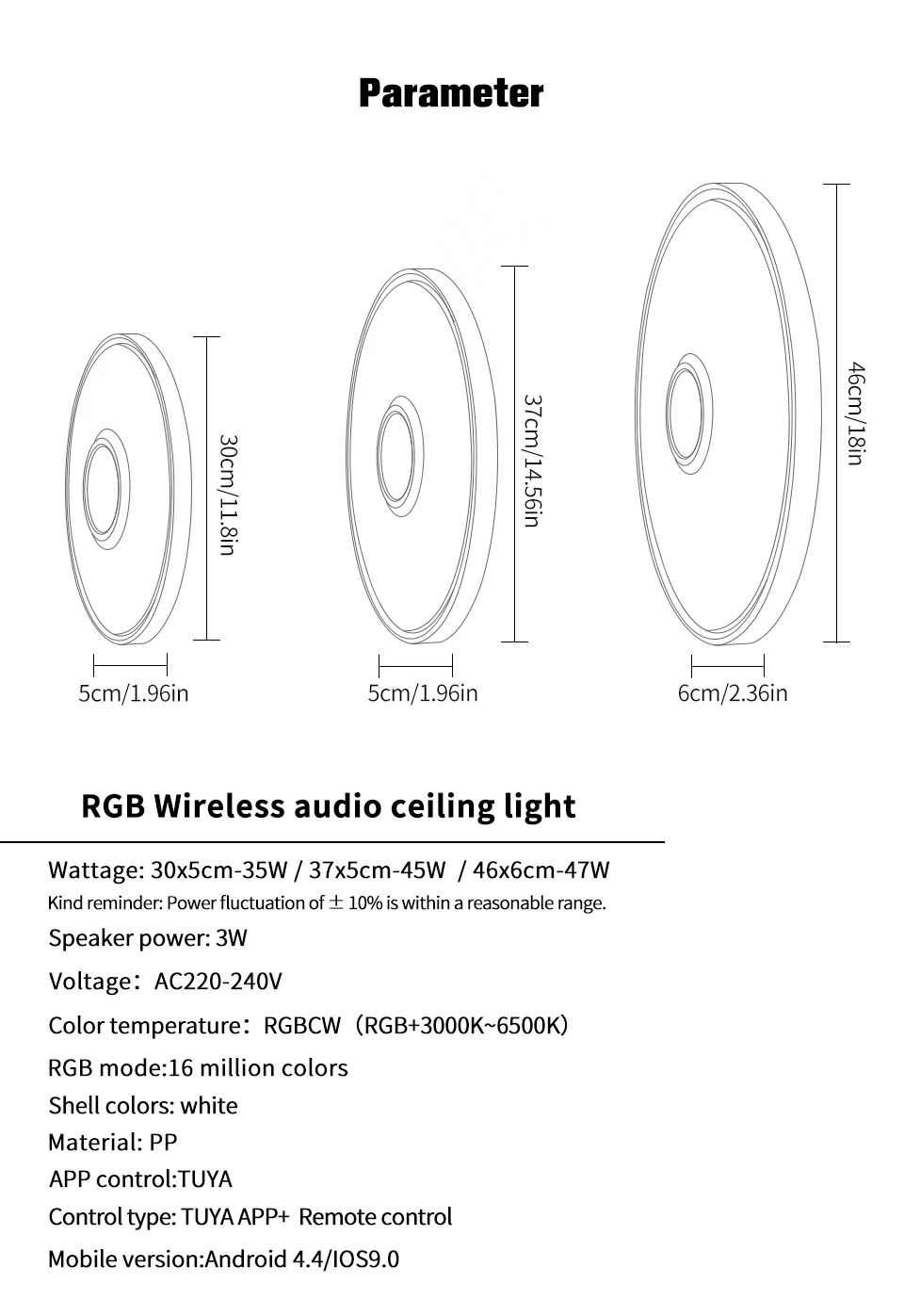
30×5cm 35W | 37×5cm 45W | 46×6cm 47W
Power tolerance: ±10%
Speaker: 3W
Voltage: AC220-240V
Light: RGBCW 3000K-6500K, 16 million RGB colors
Shell: White PP material
System: Android 4.4 / iOS 9.0

Package includes
1. Smart light *1
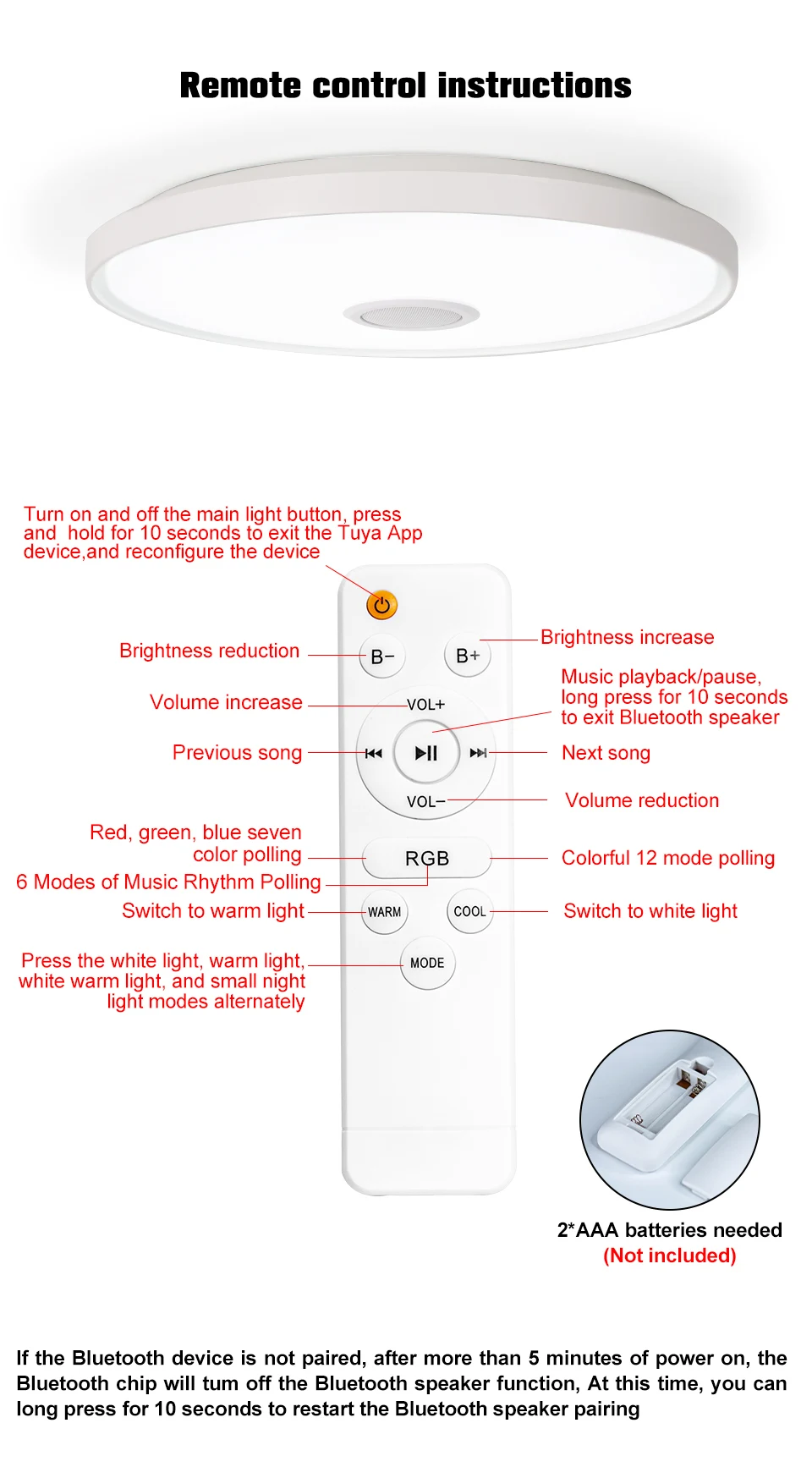
2. Remote control (batteries not included)*1
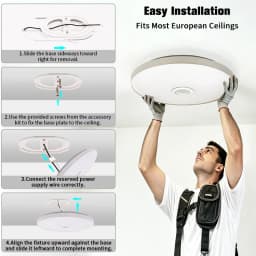
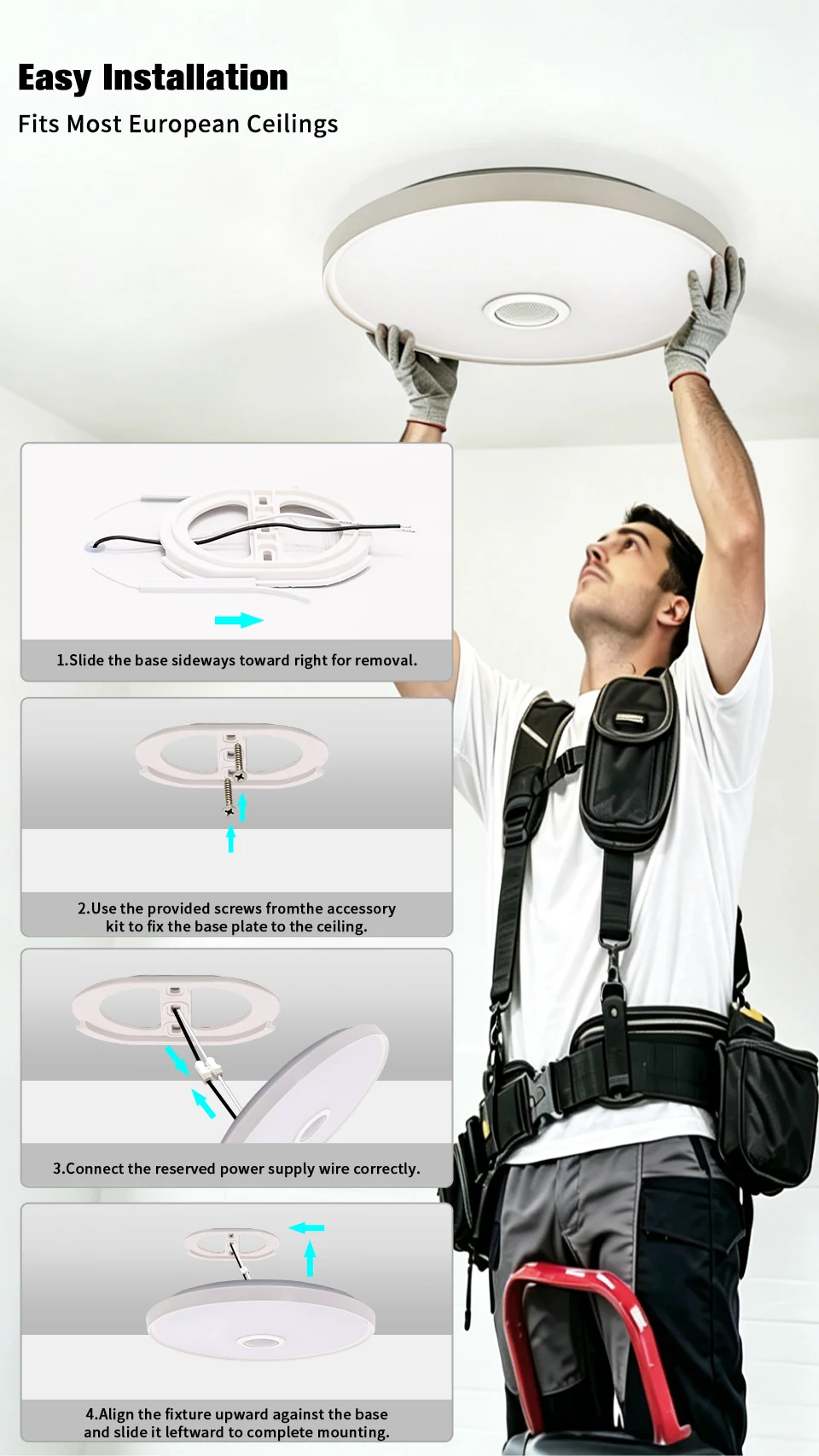
3. Installation kit *1
FAQ
Q1.How to use the sound system of the ceiling light to play music?
A1.Turn on Bluetooth on your phone, find "RGB Light" in the Bluetooth device list, and click connect. After successful connection, open the mobile music player to play music.
Q2.How to switch between RGB mode and tri color temperature mode?
"A2.When using a wall switch: the color temperature will switch every time the lights are turned on and off;
When using the APP: Find the mode switching option in the APP, click to switch between RGB dazzling mode and cool white/warm white/neutral white three color temperature mode;
When using the remote control, simply press the corresponding mode switch button."
Q3.How to pair the ceiling light with the app?
A3.Firstly, ensure that the graffiti/smart life app is installed on the phone, open the app, and register and log in. Then find the "Add Device" option in the app, turn on the power supply of the ceiling light, follow the prompts in the app, enter the Wi Fi password when the light is in the distribution network state (usually flashing or specific prompts), and wait for the app to search and connect the light.
Q4.What should I do if I can't connect to the app?
"A4.Firstly, clear the code. The specific steps are:
Turn on the lights, then wait for 3-5 seconds to turn off the lights, then wait for 3-5 seconds to turn on the lights, and then wait for another 3-5 seconds to turn off the lights. Repeat this process for 3-5 seconds until the code is cleared, and then you can reconnect to the app. If you still cannot connect, please check if the app is the latest version."
Q5.Why is there no response after switching the lighting mode?
A5.It may be due to unstable connection that the instruction transmission failed. You can check the connection status between your phone and the lighting fixture and try switching operations again. If there is no response when using the remote control to switch, check if the remote control battery is fully charged.
Specifications
- Brand
- BENEWTON
- Is Smart Device
- Yes
- Body Material
- ABS
- Luminous Flux
- 2000-82000
- Installation Method
- self-contained
- Is Bulbs Included
- Yes
- Is Include PCBA
- Y
- Power Source
- AC
Customer Reviews
2 ratings
Customer photos (1)

Buyer from Saudi Arabia
August 11, 2026
Variant: Body Color:14.56inch(37cm)
The horrible Light I have ever bought 👎 - Doesn't support wifi function. - Doesn't support schedule to turn-on and off. - Flashing most of time
TUYA Smart RGB Music Ceiling Light Dimmable 30/37/46CM AC220-240V Remote APP Control Home Bedroom LED Ceiling Lamp Party Decor
134.64$
60.59$
Quantity:
1
Availability:
50+In StockBody Color
Delivery estimate
Delivery:
Delivery estimate shown at checkout