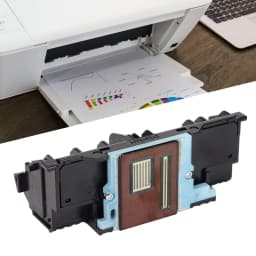
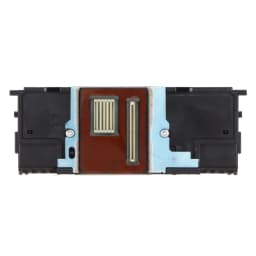
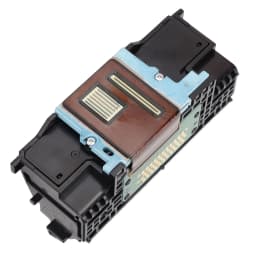
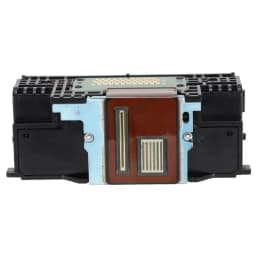
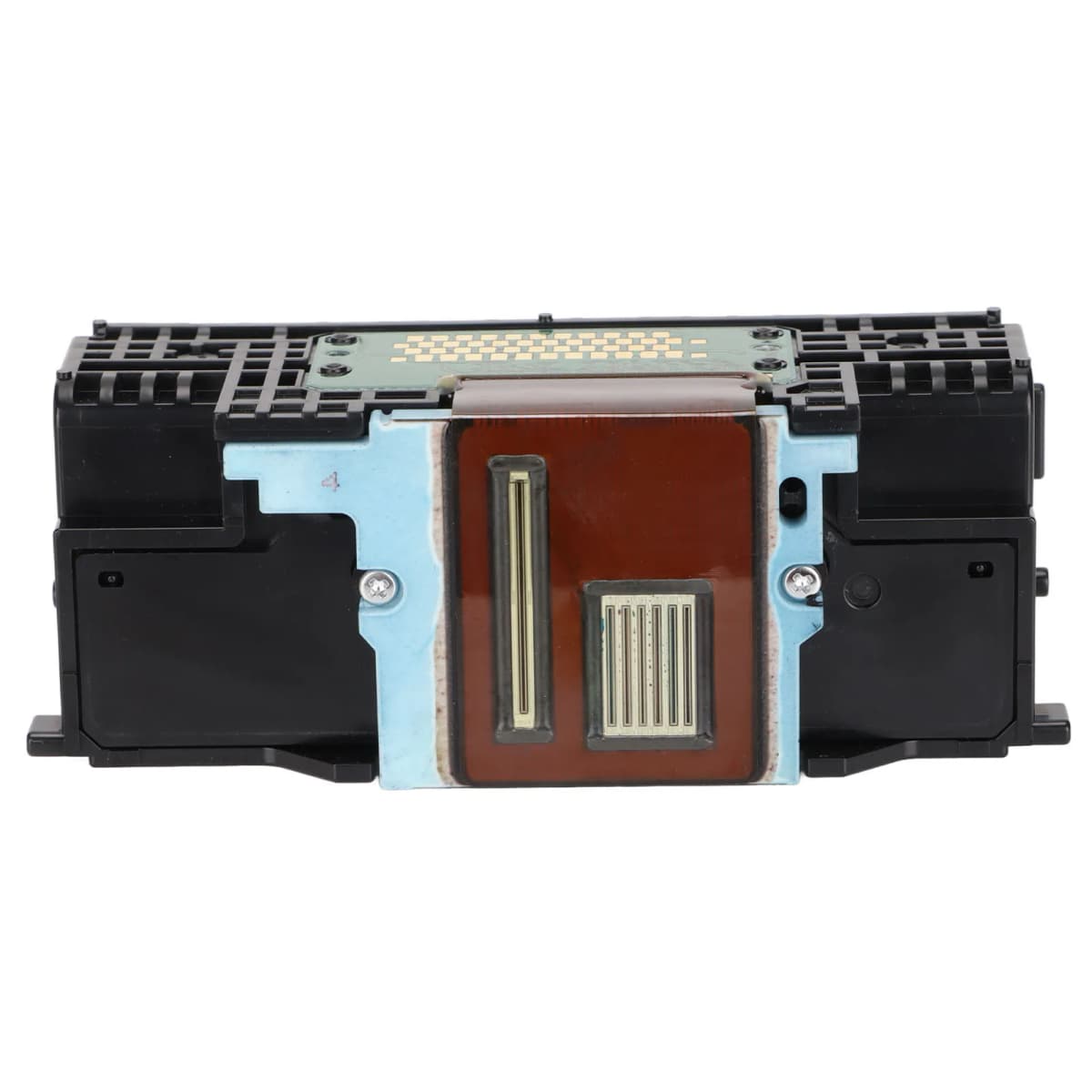
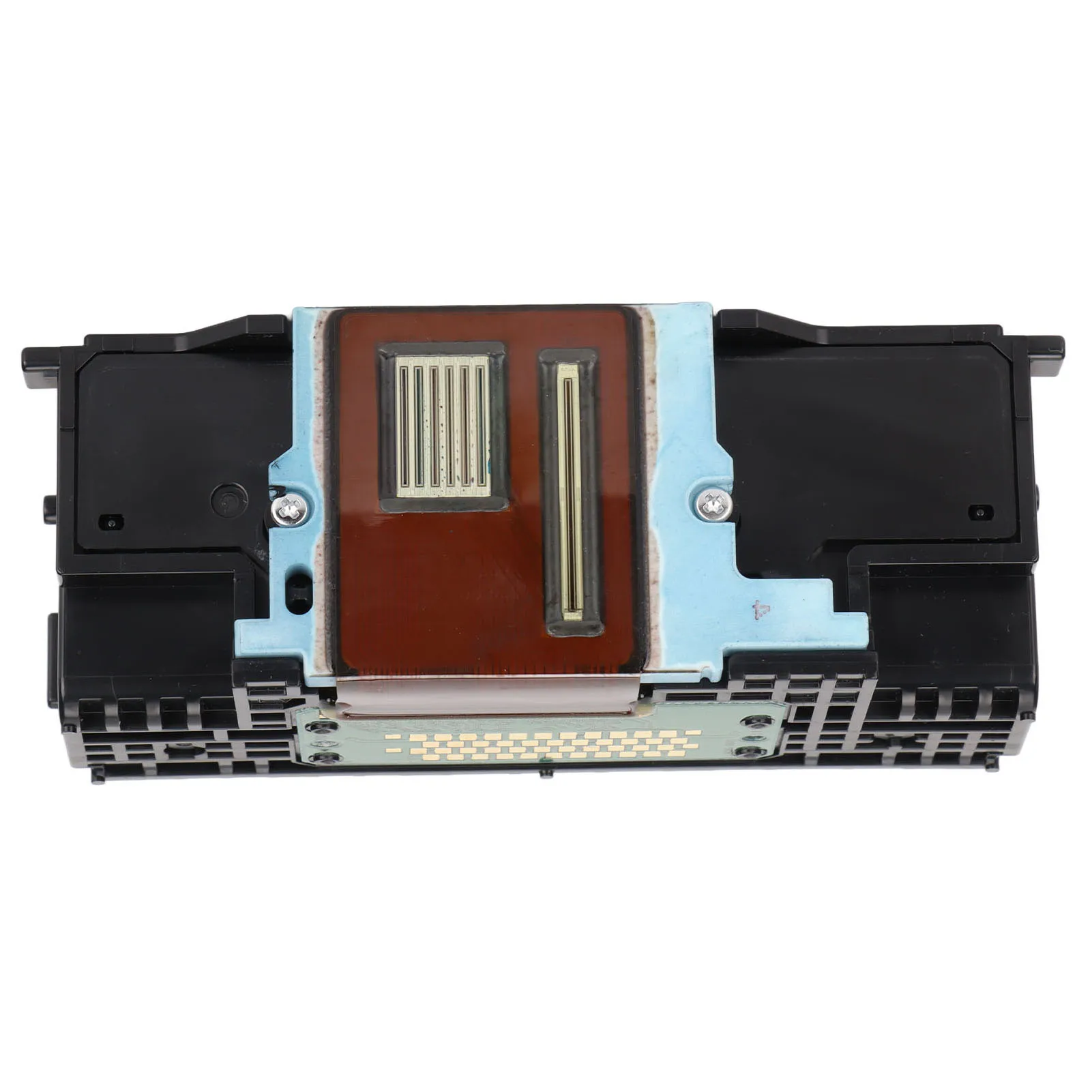
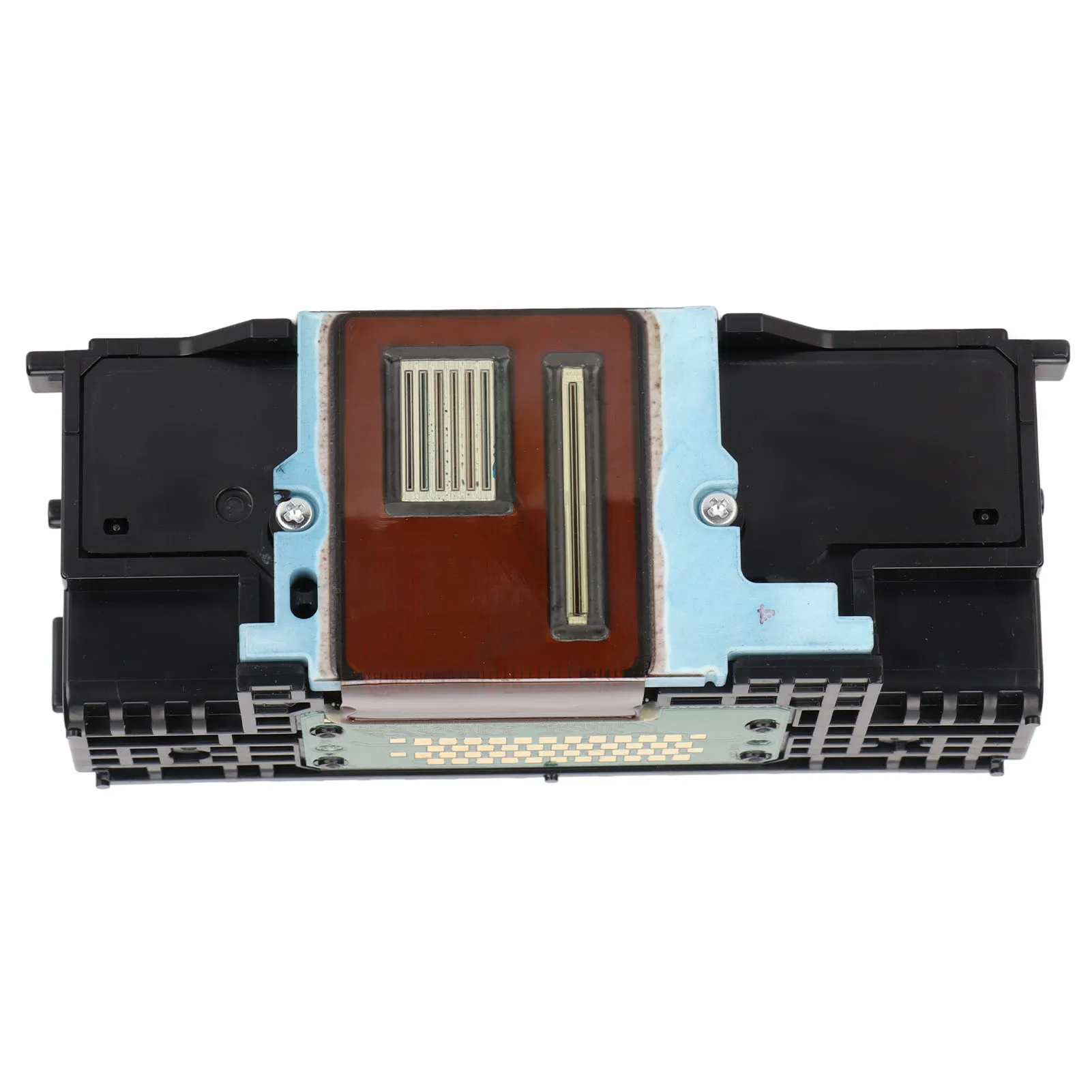
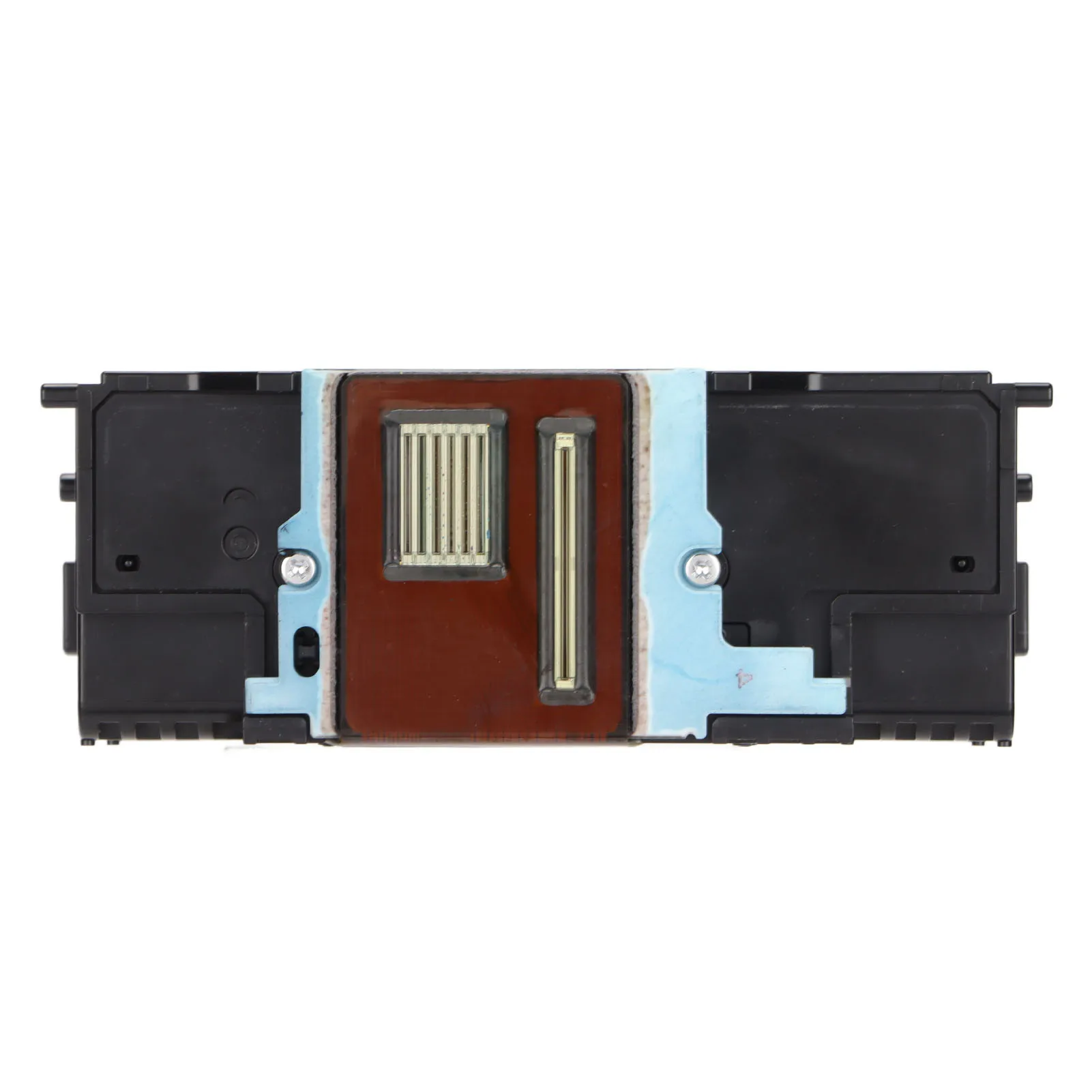
Printer Head Replacement Parts Printer Print Head Safe Packaging High Resolution for IX6840 for MX925 for MX721 for MX725
20.21$
9.9$
Quantity:
1
Availability:
Limited StockColor
Delivery estimate
Delivery:
Delivery estimate shown at checkout
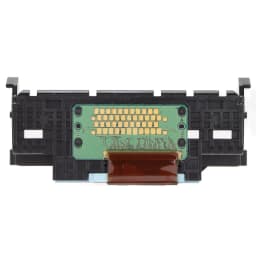
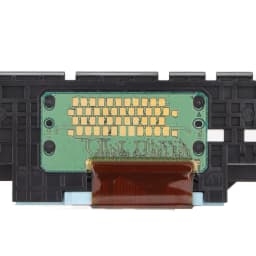
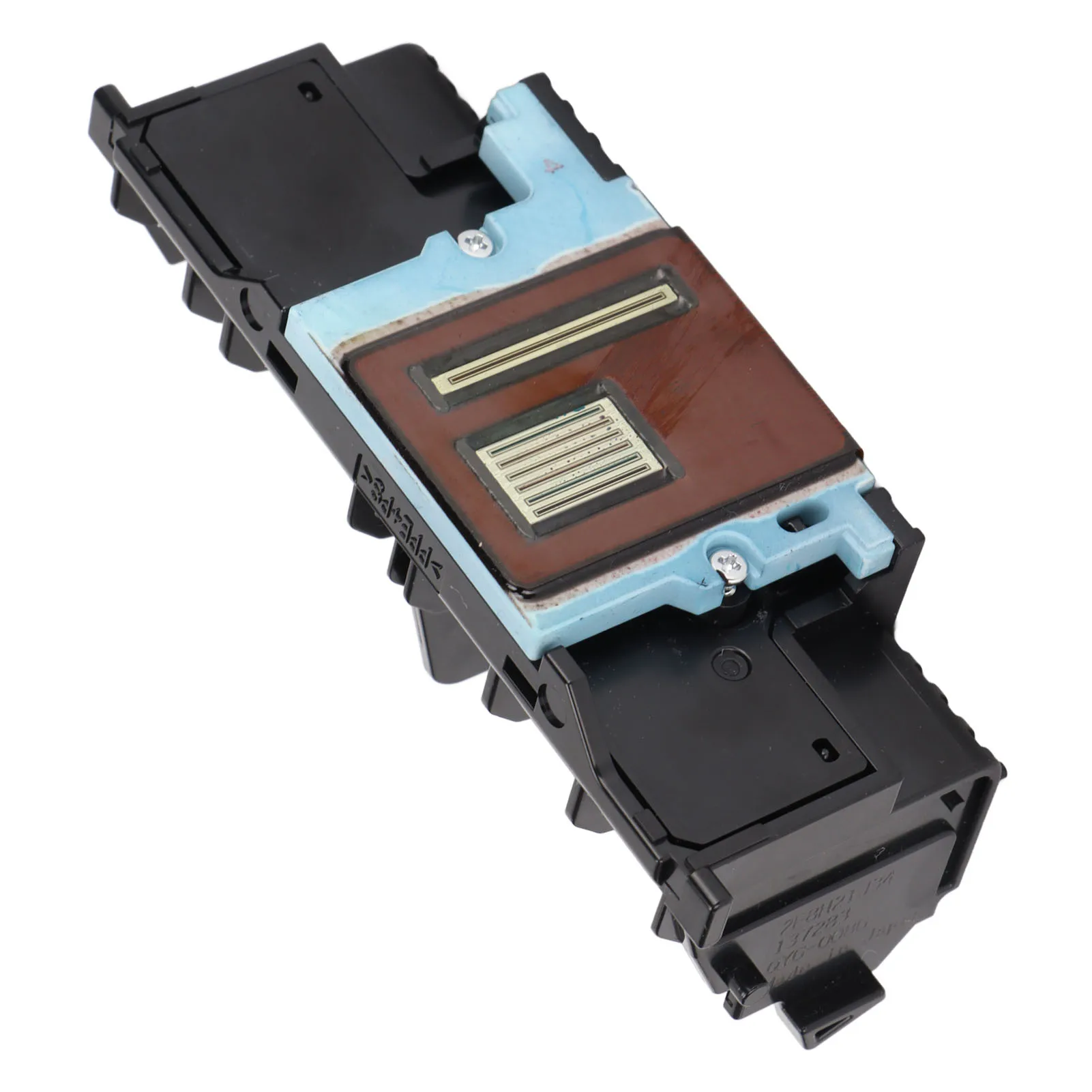
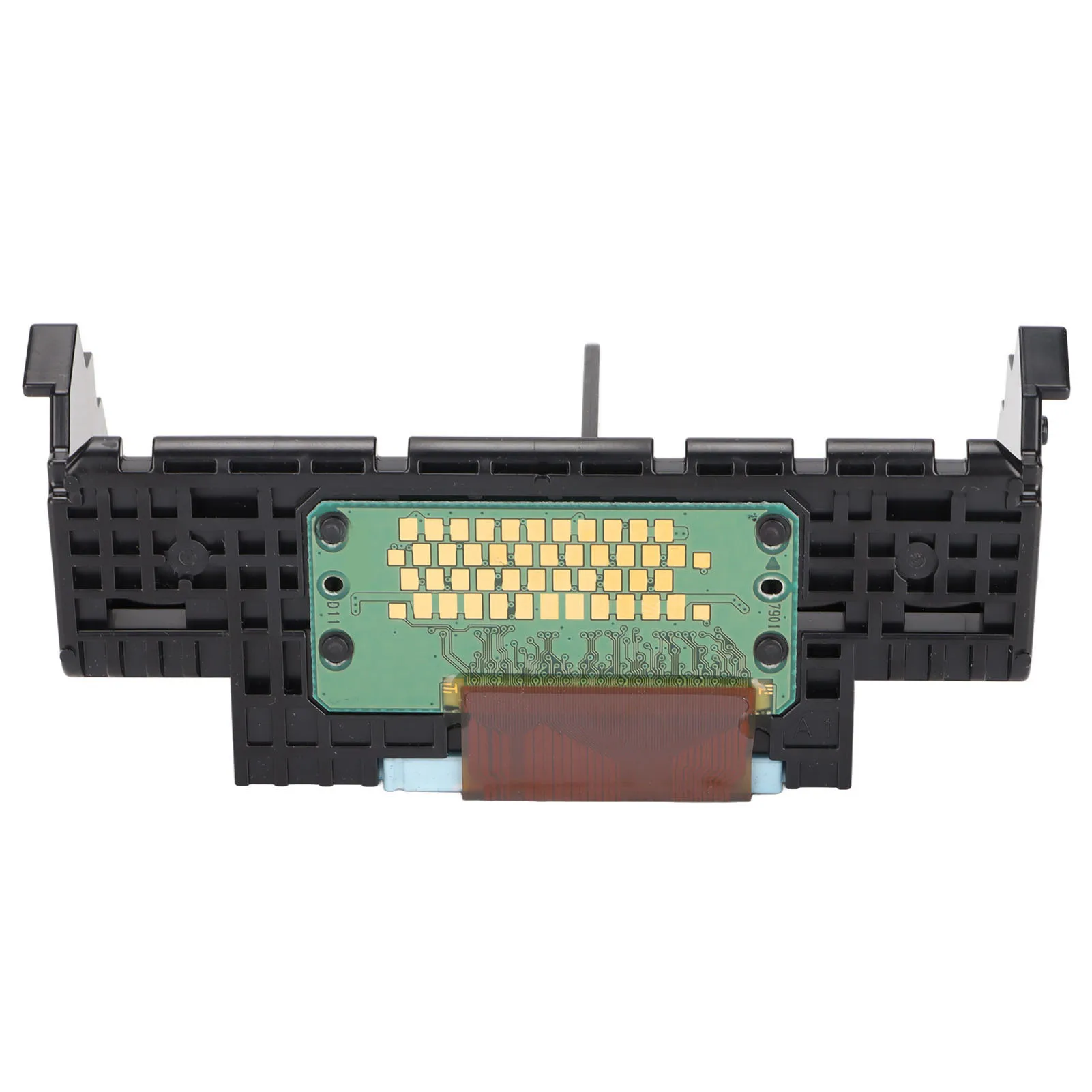
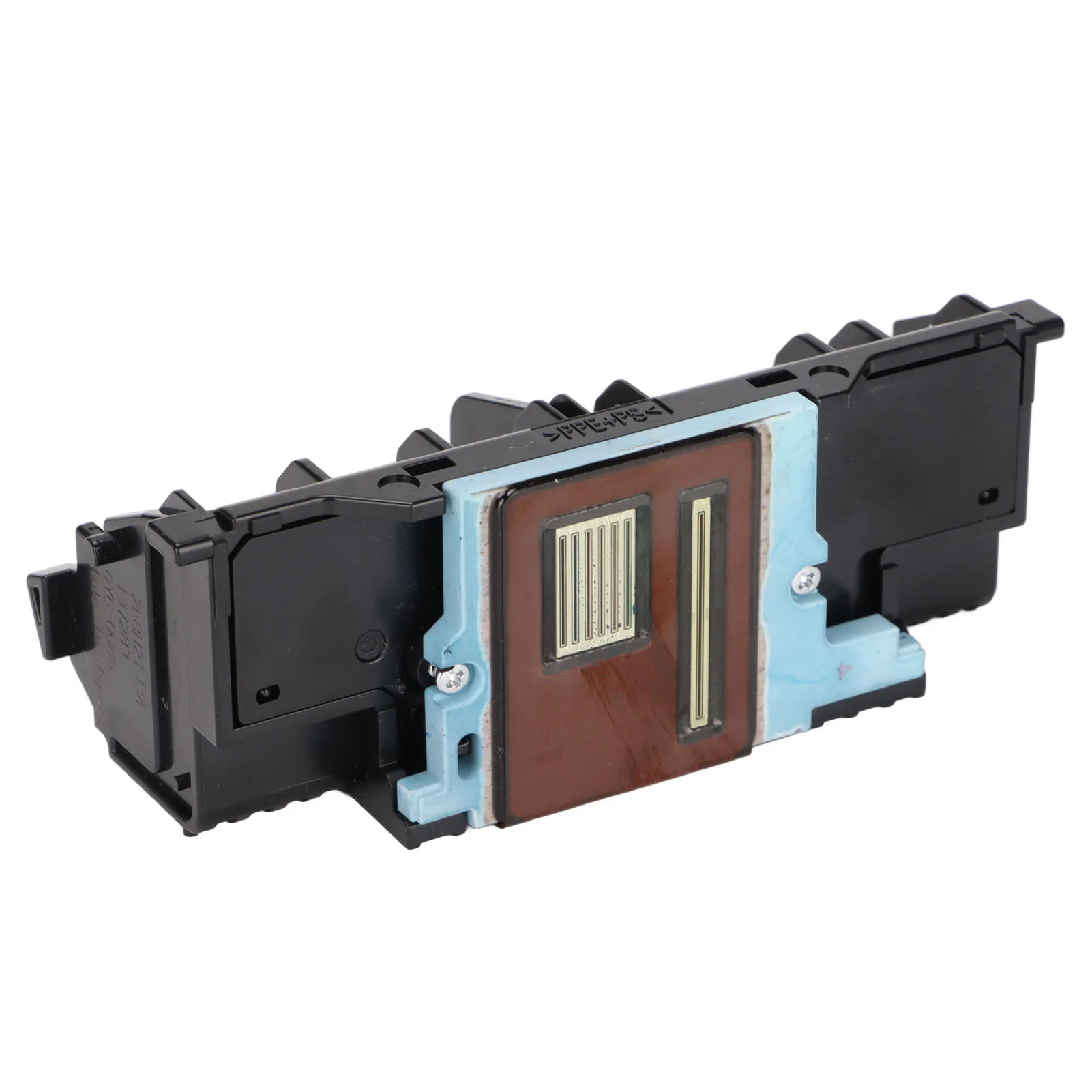
Printer Print Head Good Printing Effect High Resolution Strict Quality Control Printhead Replacement for IX6850 Series

Feature:
1. Good Printing Effect: Color print head, which can replace original print head to print color pictures, photos and documents.
2. Strict Quality Control: Each print head will be strictly tested, and the effect of the print head will be tested with printing test paper.
3. Easily Use: This product is a perfect replacement for the old color print head, very convenient to use,and the structure is compact, small and light.
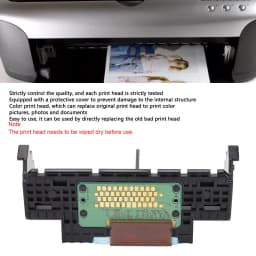
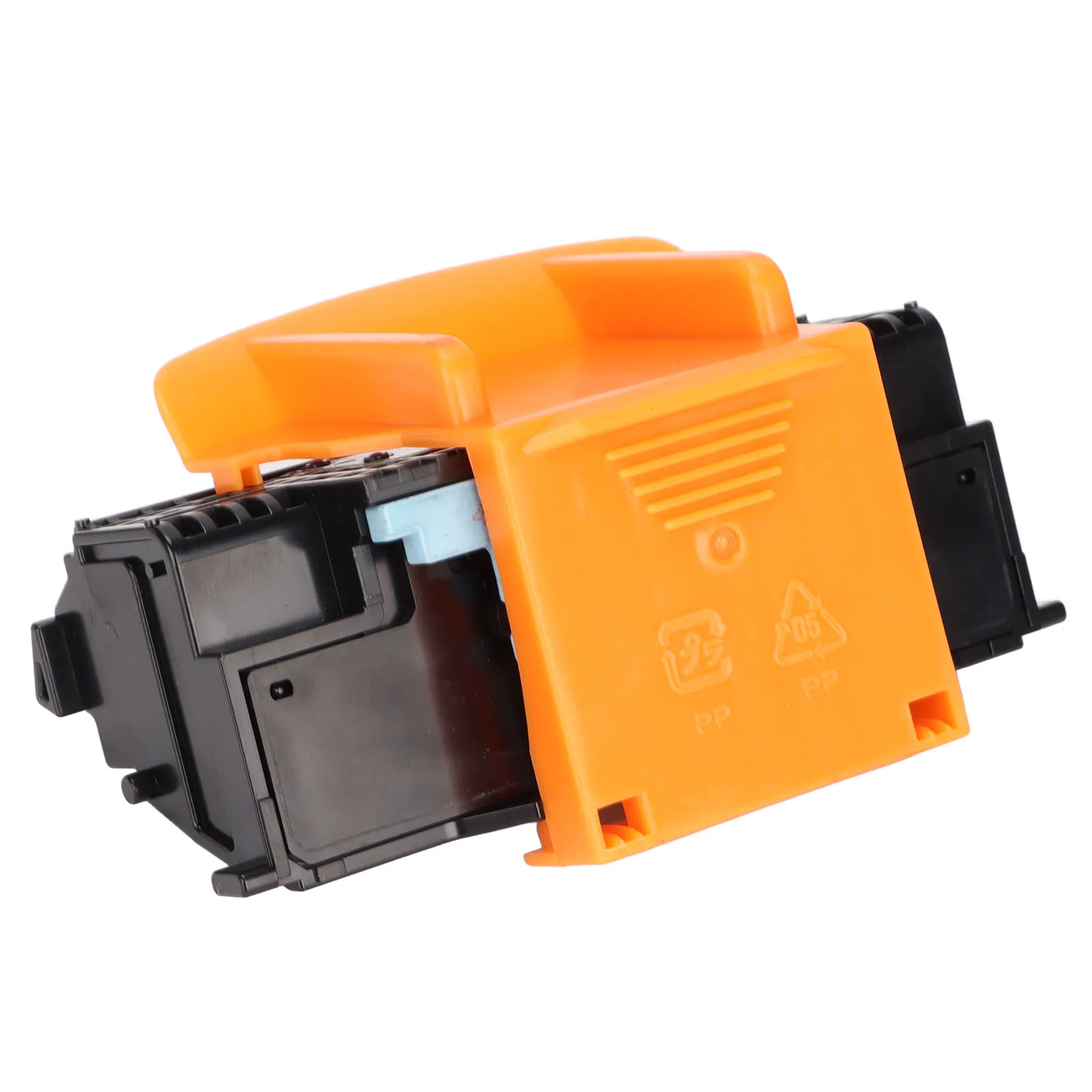
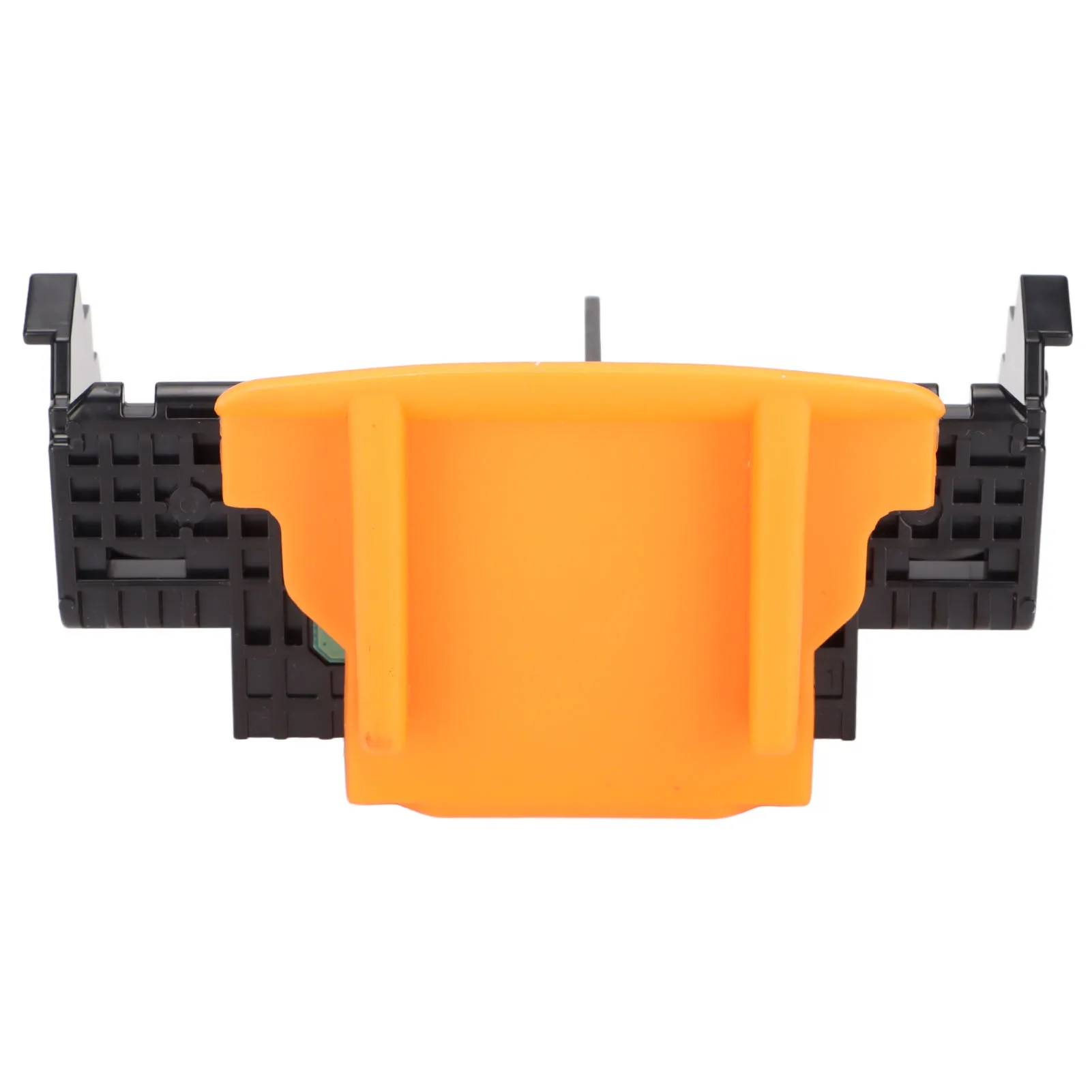
4. Safe Packaging: Equipped with a protective cover to prevent damage to the internal structure and effectively protect the print head.
5. Wide Compatibility: Compatible with for iX6840, for iX6850 Series,for Pixma MX720, for MX721, for MX722, for MX725, for Pixma MX920, for MX922, for MX924, for MX925.
Specification:
Item Type: Printer Print Head
Material: ABS
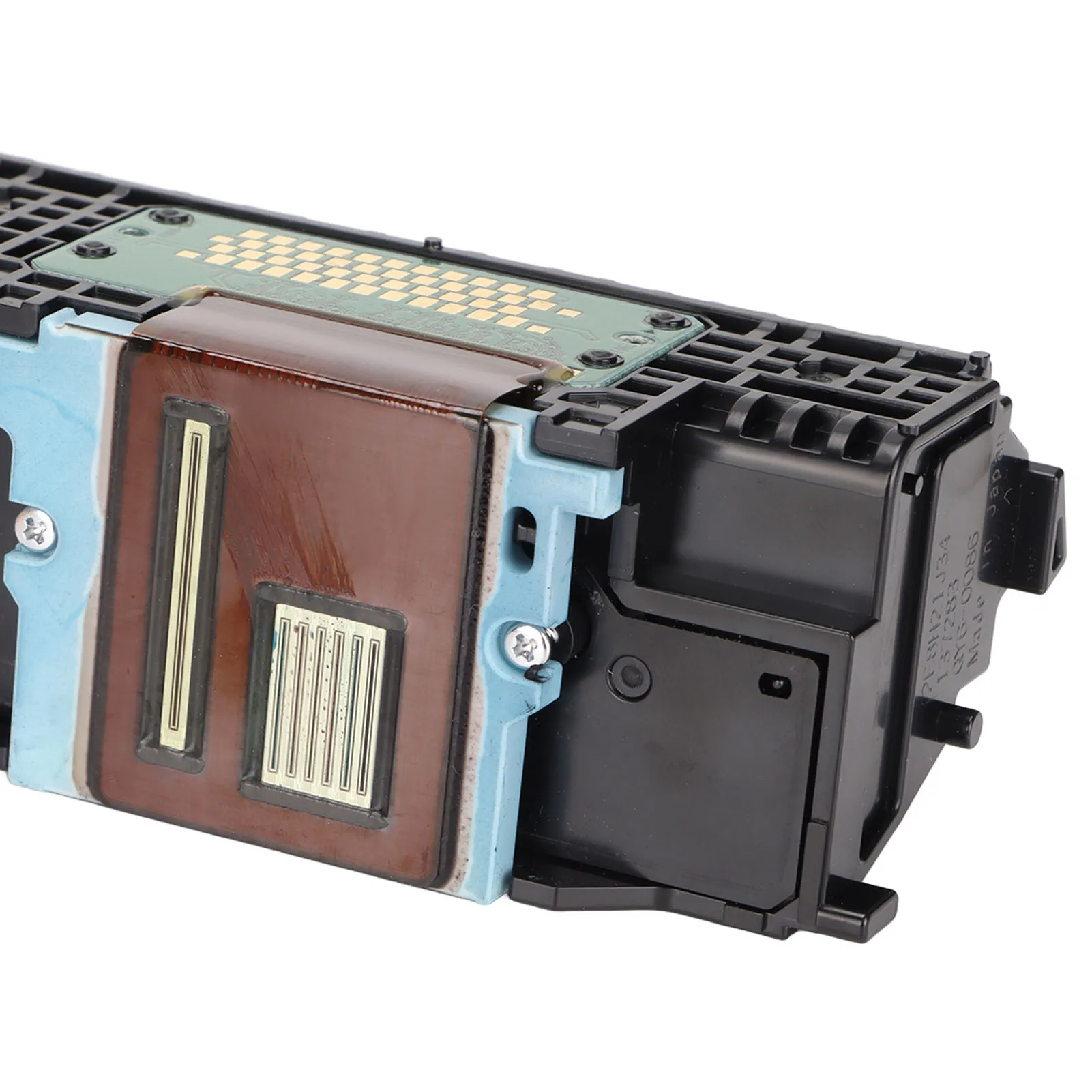
Model: Qy6-0086
Function: For Printer Color Printing
Compatible Models: For iX6840, for iX6850 Series,for Pixma MX720, for MX721, for MX722, for MX725, for Pixma MX920, for MX922, for MX924, for MX925, for MX926, for MX927
How to Use:
Instructions:
1. Press and hold the "for Windows" and for "X" keys on the keyboard at the same time to find the Control Panel.
2. Then select View Devices and Printers.
3. Select "Advanced Printer Settings" to search for connected and available printers.
4. Then click "The printer I want is not in the list".
5. Manually add local printers.
6. Select "Use existing port".
7. Select the "Manufacturer" and "Printer Model" of the printer.
8. Select "Replace current driver".
9. Enter the "Printer Name".
10. Choose whether to share the printer.
11. Click "Print Test Page" to test whether it is normal, and click "Finish".
Package List:
1 x Printer Print Head
Note:
1. The print head needs to be wiped dry before use. The ink not coming out is caused by the inability to recognize. It is necessary to upgrade the printer driver version to the latest version or replace the ink cartridge.
2. B200 fault code solution: B200 error problem is caused by the ink truck is stuck or the ink truck is not reset in time.
The solution
1. Remove the ink cartridge and reinstall it, then restart the computer and printer.
2. If this fault often occurs, the ink supply line should be checked, and lubricating oil can also be added to the slide bar of the car.
3. Manually reset the ink car ① open the boot cover ② push the ink cartridge to the right ③ Shut down the cover ④ Turn off the power ⑤ turn on the power ⑥ Boot cover ⑦ Observe whether the ink cartridge slides to the right automatically. ⑧ When the ink cartridge slides, use your hand to push the ink to the right edge again. The operation is complete.

1) We accept Alipay, West Union, TT. All major credit cards are accepted through secure payment processor ESCROW.
2) Payment must be made within 3 days of order.
3) If you can't checkout immediately after auction close, please wait for a few minutes and retry Payments must be completed within 3 days.
About shipping
1. WORLDWIDE SHIPPING. (Except some countries and APO/FPO)
2. Orders processed timely after the payment verification.
3. We ship to confirmed order addresses. Your order address MUST MATCH your Shipping address.
4. The images shown are not the actual item and are for your reference .
5. SERVICE TRANSIT TIME is provided by the carrier and excludes weekends and holidays. Transit times may vary, particularly during the holiday season.
6. If you have not received your shipment within the period, please contact us. We will track the shipment and get back to you as soon as possible with a reply. Our goal is customer satisfaction!
7. Due to stock status and time differences, we will choose to ship your item from our first available warehouse for fast delivery.
8. We seller are not in charge of import duty, buyer is responsible for that. Any dispute caused by this is unreasonable.
9. BR buyer please provide the cpf or cnpj, it will be better for you to get it more quickly. thanks
Return and Refund
1. You have 7 days to contact us and 30 days to return it from the date it was received. If this item is in your possession more than 7 days, it is considered used and WE WILL NOT ISSUE YOU A REFUND OR REPLACEMENT. There are NO EXCEPTIONS!And Pay attention please!The Shipping cost is bear by buyer themselves.
2. All returned items MUST BE in the original packaging and you MUST PROVIDE us with the shipping tracking number, specific reason for the return, and your po#.
3. We will refund YOUR FULL WINNING BID AMOUNT, upon receipt of the item in its original condition and packaging with all components and accessories included, OR, you may choose to have a replacement.
4. We will bear all the shipping cost if the product(s) is (are) not as advertised.
About feedback
We maintain high standards of excellence and strive for 100% customer satisfaction! Feedback is very important We request that you contact us immediately BEFORE you give us neutral or negative feedback, so that we can satisfactorily address your concerns.
It is impossible to address issues if we do not know about them!
Specifications
- Material
- POLYESTER
- Origin
- Mainland China
- Printer output
- Color
- Type
- Other
- Choice
- yes
Customer Reviews
No reviews yet
Printer Head Replacement Parts Printer Print Head Safe Packaging High Resolution for IX6840 for MX925 for MX721 for MX725
20.21$
9.9$
Quantity:
1
Availability:
Limited StockColor
Delivery estimate
Delivery:
Delivery estimate shown at checkout