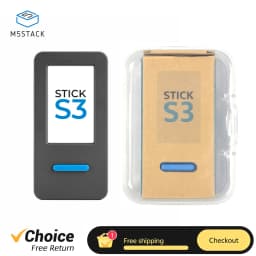
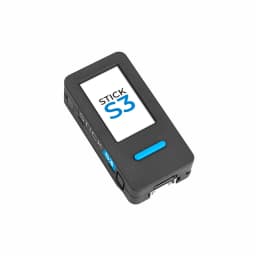
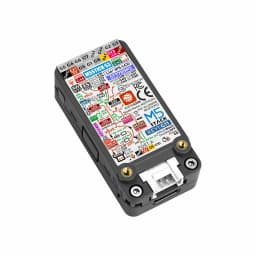
M5Stack StickS3 M5StickC PLUS2 Upgraded Version ESP32-S3 8MB Programmable Controller For IoT Project Development
110.56$
61.91$
Quantity:
1
Availability:
Color
Card Payments
Crypto Payments
Easy return
Reliable Shipping
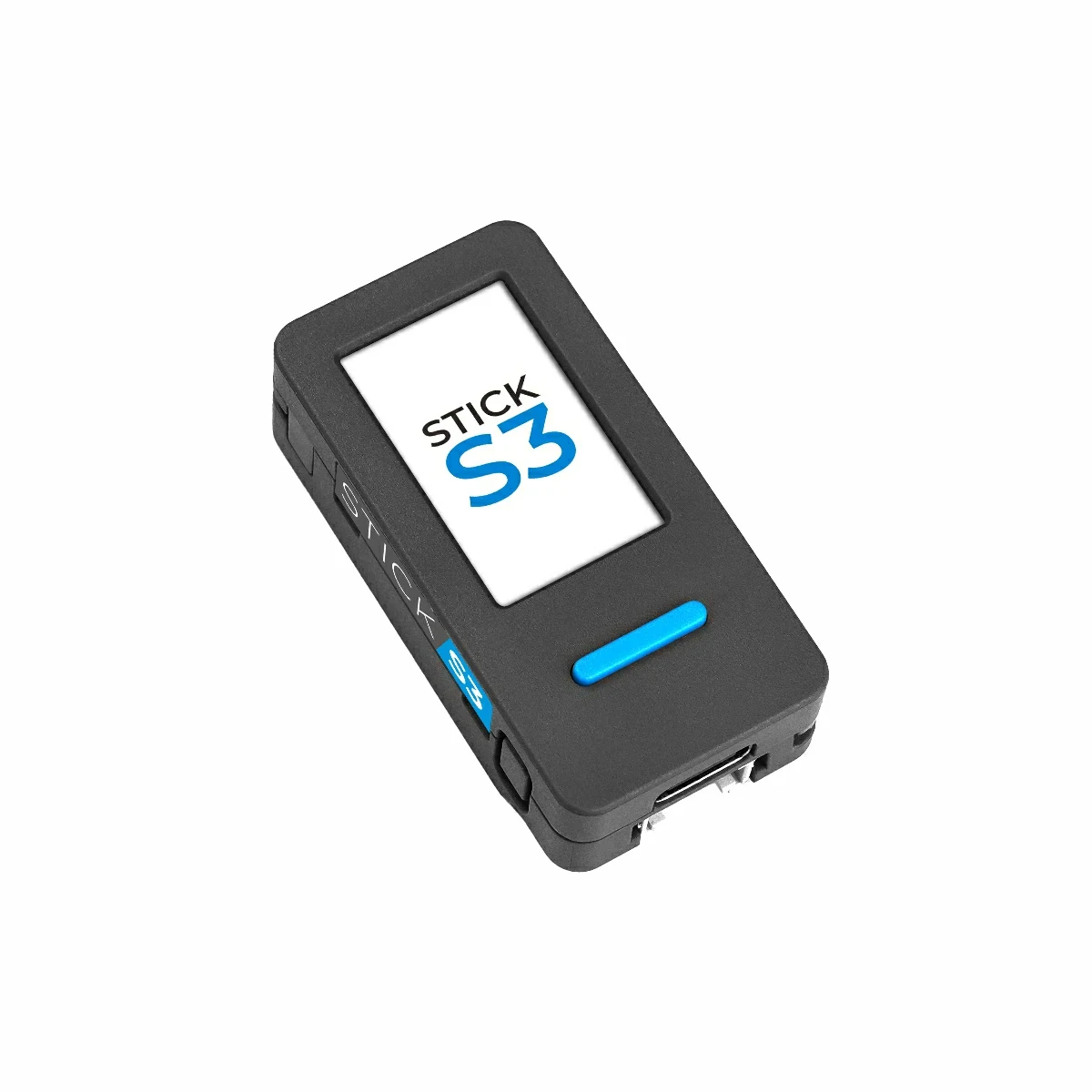
M5Stack StickS3 IoT Controller
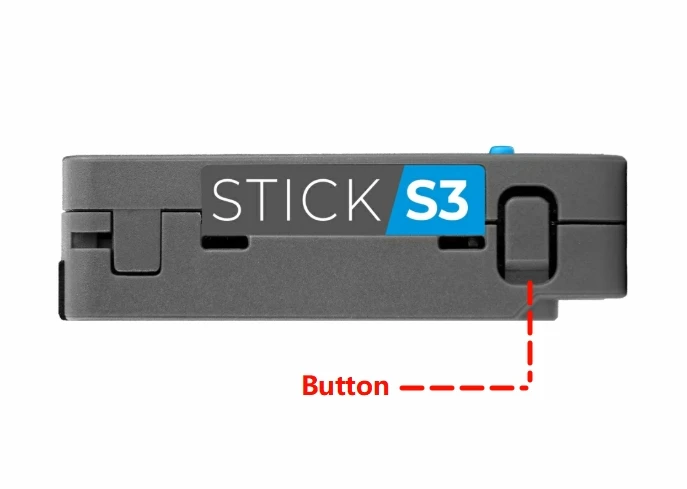
Button Operation Instructions
Long press: Enter download mode
Double press: Power off
Single press: Power on
Please note
My StickS3 shows green LED but screen is black and won't boot. What should I do?
Please check the FAQ at the bottom of the page
Features
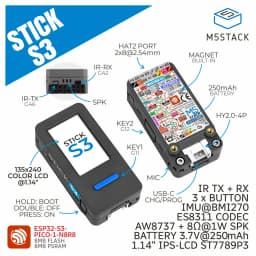
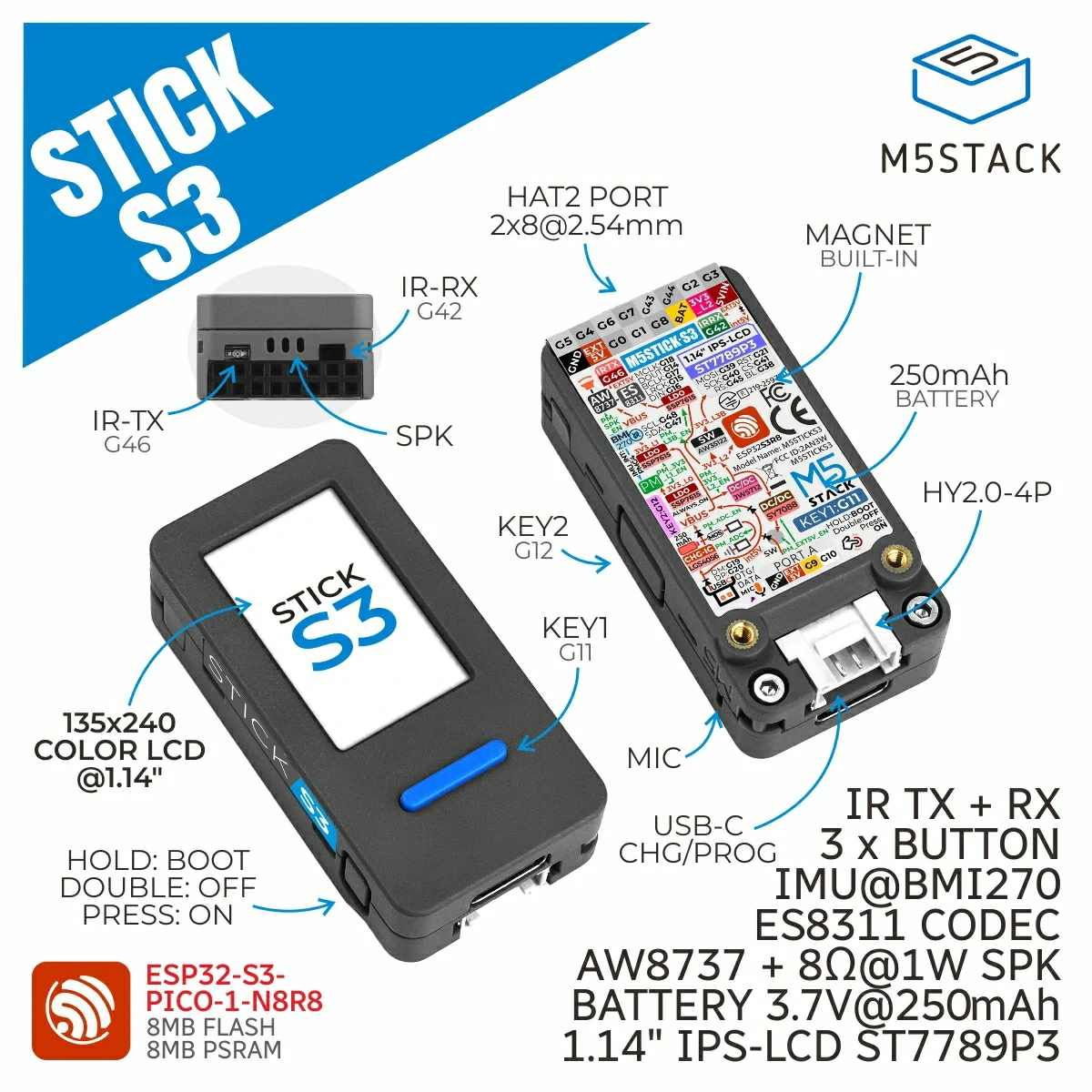
Integrated ESP32-S3-PICO-1-N8R8 main controller
8MB Flash and 8MB PSRAM
ES8311 mono audio codec chip
MEMS microphone + speaker
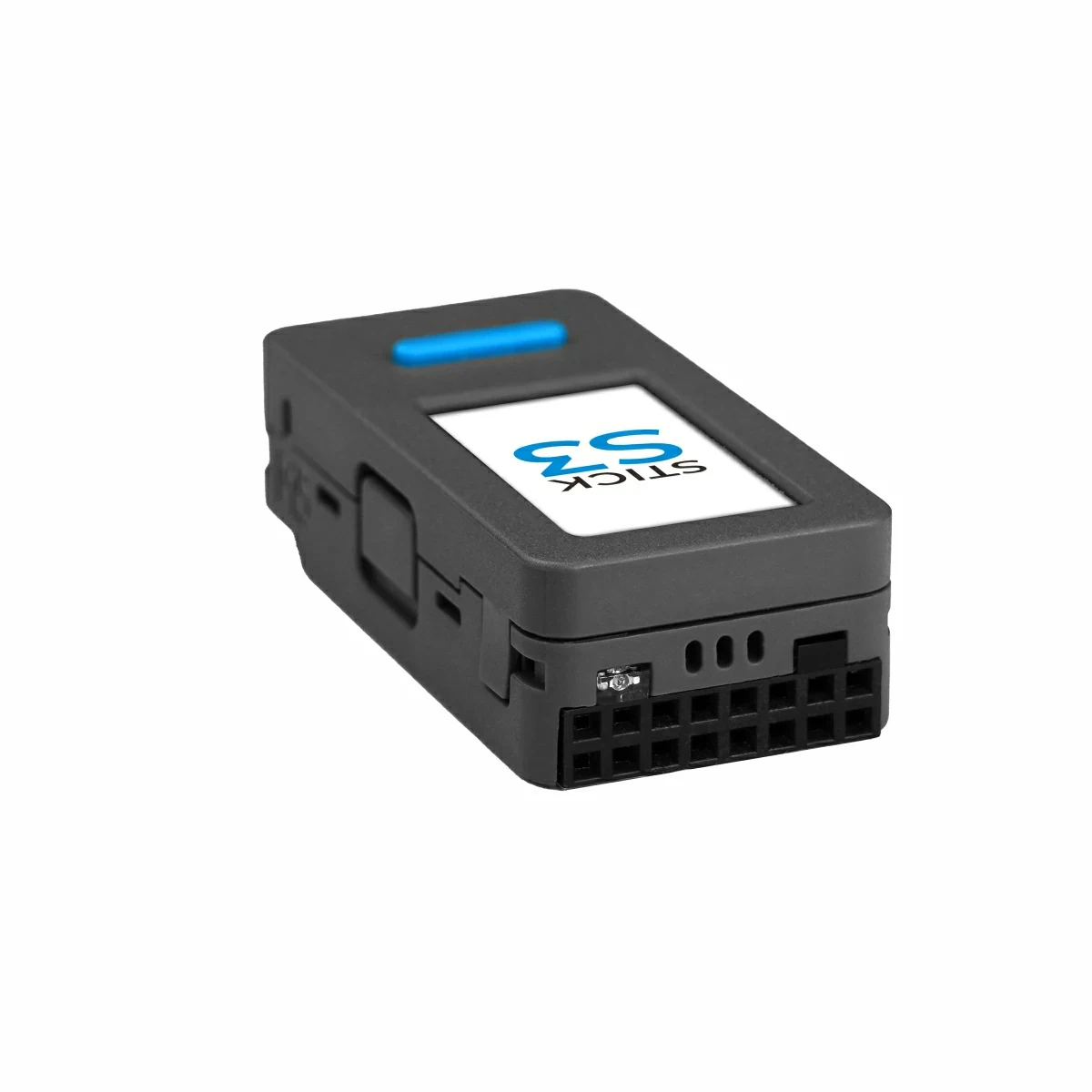
Integrated IR transmitter + IR receiver
Magnetic back design
Expansion interfaces:
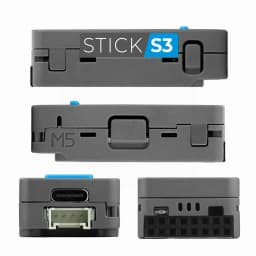
Expandable Hat2 bus (2.54-16P)
HY2.0-4P interface
Development Platform
Arduino
UiFlow2
ESP-IDF
PlatformIO
Applications
Smart home control
AI voice assistant
IoT project development
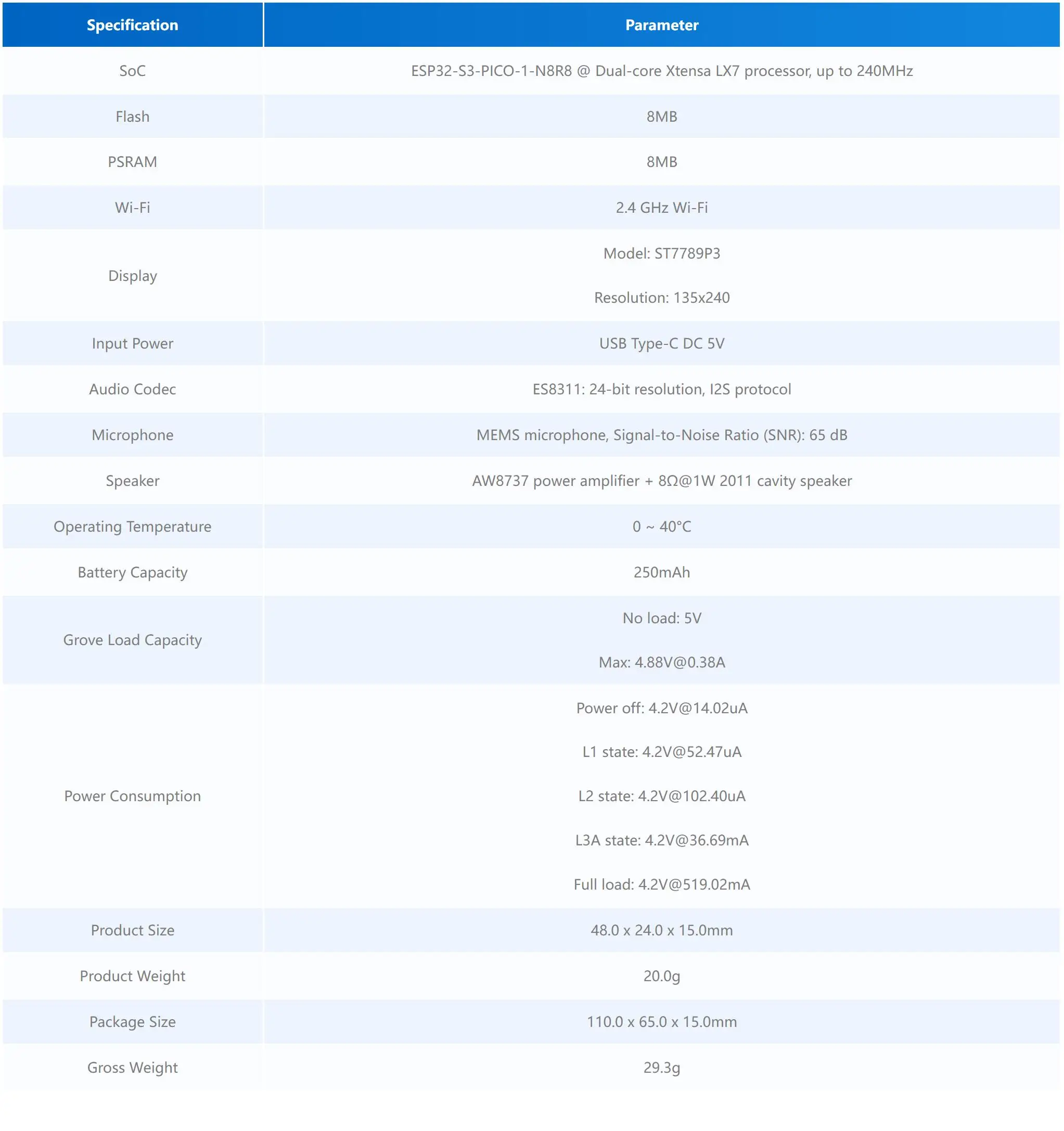
Specification
Includes
1 x StickS3(new package)
Product details
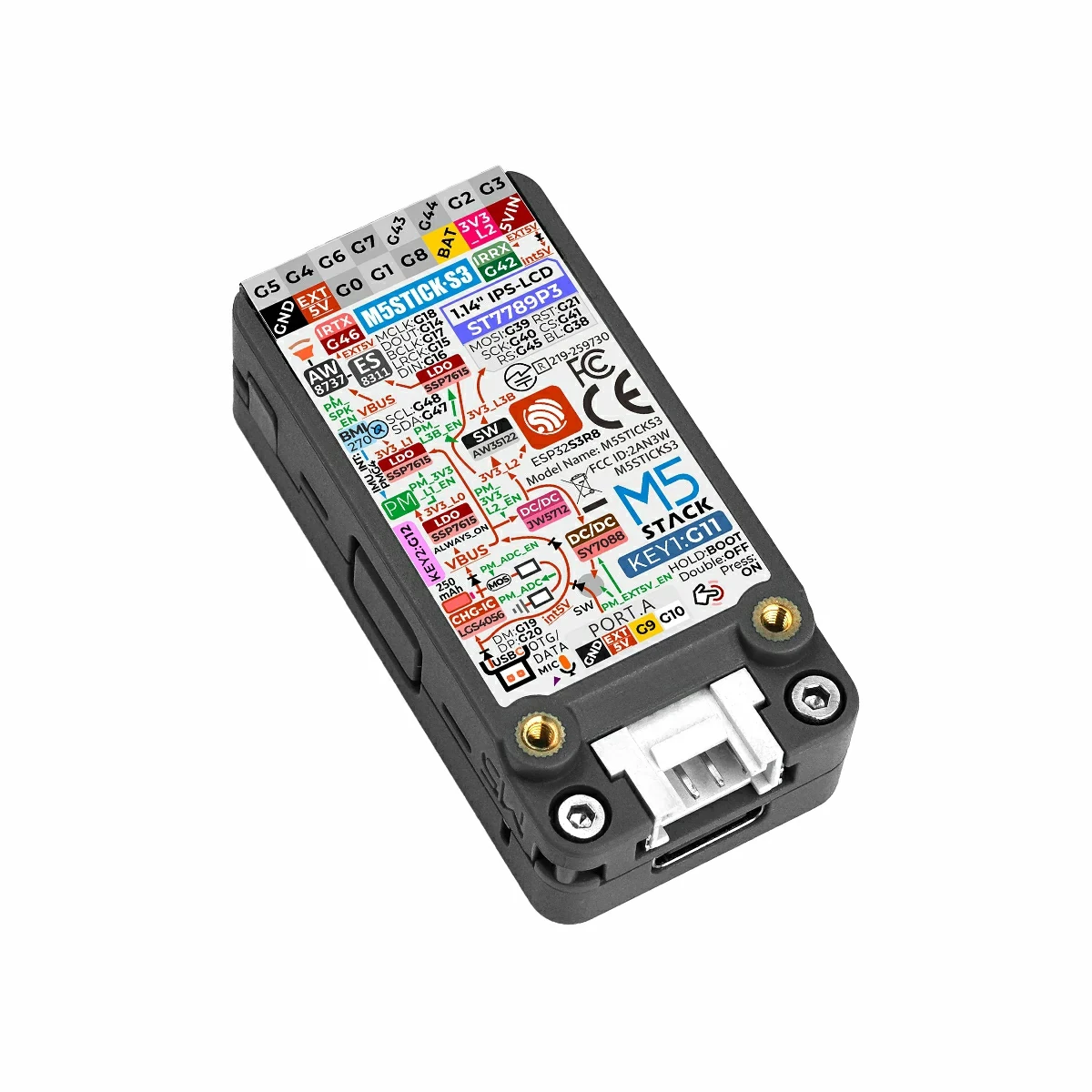
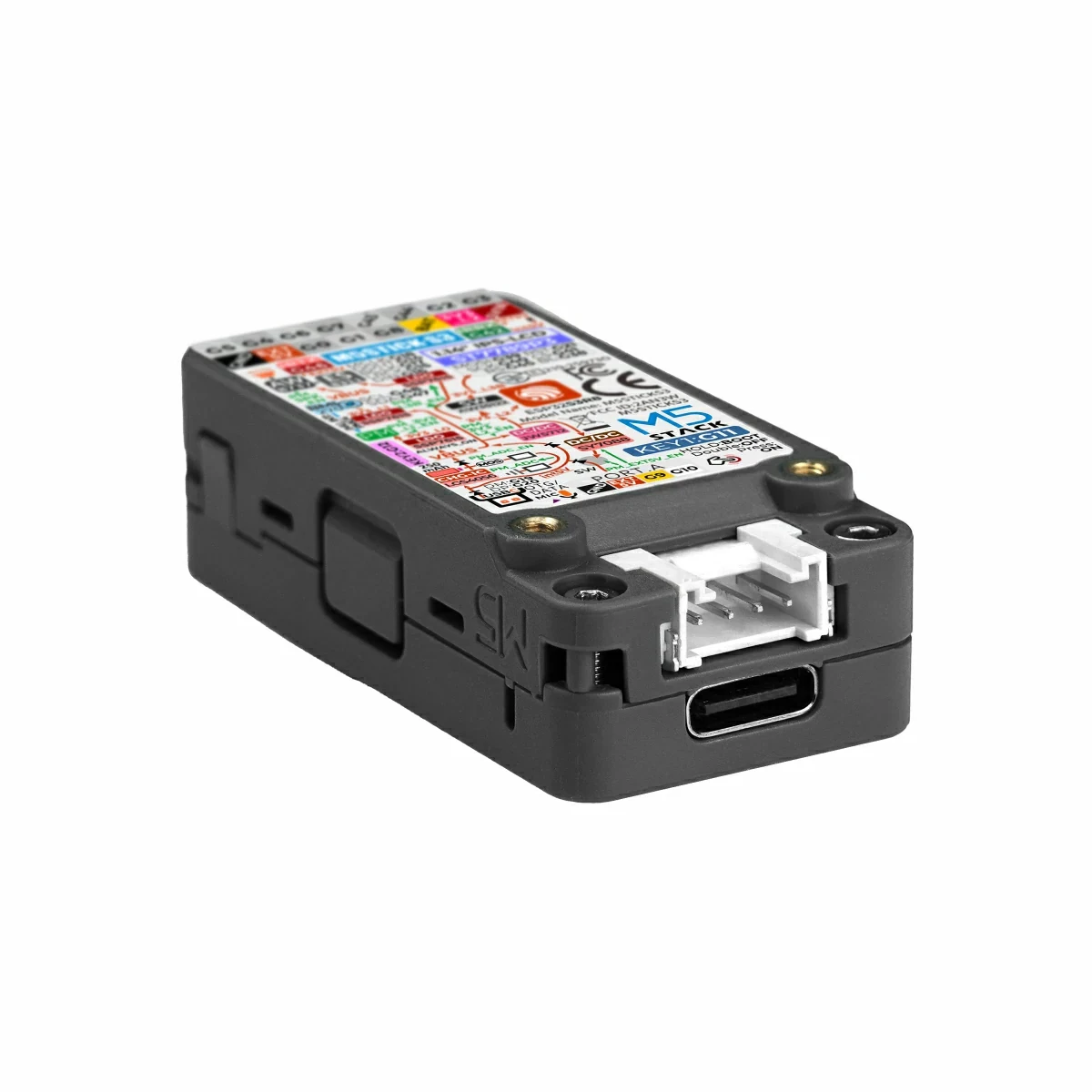
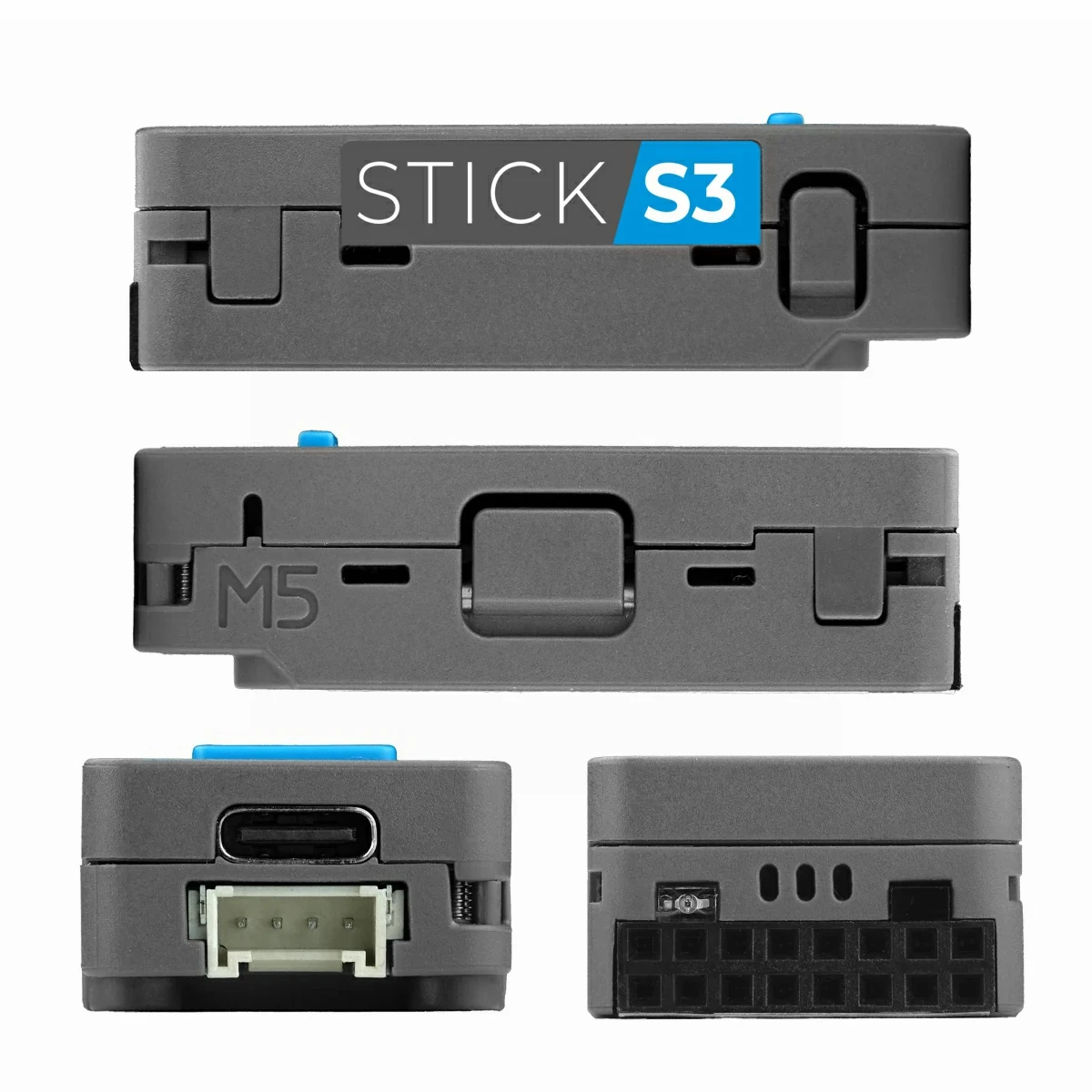
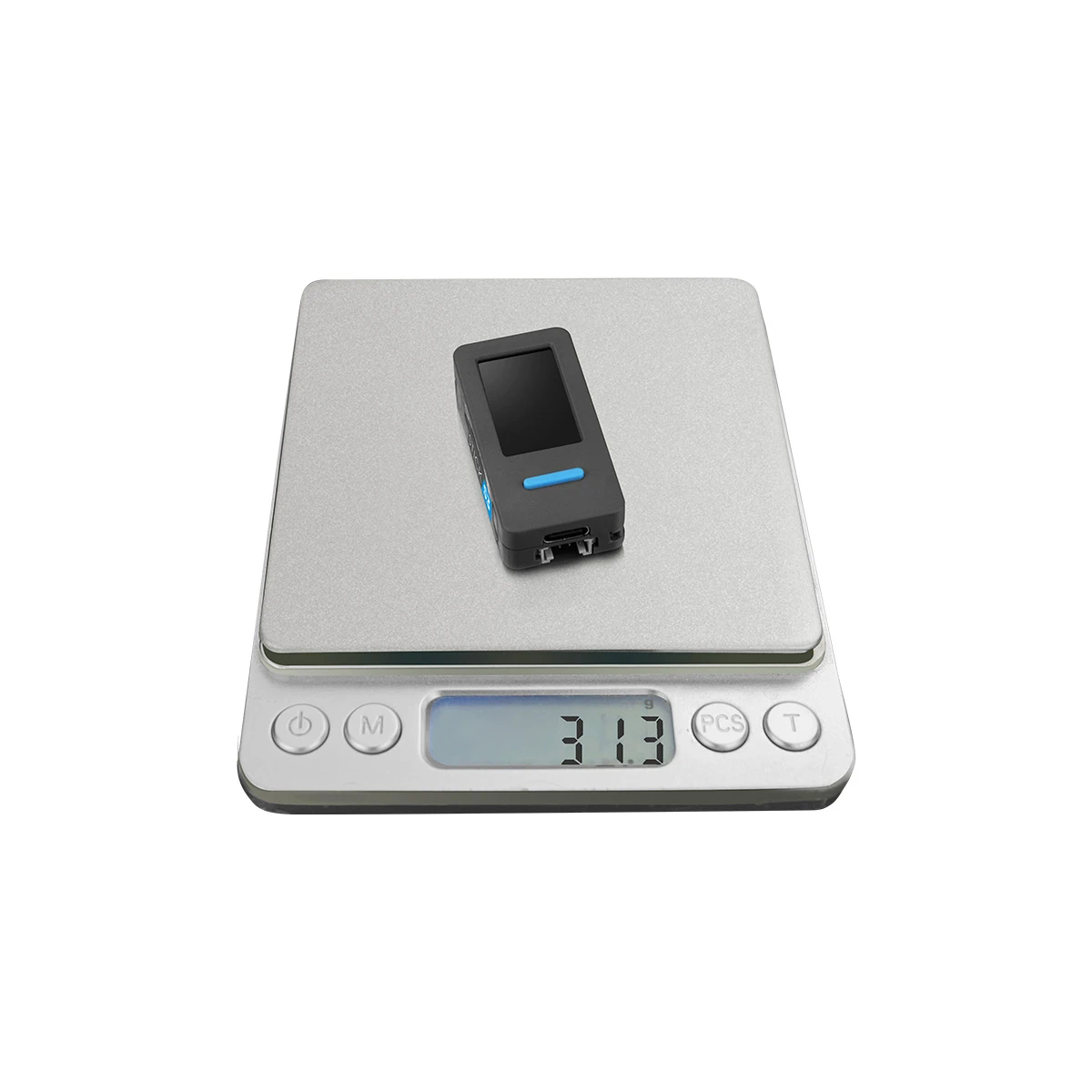

Download Mode
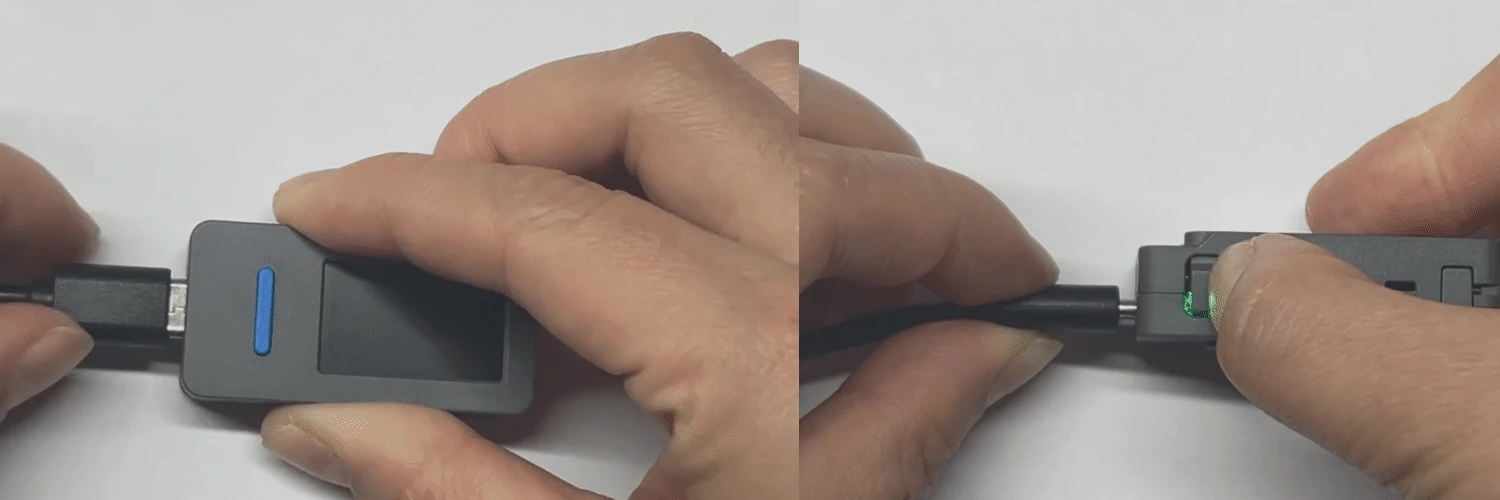
Connect the device with a USB cable and press and hold the reset button on the side of the device. When the internal green LED flashes, the device has successfully entered download mode.
Description
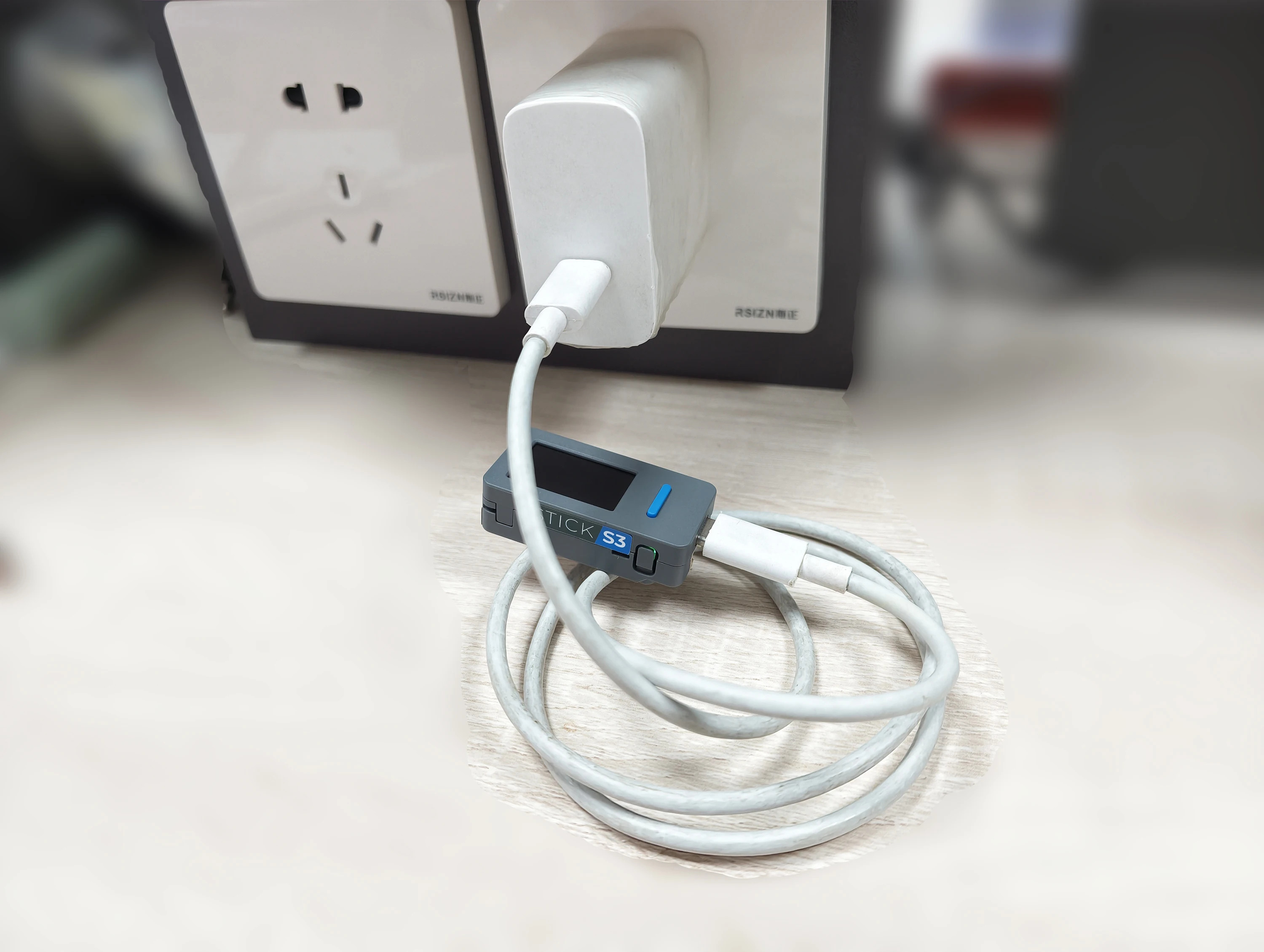
StickS3 is a compact and high-performance programmable controller designed for remote control and IoT applications. It is powered by the ESP32-S3-PICO-1-N8R8 main control chip, supporting 2.4 GHz Wi-Fi wireless communication, with built-in 8MB Flash and 8MB PSRAM to meet diverse application development needs, delivering excellent performance and scalability.
For human–machine interaction, it features a 1.14" LCD display, a 6-axis IMU sensor, and programmable buttons. The audio system adopts the ES8311 mono audio codec, combined with a high-sensitivity MEMS microphone and AW8737 power amplifier, enabling clear audio capture and high-fidelity audio output, empowering voice recognition and interactive experiences. It also integrates IR transmitter and receiver, a 250mAh lithium battery, making it suitable for smart home control, AI voice assistants, and IoT project development scenarios.
Kindly Remind
EXT_5V_EN Input Power Supply Notice
The device 5V power interface can be configured as DC 5V output / input mode. The interface defaults to input mode. In this state, DC 5V power can be supplied via the Grove interface, the EXT_5V on the top Hat2-Bus, or the 5VIN interface. When configured to output mode, power input is only allowed via USB or the 5VIN on the top Hat2-Bus. Do not supply power through other output interfaces, otherwise there is a risk of short circuit and device damage.
Infrared Reception Notes
1.The infrared receiving and decoding of StickS3 must use the ESP32 RMT peripheral and does not support receiving and decoding via GPIO method.
2. When using the infrared receiver function, the speaker amplifier must be turned off; otherwise, reception will not work properly. The operation method can be referenced in the tutorial
3. Ensure that the transmitter and receiver are aligned as directly as possible, and keep a distance of no less than 30 cm between them. If the distance is too short, abnormal reception may occur.
Compatibility Notes
StickS3 is structurally incompatible with the following Hat series products: Hat Mini JoyC (SKU: U156), Hat Mini EncoderC (SKU: U157), and Hat 18650C (SKU: U080).
IR Reception Notice
When using the IR receiving function, the speaker power amplifier must be turned off, otherwise IR signals cannot be received properly.
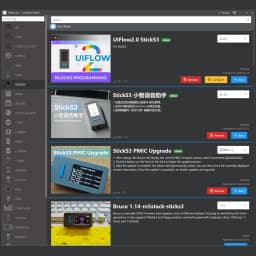
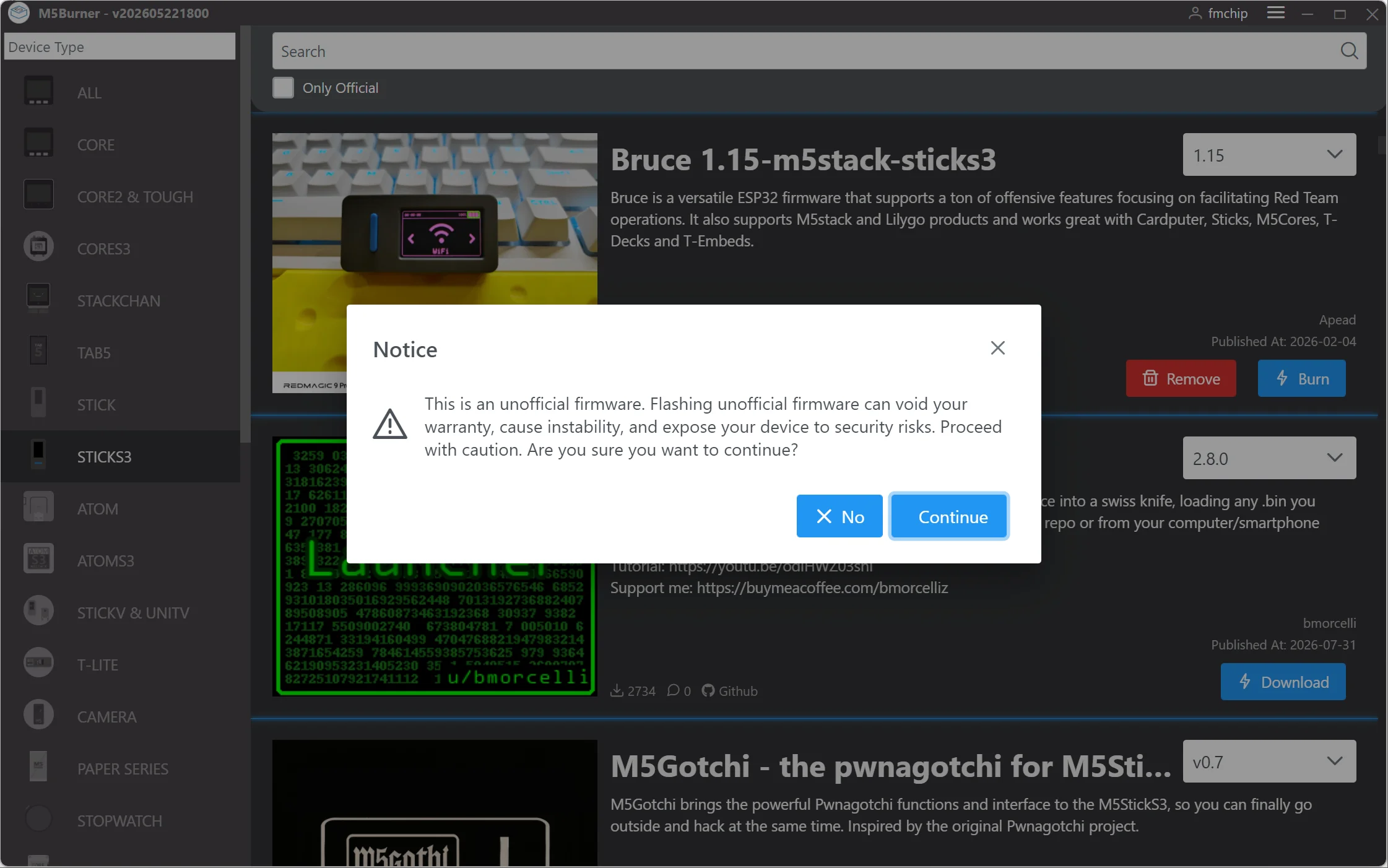
M5Burner
FAQ
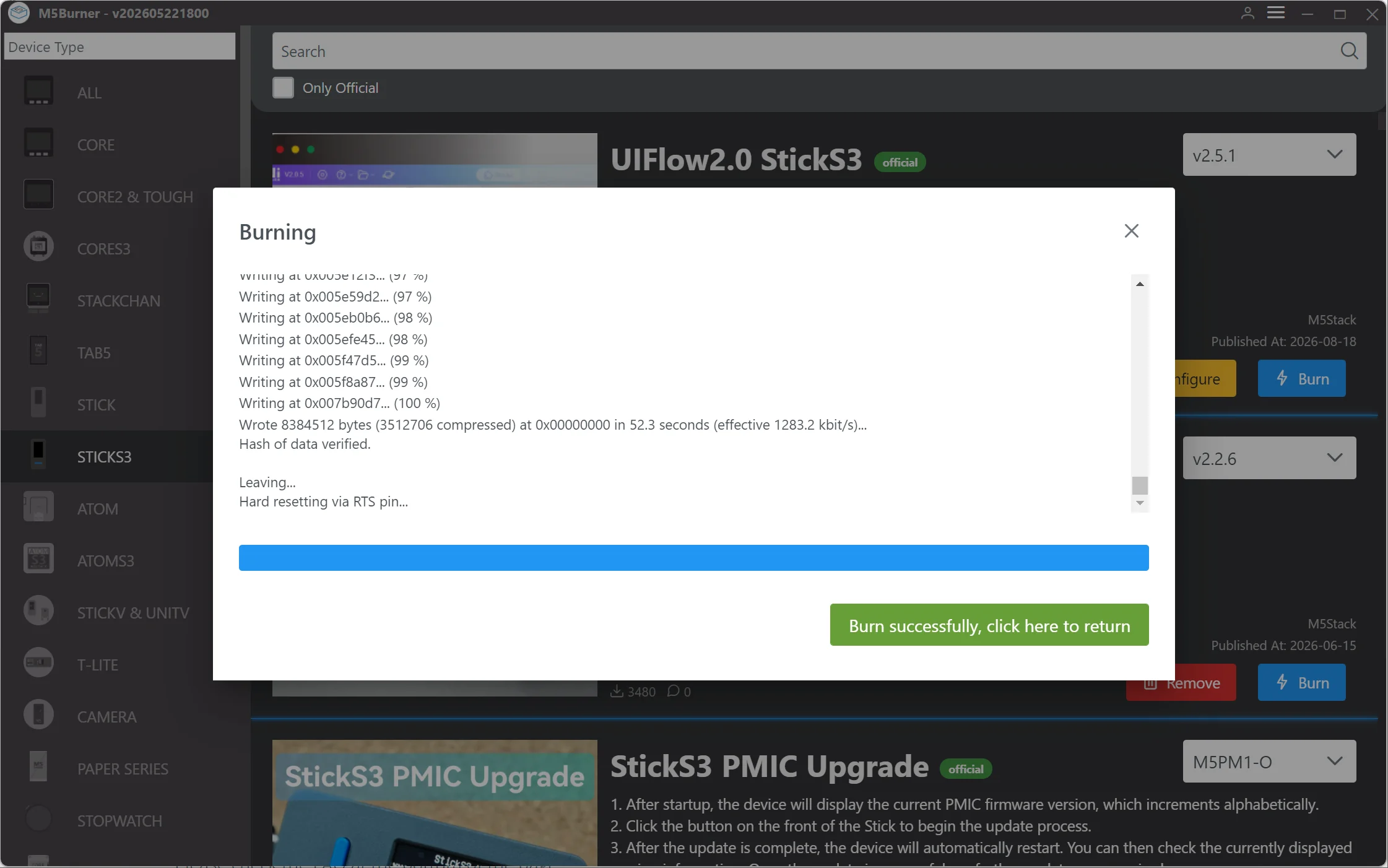
Q1: My StickS3 shows green LED but screen is black and won't boot. What should I do?
Solutions: M5Burner Burn official Factory Firmware "UIFlow2.0 StickS3"

Notice
This is an unofficial firmware. Flashing unofficial firmware can void your warranty, cause instability, and expose your device to security risks. Proceed with caution. Are you sure you want to continue?
Q2 IR not working
Firmware link: https://drive.google.com/drive/folders/1W-0penFXz7n5C3XLAss5vW4-NfwbHeGZ?usp=sharing
1. Flash the firmware.
2. The main interface will display: Battery voltage/Battery level/5V output on/off/IR signal sent.
3. Prepare a mobile phone and a known working infrared remote control.
4. Use the infrared remote control to send a signal. Open your phone's camera and check if the infrared remote control emits a purple light visible to the camera but invisible to the naked eye. If so, the phone's camera lacks an IR filter; if not, replace the phone.
5. After pressing Button B (right button) to turn on the 5V output, use Button A (front button) to send any IR signal. Use the phone's camera to check. If the phone's camera shows purple light emanating from the IR sensor, the infrared function is normal; otherwise, the infrared function is generally faulty.
Customer Reviews
364 ratings
works well (30)
fast delivery (17)
excellent (16)
as described (10)
careful packaging (9)
very good (7)
Customer photos (30)

a***r
July 22, 2026
Variant: Color:StickS3 new package
товар приехал все хорошо, но приехал без прошивки😭

U***r
May 15, 2026
Variant: Color:StickS3 new package
I like it I hope u guys like it too
Buyer from United States
April 23, 2026
Variant: Color:StickS3 new package
Package never came.
a***r
April 11, 2026
Variant: Color:PLUS2 and Watch Kit
It’s a real m5 product
v***r
April 7, 2026
Variant: Color:PLUS2 and Watch Kit
Excellent, nice device !!!

A***n
March 24, 2026
Variant: Color:PLUS2 and Watch Kit
So far so good my IR light seems to be stuck open but I have a buddy coming to check it out tomorrow but it’s a fun little gadget for sure
M5Stack StickS3 M5StickC PLUS2 Upgraded Version ESP32-S3 8MB Programmable Controller For IoT Project Development
110.56$
61.91$
Quantity:
1
Availability:
Color