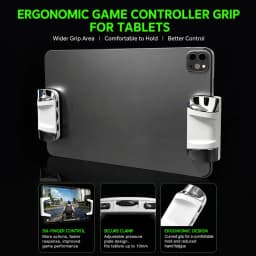
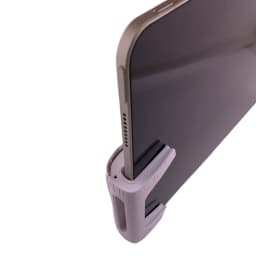
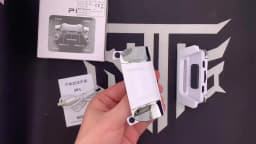
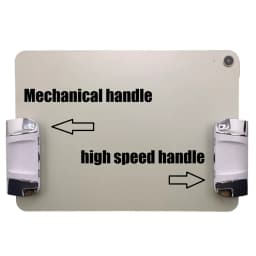
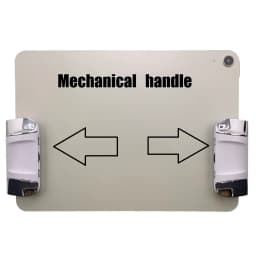
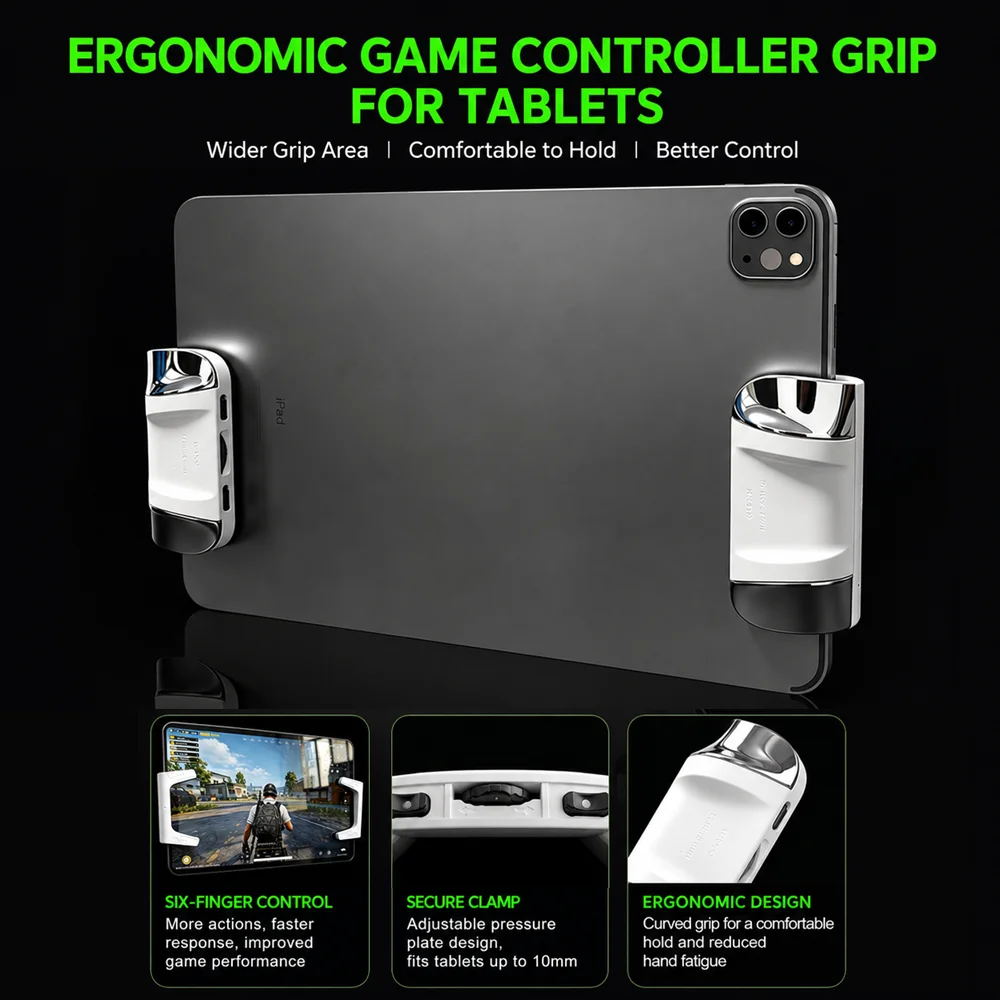
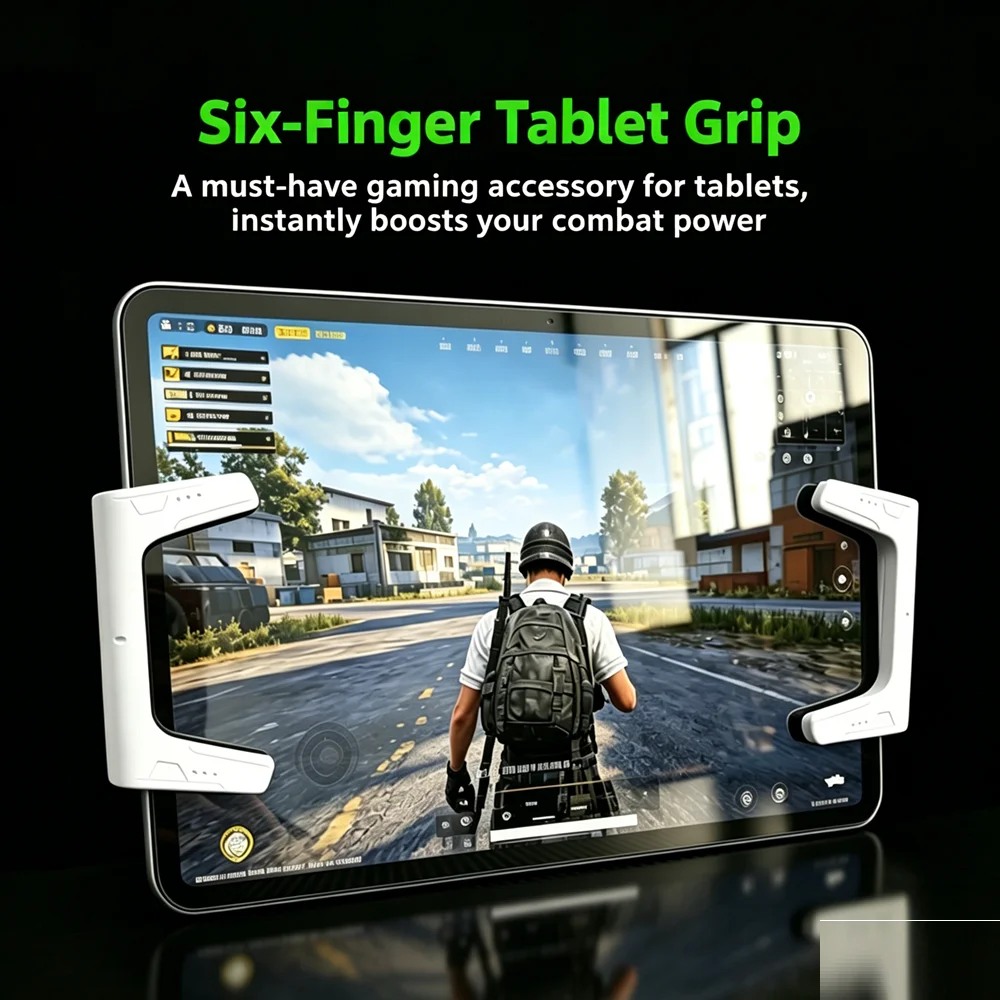
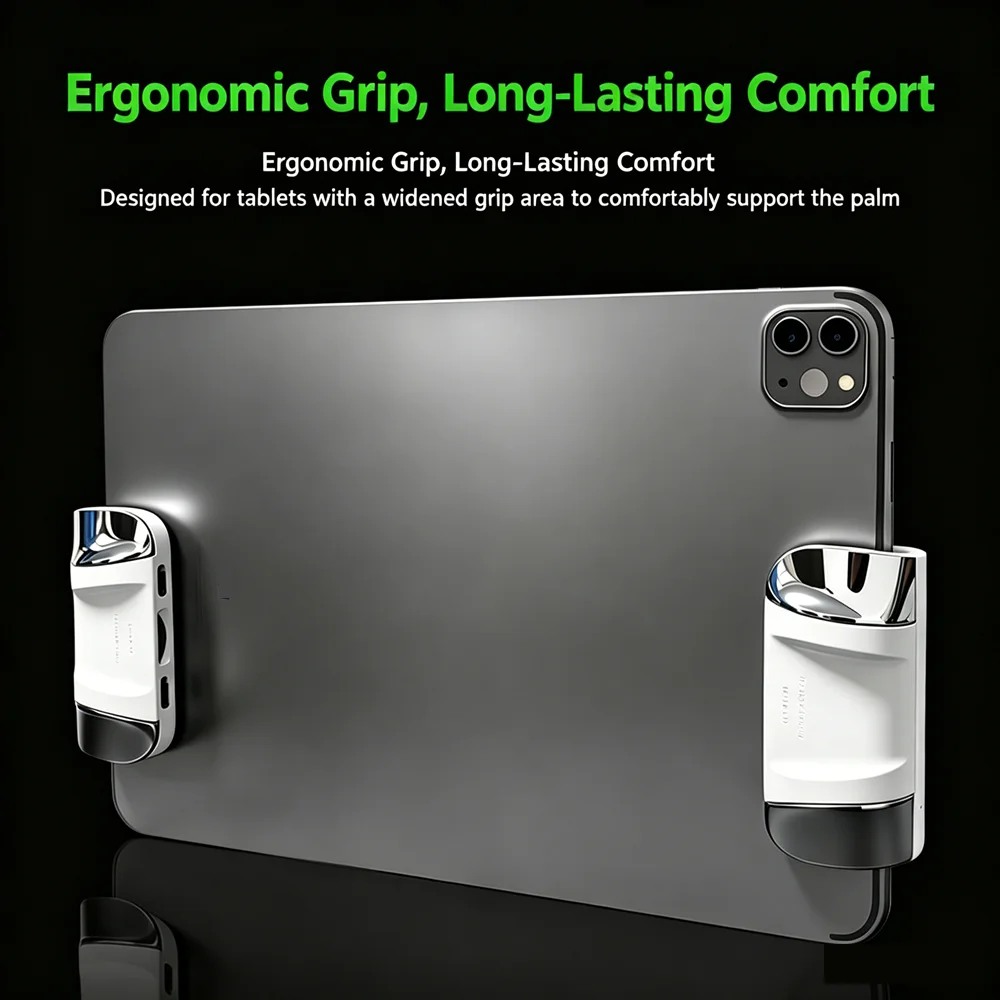
P1 Tablet Game Controller 6 Finger High Frequency Click Sensitive Ergonomic Comfort Adjustable Thickness Silicone Anti Slip
12.23$
12.23$
Quantity:
1
Availability:
Color
Card Payments
Crypto Payments
Easy return
Reliable Shipping
Please verify your recipient name, contact information and shipping address before placing the order. Please allow sufficient time for delivery.
Buyer shall bear all losses and no refund will be issued if delivery fails due to incorrect address or missed collection time.
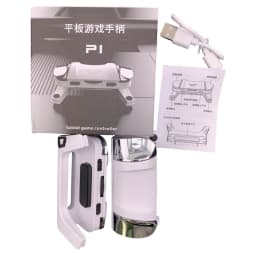
TABLET GAME CONTROLLER P1
USER MANUAL
Thank you for purchasing our product.
Please read this manual carefully before use.
PRODUCT OVERVIEW
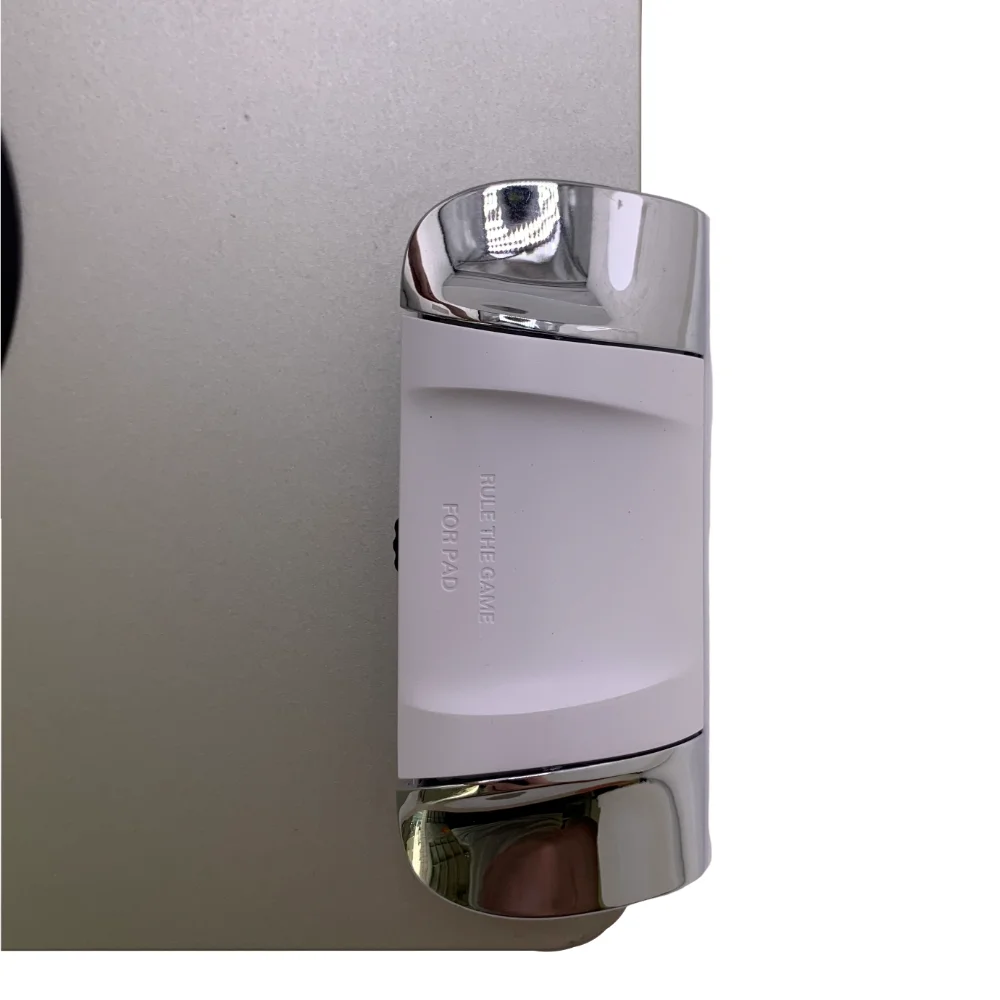
Front View
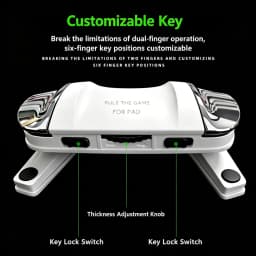
Control Button
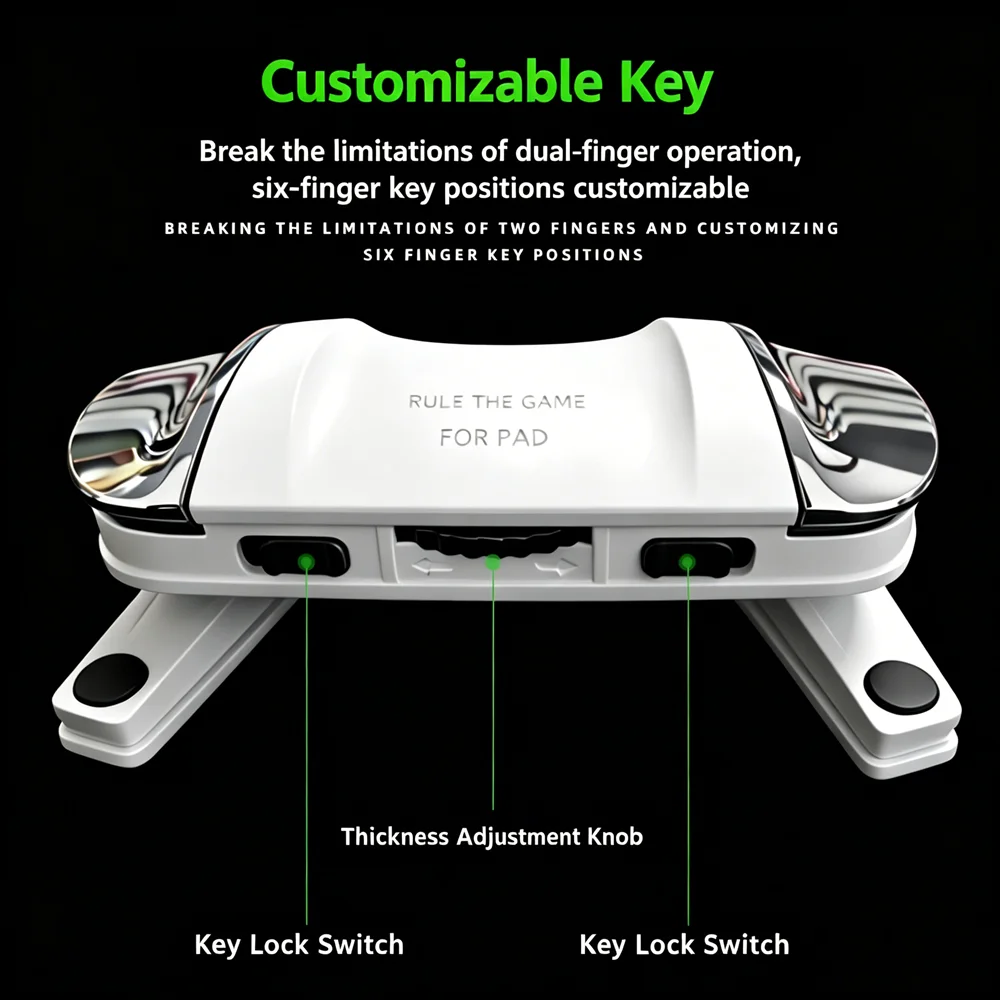
Button Lock Switch
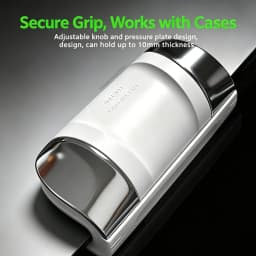
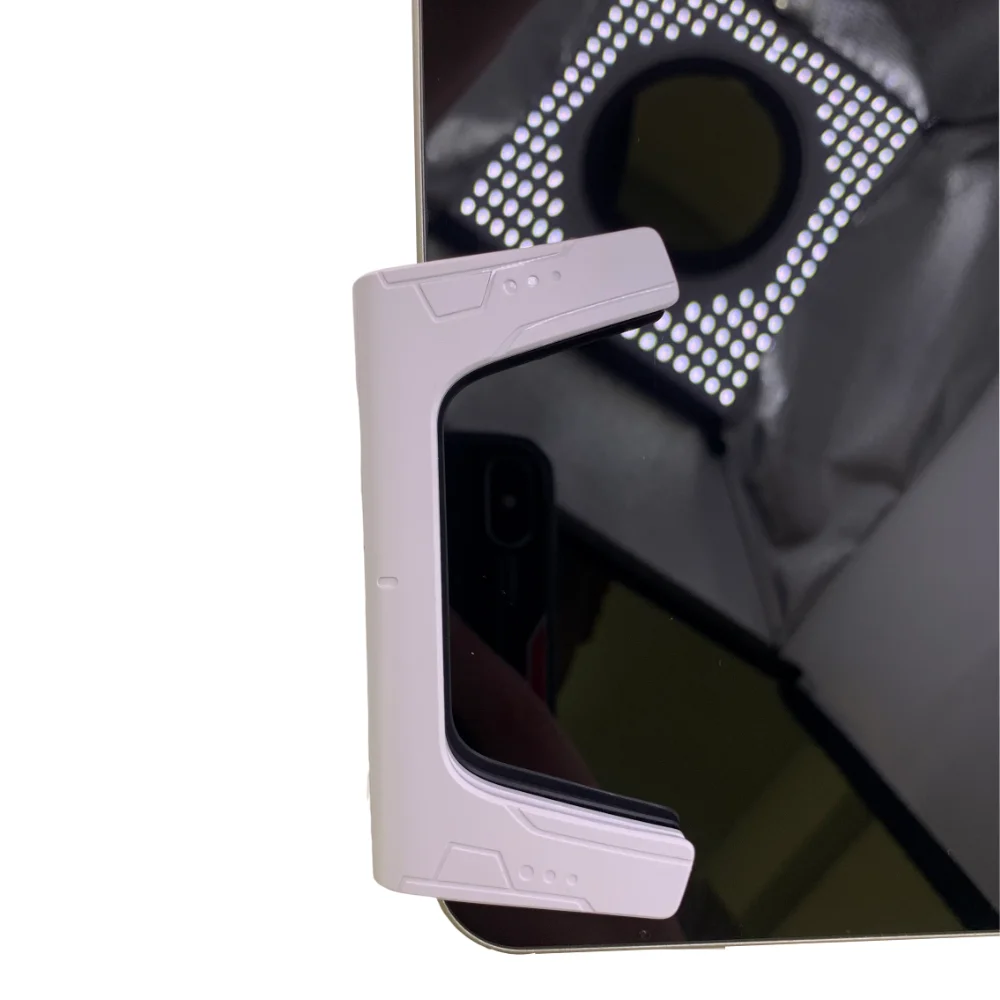
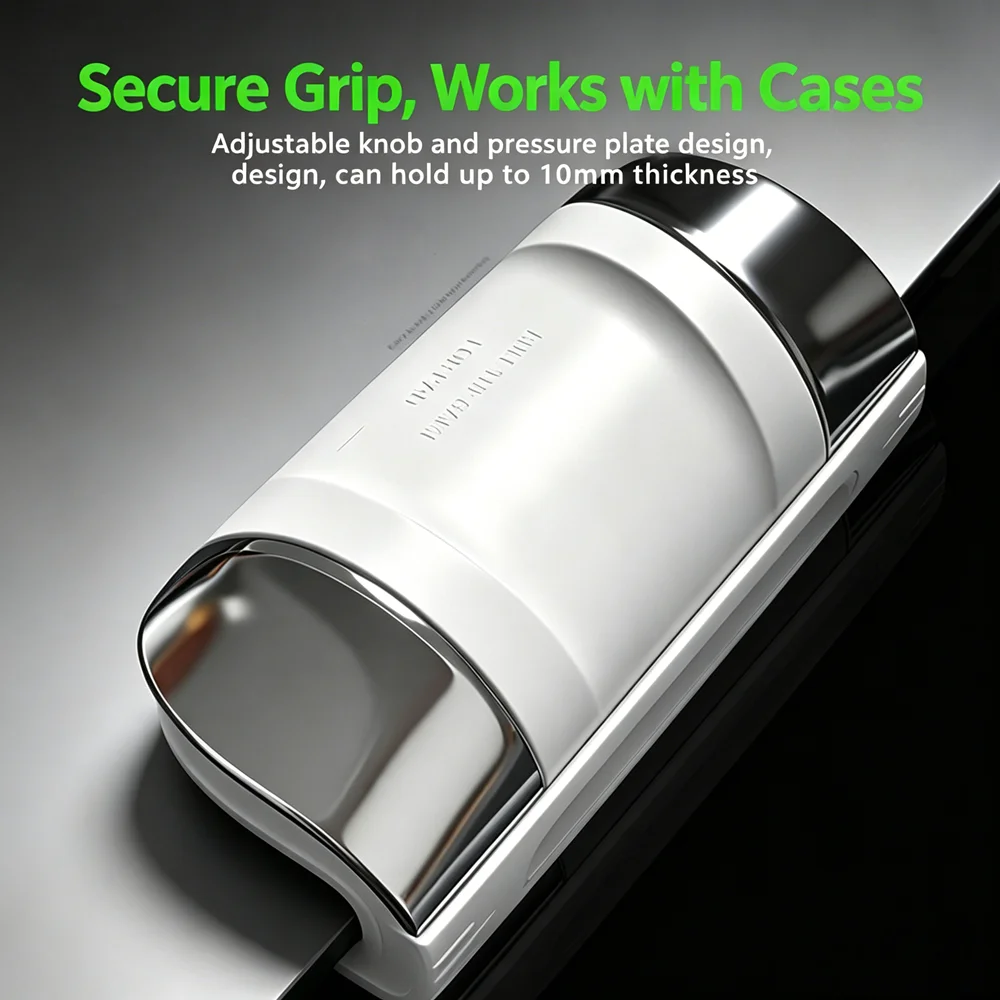
Thickness Adjustment Knob
Screen Touch Contact Point
Rear View
Trigger Button
Indicator Light
PRODUCT SPECIFICATIONS
Product Name: Tablet Game Controller P1
Material: PC, ABS
Power Input: 5V ⎓ 0.5A (Auto-Fire Version)
Net Weight: Approx. 100g
Product Size: 90mm × 43mm × 37mm
INSTRUCTIONS
This product is available in two versions:
Physical Version
Auto-Fire Version
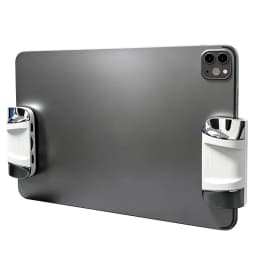
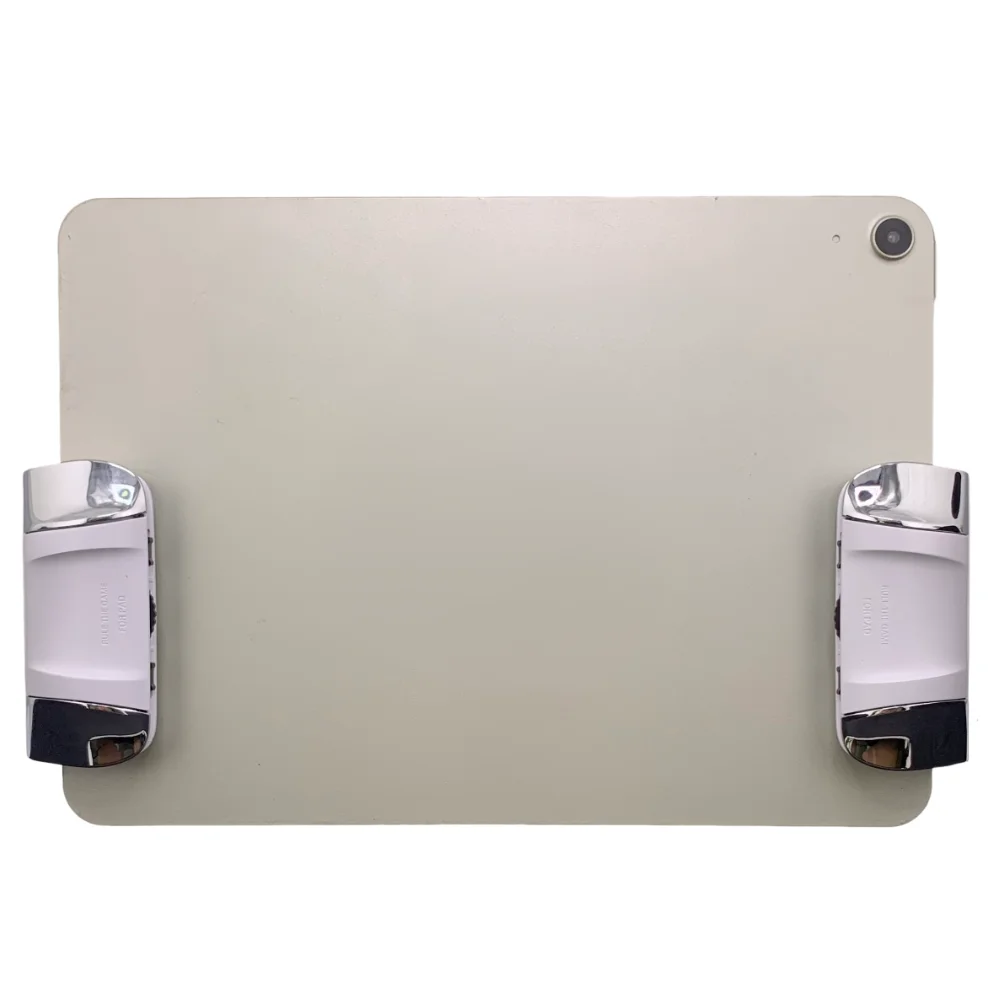
This product is suitable for Android and Apple tablets with a thickness within 10mm.
Usage Method:
In the game settings, select the custom control layout, then drag the button icons to the desired positions. After that, install the controller and align the touch contact points with the corresponding icons on the screen.
AUTO-FIRE VERSION SETTINGS
Light Indicator
Blue light always on: Single-Tap Mode
Blue light flashing: Auto-Fire Mode
Red light always on during charging
Red light off when fully charged
MODE SWITCHING
Press and hold the top power button for 3 seconds to turn on the device.
Press and hold again for 3 seconds to turn it off.
After powering on, short press the power button to switch between Single-Tap Mode and Auto-Fire Mode.
In Auto-Fire Mode, hold the trigger button and short press the power button to switch firing speed between:
Fast
Very Fast
Extreme Fast
After adjusting to the preferred firing speed, the system automatically saves the setting. No readjustment is required after restarting or changing modes.
SLEEP MODE
If no button operation is detected for 25 minutes, the device will automatically enter sleep mode.
To restart the device, press and hold the power button for 3 seconds.
BUTTON FUNCTIONS
Control Button
Used for in-game operations.
Thickness Adjustment Knob
Adjusts the width to fit different tablet thicknesses.
Button Lock Switch
Locks the button position to prevent accidental movement.
Screen Touch Contact Point
Makes contact with the tablet screen.
Trigger Button
Used for shooting or other in-game actions.
Indicator Light
Displays working status and charging status.



Customer Reviews
9 ratings
good quality (2)
small grip (2)
fast shipping (1)

c***r
August 31, 2026
Variant: Color:Mechanical version
Good seller and controller. Fast shipping and came as described and working good. It takes awhile to get used to using your pinky finger for a trigger though and would of been better to have the second trigger for the middle finger instead but it is working well for CODM on my Xiaoxin Pad Pro GT tablet.

H***m
October 6, 2026
Variant: Color:Mechanical version
There is a delay
Translated by AliExpress ·
Buyer from Chile
September 1, 2026
Variant: Color:High speed version
They look comfortable and are a good size to use on the tablet.
Translated by AliExpress ·

S***y
August 17, 2026
Variant: Color:High speed version
Good quality product, doesn’t register at times but when it does, it’s perfect. 👌 Using on a iPad M2 Air

t***D
June 13, 2026
Variant: Color:Mechanical version
There is no port for charging the headphones, and the grip is very small.
Translated by AliExpress ·
P1 Tablet Game Controller 6 Finger High Frequency Click Sensitive Ergonomic Comfort Adjustable Thickness Silicone Anti Slip
12.23$
12.23$
Quantity:
1
Availability:
Color