
Celestron StarPointer Illuminated Red Dot Finder & Mounting Bracket for Astronomical Telescope
41.55$
12.2$
Quantity:
1
Availability:
Card Payments
Crypto Payments
Easy return
Reliable Shipping
Celestron StarPointer Illuminated Red Dot Finder & Mounting Bracket for Astronomical Telescope
Features:
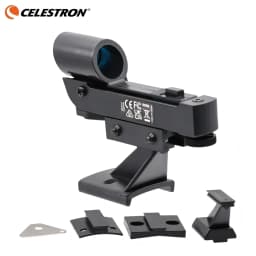
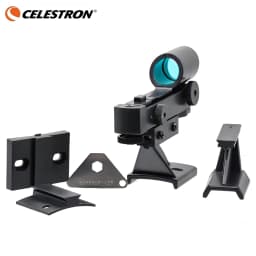
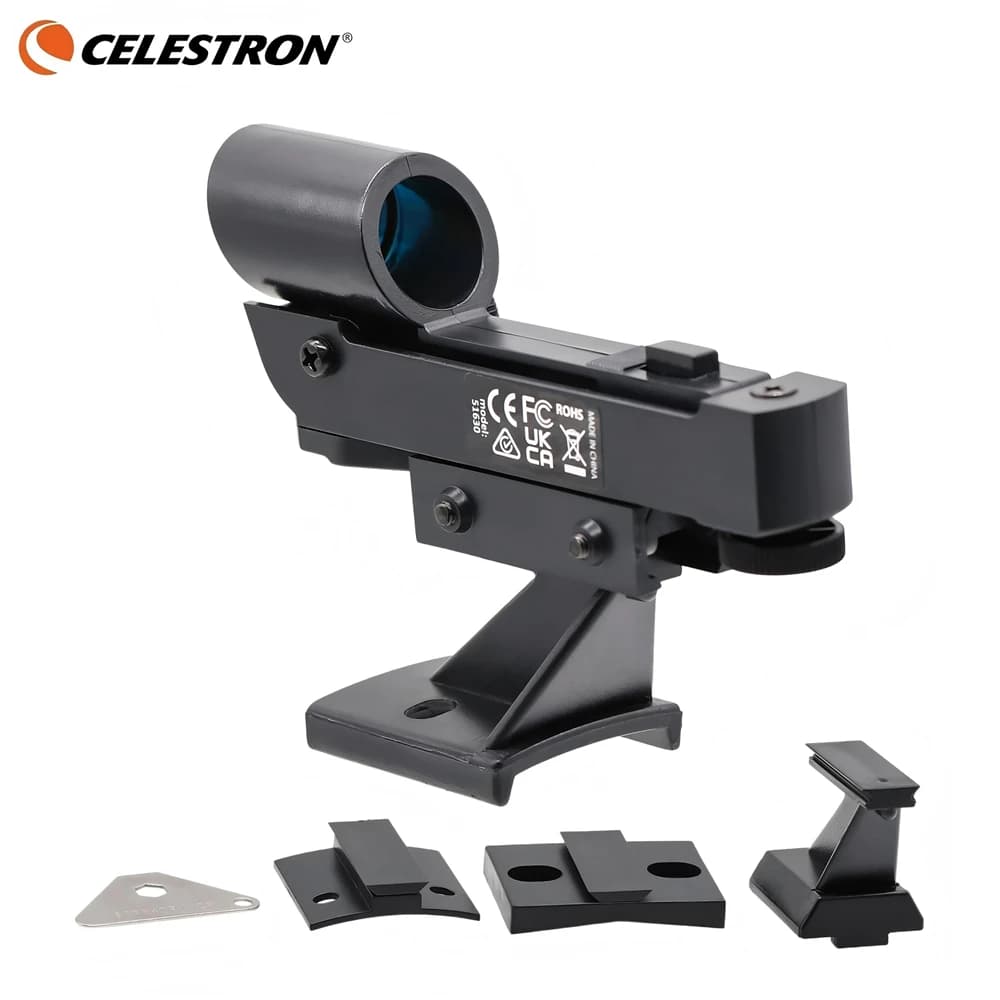
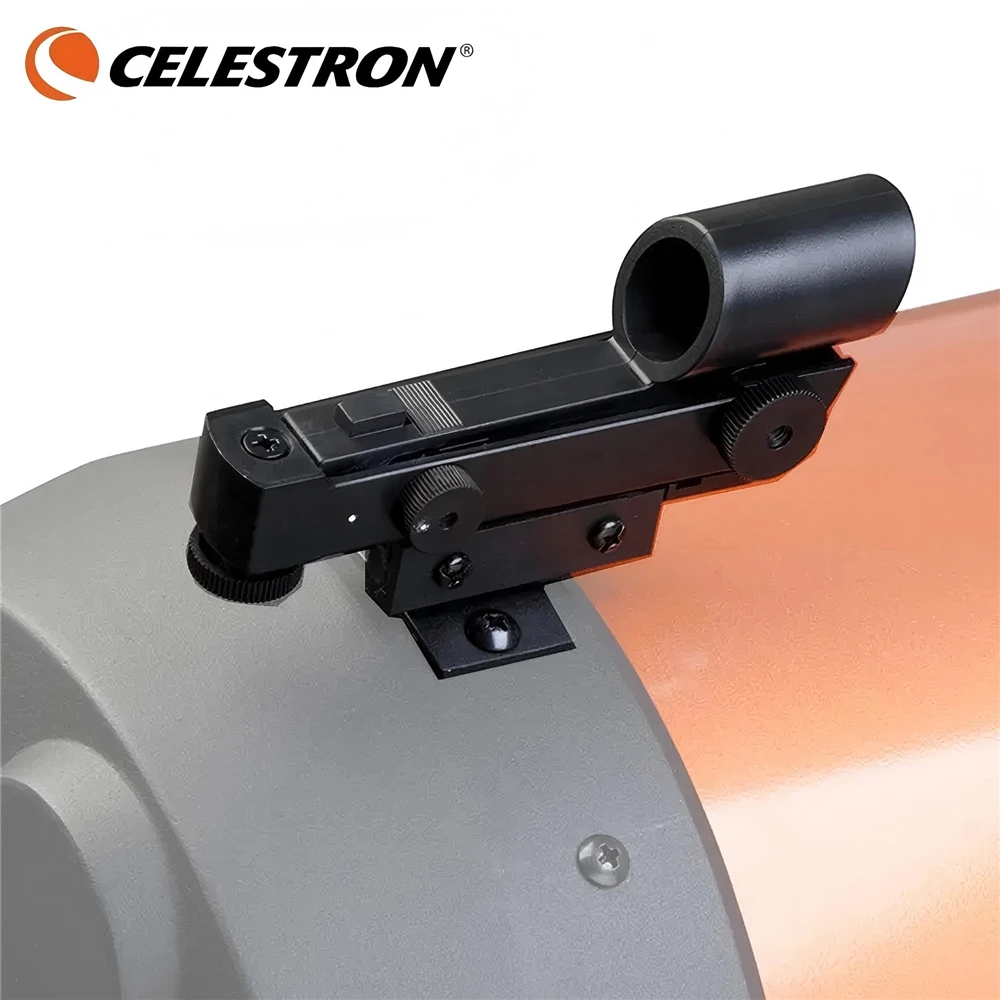
1. The Celestron Star Pointer is a straight-through viewing red dot-type finder. It comes with two bases. One base is shaped to fit telescope optical tubes 5" and under in diameter. The other is curved to fit 8" and larger scopes, such as the Celestron C8, etc. Both bases have mounting holes spaced to fit the finder mounting holes on the rear cells of most Schmidt-Cassegrain telescopes. The holes can also be used to attach the Star Pointer to the Sonotube optical tube of many reflectors and Dobsonians, use ordinary nuts and bolts (not supplied). The finder base can also be attached semi-permanently to your telescope optical tube by means of readily available double-faced tape.
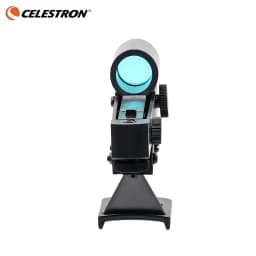
2. Once the base is installed on your scope, the black plastic finder itself slips onto the base and is clamped in place by two screws. Azimuth and altitude adjustment knobs allow you to line up the Star Pointer with your main scope optics. The dovetail is not a quick release type, so the foam of your scope's carrying case may have to be cut to fit the finder outline for easy storage.
3. An on/off switch on the finder body, plus a brightness control, allow you to match the finder brightness to all lighting conditions, day or night. The finder uses one user-replaceable 3 volt BR2032 or CR2032 lithium camera battery (supplied, but not guaranteed by Celestron to be fully charged when received). Battery charge and battery life are not covered by the finder warranty. When it is time to replace the battery (readily available at Walmart, Radio Shack, camera stores, etc.), you can use either of the above batteries or a BR2025 or CR2025.
Tech Details:
Lens Diameter: 23mm (.90")
Battery: 1x CR2032 (included)
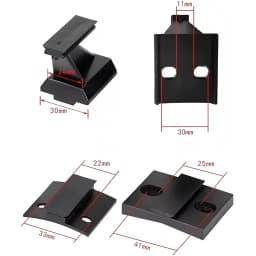
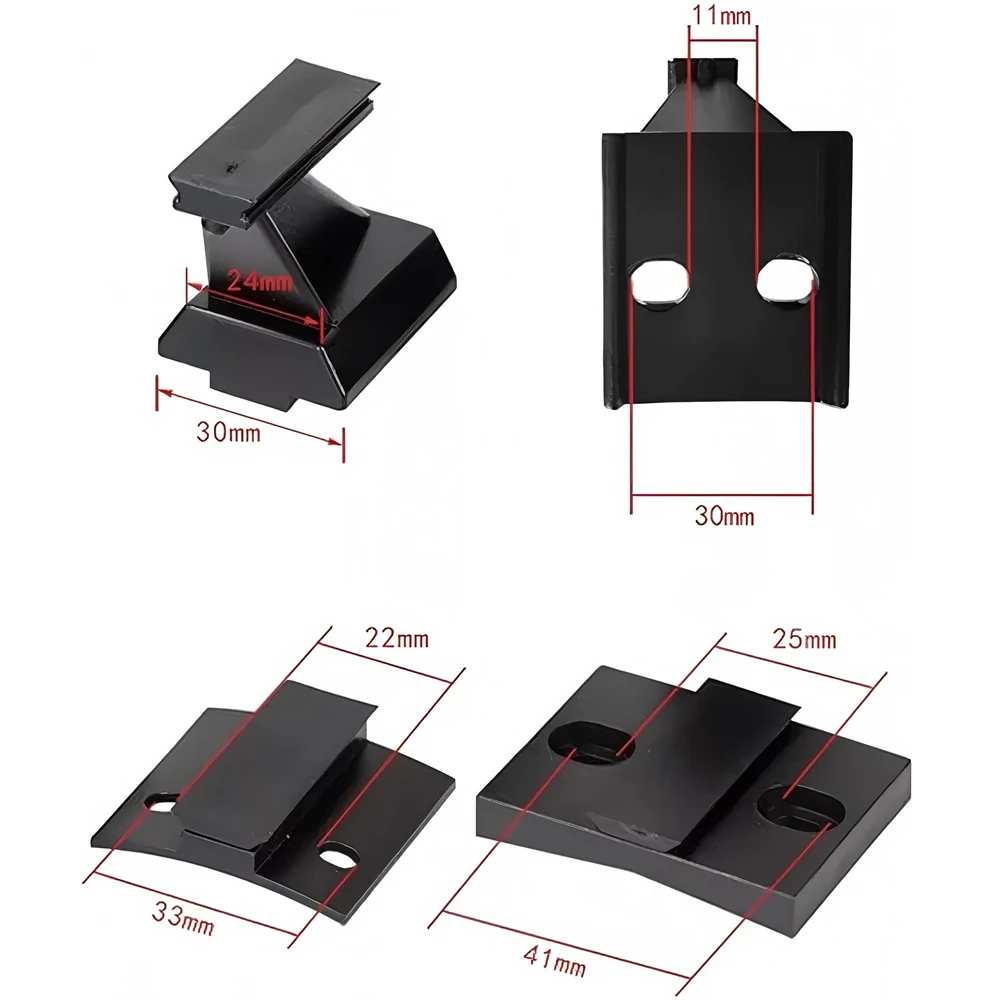
Mounting Brackets Included:
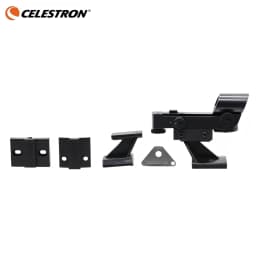
Large Schmidt-Cassegrain*1
Small Schmidt-Cassegrain*1
Small Telescope with dovetail mount (attached to finder in package)*1
Small telescope with holes*1
Additional Accessories:
Multi-tool (metal)*1
How to use a red dot finder:
1. First of all pull out the clear plastic sheet that is at the front and on the bottom - you can see this in one of the photos. This allows the battery to make contact so that the red dot appears when you switch it on.
2. Next, try the finder by switching it on with the small rotary control on the side. Look through the hole at the front of the finder and you should see the red dot and be able to make it brighter or dimmer by using that rotary control which is also the on/off switch.
3. Now set your scope up as normal but put the red dot finder on instead of the usual optical finder.
4. Point your telescope to something like a TV aerial or a chimney - anything about that size will do, and the further away the better. Looking through a low power eyepiece (25mm is ideal) find the object by adjusting your telescope and focus the object. Adjust the mount using the slow motion controls so that the object is right in the center of the view.
5. Adjust the finder so that the red dot is exactly on the object you were looking at. You can adjust it by using the two larger wheels. The one on the right at the front does the left/right direction and the one at the back on the bottom does the up and down.
6. Switch it off and wait until dark
7. You now use it by switching the finder on, then looking through the finder so that the red dot lines up on to the target you are going to observe through your telescope. Once the red dot is exactly over the star or planet it should be exactly in the center of your eyepiece view.
8. Remember to switch it off once you have found your target to save the battery.
Customer Reviews
No reviews yet
Celestron StarPointer Illuminated Red Dot Finder & Mounting Bracket for Astronomical Telescope
41.55$
12.2$
Quantity:
1
Availability: