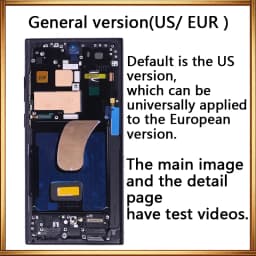
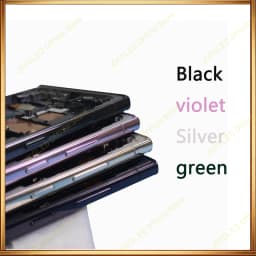

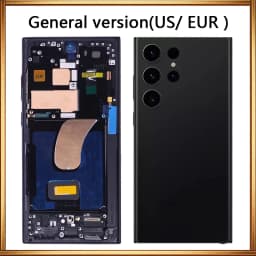
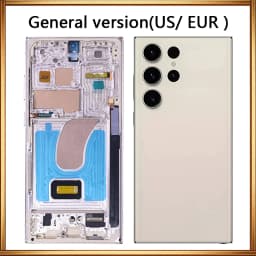
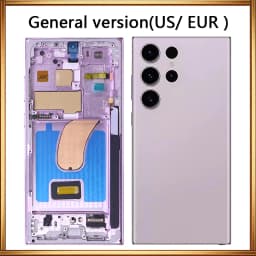
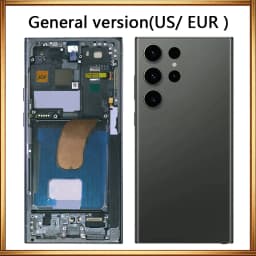
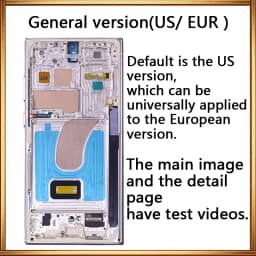
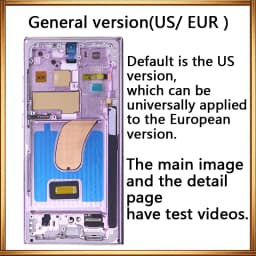


6.8' 120Hz AMOLED For Samsung Galaxy Pantall S23 Ultra LCD with Frame S921B S918U Display Assembly Touch Screen Digitizer
273.11$
169.34$
Quantity:
1
Availability:
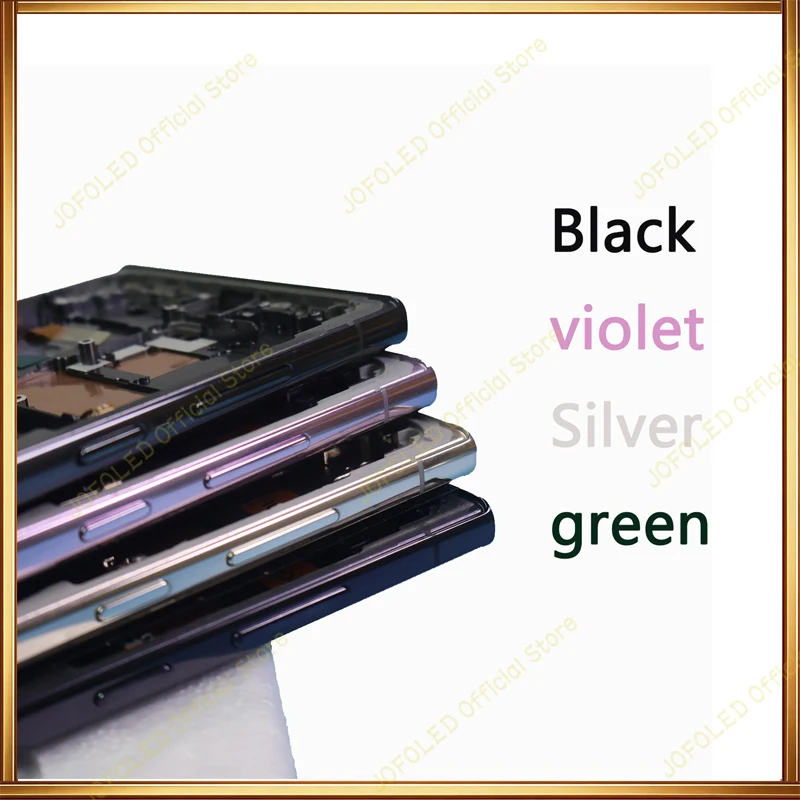
Color
Ships From
Card Payments
Crypto Payments
Easy return
Reliable Shipping
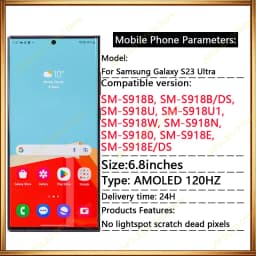
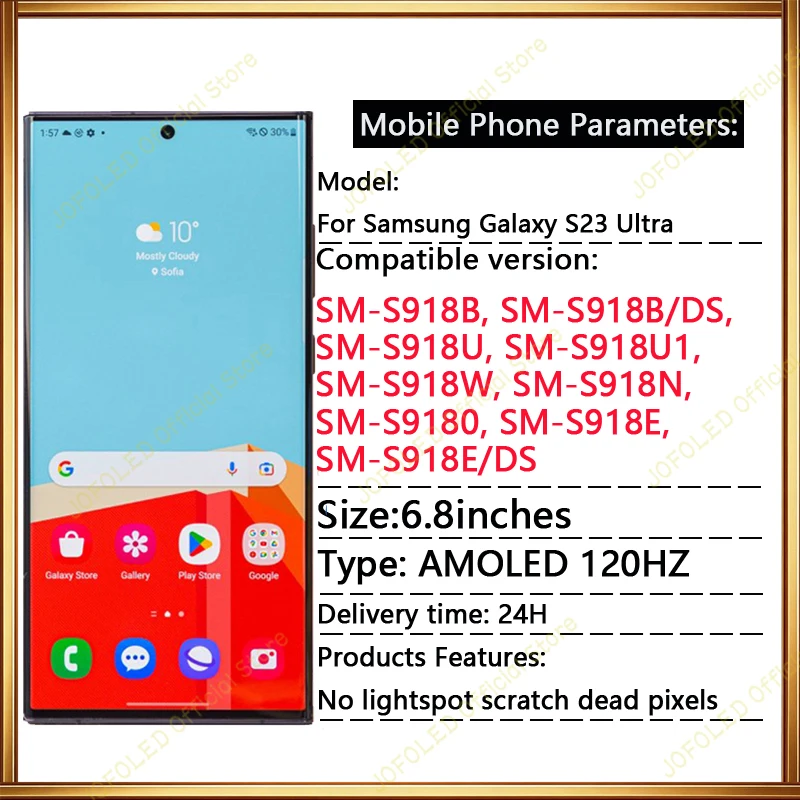
6.8" 120hz AMOLED For Samsung Galaxy pantall S23Ultra LCD with frame S918B S918U S918W Display assembly touch screen digitizer
Moleds:
SM-S918B, SM-S918B/DS, SM-S918U, SM-S918U1, SM-S918W, SM-S918N, SM-S9180, SM-S918E, SM-S918E/DS
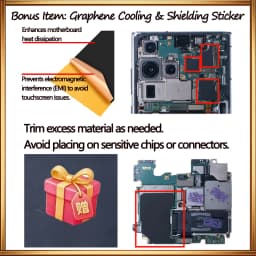
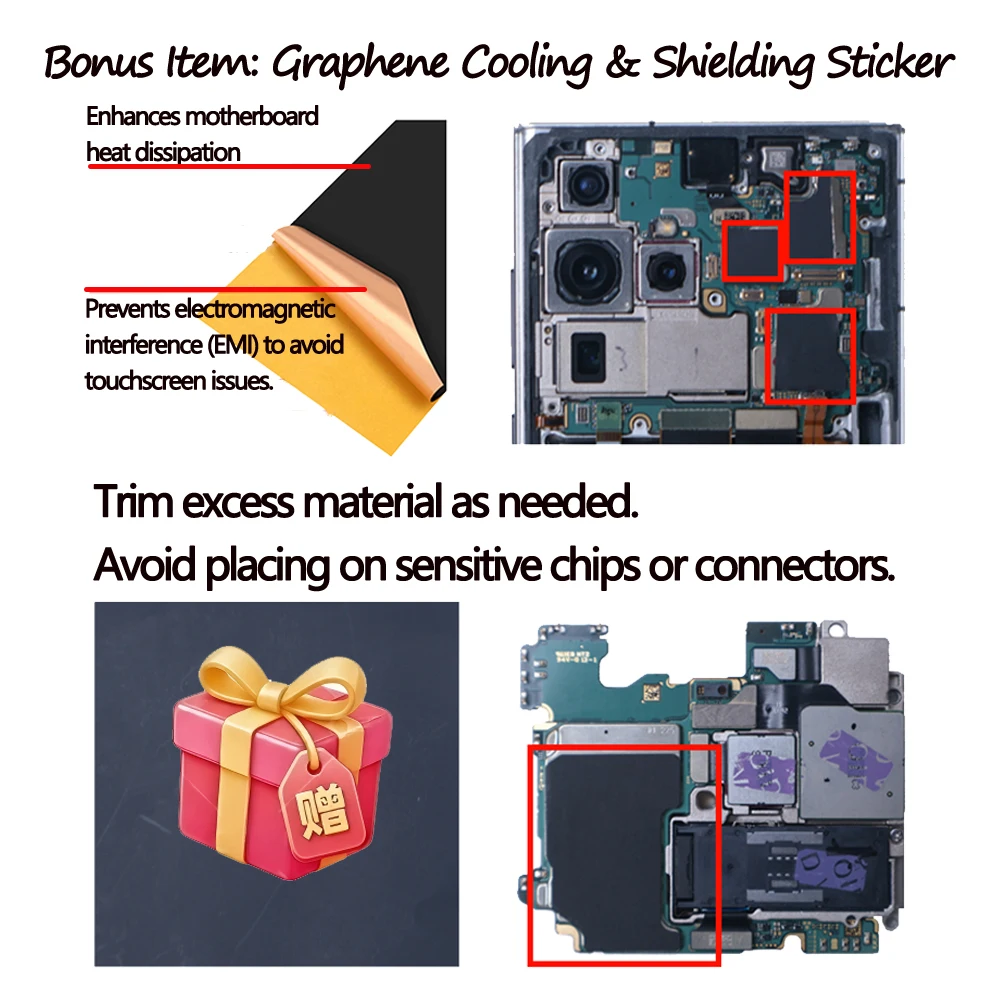
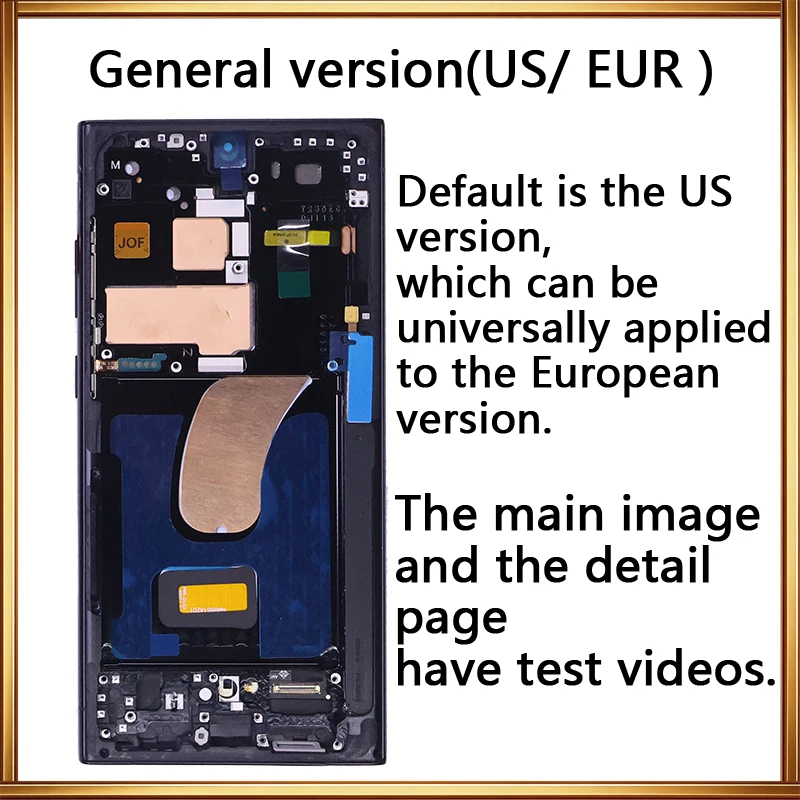
🎁 Bonus Item: Graphene Cooling & Shielding Sticker
Why is this included?
Non-OEM screens can sometimes suffer from electromagnetic interference (EMI) or heat buildup. We provide this graphene sticker as a professional solution to enhance heat dissipation and block signal interference.
⚠️ Installation Tips for the Sticker:
1.Trim to Fit: Cut the excess material as needed to fit your specific layout.
2.Safety First: DO NOT cover any sensitive chips, connectors, or cameras. Placing it incorrectly may cause a short circuit.
3.Placement: Apply it to the back of the screen or the motherboard shield area (avoiding components) for best results.
⚠️Common Installation Issues & Solutions:
1.Touchscreen Malfunctions (Ghost Touch/Unresponsive)
Cause: Usually caused by electromagnetic interference (EMI) from the motherboard or battery.
Solution: Apply the provided Graphene Copper Foil/Sticker. It acts as a shield to stabilize the touch signal. Ensure it doesn't touch live circuits.
2. No Display During Testing
1,Cause: In many cases, this is due to a deeply discharged battery, especially if the phone hasn't been used for a while.
Solution: The battery protection mode might be active. Please charge the device for at least 20-30 minutes before attempting to turn it on again.
2.Cause:If the test screen displays a green screen, a distorted image, or an incomplete display, it is most often due to a problem with the cable connecting the phone to the screen.
Solution: Conduct a comparison test using another screen; replace the cable with a new one
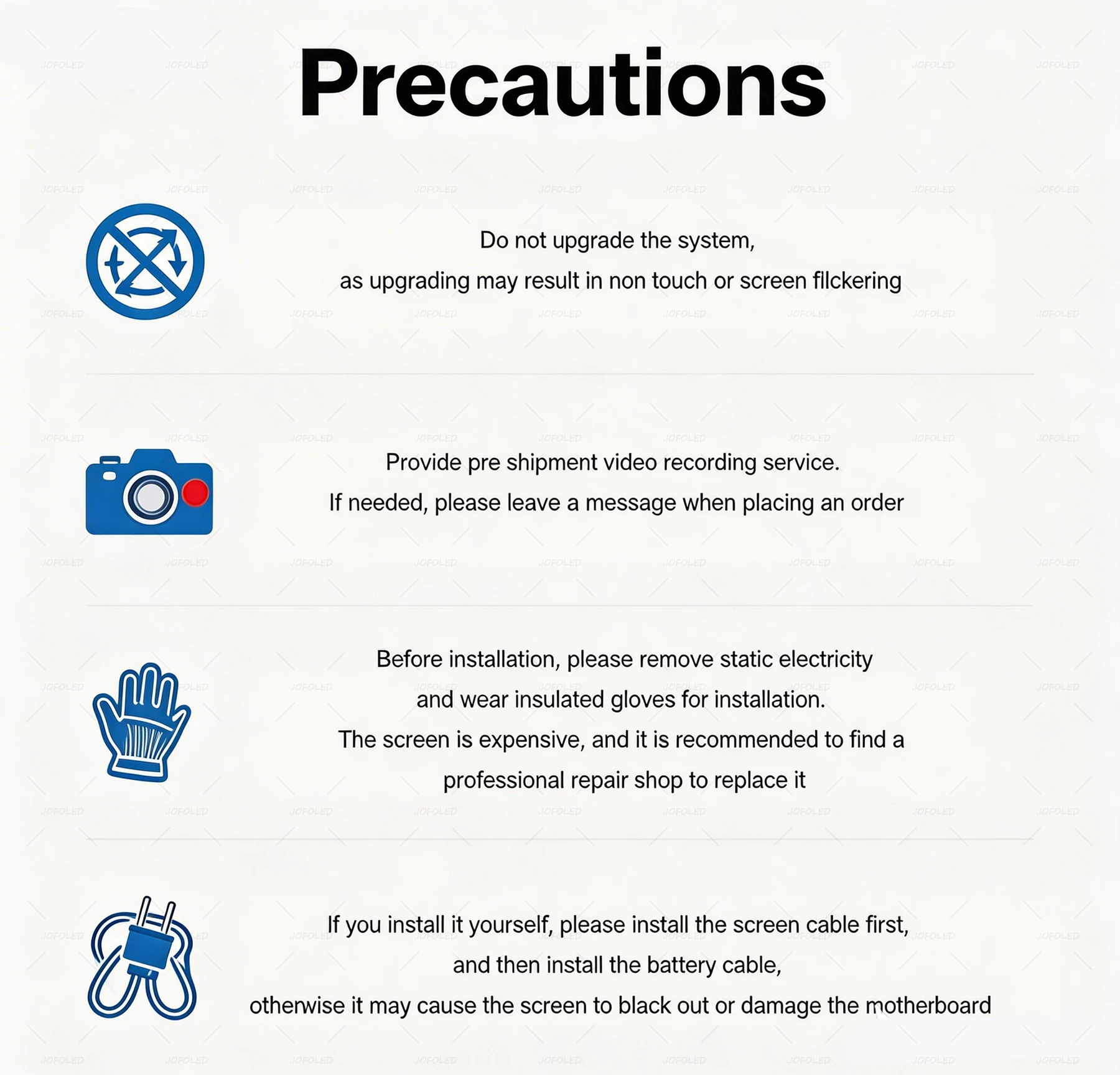
3.Test Before Gluing:
Always test the screen functionality (touch & display) before applying glue or sticking it into the frame. Once glued, we cannot accept returns for functional issues.
4.Disconnect Battery First:
Prevent short circuits by disconnecting the battery before installing the screen.
5.Handle Cables Gently:
Do not fold or pull ribbon cables forcefully. Align connectors precisely.


Customer Reviews
No reviews yet
6.8' 120Hz AMOLED For Samsung Galaxy Pantall S23 Ultra LCD with Frame S921B S918U Display Assembly Touch Screen Digitizer
273.11$
169.34$
Quantity:
1
Availability:
Color
Ships From