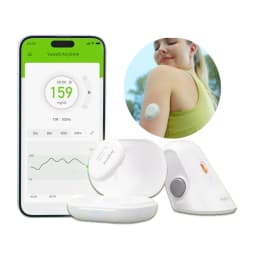
Yuwell CGM Continuous Glucose Monitor 24h Real-time Blood Sugar Test No Finger Pricking Real-time Dynamic Blood Glucose Track
Quantity:
1
Availability:
Not AvailableCard Payments
Crypto Payments
Easy return
Reliable Shipping
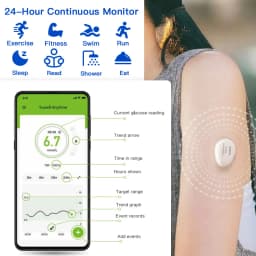
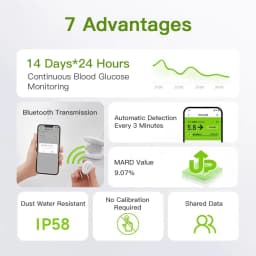
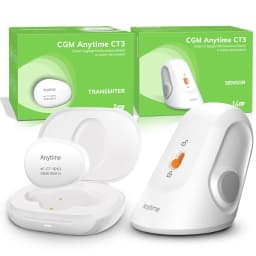
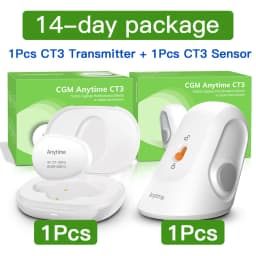
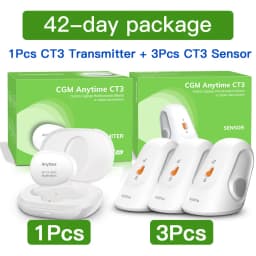
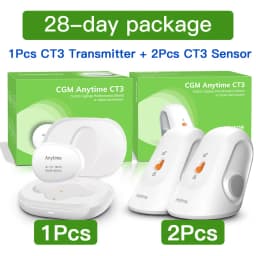
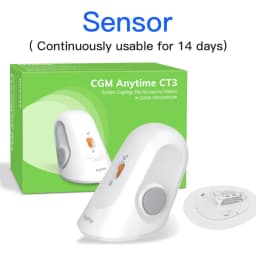
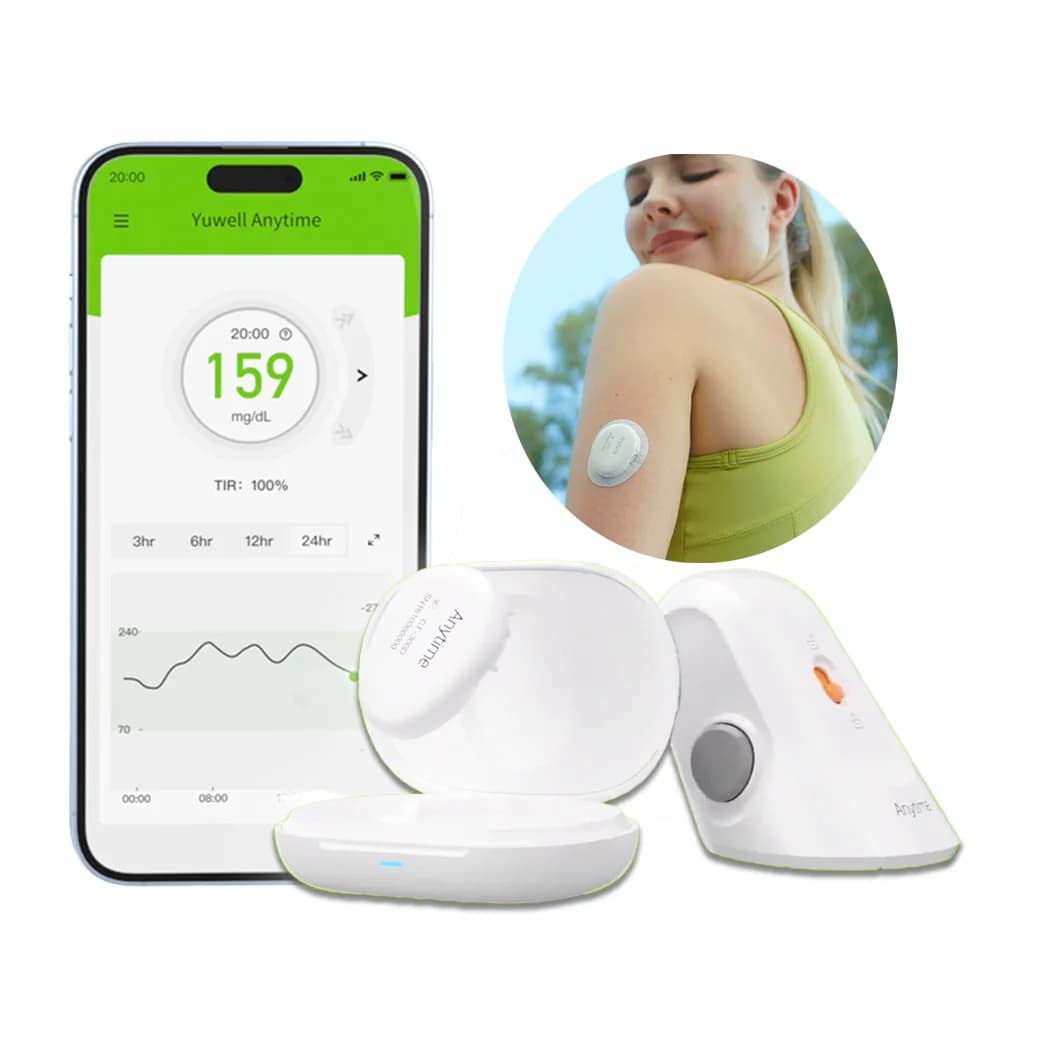
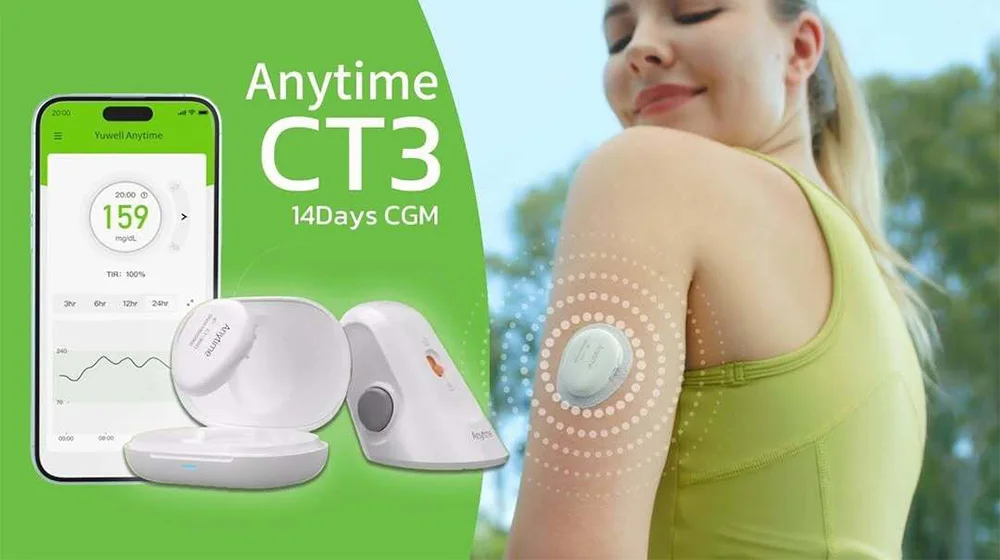
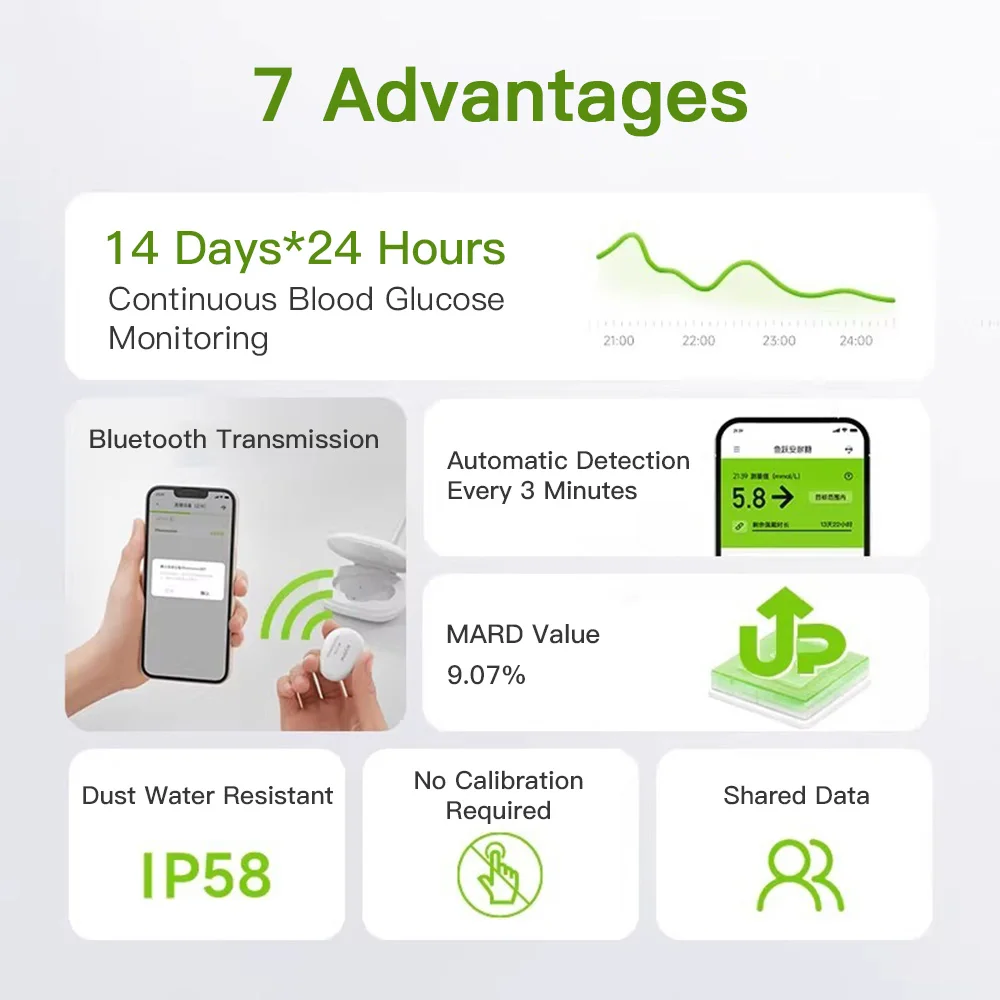
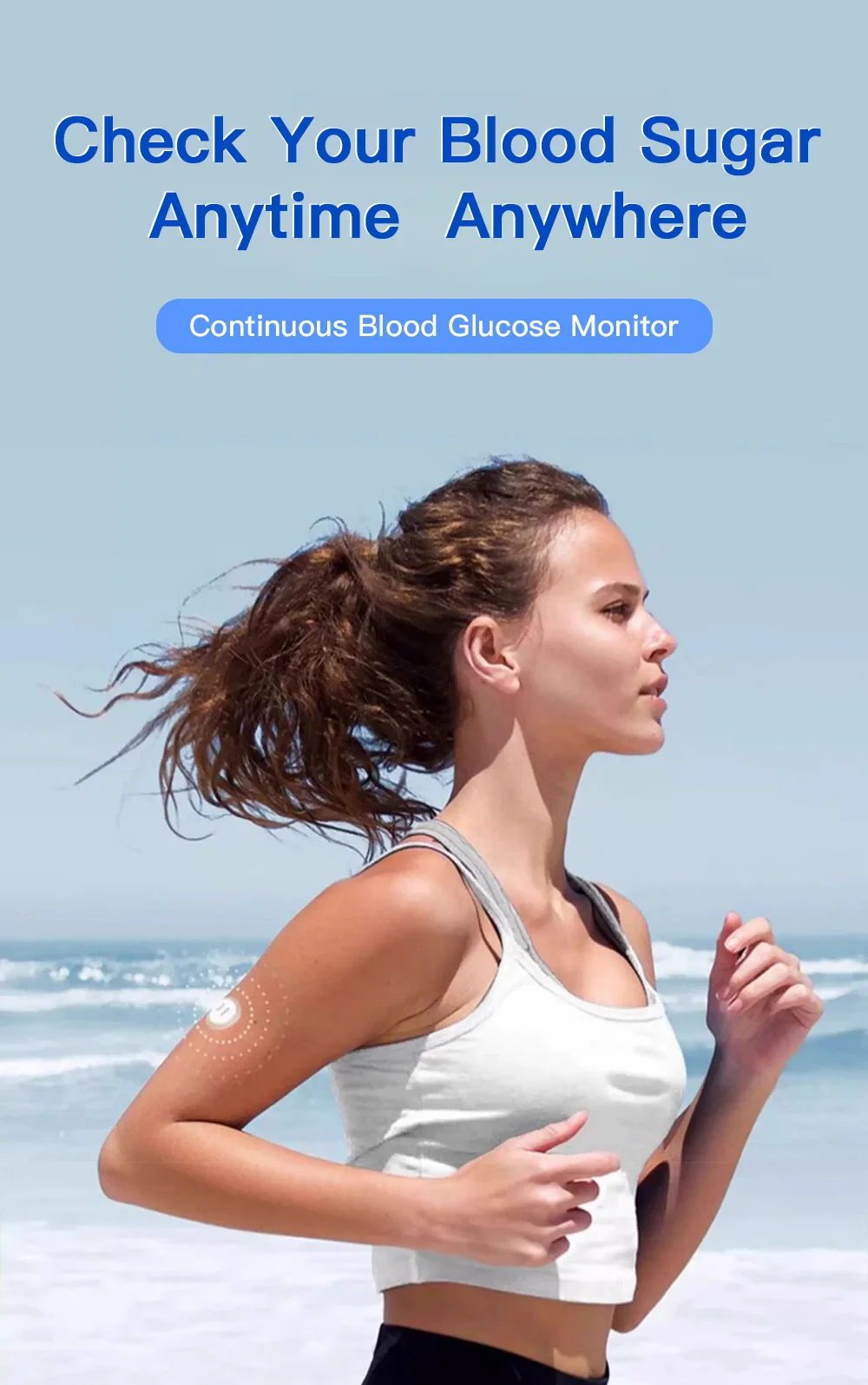
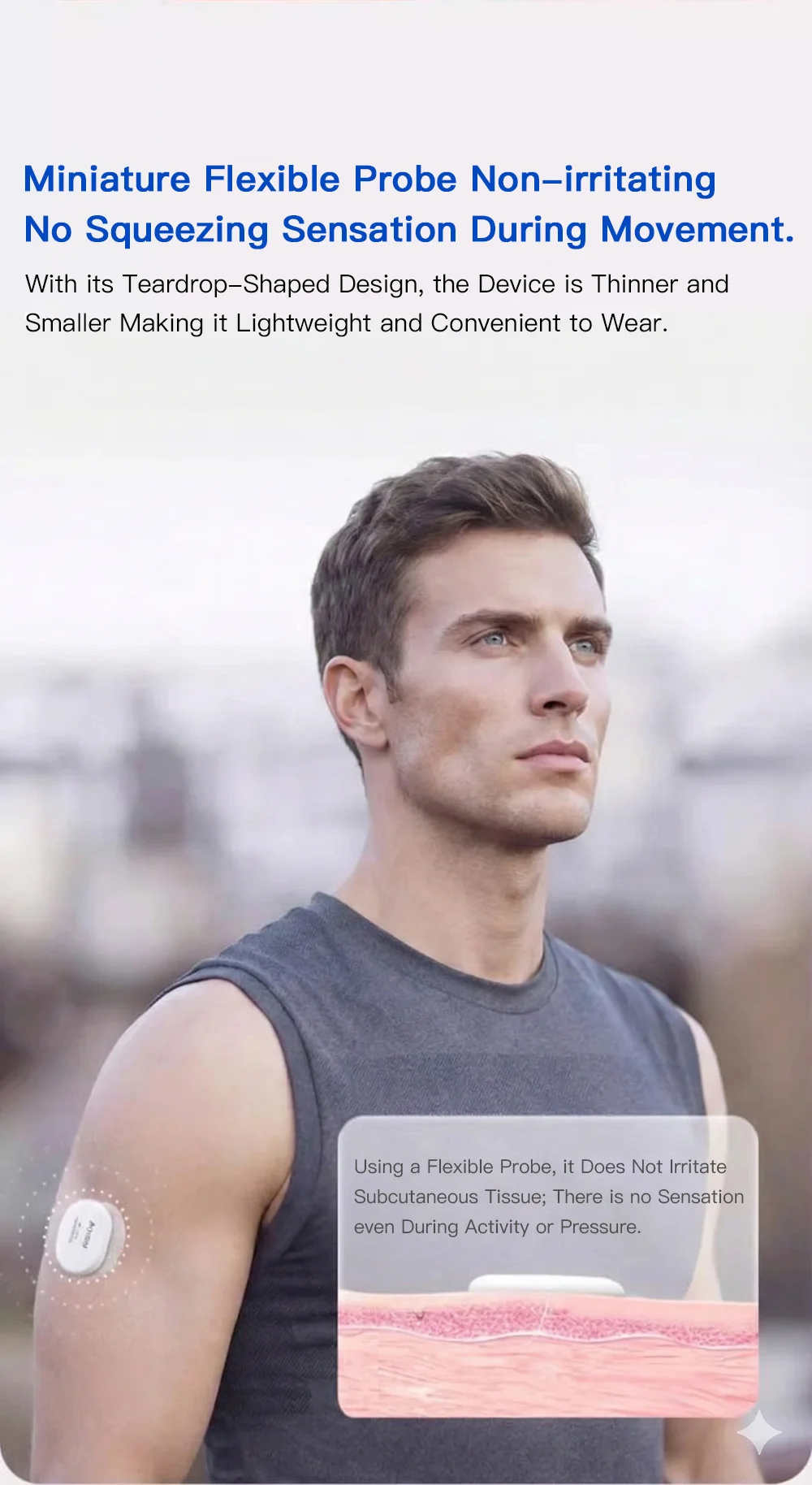
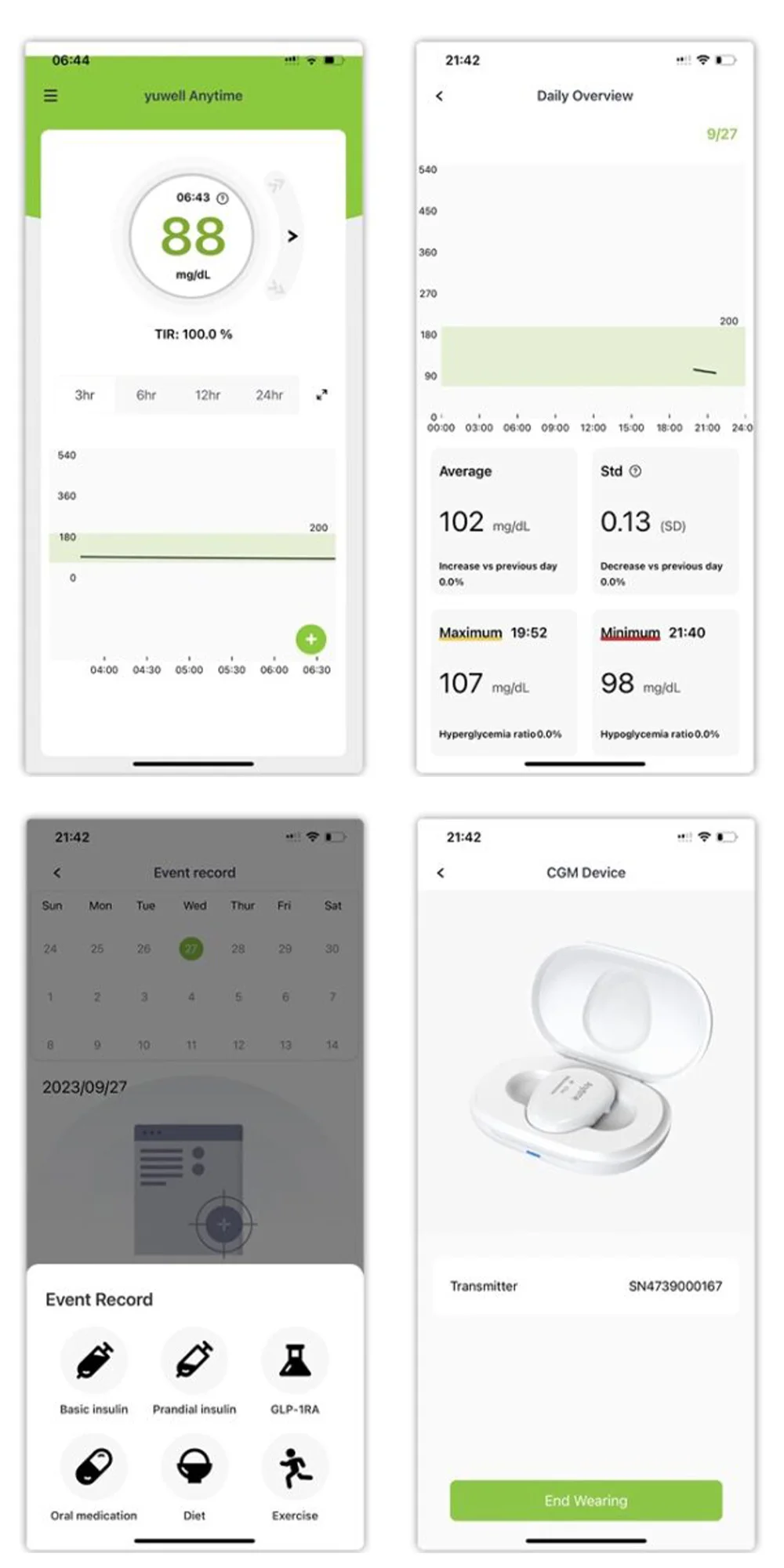
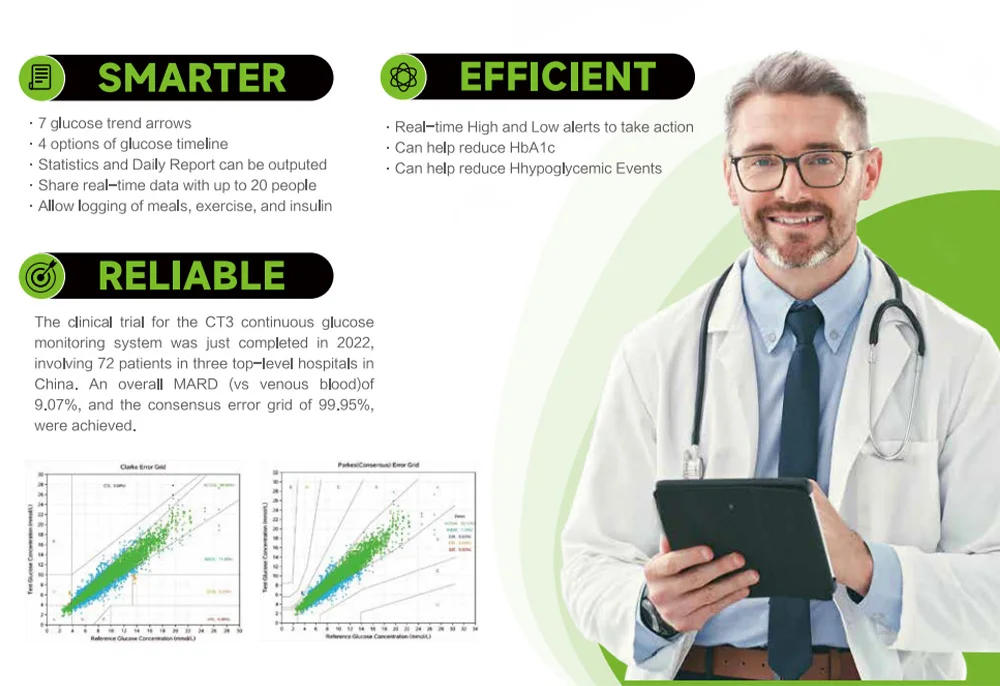
Our discreet, lightweight CGM sensor is designed to continuously monitor glucose levels in real-time. The sensor adheres comfortably to the back of the upper arm or stomach and delivers reliable data for up to 14 days. It automatically measures interstitial glucose levels and syncs with the CGM transmitter for seamless tracking.
Wear Duration: 14 Days
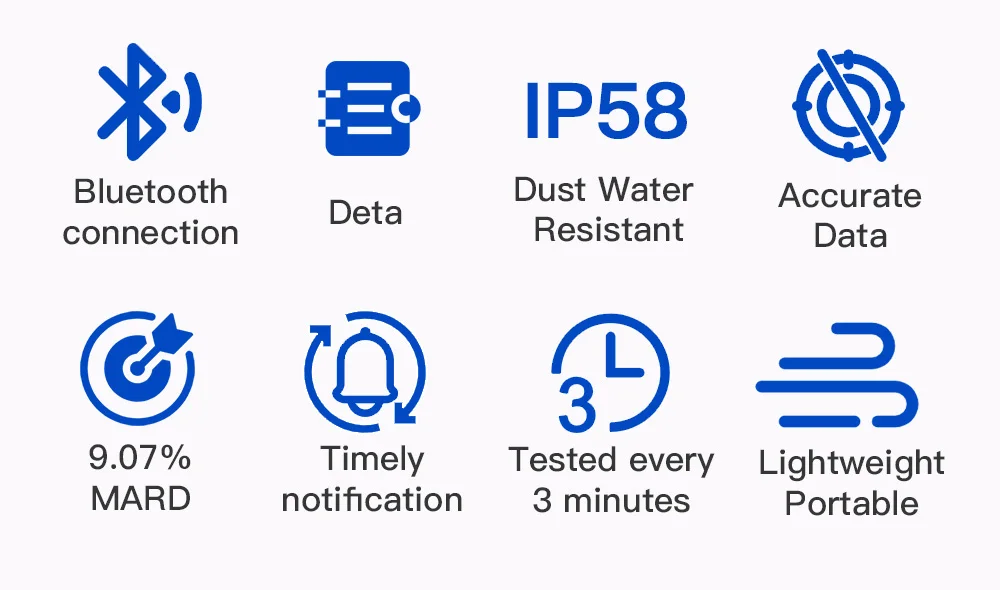
Waterproof rating IP58 - The device can stay underwater for 2 hours at 1.5m depth
Easy to apply
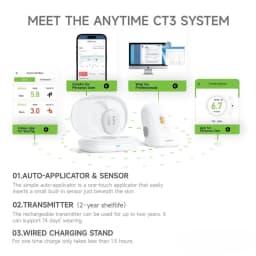
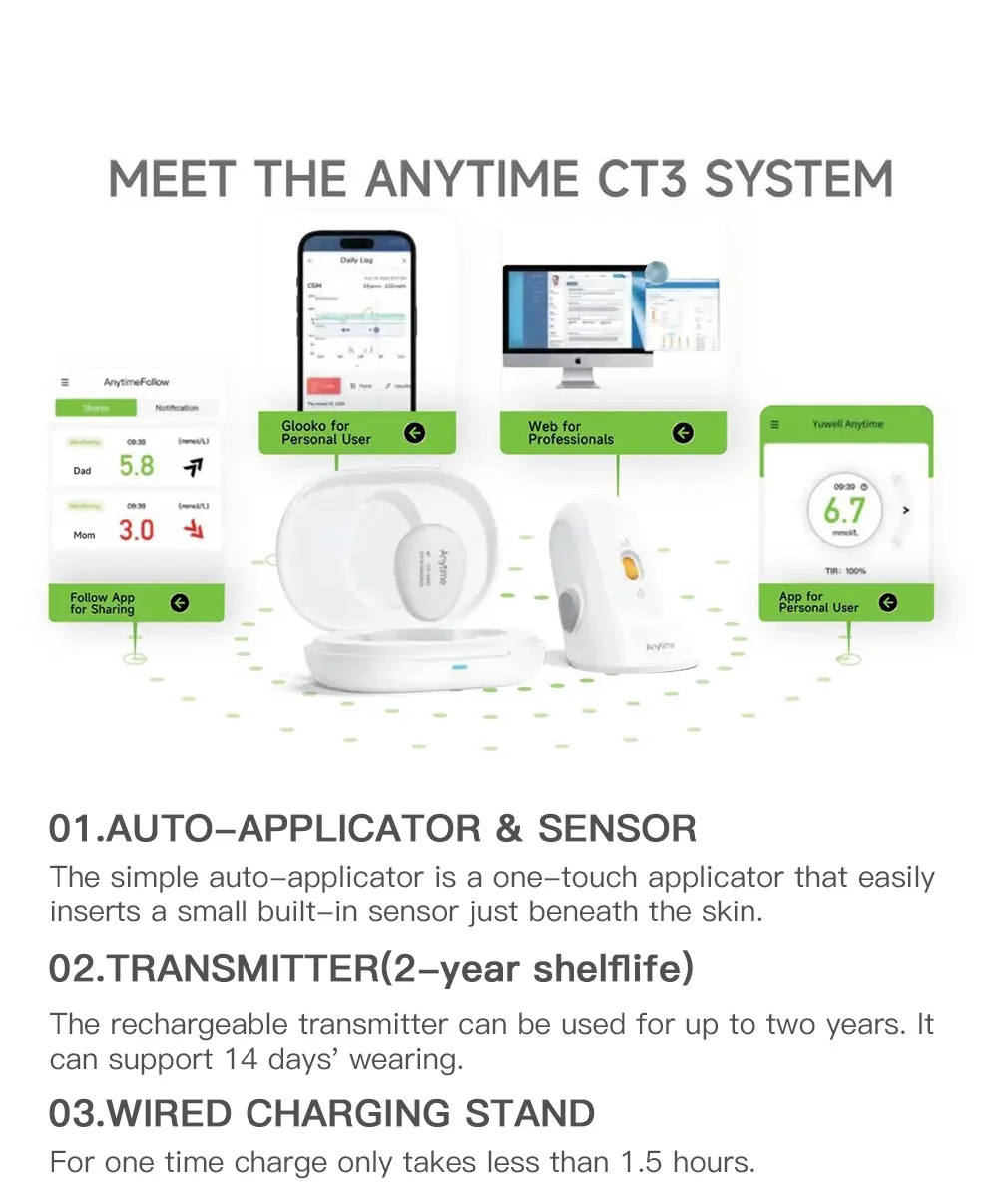
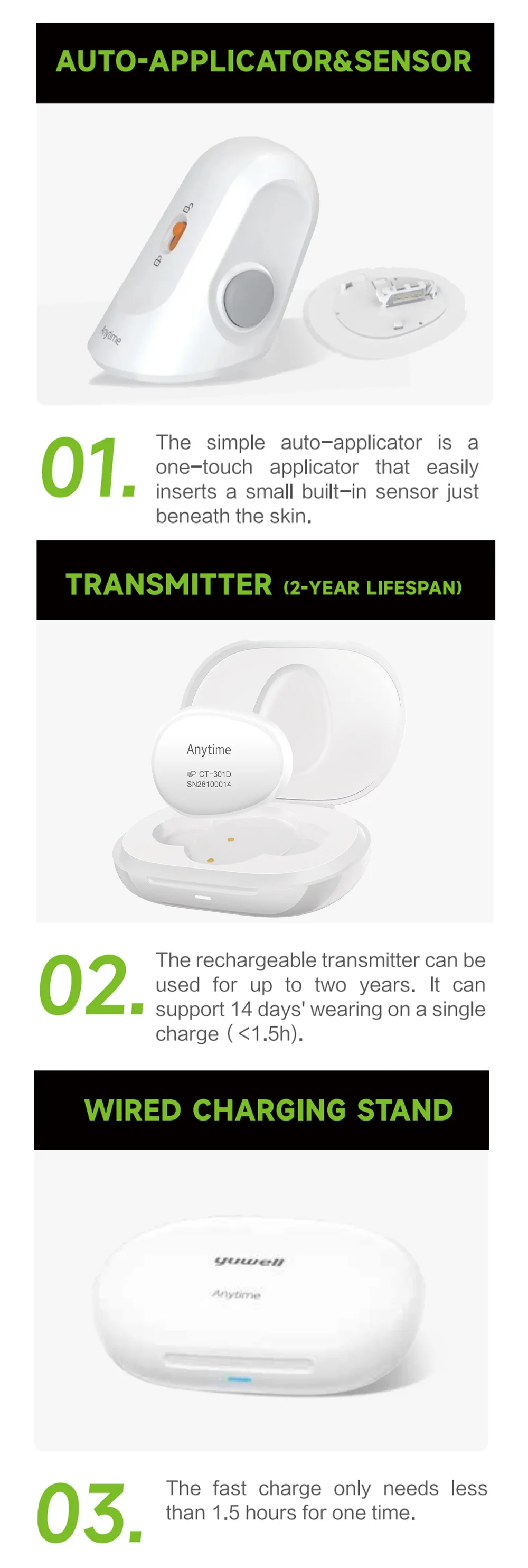
Painless insertion using auto-applicator
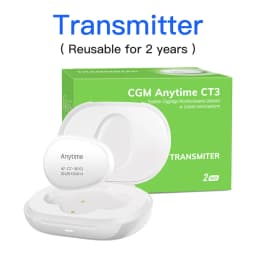
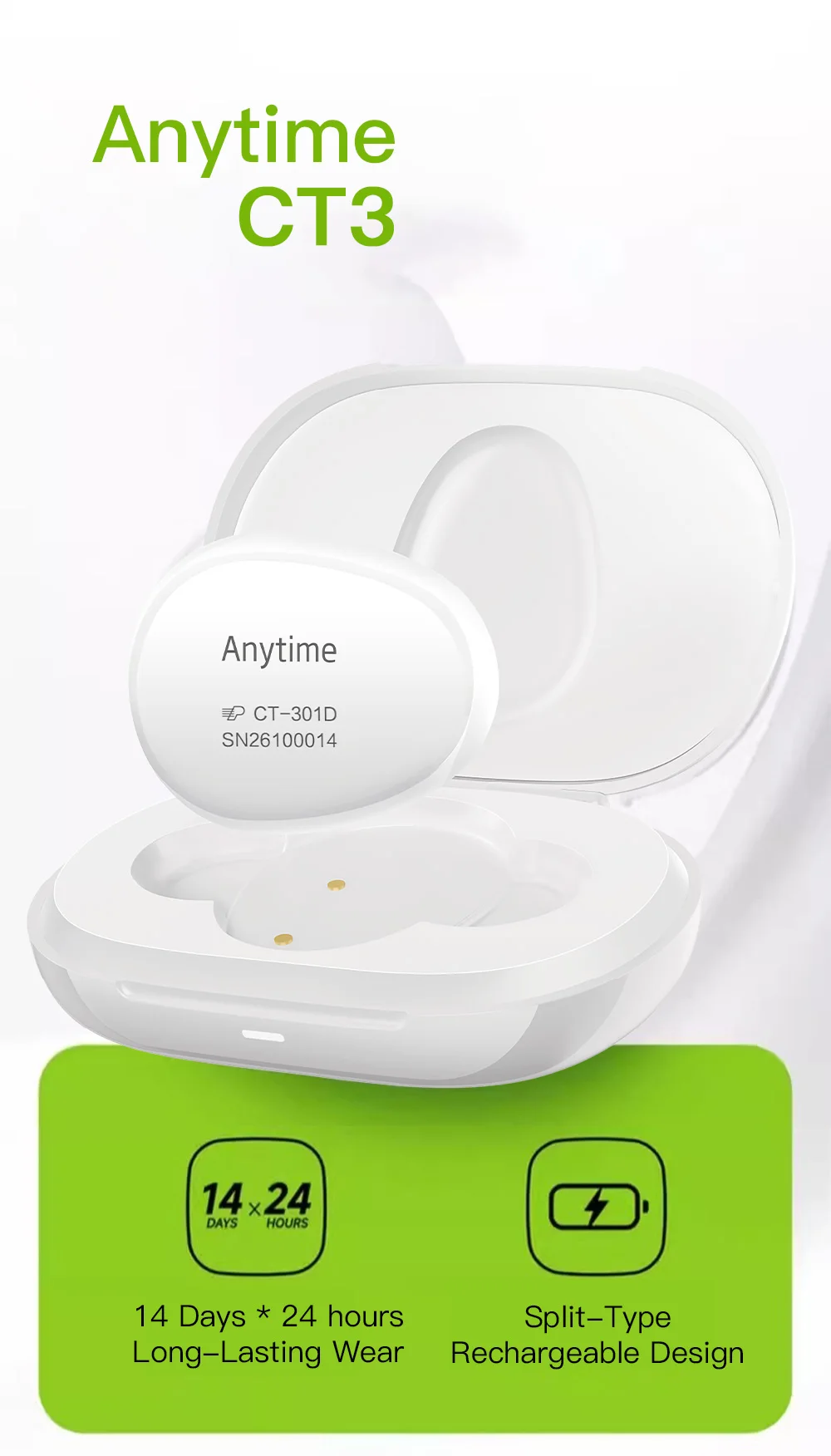
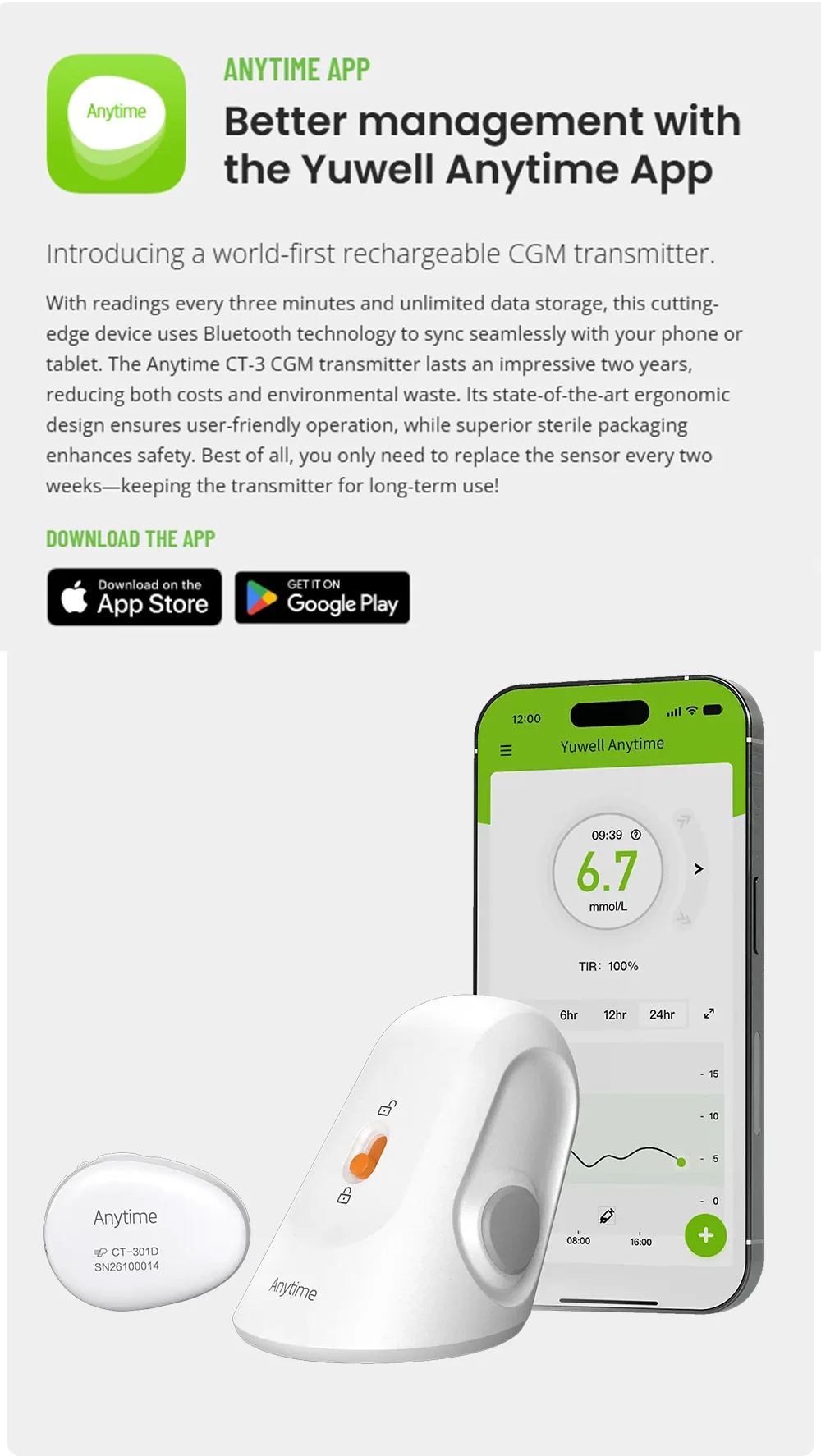
The reusable CGM transmitter connects securely to the CGM sensor and wirelessly transmits glucose data to your smartphone. Designed for comfort and convenience, the transmitter lasts up to 2 years and is fully rechargeable, offering a long-term, sustainable solution for continuous glucose monitoring.
Battery life - Rechargeable, up to 2 years of use
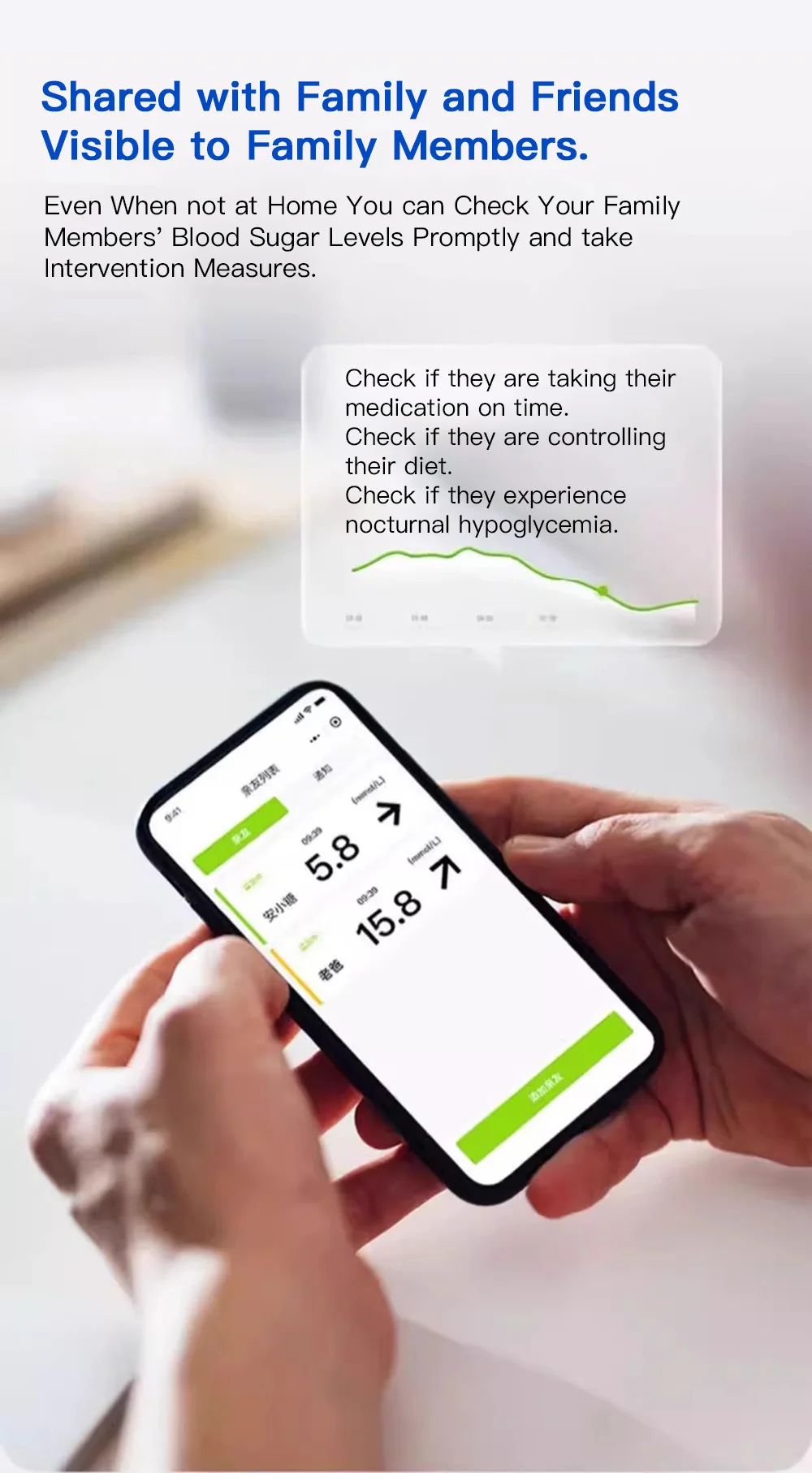
Wireless connectivity
Reusable across multiple sensors
Lightweight and discreet
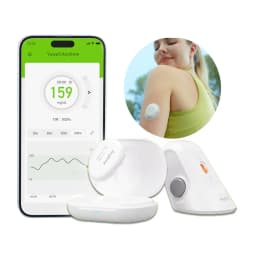
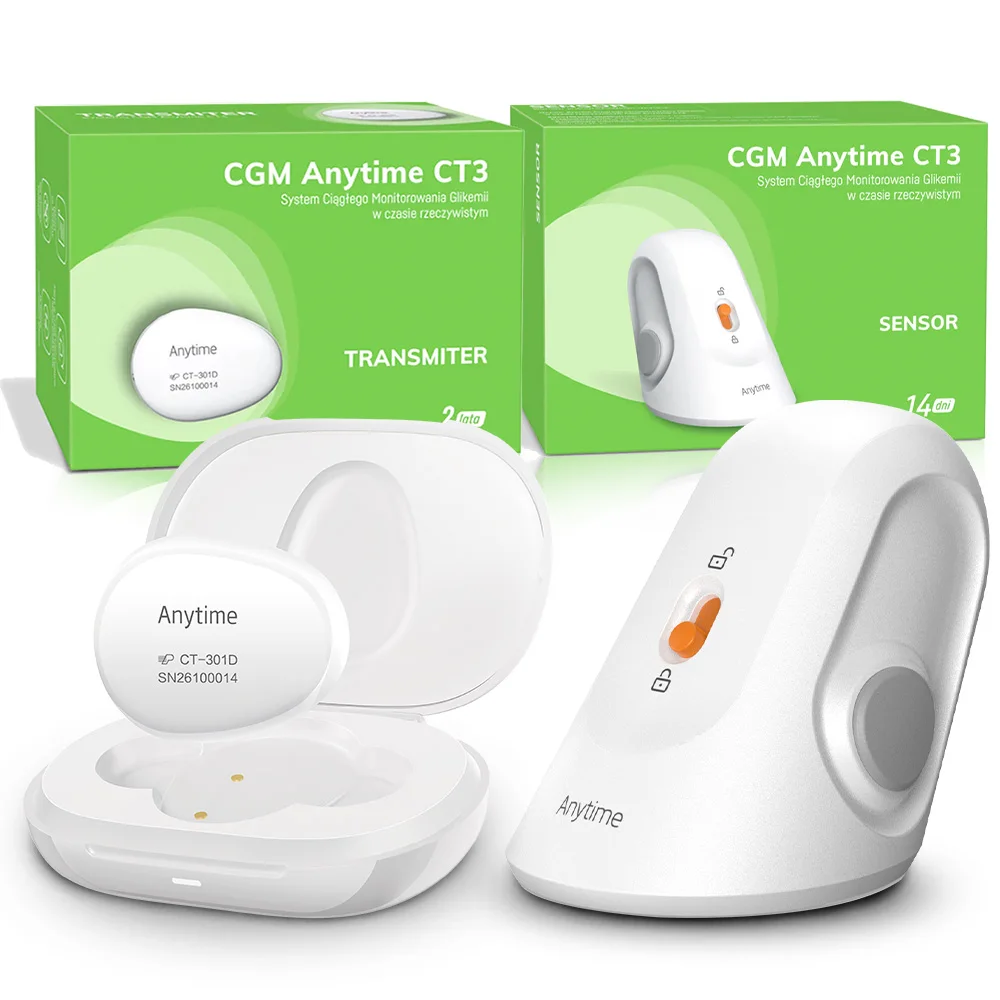
Contents of product. - Transmitter, Charging Case, Lead, Instructions for use
Waterproof rating IP58 - The device can stay underwater for 2 hours at 1.5m depth
FAQs
Frequently Asked Questions
How to troubleshoot when a user can't find the Transmitter during CGM initialization
Check the environment: If the user is in locations such as airports, subways, railway stations, malls, stores, exhibition halls with electric appliances, transformer substations, MRI rooms, or small enclosed spaces, ask them to leave these areas before continuing with the troubleshooting steps below.
Ensure the correct distance: Ensure the transmitter is within 6 meters of the phone. It’s ideal if both are in the same room and not too far apart.
Step 1: Check Bluetooth settings
- Ask the user to verify that Bluetooth is enabled on their phone. They can do this by going to Settings → Bluetooth → List of Devices.
- Even if the transmitter appears, do not connect to it from here.
- Ask the user to disconnect any other Bluetooth devices that are connected. Then, have them try reconnecting the transmitter through the Anytime App again.
- If it works, end the troubleshooting process.
- If it doesn't work, proceed to Step 2.
Step 2: Recharge the transmitter
- Ask the user to charge the transmitter until the blue light turns on. Ensure the transmitter is placed on the charging base when attempting initialization again.
- If it works, end the troubleshooting process.
- If it doesn't work, proceed to Step 3.
Step 3: Try a different phone
- Ask the user to try connecting the transmitter using a different phone. Have them search for the transmitter in the Bluetooth settings to see if it can be found.
- This helps determine if the issue is with the phone or the transmitter itself.
- If the transmitter can be found on the other phone, ask the user to switch to that phone and log in with their same account. Then, go back to Step 2.
- If the transmitter still cannot be found, proceed to Step 4.
Step 4: Restart the phone
- Ask the user to restart their phone and attempt the initialization again.
- If it works, end the troubleshooting process.
- If it doesn't work, proceed to Step 5.
Customer Reviews
No reviews yet
Yuwell CGM Continuous Glucose Monitor 24h Real-time Blood Sugar Test No Finger Pricking Real-time Dynamic Blood Glucose Track
Quantity:
1
Availability:
Not Available