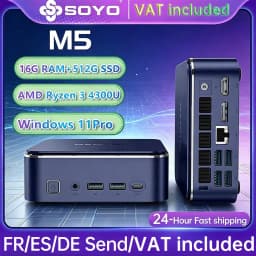
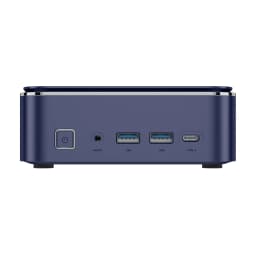
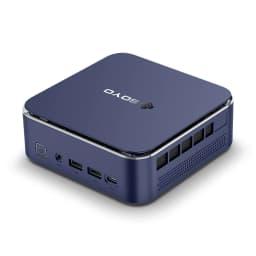
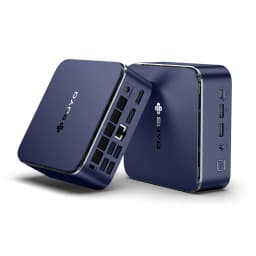
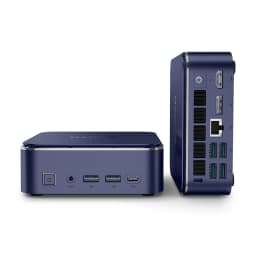
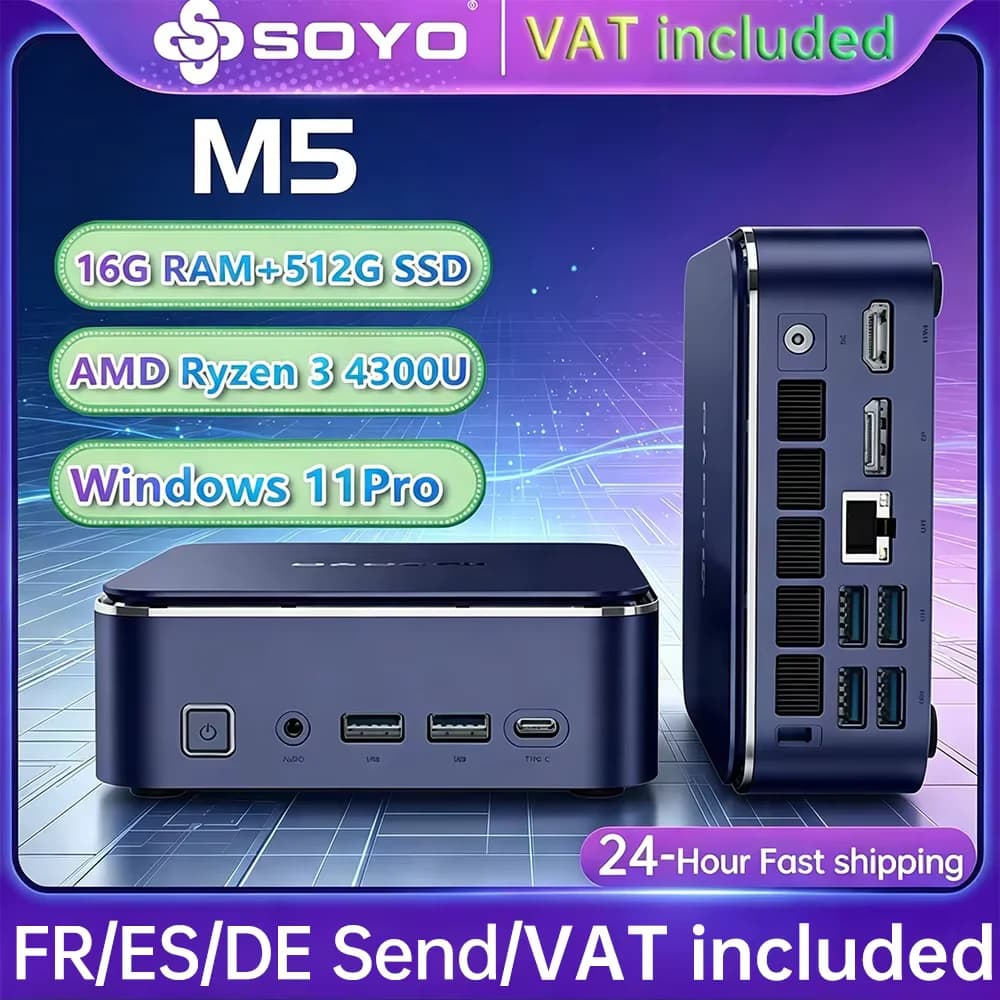
Mini Pc Soyo M5 Mini Computer Amd Ryzen 3 4300U Cpu Lpddr4 Memory 16Gb Memory 512Gb Rom Windows 11 Pro Desktop Computer
Quantity:
1
Availability:
Not AvailableCard Payments
Crypto Payments
Easy return
Reliable Shipping
Mini Pc Selling Points
1.Powerful Amd Performance
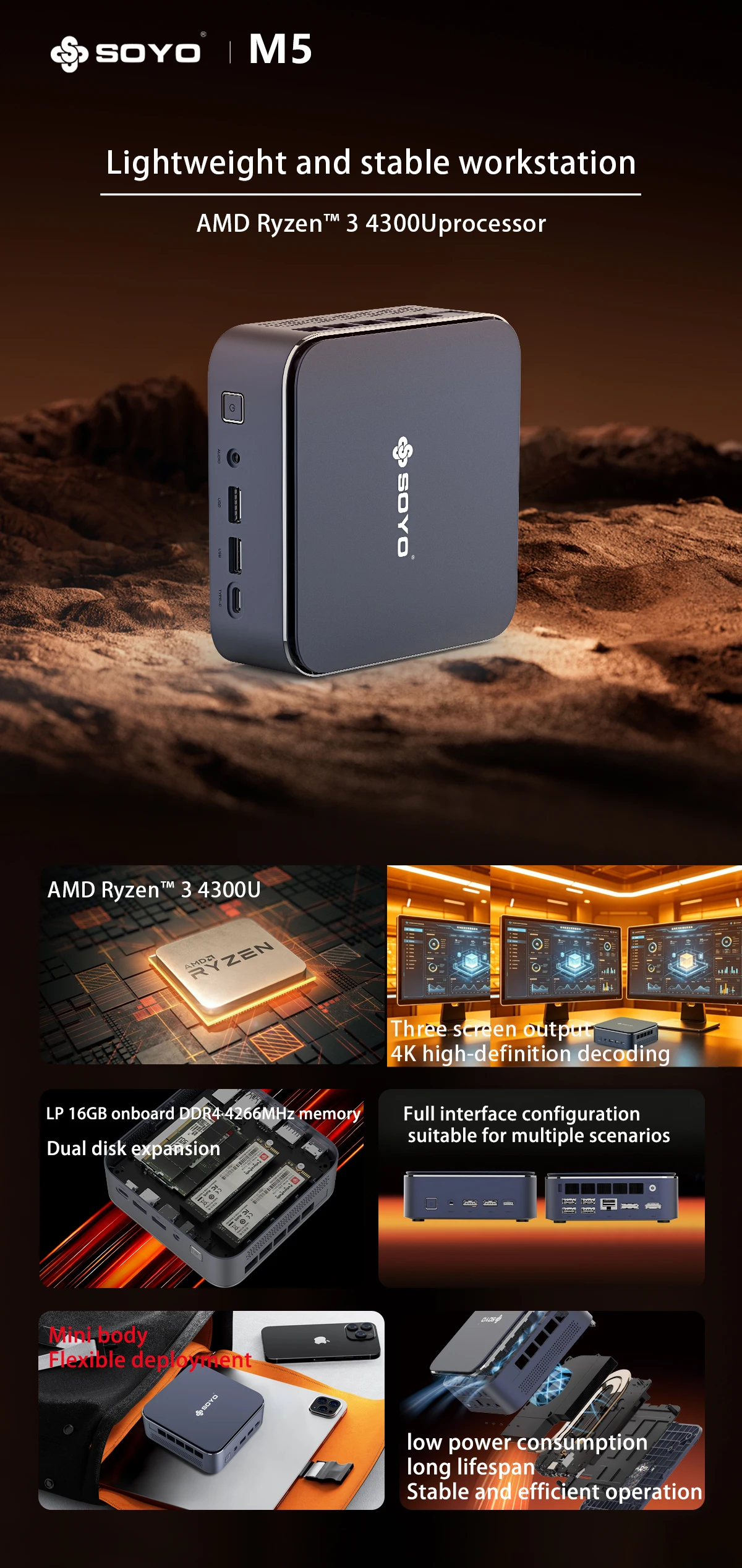
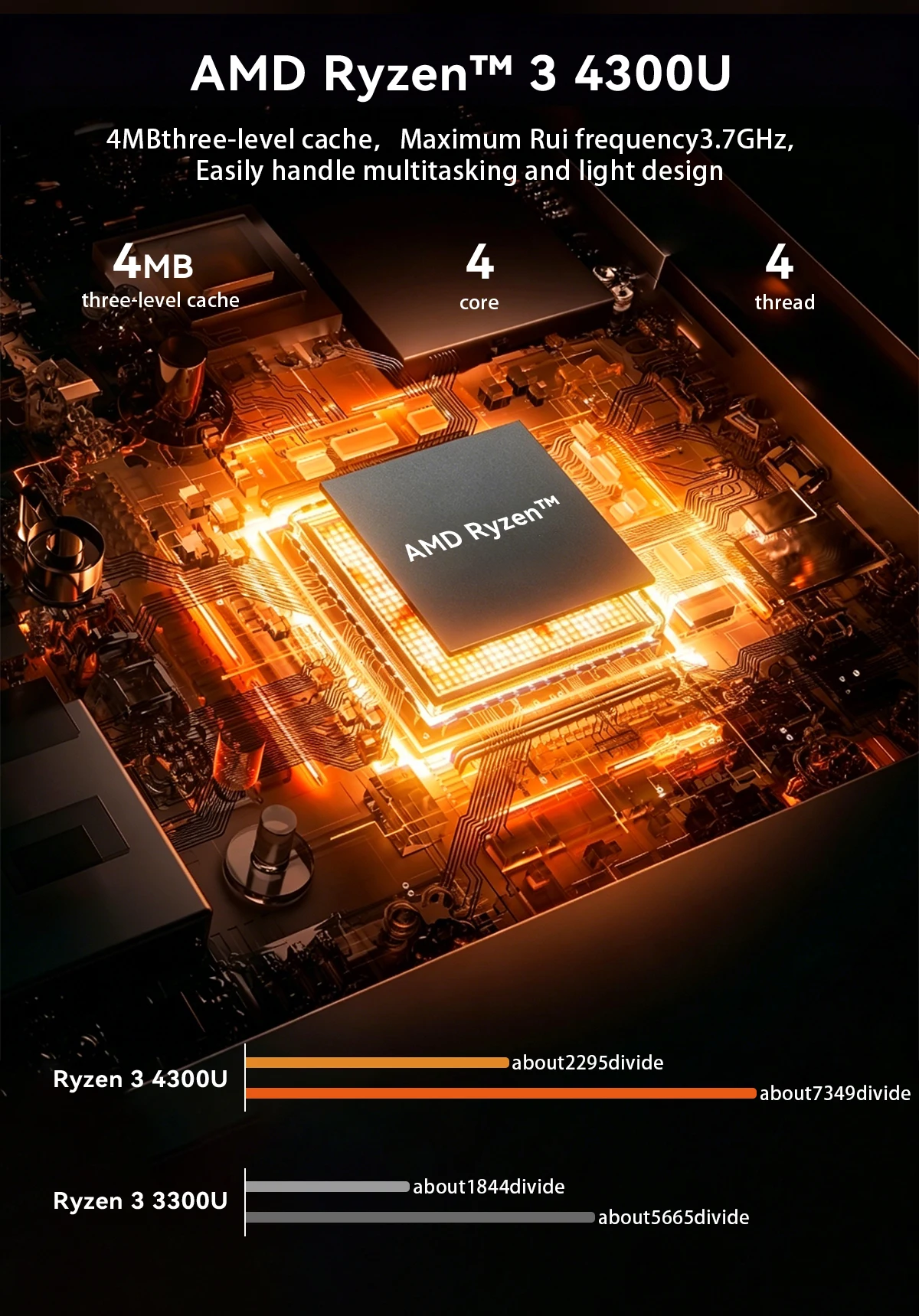
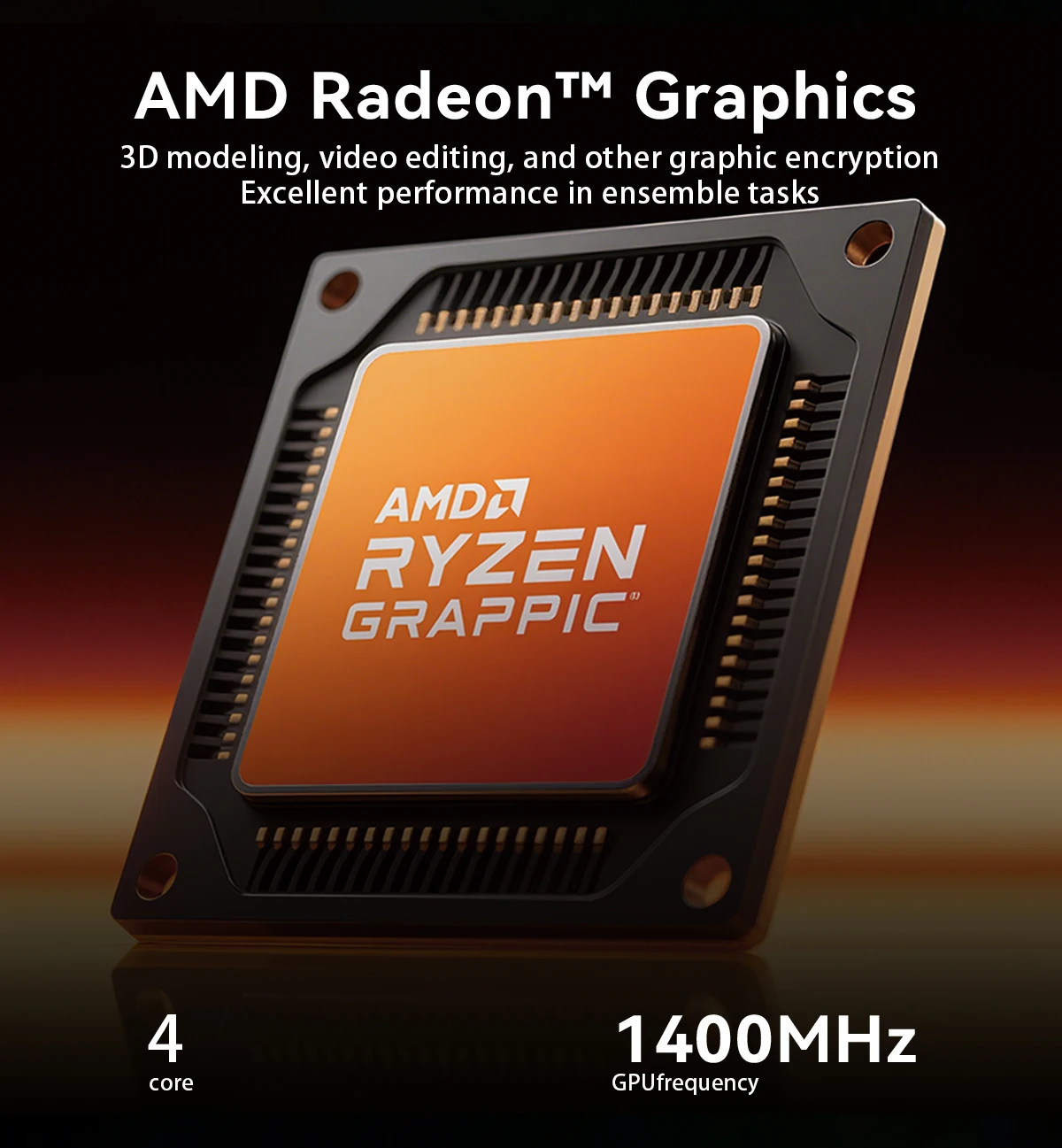
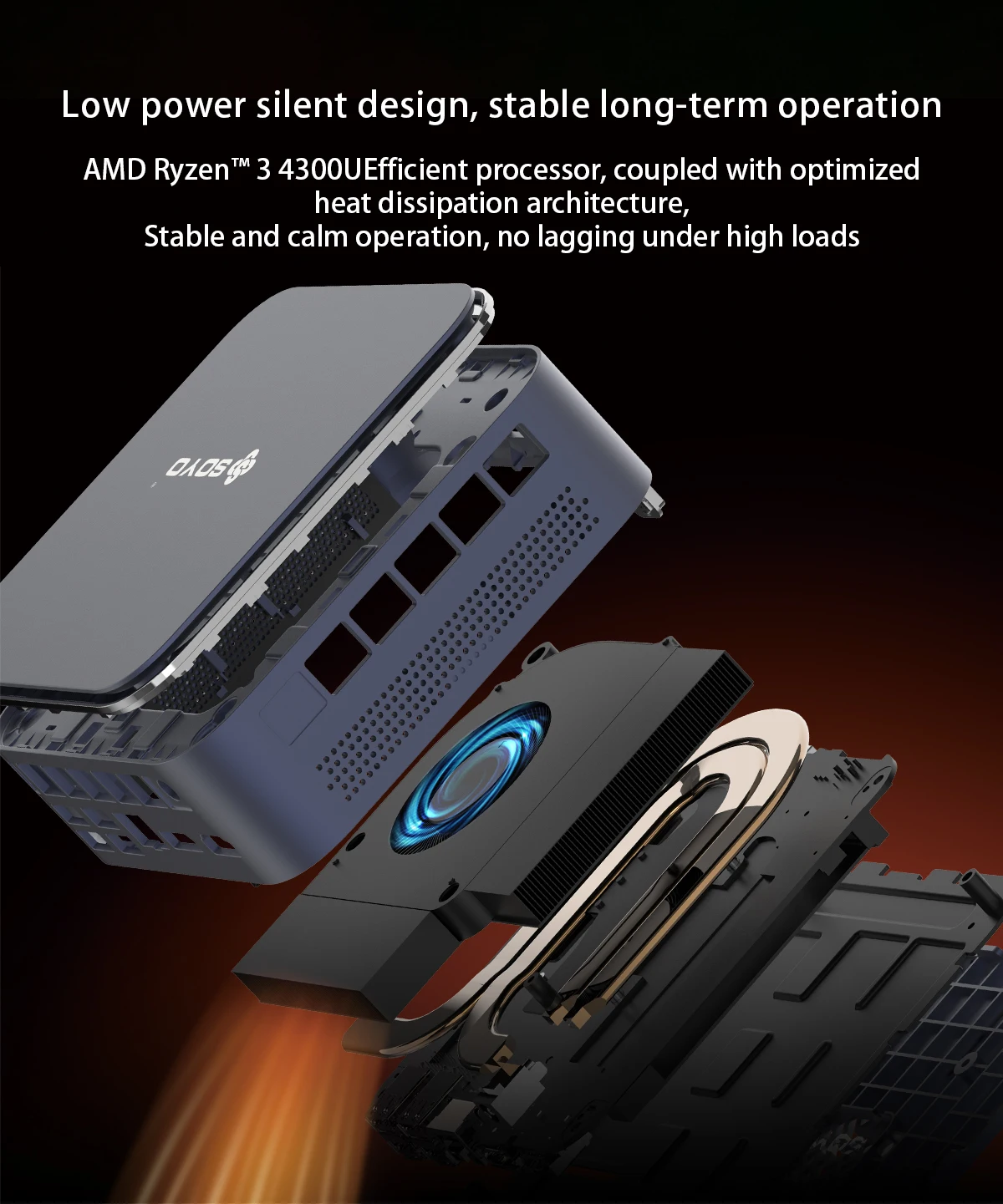
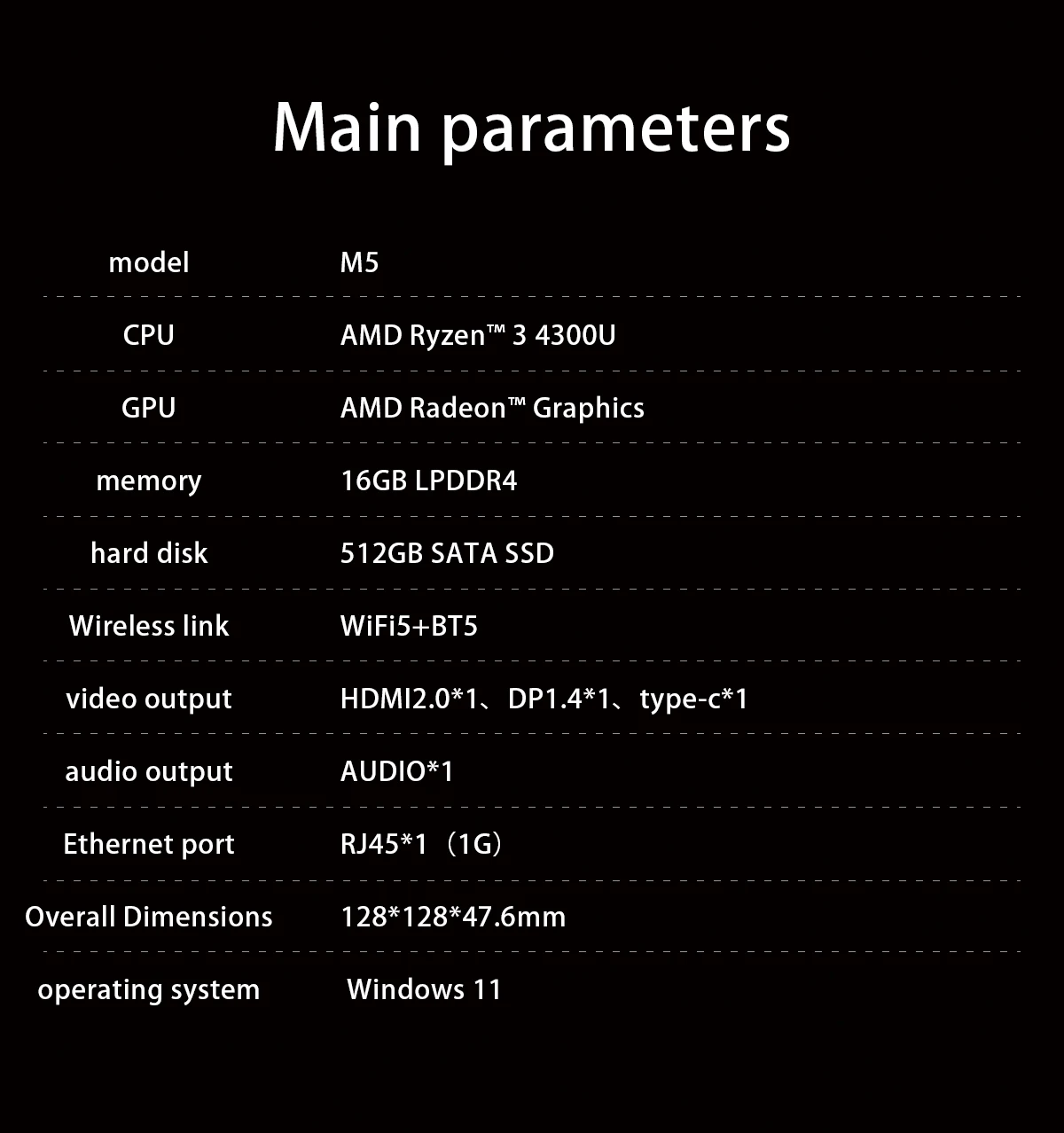
Powered by the Amd Ryzen™ 3 4300U Processor with Amd Radeon™ The Graphics on This Mini Pc Deliver Smooth Performance for Office Work, Multimedia Playback, Light Design Tasks, and Everyday Computing.Source
2.Fast and Efficient Memory & Storage
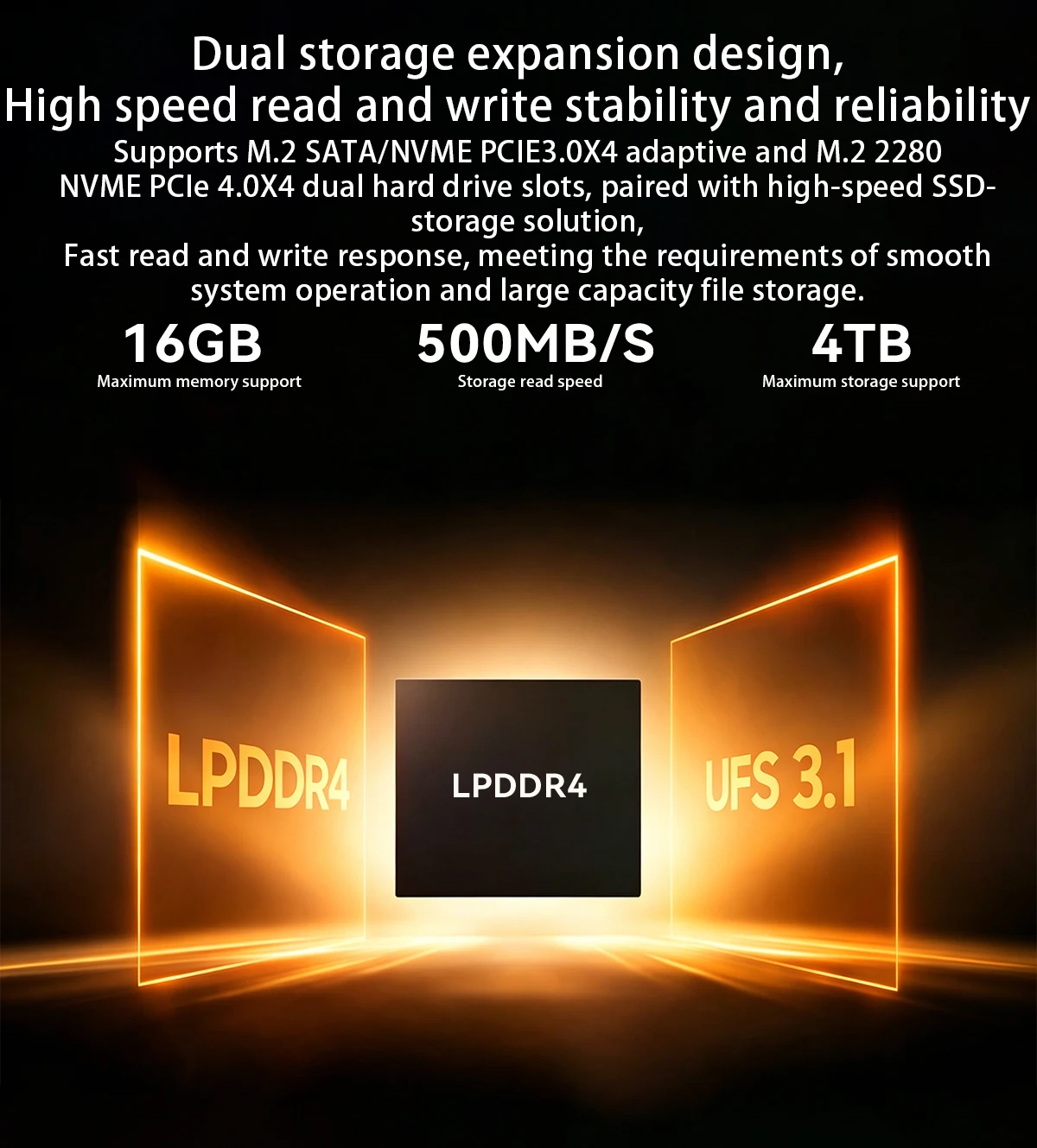
Equipped with 16Gb Lpddr4 Memory and a 512Gb Sata Ssd, It Offers Fast Boot Times, Responsive Multitasking, and Ample Storage for Files, Applications, and Daily Business Use.Source
3.Triple Display Connectivity
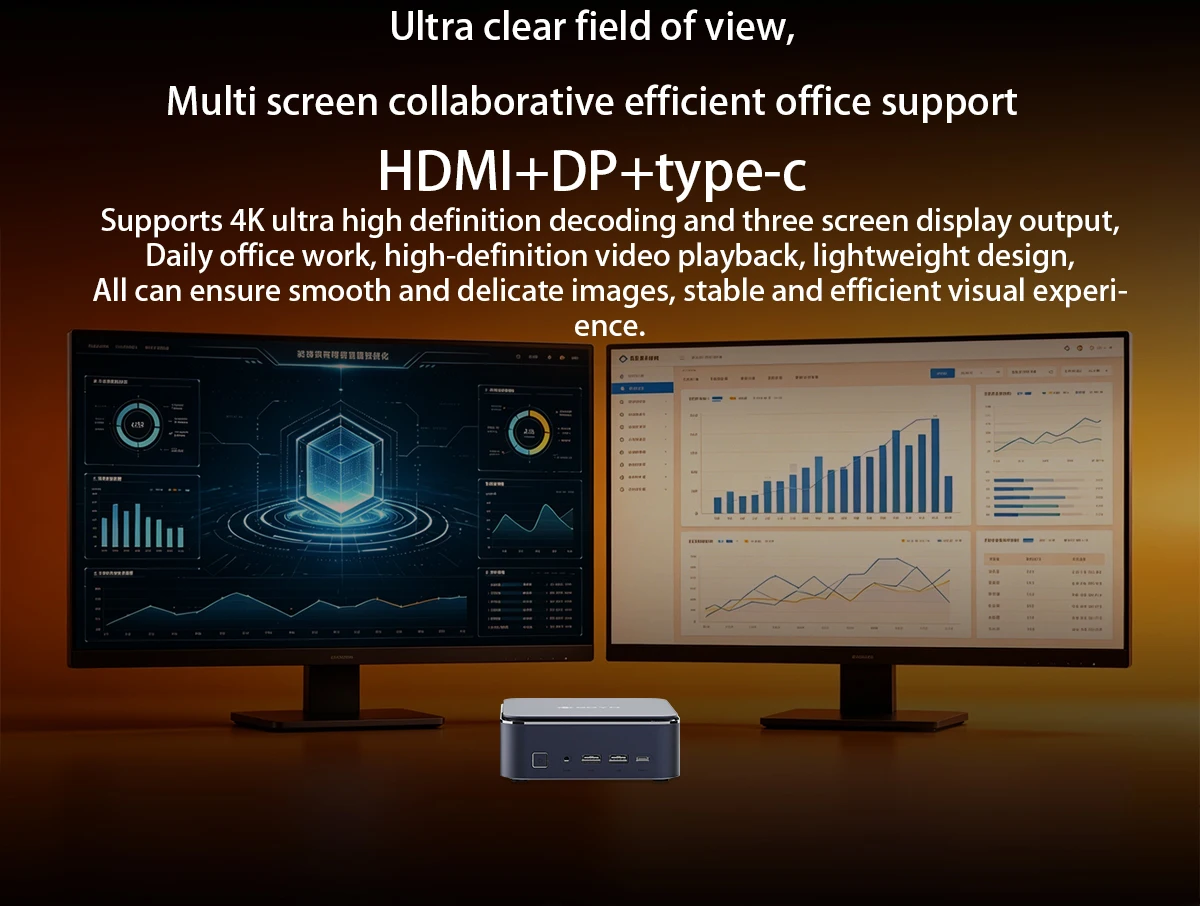
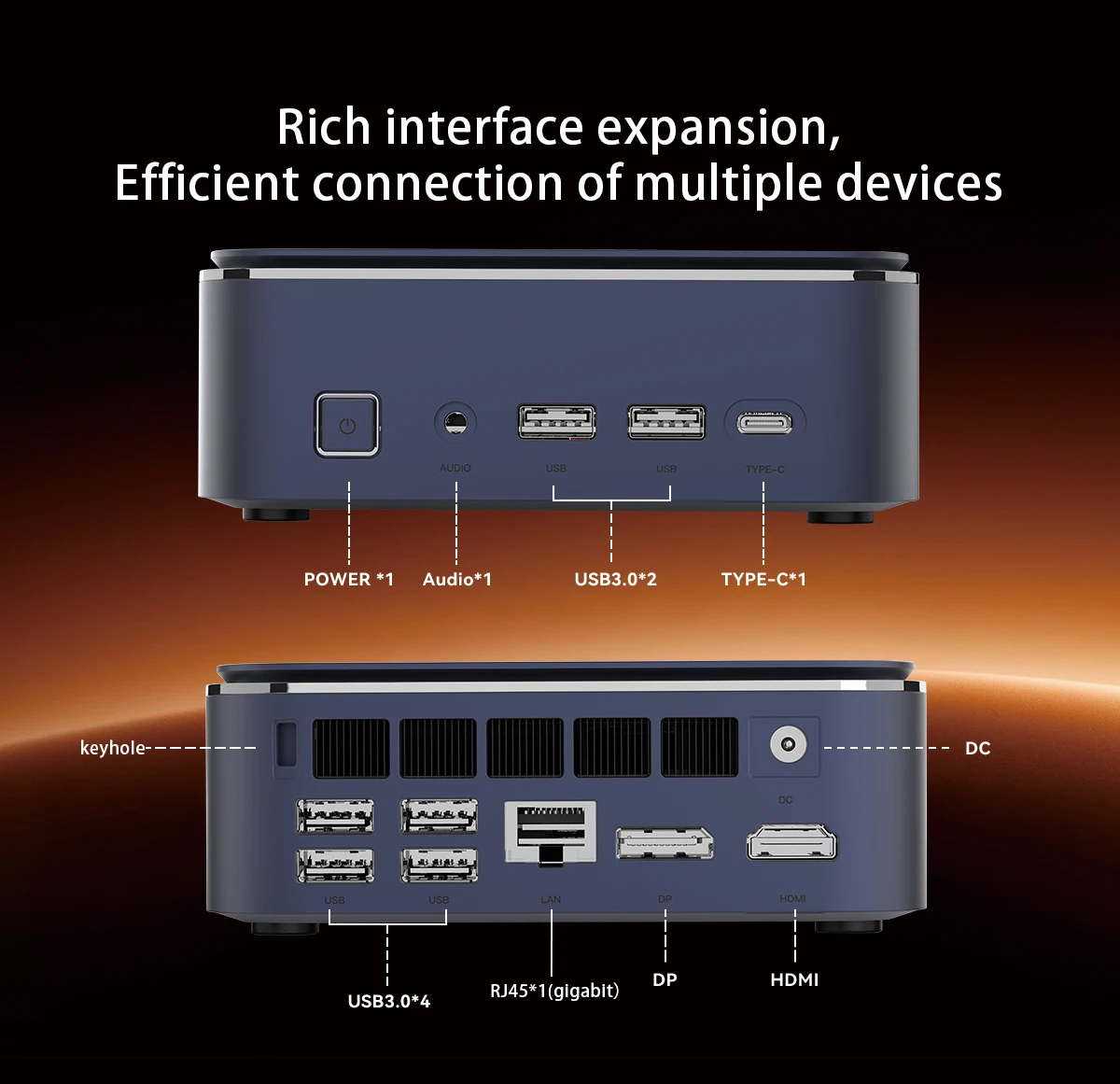
Supports Multiple Display Outputs Including HDMI 2.0 ×1, Dp 1.4 ×1, and Type-C ×1, Making It Ideal for Multi-Screen Configurations, Office Productivity, Digital Signage, and Workstation Expansion.Source
4.Stable Wireless and Wired Networking
Built with Wifi 5 + Bluetooth 5 for Reliable Wireless Connections, Plus Rj45 Gigabit Ethernet for Stable High-Speed Wired Networking in Office and Home Environments.Source
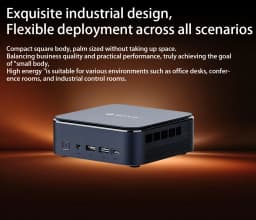
5.Compact Size, Big Possibilities
With a Compact Body Size of Just 128 × 128 × 47.6 Mm, This Mini Pc Saves Desk Space While Still Providing the Essential Ports and Performance Needed for Daily Work and Entertainment.Source
6.Ready to Use with Windows 11
Pre-Installed with Windows 11, This Mini Pc Is Ready for Modern Business Applications, Home Office Tasks, and Everyday Productivity Right Out of the Box.Source

Q&A
Q: Don'T Turn It On?
1. Make Sure the Ac Power Adapter Is Connected to the Computer and the Power Cable Plug Is Plugged into a Working Power Outlet.
2. the Computer Has Been Started (Press the Power Button Again to Confirm Whether It Starts Normally).
Q: When the Computer Is Started, Nothing Is Displayed?
A: 1. Check Whether the HDMI and Dp Cables Are Properly Connected and Displayed.
2. Check That the Display Input Mode Is Correct.
Q: a Blank Screen Appears When the Computer Is Running?
A: 1. Check Whether the Device Is in Hibernation Mode by Checking if the Indicator Appears When the Power Is On.
Status Indicator.Press the Power Button to Wake up the Computer and Start It Up.
2. Check Whether the Monitor Is in Sleep Mode.
Q: Computer Unresponsive?
A:1.To Force Off, Press and Hold the Power Button and Turn It on Again.
2. Check Whether the Monitor Is in Sleep Mode.
Q: There Is No Sound Coming from the Speaker or Headset?
A:1.Check Whether the Mute Function Is Disabled.
2.To Check Whether Speakers or Earphones Are Selected for Playback,


Customer Reviews
No reviews yet
Mini Pc Soyo M5 Mini Computer Amd Ryzen 3 4300U Cpu Lpddr4 Memory 16Gb Memory 512Gb Rom Windows 11 Pro Desktop Computer
Quantity:
1
Availability:
Not Available