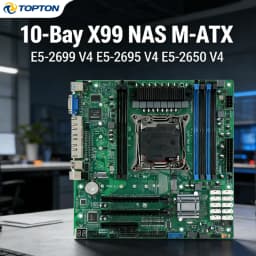
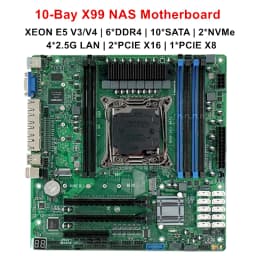
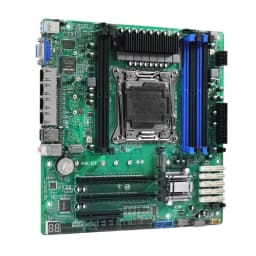
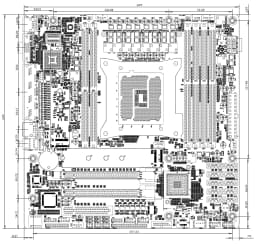
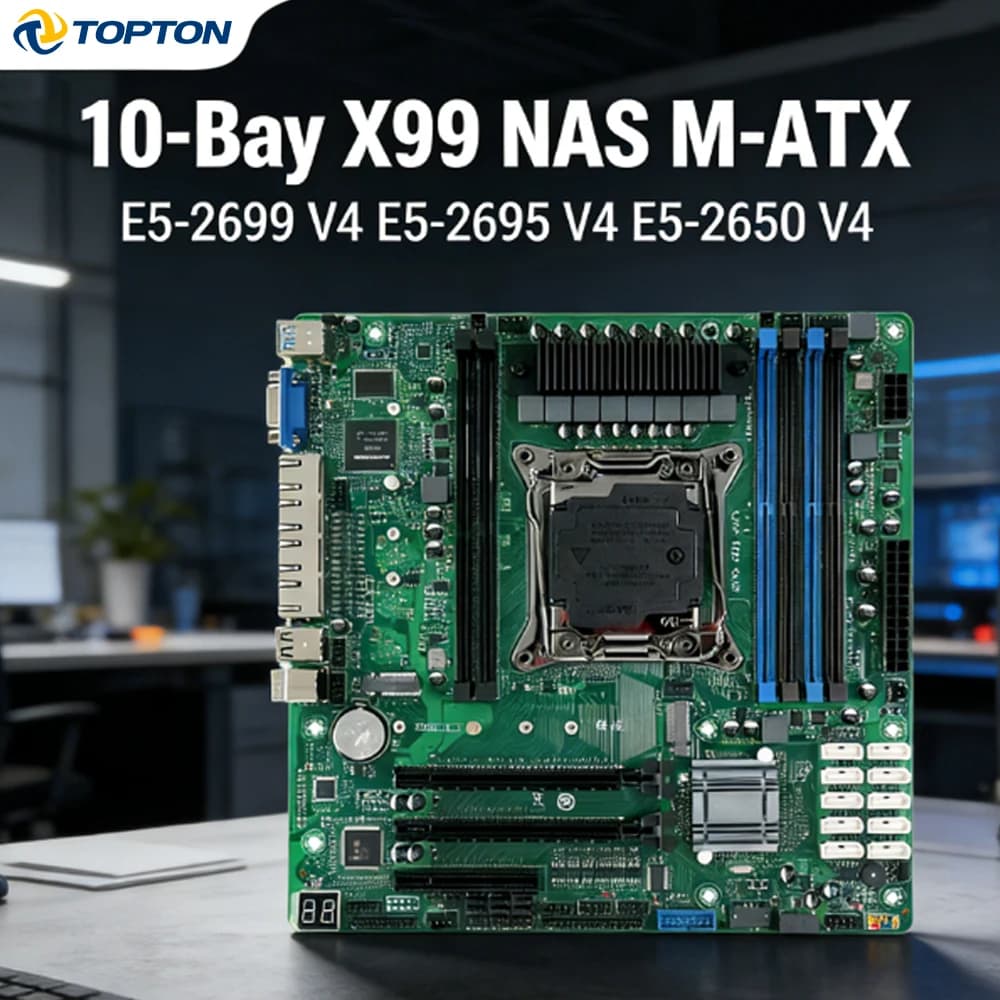
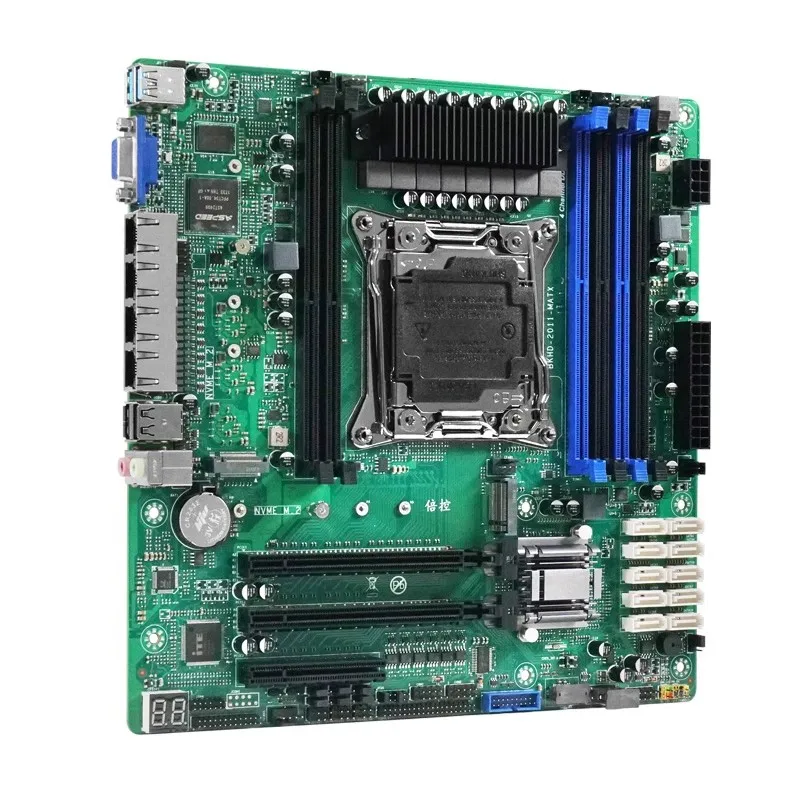
10-Bay X99 NAS Motherboard XEON E5-2699 2695 V4 C612 6*DDR4 V10*SATA 2*NVMe 4*2.5G LAN 3*PCIE Split Firewall M-ATX Mainboard
231.17$
147.95$
Quantity:
1
Availability:
Color
Bundle
Ships From
Card Payments
Crypto Payments
Easy return
Reliable Shipping
This listing only includes the C612 NAS motherboard as the base item.
No RAM, no storage devices (M.2 NVMe / SATA HDD/SSD), and no pre-installed operating system are included.
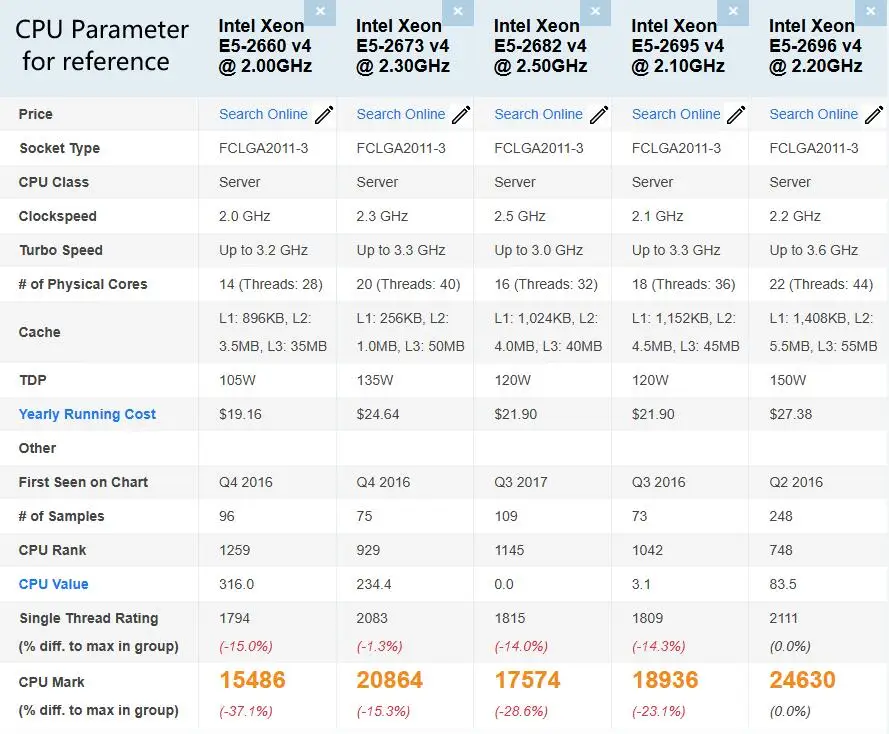
The Intel Xeon CPU is sold separately as an optional add-on, not pre-equipped with the board.
Product Information
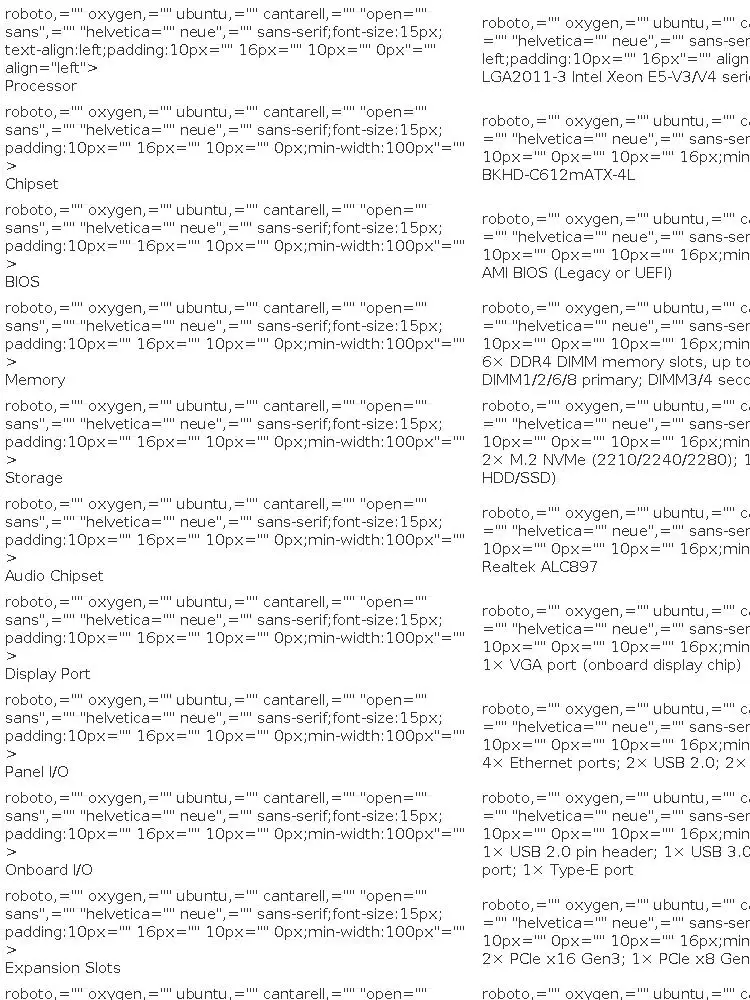
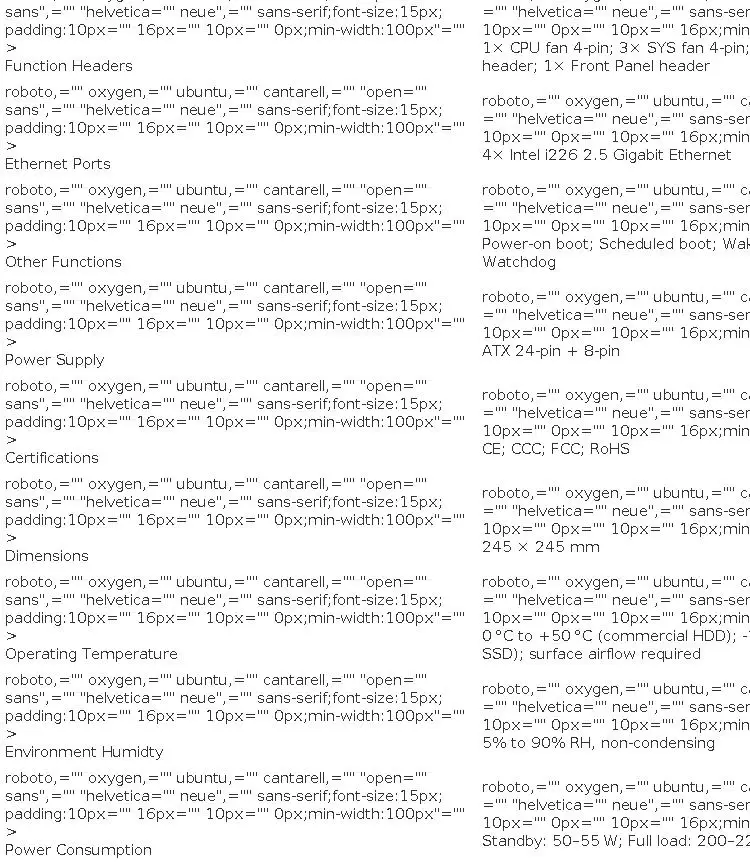
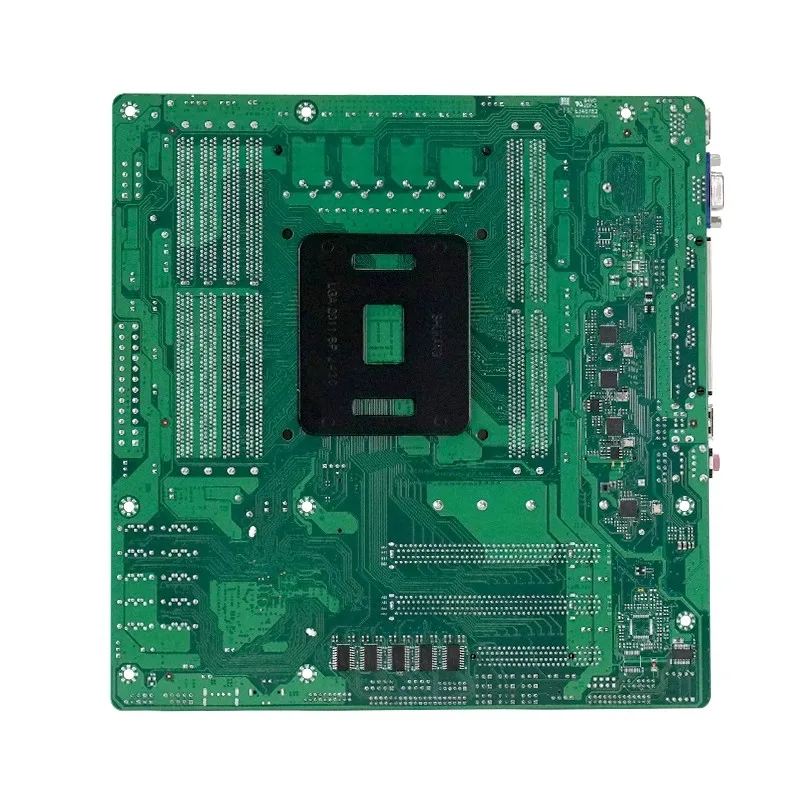
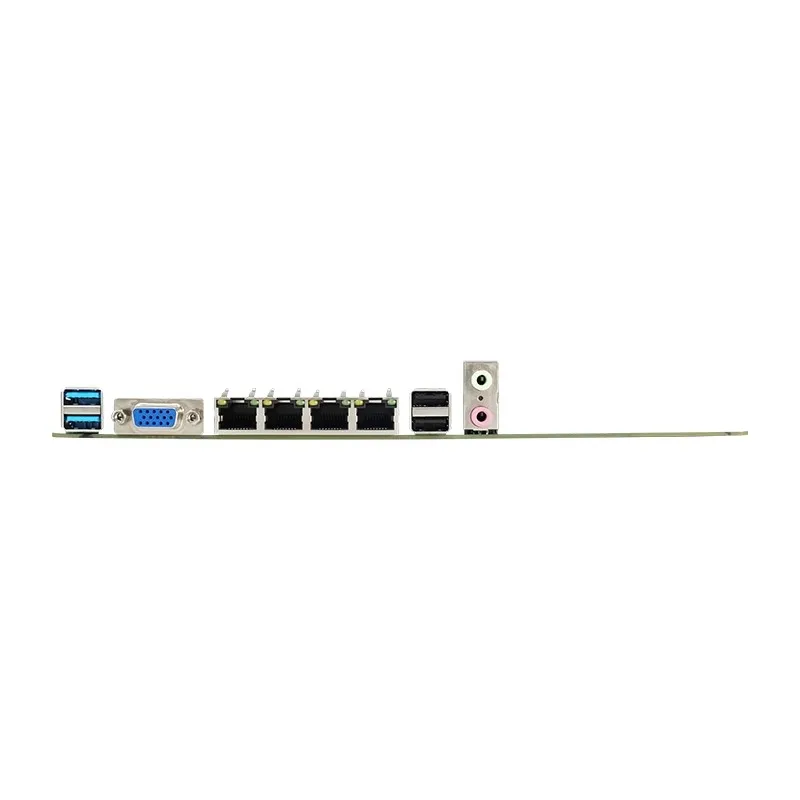
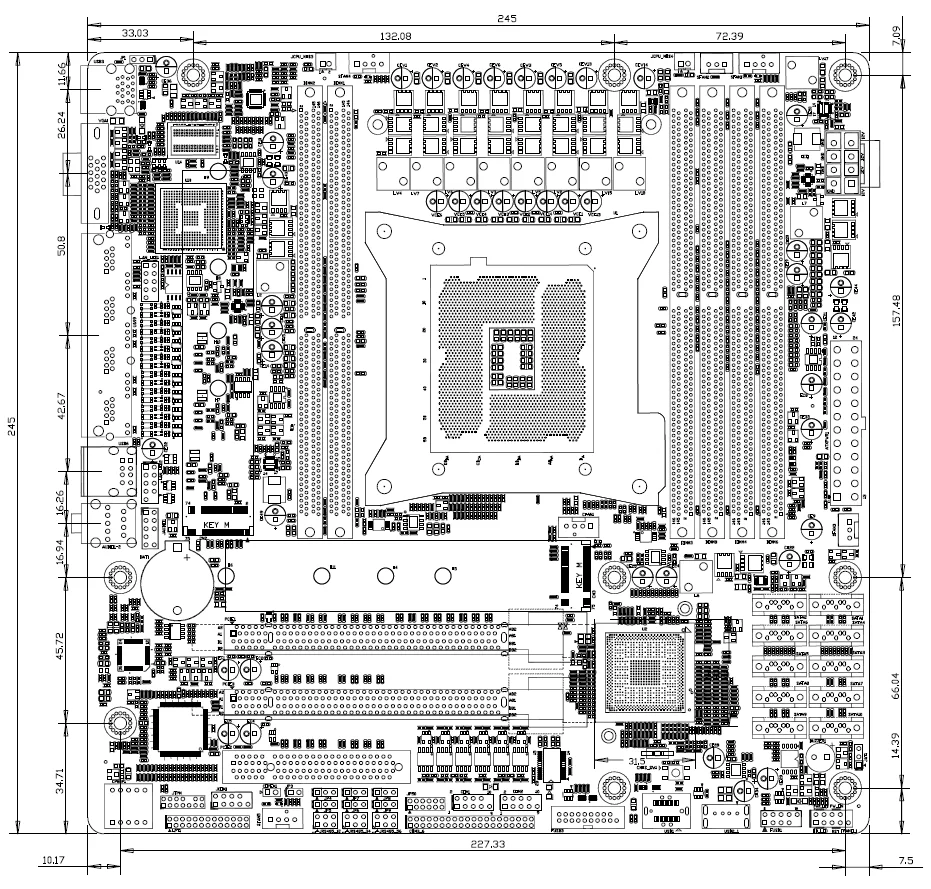
BIOS Configuration Guide for MATX-CS612 Motherboard
1. Enter BIOS Setup
Press Delete or Esc repeatedly during boot to enter BIOS.
2. Enable SR-IOV Support
Go to Advanced → PCI Subsystem Settings → SR-IOV Support → select Enabled.
Press F10 to save.
3. Enable Intel® VT-d (Virtualization for Directed I/O)
Go to Intel® RCSetup → IIO Configuration → Intel® VT for Directed I/O (VT-d) → select Enabled.
For VT-d Coherency and CVP Optimizations, also select Enabled.
Press F10 to save.
4. PCIe Slot Splitting Configuration
Enter Intel® RCSetup → IIO Configuration → IIO0 Configuration.
IOU1 (IIO PCIe Port3) – corresponds to the first PCIe x16 slot (x16 channel).
Split modes: x8x8, x8x4x4, x4x4x8, x4x4x4x4 (choose based on expansion needs).
IOU0 (IIO PCIe Port2) – sets the second PCIe x16 slot (x8 channel) and the third PCIe x8 slot (x8 channel).
Only x4x4x4x4 mode is available, splitting each slot into two x4 signals.
Press F10 to save.
5. CPU Turbo Mode Setting
Enter Intel® RCSetup → Advanced Power Management Configuration → CPU P-State Control → Turbo Mode.
Select Enable to turn on, Disable to turn off (adjust as needed).
Press F10 to save.
6. SATA Hot Plug Configuration
Enter Intel® RCSetup → PCH Configuration.
PCH sSATA Configuration – configures SATA ports 7–10.
PCH SATA Configuration – configures SATA ports 1–6.
For each port, set Hot Plug to Enabled to enable hot swapping.
Press F10 to save.
7. Boot Menu (USB Boot)
Press F11 repeatedly during boot to enter the boot menu and select a USB drive.
8. Enable IPv4 & IPv6 PXE Support
Go to Advanced → Network Stack Configuration → Network Stack → select Enabled.
Enable both IPv4 PXE Support and IPv6 PXE Support.
Press F10 to save.
9. Enable BIOS Network Wake-up
Go to Advanced → ACPI Settings → Lock Legacy Resources → select Enabled.
Press F10 to save.
10. Cooling Fan Speed Control
Go to Advanced → Hardware Monitor.
CPU Smart Fan Control – sets CPU fan speed.
SYS Smart Fan Control – sets chassis fan speed (multiple adjustable).
Select PWM Manual Mode and enter a speed value (default 128, range 0–255).
Press F10 to save.
11. Enable Intel Discrete Graphics Card Support
Prerequisite: Insert the Intel GPU into a PCIe x16 slot and connect the VGA cable.
Go to Advanced → PCI Subsystem Settings:
Set Above 4G Decoding → Enabled.
Set Re-size BAR Support → Enabled.
Return to Advanced → CSM Configuration → CSM Support → select Disabled.
Press F10 to save.
MATX-CS612 Mainboard Key Features
CPU: Supports LGA2011 Intel® Xeon® E5 V3/V4 series processors.
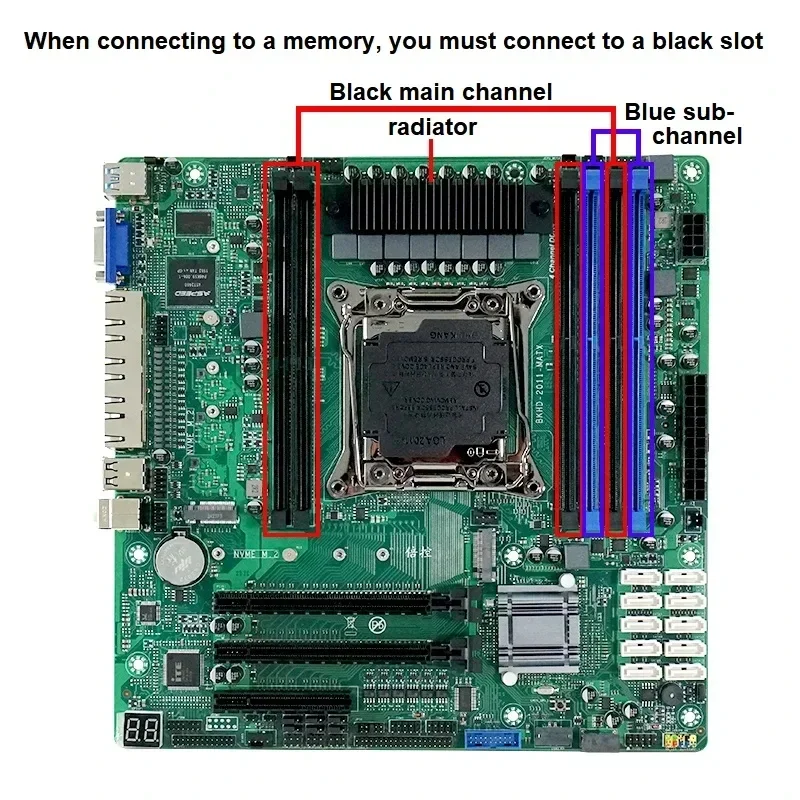
Memory: 6× DDR4 DIMM slots, up to 192 GB (max 32 GB per slot), supports 2133/2400 MHz ECC/ERCC memory.
Graphics: Integrated VGA display output.
Networking: Four Intel® i226 2.5 Gigabit Ethernet ports.
Storage:
2× M.2 NVMe slots (2210/2240/2280).
10× SATA 3.0 (6 Gb/s) ports.
USB: 9× USB ports + 1× USB Type-E header.
Expansion Slots: 2× PCIe x16, 1× PCIe x8.
Serial: Built-in RS232 COM port.
Operating Temperature: -10°C to 60°C (industrial SSD); 0°C to 50°C (commercial HDD).
Convenience Features: Built-in Clear CMOS button for faster troubleshooting.
Form Factor: 244 mm × 244 mm (mATX).
Detailed I/O & Connectors
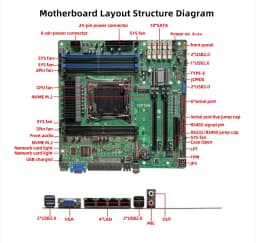
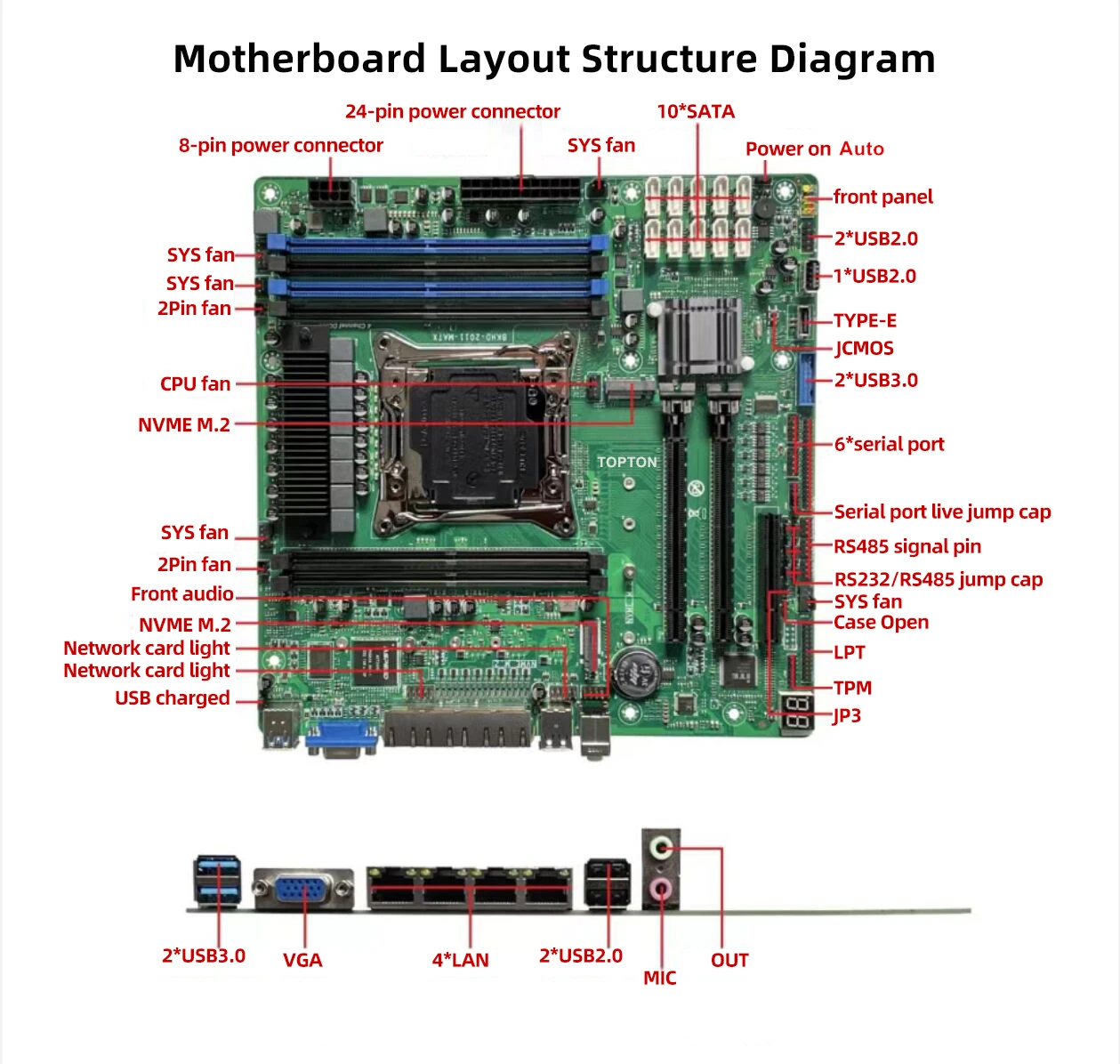
Rear I/O:
1× VGA
2× USB 3.0
2× USB 2.0
2× Audio (Line-Out/Mic-In)
4× RJ45 (Intel i226 2.5GbE)
Internal Headers & Ports:
10× SATA
1× Front Panel (9-pin)
1× CPU Fan (4-pin)
5× System Fans (3× 4-pin, 2× 3-pin)
1× COM header
1× USB 2.0 header (supports 2 ports)
1× USB 3.0 header (supports 2 ports)
1× Dedicated USB 2.0 port
1× USB Type-E header
1× TPM header
1× Front Audio header (9-pin)
1× 8-pin ATX power
1× 24-pin ATX power
Audio: Realtek ALC897 (Line-Out & Line-In).
Super I/O: Nuvoton NCT5585D.
Power Supply: Standard 24-pin + 8-pin ATX.
Supported OS: Windows 10, Windows 11, Linux.
Customer Reviews
No reviews yet
10-Bay X99 NAS Motherboard XEON E5-2699 2695 V4 C612 6*DDR4 V10*SATA 2*NVMe 4*2.5G LAN 3*PCIE Split Firewall M-ATX Mainboard
231.17$
147.95$
Quantity:
1
Availability:
Color
Bundle
Ships From