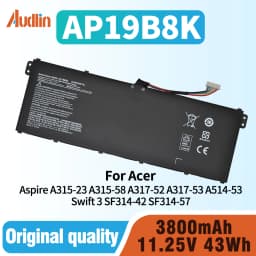
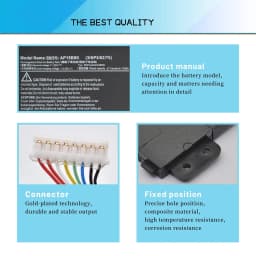
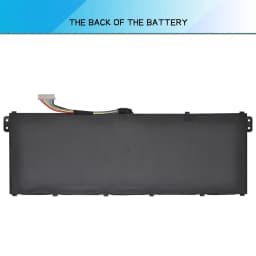
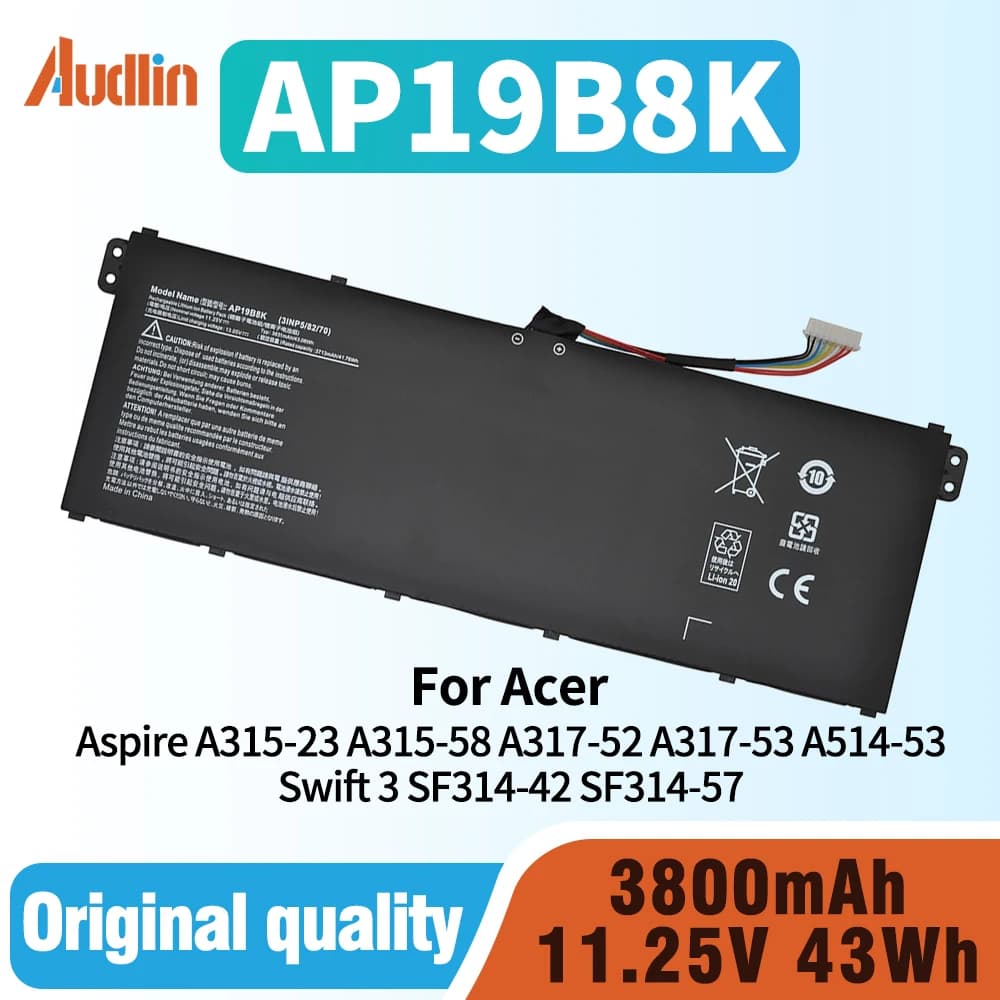
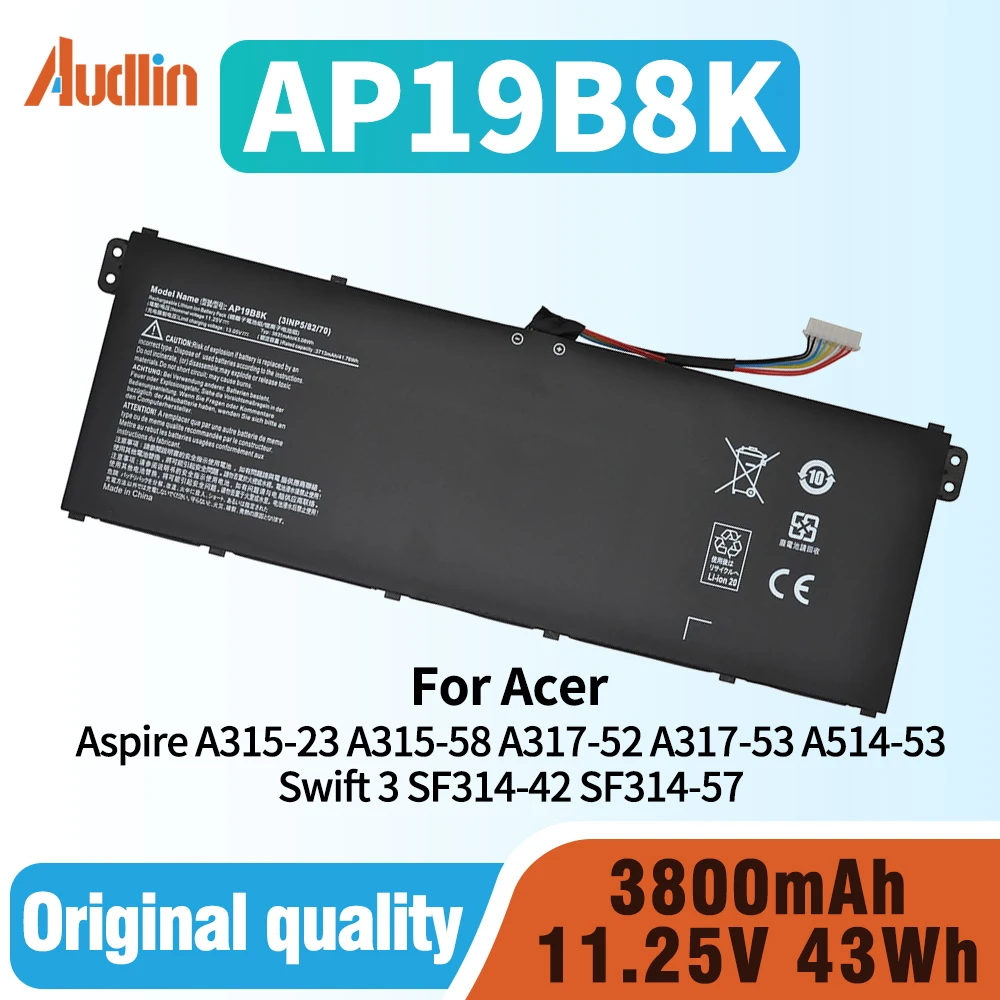
AP19B8K AP19B5K Laptop Battery for Acer Swift 3 SF314-42 SF314-57 Aspire A315-23 A315-58 A317-52 A317-53 TMP214-51 TMP214-52
45.34$
22.67$
Quantity:
1
Availability:
Color
Card Payments
Crypto Payments
Easy return
Reliable Shipping
Compatible Part Numbers:
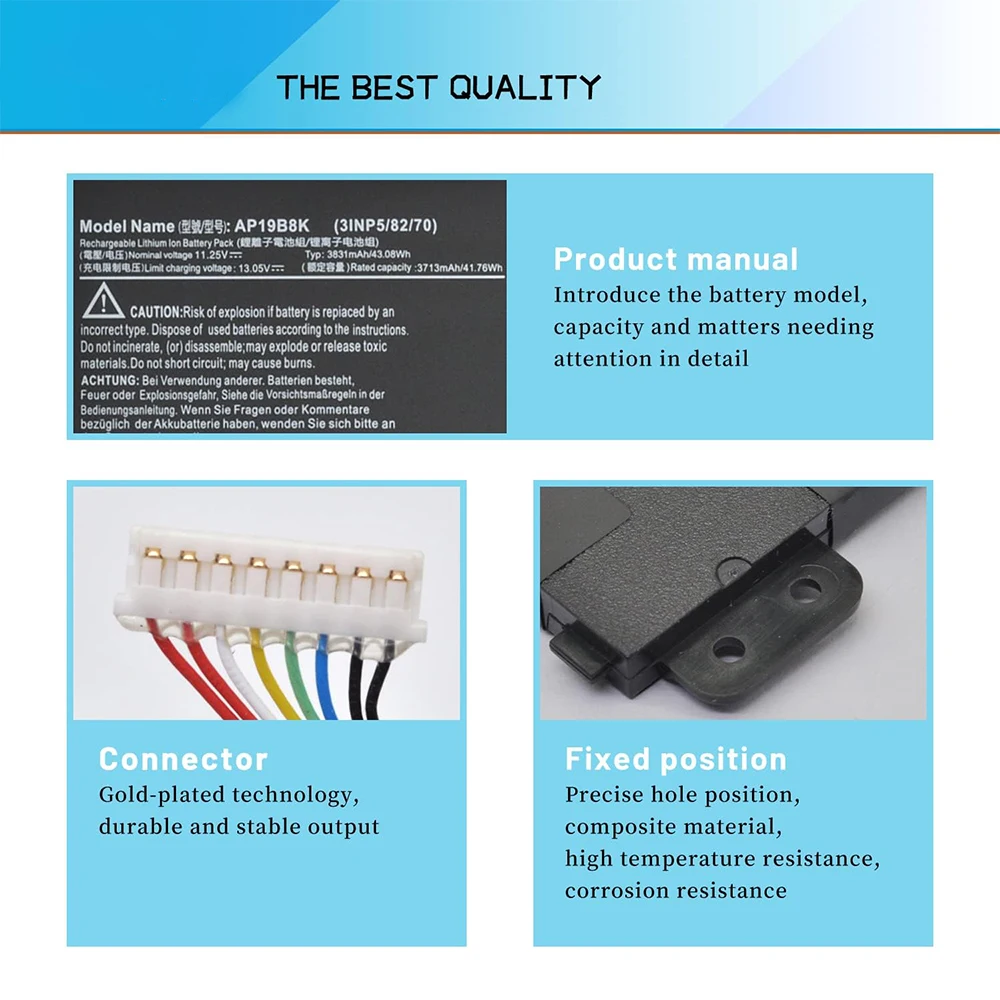
AP19B8K AP19B5K KT00304013 KT0030G022 3INP5/82/70
Compatible Laptop Models
Acer Aspire 3 A314-22G Series
3 A314-22G-FREE A314-22G-R144 A314-22G-R1ZQ A314-22G-R4U4 A314-22G-R5X7
3 A314-22G-R6CF A314-22G-R6LC A314-22G-R75Q A314-22G-R8WA A314-22G-R9Z1
Acer Aspire 3 A315-23 A315-23G-R8DM A315-23G-R8F3 Series
3 A315-23-A05H A315-23-A0KA A315-23-A0Q1 A315-23-A0Y5 A315-23-A13D
3 A315-23-A16Y A315-23-A1H1 A315-23-A1T2 A315-23-A1T8 A315-23-A20X
3 A315-23-A21U A315-23-A2MU A315-23-A36B A315-23-A3LB A315-23-A3SW
3 A315-23-A47N A315-23-A4AP A315-23-A4HT A315-23-A4M6 A315-23-A4U8
3 A315-23-A5B9 A315-23-A5K0 A315-23-A5YA A315-23-A63J A315-23-A669 3 A315-23-R7S8 A315-23G-R5UK A315-23-R25F A315-23-A85S A315-23-R9KY
3 A315-23G-R9BV A315-23-R3QJ A315-23-R59Y A315-23-R4EW A315-23-R5U2 A315-23-R4KR
Acer Aspire 3 A314-22 Series
3 A314-22-A16J A314-22-A1YY A314-22-A1YZ A314-22-A1ZT A314-22-A268 3 A314-22-A2DL A314-22-A572 A314-22-A5D7 A314-22-A5RN A314-22-A5UW
3 A314-22-A6W9 A314-22-A6WC A314-22-A6XW A314-22-A715 A314-22-A9B4 3 A314-22-A9G7 A314-22-A9HA A314-22-A9WP A314-22-A9Y6 A314-22-R029
3 A314-22-R074 A314-22-R0DD A314-22-R0PE A314-22-R0TR A314-22-R0U0 3 A314-22-R0YJ A314-22-R14R A314-22-R180 A314-22-R1KF A314-22-R1N9
3 A314-22-R1NC A314-22-R1V3 A314-22-R28H A314-22-R2C4 A314-22-R2MK 3 A314-22-R2TB A314-22-R2Z0 A314-22-R34H A314-22-R366 A314-22-R3B1
3 A314-22-R3W7 A314-22-R3Z0 A314-22-R404 A314-22-R40A A314-22-R446 3 A314-22-R44Z A314-22-R45W A314-22-R489 A314-22-R4GU A314-22-R4P7
3 A314-22-R4U5 A314-22-R56U A314-22-R58T A314-22-R5E2 A314-22-R5PU 3 A314-22-R5SX A314-22-R5WK A314-22-R646 A314-22-R64K A314-22-R689
3 A314-22-R68K A314-22-R6FB A314-22-R6HH A314-22-R6J1 A314-22-R6MN 3 A314-22-R6PG A314-22-R730 A314-22-R73F A314-22-R7CF A314-22-R7EX
3 A314-22-R7NZ A314-22-R7TQ A314-22-R7X0 A314-22-R8A0 A314-22-R8AX 3 A314-22-R8GC A314-22-R8JF A314-22-R8LV A314-22-R8NB A314-22-R8PJ
3 A314-22-R8Z9 A314-22-R9AJ A314-22-R9HS A314-22-R9JM A314-22-R9LD 3 A314-22-R9MH A314-22-R9RF A314-22-R9U1 A314-22-R9ZF A314-22-A02R
Acer Aspire 3 A315-23G Series
3 A315-23G-R075 A315-23G-R09U A315-23G-R0BZ A315-23G-R0CV A315-23G-R0EL 3 A315-23G-R0GN A315-23G-R0ND A315-23G-R0UM
A315-23G-R0VD A315-23G-R0Z7 3 A315-23G-R11Y A315-23G-R1AE A315-23G-R1K7 A315-23G-R1KQ A315-23G-R1QK 3 A315-23G-R233
A315-23G-R2K0 A315-23G-R2Q9 A315-23G-R2UY A315-23G-R3JE A315-23G-R3LG
Acer Aspire 3 A315-57G A315-57G-303Z Series
Acer Aspire 3 A315-58 Series
3 A315-58-39QZ A315-58-307D A315-58-30QG A315-58-31SW A315-58-33W3 3 A315-58-36JW A315-58-37B1 A315-58-39MW A315-58-50K3 A315-58-529D 3 A315-58-52W4 A315-58-57GY A315-58G-578L A315-58G-59NH A315-58G-77A1
Acer Aspire 3 A317-52 A317-52-76NC A317-52-78NF Series
3 A317-52-3219 A317-52-36F4 A317-52-523U A317-52-358F 3 A317-52-54QM A317-52-581W A317-52-74PD
Acer Aspire 3 A317-53 Series 3 A317-53-341G A317-53-510E A317-53-57QG
Acer Aspire 5 A514-51K-39TM Series
Acer Aspire 5 A514-52-58NK Series
Acer Aspire 5 A514-53 Series 5 A514-53-50TD A514-53-32KZ A514-53-38SR A514-53-53LC A514-53-58BG
Acer Aspire 5 A514-53-303A A514-53G-7950 Series
Acer Aspire 5 A514-54-307L A514-54-32B7 A514-54G-78Z6 Series Acer Aspire 5 A515-54G-56BZ Series
Acer Aspire 5 A515-56 A515-56G Series 2
5 A515-56G-72CW A515-56-56WY A515-56-51UF A515-56G-79YK A515-56-54U1 5 A515-56G-776P A515-56-77SX
A515-56-56GM A515-56G-776P A515-56G-50LK A515-56G-52JE
Acer Aspire 5 A515-56-32JX A515-56-33NT A515-56G-78TR A515-56G-79YK Series
Acer Aspire 5 A515-56T Series Acer Aspire 7 A715-42G-R065 A715-42G-R09X A715-42G-R2LU Series
Acer Chromebook 15 CB315-3H-C11F Series Acer Chromebook 314 C933 Series Acer Extensa EX215-22 Series
Acer Spin 3 SP314-54N-76NM Series Acer Swift 3 SF314-42 Series
3 SF314-42-R02W SF314-42-R0ZY SF314-42-R275 SF314-42-R50V
Acer Swift 3 SF314-57 SF314-57G Series 3
SF314-57-5141 SF314-57-78YK SF314-57G-767W SF314-57G-51ZA SF314-57G-79Z1
Acer Swift 3 SF314-57-33QL Series
Acer Swift 3 SF314-58 SF314-58G Series 3 SF314-58-56JC SF314-58G-53BE SF314-58G-556B SF314-58G-75XA SF314-58G-76KQ
Acer Swift 3 SF314-59 Series 3 SF314-59-54XF SF314-59-5940
Acer TravelMate B311-31 B311-31-C1VR Series
Acer TravelMate P2 TMP214-51 Series
Acer TravelMate P2 TMP214-51-55FM TMP214-51-56ZM Series
Acer TravelMate P2 TMP214-52 Series P2 TMP214-52-35L3 TMP214-52-50X4 TMP214-52-53KN
Acer TravelMate P2 TMP214-52-3858 TMP214-52-52QW Series
Acer TravelMate P2 TMP215-51 Series Acer TravelMate P2 TMP215-51-32G3 TMP215-51-56R2 TMP215-51-57U Series
Acer TravelMate P2 TMP215-52 Series P2 TMP215-52-56TF TMP215-52-59AJ TMP215-52-76G9
Acer TravelMate P2 TMP215-52-78JJ TMP215-52-79BN TMP215-52-79QB Series
Acer TravelMate P2 TMP215-52G TMP215-52G-72FD Series
Acer TravelMate Spin B1 B118-G2 Series
Acer TravelMate Spin B1 B118-G2-RN-P15N Series
Acer TravelMate Spin B1 B118-G2-RN-C52G B118-G2-RN-C5XB B118-G2-RN-P7EA Series
Acer TravelMate Spin B1 B118-R-C6JV Series
Acer TravelMate Spin B1 B118-RN Series
Acer TravelMate Spin B1 B118-RN-C3QD B118-RN-P31H Series
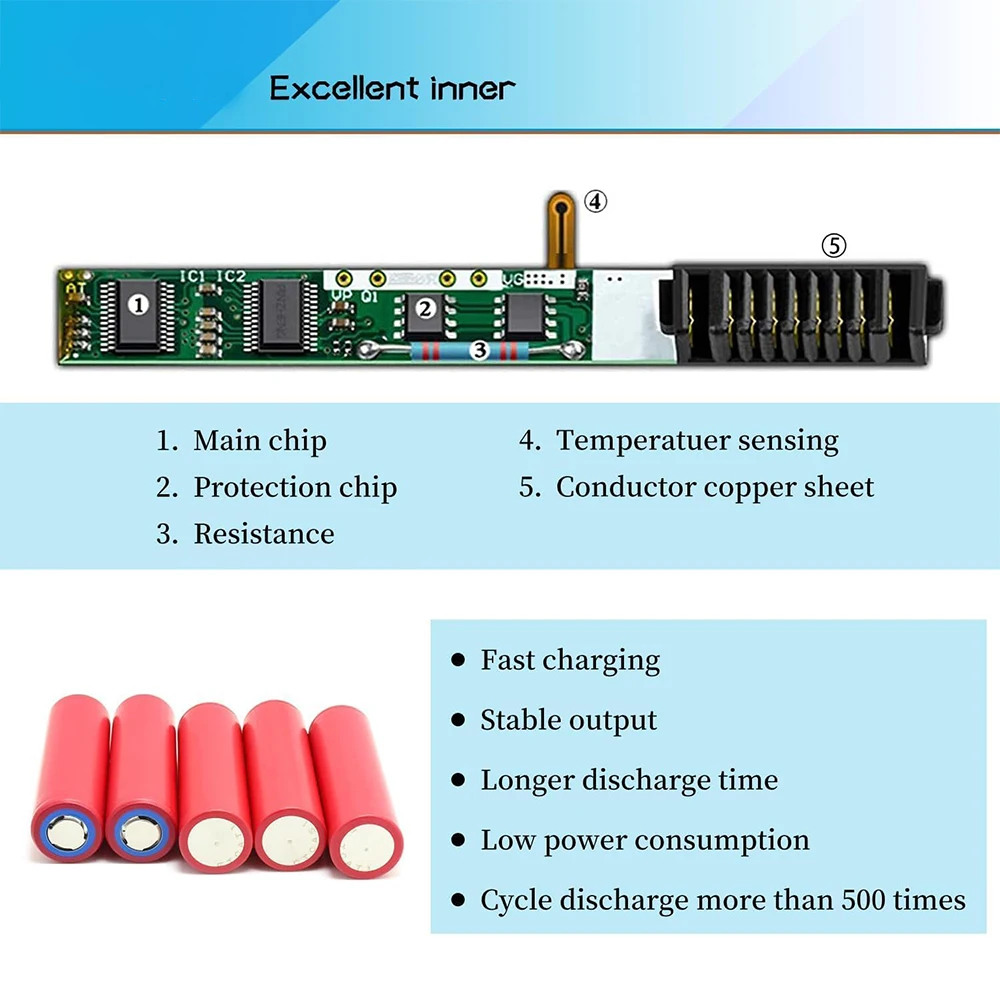
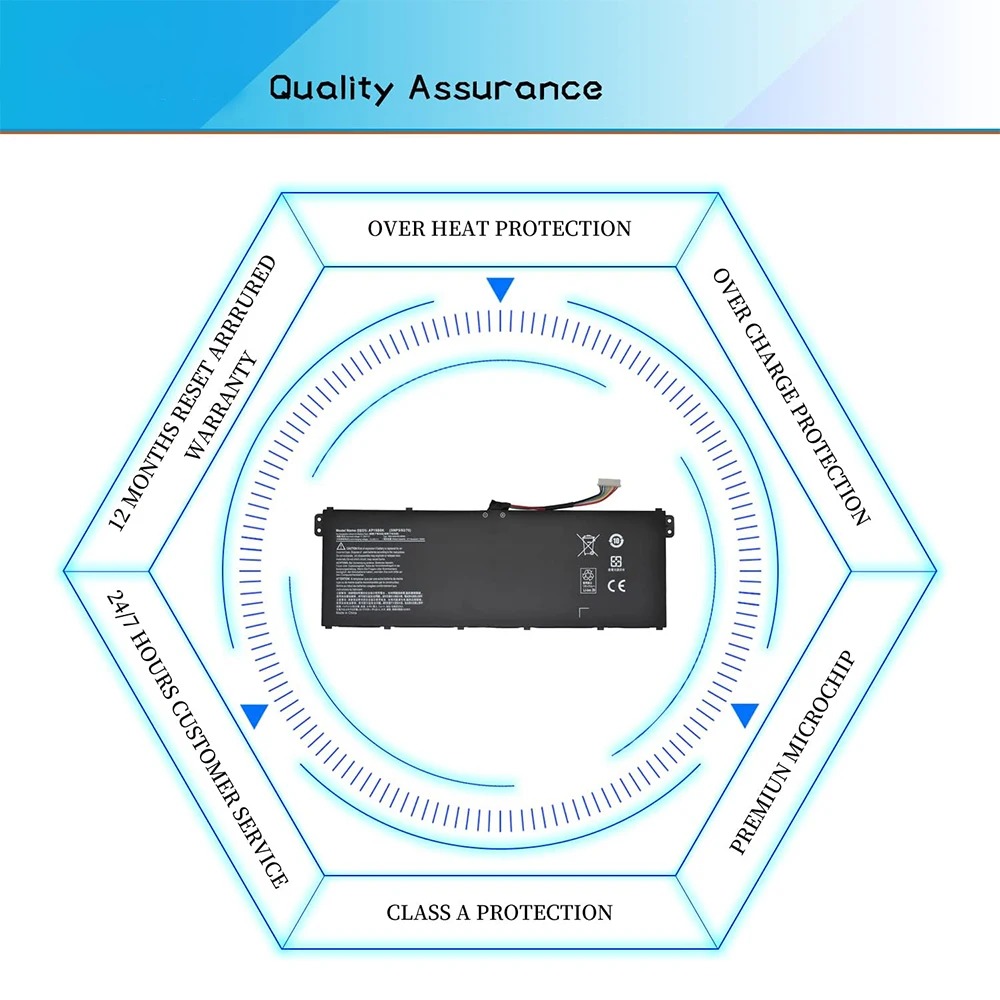
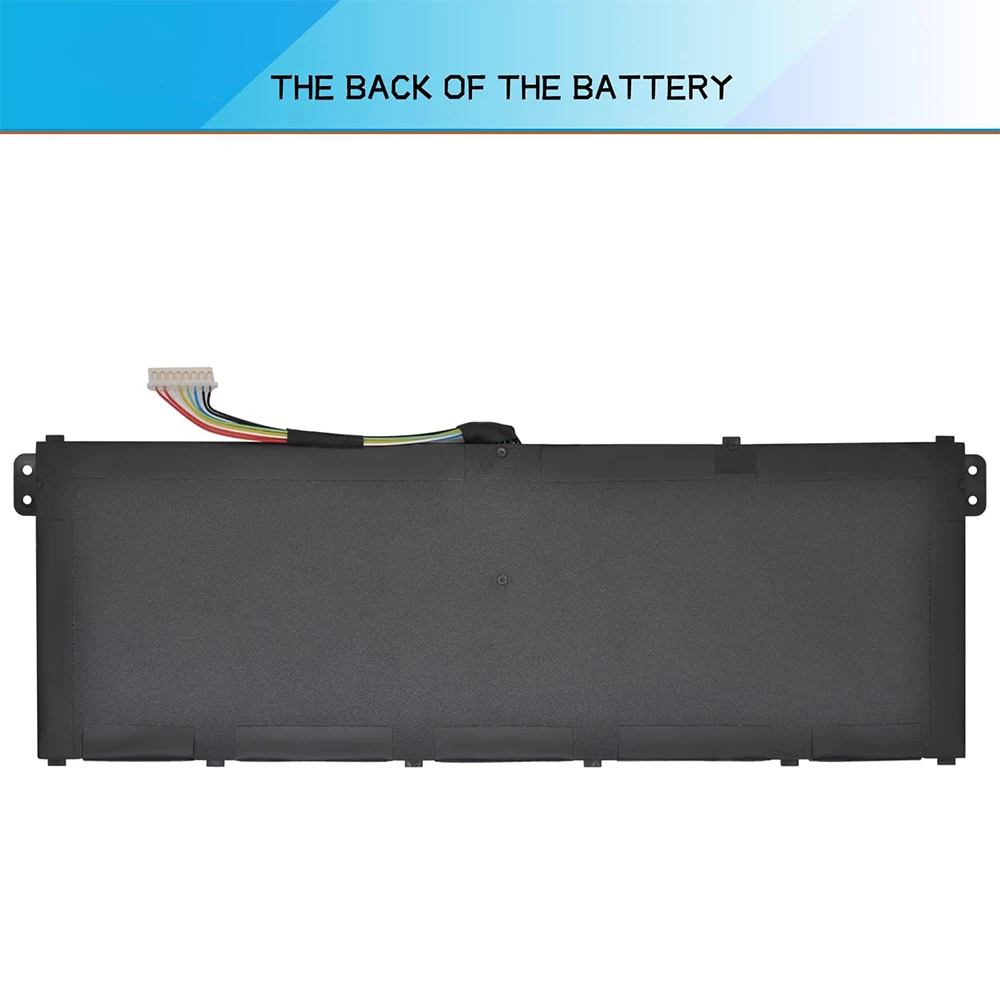
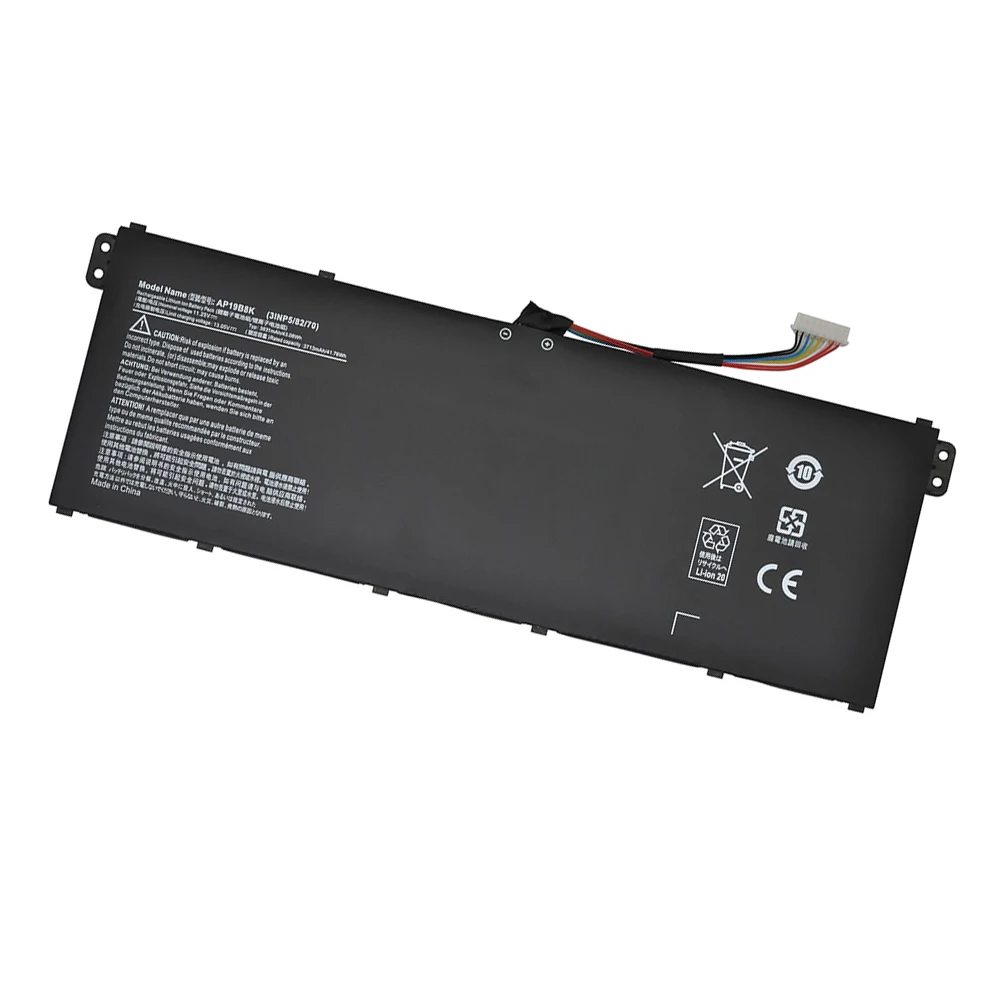
How to purchase the correct of battery?
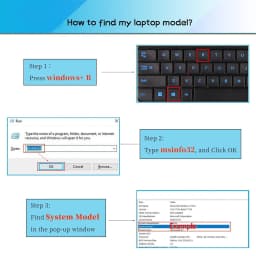
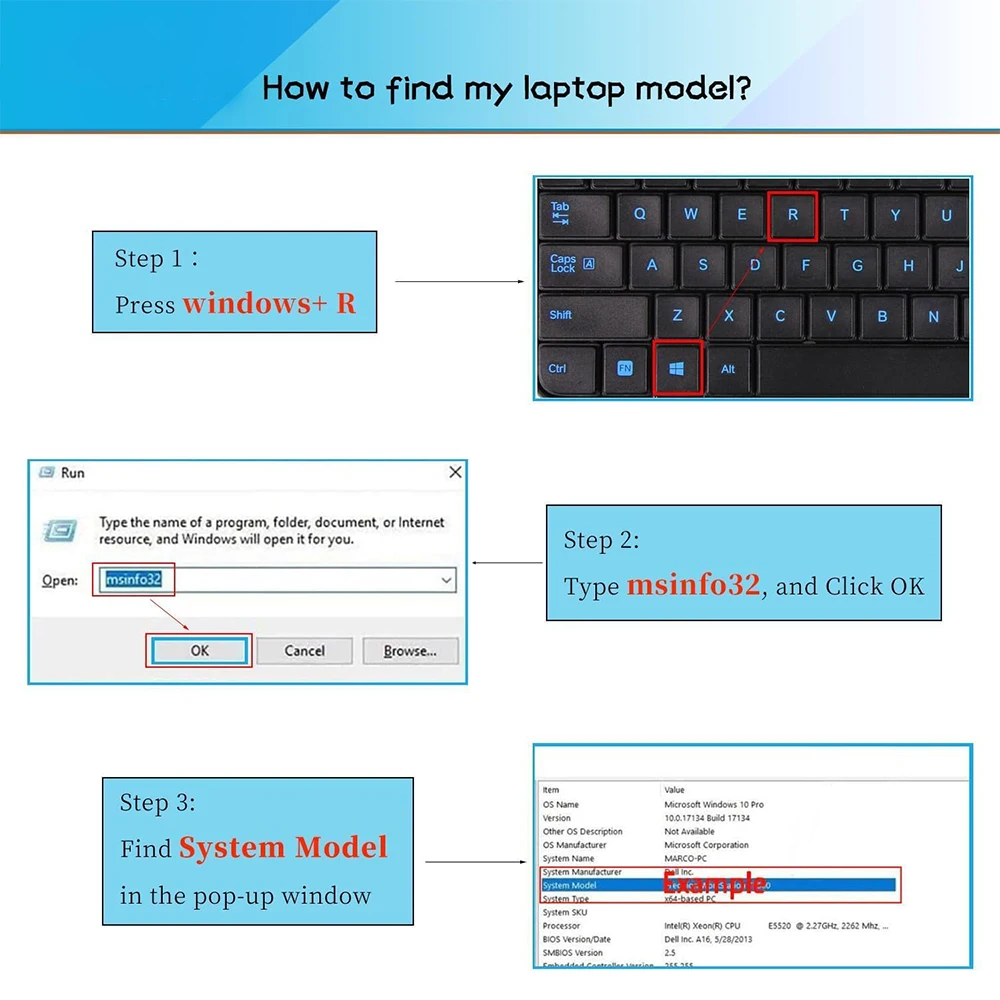
Fine, how to check your laptop model?
Step 1: Press Windows + R to open Run window.
Step 2: Input "msinfo32" in the empty box and click OK to open System Information.
Step 3: Keep in the System Summary section, and you will find the System Model item in the right pane.
Install A New Battery:
1. You need to turn off your laptop and disconnect the power.
2. Remove the old battery, carefully install the new battery on the battery case, and connect the wiring of the new battery.
3. If you don't understand the above steps, you can search for the video about laptop battery installation on YouTube. Maybe it will help you.
Why the laptop does not recognize the battery?
Could be caused by battery loose. Please re-install the battery and make sure that the battery cable and the motherboard interface are tightly inserted.
Maybe due to conductive material damaged which the laptop motherboard and battery anode and cathode contact position, you can try to confirm it with your original battery.
Check whether the battery drive is in normal condition, if not, download the corresponding driver software to update.
There is a problem with the computer detection software, which usually just restart the computer.
Tip :You have to find your specific laptop model before ordering a correct battery
How to use the new battery correctly?
Laptop Battery Maintenance Tips:
1. When using your new battery for the first time, you need to prime the battery by charging it to 100% and discharging it to 20% for 3 times. If you don't know how to install a new laptop battery, you can search "How to install a new laptop battery?" on website.
2. DO NOT let the battery drain to 0%: If you constantly let it drain to 0%, the battery becomes unstable will be seriously degraded.
3. DO NOT keep your battery always fully charged: Just like emptying your battery to 0%, keeping your battery permanently charged at 100% is very harmful. As time goes by, this will increase its internal resistance and reduce its capacity.
4. Perform regular charging cycles: If you don’t use your Laptop battery very often, it is important to cycle it (discharge => charge) regularly, at least once a month. Please store the unused battery fully charged. Do not store at low power to prevent reduce the lifespan of a battery.
5.The battery life depends on how you use your laptop. If you open a lot of software at the same time, in the office, while listening to music, while browsing the Internet, also watching a movie, then the battery will drain fast; If you don't have a lot of software running on your computer, and you're only on standby or browsing the web, the battery will last longer.
Easy Ways To Maximize Battery Life:
1. Change your laptop power plan settings. I would suggest you choose the power saver plan. Then Change advanced power settings, scroll down to find Processor power management. Click the On-battery option and reduce the processor state to 20%.
2. Always keep your laptop neat and clean. The dust easily enters the hardware through the vents which are meant to release the heat generated from various computer components. It then blocks the vents preventing the outflow of the heat. This damages the computer parts including the battery.
3. Close Wi-Fi, Bluetooth, and other settings. You should keep the Bluetooth and WiFi off when you’re watching movies or doing other things which don’t require network connectivity. This can help your computer save precious battery life.
Customer Reviews
No reviews yet
AP19B8K AP19B5K Laptop Battery for Acer Swift 3 SF314-42 SF314-57 Aspire A315-23 A315-58 A317-52 A317-53 TMP214-51 TMP214-52
45.34$
22.67$
Quantity:
1
Availability:
Color