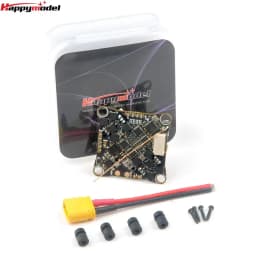
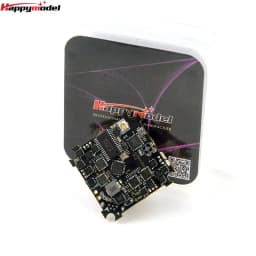
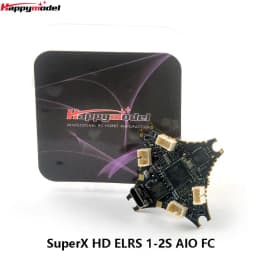
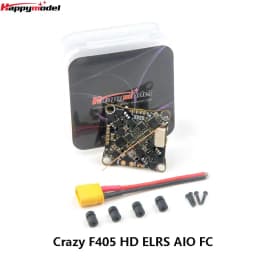
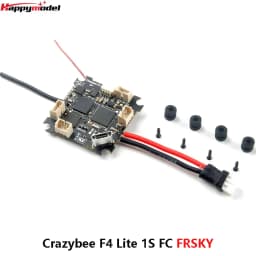
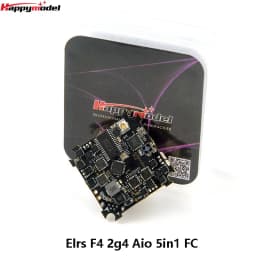
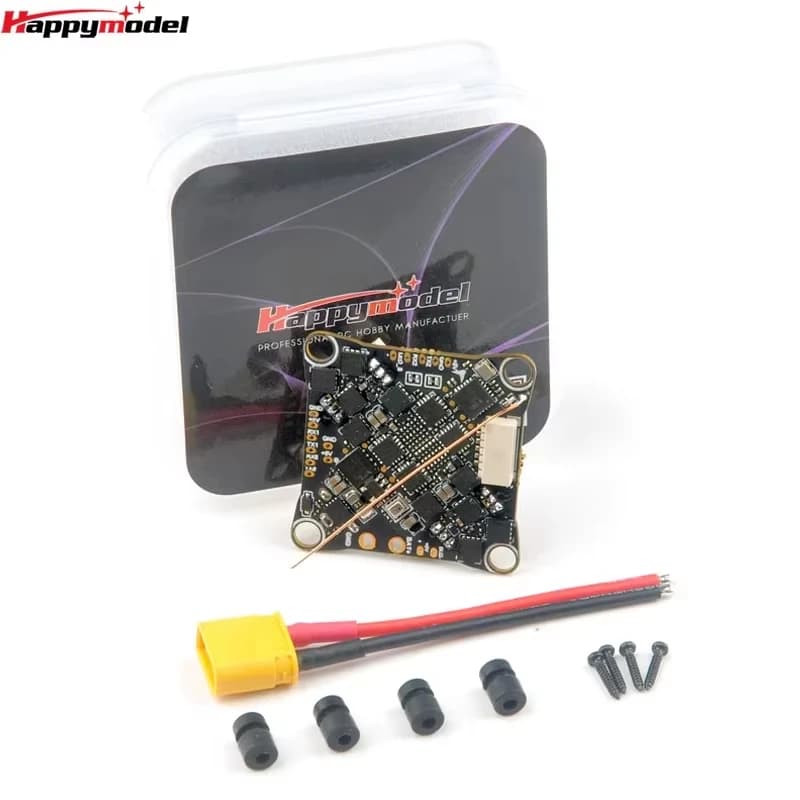
HappyModel Crazy F405 HD ELRS 1-2S AIO FC / SuperX HD ELRS 1-2S AIO FC ELR / Crazybee F4 Lite 1S FC / Elrs F4 2g4 Aio 5 in 1 FC
82.06$
62.37$
Quantity:
1
Availability:
Color
Card Payments
Crypto Payments
Easy return
Reliable Shipping

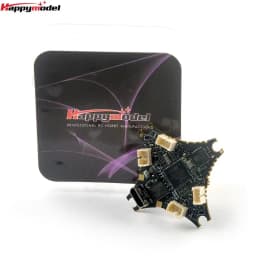
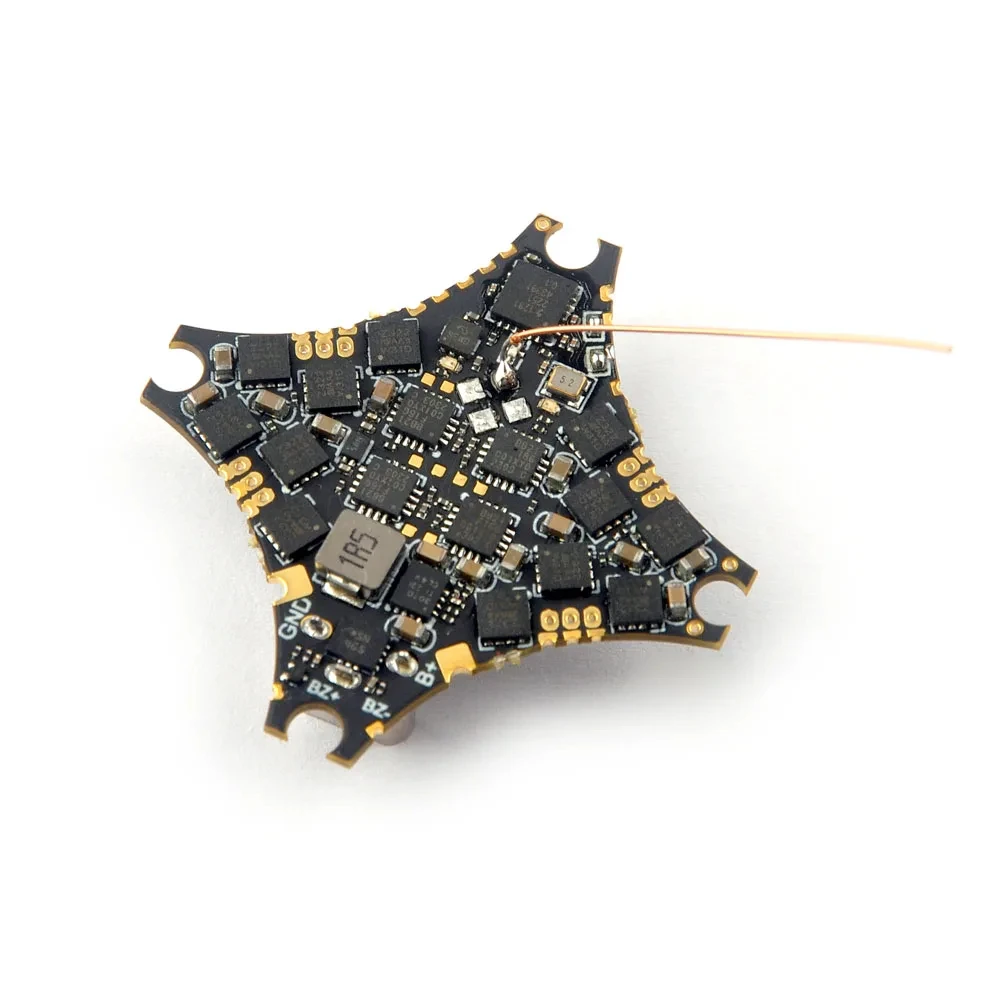
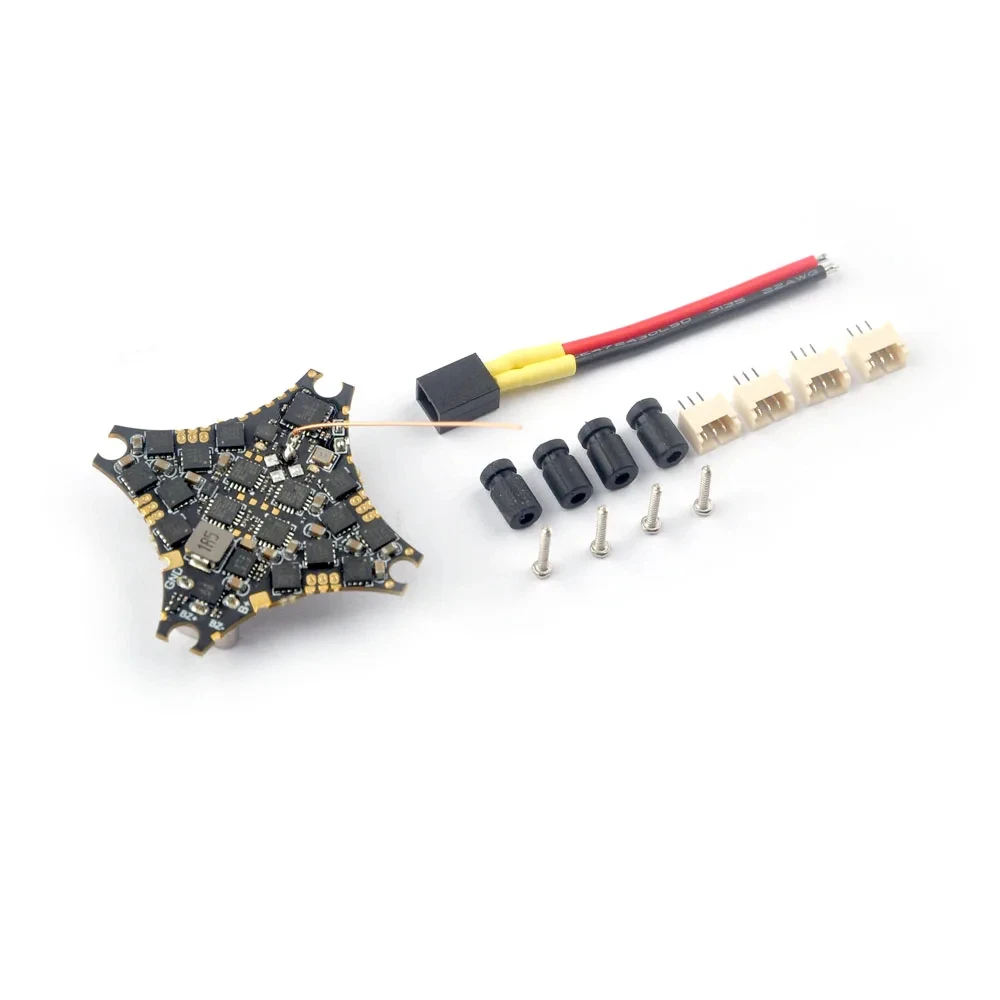
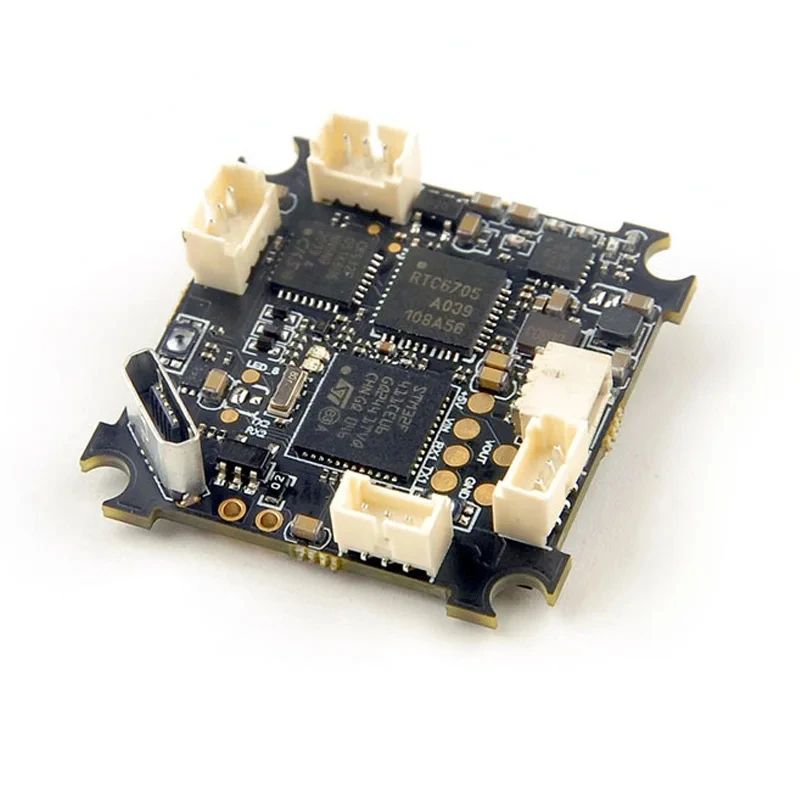
HappyModel CrazyF405HD ELRS 1-2S AIO FC Built-in UART ELRS RX 12A BLS ESC for Mobula8 Digital HD Tinywhoop Cinewhoop Toothpick
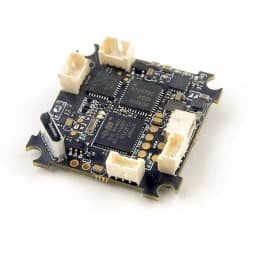
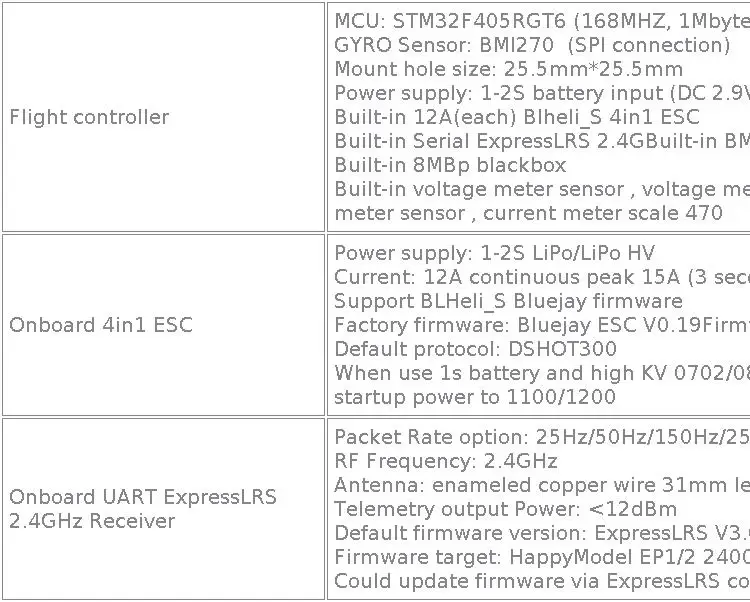
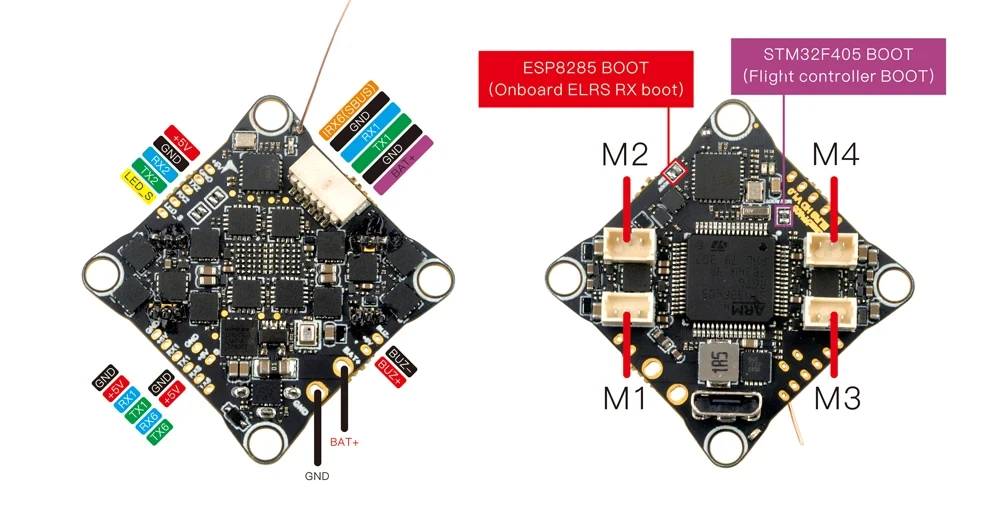
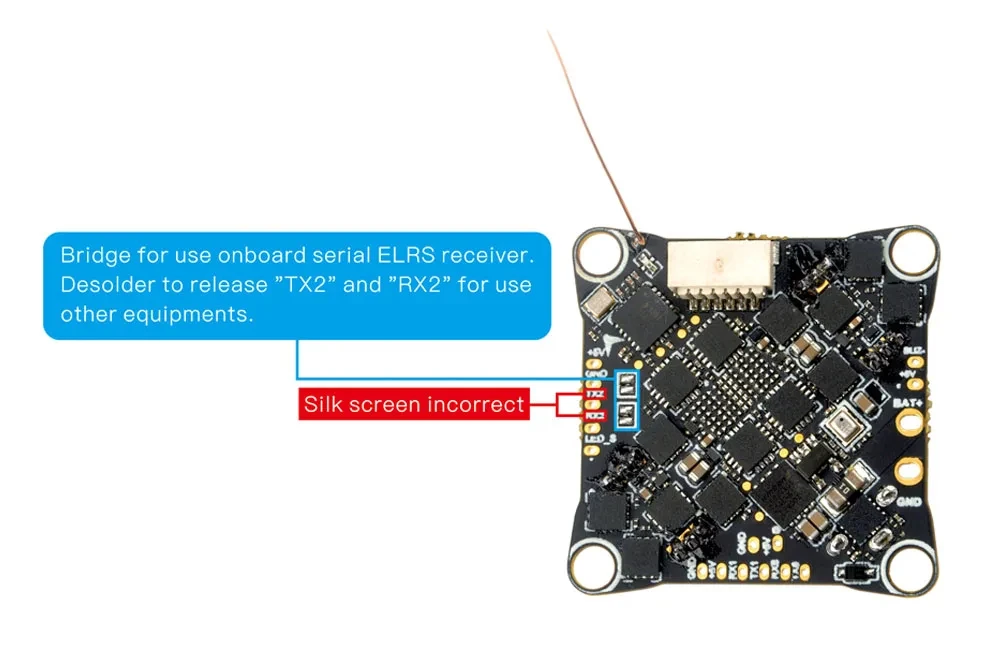
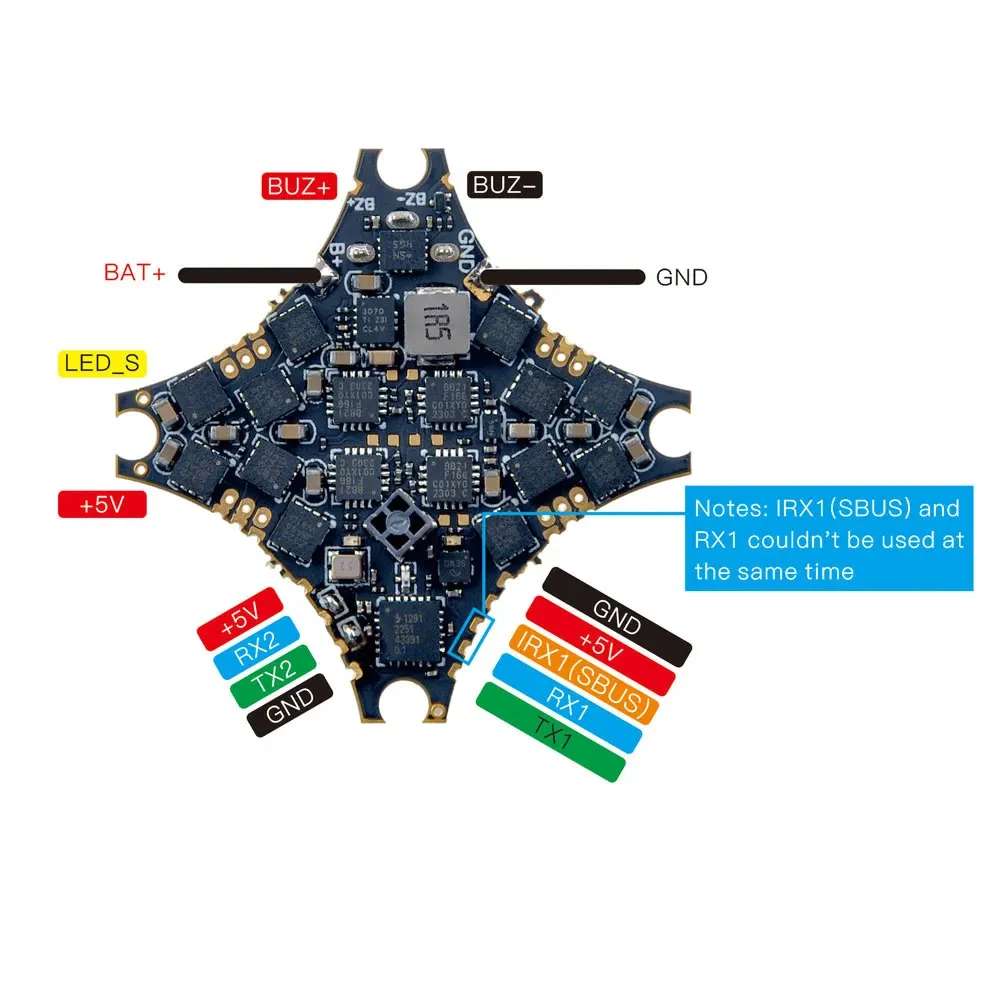
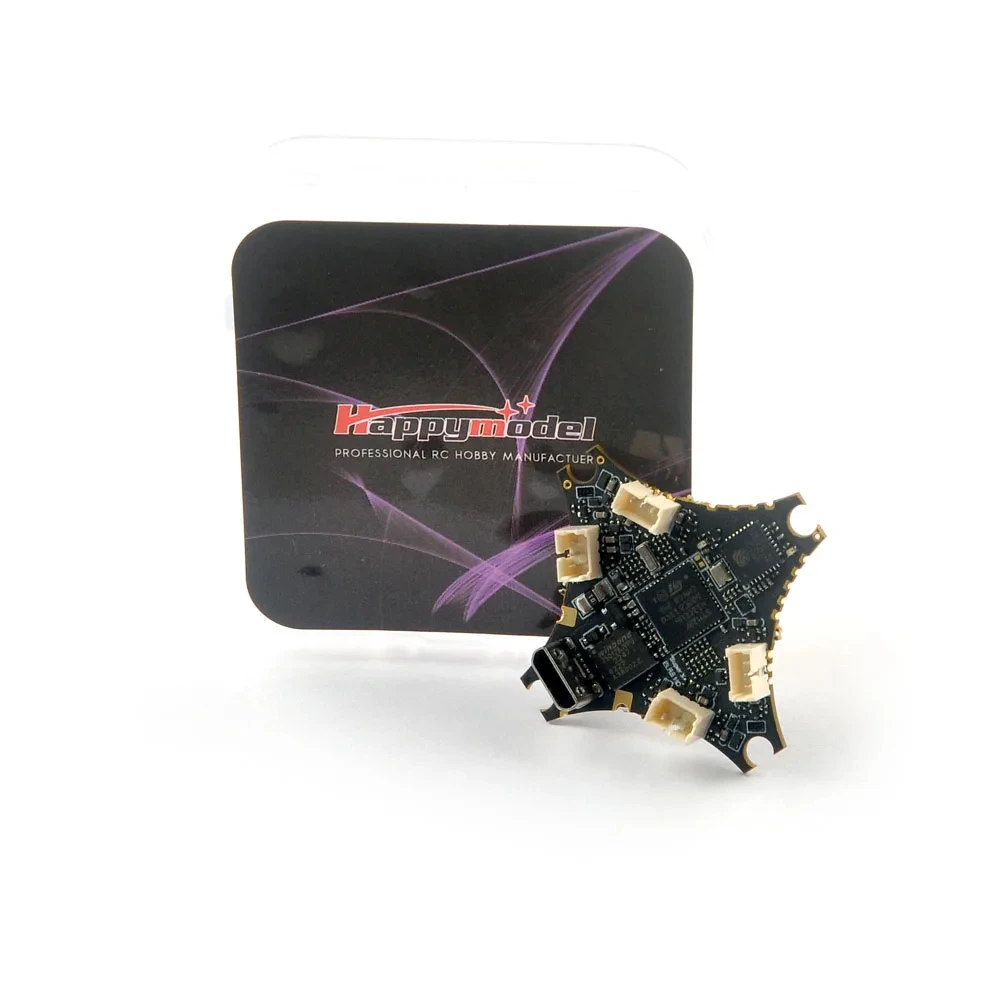
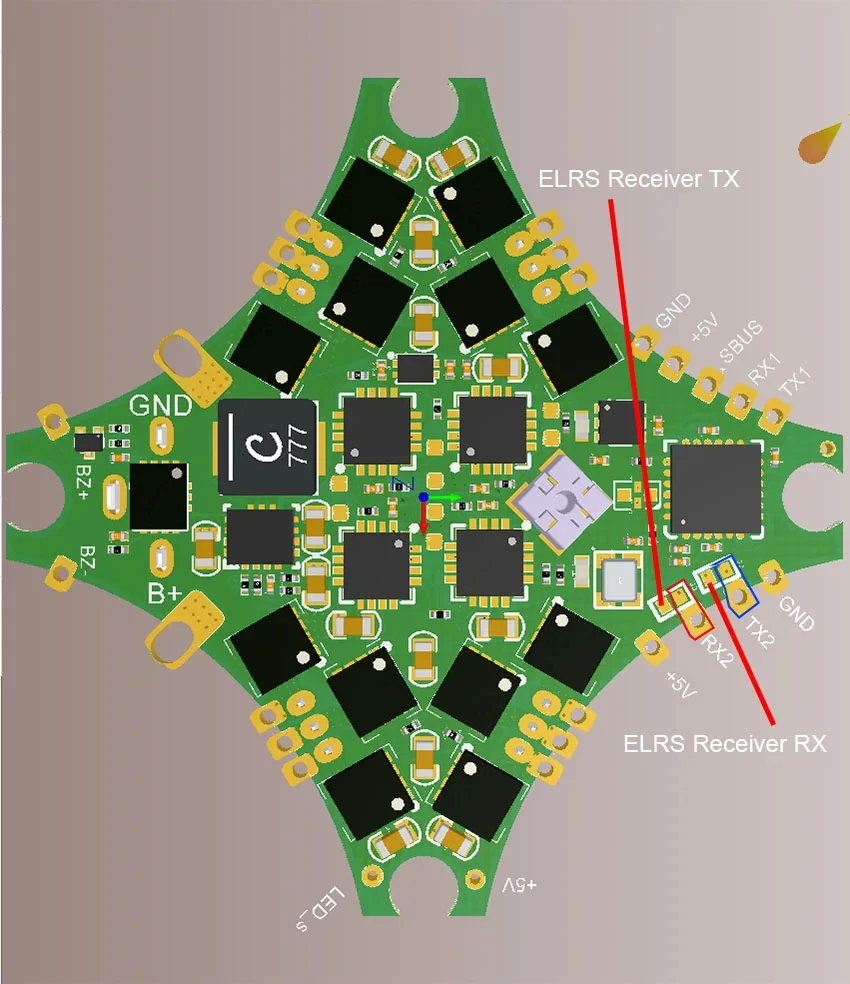
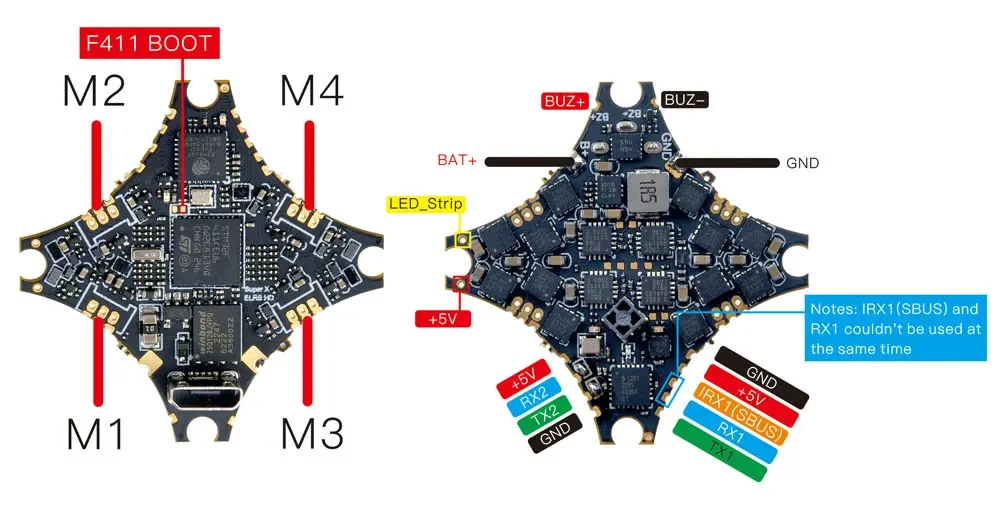
A flight controller with a built-in Serial ELRS receiver and 4-IN-1 Blheli_S 12A ESC specially developed for Digital HD FPV, which removes the analog OSD chip 7456, optimizes the PCB layout, and supports 1-2S Lipo/LiHV lithium batteries, very Suitable for Digital HD Tinywhoop/Cinewhoop/Toothpick and other small FPV drones. The flight controller uses the F405 chip, supports Betaflight/INAV firmware, has 3 sets of complete UARTs available, and integrates a BMP280 barometer and 8Mbp blackbox, which greatly enhances the playability of the flight controller.
Specifications:
Brand Name: Happymodel
Item Name: CrazyF405HD ELRS 1-2S AIO Flight controller
Mount size: 25.5mmx25.5mm
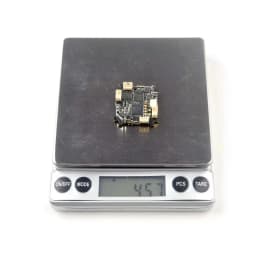
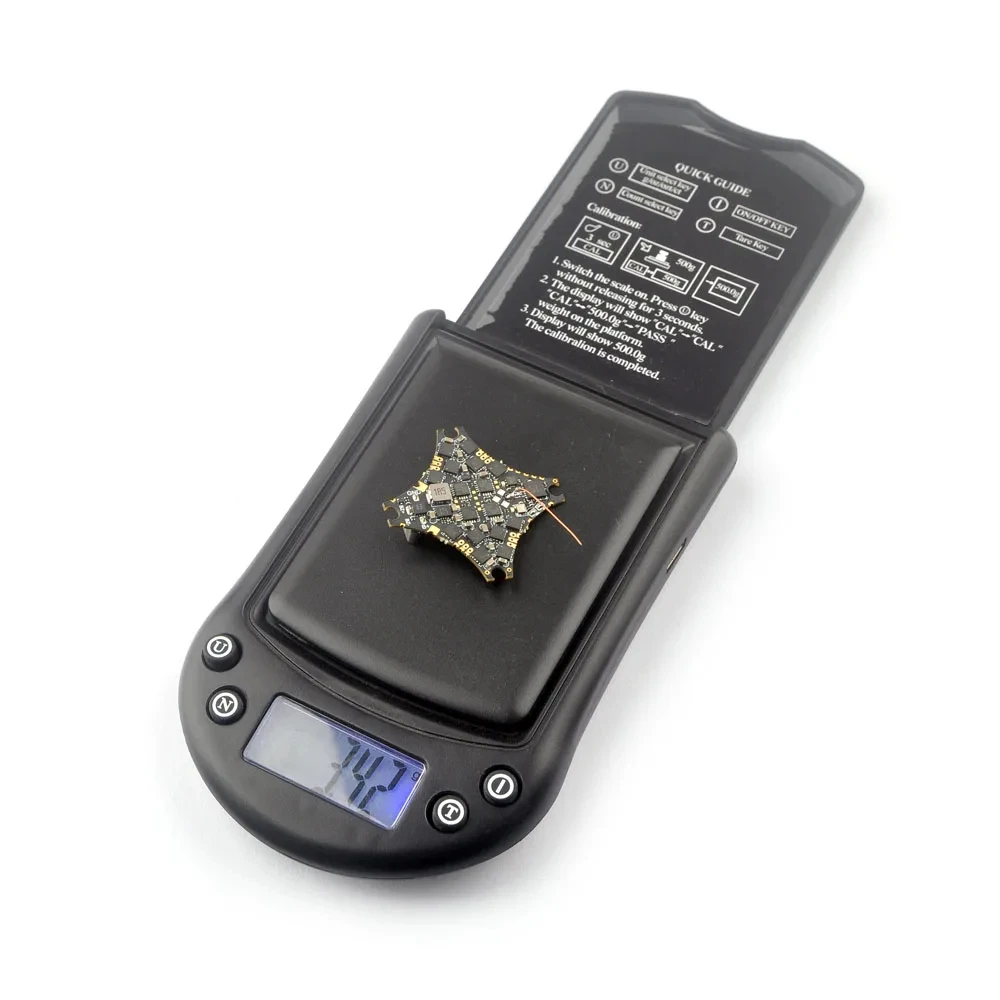
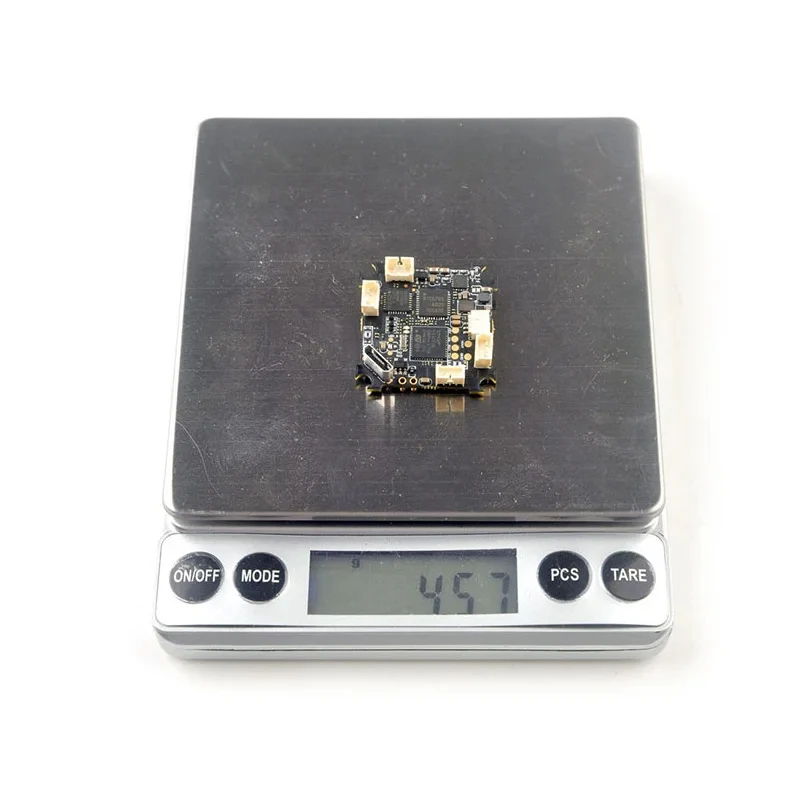
Weight: 4.8g without power lead wire
Firmware target: BetaflightF4
Support 1-2s Lipo/LiHV battery
For original factory 4.3.2 version firmware,if you want to use BMP280 barometer,please connect to betaflight configurator and then move to CLI command, then type the following command:
resource I2C_SCL 2 B10
resource I2C_SDA 2 B11
set baro_bustype = I2C
set baro_i2c_device = 2
save
If you upgrade the firmware to 4.4.2 andwant to use BMP280 barometer, please add BPM280 support to custom defines, following the procedure:
1. Enable expert mode on firmware flasher tab
2. Add BARO_BMP280 to custom defines
3. Flash the board
4.Configure resources for external BARO device for the flight controller in CLl:
resource I2C_SCL 2 B10
resource I2C_SDA 2 B11
set baro_bustype = I2C
set baro_i2c_device = 2
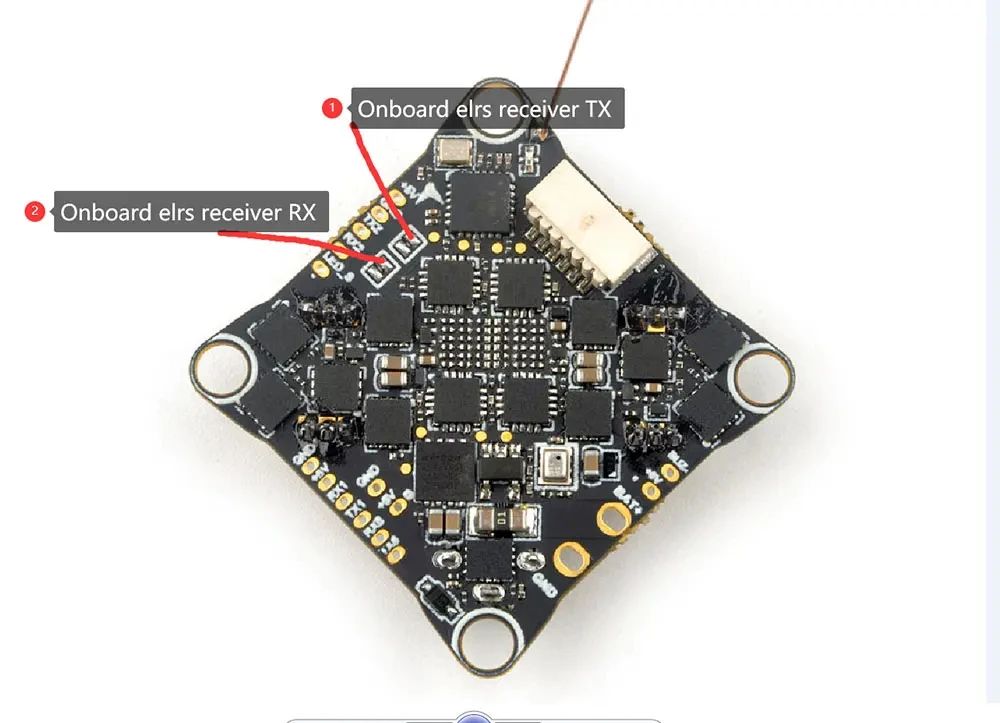
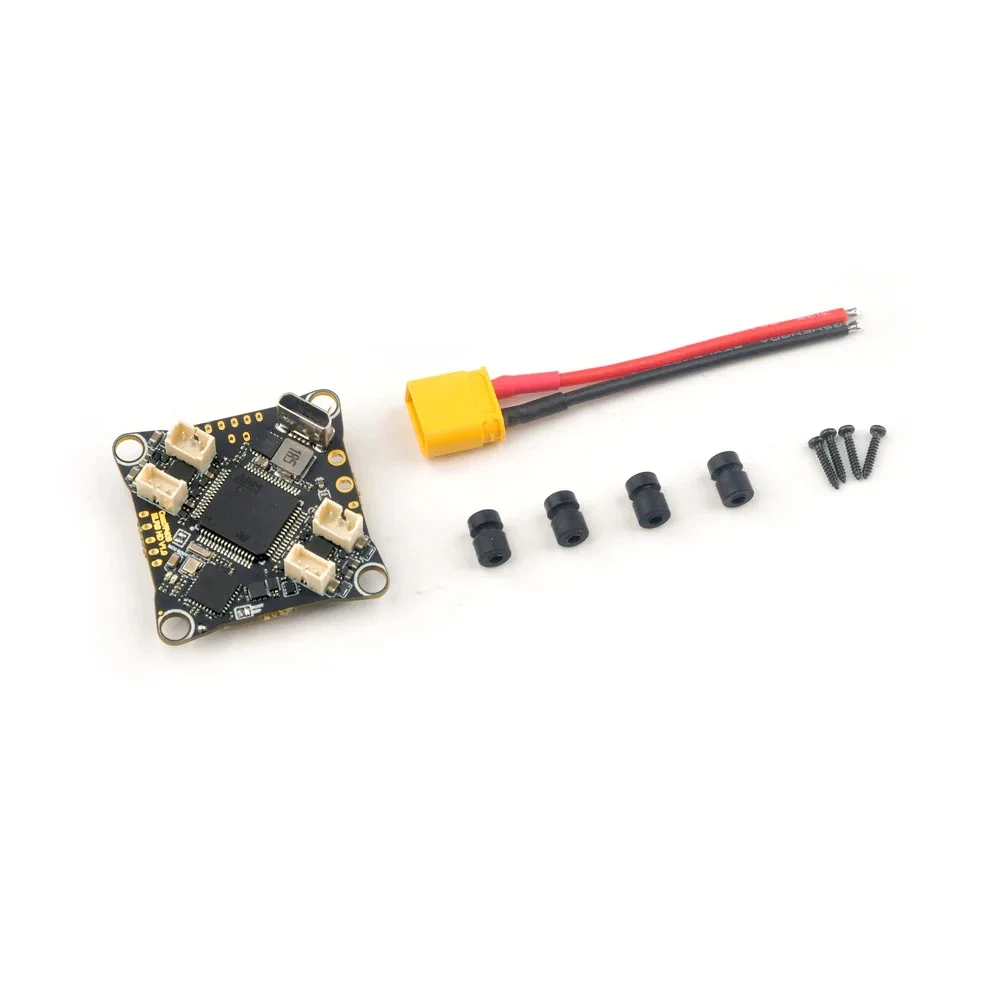


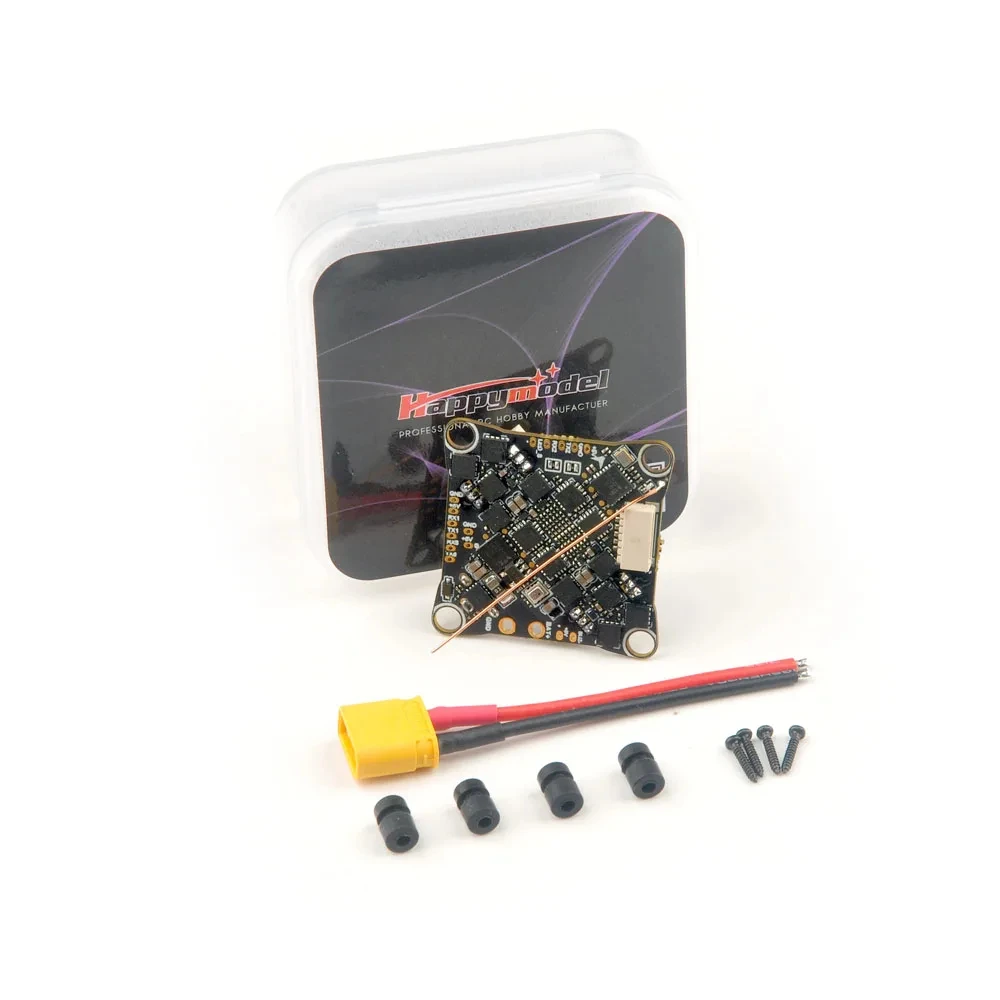

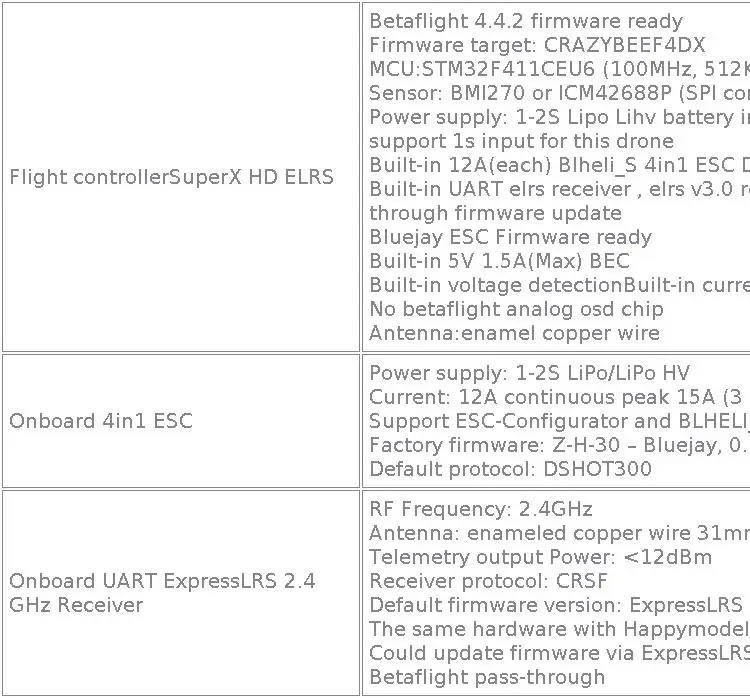
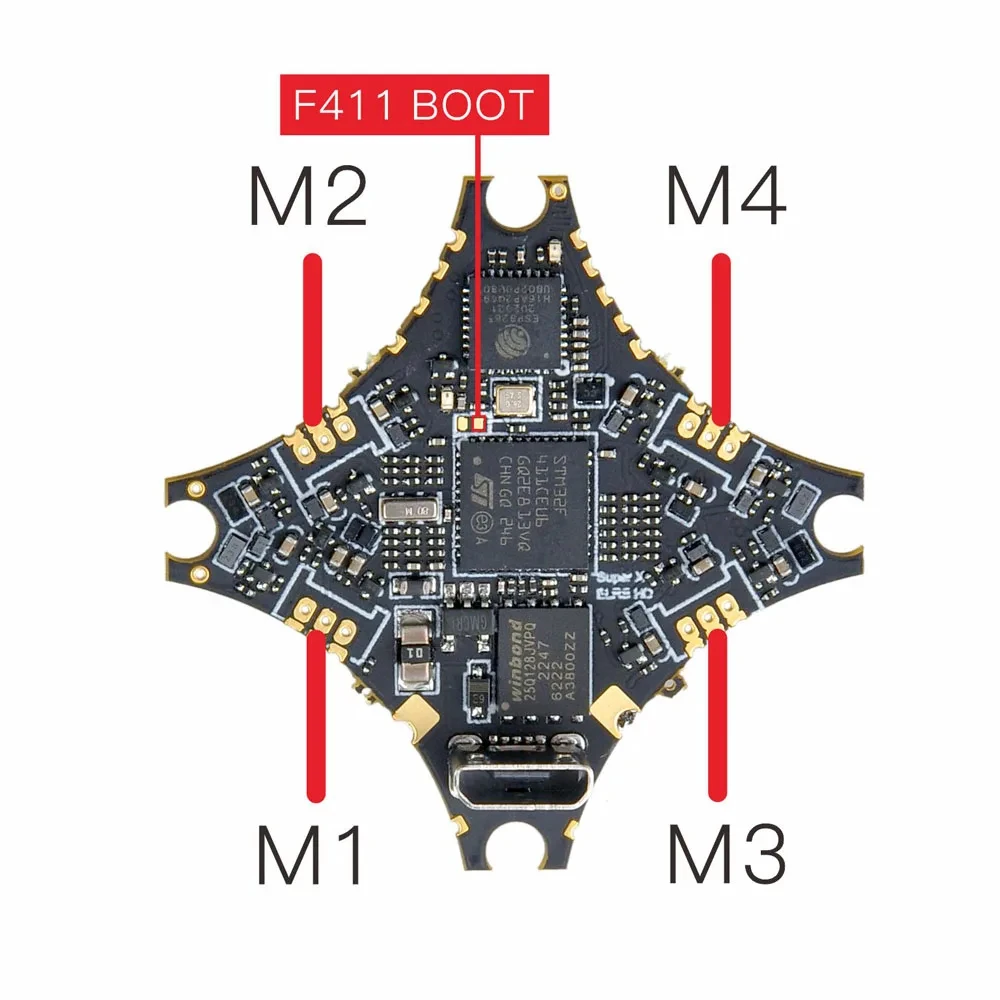
HappyModel SuperX HD ELRS 1-2S AIO Flight Controlelr Built-in 12A ESC UART ELRS V3 RX for Mobula6 HDZero Moblite7 Walksnail
Notes:Before buying this flight controller, make sure you have good soldering skills and can solder tiny pads. Any flight controller failure caused by welding errors is not covered by the warranty. The motor plugs didn’t pre-solder in our factory.
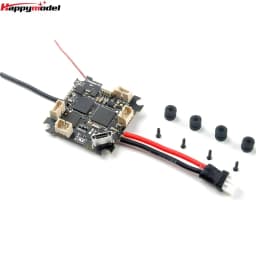
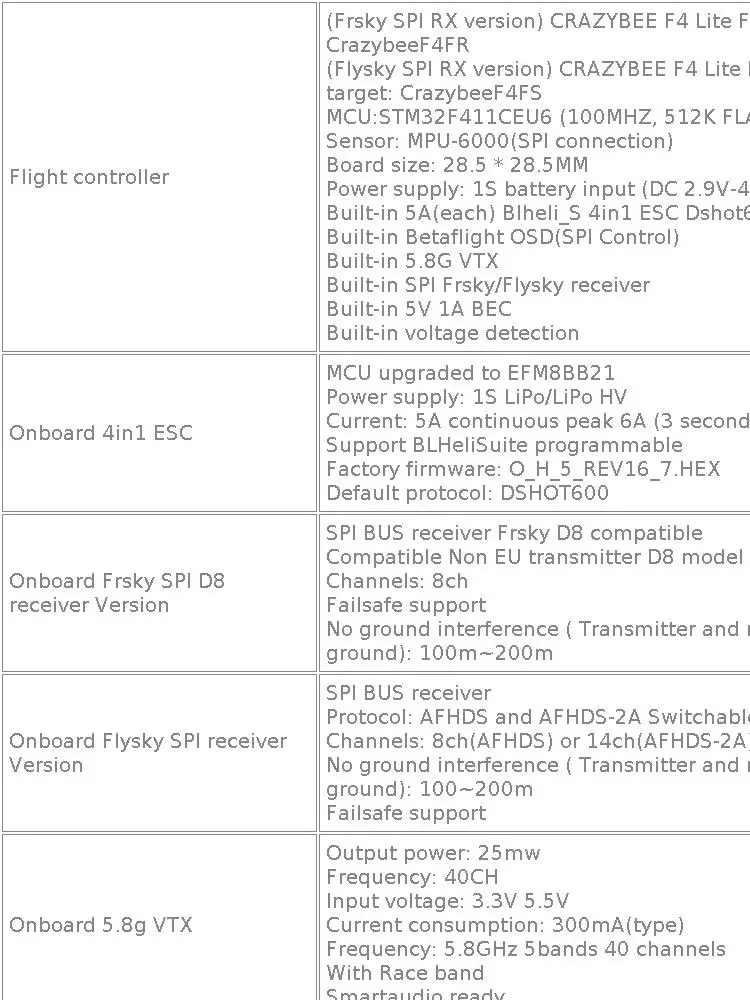
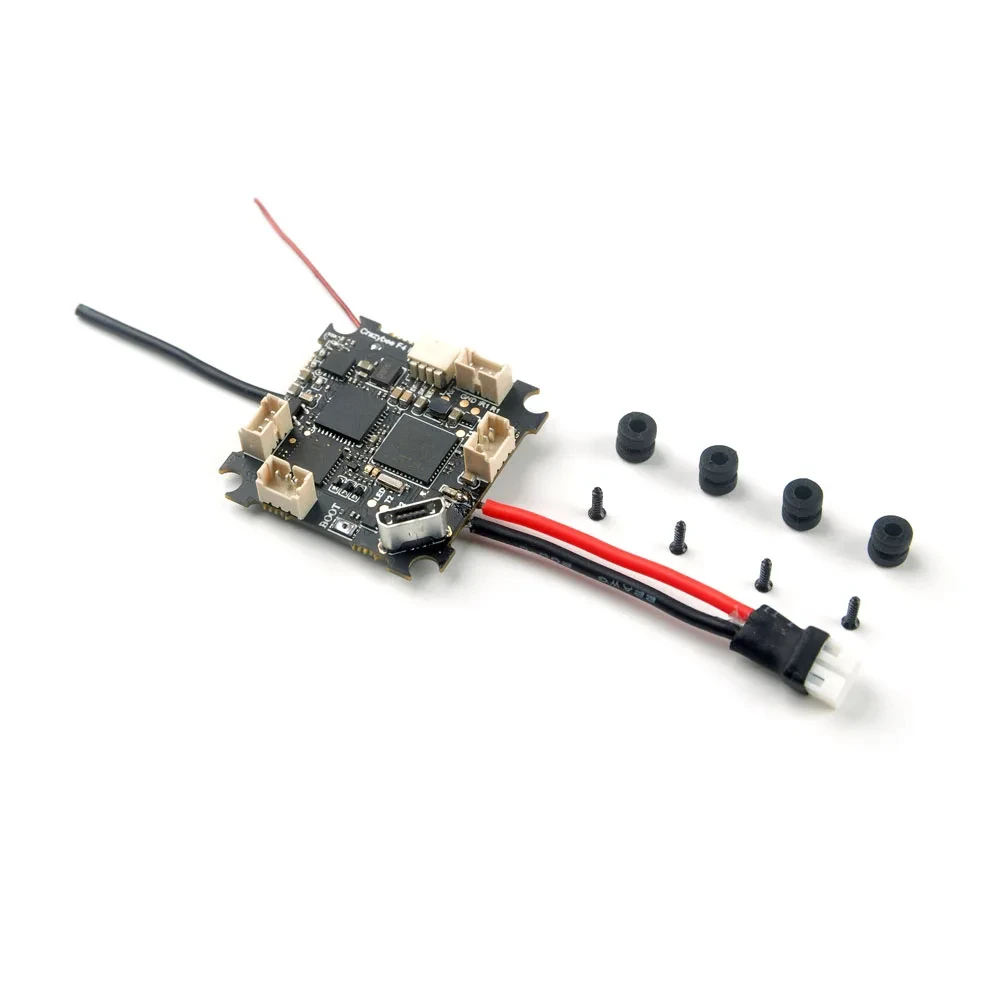
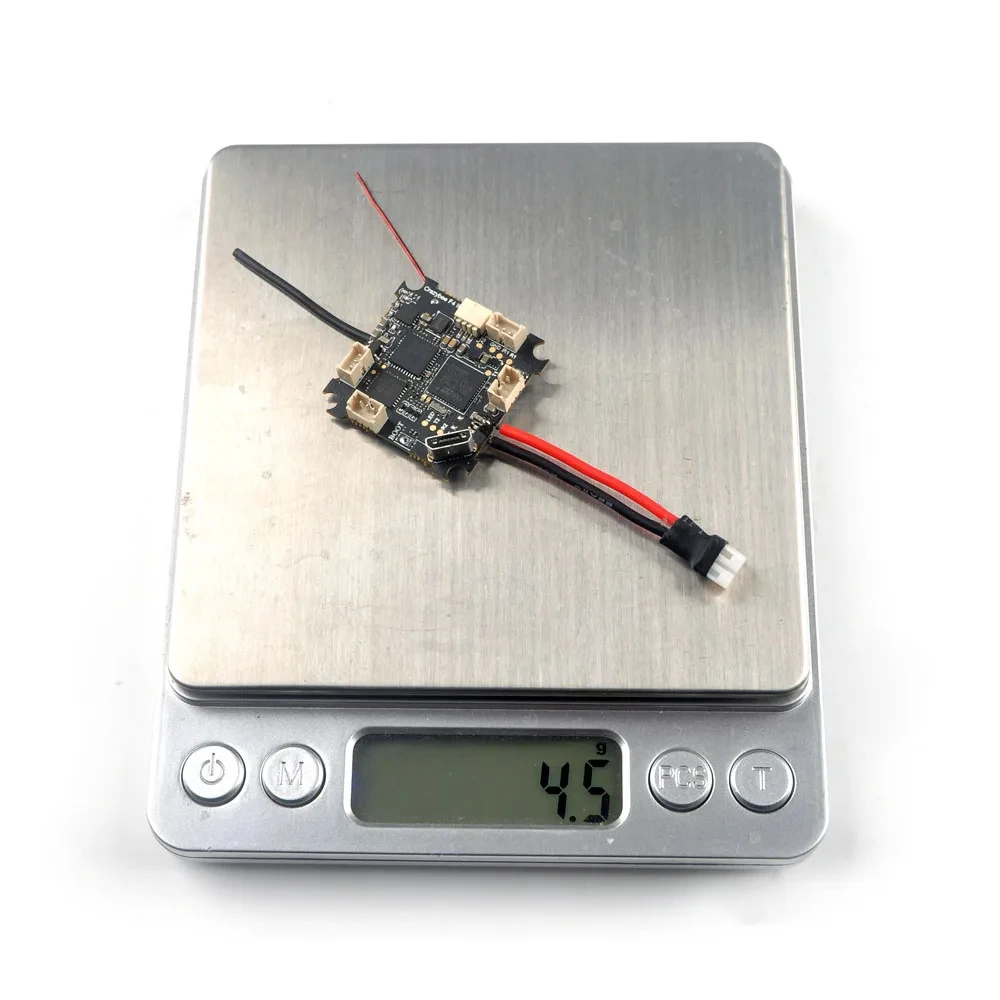
Happymodel Crazybee F4 Lite 1S Flight Controller Built-in 5.8G VTX 4in1 ESC Frsky / Flysky RX for Mobula 6 Tiny BWhoop
Notes:
R1(RX1) Pad is used for IBUS/DSM2/DSMX signal input
IR1(IRX1) Pad is used for SBUS signal input (Already inverted)
R1 and IR1 Cannot be used simultaneously

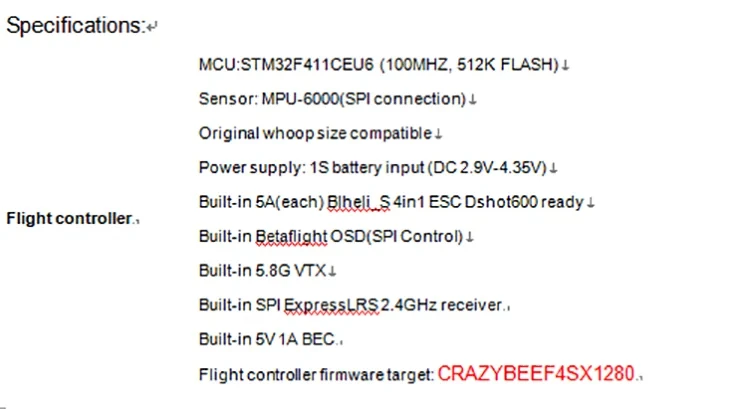
Happymodel Elrs F4 2g4 Aio 5in1 Flight Controller Ingebouwde Spi 2.4Ghz Elrs Rx Voor ES24TX ES24TX-Lite tinywhoop Drone
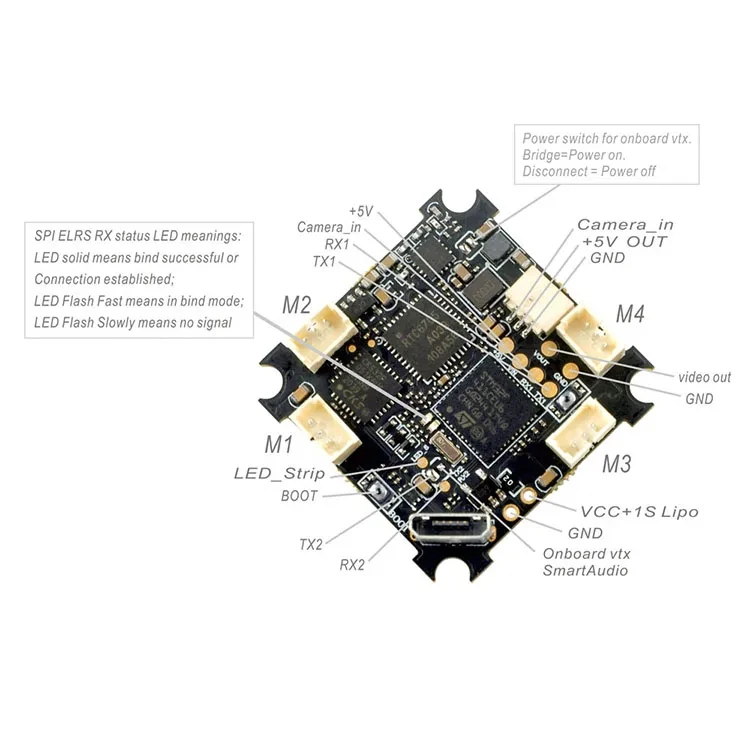
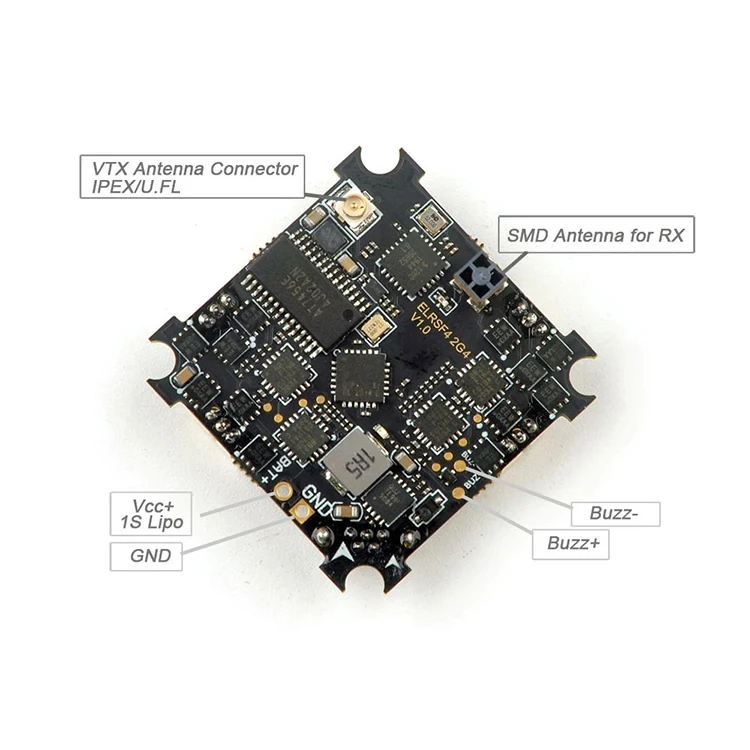
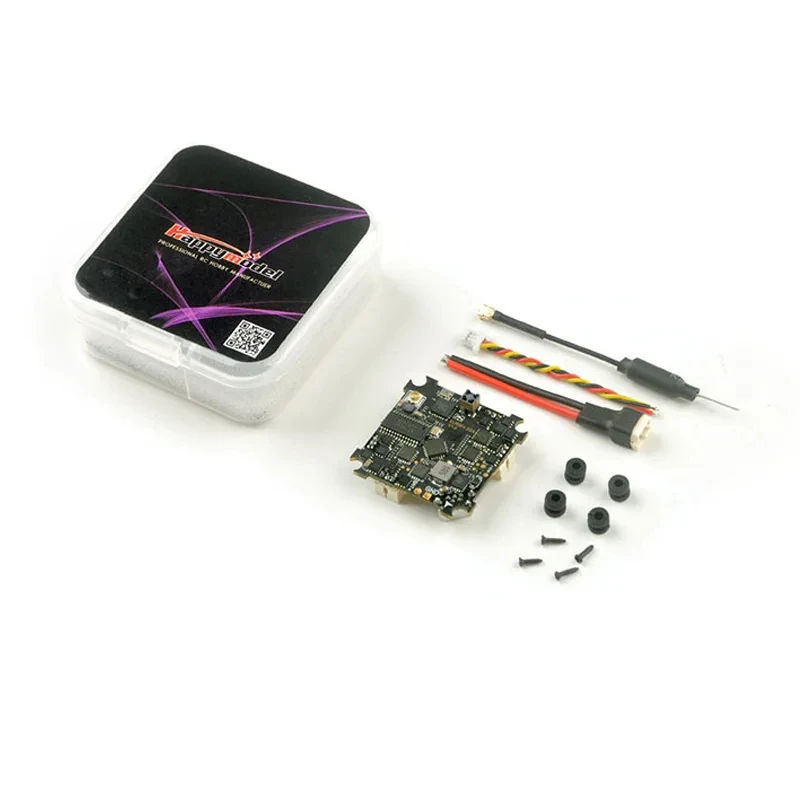
The first AIO 5in1 F4 flight controller with integrated SPI 2.4GHz ExpressLRS receiver has been launched. The flight controller integrates SPI controlled 2.4GHz ExpressLRS receiver, Dshot protocol 4-in-1 ESC, 5.8GHz 40ch video transmitter and Betaflight OSD. Ultra-small size and ultra-stable remote control range can improve the range of the original SPI receiver. And because the 2.4GHz ExpressLRS receiver is equipped with the SX1280 radio frequency chip with high sensitivity, high packet rate and low latency, this flight controller is the one that all Race/Freestyle pilots needed. It is suitable for use in Tiny whoop Race or Toothpick Freestyle, and can also be used in 1S ultra-lightweight Nano Long Range platform.
Bind procedure:
1. Power the flight controller by connecting USB. Please make sure that the port driver of the flight controller is correctly installed on the computer, then open Betaflight Configurator(Latest version) to connect, enter to the "receiver" interface, and then click "Bind Receiver", the red LED at the bottom of the flight controller will flash quickly, which means that the SPI ELRS receiver enters the bind mode. There is another way to make the receiver enter the bind mode: after connecting to the Betaflight configurator, move to the CLI interface and enter "bind_rx" in the command line.
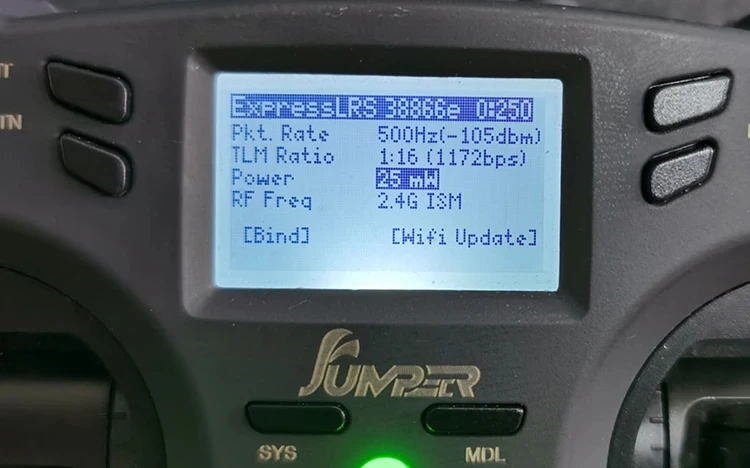
2. After correctly connecting the ES24TX or ES24TX Lite/Slim module or DIY 2.4G ELRS TX module to your Opentx radio transmitter, copy the latest version of ELRS.LUA file to the SD card in the remote controller. The directory is "SD Card/Scripts/tools", Then run ELRS.LUA and upgrade the specified TX frimware through Wifi, and then click "bind" to link with the SPI ExpressLRS receiver. Note: You need to adjust the Packet Rate to 500Hz from the ELRS interface of your radio controller before binding.
3. After the binding is successful, the Red LED at the bottom of the flight controller will getting to be solid, and the telemetry can be received at the same time.
4. The meaning of the LED status of the SPI receiver: the LED is getting to be solid, indicating that the bind is successful or the connection and communication is normal, the LED flashing quickly indicates that the receiver is in binding mode, and the LED flashing slowly indicates that the there is no signal received from the radio controller.
Some useful firmware and tools download

Customer Reviews
No reviews yet
HappyModel Crazy F405 HD ELRS 1-2S AIO FC / SuperX HD ELRS 1-2S AIO FC ELR / Crazybee F4 Lite 1S FC / Elrs F4 2g4 Aio 5 in 1 FC
82.06$
62.37$
Quantity:
1
Availability:
Color