
CarlinKit Wireless CarPlay Android Auto For Tesla Model 3 Model X Y Model S Auto Connect Siri Voice Assistant Spotify Waze 5G BT
156$
48.51$
Quantity:
1
Availability:
Color
Size
Ships From
Card Payments
Crypto Payments
Easy return
Reliable Shipping
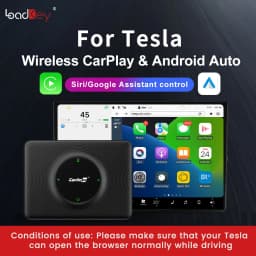
Conditions of use: Please make sure that your Tesla can open the browser normally while driving
How to update video
NEW! Update the latest version to support Bluetooth connection and support wireless Android auto!
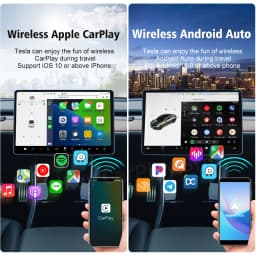
Simple and lossless activation of wireless CarPlay and Android Auto For Tesal!
What's the function?
1. Download massive carplay apps as you like
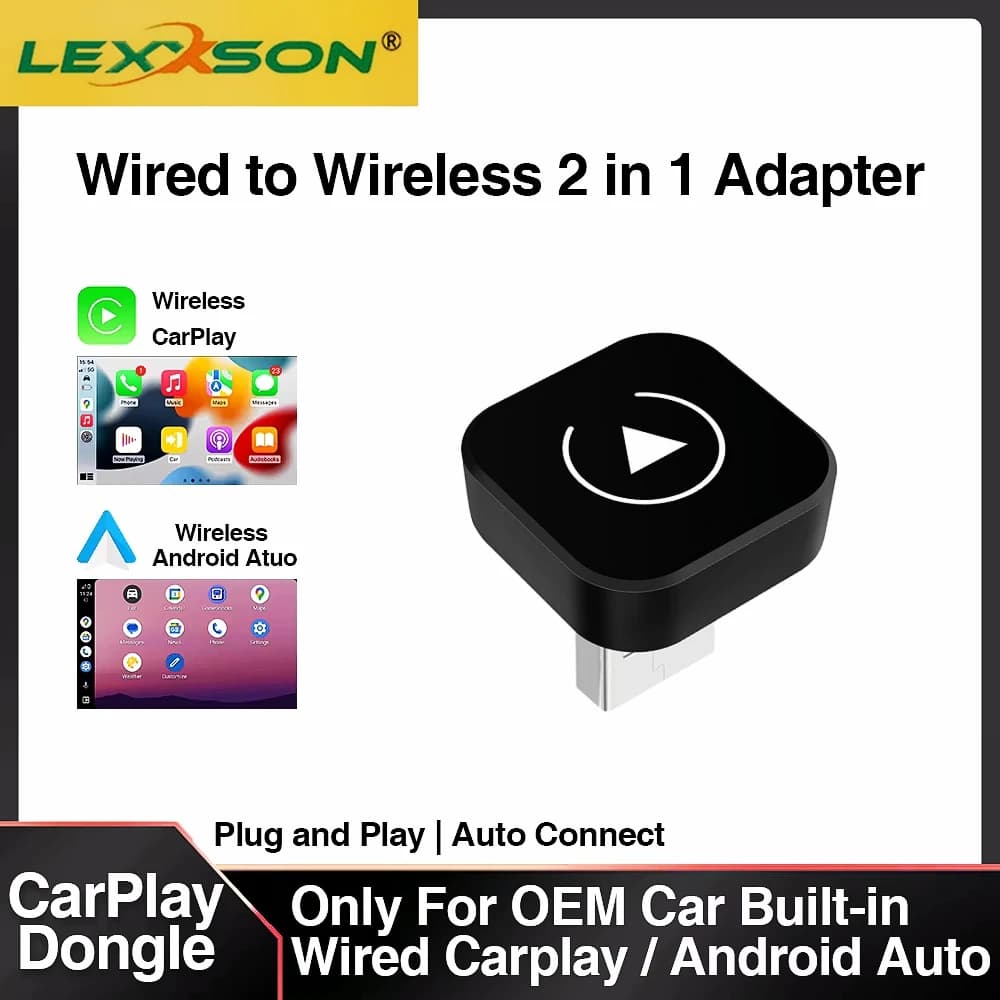
Realize wireless CarPlay and Android Auto function, you can download any app of CarPlay and Android Auto
2. Release your hands and drive safely
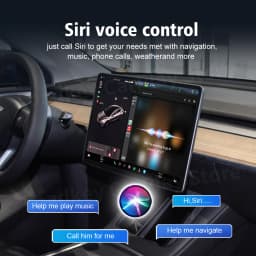
With support for Siri voice calling, you can call Siri to navigate anywhere you want to go, make calls for you, and more.
3. Support OTA online update
Support box update and real-time feedback problems, solve feedback problems in a timely manner
4. Support original car function operation
The touch screen and buttons work normally with the original car, and the music sound quality is the same as the original car
5. Non-destructive use, will not damage the original car system.
Wireless CarPlay and Android Auto For Tesla Adapter
For Tesla original car Screen to upgrade wireless CarPlay and Android Auto, solve the problem of Tesla owners implementing wireless CarPlay and Android Auto
For Tesla's original car screen is perfectly upgraded to Wireless CarPlay and Android Auto
Beyond imagination, making wireless CarPlay and Android Auto possible for Tesla owners, Tesla can enjoy the Fun of wireless CarPlay and Android Auto during travel
Newly upgraded
Tesla Wireless CarPlay and Android Auto Adapter Brings More Convenience and Fun to Driving
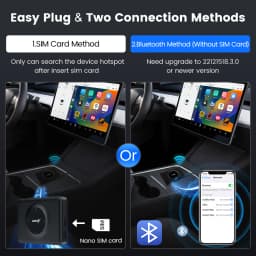
Supports hotspot and Bluetooth connectivity—convenient and fast.
Bluetooth connection method (need to update the latest version )
1.Plug the product into the car USB port
2.Turn on your phone hotspot before connecting
3. Search for "AutoKit_xxx" by Bluetooth on your phone and connect. Choose use CarPlay or Android Auto.
4.Click on the WiFi icon on the upper right corner of your car screen. Search for the product's WiFi signal: AutoKit-xxx and enter the orginal password:88888888. After the WiFi connection is successful, be sure to tick the "Remain connected in Drive”
5.Go to the browser page of the car screen and enter "tespush.com" (or alternate domain name tescarplay.com) in the address bar to access wireless CarPlay and Android Auto
Support various popular Apps in CarPlay and Android Auto
Support any download of popular apps from CarPlay and Android Auto, such as image waze, Spotify, Youtube music, Google Maps, etc.
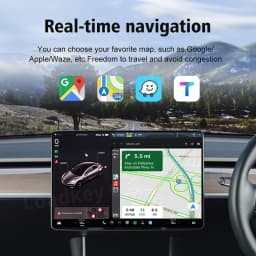
Real-time navigation Map App
You can choose your favorit map,such as Google Map/Waze,etc. Freedom to travel and avoid congestion
Play popular music apps anytime
You can download CarPlay popular music apps, such as Spotify, YouTube music, etc. The sound quality comes from the original Tesla car
Siri Google Voice Control
The Siri language assistant function that supports CarPlay and Android auto, free your hands, just call "Siri" or “Google” to make calls and navigate to your destination for you
New fashion and compact design, professional hardware configuration
With SIM Card, Type-C port. There is Honeycomb hole circulation ventilation outside the box to to solve the problem of heat dissipation
2.4Ghz+5Ghz WIFI Transmission Faster and More Stable
Note:Model 3 and Model Y support 2.4GHz-5GHz,Model X and Model S can Only use 2.4GHz
Supports all Tesla models
Support Tesla Model S, Model 3, Model X, Model Y and more
Note: In some areas, if the original car cannot open the browser while driving, this situation cannot be used.
Customer Reviews
No reviews yet
CarlinKit Wireless CarPlay Android Auto For Tesla Model 3 Model X Y Model S Auto Connect Siri Voice Assistant Spotify Waze 5G BT
156$
48.51$
Quantity:
1
Availability:
Color
Size
Ships From