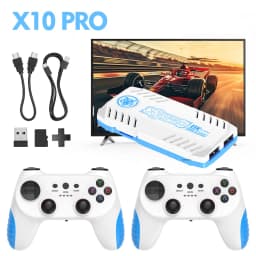
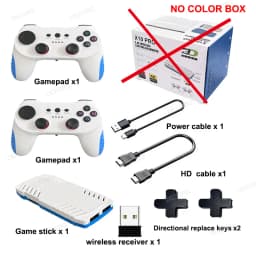
New TV Game Console 128G Retro Games Videojuegos Consola Dual Wireless Gamepad X10 Pro Game Stick 4K
Quantity:
1
Availability:
Not AvailableCard Payments
Crypto Payments
Easy return
Reliable Shipping
Q: Why plug the game stick to HD port ,the blue light is on after charged , the boot logo showed and then it is black image later .How to solve ?
A : Please unplug the power cable and plug again that can solve .If it still shows a black screen after multiple attempts, please contact us to get the system files and reinstall the system, and that should fix it.
Q: Can I change the resolution ?
A : No . Don't change the resolution . please keep fault setting . resolution is 720 /1080p . Don't change to other version .If changing the resolution makes the screen too big ,and cannot operate , please contact us to get the system files to reinstall.
Q :What's language is it ?
A : It is English Version . the system language is also English . Even if you change to other language ,it keep English .
Q: Can i update / install other system to this console?
A:Cannot . it only support the system we installed . other system cannot use on this game stick . so ,please don't change system setting or install other system to our SD card . In additional , we suggest you to back up the system first after you received .
Q : Why the stick is not working after the HD cable connect to TV HD PORT ?
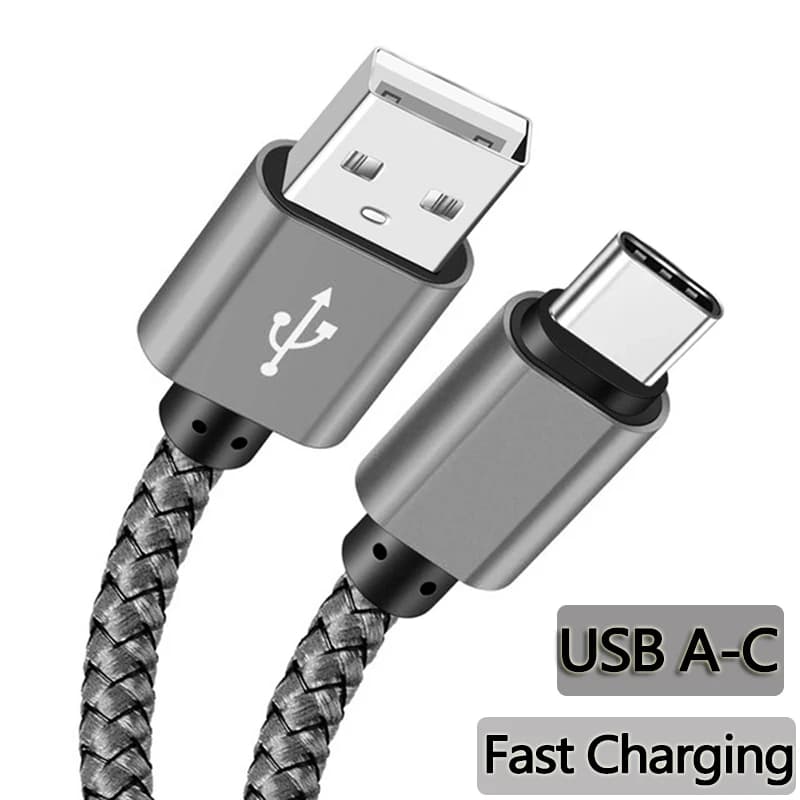
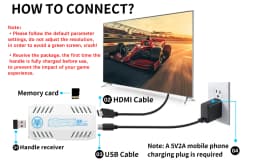
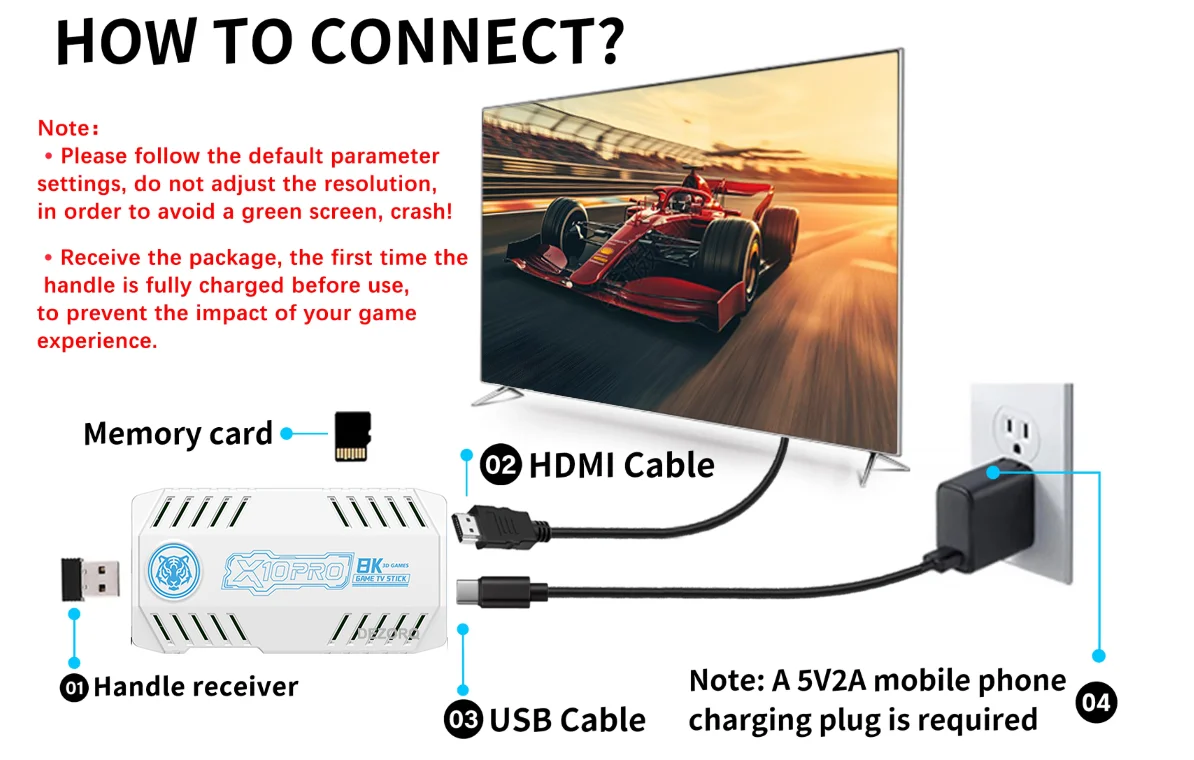
A : Please check the power cable connect . the power cable must be plugged to Game stick .another side plug to 5V 2A power source for charge . if the power cable is not plugged ,the stick is no power so that it is not working . while the game stick is working , the blue light is on .
Q : Why the controller is not working ?
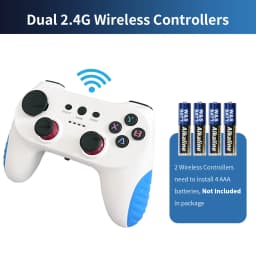
A: the controller power by AAA battery ,please install the battery to controller , push the switch to ON ,the red light is on . please remember that wireless USB receiver insert to USB port on game stick .
Q :How to exit game and return to game list ?
A: Please check the following shortcut keys
Button Instruction :
Press X button : search games
Press Start button on the homepage : call out setting page
Press Start+ select button at the same time(two times) : Quickly exit the game ,return to game list
Press and hold START button : call out the quick menu for close game ,save,load and other option
Press and hold Y button : add game to favorite
Install Step :
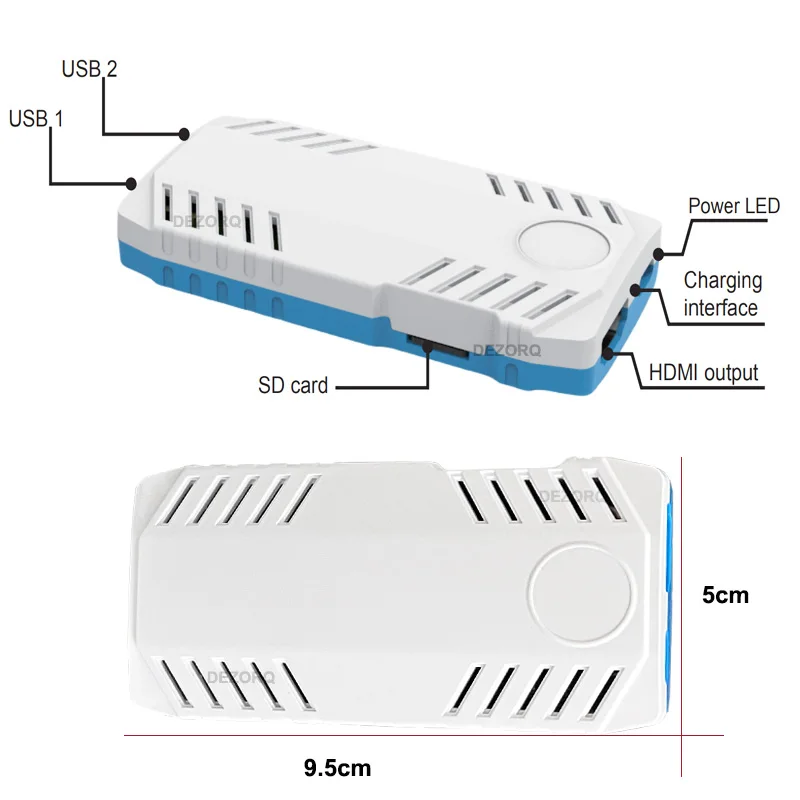
1. Plug USB wireless receiver to USB port on Game Stick
2. plug POWER CABLE to game stick and 5V 2A power source
3.Connect HD cable to game stick and TV HD PORT
4. Set the TV Model to HD version , if your tv have more HD port ,please select the corresponding HD port
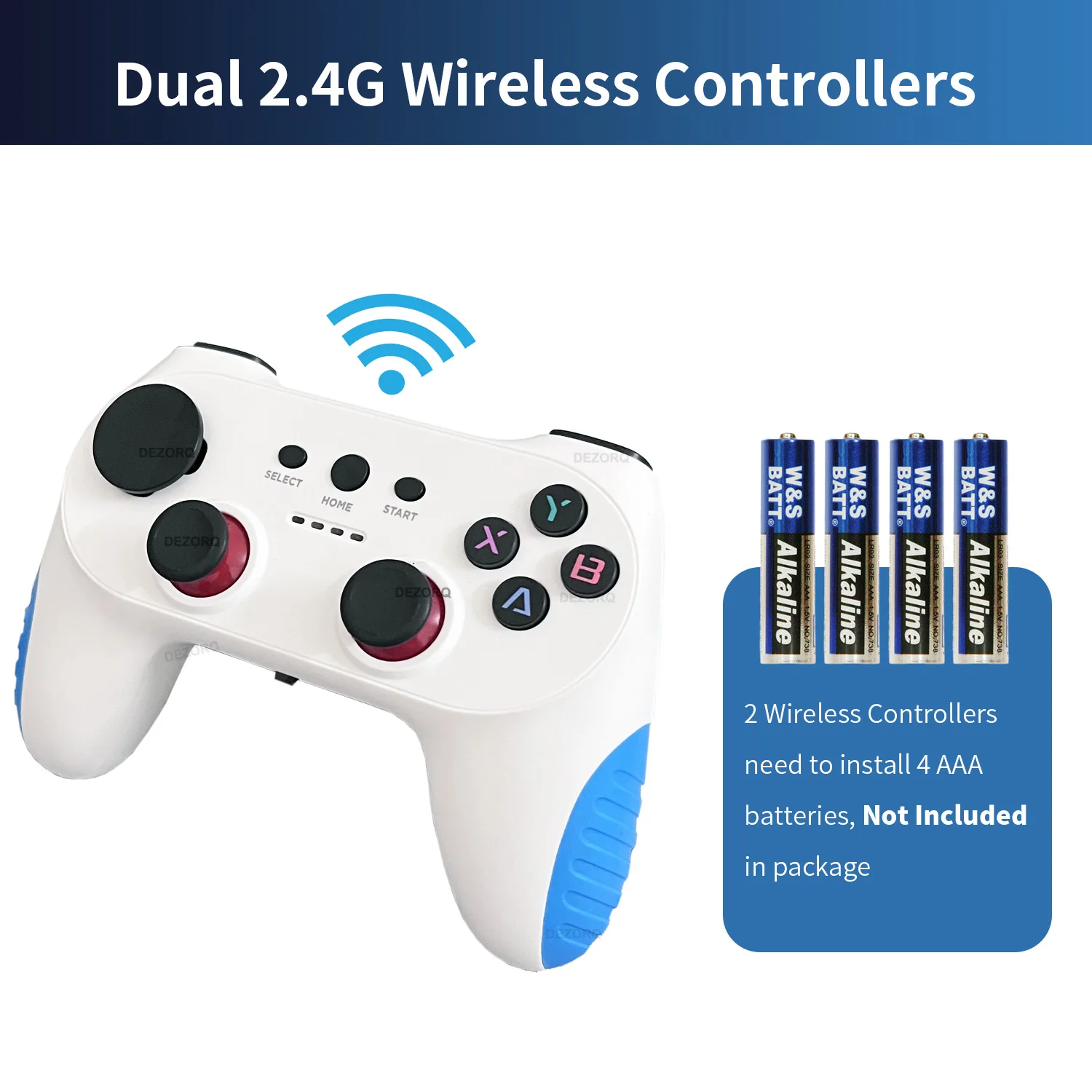
5. Install 2 x AAA batteries to each controller that can play games.
Please Noted :
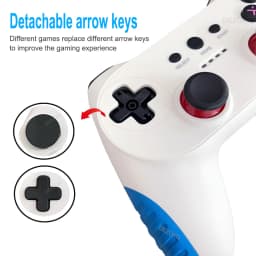
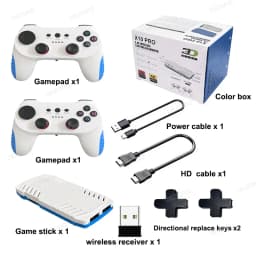
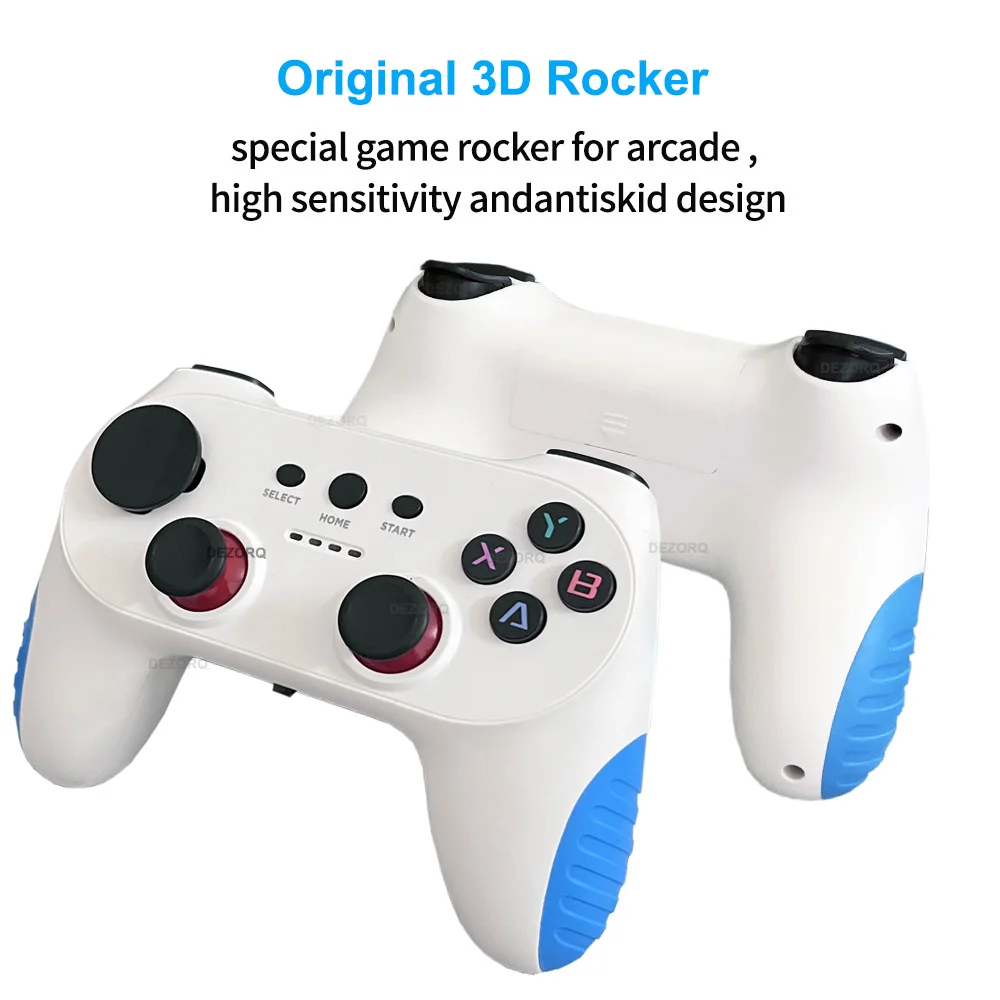
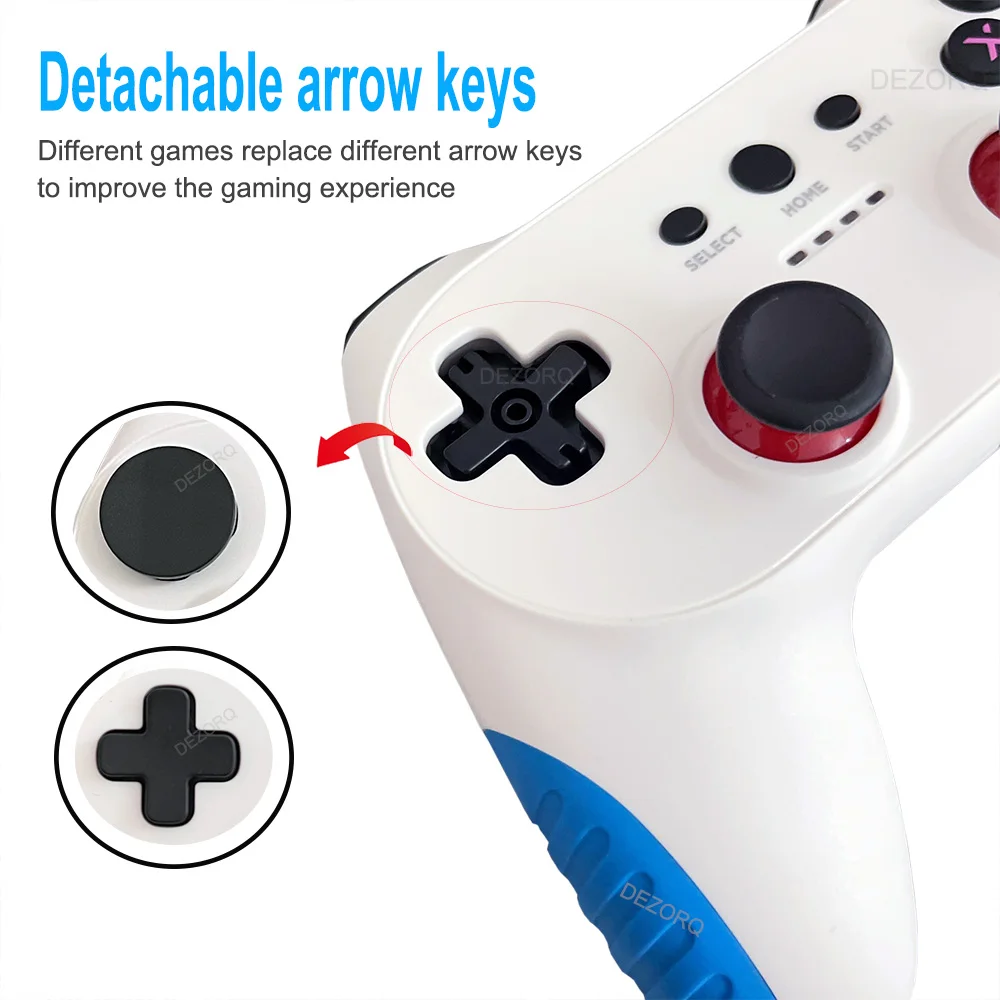
The arrow keys of this controller are detachable, we install the round arrow keys by default, and the cross-shaped arrow keys will be included in the package and can be replaced according to your needs.
Please pull it out carefully when replacing,do not disassemble violently to avoid damaging the accessories.Hope to understand .
Please follow the default parameter setting , do not adjust / change the resolution or other setting / don't add or delete file from SD card ,in order to avoid the system crash.
After changing the settings, the device cannot boot and only shows the startup logo ,then go to black screen , Please contact us to get the system image file and reinstall it the memory card.
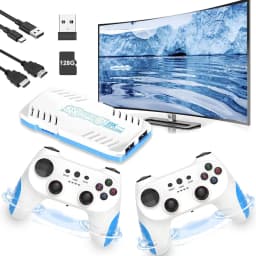
New TV Game Console 128G Videojuegos Consola Dual Wireless Gamepad X10 Pro Game Stick 4K
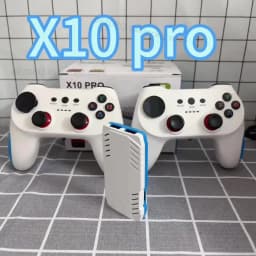
Model : X10 Pro
CPU : S905 x 3, ARM Cortex - A55 2.0GHz
GPU : Mali - G31 MP2 GPU
System : Emuelec 4.3
HD output , 1080P/720P
Controller : Dual 2.4G wireless gamepad ,use AAA battery for power (AAA battery is not included
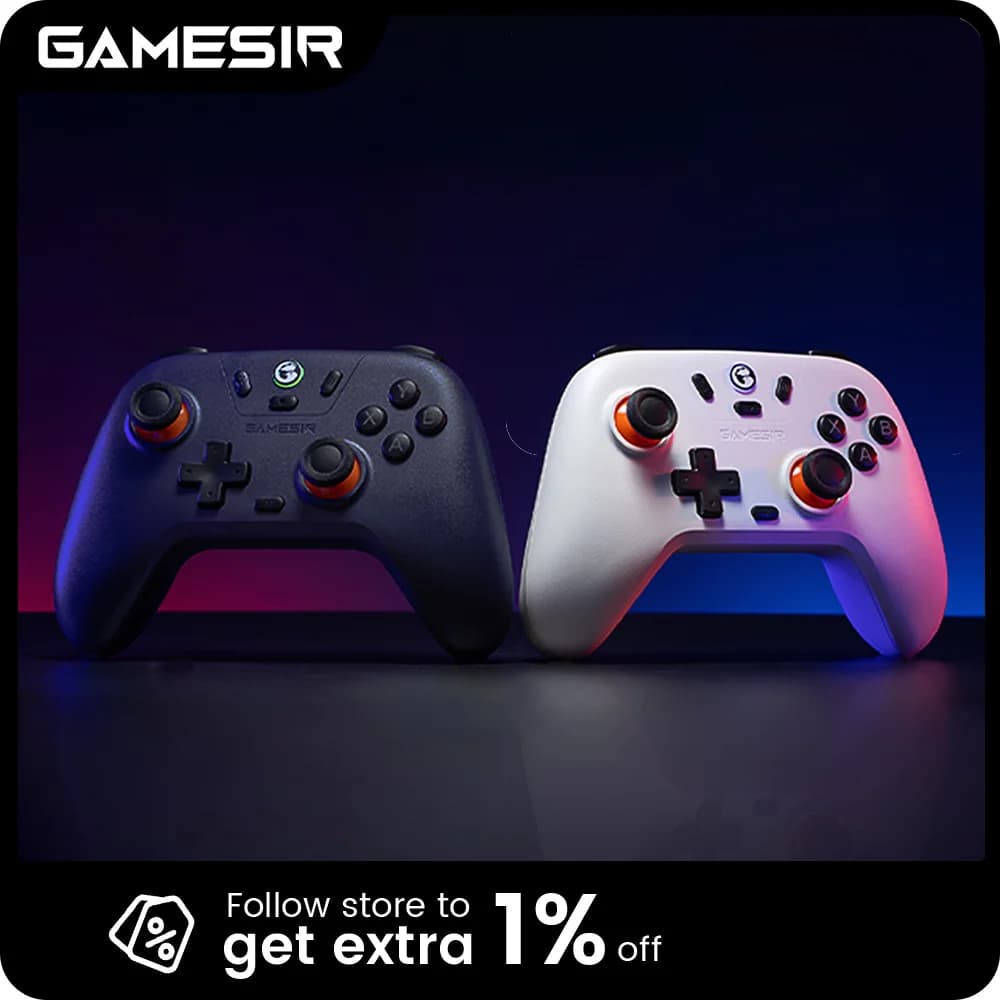
𝐃𝐮𝐚𝐥 𝟐.𝟒𝐆𝐇𝐳 𝐖𝐢𝐫𝐞𝐥𝐞𝐬𝐬 𝐂𝐨𝐧𝐭𝐫𝐨𝐥𝐥𝐞𝐫𝐬 𝐟𝐨𝐫 𝐌𝐮𝐥𝐭𝐢𝐩𝐥𝐚𝐲𝐞𝐫 𝐅𝐮𝐧:
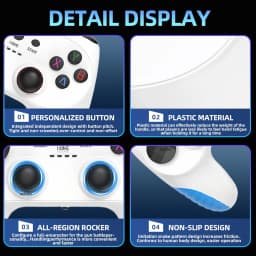
Experience the thrill of gaming with friends and family using the two 2.4GHz wireless controllers included with the Retro Game Stick. These ergonomic controllers are designed for long gaming sessions with a comfortable grip and minimal latency, ensuring smooth and responsive play. Enjoy the convenience of wireless gaming without tangled cords, allowing for flexible play spaces up to 30 feet from your screen. The X10 pro retro game stick supports two-player gaming.
Customer Reviews
No reviews yet
New TV Game Console 128G Retro Games Videojuegos Consola Dual Wireless Gamepad X10 Pro Game Stick 4K
Quantity:
1
Availability:
Not Available