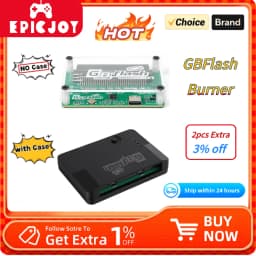
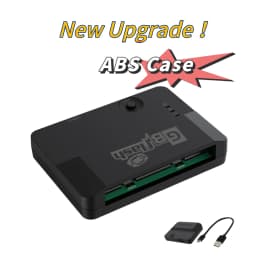
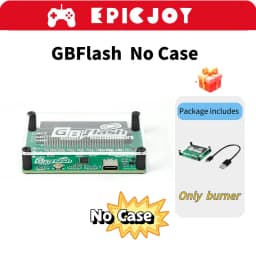
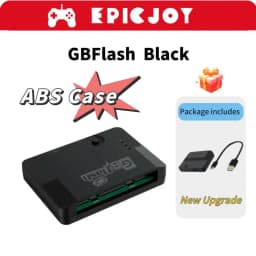
EPICJOY GBflash GBA/GBC Burner Great Design USB Adapter No Screen GBflash Cart And Type C Data Cable
36.32$
25.32$
Quantity:
1
Availability:
Color
Ships From
Card Payments
Crypto Payments
Easy return
Reliable Shipping
Introductions
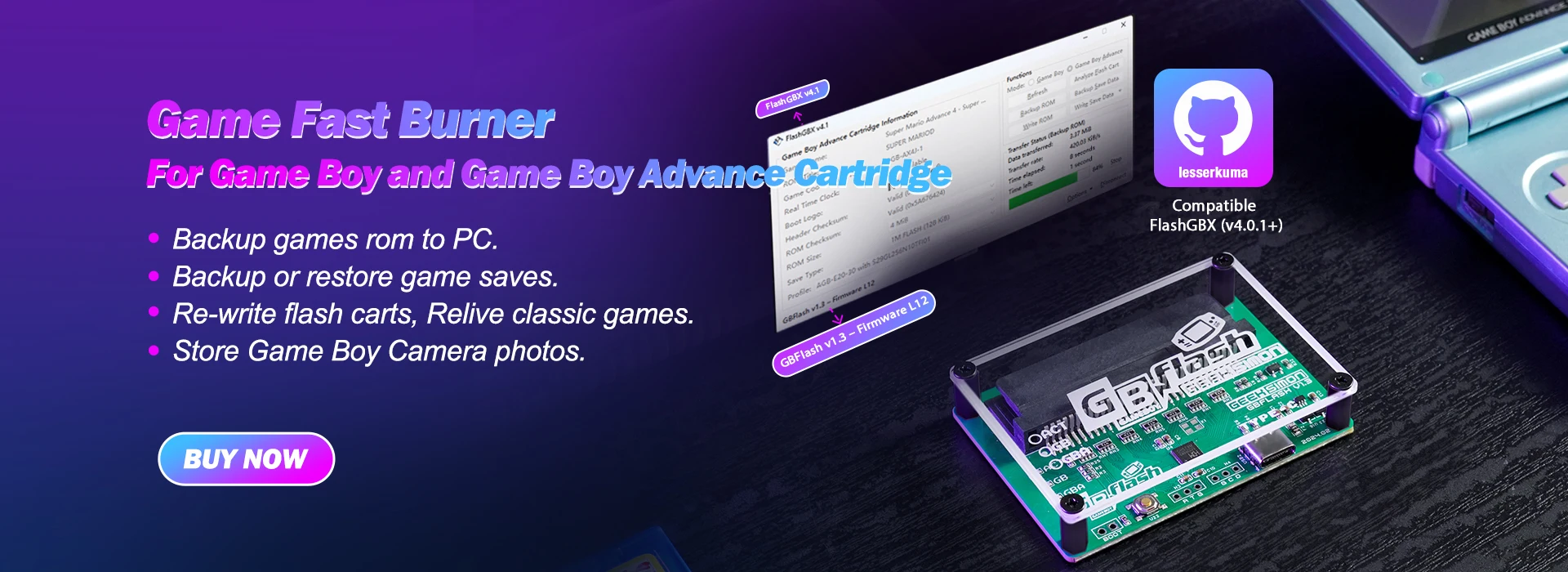
1.GBflash is a GB/GBC/GBA cart reader based on the insidegadgets open source project GBxCart-RW.
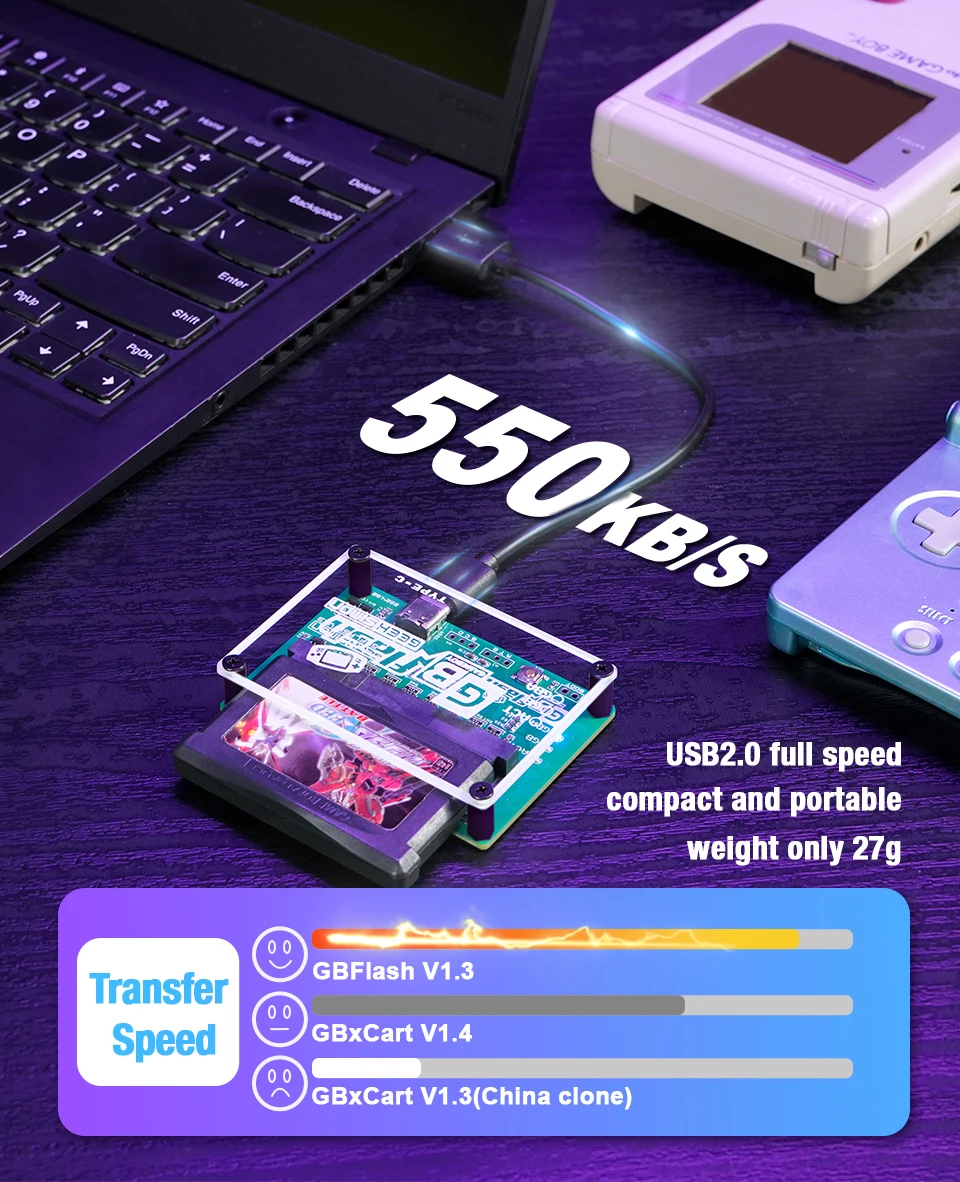
2.GBflash uses a single-chip CH579 as the main control chip, and uses a virtual serial port to drive the analog CH340 and extend it to the PC, so that the USB2.0 transmission speed reaches the maximum.
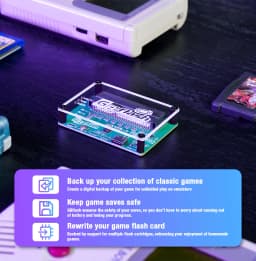
3. It can back up game ROMs, backup/restore saved games, and write ROMs to supported flash carts.
Recommended GBA/GBC RTC cards for use in combination:
https://www.aliexpress.com/item/1005008157404589.html
https://www.aliexpress.com/item/1005008075270034.html
NOTE:
You can't overwrite an original Gameboy cartridge,only supports Backup or restore game saves.
If your game saves to an EEPROM or Flash then it won’t work on any of these clone flash carts unless you patch it to use SRAM using GBATA for example.
Pokemon games use a 1Mbit save and most clone carts only have 256Kbit or 512Kbit of SRAM so saving may not work properly.
Check what save type your game uses here or Read more about these issues here.
For GB/GBA Flash Cart compatibility, check out FlashCartDB.com for the latest support. Some cloned game carts use different chip schemes, and we can't guarantee that all cloned game carts only support them.
Feature
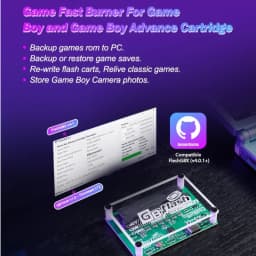
Support Backup games rom to PC.
Support Backup or restore game saves.
Support Re-write flash carts,Relive classic games.
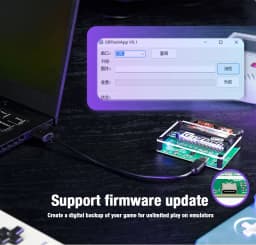
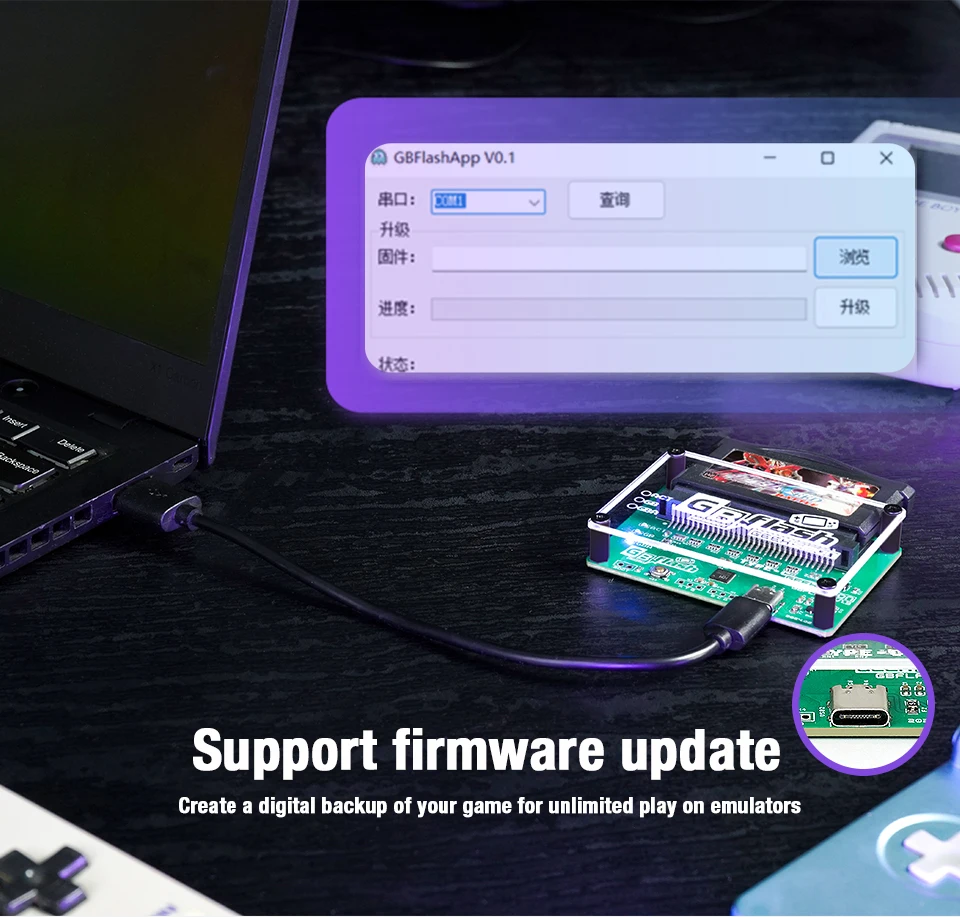
Support firmware update.
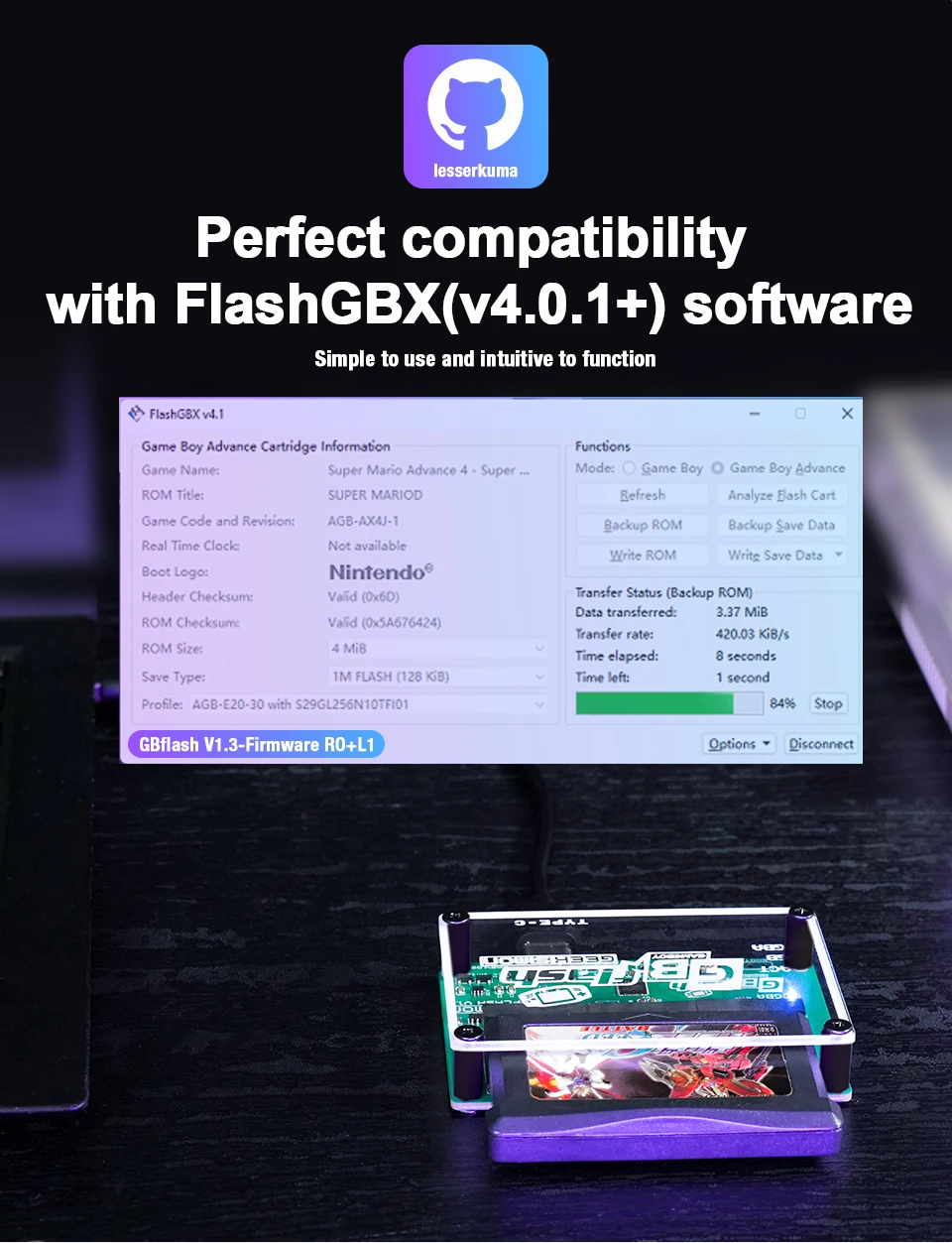
Compatible with FlashGBX GUI programs.
Higher transfer speeds, read speeds up to three times faster than GBxCart RW.
Supports Gameboy, Gameboy Colour, Gameboy Advance cartridges with auto ROM size detection.
Supports SRAM/Flash/EEPROM for Gameboy Advance cartridges with auto-save type detection.


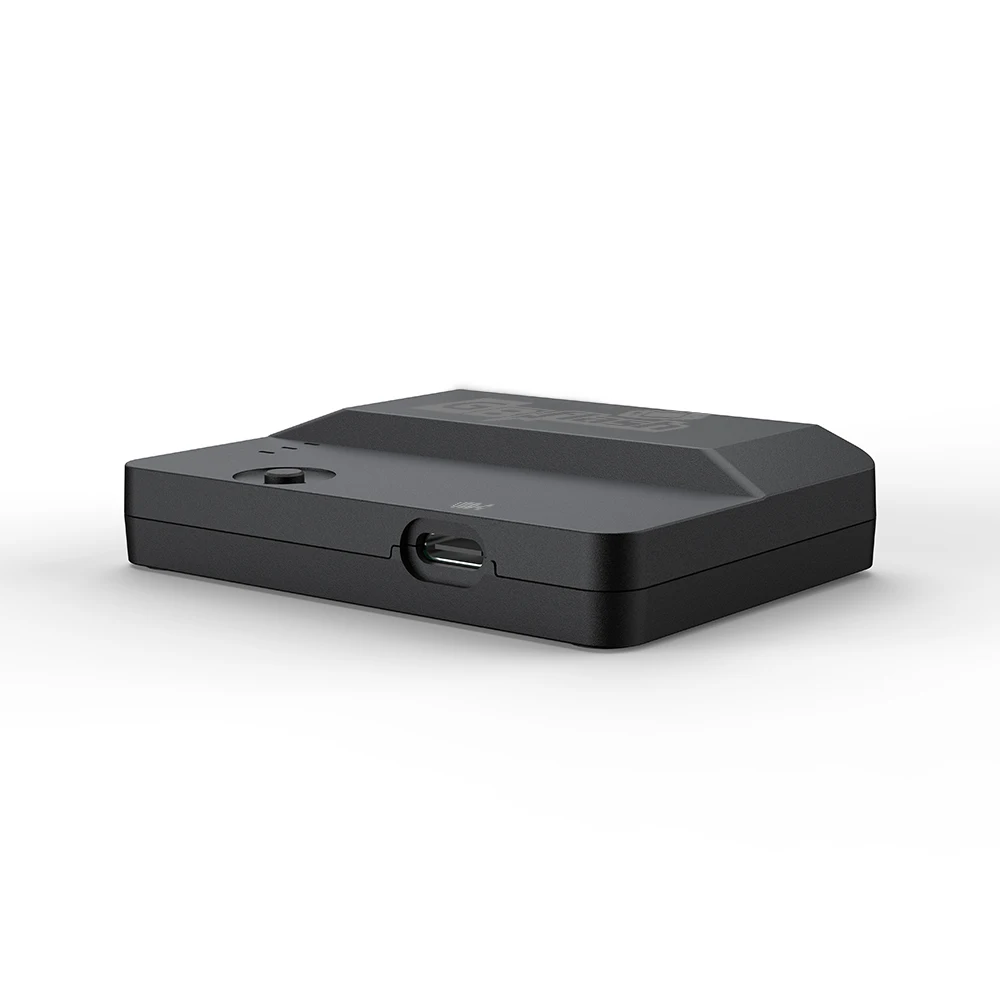
Description:
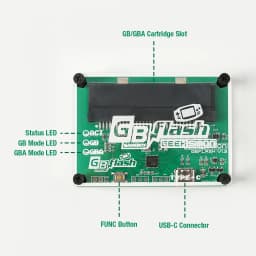
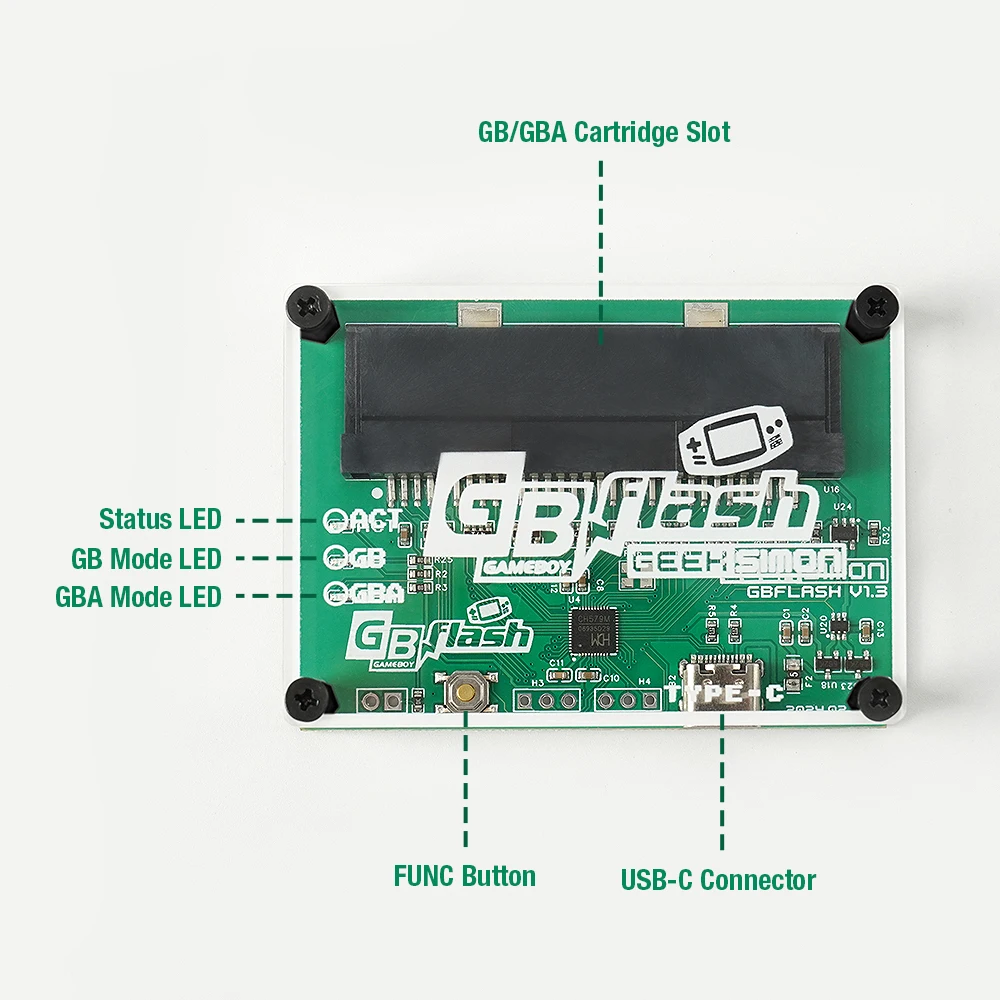
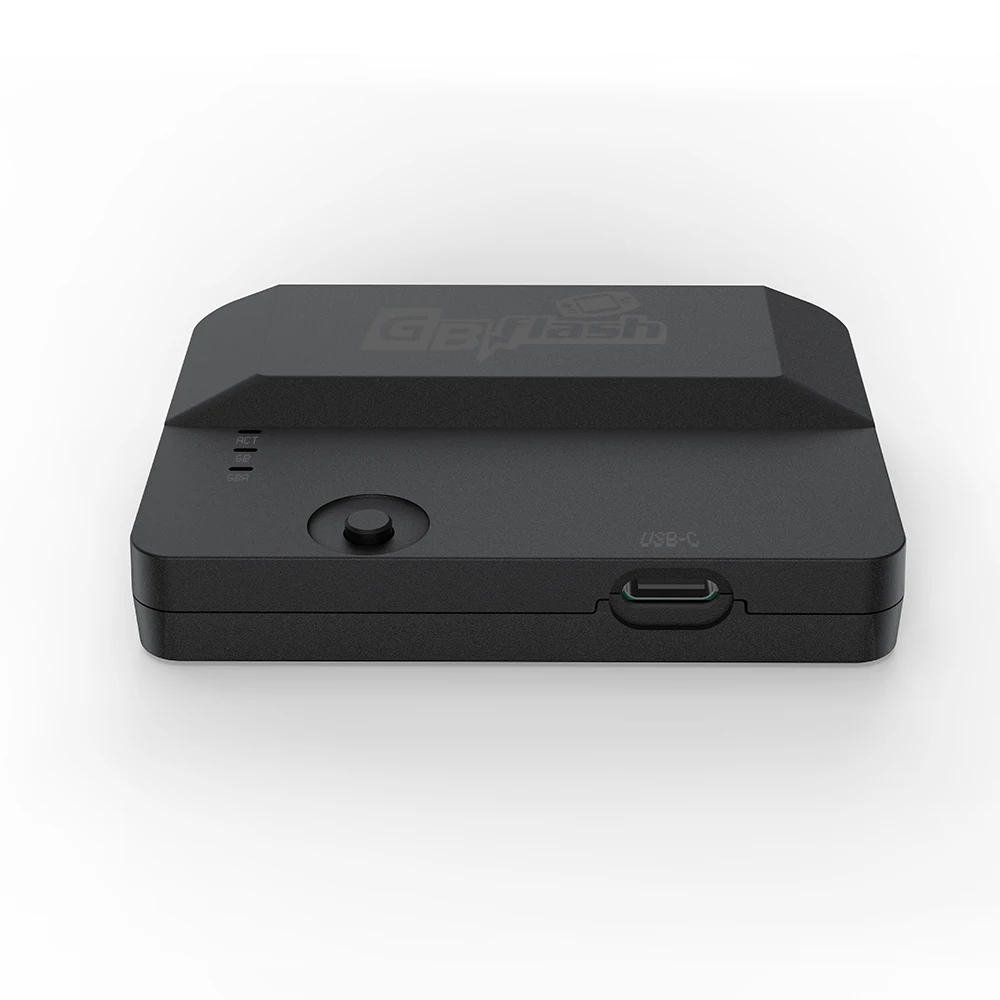
• Function button
- In working mode, tap to reset GBflash.
- Hold down the button, plug in the computer via USB-C cable, enter the boot mode for firmware upgrade.
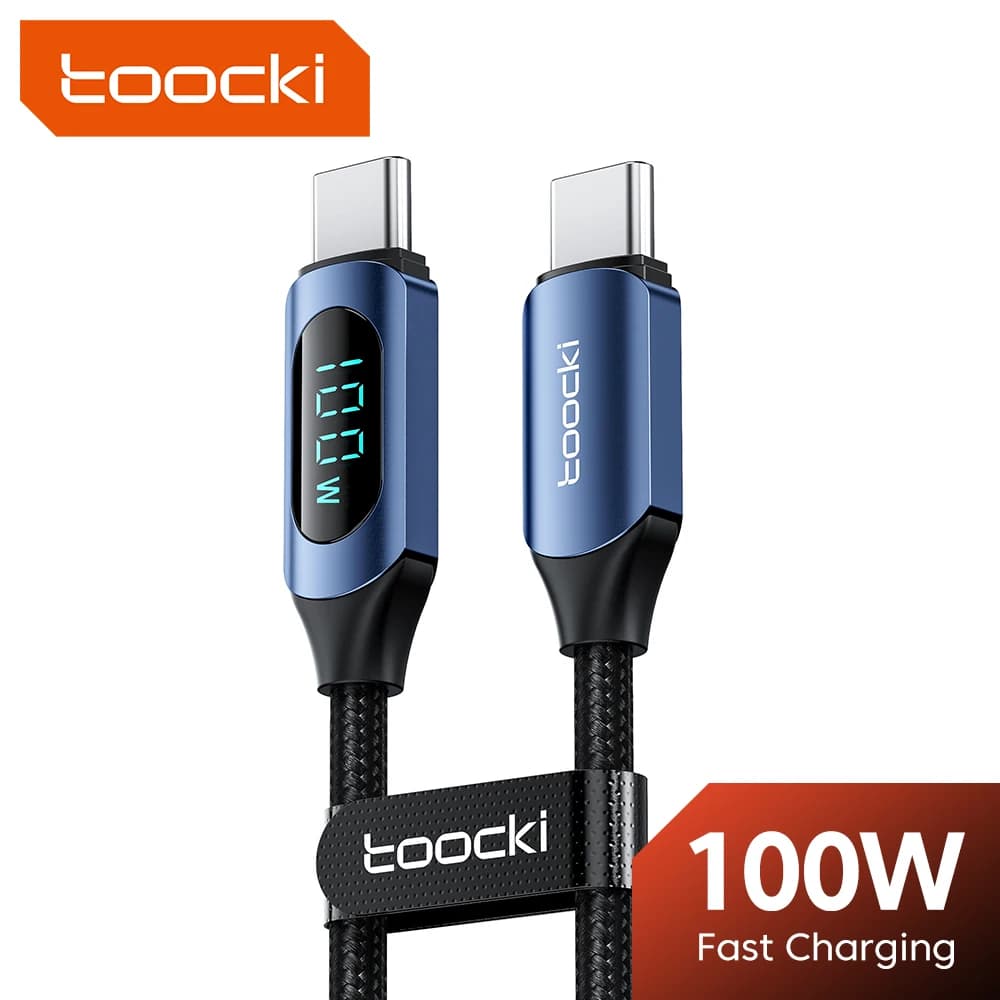
•USB-C connector: Connects to a computer for data transfer.
•GB/GBA cassette slot: Connects GB/GBA game cassette.
• Action status indicator: When GBflash is working or the firmware has been updated, the light will blink.
•GB Mode LED: The LED lights up completely when the GB game cartridge is connected.
•GBA Mode LED: The LED lights up completely when the GBA game cartridge is connected.
Quick Start Description:
Install the software first Install the CH340 driver
Note: If your computer is already installed, skip this step.
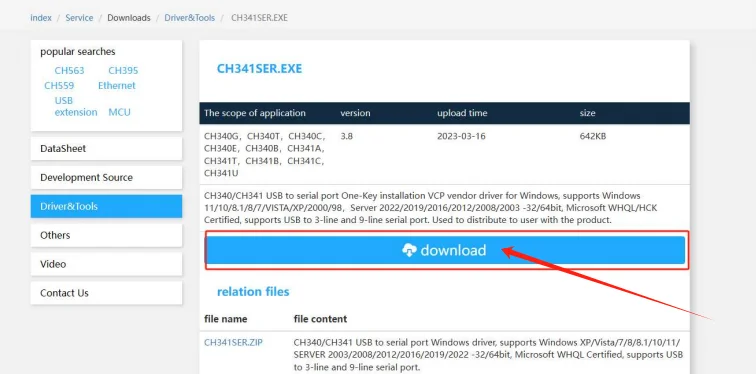
1. Download the CH340 driver installation program from the following link
CH341SER.EXE - Nanjing Qinheng Microelectronics
https://www.wch.cn/downloads/CH341SER_EXE.html
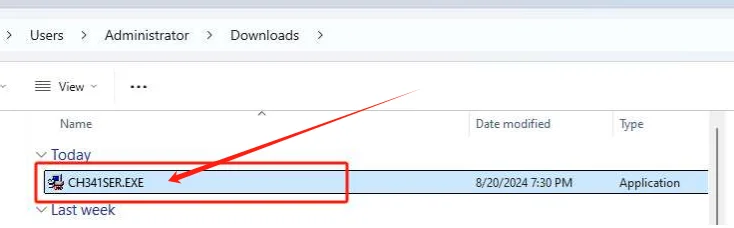
2. Double-clicktorunch341SER.EXE
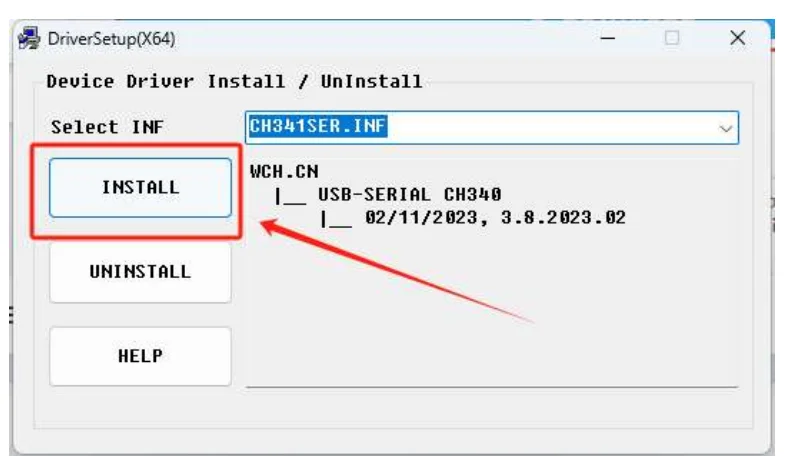
3.Click Installto completethedriverinstallation
Install the FlASHGBX software:
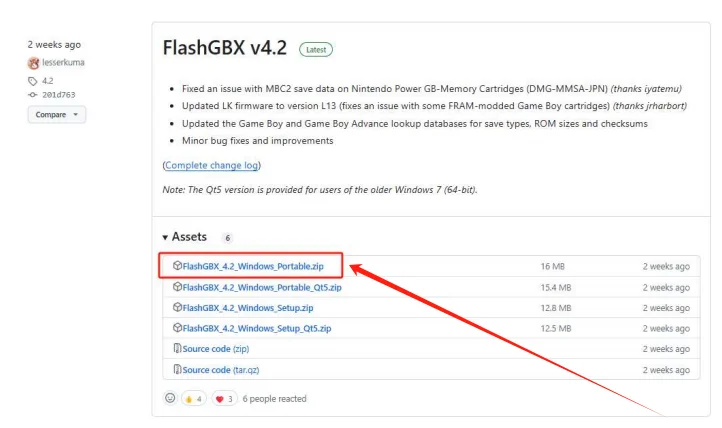
1.Download the latest version of FlaASHGBX software from the link below: https://github.com/lesserkuma/FlashGBX/releases
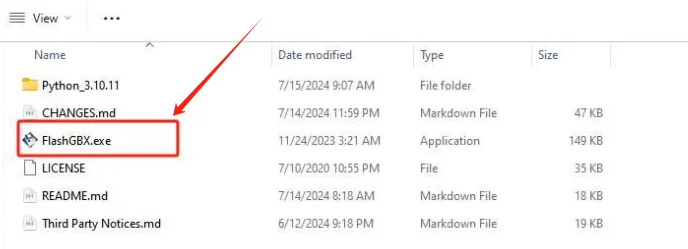
2.Unzip the file and double-click the run FlashGBX.exe
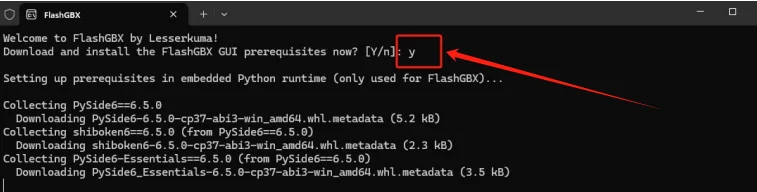
3.Enter Y as prompted, and then start installing the software automatically.
Connect game cartridge:
1.Insert the cartridge into GBflash and connect it to your computer via a USB C cable.
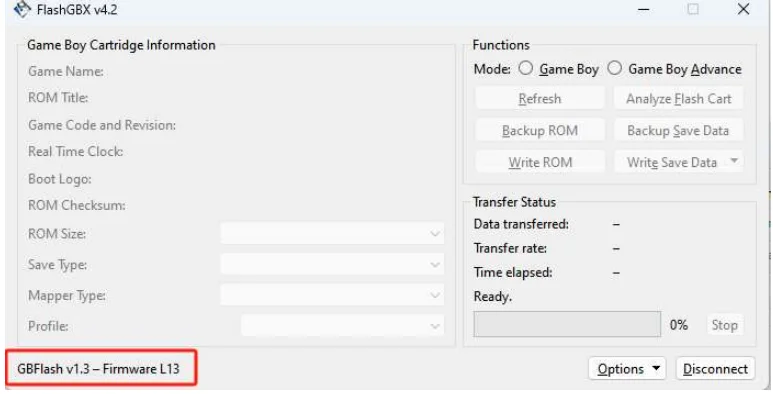
2. Open FlashGBX. The software automatically searches for and connects to GBflash.
Note:
If the software cannot be identified, reinstall the driver and perform the following steps to ensure that the CH340 serial port device can be found on the device.
Firmware Update
1. Disconnect GBFALSH and FlashGBX, Unplug the game cartridge.
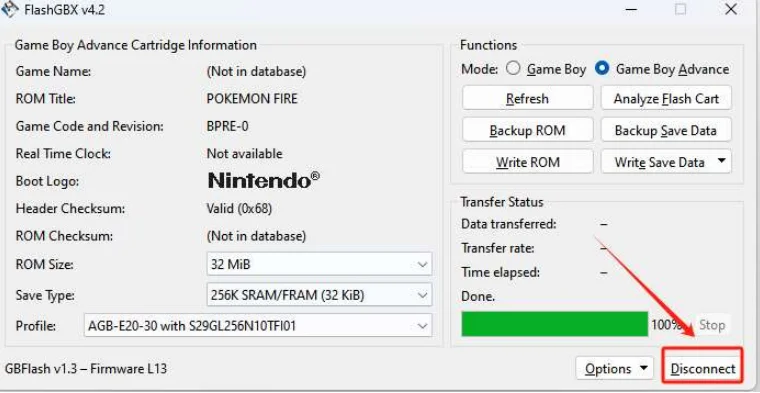
2. Unplug your GBflash device.
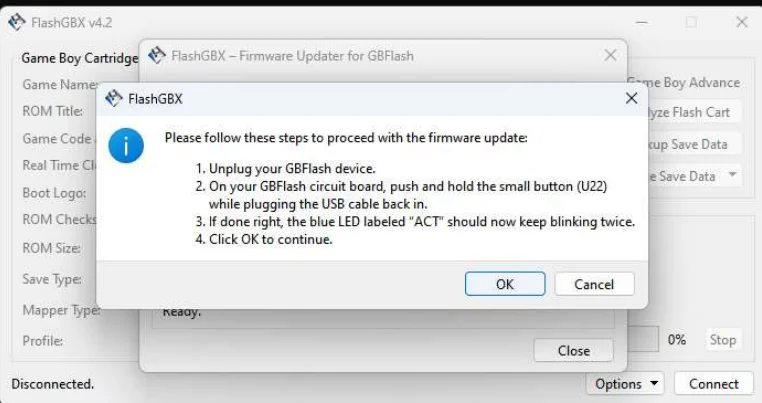
3. On your GBflash circuit board, push and hold the FUCN button (U22)while
plugging the USB cable back in.
4. lf done right, the blue LED labeled "ACT" should now keep blinking twice.
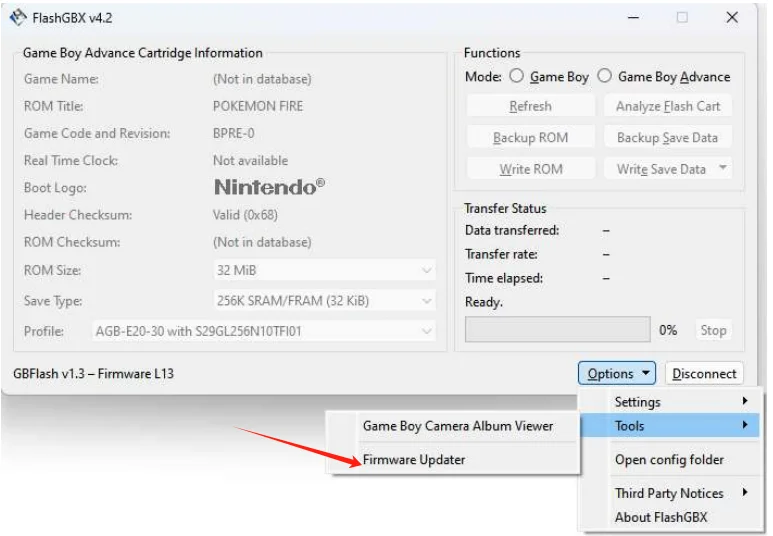
5. select Options-->tools-->Firmware Up.
6.select GBflash,and click the Install Firmware Updatebutton to start the updated.
7.If the update fails, just follow the steps shown in the figure and start again.
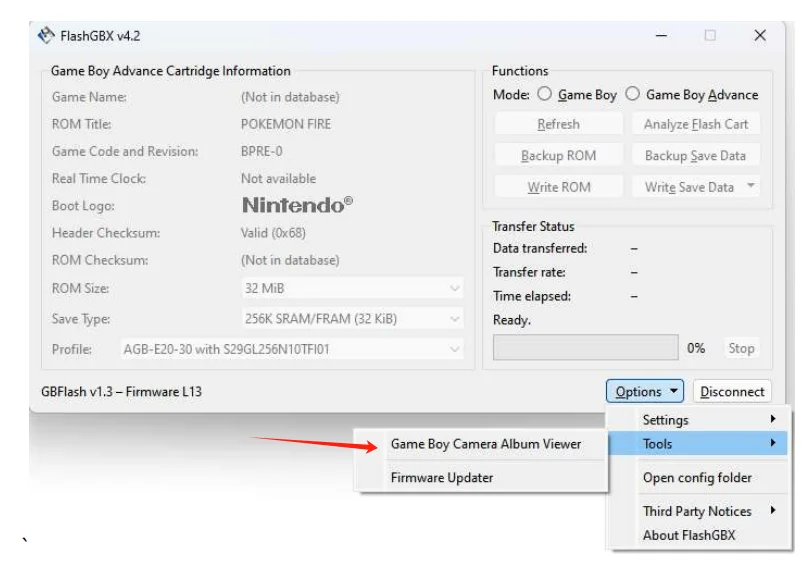
Game Boy Gamera Album Viewer
Note:This feature requires use with the Game Boy Camera to save photos to your computer.
Customer Reviews
No reviews yet
EPICJOY GBflash GBA/GBC Burner Great Design USB Adapter No Screen GBflash Cart And Type C Data Cable
36.32$
25.32$
Quantity:
1
Availability:
Color
Ships From