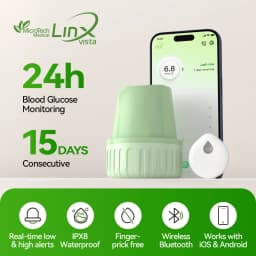
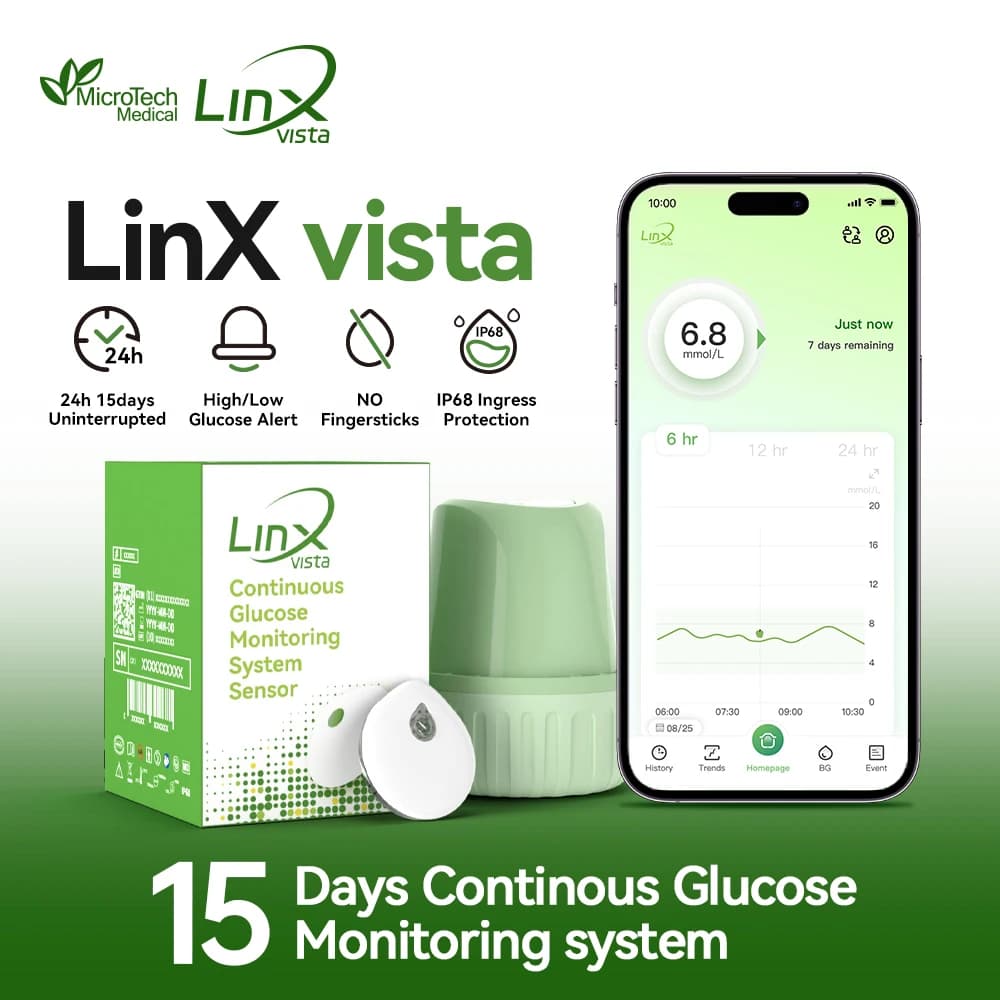
MicroTech LinX Vista CGM Sensor 15 Days Diabetes Health Monitor No Finger Pricking for Diabetes Calibrable
Quantity:
1
Availability:
Not AvailableCard Payments
Crypto Payments
Easy return
Reliable Shipping
LinX vista Continuous Glucose Monitor (CGM)
100% Authentic
🔷 Global Version & App Language
• This product is a global version, and the packaging is in English.
• The LinX Vista App supports multiple languages, which can be selected within the app.
• Please scan the QR code on the card included in the package to download the app.
📌 Important Notice
• This listing is for LinX vista CGM only
• Compatible app: LinX vista App (iOS / Android)
• Not compatible with LinX App or other CGM apps
• Devices and apps are not interchangeable
Please confirm the product model before purchase.
✨ Product Description
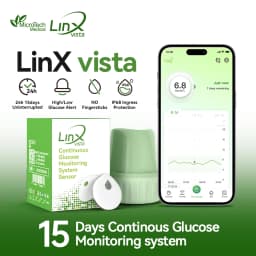
1. All-in-One Kit
– Includes 1 sensor + 1 applicator
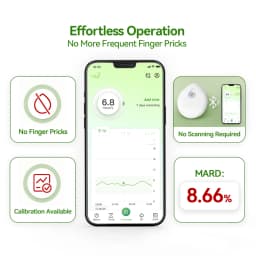
2. Painless & No Blood Sampling
– Ultra-thin & lightweight
– Size: 22mm, Weight: 2.16g
– Comfortable for daily wear
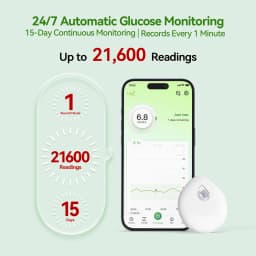
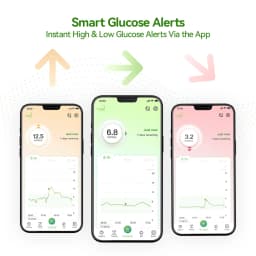
3. 24/7 Real-Time Monitoring
– Continuous glucose tracking for up to 15 days
4. High Accuracy
– MARD: 8.66%
– Measuring range: 2.0–25.0 mmol/L (35–450 mg/dL)
5. Waterproof & Durable
– IP68 rating
– Suitable for showering, swimming, sweating
6. Smart App Connectivity
– Bluetooth sync with LinX vista App
– Compatible with iOS & Android
📦 What’s Included
One complete set
1 × CGM Sensor
1 × Applicator
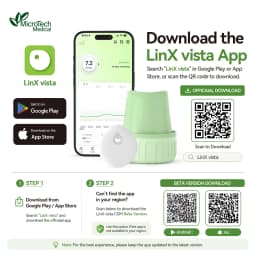
📱 How to Start
1️⃣ STEP 1: Install LinX vista CGM App
Search “LinX vista CGM” on Google Play or the App Store and install the app.
2️⃣ STEP 2: Register an Account
Register a LinX vista account using a valid email address.
3️⃣ STEP 3: Apply the Sensor
Apply the sensor to the recommended area following the instructions.
4️⃣ STEP 4: Pair the Sensor with LinX vista CGM App
① Log in to the LinX vista CGM App.
② Make sure Bluetooth is enabled on your phone.
③ Tap “Pairing” on the home screen.
④ Select the correct SN number from the Nearby Devices list.(Ensure the SN number matches the one printed on the packaging box and applicator cover.)
⑤ Wait for confirmation of successful pairing.
❗ For more detailed pairing instructions and usage guidance, please refer to the User Guide.
📍 Recommended Sensor Placement
• Abdomen: Soft, flat areas, away from waistbands
• Upper arm: Back or outer side, avoid muscle
• Do not apply on scars, moles, or high-movement areas
⚙️ Technical Specifications
• Size: 22mm × 4.22mm
• Battery life: 15 days (single-use)
• Operating temperature: 5°C–40°C (41°F–104°F)
• Storage temperature: 2°C–25°C (36°F–77°F)
• Storage humidity: < 90% RH
• Shelf life: Up to 16 months
⚠️ Wearing Guidelines (For Best Performance)
1. Placement Tips
• Apply on soft, stable skin areas
• Avoid joints, muscles, or areas that bend often
2. Secure Adhesion(Hot / Humid Weather)Heat, sweat, or natural skin oils may affect adhesion.To keep it secure:
① Wipe skin with an alcohol pad before applying
② Use medical tape around the edges for extra hold
③ Skip oil-based lotions or soaps near the sensor
3. Protect Your Sensor
Please avoid:
• Sleeping directly on the sensor
• Scratching, pressing, or bumping it against hard surfaces
❓ Need Help?
👉 Please contact us immediately
we’re happy to help!
Customer Reviews
No reviews yet
MicroTech LinX Vista CGM Sensor 15 Days Diabetes Health Monitor No Finger Pricking for Diabetes Calibrable
Quantity:
1
Availability:
Not Available