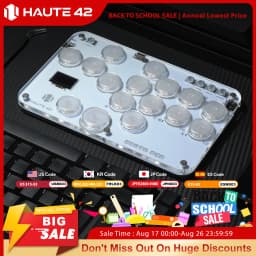
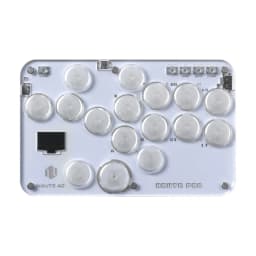
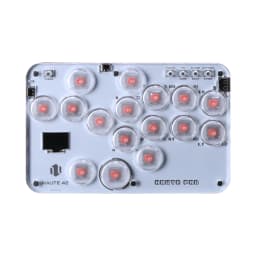
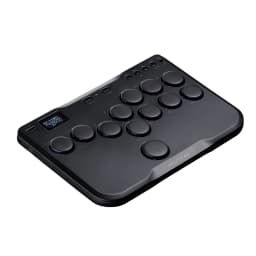
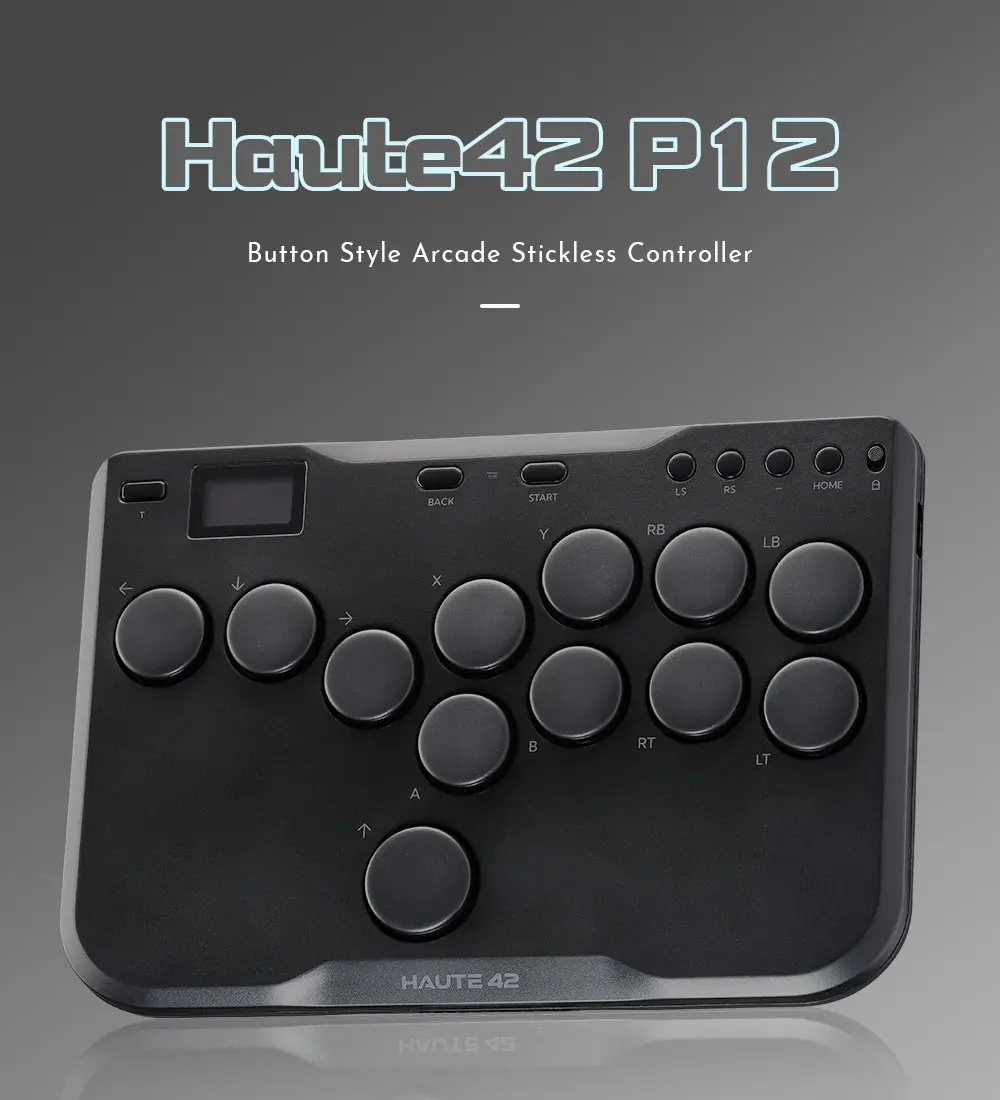
Haute42 Arcade Joystick Hitbox Leverless Controller Fight Sticks For PC / Ps4 /Switch Mini Hitbox Fighting Game Arcade Stick
86.51$
39.18$
Quantity:
1
Availability:
Color
Card Payments
Crypto Payments
Easy return
Reliable Shipping
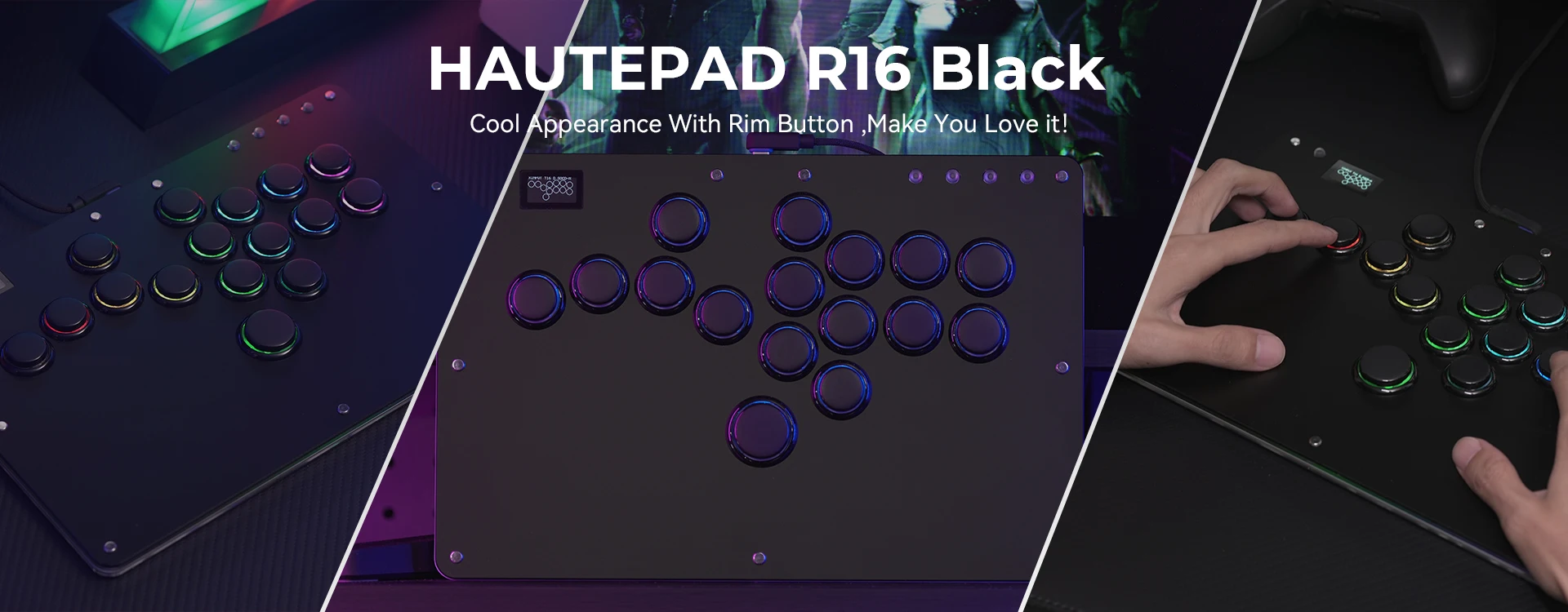
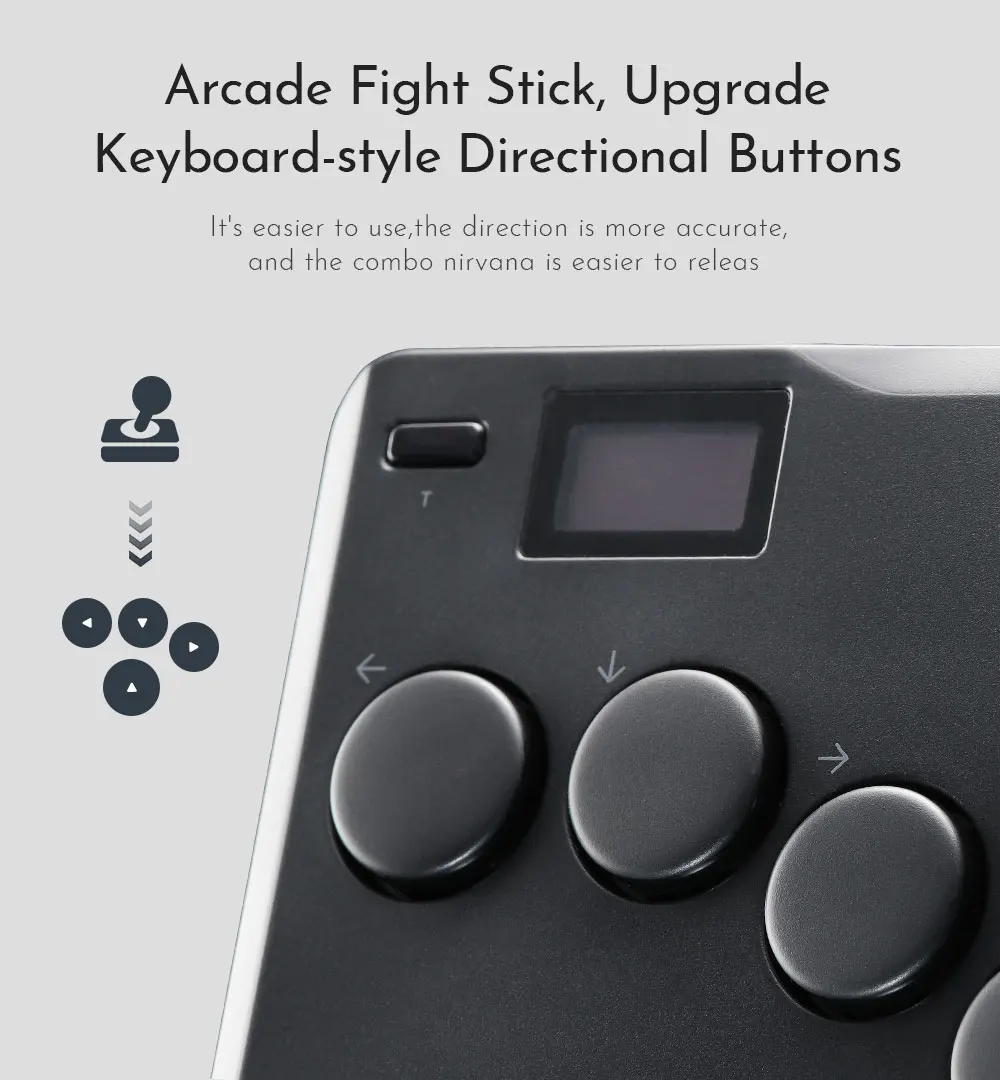
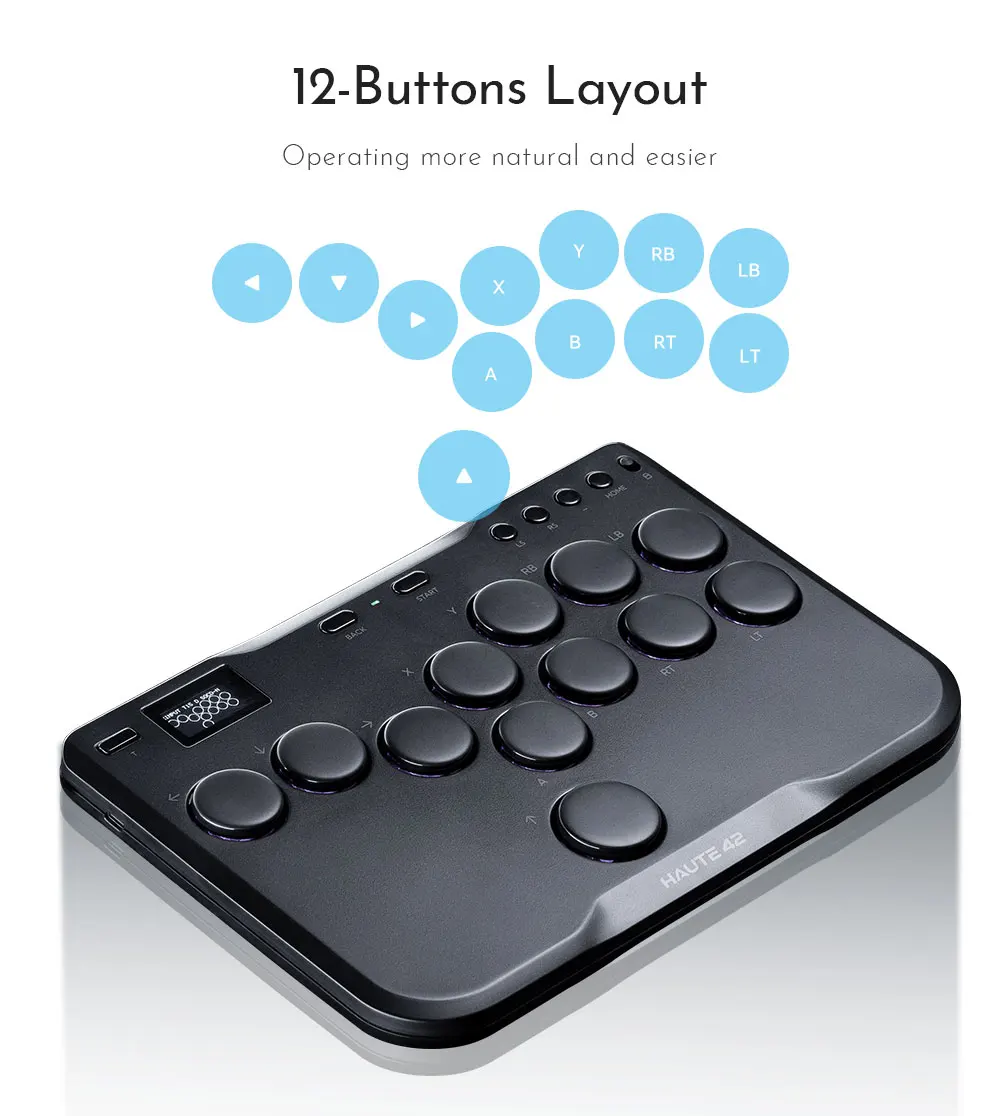
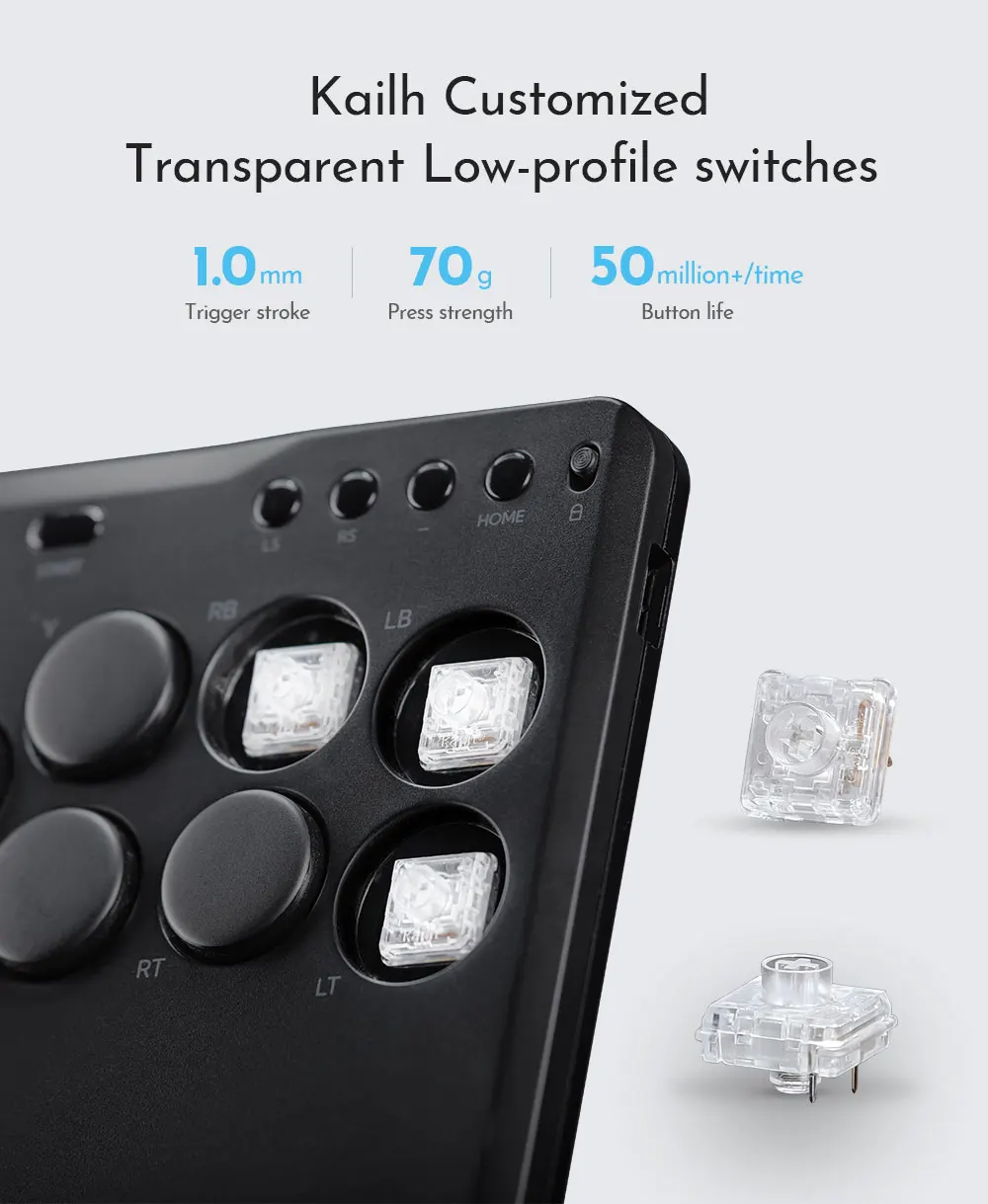
Haute42 Arcade Joystick Hitbox Controller Street Fight Sticks For PC /Ps3/ Ps4 /Switch Hitbox Fighting Game Arcade Game Keyboard

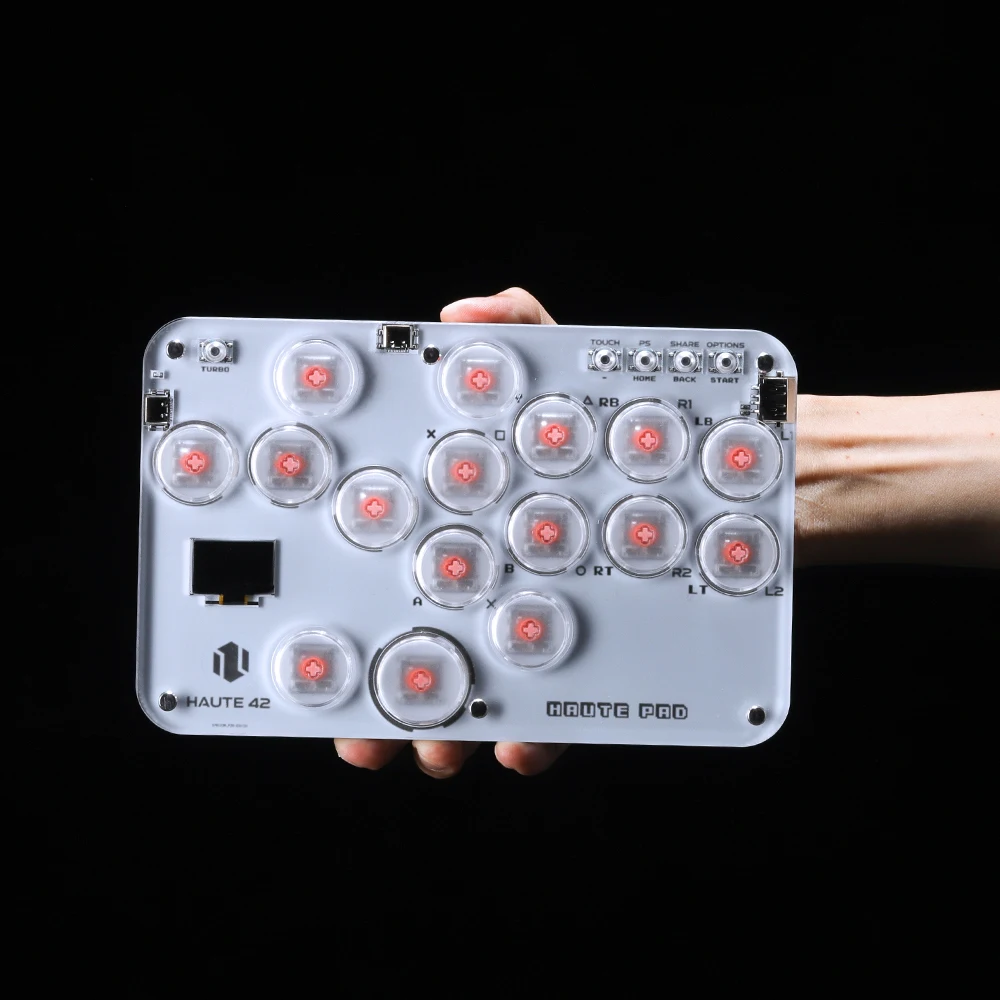
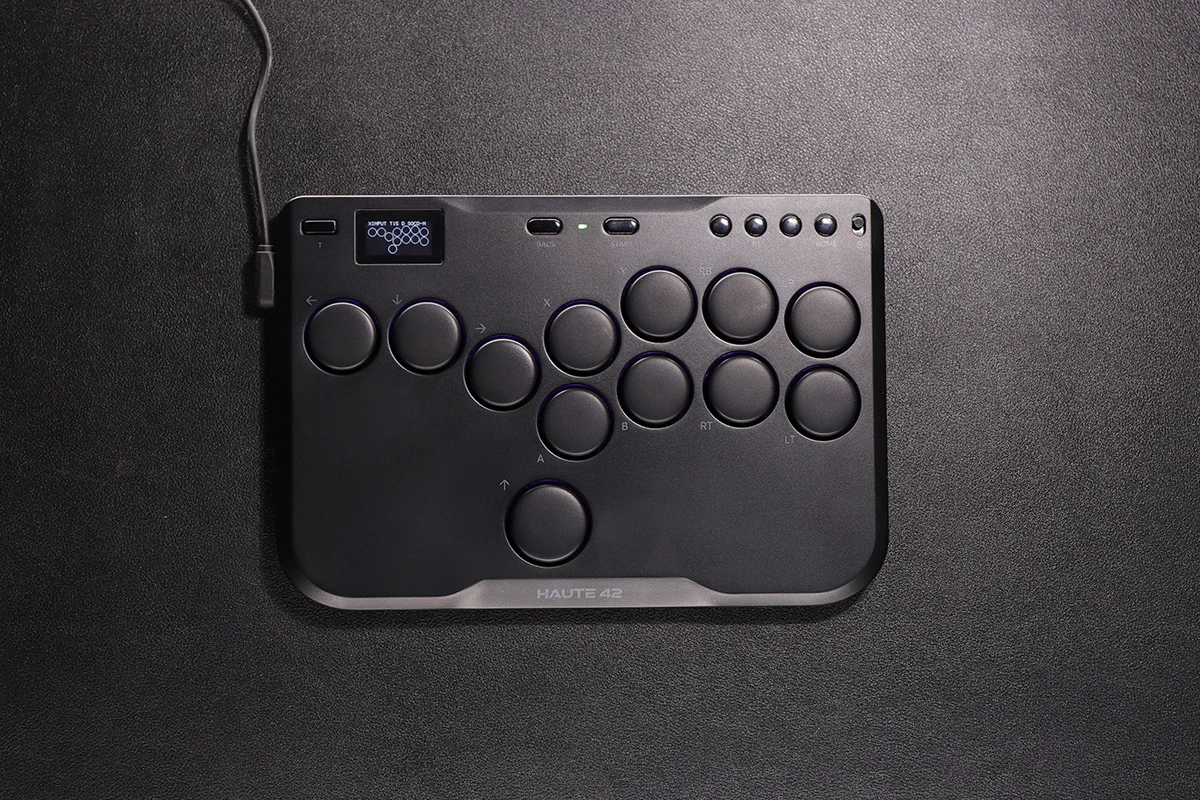
Product Description
Working voltage: 5V
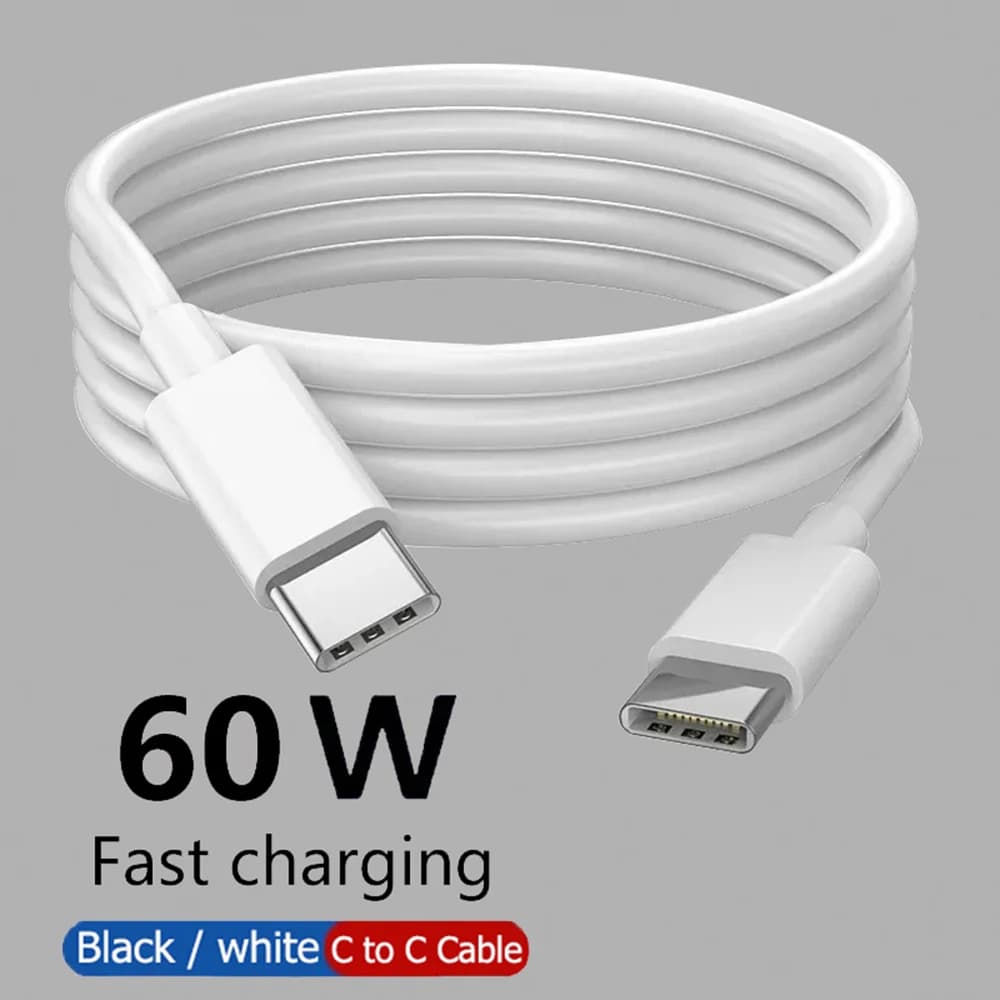
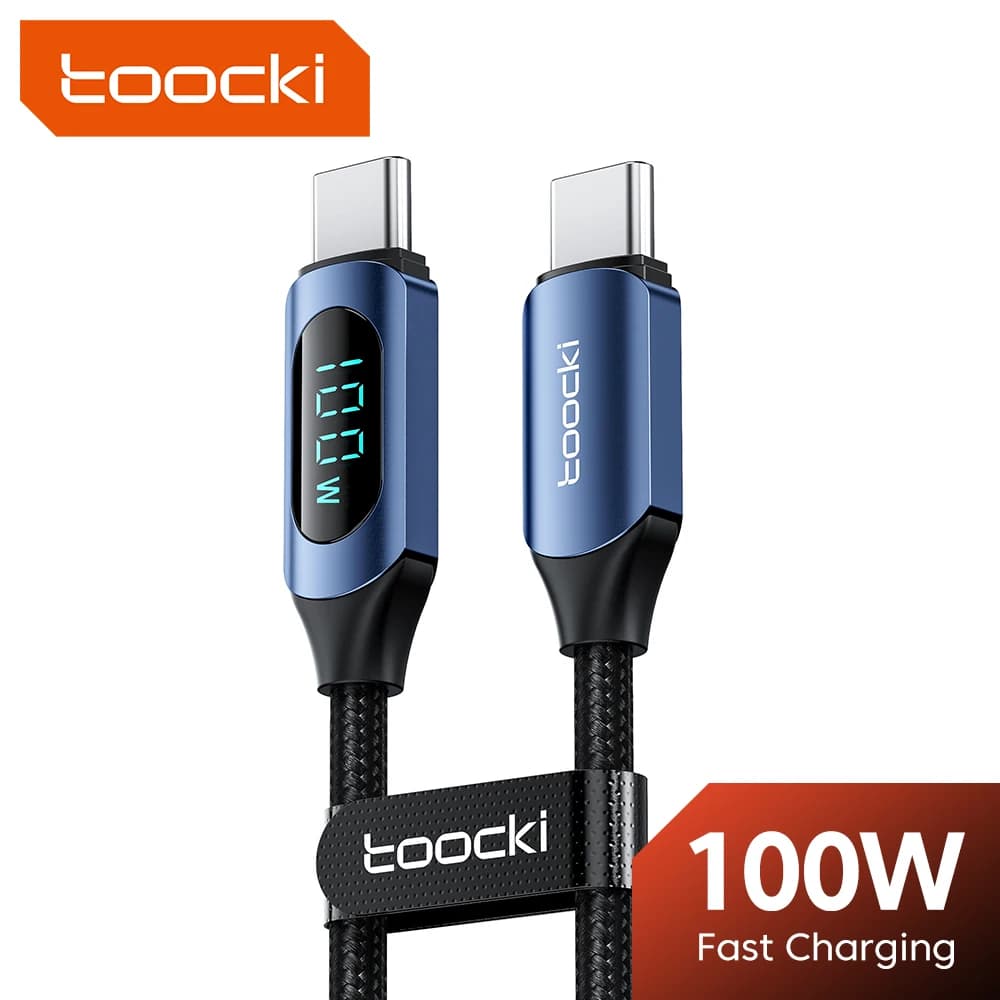
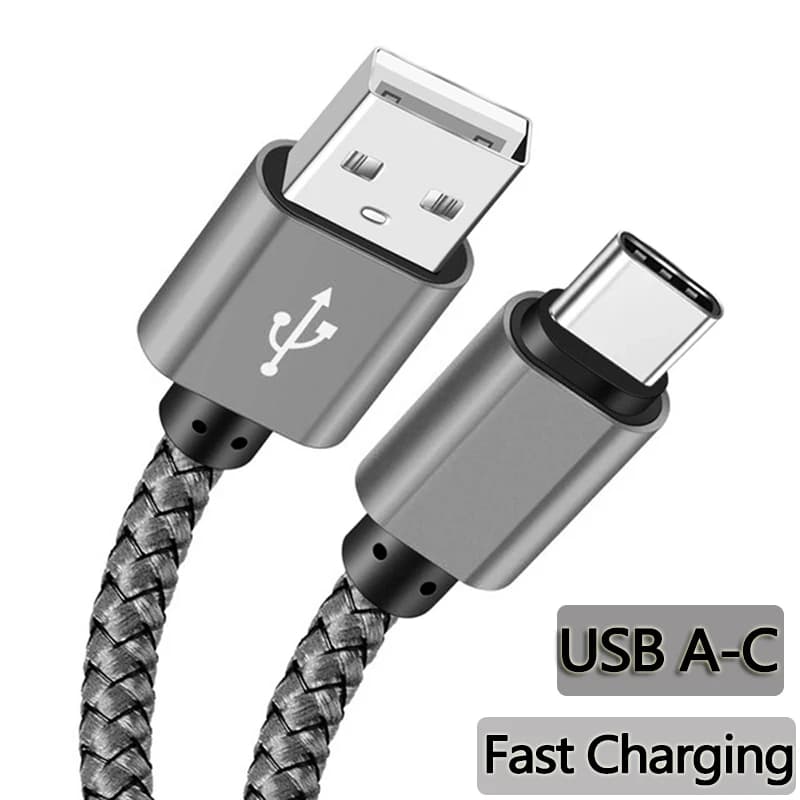
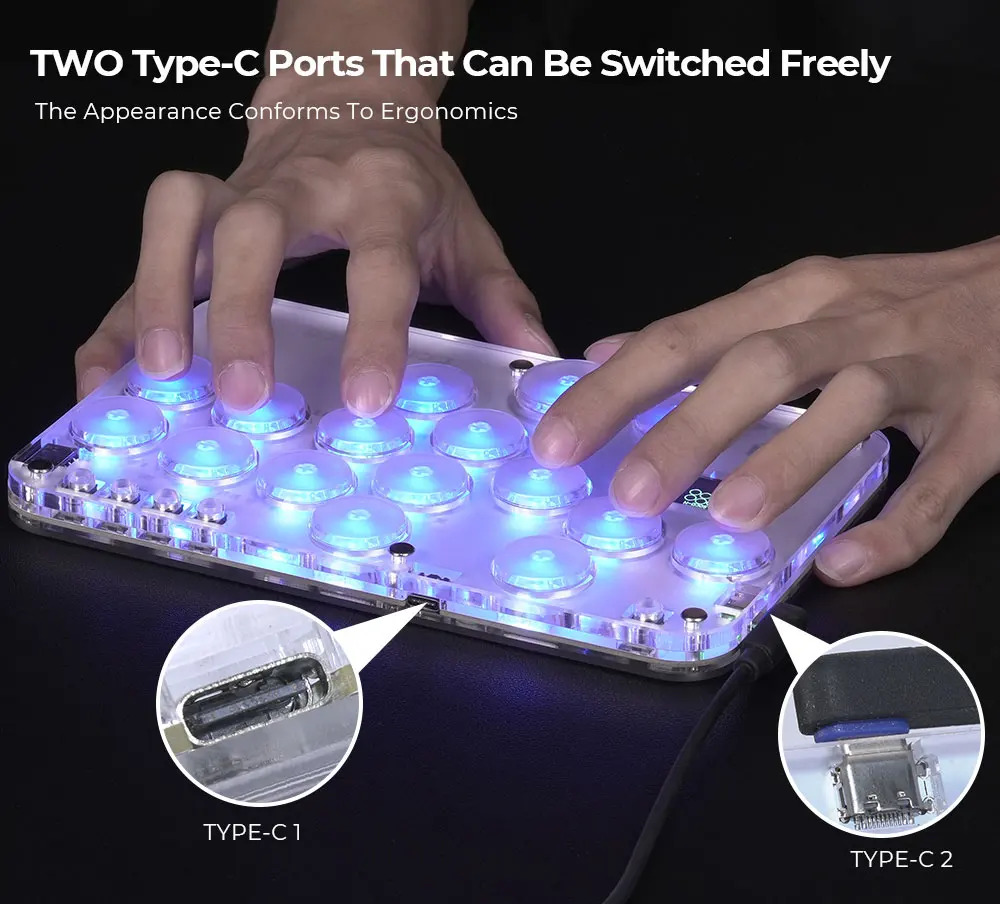
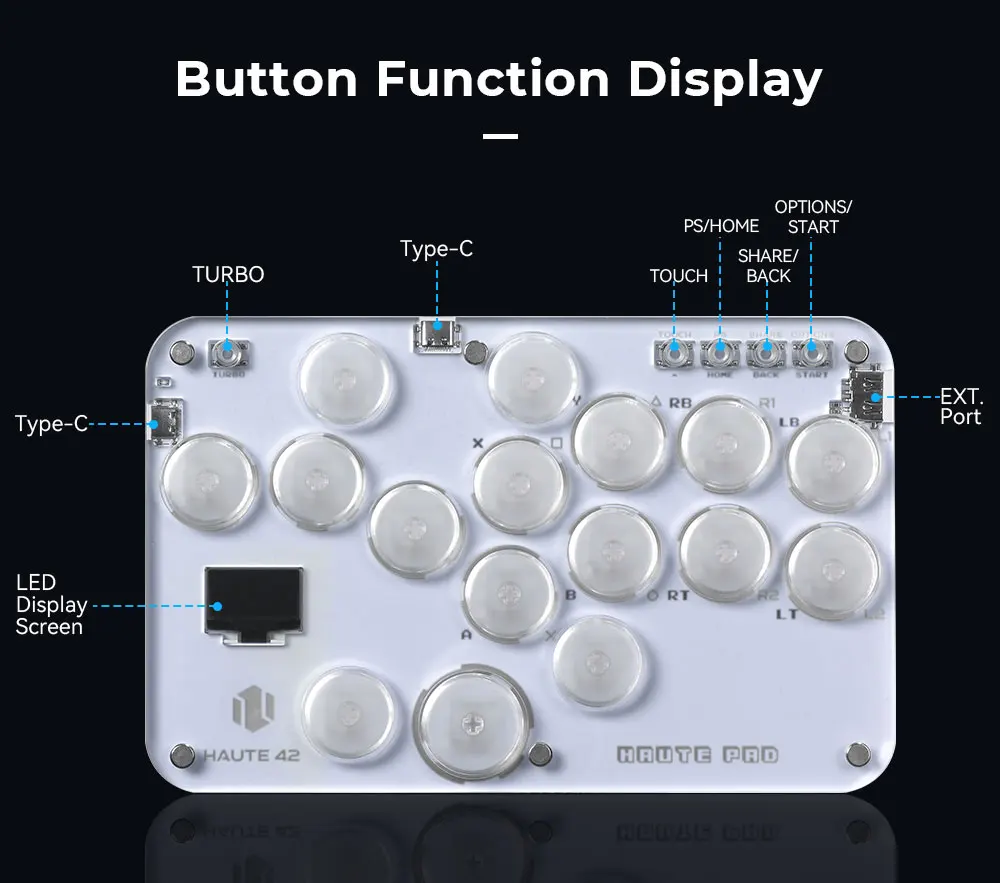
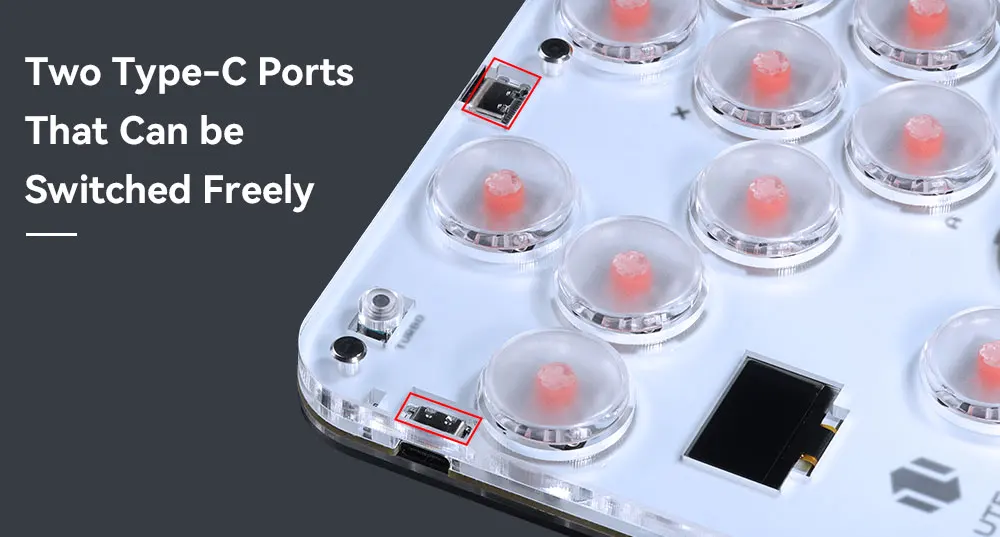
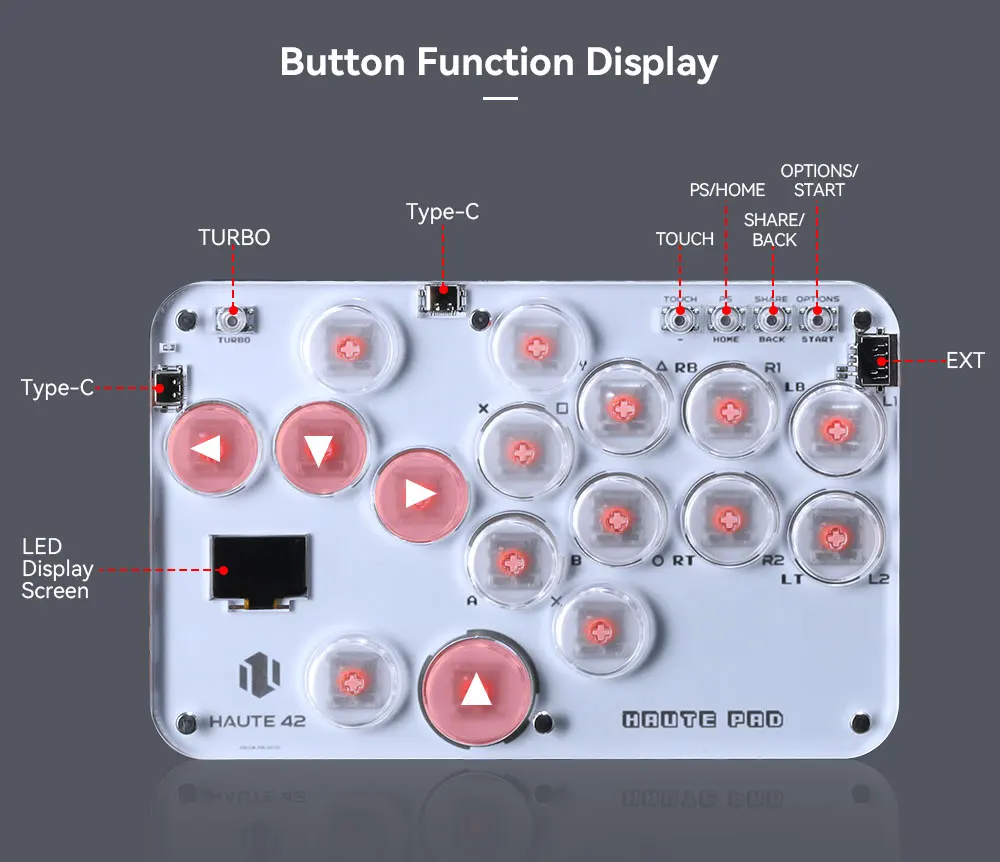
Link method: USB Type-C
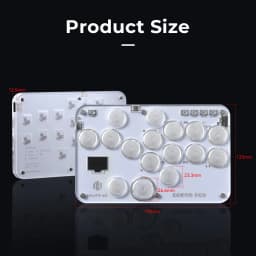
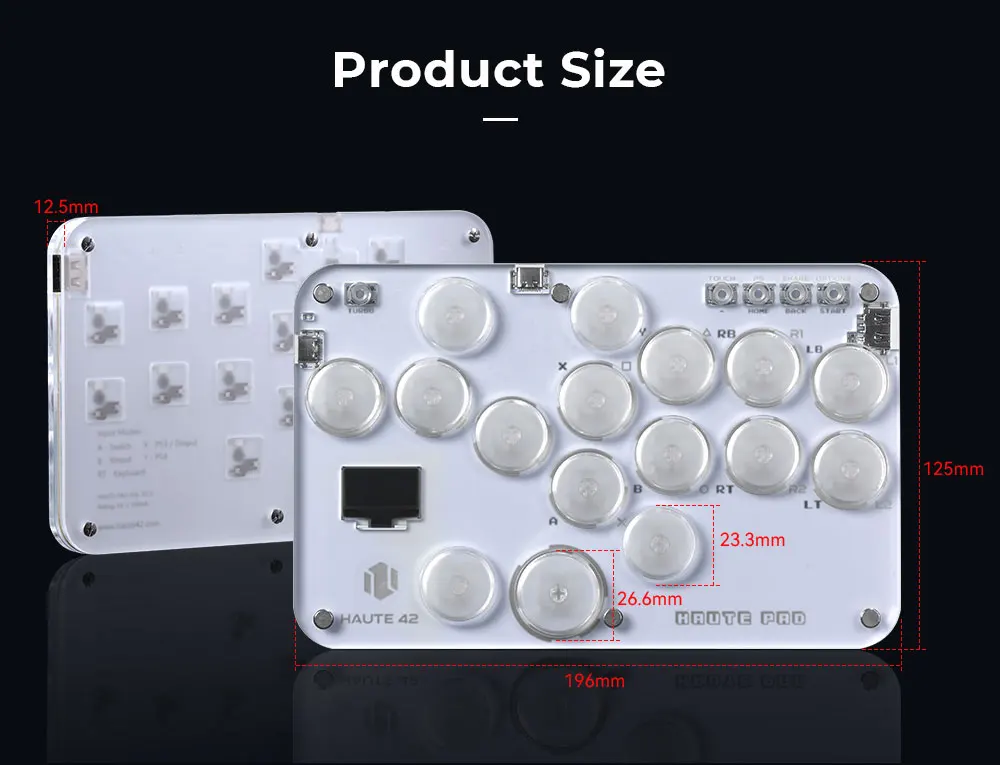
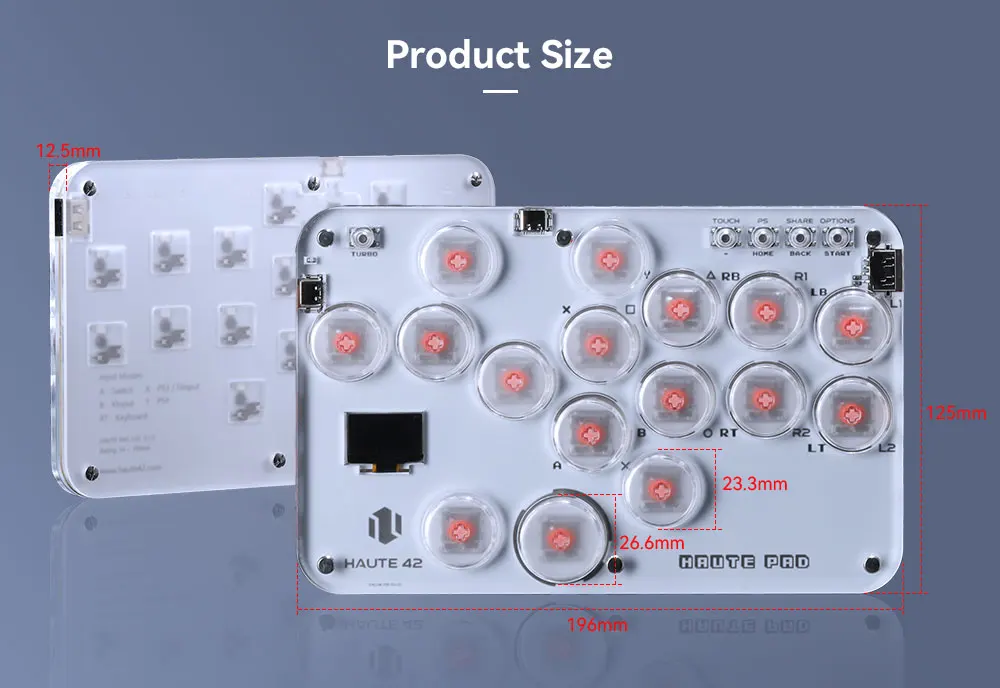
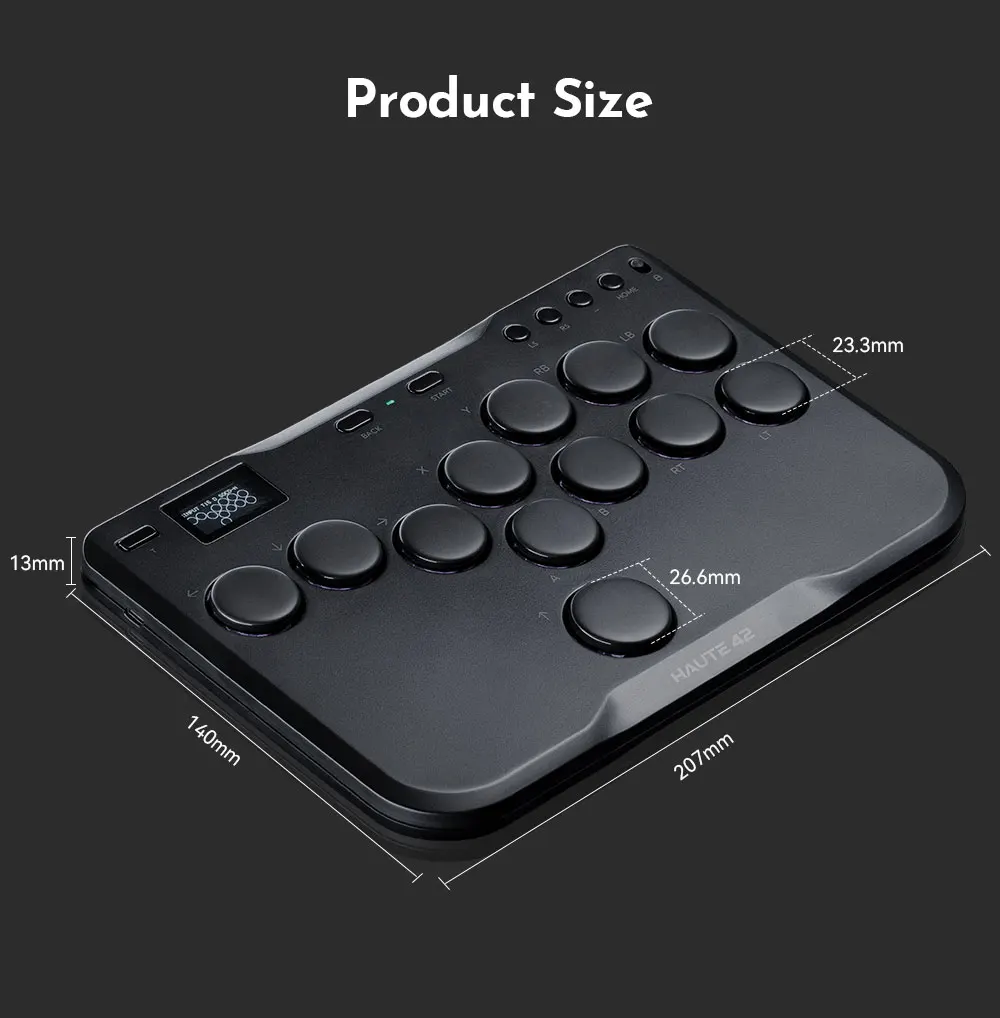
Product size: 196mm * 125mm * 12.5mm
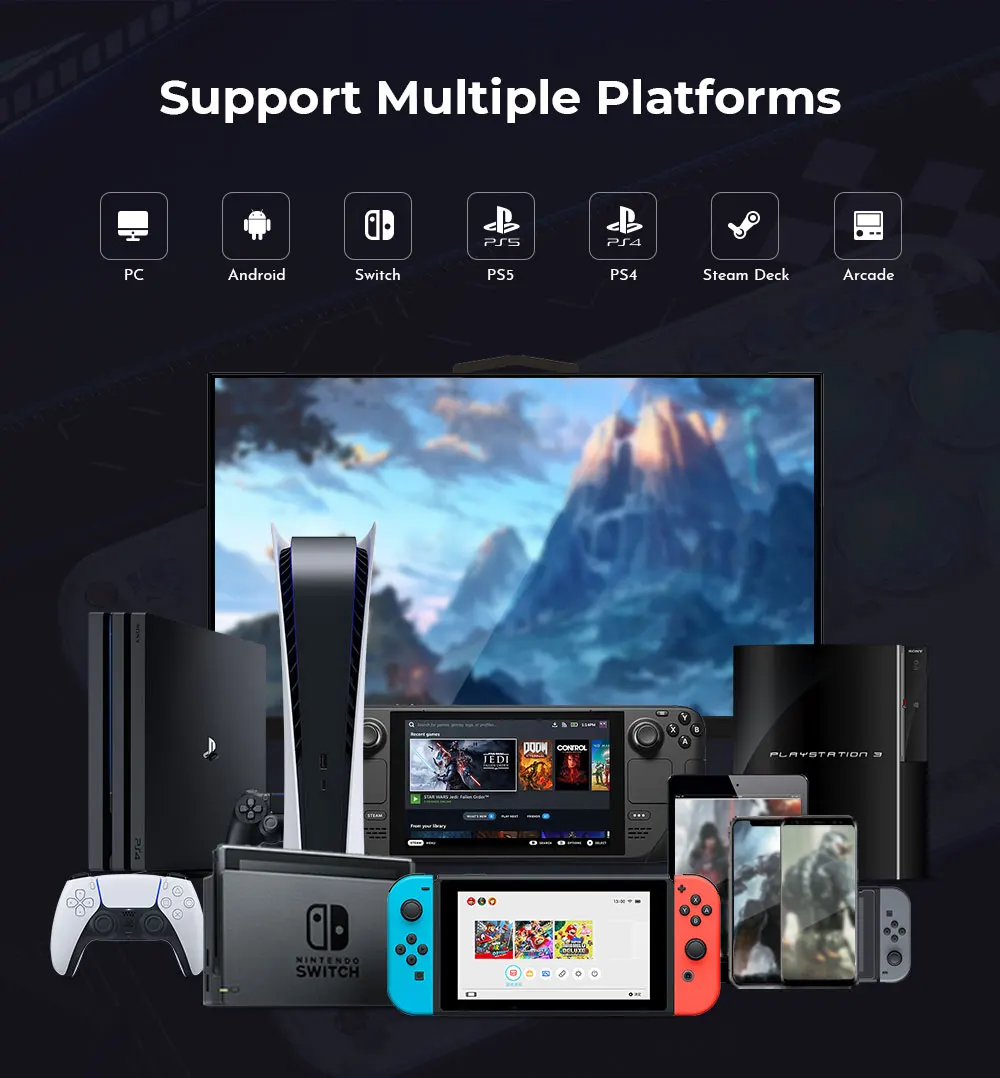
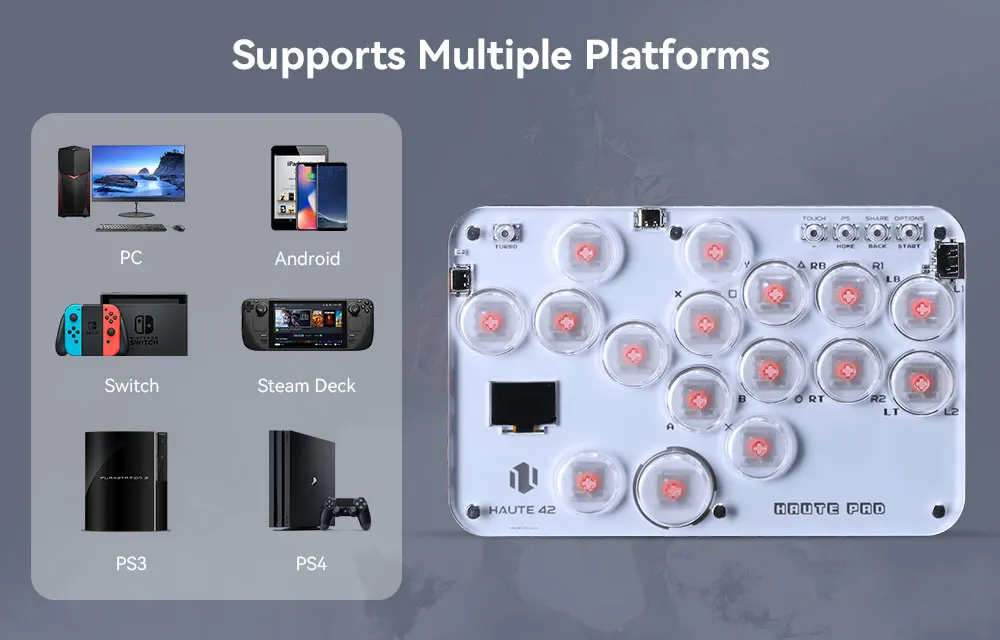
Supported Platforms : pc /ps3/ps4/switch/ Android/Steam
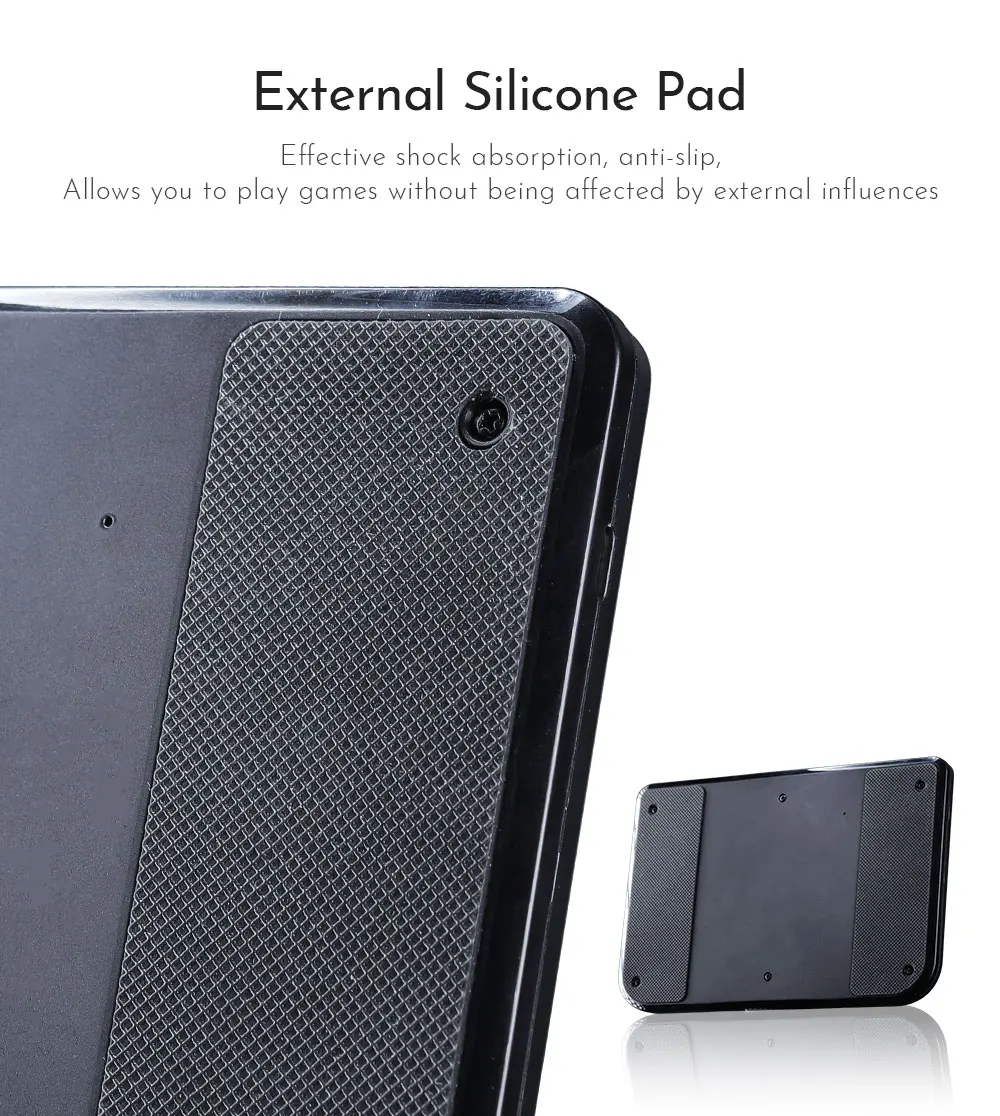
Product Specifications:1Mini Keyboard,1Data Cable Type-C,1Keycap Puller,6 anti slip pads
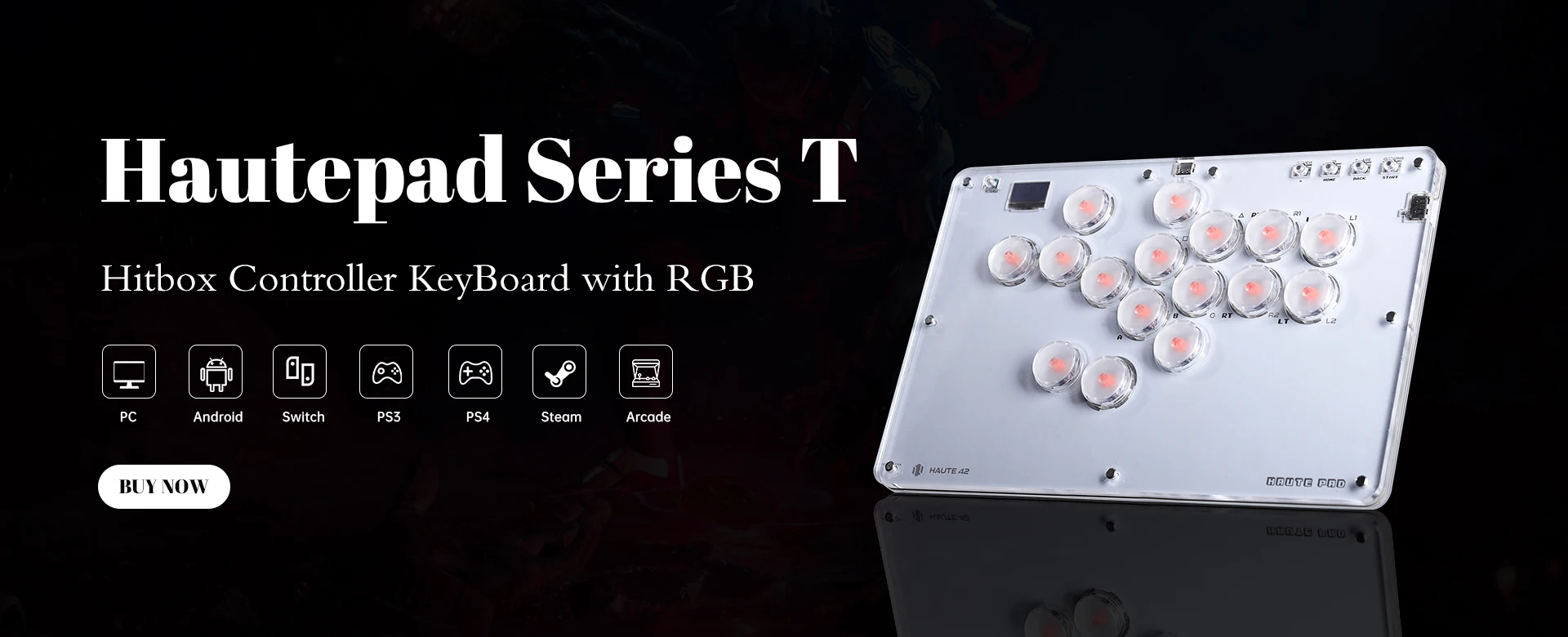
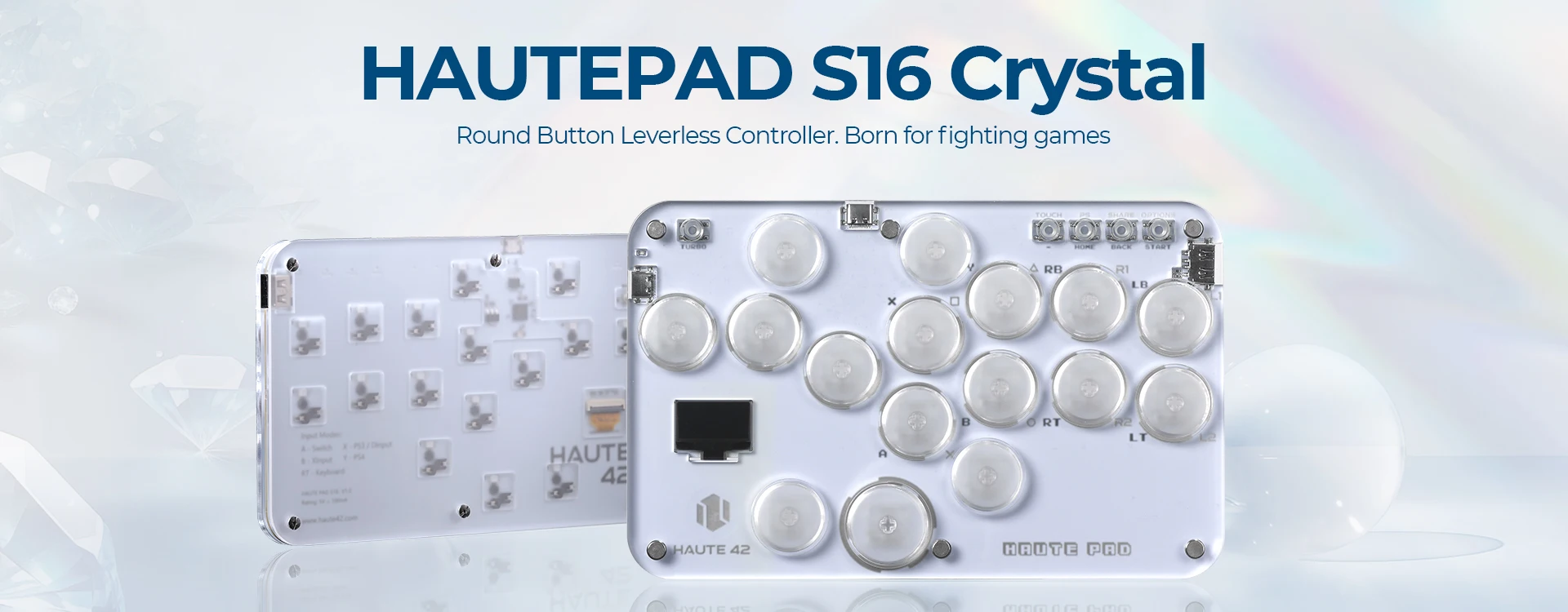
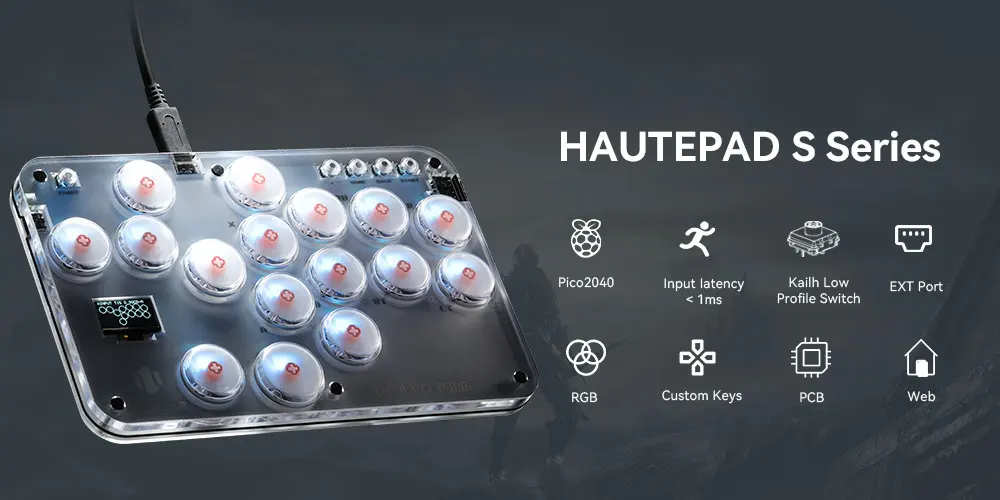
HautePad S16-C
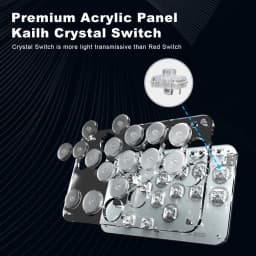
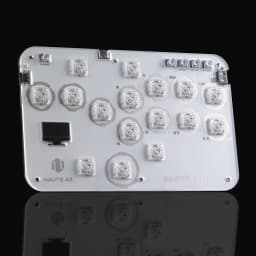
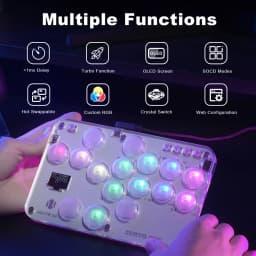
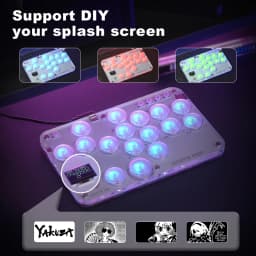
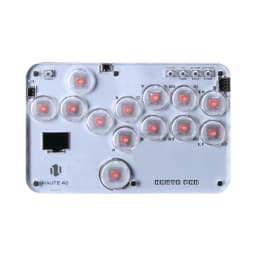
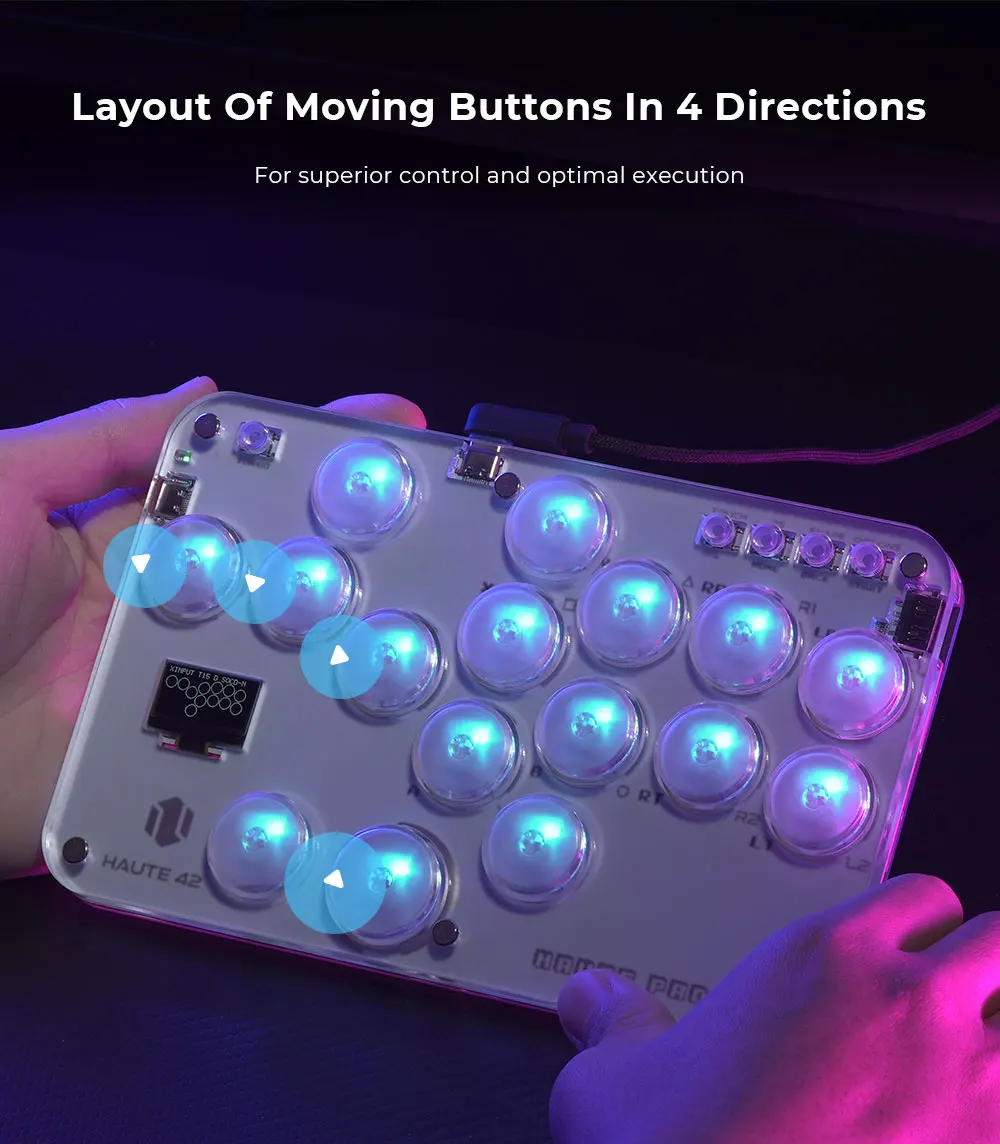
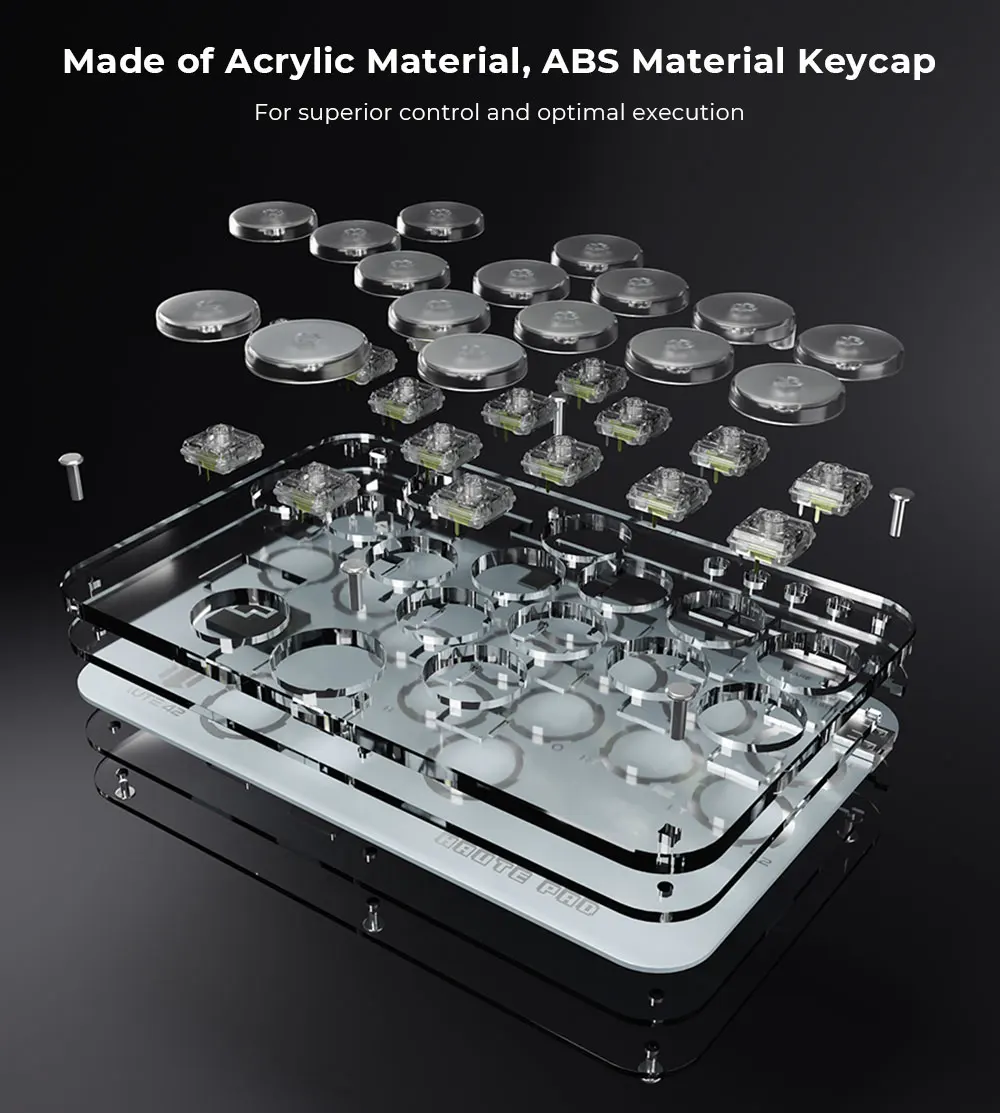
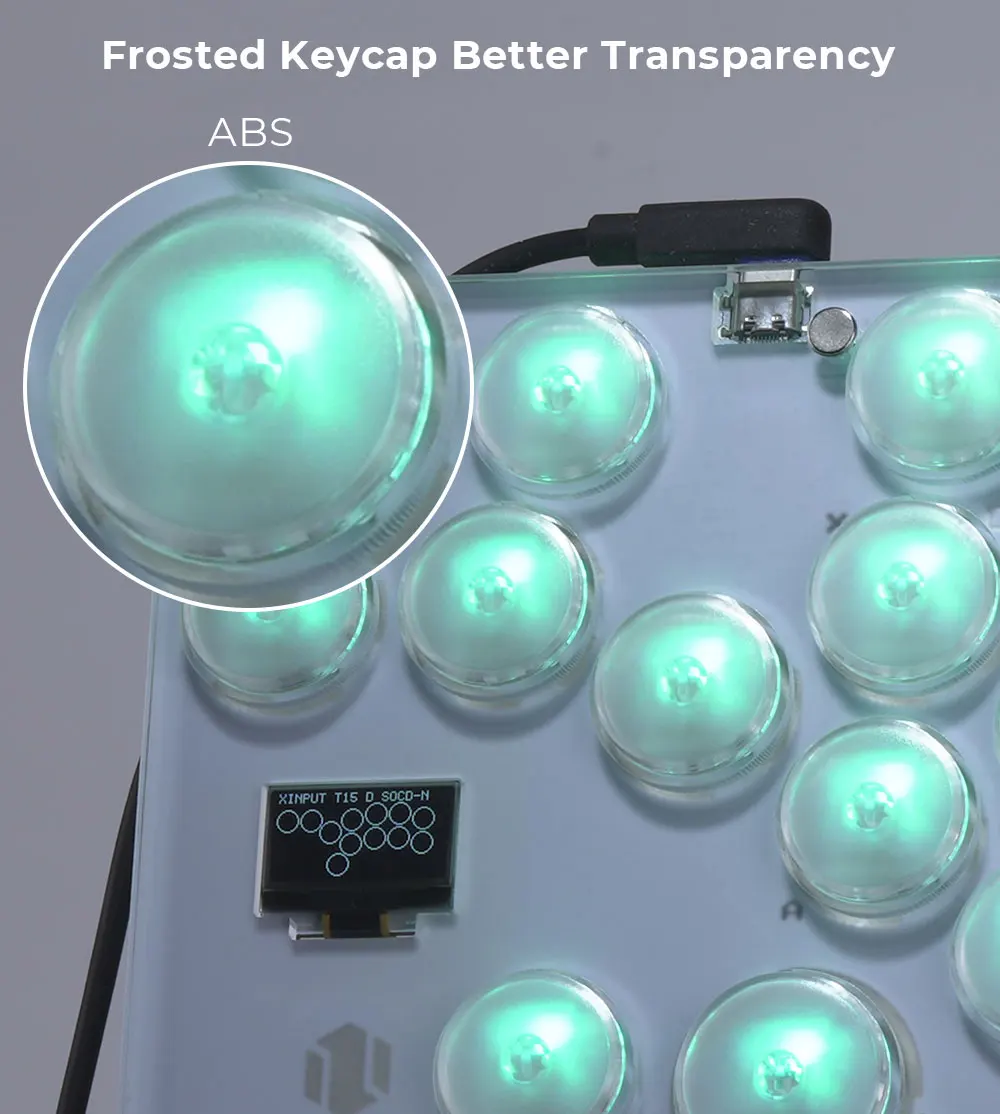
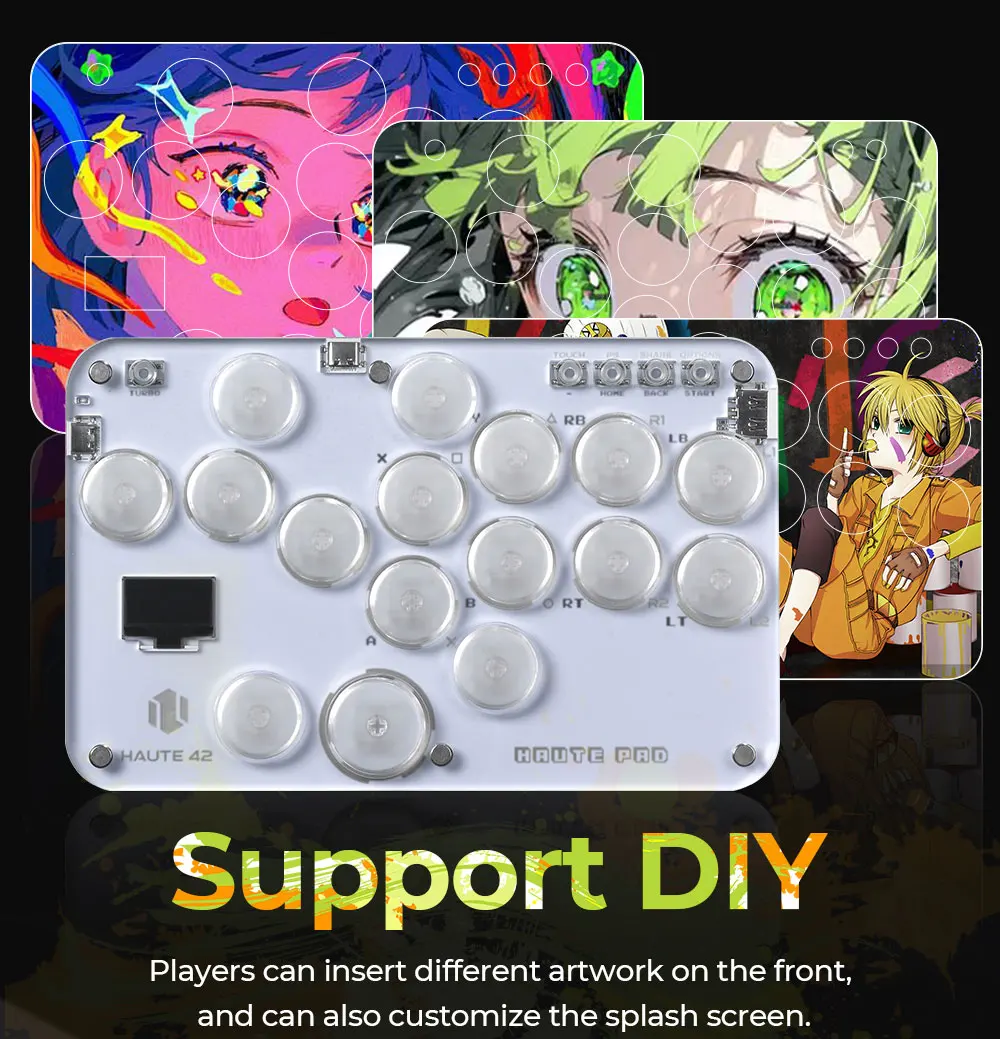
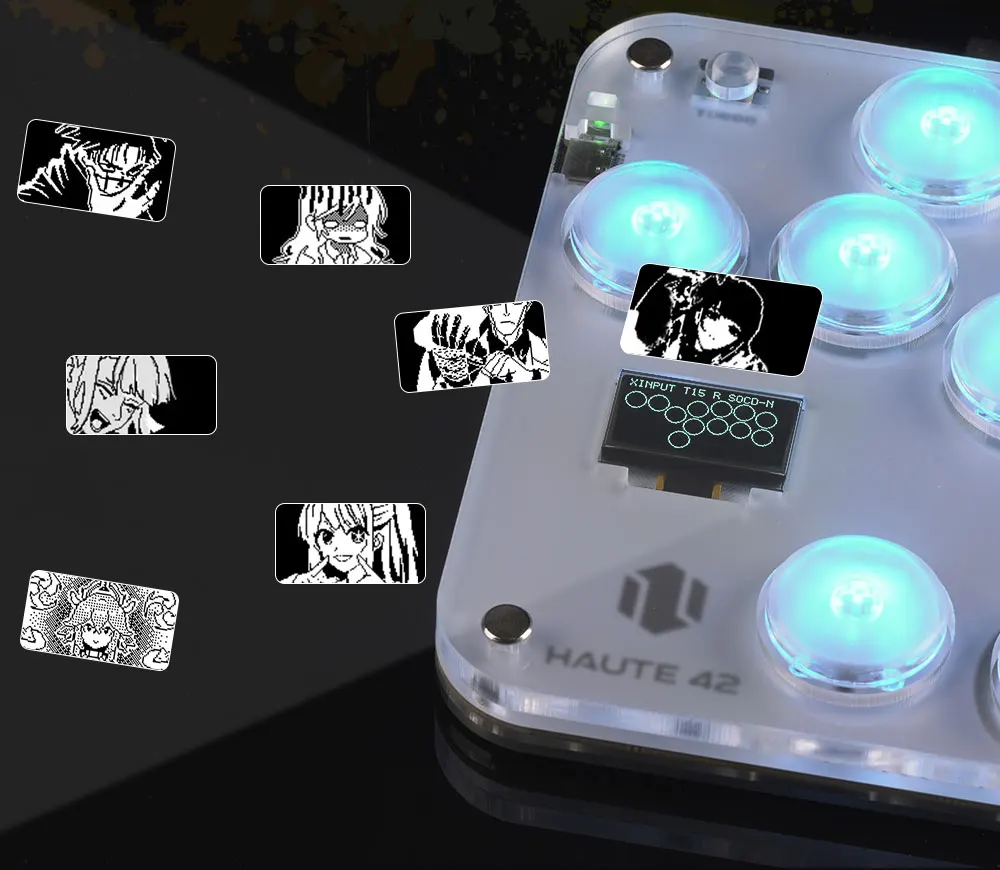
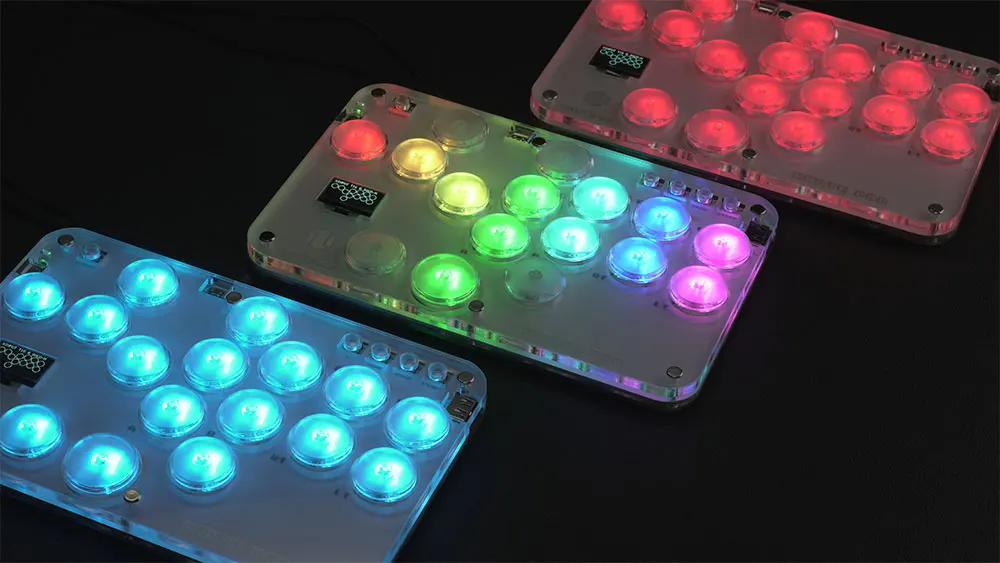
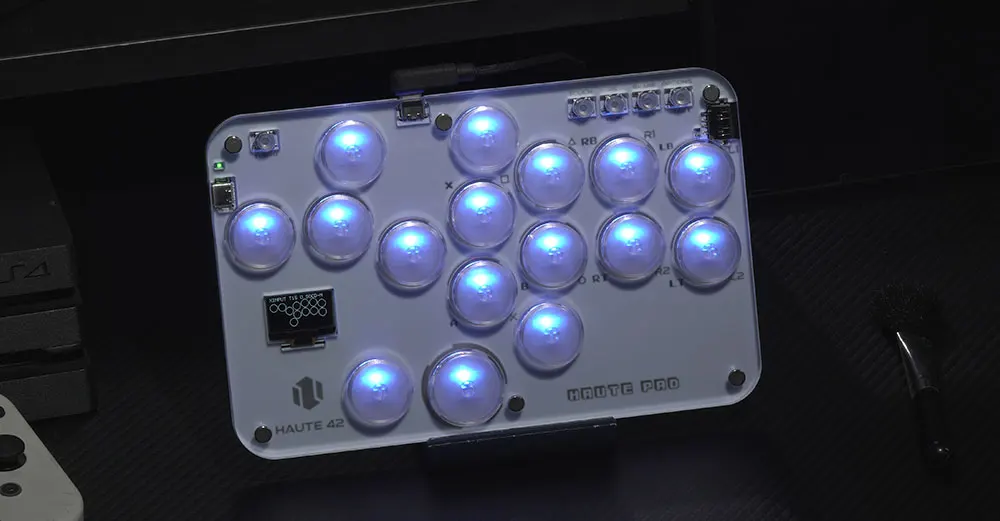
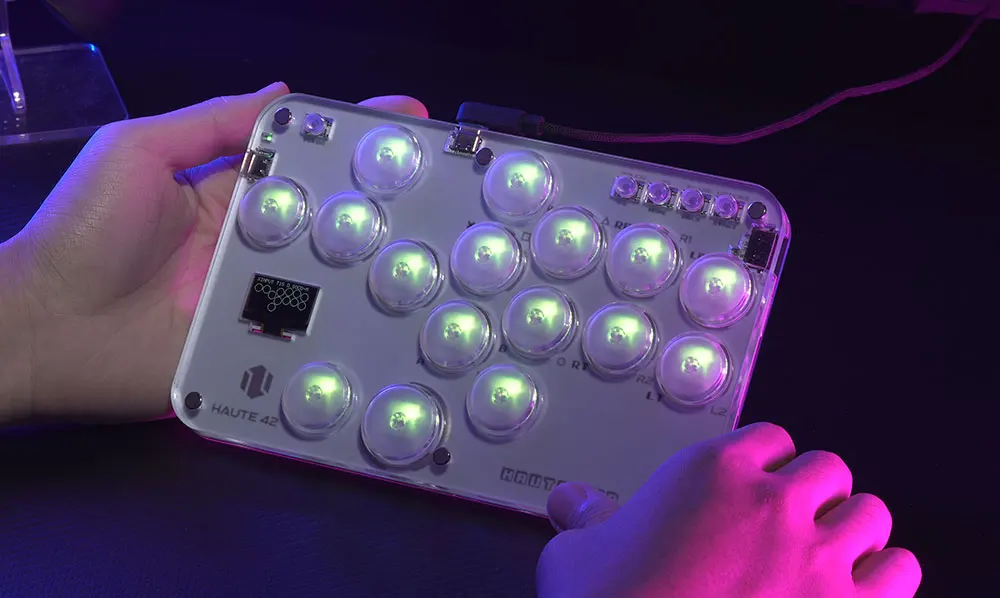
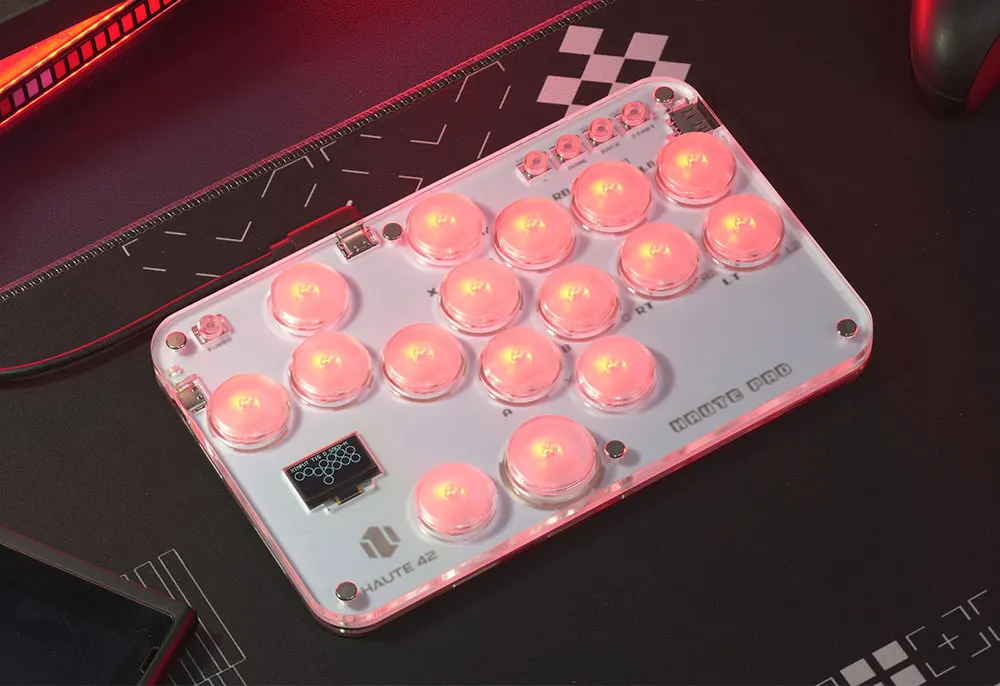
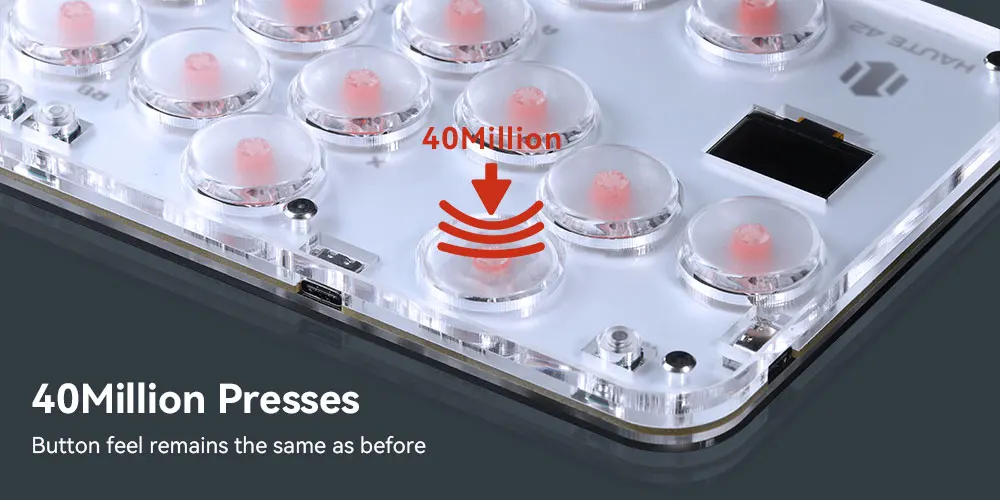
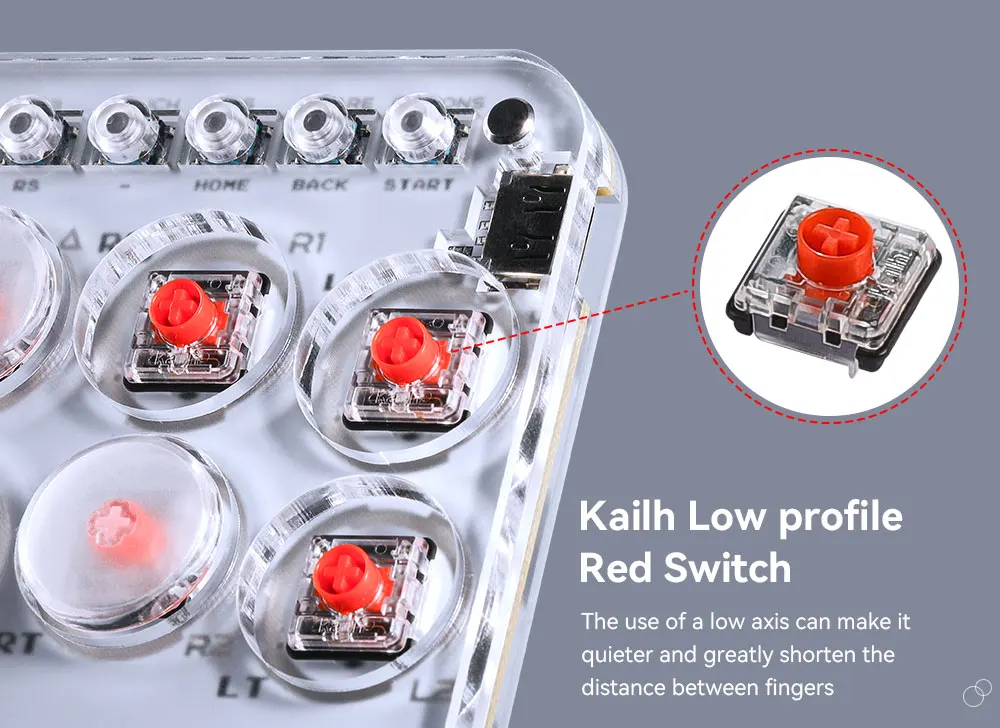
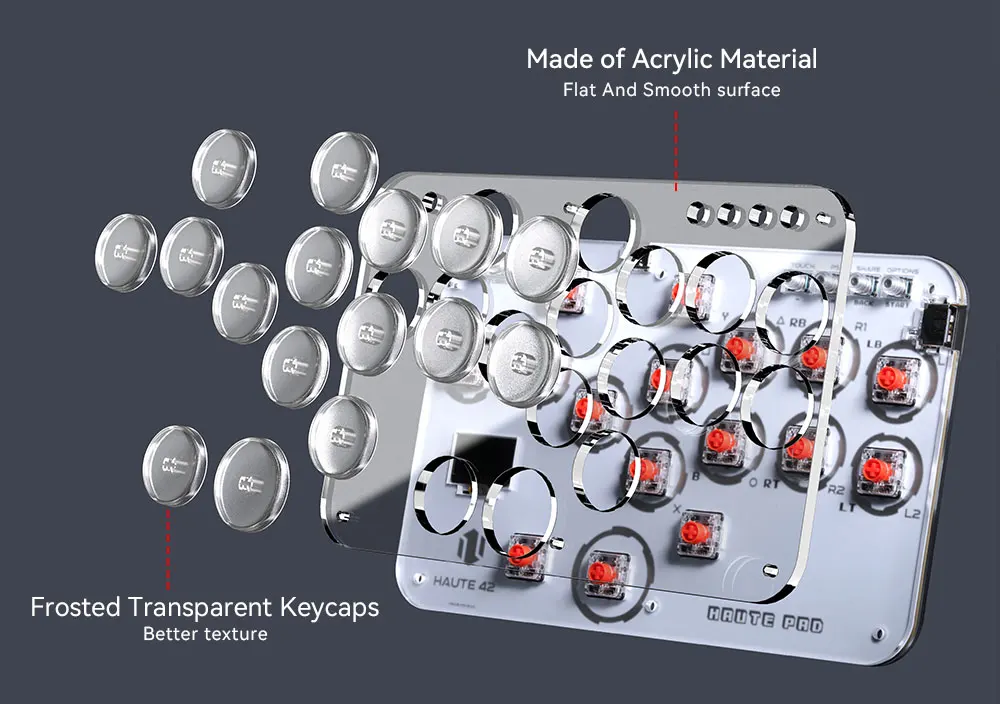
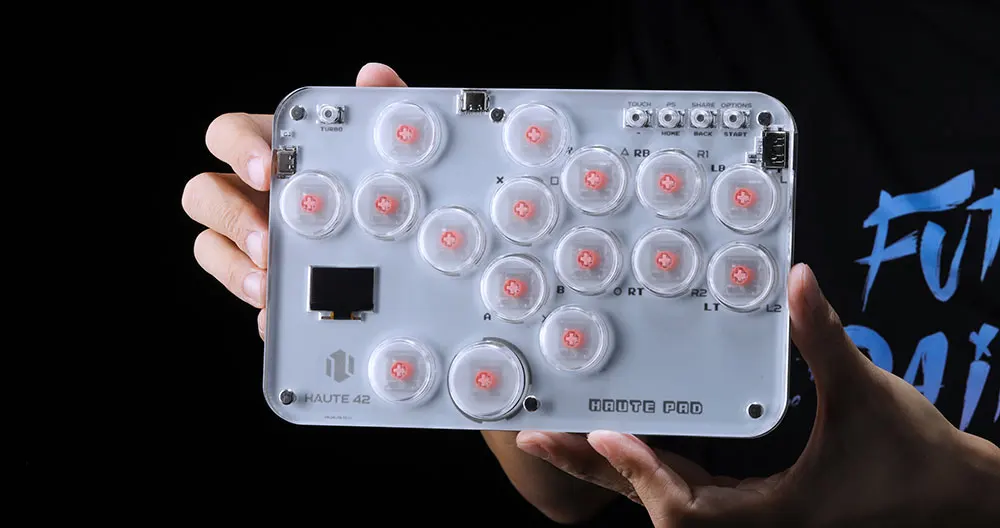
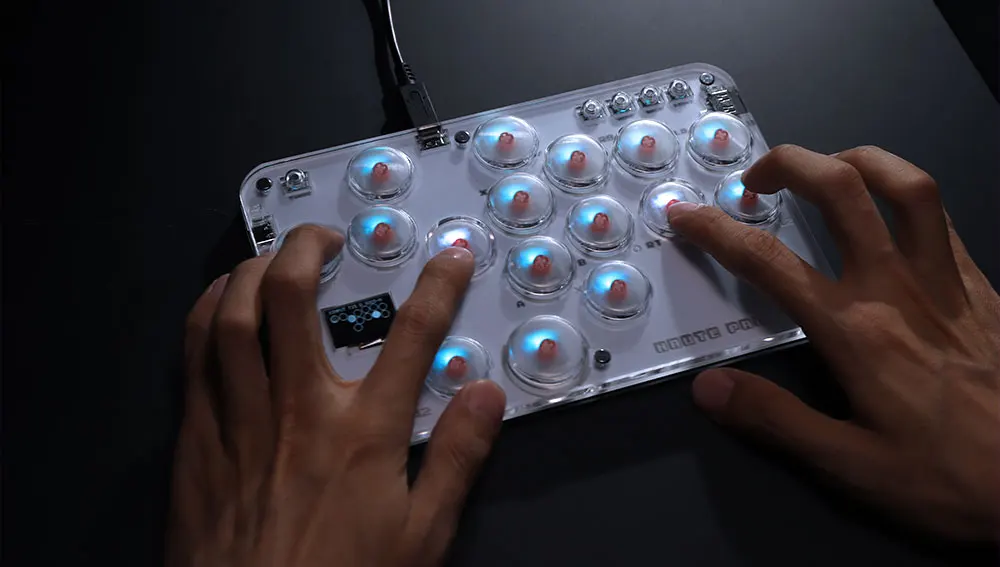
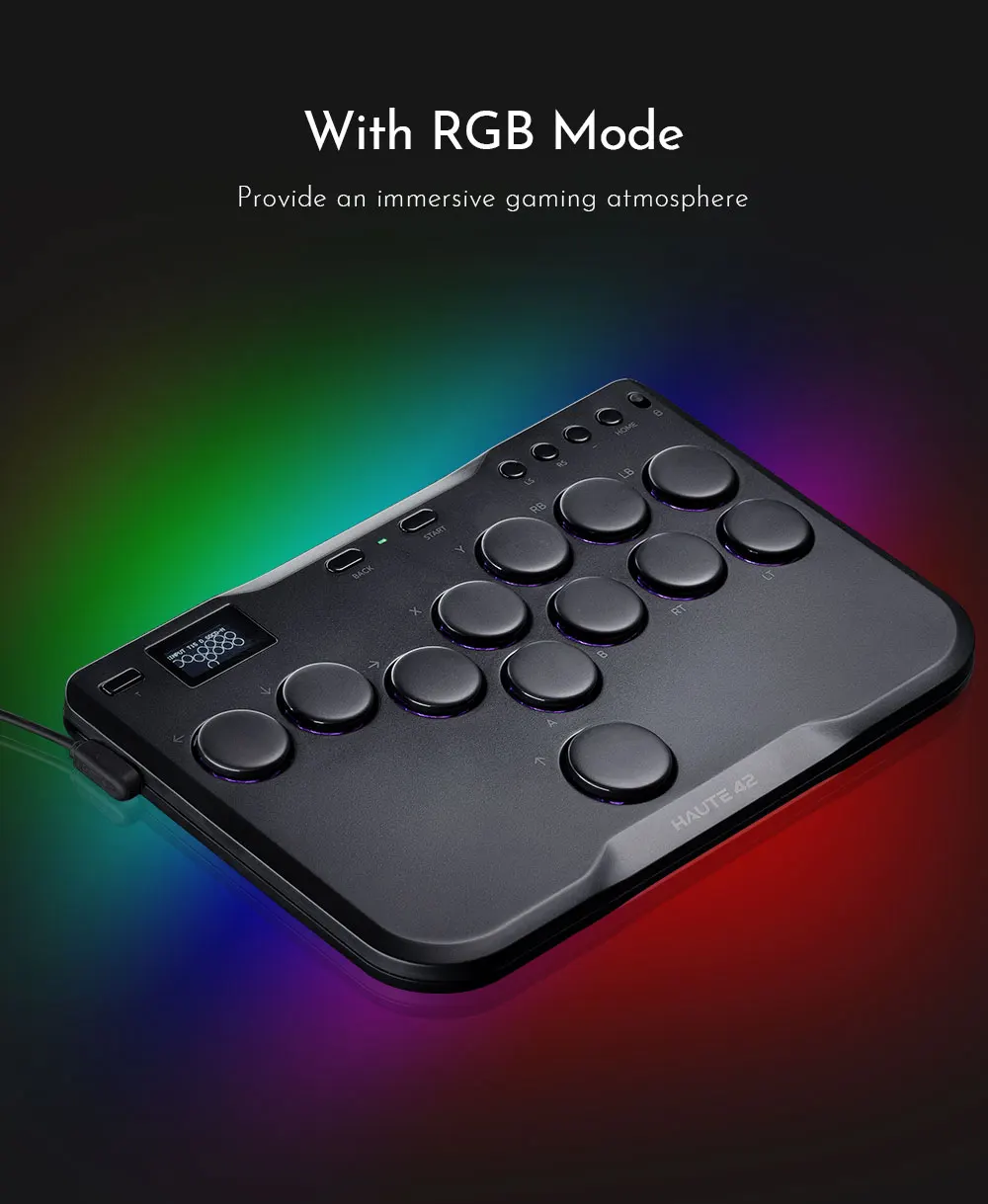
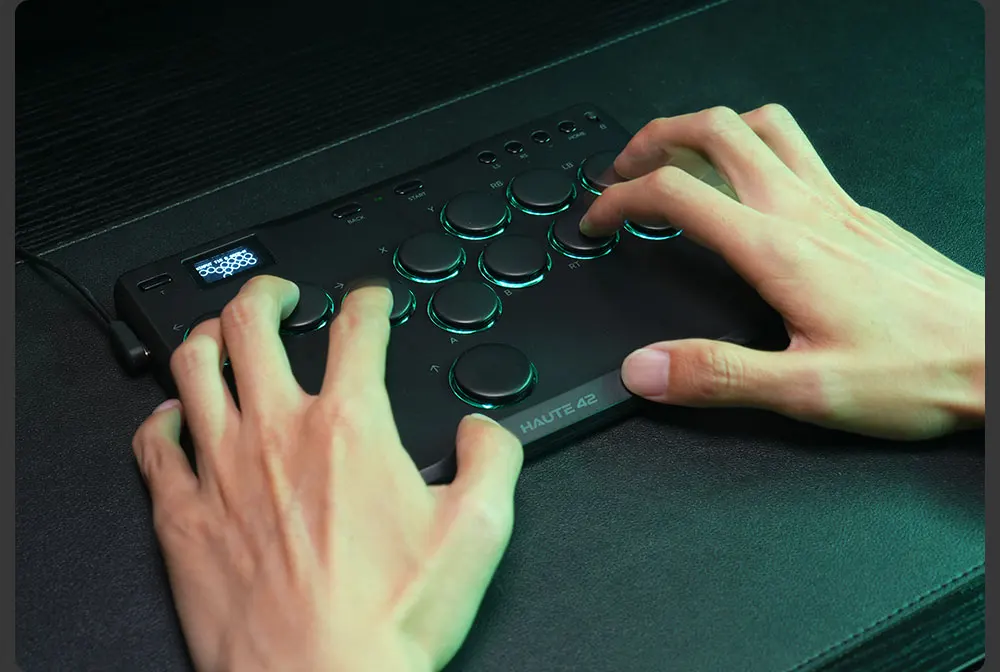
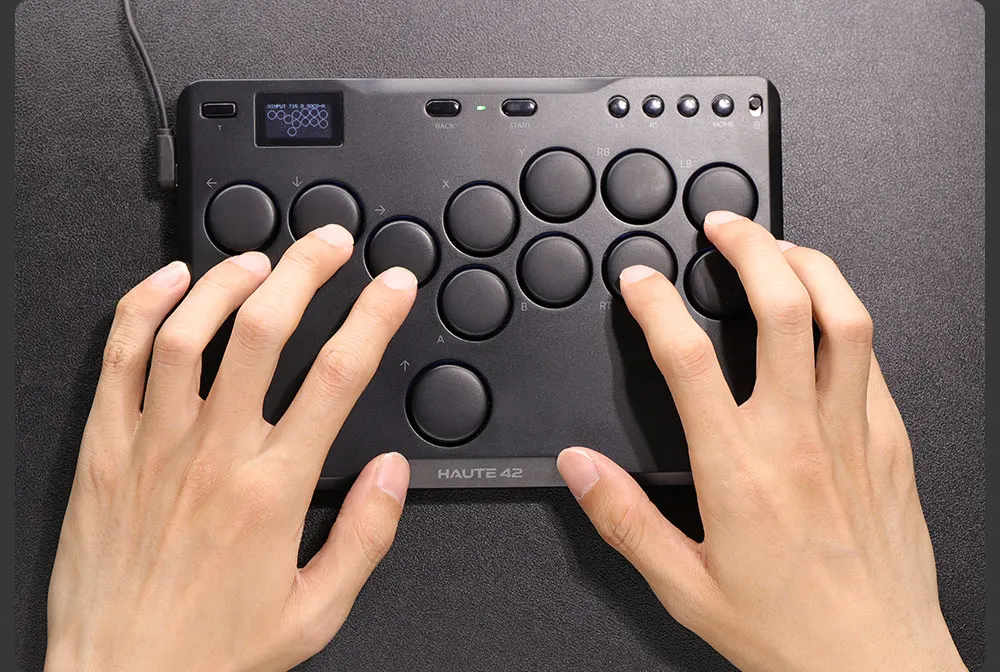
This is a transparent acrylic material with RGB lighting effect, an mini hitbox style arcade keyboard with 16 buttons, providing a comfortable feeling and allowing you to enjoy fighting games. Buyers can create their own hitbox skins to make the controller look cooler and more personalized
01 Compatibility
B — Xinput mode (Windows/Steam)
A — SWITCH mode
X — PS3 / Dinput mode (Raspberry Pi / Android)
Y — PS4 mode (Compatible with PS4 games on PS5 console)
RT — KEYBOARD mode
Input Mode
To change the input mode, hold one of the buttons(as shown above) as the controller is plugged in.
Tips:
This product defaults to Xinput mode,Input mode is saved across power cycles.
If there are games that do not compatible the above input modes , you can enter the Web Configurator to modify them for normal use.
PS4 /PS5 Mode
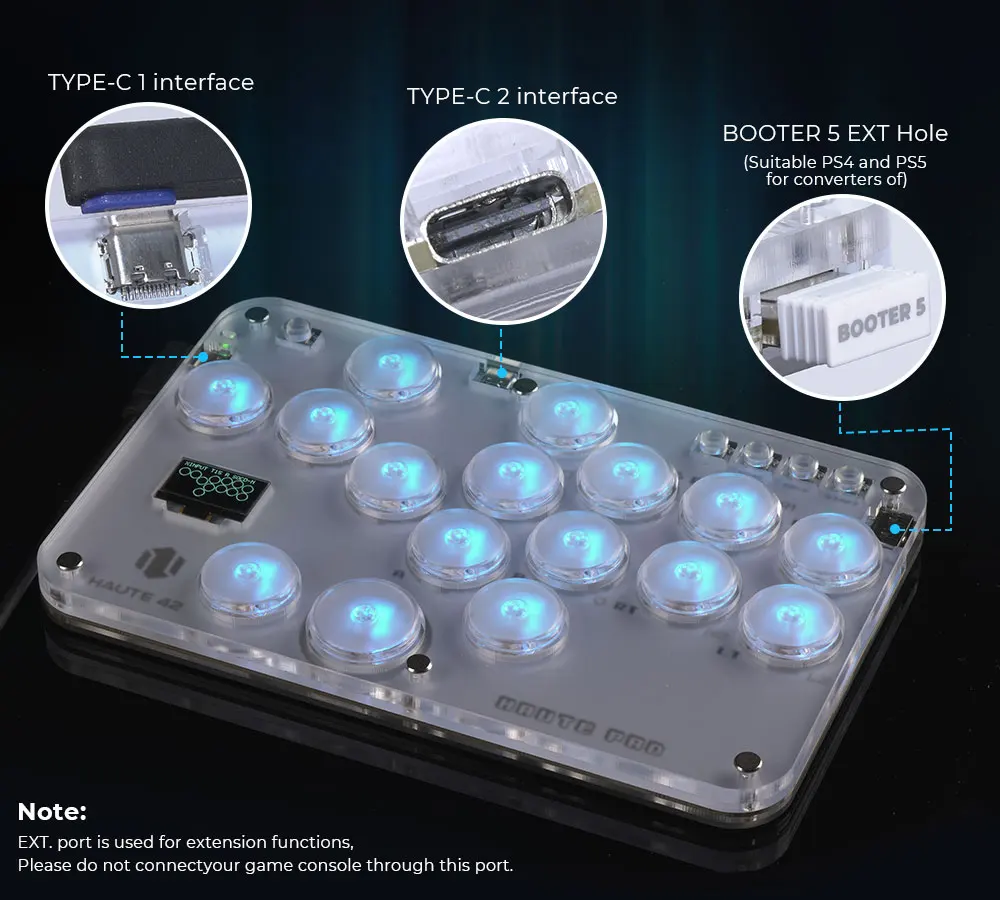
About PS4 8 minute disconnection,there are two ways, one is insert a dongle or a officially authorized PS4 wired controller to the EXT.port,We don't have a recommend one,there are too many choices,maybe you can discuss with other nice players in haute42 group,Oficial Website:haute42-cosmox.com
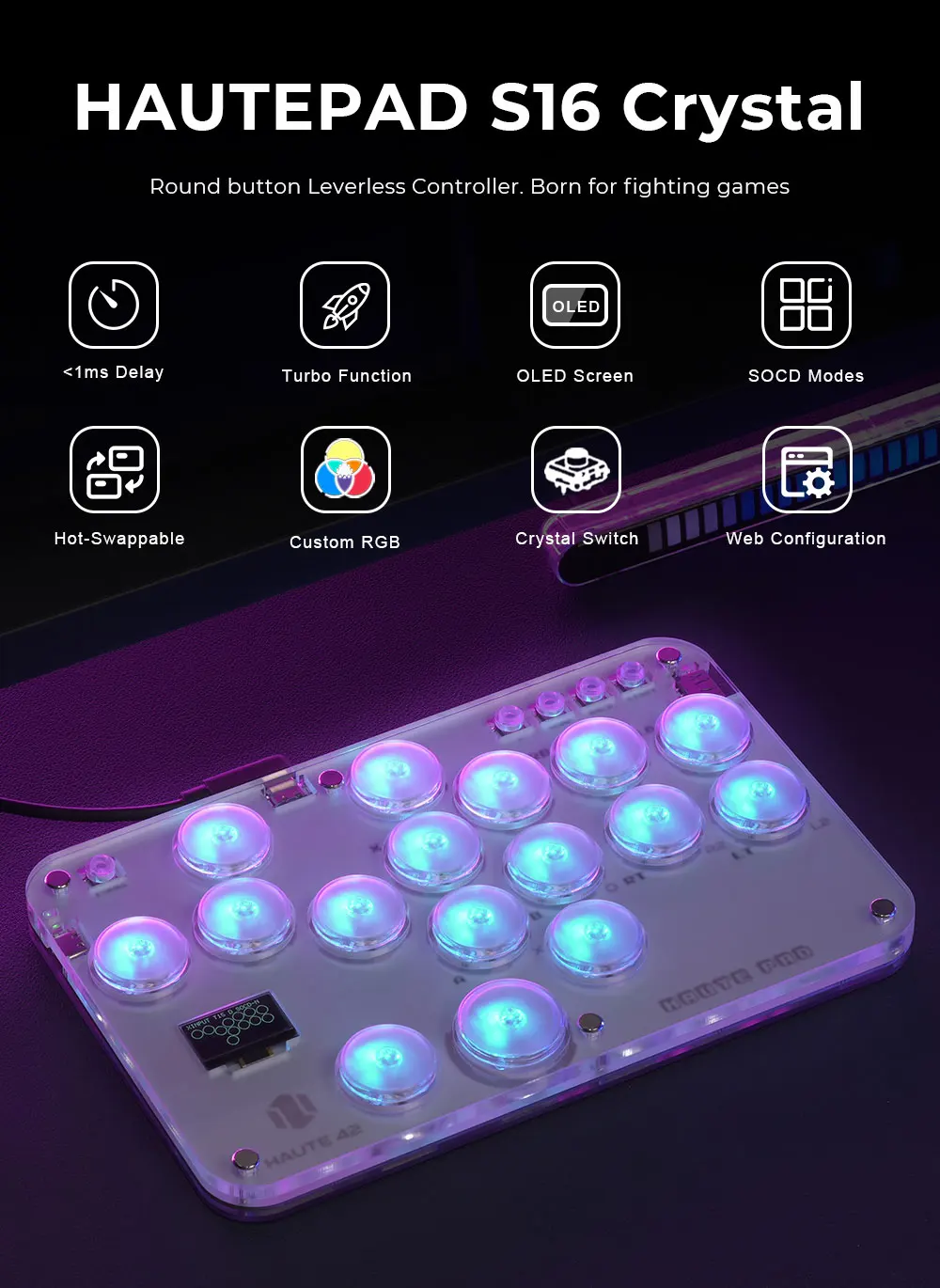
SOCD Modes
Simultaneous Opposite Cardinal Direction (SOCD) cleaning will ensure
the controller obeys certain directional input rules when sending inputs
to the computer/console. Users can choose 1 of the 3 SOCD Modes
while the controller is in use by pressing one of the following button
default combinations:
● HOME + START + UP = Up Priority mode
Up + Down = Up, Left + Right = Neutral (Standard stickless behavior).
● HOME + START + DOWN = Neutral mode
Up + Down = Neutral, Left + Right = Neutral
● HOME + START +LEFT =Last Input Priority (Last Win)
Hold Up then hold Down = Down, then release and re-press Up = Up.
Applies to both axes.
The selected SOCD mode is saved across power cycles
Invert D-Pad Y-axis
A toggle is available to invert the Y-axis input of the D-pad, allowing
some additional input flexibility. The default hotkey to toggle is to press
● HOME + START + RIGHT = Y-axis inersion
This is a temporary hotkey mapping for this feature, so keep an eye on
updated releases for this to change.
Web Configurator
This product contains a built-in web-based configuration application which can be started up by holding START when plugging your controller into a PC. Then access http://192.168.7.1 in a web browser to begin configuration.
TURBO
Hold TURBO,then press the button which you need to be set for turbo function,then this button will be continuous sending while you press it,to cancel this turbo key,just repeat the privious step.
The turbo key that set will be cleard when power off.
These keys can be set as a Turbo key: A / B / X / Y / LB / RB / LT / RT
04 RGB LED Setting
●BACK + START + X Next Animation
●BACK + START + A Previous Animation
●BACK + START + Y Brightness Up
●BACK + START + B Brightness Down
●BACK + START + RB LED Parameter Up
●BACK + START + RT LED Parameter Down
●BACK + START + LB Pressed Parameter Up
●BACK + START + LT Pressed Parameter Down


Customer Reviews
No reviews yet
Haute42 Arcade Joystick Hitbox Leverless Controller Fight Sticks For PC / Ps4 /Switch Mini Hitbox Fighting Game Arcade Stick
86.51$
39.18$
Quantity:
1
Availability:
Color