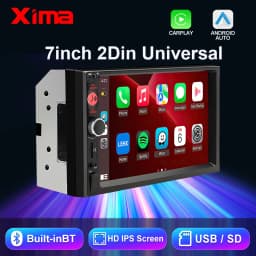
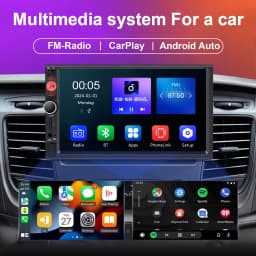
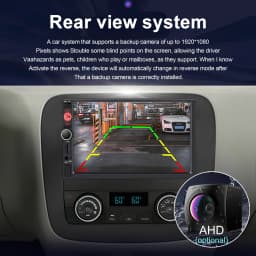
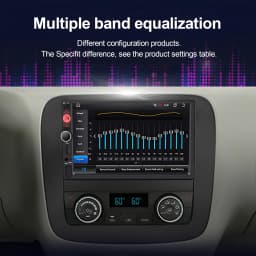
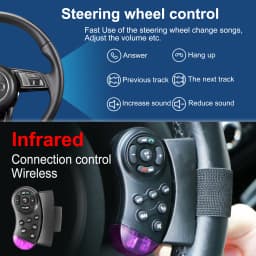
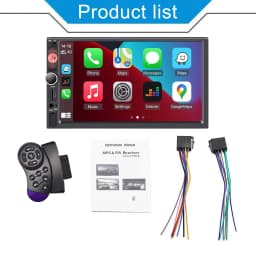
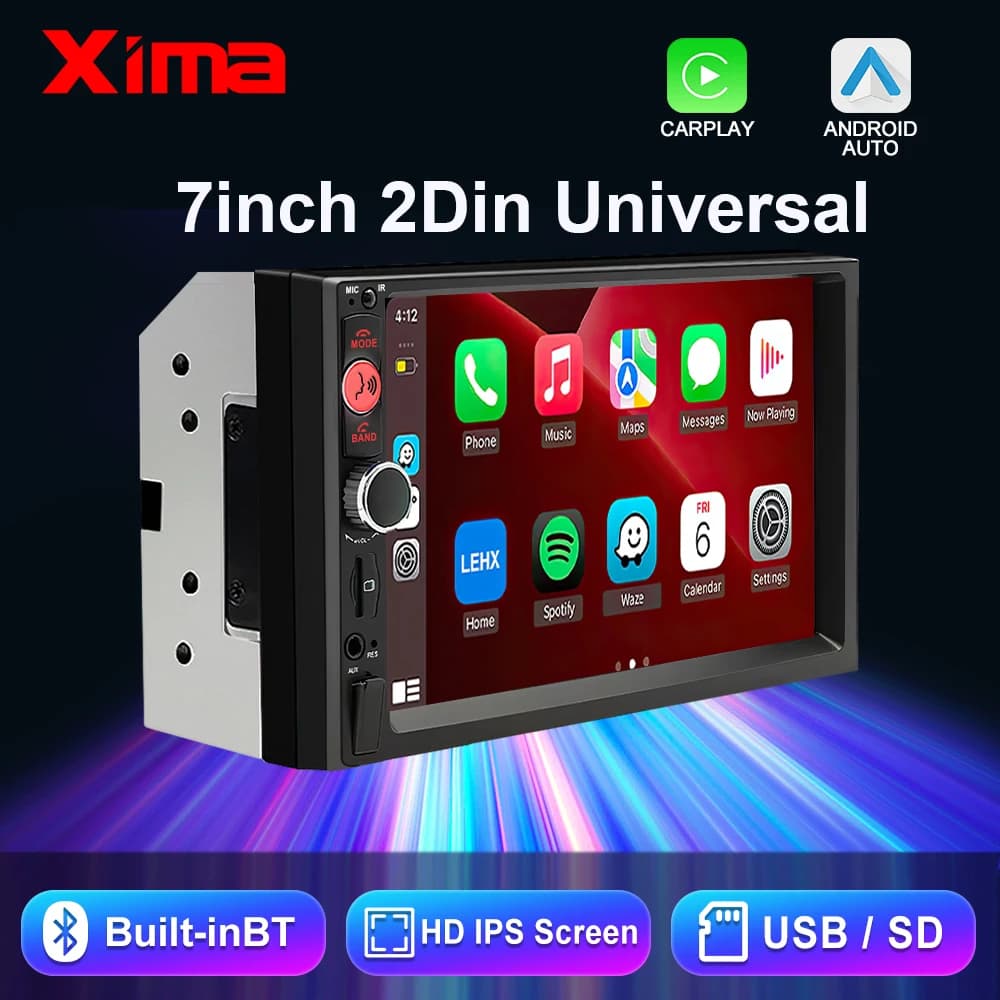
XIMA 2Din 7" IPS Universal Wireless CarPlay Android Auto Car Radio Stereo Multimedia Autoaudio FM Receiver Mirror Link Monitor
Quantity:
1
Availability:
Not AvailableCard Payments
Crypto Payments
Easy return
Reliable Shipping
Q: Why can't the device power on, has a blank screen, or can't be turned off?
A: Please check if the main unit's power cord is connected correctly. The correct wiring is as follows: Yellow wire (B+) connects to 12V constant power; red wire (ACC) connects to the vehicle's ignition circuit. Identify the ignition wire: This wire carries 12V when the engine is running; this wire is 0V when the engine is off. Black wire connects to the negative terminal. Check if the fuse at the vehicle's power supply or the device's power interface is blown.
Q: The speaker has no sound?
A: Check if the device's speaker wiring is correct. When connecting the vehicle's original speakers, please strictly follow the interface instructions on the manual or vehicle label. Otherwise, you may damage the amplifier's power chip.
Q: Why can't it remember previously set radio stations or songs?
A: Check if the red and yellow wires are reversed. Ensure that the yellow wire (B+) is always connected to the vehicle's original power cord.
Customer Reviews
No reviews yet
XIMA 2Din 7" IPS Universal Wireless CarPlay Android Auto Car Radio Stereo Multimedia Autoaudio FM Receiver Mirror Link Monitor
Quantity:
1
Availability:
Not Available