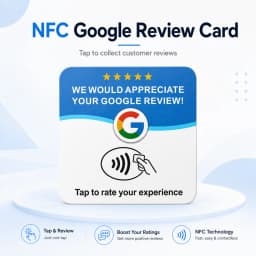

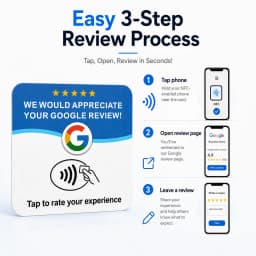
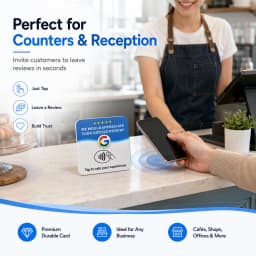


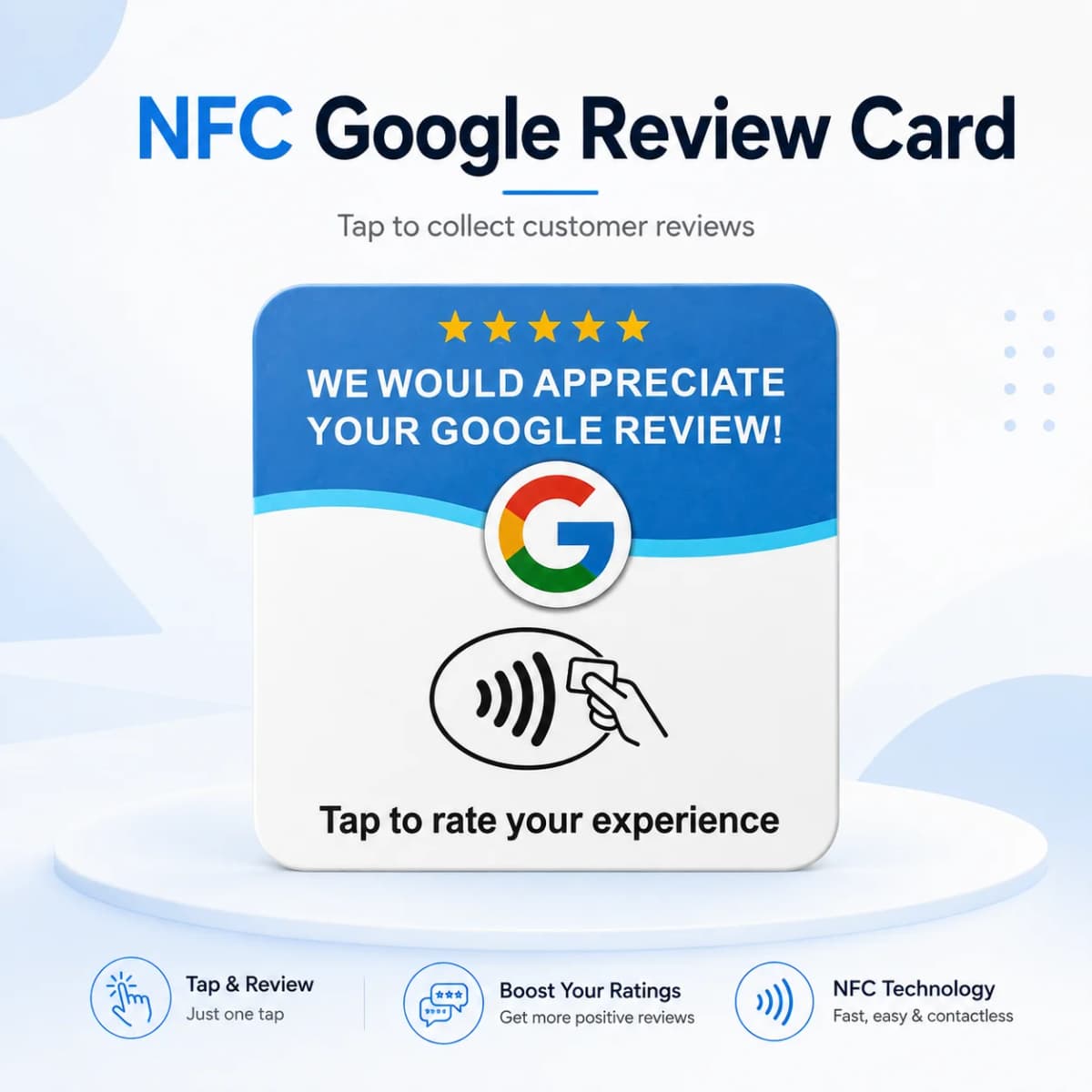
Programmable NTAG215 NFC Card 13.56MHz Square Round Adhesive PVC Desktop NFC Tag for Google Menu Tap‑to‑Access
6.14$
1.31$
Quantity:
1
Availability:
Color
Card Payments
Crypto Payments
Easy return
Reliable Shipping
1. Download the "NFC Tools" application from the Apple App Store or Google Play Store.
Apple App Store: https://apps.apple.com/us/app/nfc-tools/id1252962749
Google Play Store: https://play.google.com/store/apps/details? id=com.wakdev.wdnfc&hl=en_US&gl=US
2. After entering the application, click "write", then select "Add a record".
3. Select "URL/URI" to enter the settings interface. Enter the link of the webpage you want to set and then click the "OK" button on the top right corner.
4. Click on "writer /** bytes" (The ** symbol represents the number of bytes. Please note that this product uses the NTAG215 chip, and it only has 504 bytes.) 。
5. Place the card in the NFC sensing area of your mobile phone. The prompt "Write successful" indicates that your settings have been completed.
Chip:NFC215
Frequency:13.56MHz
Protocol:14443A
Memory:504byte
Material:PVC
Water-proof
Acid-proof
Alkali-proof
Operating temperature: -40'C to +85'C
Customer Reviews
No reviews yet
Programmable NTAG215 NFC Card 13.56MHz Square Round Adhesive PVC Desktop NFC Tag for Google Menu Tap‑to‑Access
6.14$
1.31$
Quantity:
1
Availability:
Color