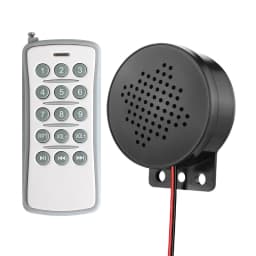
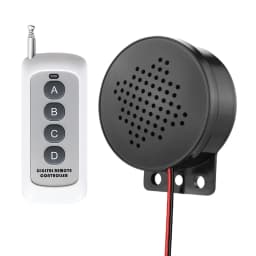
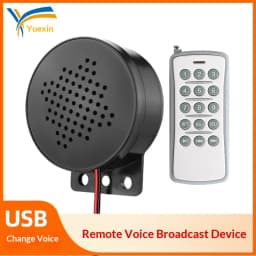
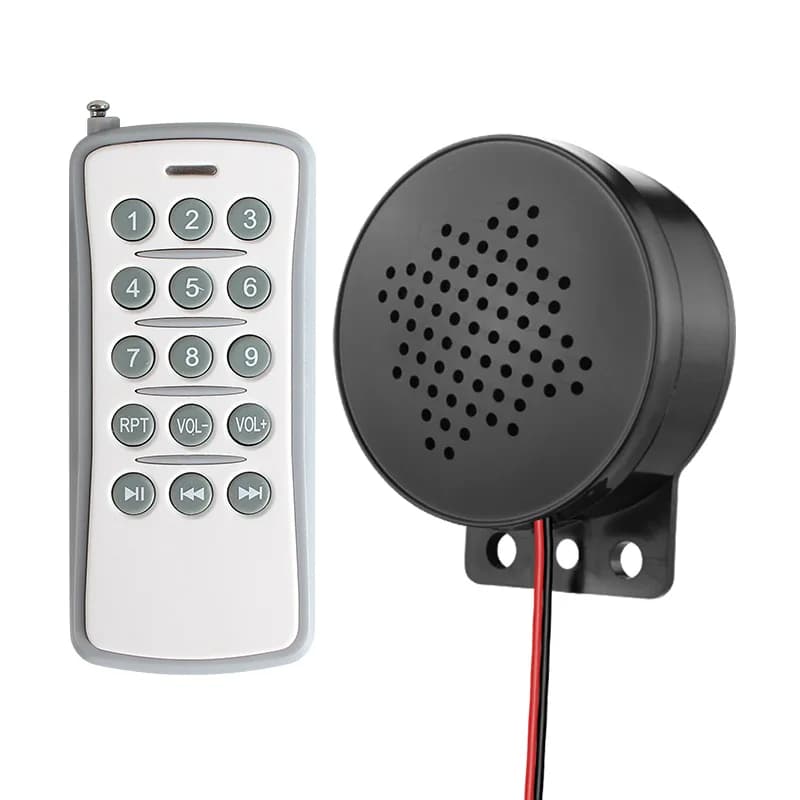
Wireless Remote Voice Announcer Outdoor Weatherproof Alarm Speaker USB Access Control Escalator Elevator Safety Reminder YX60
43.23$
25.07$
Quantity:
1
Availability:
Color
Ships From
Card Payments
Crypto Payments
Easy return
Reliable Shipping
Please note: The language played by the device depends on the audio file downloaded to it. For example, if the audio file is in English, the device will play English; if the audio file is in Korean, the device will play Korean.
Specifications
Power: DC6–30V wide voltage
Audio: MP3 (16–192Kbps), 8Ω/2W, up to 90dB
Storage: 4M flash memory for multiple voice clips
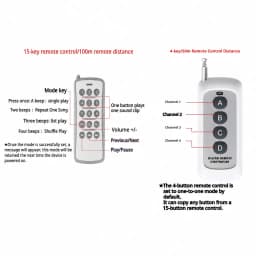
Control: optional 4/15‑key remote (≈100m range)
Interface: Connect to a computer via USB
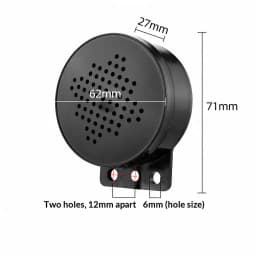
Dimensions: 61×30mm; Temp: -20℃~+60℃
Mounting: Screw or adhesive; indoor/outdoor use
Key Features
Remote Playback: One‑touch track select, play/pause, volume ±, loop/single play
Custom Voice: USB direct copy MP3, multi‑language support (CN/EN), free factory customization
Multi‑channel Trigger: Each channel links to one voice clip; trigger‑to‑play for sensors/switches
Volume Adjustment: Potentiometer for noise adaptation
Durable: Industrial chipset, 24 continuous operation
Applications
Construction: “Caution! Wear safety helmet”
Elevator: “Watch your step”
Door entry: “Welcome” / “Thank you”
Equipment: “High voltage! No entry”
Traffic: “Fasten seatbelt for safety”
A friendly reminder
Upon receiving our product, users are advised to carry out a simple functional test in accordance with the instructions. This will help avoid the hassle of disassembly and reassembly later on, and facilitate troubleshooting should any issues arise in the future.
Step 1: Upon receiving our product, there is no need to rush to change the voice prompt. First, connect the product to a power source (DC, within the 12–24V voltage range). Once powered on, under normal circumstances, the indicator light will illuminate and a voice prompt will be heard. For approximately 5 seconds after start-up, the indicator light will flash rapidly, indicating that the device is in pairing mode;
Step 2: Whilst the device is powered on, briefly press any number key on the remote control (e.g. ‘1’). The alarm will play a voice message and the indicator light will flash. Alternatively, short-circuit the GND and K1 terminals on the product’s control panel. Under normal circumstances, the indicator light will flash (indicating playback is in progress) and a voice message will be played, confirming that the product is functioning correctly;
Step 3: Once the previous functional tests have been successfully completed, disconnect the power supply and connect the device to a computer using the supplied USB cable. You will see the indicator light flashing, at which point you can change the voice messages via the computer (you may skip this step if you do not wish to change the voice messages).
Should you encounter any issues during the testing process, please contact our customer service team for technical guidance.Once testing is complete and all functions are working correctly, you may proceed with installation and use.
Customer Reviews
No reviews yet
Wireless Remote Voice Announcer Outdoor Weatherproof Alarm Speaker USB Access Control Escalator Elevator Safety Reminder YX60
43.23$
25.07$
Quantity:
1
Availability:
Color
Ships From