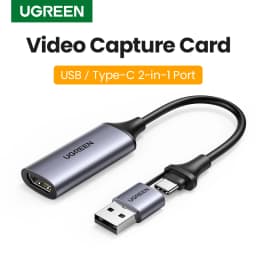

【NEW-IN】UGREEN Video Capture Card 4K HDMI to USB/USB-C HDMI Video Grabber Box for PC Computer Camera Live Stream Record Meeting
50.79$
32.5$
Quantity:
1
Availability:
Color
Ships From
Card Payments
Crypto Payments
Easy return
Reliable Shipping
◀◀ Video Capture Card▶▶
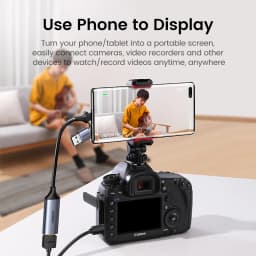
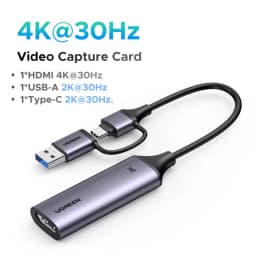
Ugreen video capture card is connected to the input device(signal source) through the HDMI port, and transmitted to the output device(display) with the USB-A/Type-C interface for living broadcast and capturing. It is widely used in HD acquisition, teaching recording, live streaming, medical imaging, online meetings, etc.
Dual interface design
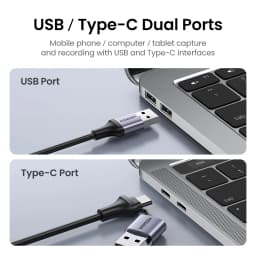
USB-A & USB-C dual interface design. Compatible with most current laptops, tablets, mobile phones and other devices
Plug & Play
Driver-free and no external power supply, compact and portable
1080P/30Hz Video Recording
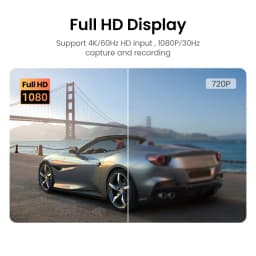
Up to 4K/60Hz High Definition Input, output max resolution 1080P@30Hz.
The audio-video capture card is very suitable for live streaming , Recording, editing and transferring video in high resolution of 1080p/30fps on OBS, XSplit, Potplayer, QuickTime Player and more.
Widely Use
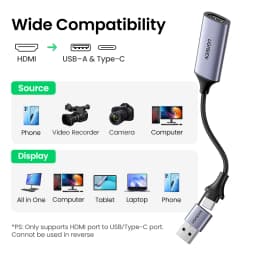
Input Devices: (HDMI Port) Phone, Computer, Camera, Web Camera, Video Recorder.
Output Devices: (USB/Type-C dual ports) All-in-One PC, Computer, Tablet, Phone.
Video Capture Card
Dual Ports: USB / Type-C


USB/ Type-C Dual Ports
Mobile phone / computer / tablet capture and recording with USB and Type-C interfaces

1080P Full HD Display
Support 4K/60Hz HD input, 1080P/30Hz capture and recording

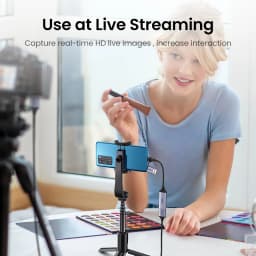
Use at Live Streaming
Capture real-time HD live images , increase interaction


Wide Use

Portable & Durable
Take it anywhere, use it anytime
Aluminum-alloy shell, make sure a longer use life

Smart Chip
Data transmission rate 480Mbps & high-speed decoding low latency and no carton

Plug & Play
Driver-Free, no external power supplySupport System: Window8.1/10, Mac OS, Linus, Android
Support Record App: OBS, Potplayer, QuickTime, XSPlit...

Recording Software Operating Instructions
1. Click "+" in the lower left corner of "Sources
2. Click "Video Capture Device
3. Create a new Video Capture Device
4. Select "USB Video / USB3.0 Capture" in Device, check "Use custom audio device" at the bottom, and other parameters are the same as those in the picture
5. Click the Settings button in "Desktop Audio" and then click "Advanced Audio Properties
6. "Video Capture Device" and "Desktop Audio" all select "Monitor and Output", after these operations can be used

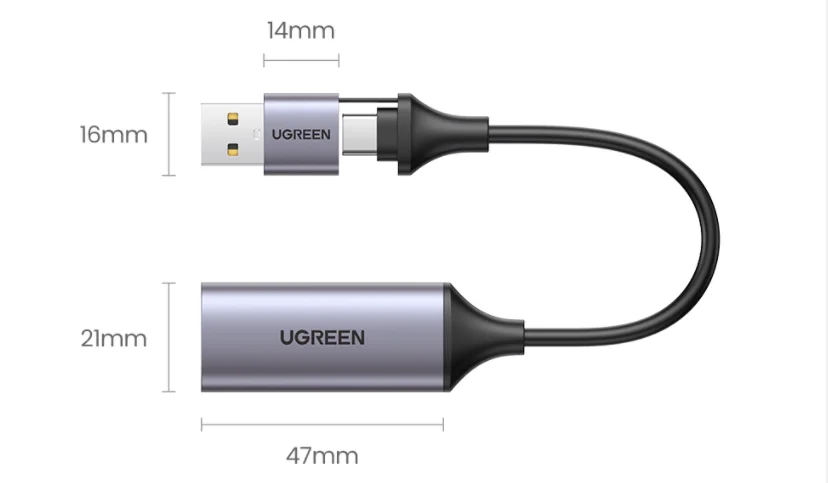
Package Display

Customer Reviews
No reviews yet
【NEW-IN】UGREEN Video Capture Card 4K HDMI to USB/USB-C HDMI Video Grabber Box for PC Computer Camera Live Stream Record Meeting
50.79$
32.5$
Quantity:
1
Availability:
Color
Ships From