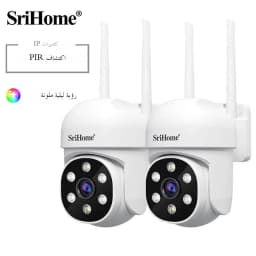




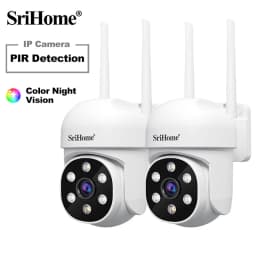
Srihome 2PCS 2MP PTZ WiFi Camera Person Detect Wireless CCTV Video Surveillance Camera Home Security Protection IP Cam
Quantity:
1
Availability:
Not AvailableCard Payments
Crypto Payments
Easy return
Reliable Shipping
About this item
1. HD: 2MP,1080P(1920*1080),H.264
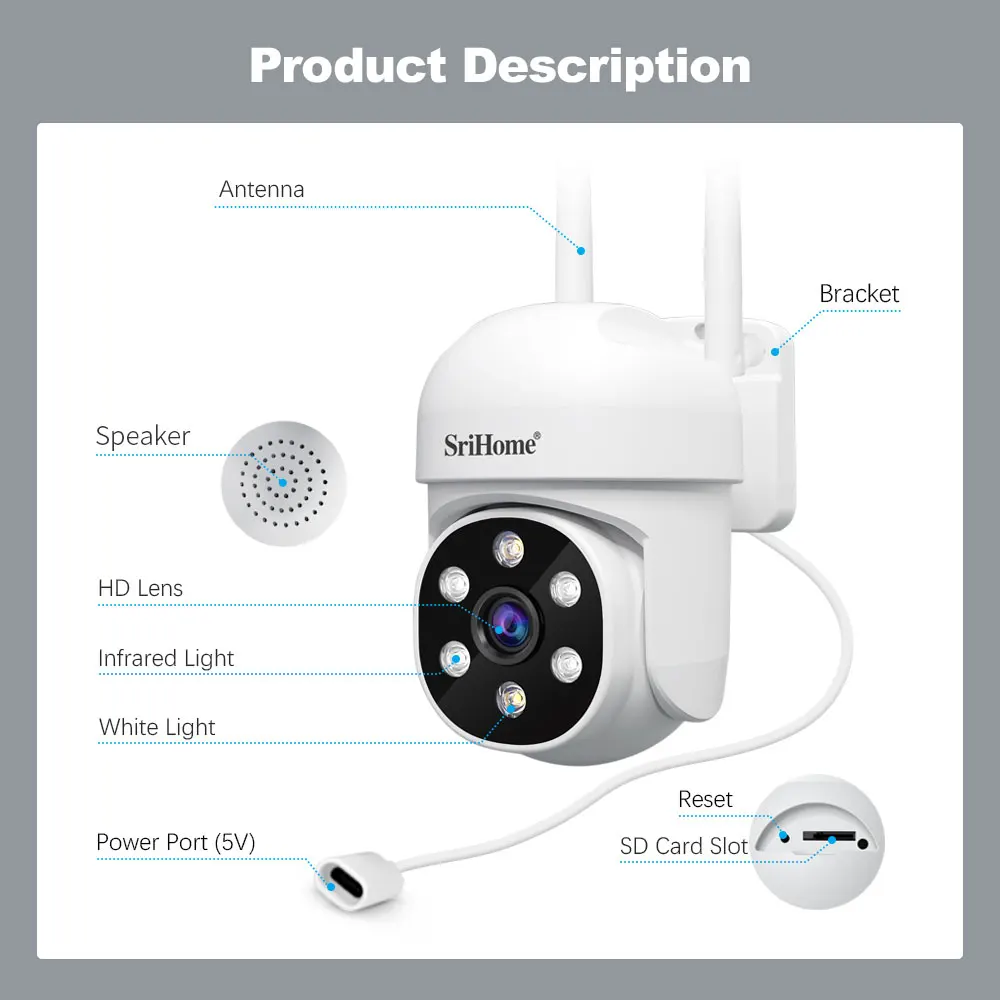
2. Audio: Built-in Mic & Speaker, supports two-way audio
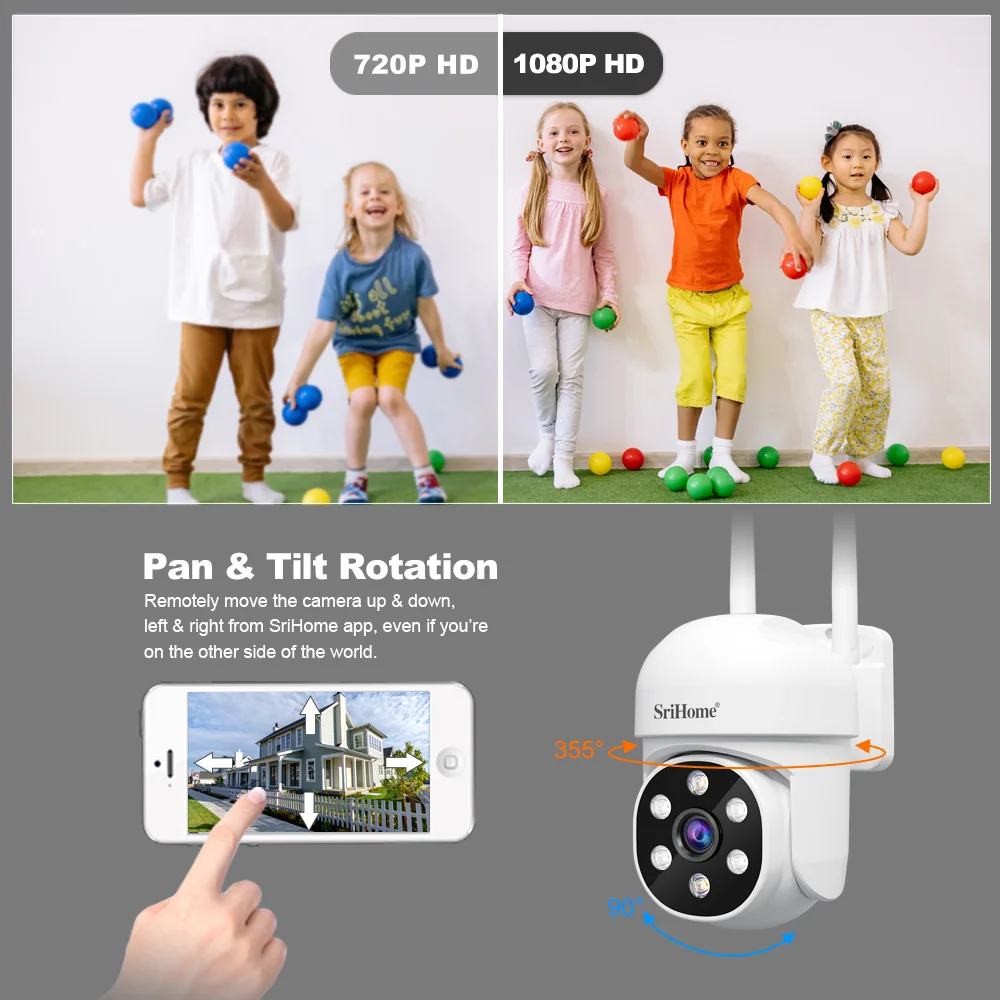
3. PTZ : Pan: 355°, Tilt:90°, 3x digital zoom
4. Lens: 3.6mm Lens, IR range up to 20m
5. Spotlight :Support both 850nm infrared spotlight and 6000K white light
6. MicroSD Card: Support max 128GB microSD card for recording and playback
7. AP Hotspot: With wireless access point,camera can be connected to phone directly without router
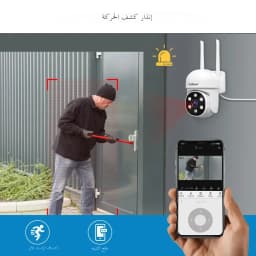
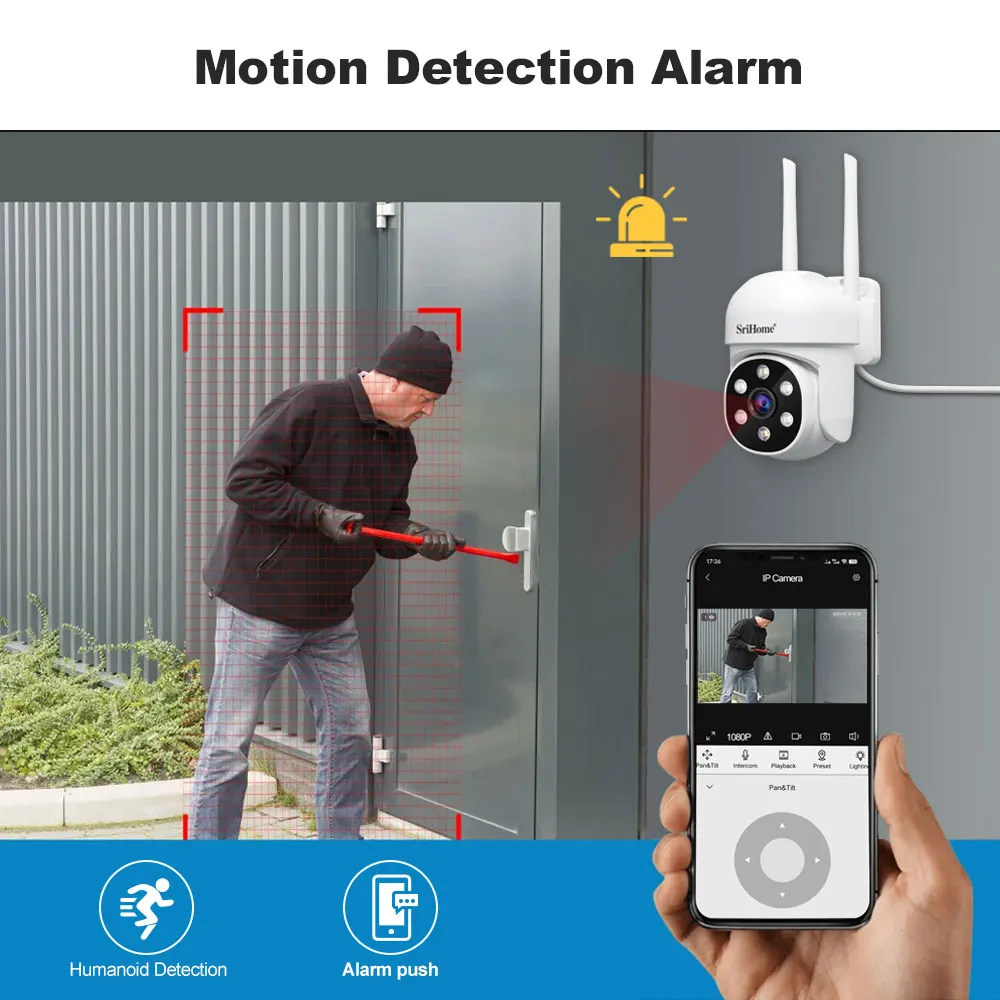
8. Alarm: Supports Motion detection alarm, Phone push alarm
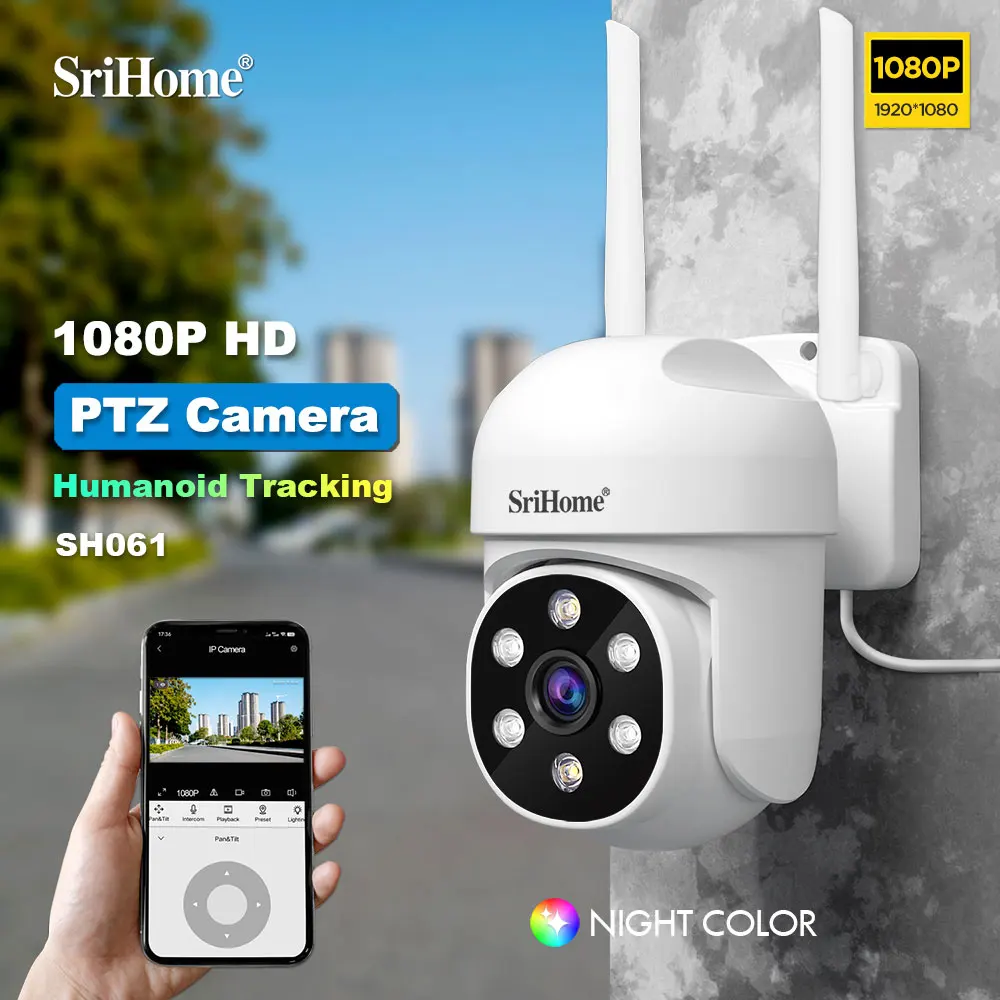
9. AI Technology : AI auto motion tracking, AI Humanoid Detection
Starlight Color Night Vision
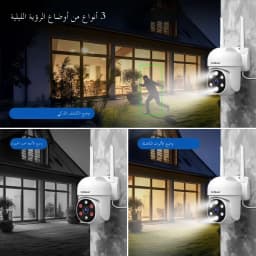
This security camera comes with 6pcs LED lights. It also support 3 night vision, Black&White night vision, Full color night vision(Color vision all the time).

Real-Time Conversation
Hear and talk directly to anyone who steps into your property via clear 2-way audio.

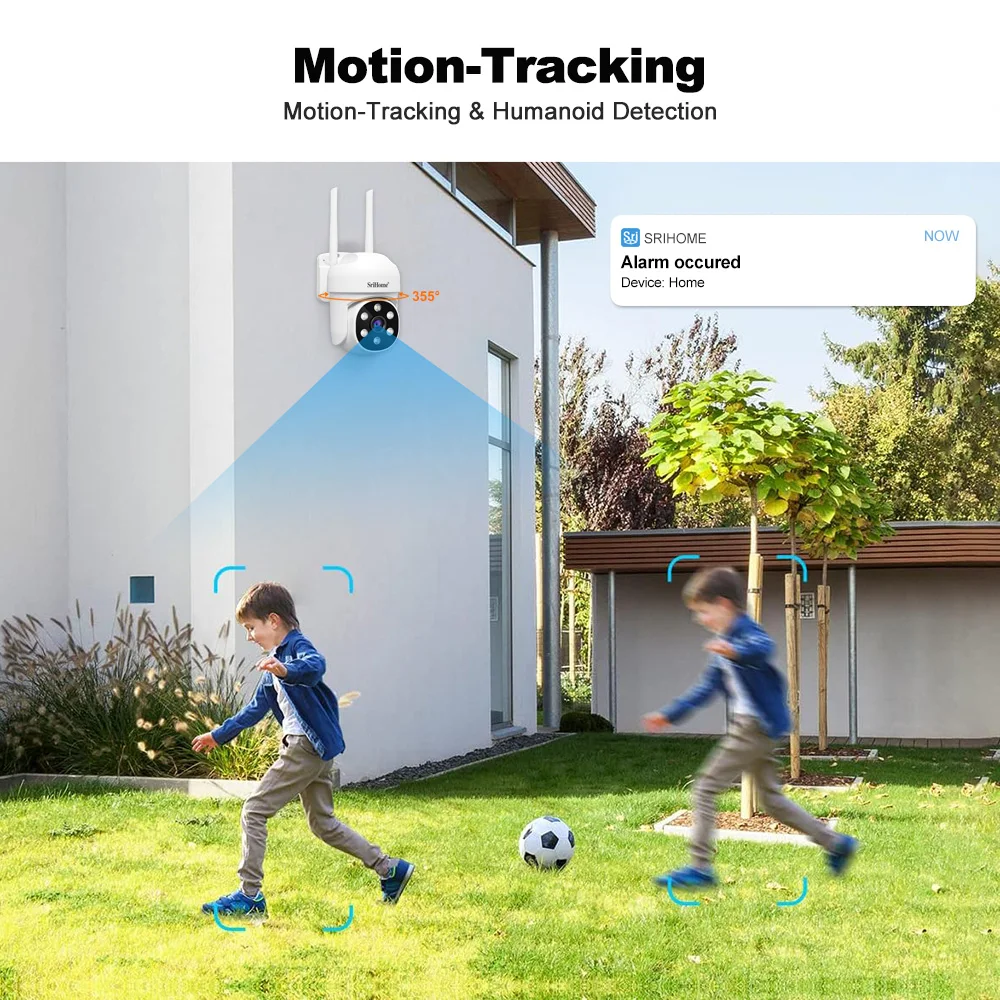
Auto Tracking for a Higher level of Security
SH061 pan-tilt camera can detect and track the moving target automatically to provide seamless details.
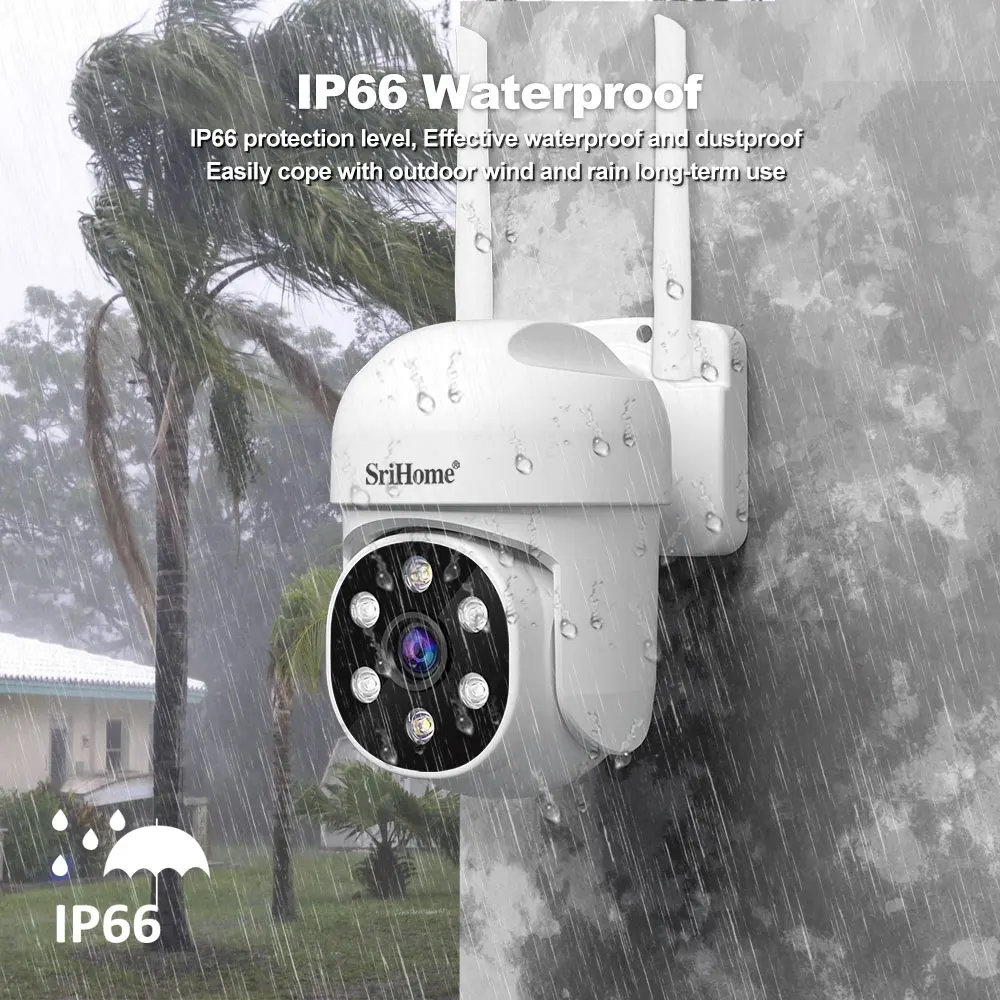
IP66 Waterproof
Human, Vehicle, Pet, & Package Detection
Thanks to SH061 cutting-edge AI algorithm, you can customize this PTZ camera to detect humans, vehicles, pets, and packages for accurate and smart notifications, simply select the object detection mode you need on Srihome Smart APP.


System
Main Processor:ARM11, Multi-core High- performance processor
Sensor:1/2.9”, 2Megapixel progressive scan CMOS
Image Compression:H.264
Lens
Lens Parameter:Focal length: 3.6mm, 2MP
Angle of View:Horizontal: 80°, Vertical: 58°, Diagonal: 98°
Video
Resolution:1080P(1920x1080),720P(1280x720), VGA(640x360)
Image Frame Rate:15fps - 25fps
Automatic Exposure:Adjust the image automatically to view clearly
Infrared Mode:Automatic
Night Visibility:Night Vision IR 20 meters / Full color Night Vision 15meters
Min.Illuminatioin: 0.01 Lux / F1.2
Filter Switch(IR-Cut): Built-in IR Cut, no color deviation indoor or outdoor
Zoom: App supports 3x digital zoom
Network
Remote Access: P2P
Wireless: 2.4G IEEE 802.11 b/g/n, supports WEP, WPA & WPA2 Encryption
AP Hotspot: With wireless access point, camera can be connected to phone directly without router
Online Visitor: Supports max 5 visitors at same time
Others
Product Type: Plastic, indoor /outdoor use
Power Supply: DC 12V 0.5A
Working Temperature: -10 to +50℃
Working Humidity: 10% to 90% RH
Weight: N.W.:200g, G.W.: 350g (Note:Actual Weight Final)
Item size: 85* 115 *125 mm (LxWxH)
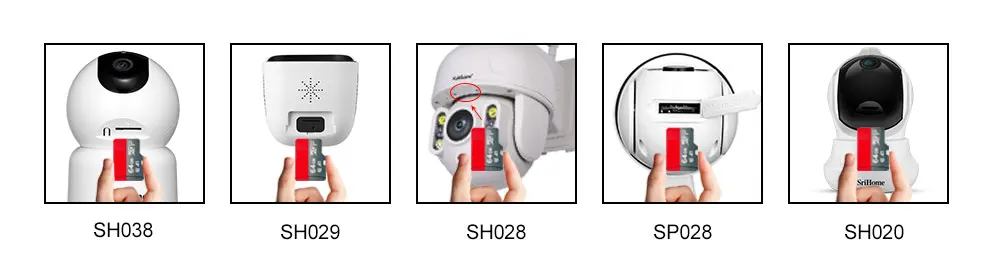
How to setup microSD card record settings
SD card installation video:https://www.youtube.com/embed/nbpofPlUV2k
Note: Cameras maximum support 128 GB SD card.
1). Remove power cable before inserting the microSD card to the camera.
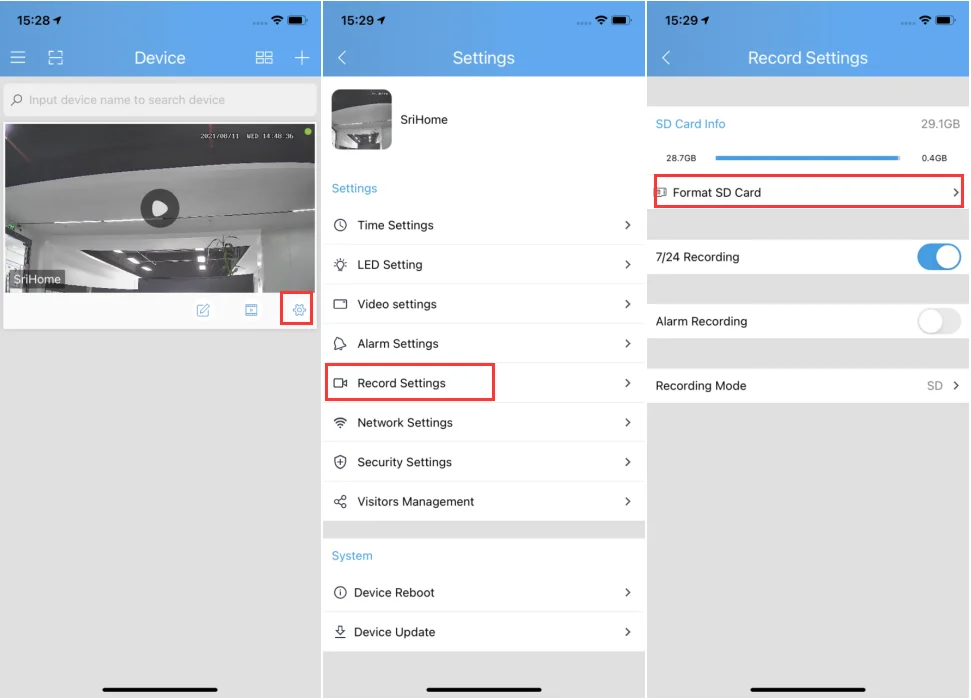
2). MicroSD card format and record setting
Log in “SriHome” App and follow the steps:Settings -> Record Setting .
There are 2 types of recordings:
24/7 recording: 24/7 recording refers to the continuous recording of the camera which is about every 10 minutes as a node continuous recording.
Alarm recording: The camera captures footage only when the motion detection alarm is activated.
The system does not detect SD Card.
Followings are a few possible reasons why this may be occurring:
1. Please power off camera before inserting SD card into camera.
2. The SD card read&write speed not good, please use a SD card with class 10 or above class 10.
4. The SD card is broken.
3. The SD card has not been formatted properly.
5. The SD card slot is faulty.
SD card video playback view:
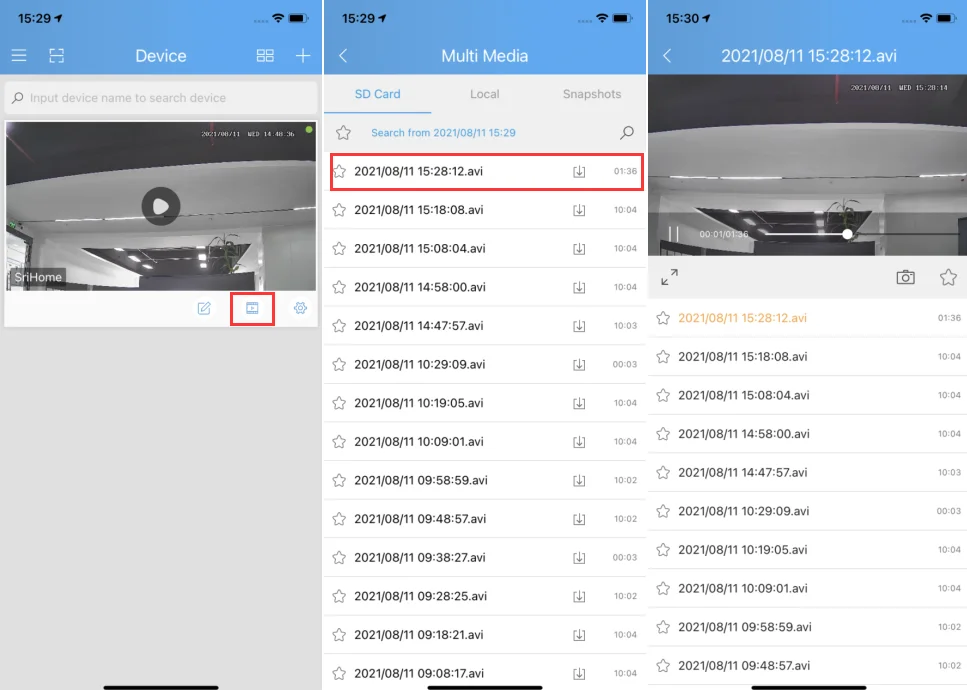
Note:Both 24/7 recording and Alarm recording cannot be opened at the same time ,only one of them can be opened.
The system does not detect an SD Card
1. Please power off camera before inserting SD card into camera.
2. The SD card read&write speed not good, please use a SD card with class 10 or above class 10.
3. The SD card is broken.
4. The SD card has not been formatted properly. please format sd www.sricam.com/srihome/download
5. The SD card slot is malfunctioning.
Camera's Wi-Fi is unstable and often offline
1. Check whether antenna is tightened.
2. Set maximum transmission power:In some wireless routers, the transmission power can be reduced,which reduces the performance
of the wireless network. Make sure your wireless router has the maximum transmit power set.
3. WiFi channels: check if WiFi channels are busy, possibly reconfigure to “Automatic”.
4. The camera IP address conflicts with other devices, needing to set camera IP address to be a
fixed one.
5. Change the name of the wireless network (SSID): If there are different wireless networks with the same name (SSID) in your
environment-perhaps because a neighbor uses the same wireless router,a wireless repeater has the same name as the router - WLAN
devices could try to automatically connect to the wrong wireless network ,Therefore, set up a unique wireless network name in your
wireless router or repeater.
6. To check Wi-Fi signal, in normally, it should be more than 3 bars.
(The distance between the camera and wifi router being too far might cause wifi signal to be less than 3 bars )
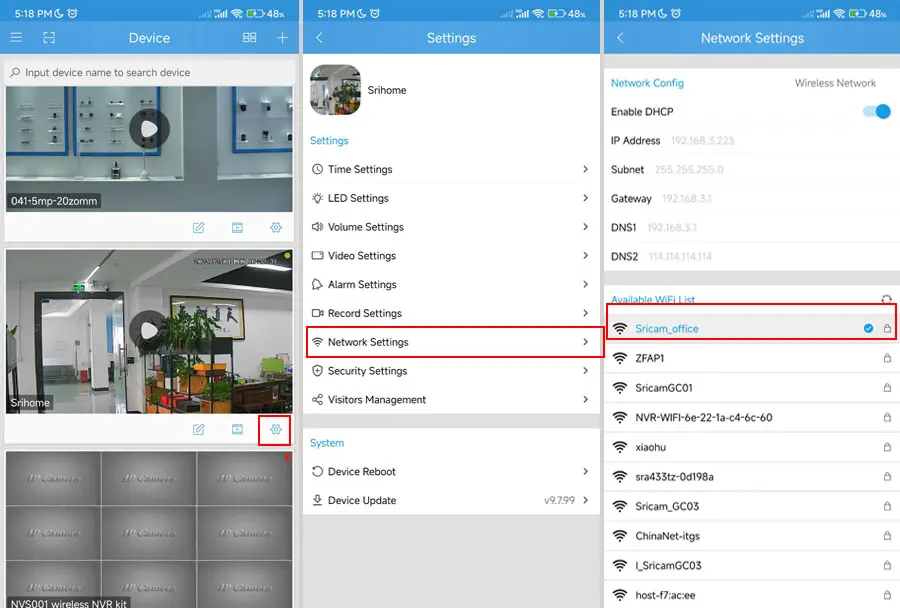
Can't connect WiFi
If you fail to setting WiFi for ip camera, please make sure your router:
1. All IP Cameras support 2.4G HZ WIFI,only some IP cameras don't support 5GHZ Wi-Fi.
2. NO MAC filter enabled on your router. Or you need to disable MAC filter temporarily before successfully configuring camera.
3. Router’s DHCP is enabled, after setting up and setting a fixed ip address for IP camera, you can disable DHCP again.
4. The WiFi Encryption is WPA/WPA2-PSK, either AES or TKIP encryption is OK if you are not using WPA/WPA2.
There is possible using WEP. It is recommended to use WPA/WPA2 now because WEP is quite old technology and not safe nowadays.
5. WiFi Channel needs to set as AUTO in order to avoid busy channels.
Inconsistent signal, it could be due to:
1) Too many devices sharing the same internet network. Please try to disconnect other devices.
2) The IP camera is too far from the router if using WIFI connection.
• Other quality and setup issue, please reset camera to factory default.
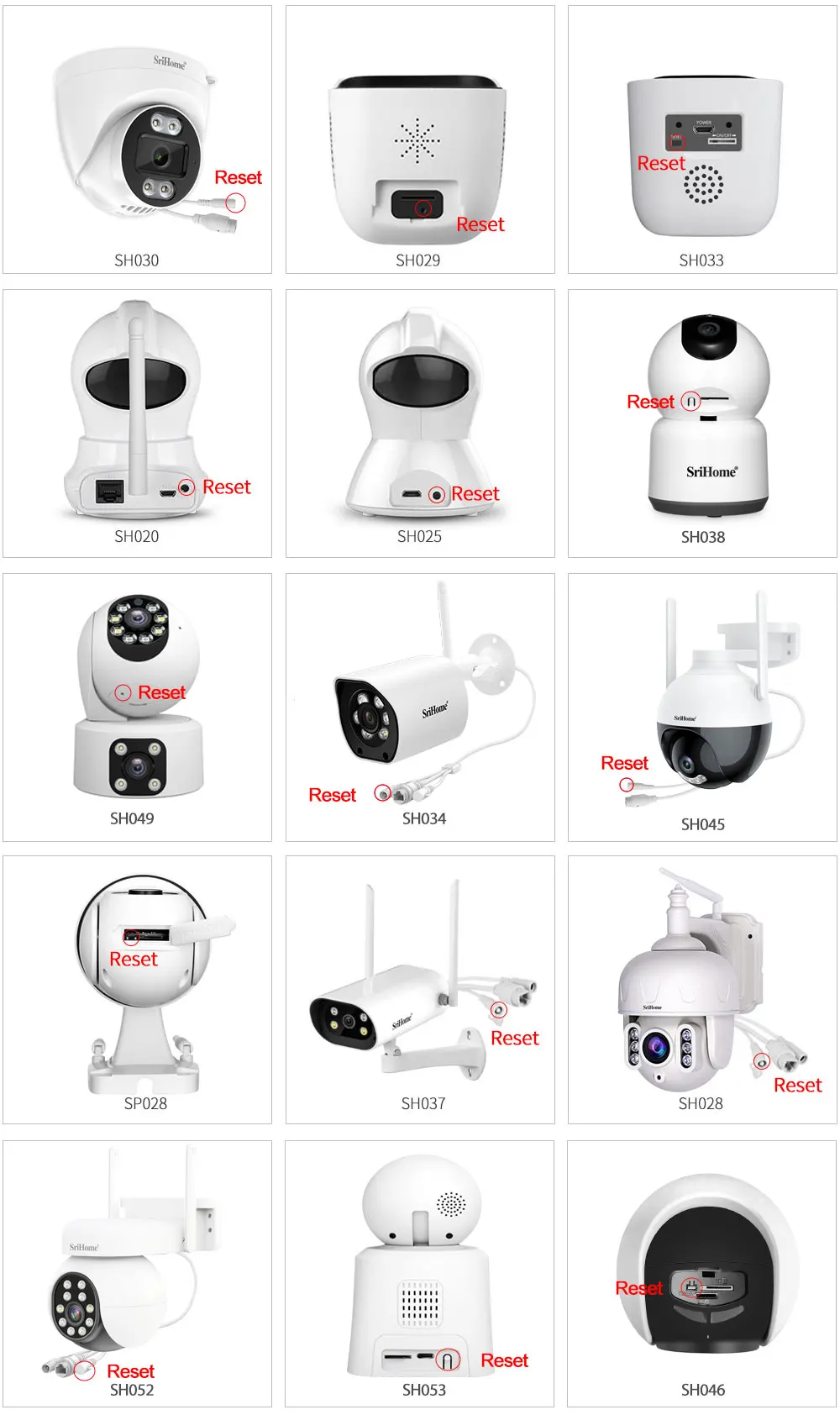
How to restore the camera to factory settings?
Step 1: Power on the IP Camera and wait for about 30 seconds
Step 2: Keep pressing the RESET button for about 15 seconds then release.
Then camera successfully restore to factory settings (password default : 888888).
Customer Reviews
No reviews yet
Srihome 2PCS 2MP PTZ WiFi Camera Person Detect Wireless CCTV Video Surveillance Camera Home Security Protection IP Cam
Quantity:
1
Availability:
Not Available