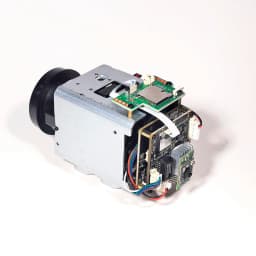
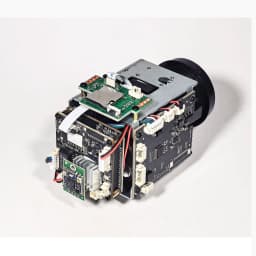
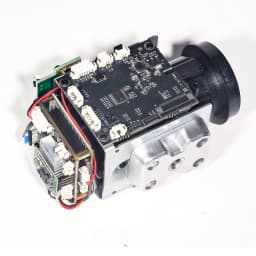
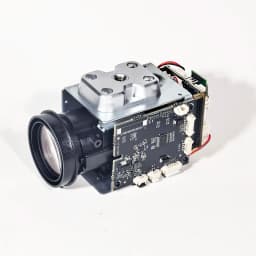
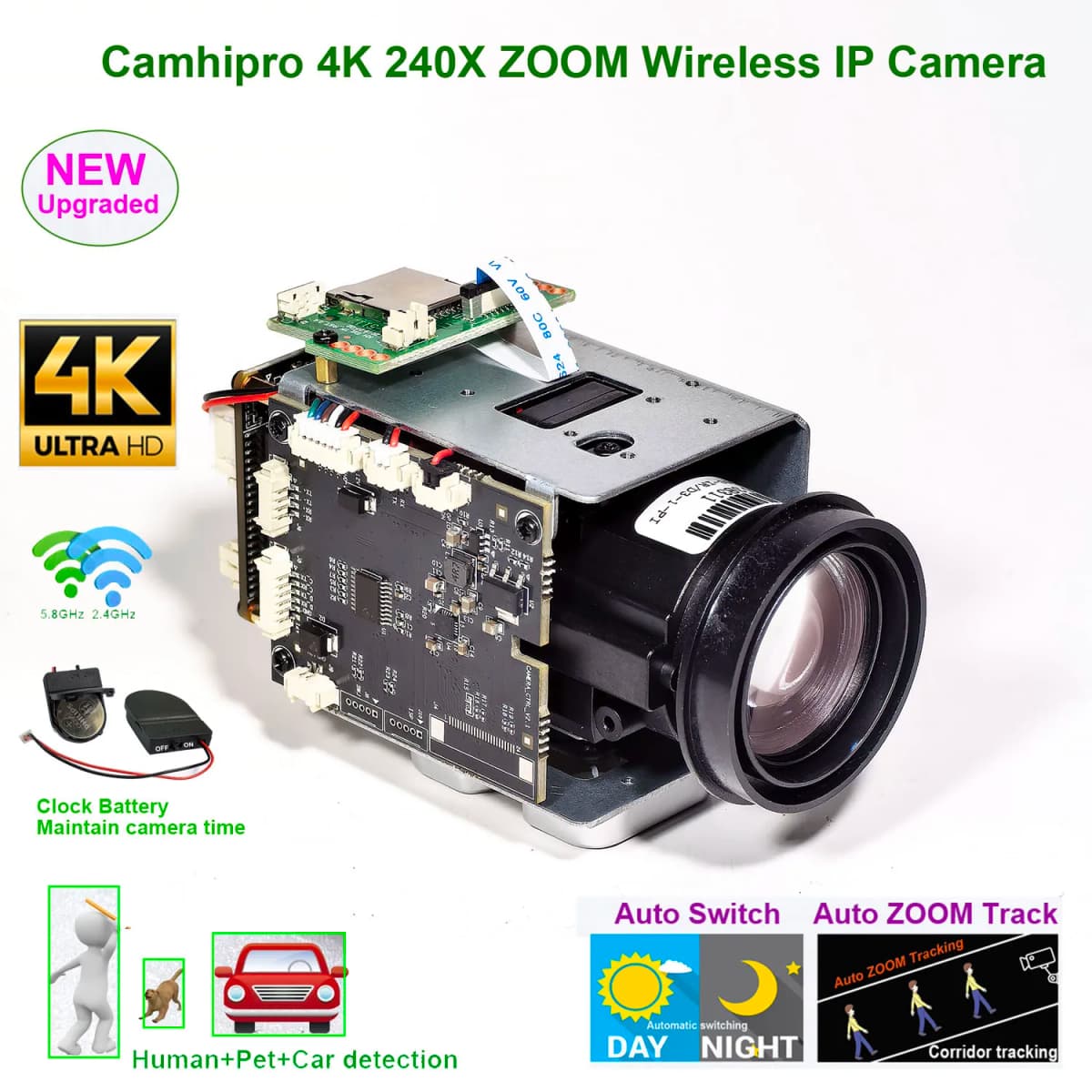
CamhiPro 4K 8MP 240X Zoom WiFi Wireless IP Camera Auto IRIS P2P ONVIF IMX415 WiFi SD 256GB IP Camera
Quantity:
1
Availability:
Not AvailableCard Payments
Crypto Payments
Easy return
Reliable Shipping

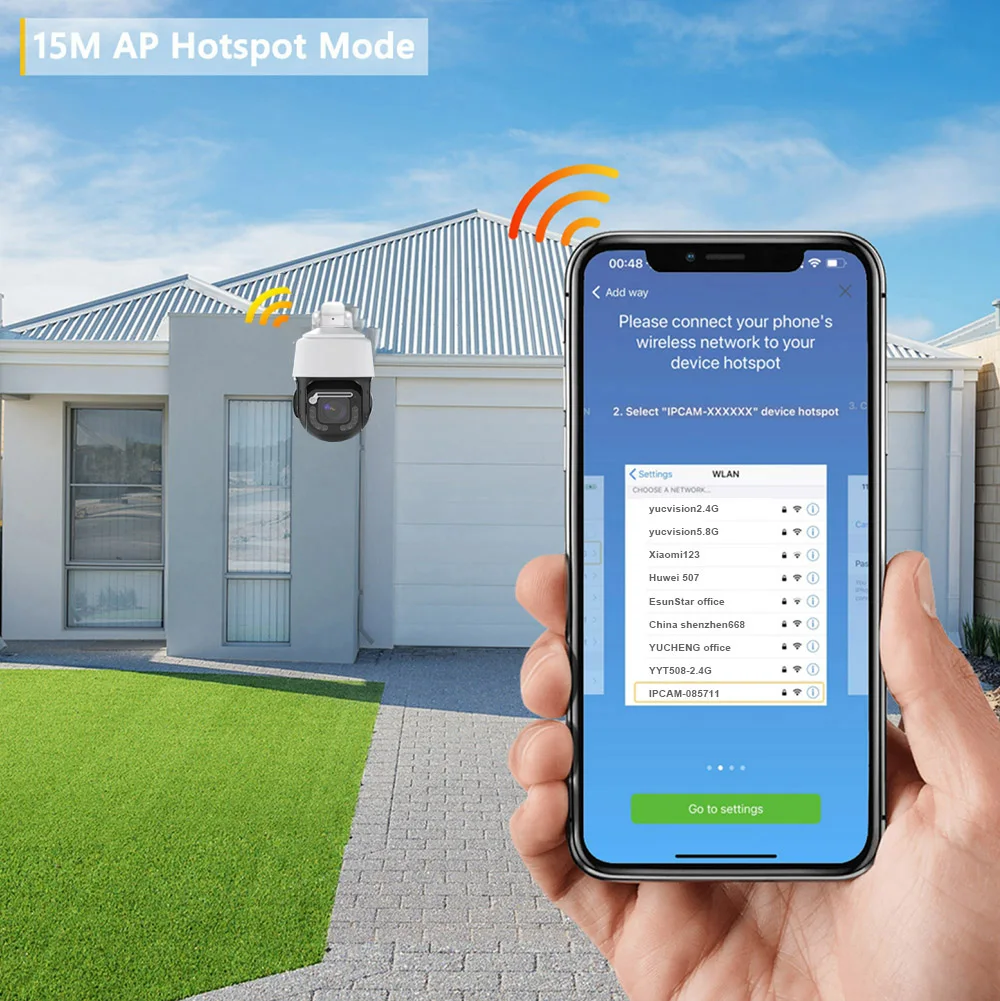
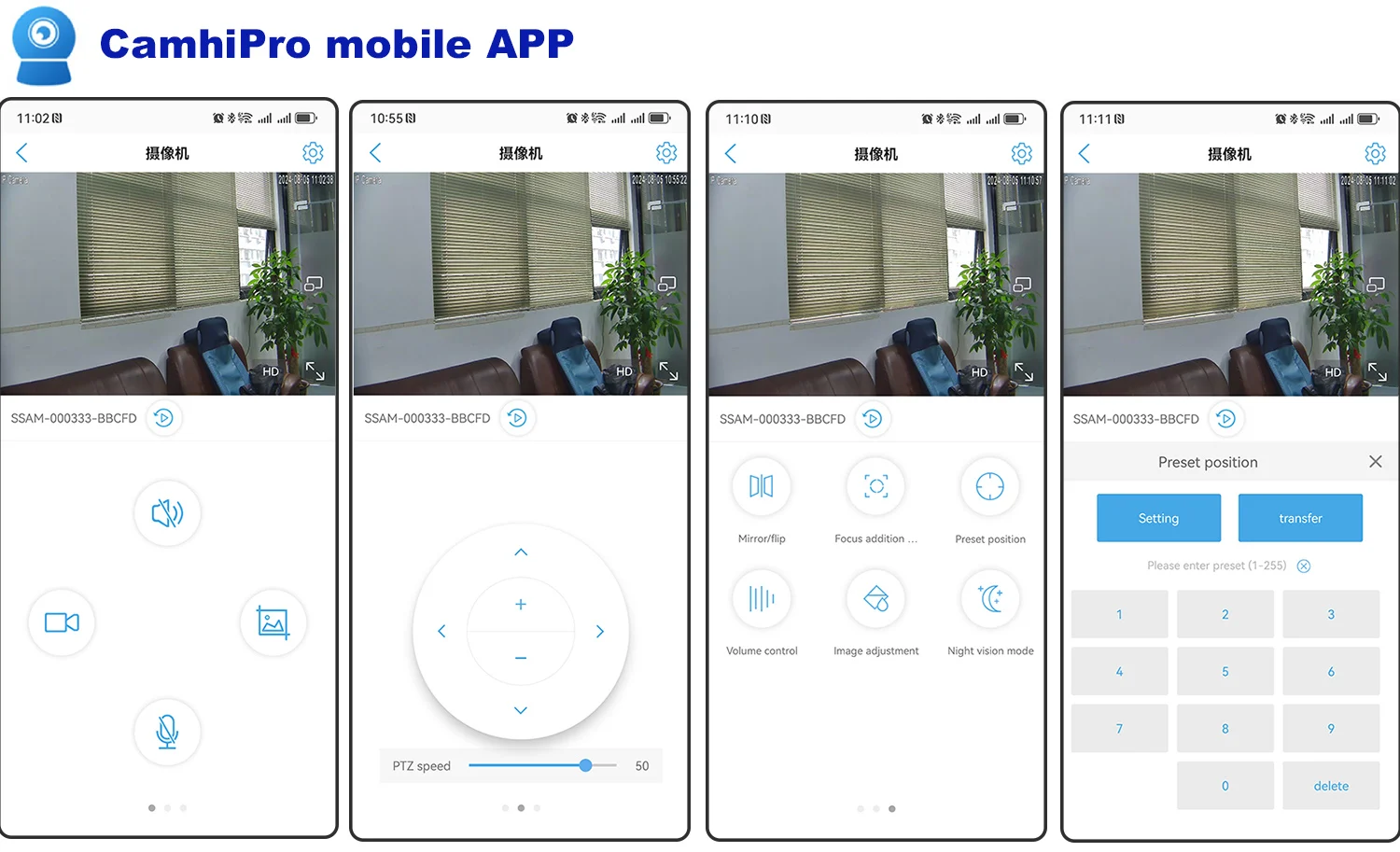
APP:CamHi
PC software


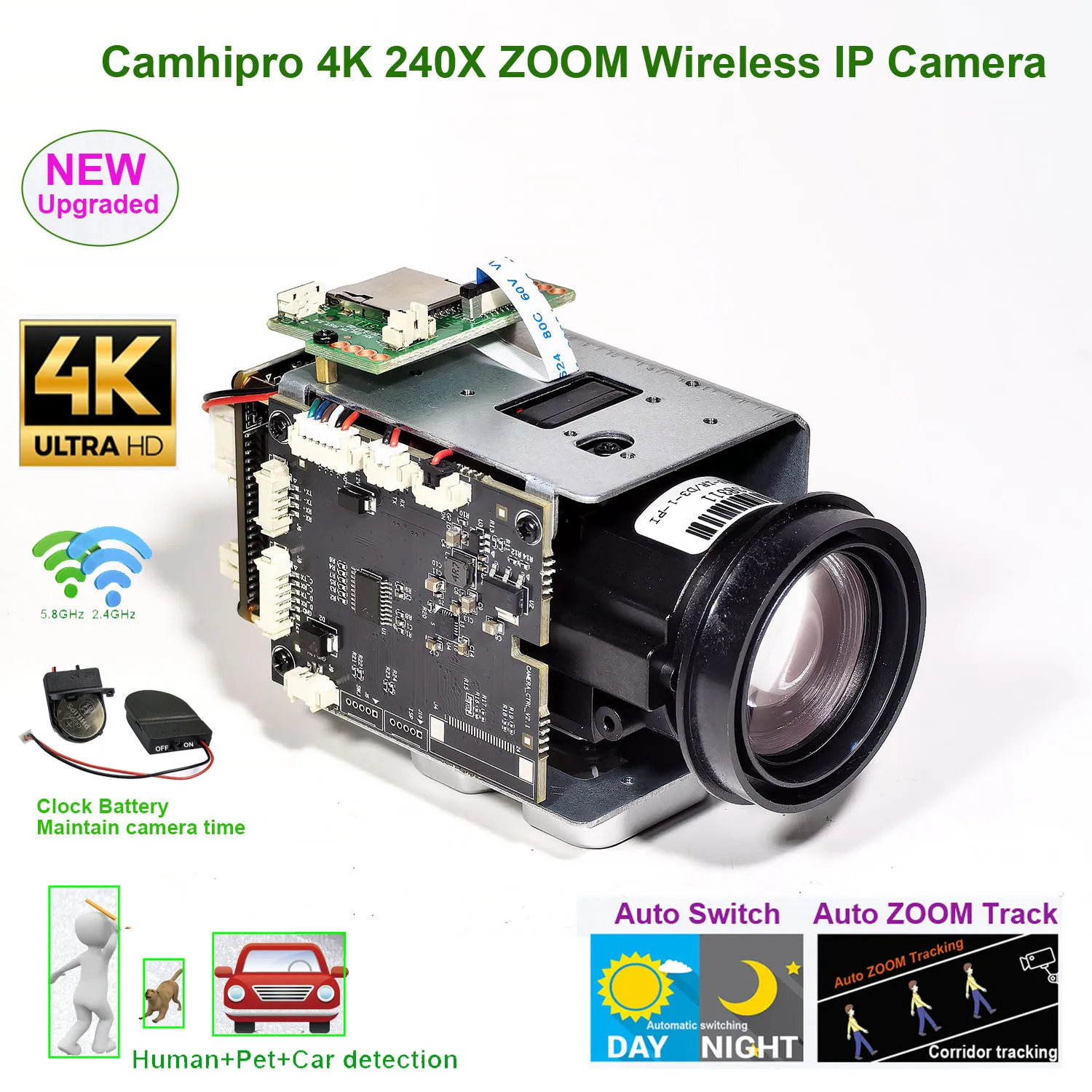
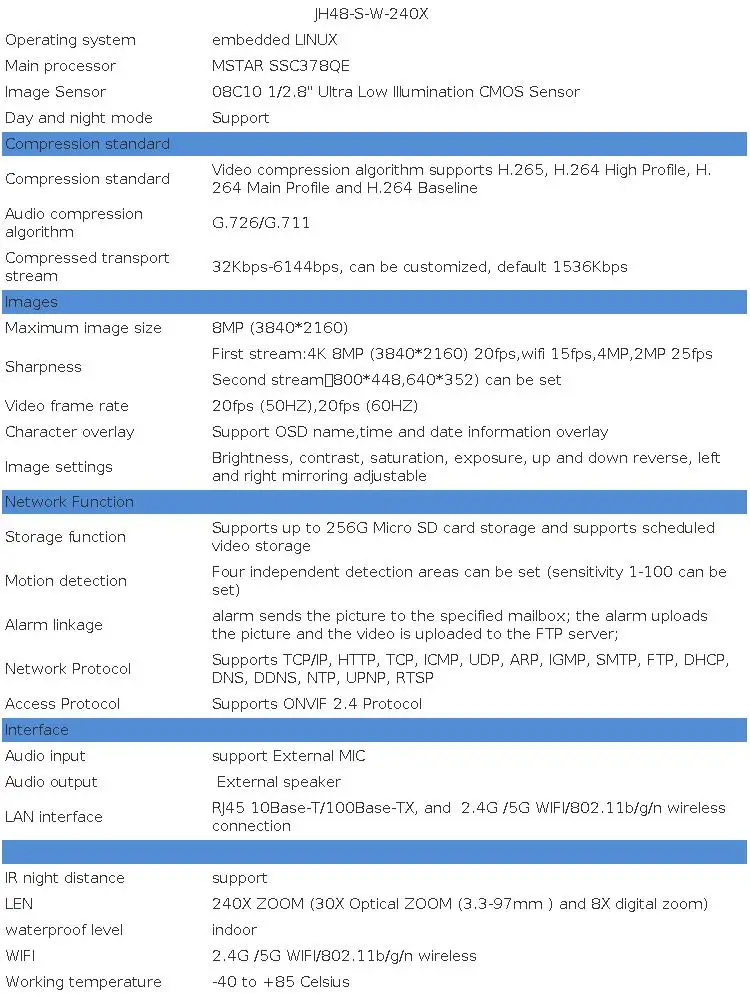
4K 8MP IP Camera adopts highly integrated MSTAR SSC378QE+08C10 processor, extremely low power consumption and strong stability; supports H.265 compression algorithm to ensure image quality while effectively reducing network bandwidth occupation; powerful network function, support standard onvif protocol, and support RTSP, support alarm picture upload FTP server, alarm picture to E-Mail, support mobile phone remote monitoring;
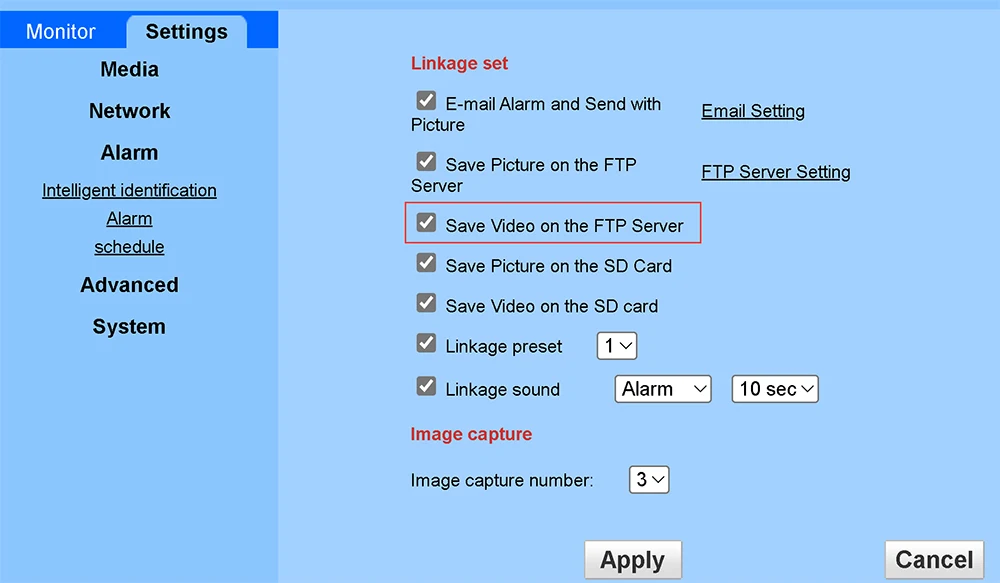
Support alarm image and video upload to FTP server
Support Chinese, English, Francais, Deutsch ,Italiano ,Espanol ,Korean,Polski,Russia
High sensitivity, high signal-to-noise CMOS image sensor
Using the MSTAR SSC378QE processing chip+08C10 CMOS
The highest pixel is up to 8MP, and the highest resolution is up to 8MP (3840*2160)
240X ZOOM(30X optical zoom and 8x digital zoom
H.265 compression algorithm, effectively reducing network bandwidth, supporting dual stream, supporting mobile phone monitoring
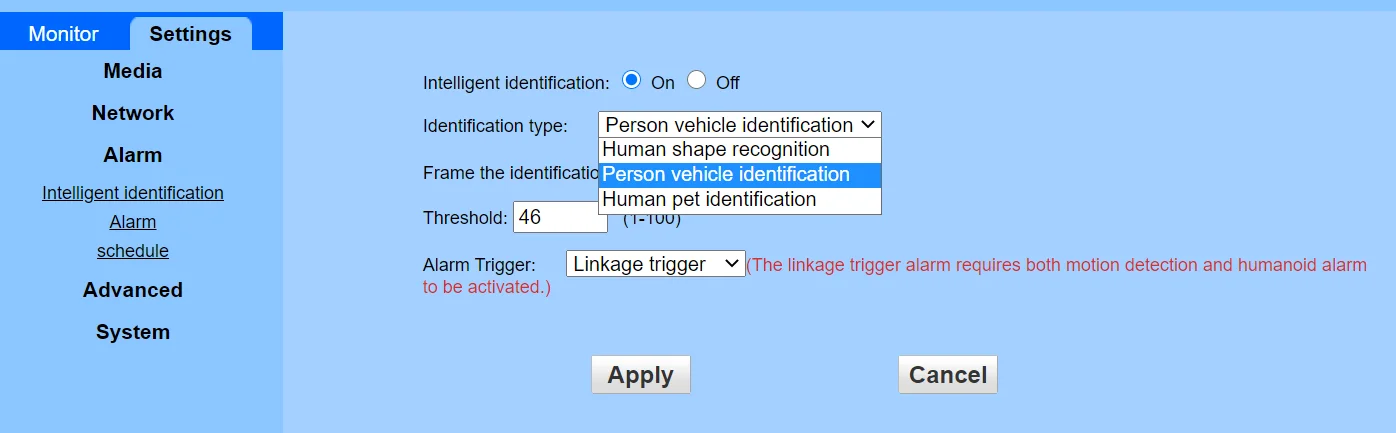
Support humanoid recognition to trigger SD card recording, SD card capture, voice alarm, message push, email alarm and other functions.
Support humanoid recognition,Support car shape recognition recording, and alarm
Support multiple network protocols: TCP/IP, HTTP, TCP, ICMP, UDP, SMTP, FTP, DHCP, DNS, DDNS, NTP, UPNP, RTSP,etc.
Support ONVIF protocol,
Support for manufacturer dynamic domain name and third-party dynamic domain name resolution
Support alarm picture sending E-Mail
Support alarm picture and video upload to FTP server
Support alarm sound outputs
Support timing capture pictures to FTP server
Support static IP, also support dynamic IP (DHCP)
Support P2P plug and play
Support IE, Google, Firefox browser
Supports up to 6 users to browse at the same time (3 users per stream)
Provide motion detection (area, sensitivity can be set) alarm function
Support UPNP automatic port mapping
Support Micro SD card function, support up to 512GB Micro SD card
Support PC client to download SD card video
How to achieve day night switching:
1. Automatic day night switching:
When the camera detects low ambient brightness, it will automatically switch to night mode. At the same time, the alarm out port of the camera outputs a 3.3V voltage.
When the camera detects an increase in ambient brightness, it will automatically switch to color mode. At the same time, the alarm out port of the camera outputs a 0V voltage.
2. Manual control:
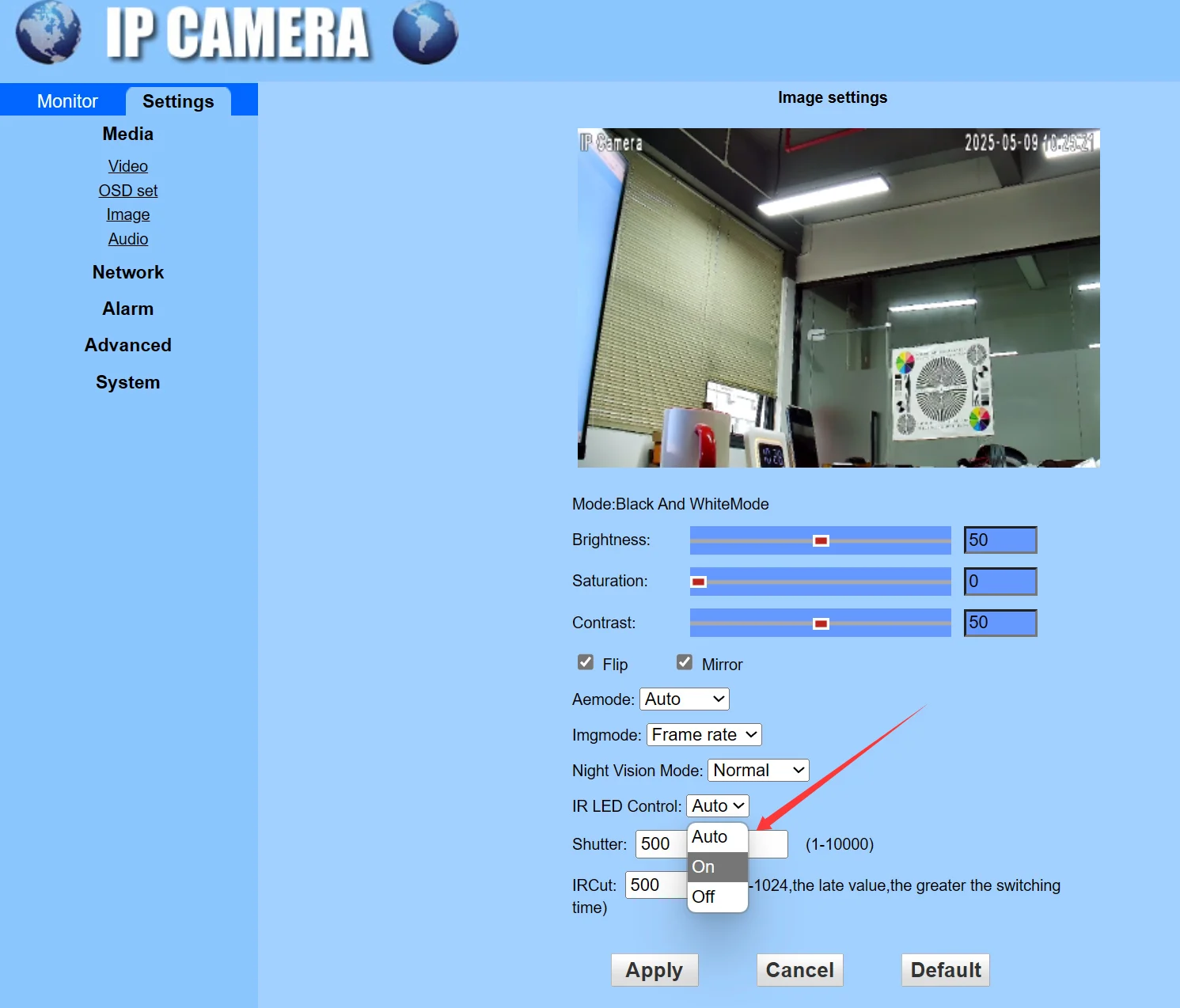
You can manually control the day and night switching of the camera on the web interface of the camera, as shown in the following figure. Click on the image below to watch a video demonstration
Click on the image to view a video demonstration of how to manually switch day and night.
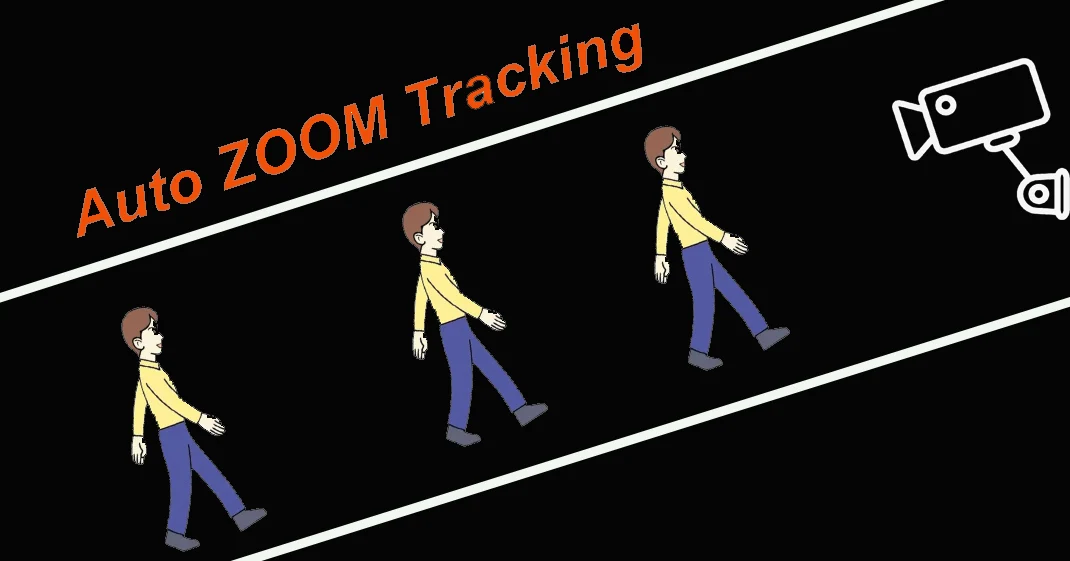
Support corridor mode tracking
corridor mode tracking video

How to Turn ON/OFF auto ZOOM Tracking
249+Set for Turn on ZOOM Tracking
249+Call for Turn off ZOOM Tracking
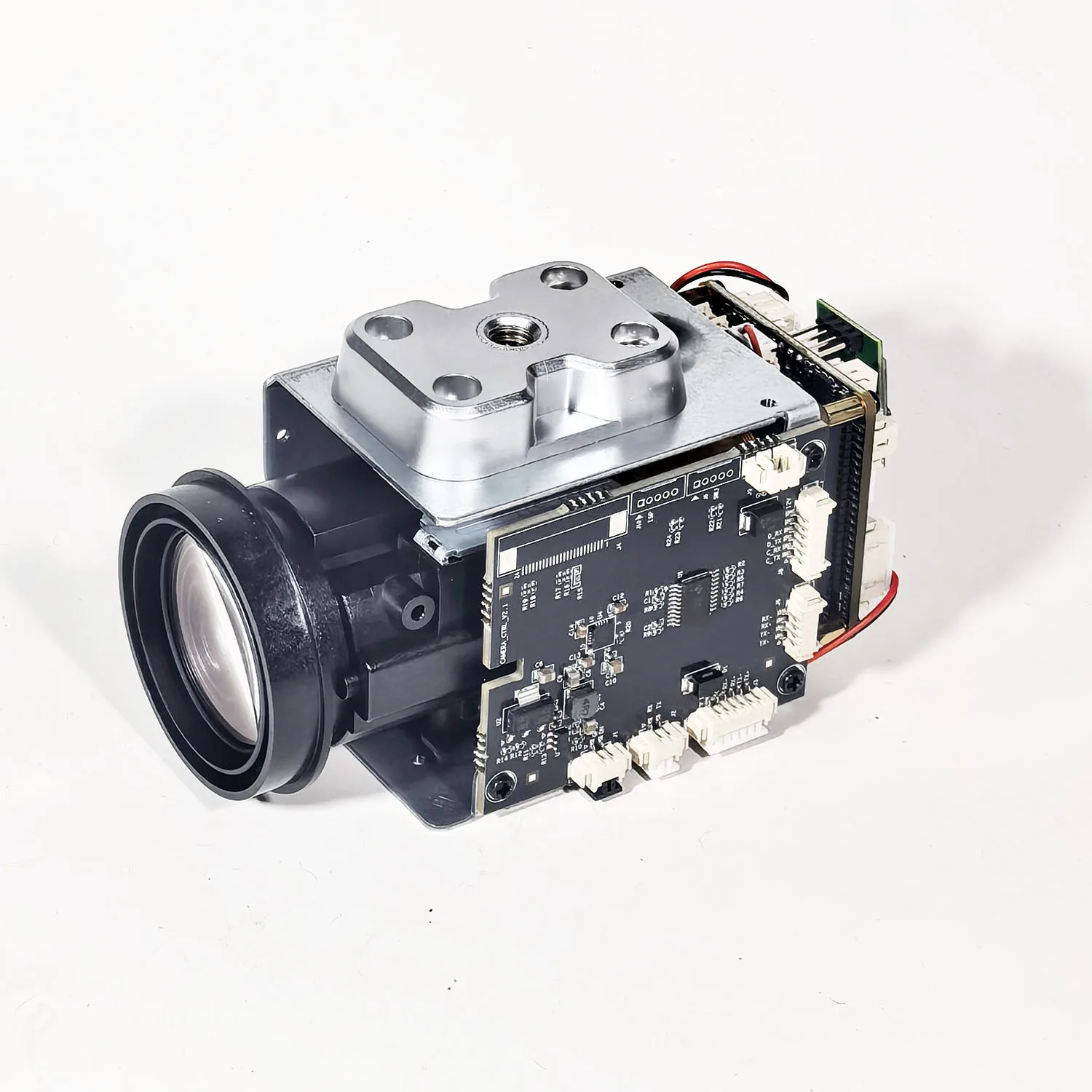
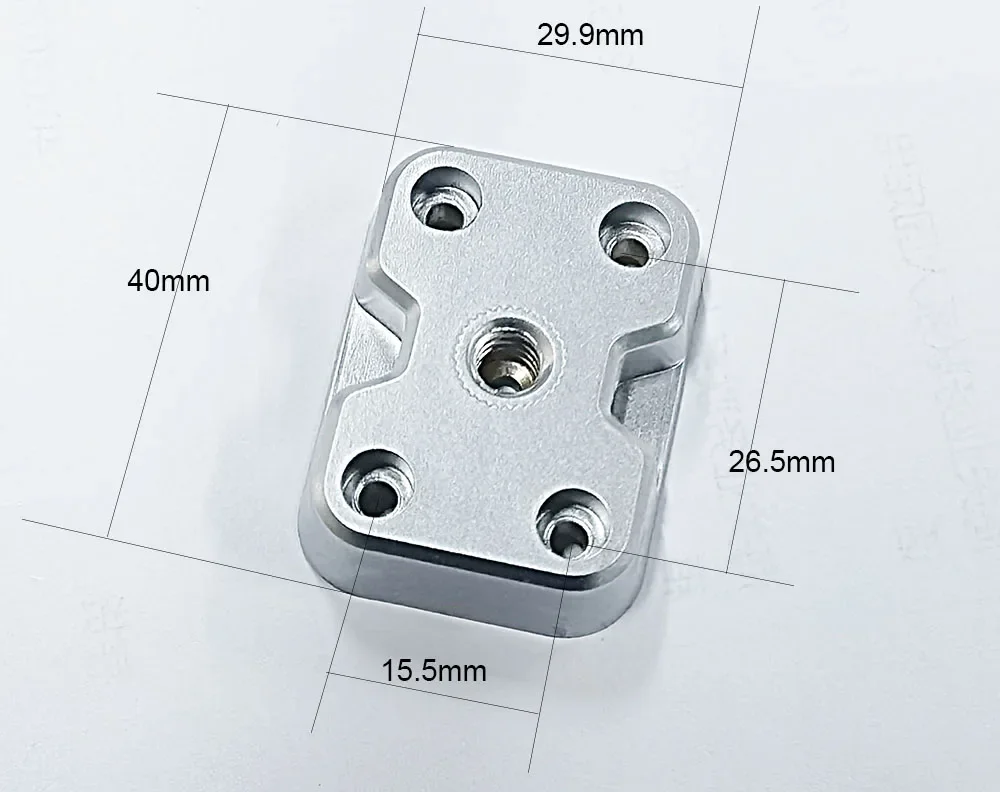
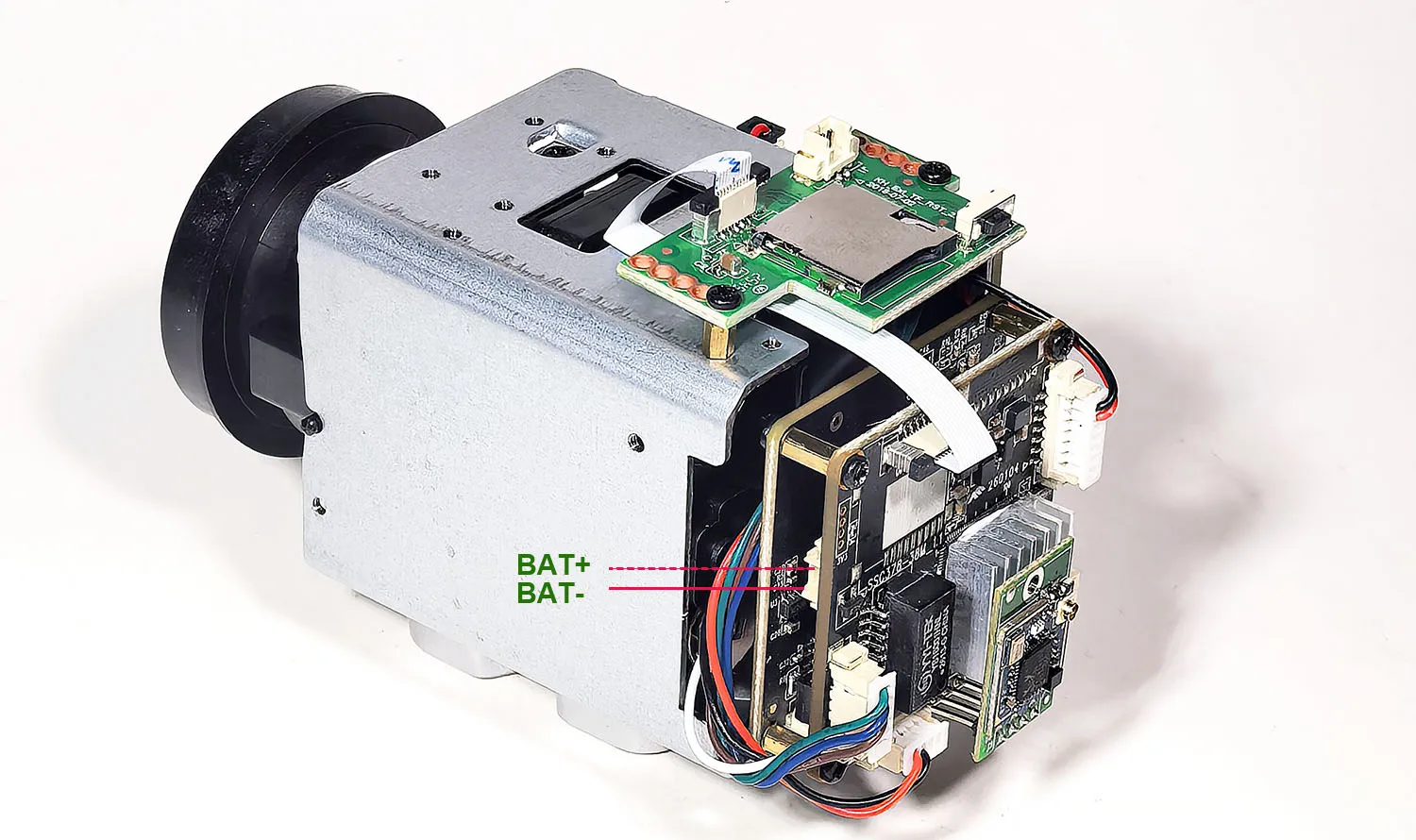
New camera time continuous battery. Even if the camera loses power, as long as the power is reconnected, the camera's time will still be at the current correct time.

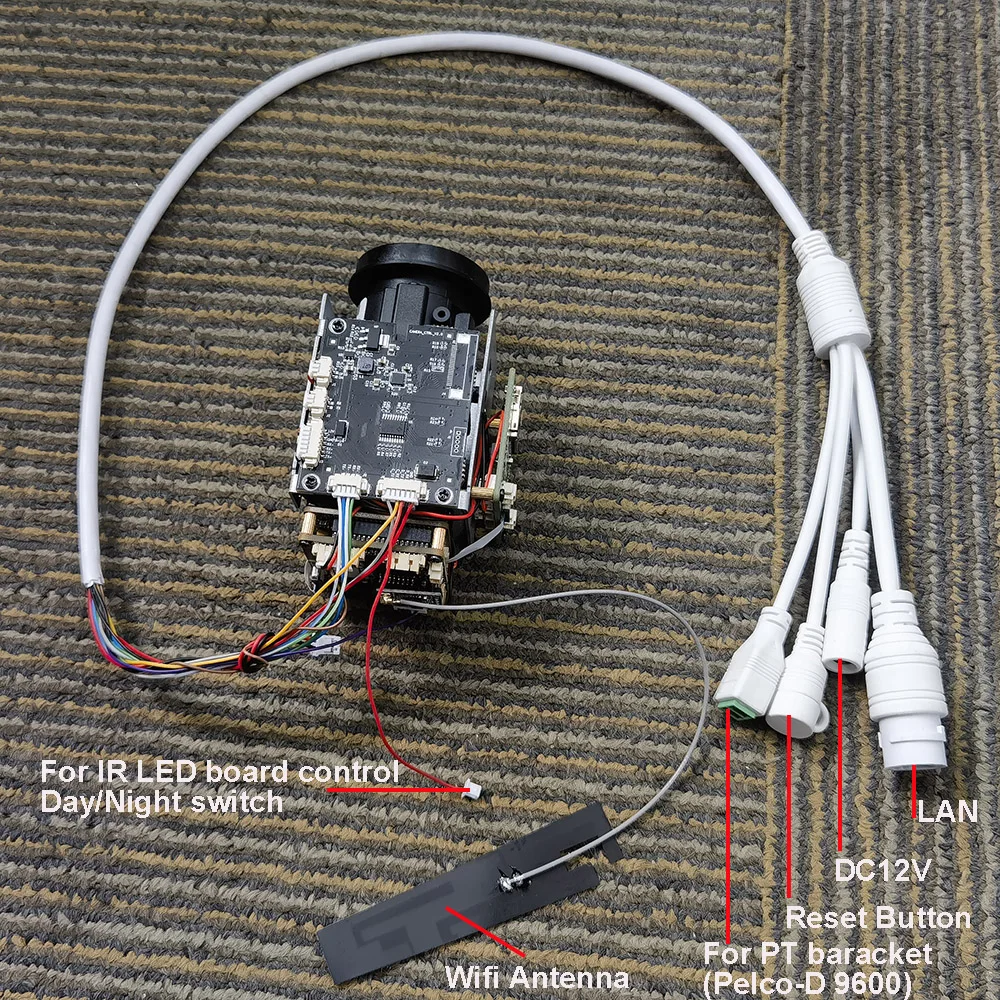


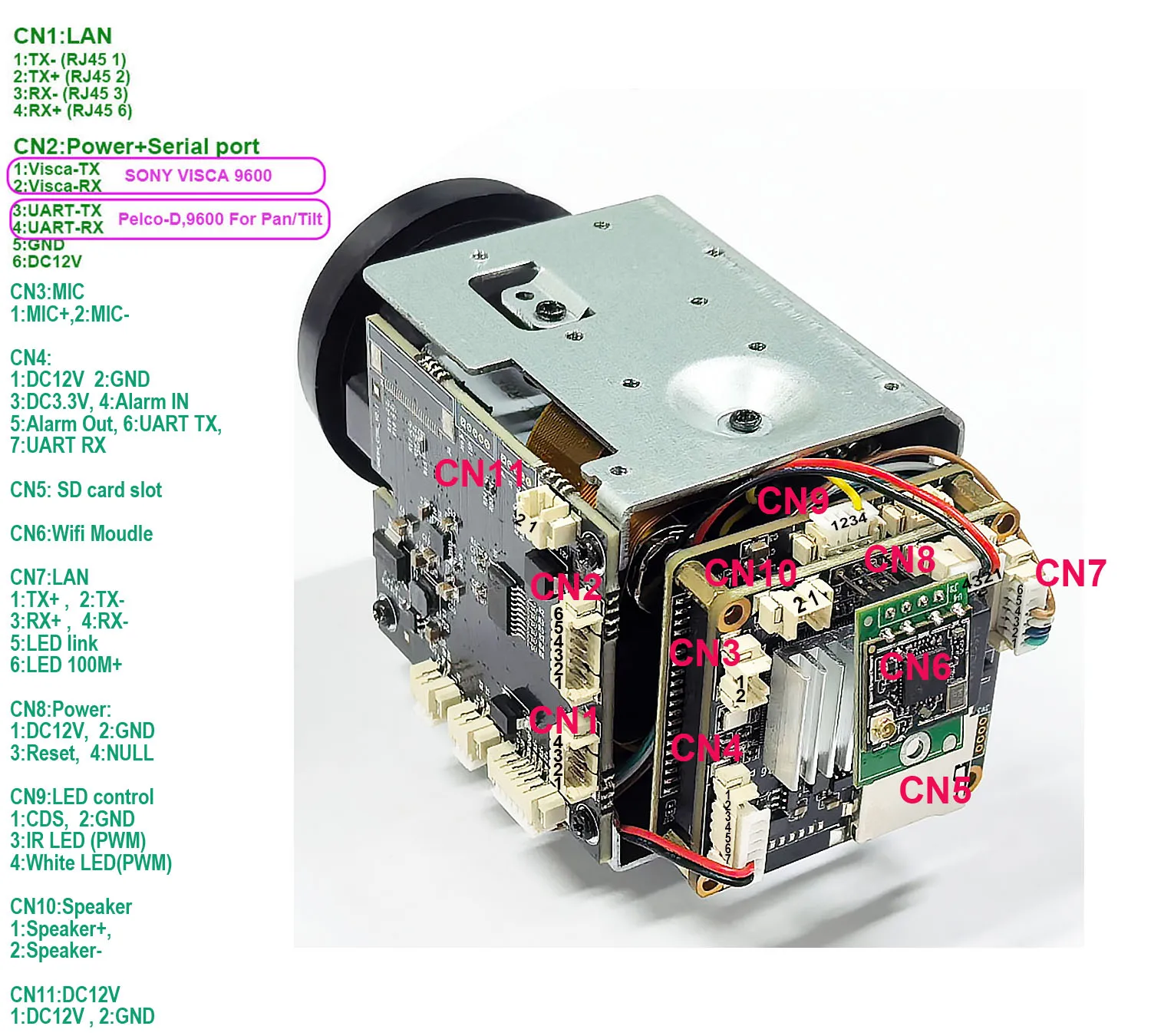
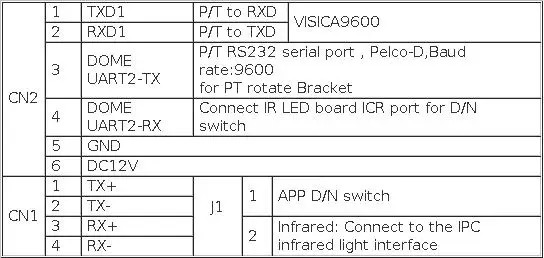
Remarks: This movement supports VISCA protocol (connected to Speed dome PTZ camera) and PTZ
serial port protocol (connected to PTZ). The default is VISCA protocol.
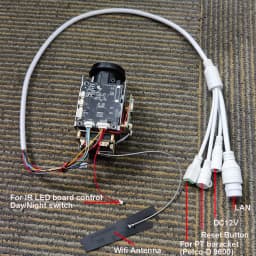
Interface definition:
Command and Instructions:
1.The lens curve learning command: 253 + set + 252 +call
(The distance between the camera and the object must be greater than 50meters)
2.Minimum focus distance setting:Set command: 251 + set + X + call.
When X = 1, the minimum focusing distance is about 1.5 meters;
when X = 2, the minimum focusing distance is about 3 meters;
when X = 3, the minimum focusing distance is about 6 meters;
when X = 4, the focusing distance is infinity.Default X = 2
3. Focus mode setting:Set command: 250 + set + X + call.
When X = 1, the focus will only be triggered when the zoom movement is triggered;
when X = 2, any change in the pan, tilt, left, right, and zoom modes will trigger the movement to focus;
when X = 3, the automatic focusing mode, In any case, the movement will automatically focus. Default X = 2
4. Modification Digital ZOOM:
If ip address of camera is 192.168.188, Please open the browser and enter this address:
http://192.168.1.88/cgi-bin/hi3510/param.cgi?cmd=setmaxezoom&-maxezoom=10
10X Digital zoom when maxezoom=10; digital zoom close when maxezoom=1
Maxezoom value can be equal to any value from 1-10, representing the multiplier digital zoom of the number.
After the command is executed, please power off andrestart the camera. digital zoom to take effect
5.ZOOM OSD display and not display: 225 + call + X + call,
when X = 1, the ZOOM timesdisplay is on;
when X = 2, the zoom timesdisplay is off, the default X =1
6.Modify the control protocol method (you need to restart the movement to take effect after modification):
254+set+1+set: VISCA protocol (default) (PELCO-D, baud rate: 9600, address code: 1/255)
254+set+2+set: PTZ serial port protocol (PELCO-D, baud rate: 9600, address: 1
7. The movement supports the standard Visca protocol with a baud rate of 9600.
The address codes of the dome camera is 1
Humanoid recognition algorithm based on deep learning.Based on Huawei's deep learning humanoid recognition algorithm V2.0,
itprovides accurate humanoid recognition, providing continuous humanoid coordinates for the camera and smooth tracking of the camera.
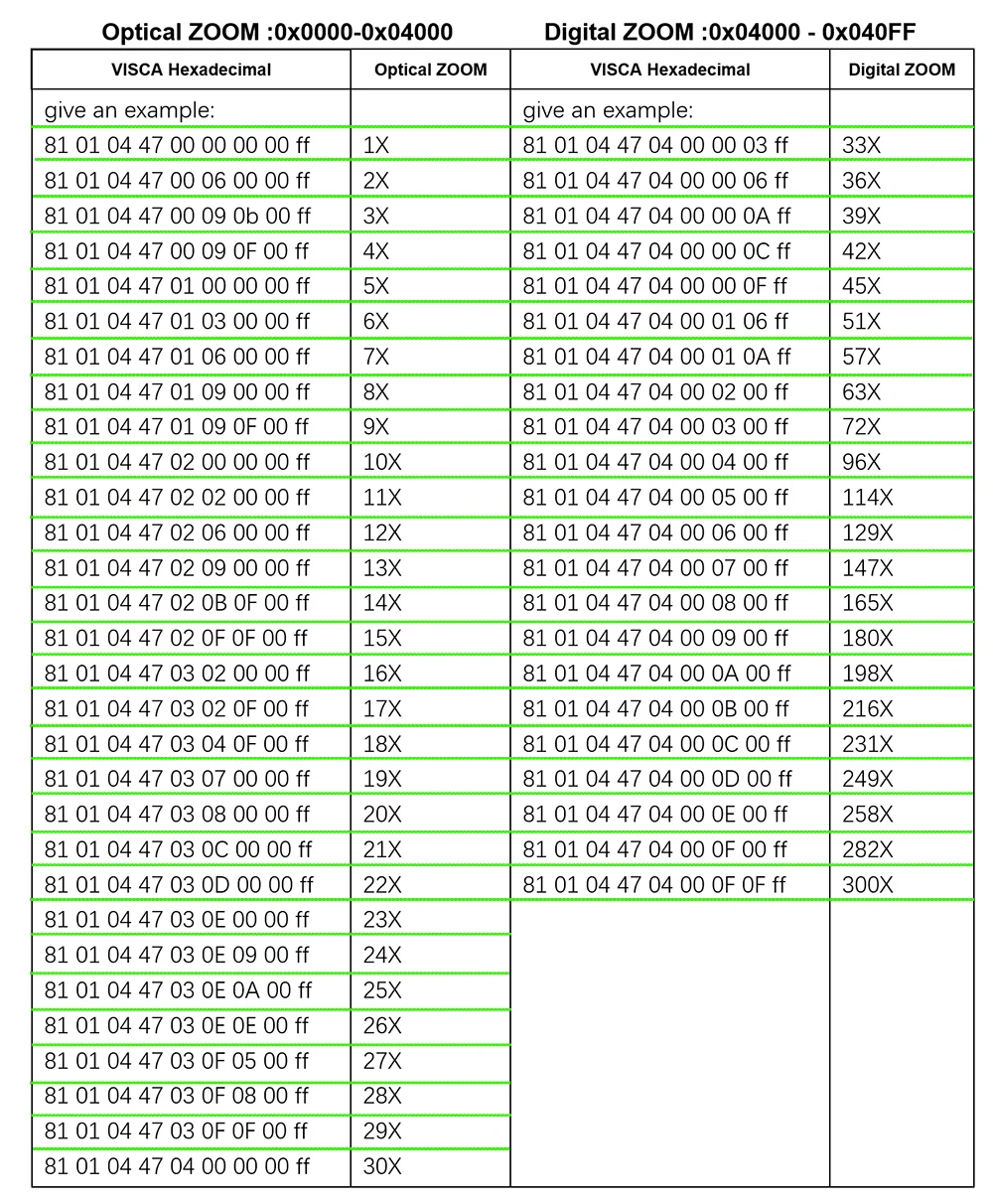
Connect to the VISCA interface of the camera through the USB TTL serial port, and execute the hexadecimal code to control the camera ZOOM

Connect to the VISCA interface of the camera through the USB TTL serial port, and execute the hexadecimal code to control the camera ZOOM

1x cable
1X wifi antenna
1X Manual
1X DC12V 1A power adapter



Customer Reviews
No reviews yet
CamhiPro 4K 8MP 240X Zoom WiFi Wireless IP Camera Auto IRIS P2P ONVIF IMX415 WiFi SD 256GB IP Camera
Quantity:
1
Availability:
Not Available