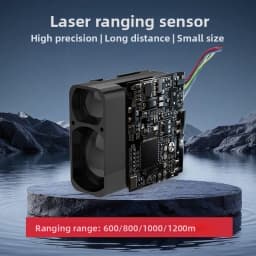


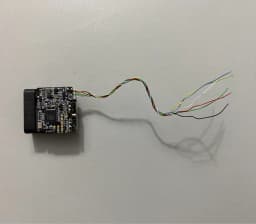
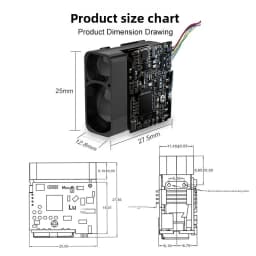

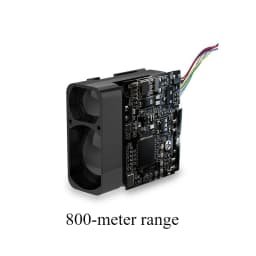
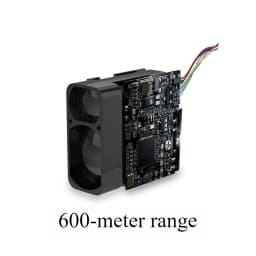
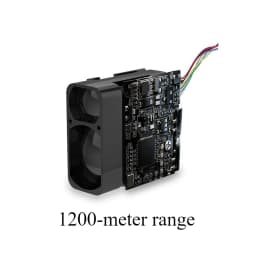
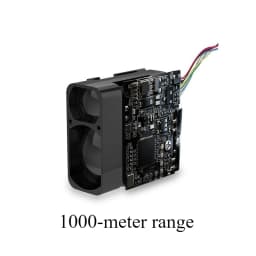
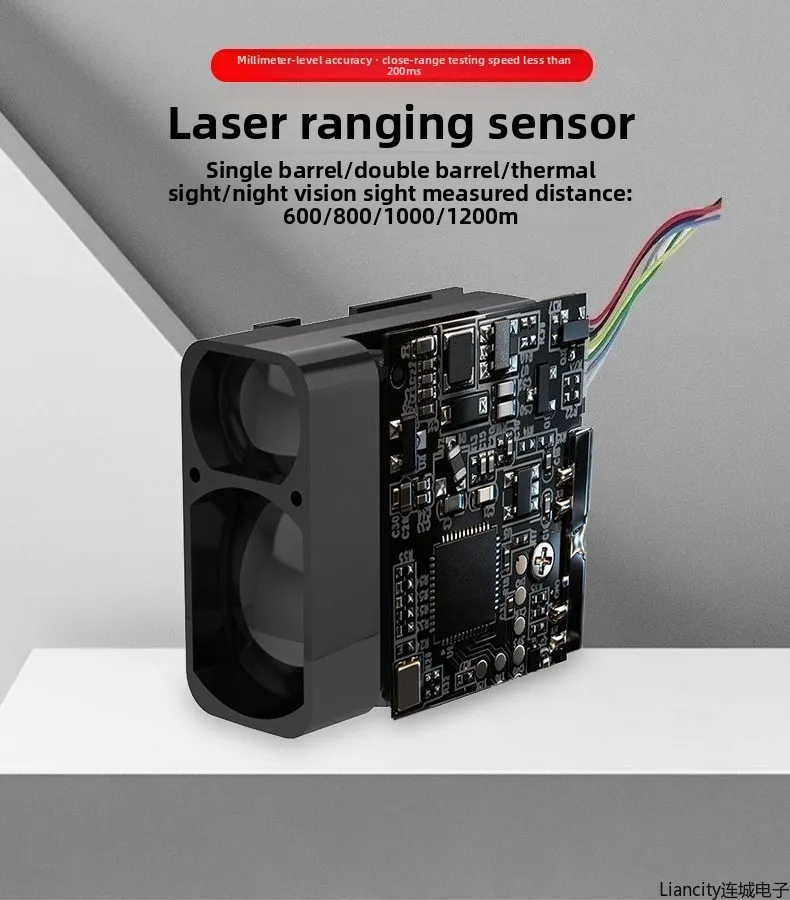
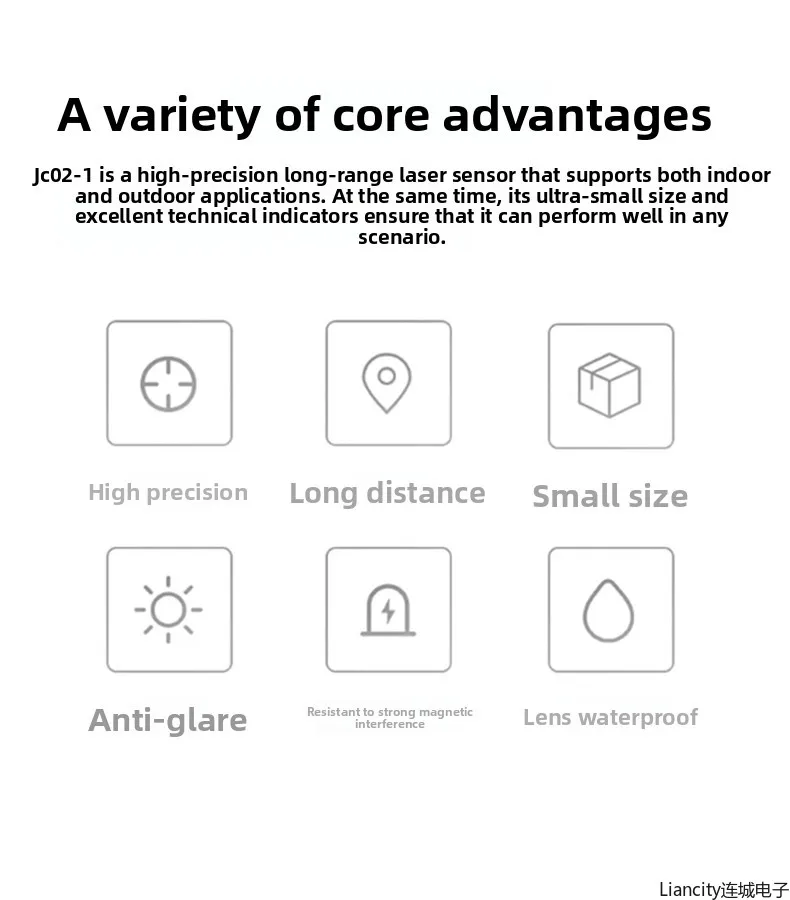
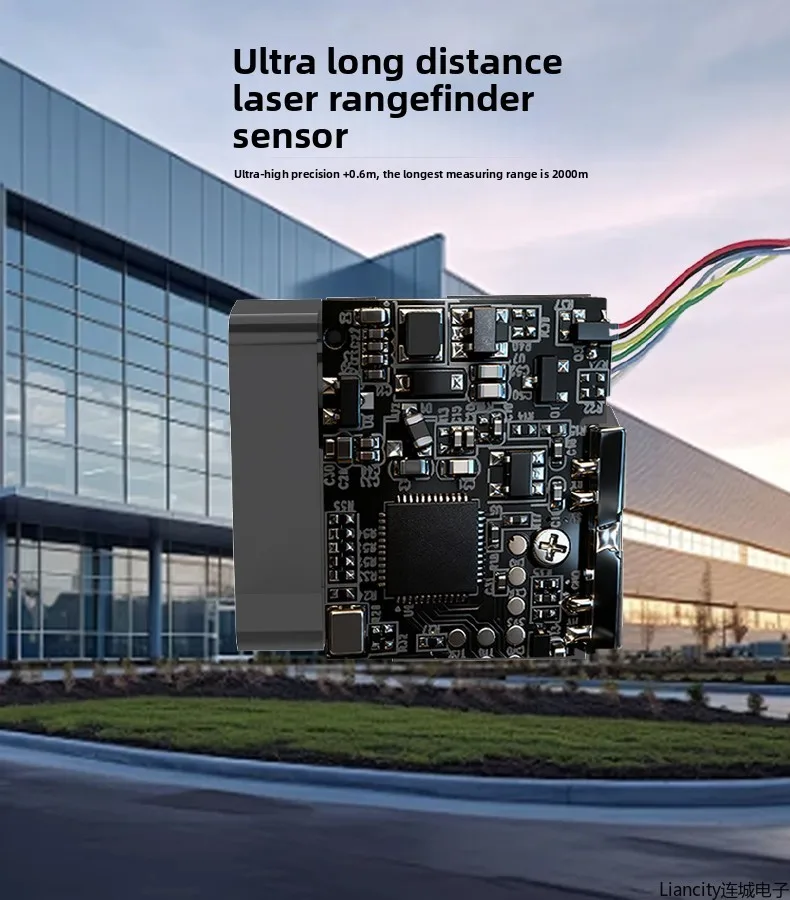
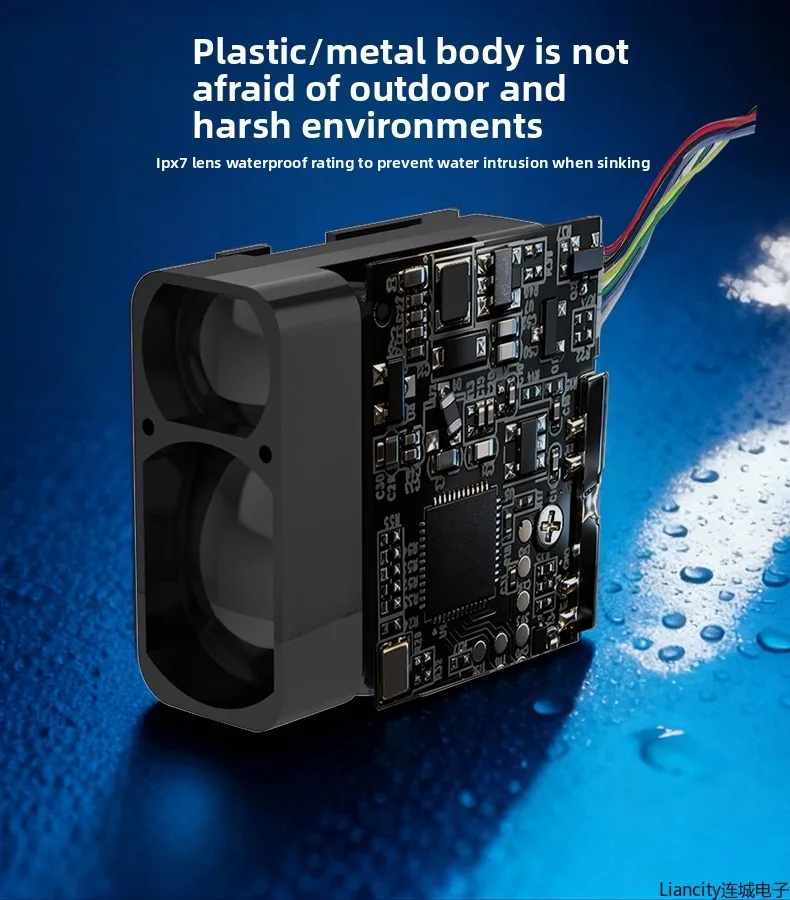
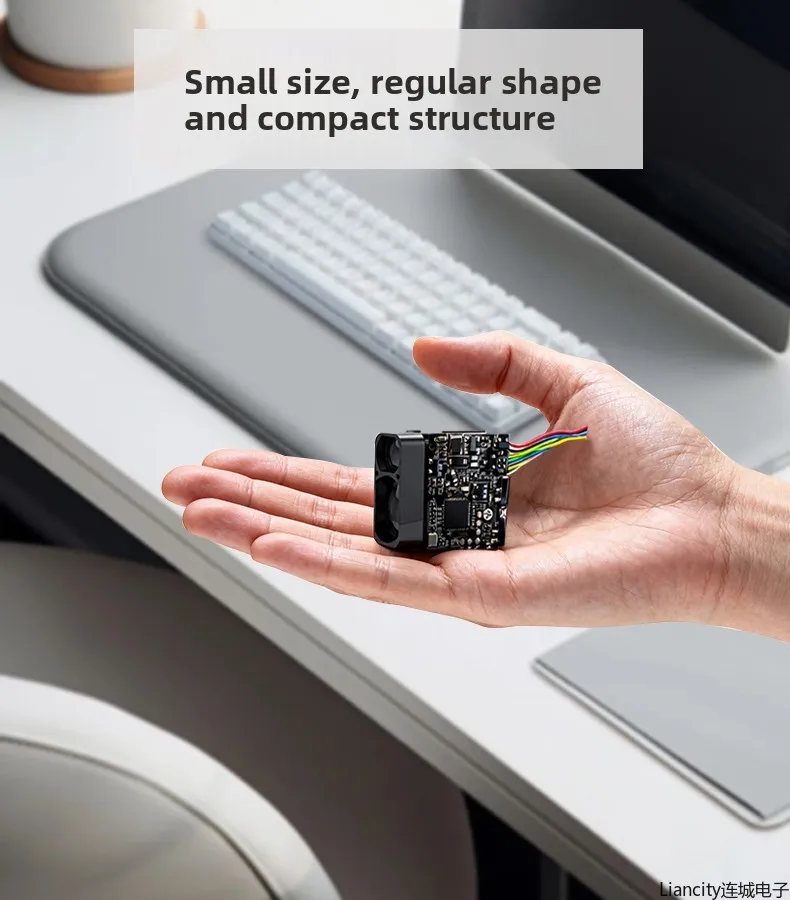
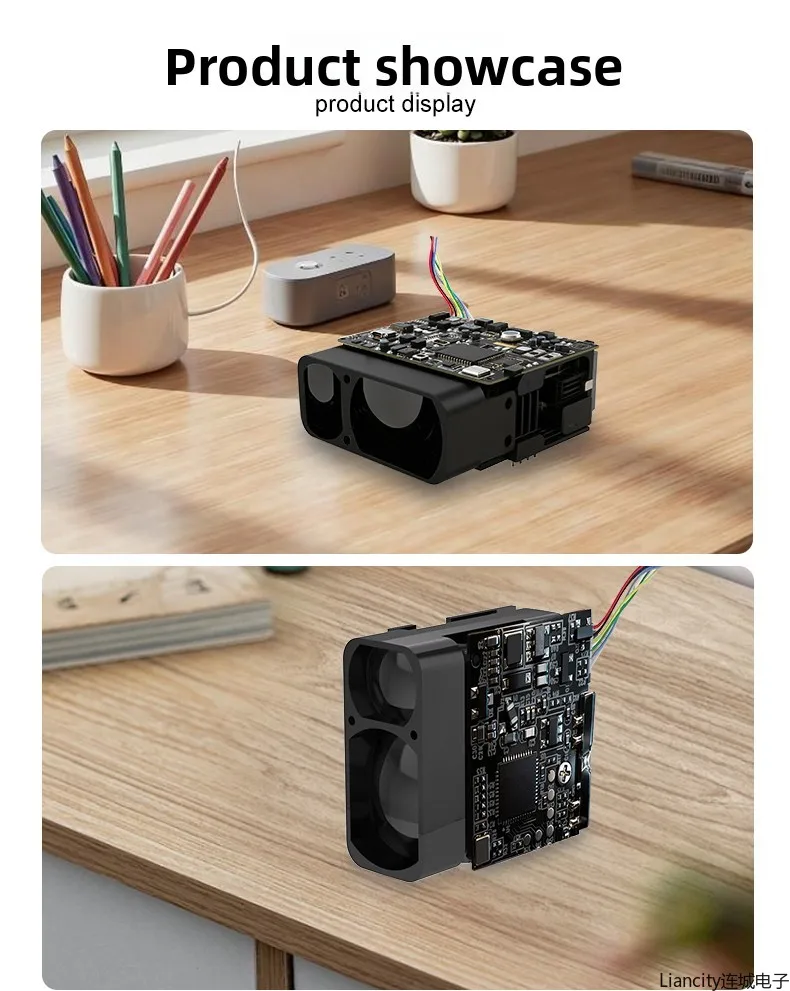
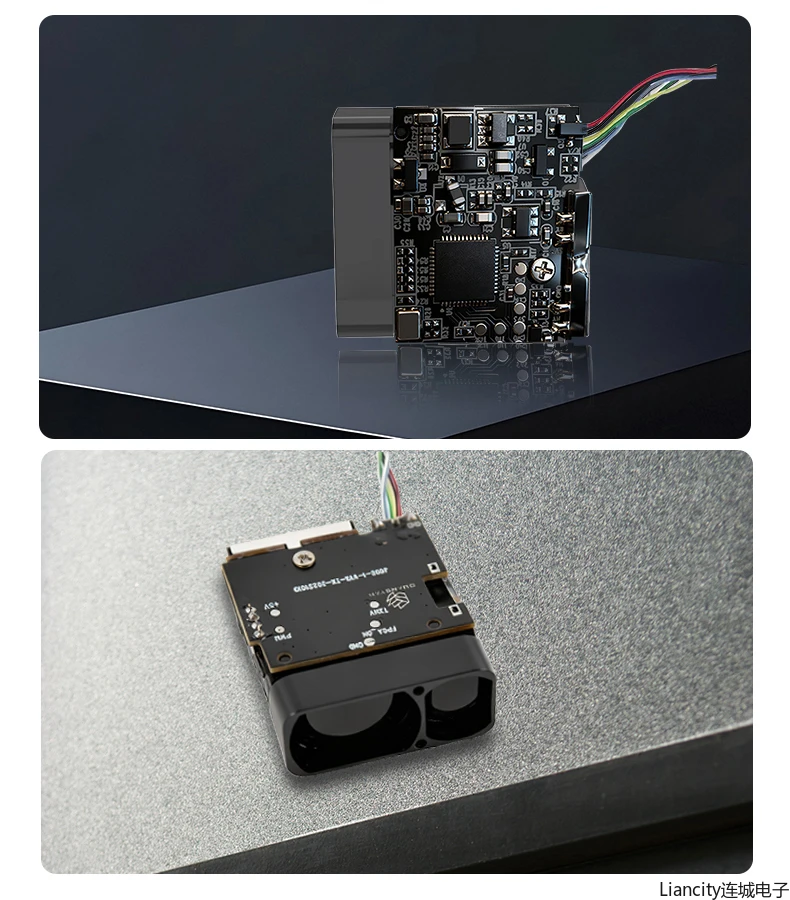
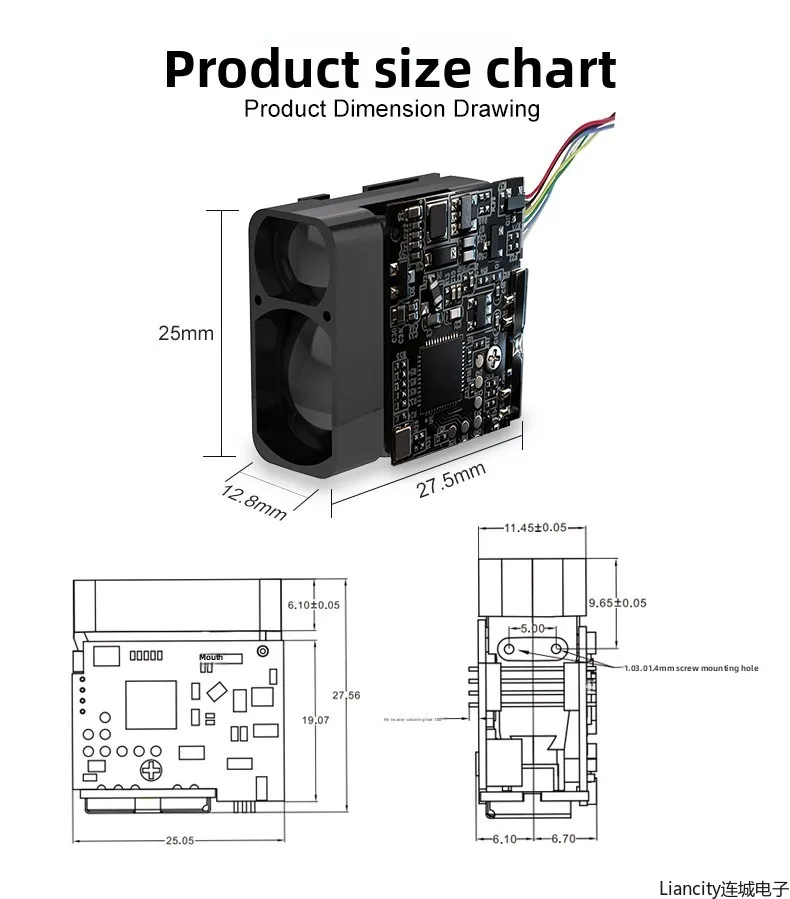
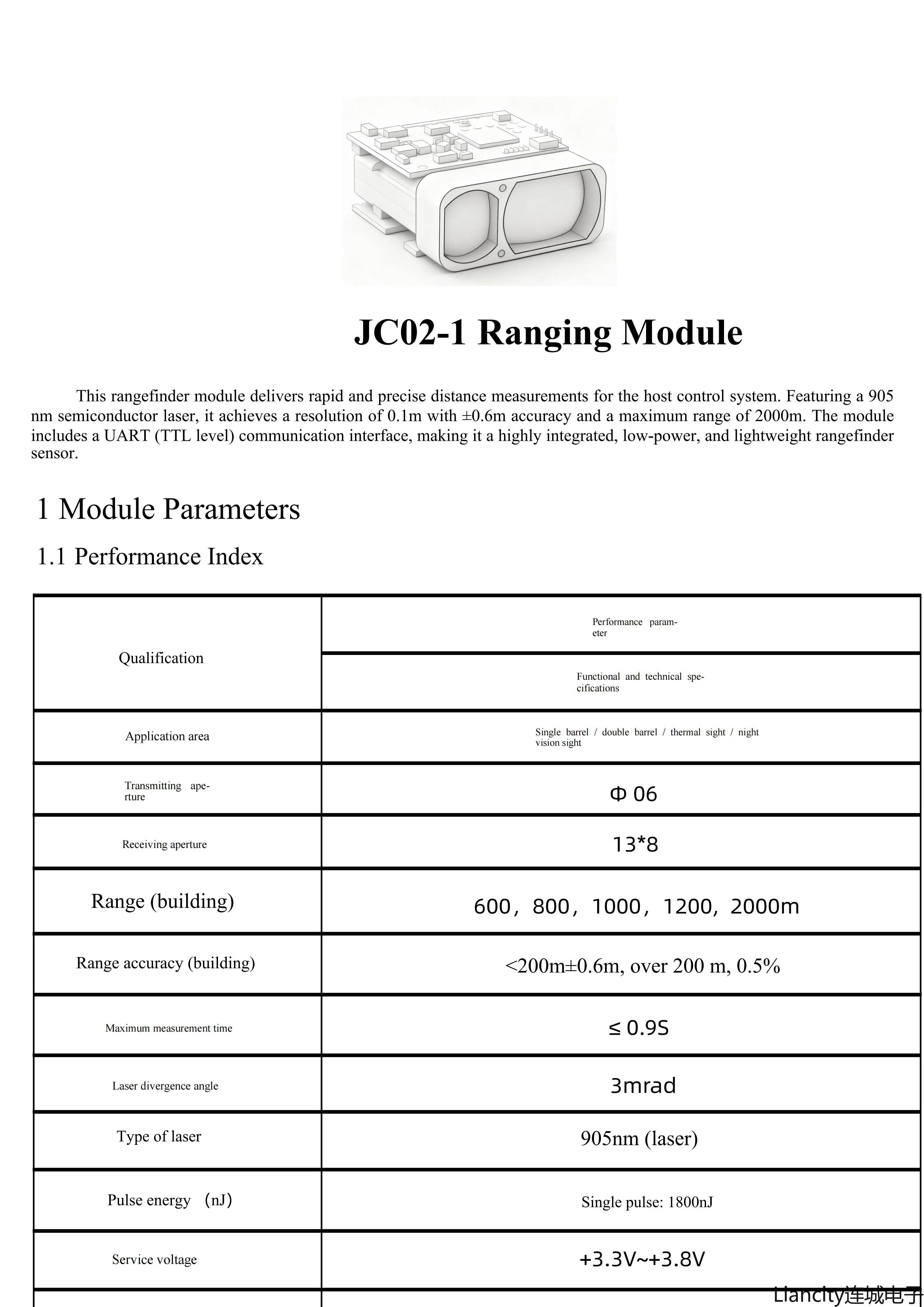
Compact Laser Distance Measuring Module 600-1200m|Fast Response ≤200ms for Aviation/Railway/Outdoor Sports Accuracy ± 0.6 Meters
72.6$
64.2$
Quantity:
1
Availability:
Color
Card Payments
Crypto Payments
Easy return
Reliable Shipping
### JC02-1 Rangefinder Module FAQ
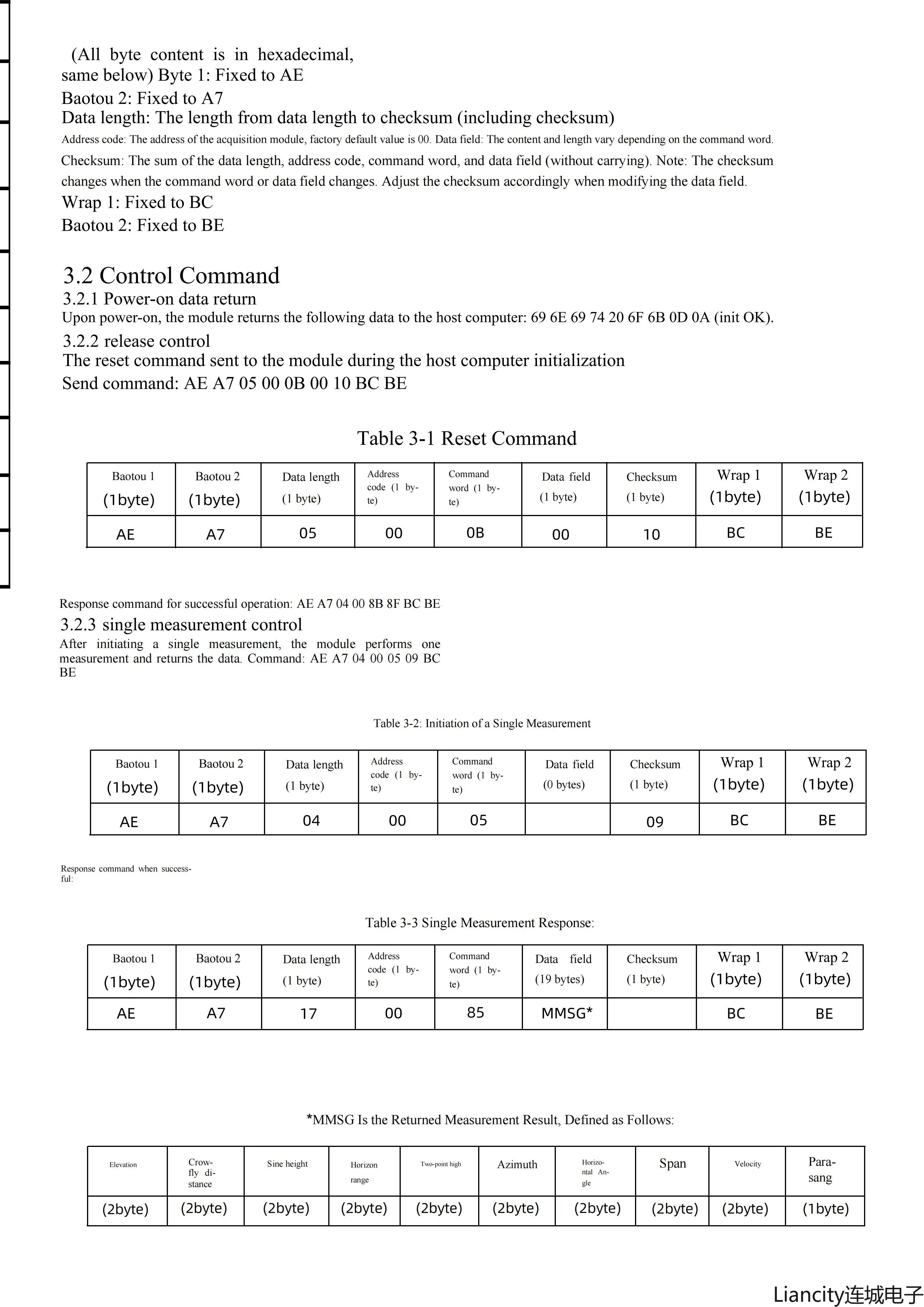
#### Q1: Is it a malfunction if the module has no response after sending the reset command?
Answer: No, it’s not a malfunction. The JC02-1 reset command (`AE A7 05 00 0B 00 10 BC BE`) is designed to execute silently (no response packet after receiving the command). To verify if the reset works:
1. Send the reset command;
2. Wait 500ms (for the module to reinitialize);
3. Send the "Single Measurement command" (`AE A7 04 00 05 09 BC BE`);
4. If you receive the measurement response packet from the module, the reset is successful.
#### Q2: How to switch the module’s baud rate from default 9600bps to 115200bps?
Answer: Follow these steps:
1. Ensure the module is currently communicating at 9600bps;
2. Send the baud rate configuration command (hex): `AE A7 05 00 0C 01 02 BC BE` (where `02` corresponds to 115200bps);
3. Immediately reconfigure your serial tool/MCU to 115200bps after sending the command to continue communication.
#### Q3: Are the MMSG fields (Elevation, Sine Height, etc.) showing 0 due to incorrect settings?
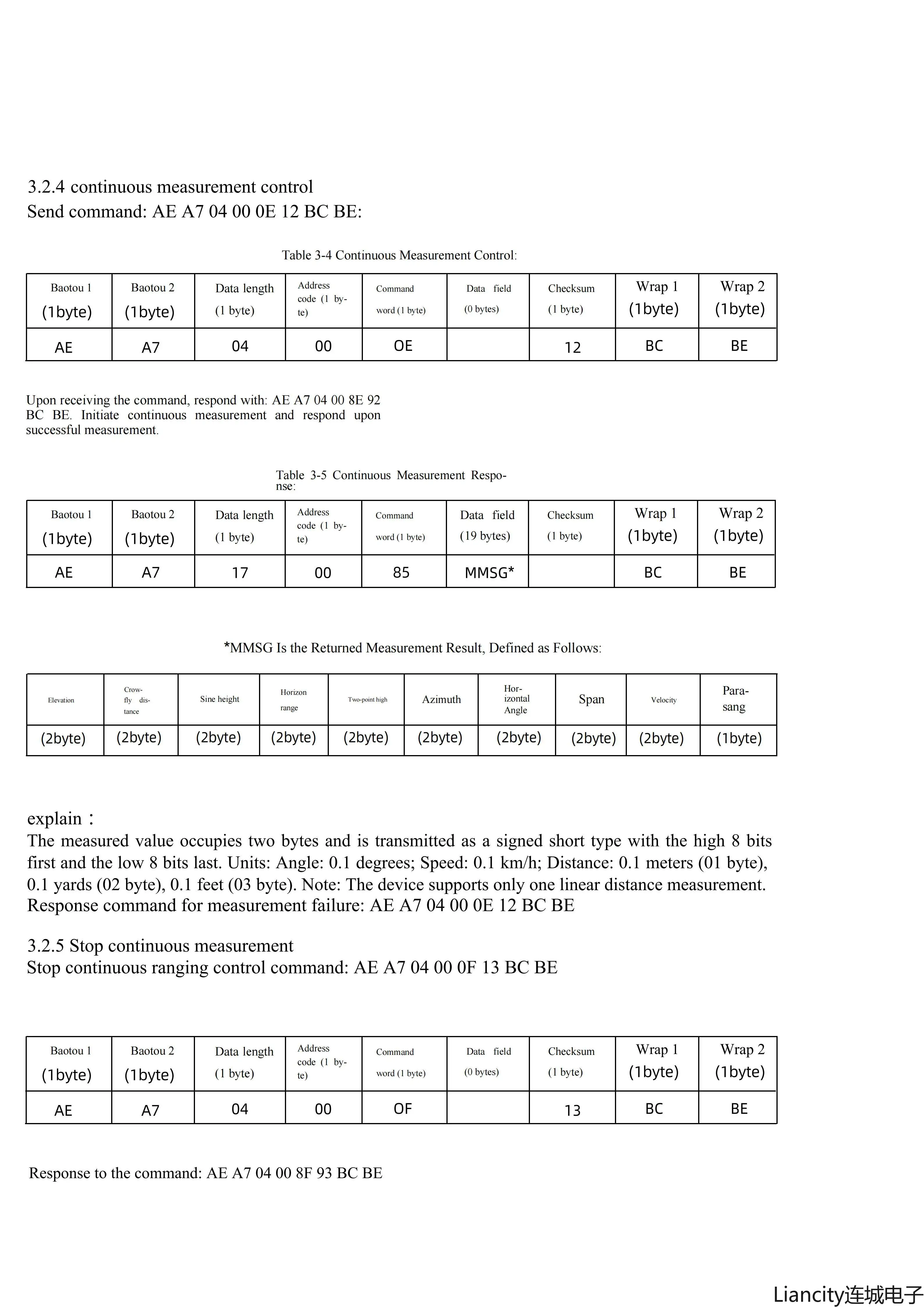
Answer: No, it’s not incorrect settings. The MMSG fields (Elevation, Sine Height, Azimuth, etc.) of JC02-1 are reserved for future firmware updates/higher-end models. Only the "Crowfly distance" field is active (non-zero) in the current version, and other fields return 0 by default. We recommend keeping the code logic for these fields—they can be used directly after firmware updates or model switching.
#### Q4: Can I change the module’s distance unit (meters/yards/feet)?
Answer: No. The distance unit of JC02-1 is factory-calibrated to "meters (unit code 1)" as a fixed parameter, and unit switching via commands is not supported.
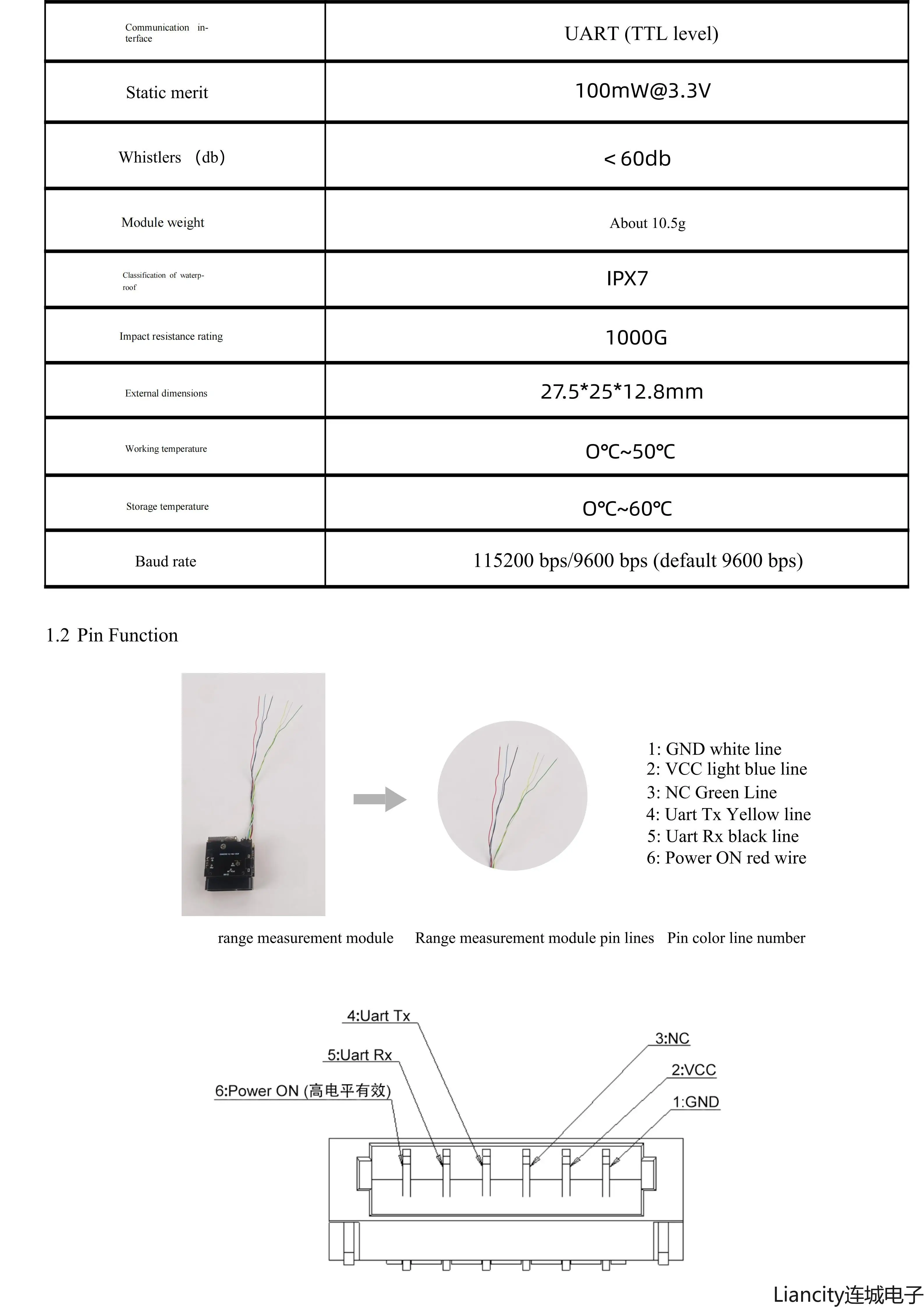
#### Q5: Can the Power ON pin be connected directly to VCC? How to control the module’s ON/OFF?
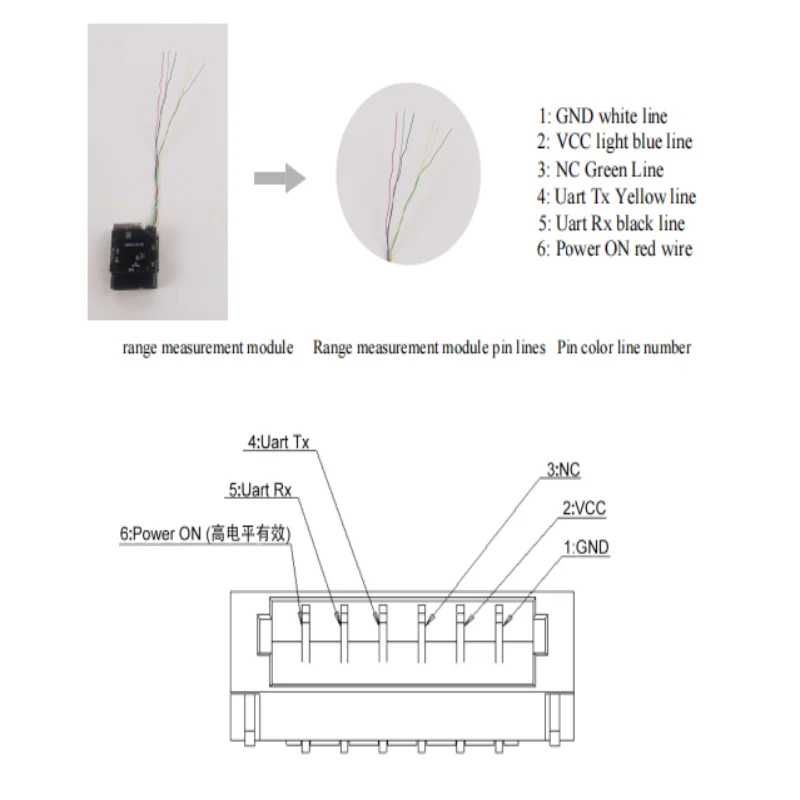
Answer: 1. The Power ON pin can be connected directly to 3.3V VCC (the pin is designed to accept 3.3V high-level input); you can also pull it up to VCC via a 10kΩ resistor (more stable, recommended for long-term use);
2. It is recommended to use the Power ON pin to control the module (low level = OFF, high level = ON). Do not switch the VCC line directly (voltage spikes may damage the module).
#### Q6: How to connect the JC02-1-10 module to FPV (VCC, Power ON) and which communication protocol to choose for the flight controller?
Answer:
### 1. Wiring for VCC and Power ON (FPV Compatibility)
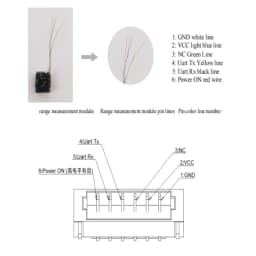
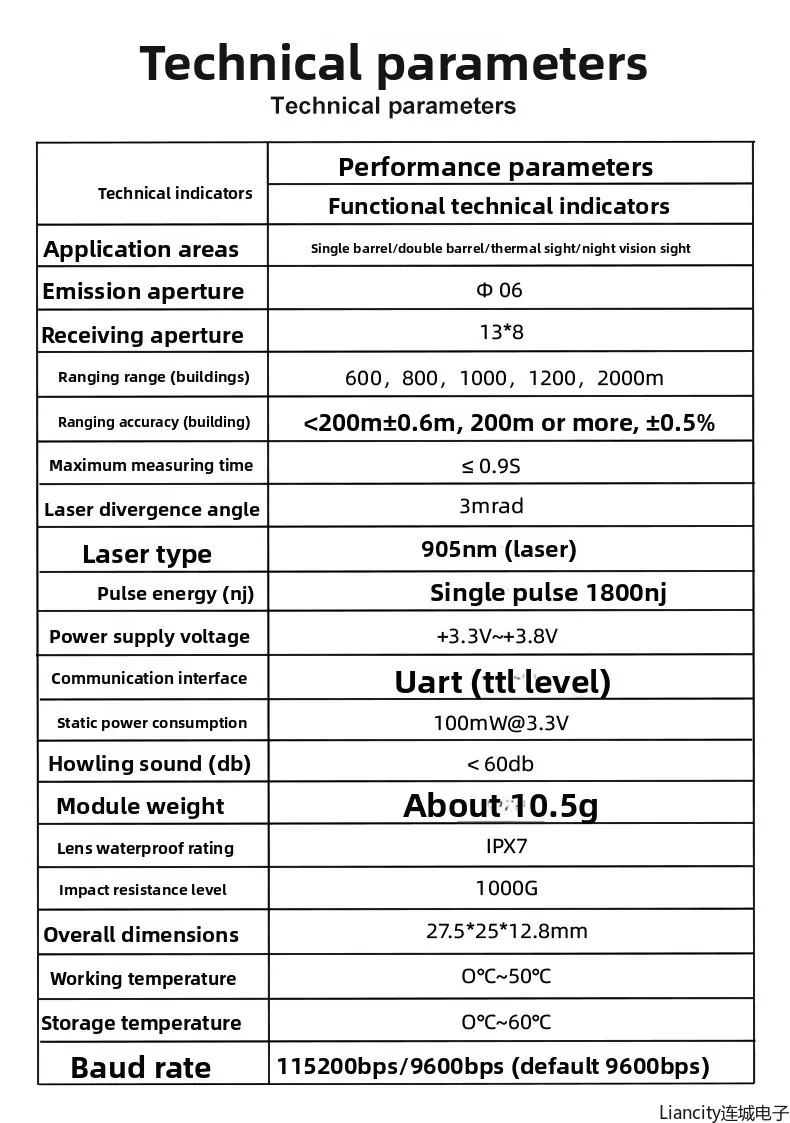
The JC02-1-10 operates on **3.3V~3.8V (TTL levels)**—ensure stable power and compatibility with your FPV flight controller (FC):
- **VCC (Power Supply)**:
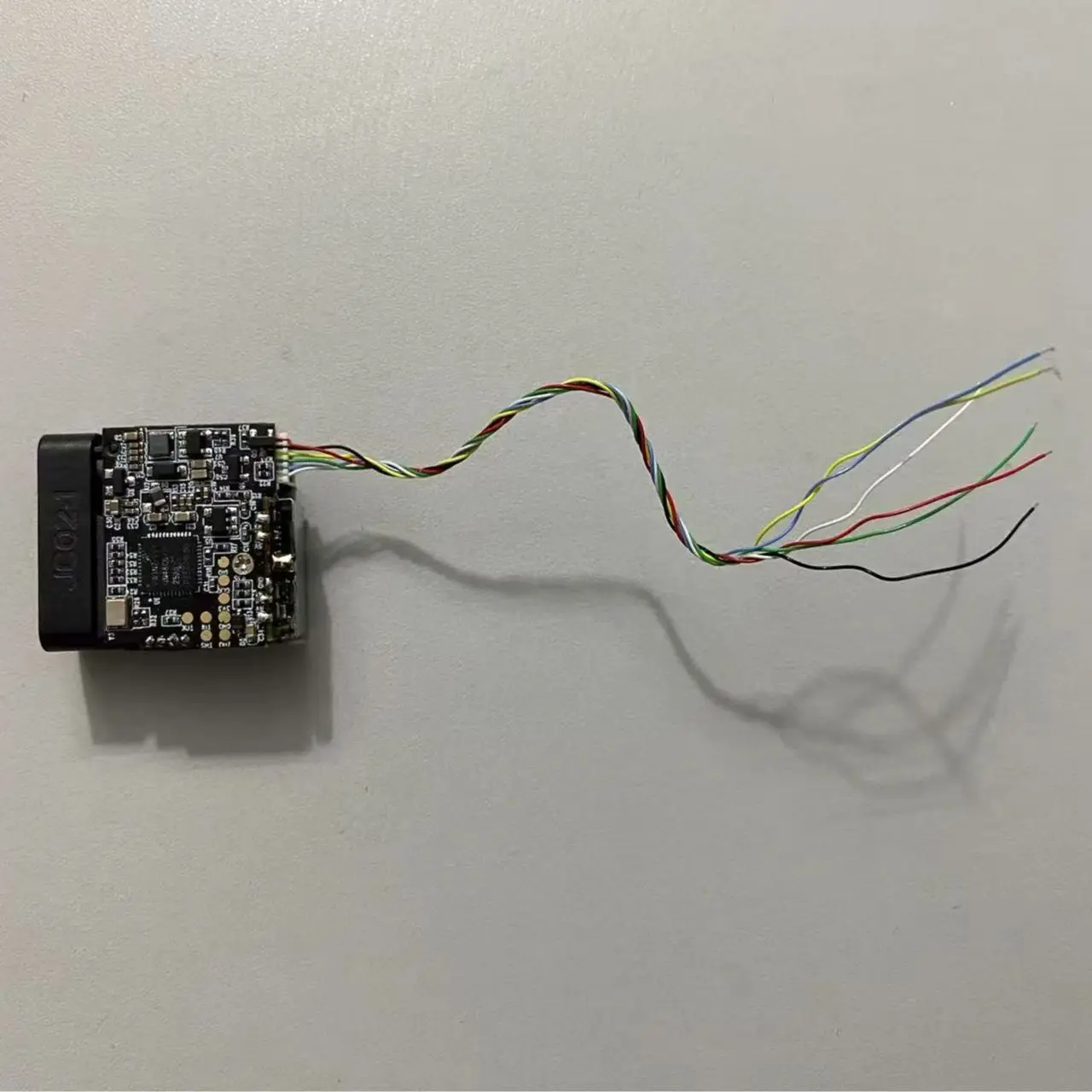
- If your FC has a 3.3V BEC output: Connect the module’s `VCC` (light blue wire) directly to the FC’s 3.3V pin.
- If your FC only has 5V: Use an **AMS1117-3.3V voltage regulator** (convert 5V from FC to 3.3V) to power the module (never connect 5V directly—this will damage the module!).
- **Power ON (Module Activation)**:
- For automatic startup with FC power: Connect `Power ON` (red wire) to the FC’s 3.3V pin (permanent high level).
- For remote control via FC: Connect `Power ON` to a free digital IO pin of the FC (set the IO to high level in FC software to activate the module).
- **GND (Ground)**: Mandatorily connect the module’s `GND` (white wire) to the FC/FPV system’s common ground (no common ground = communication failure!).


Customer Reviews
No reviews yet
Compact Laser Distance Measuring Module 600-1200m|Fast Response ≤200ms for Aviation/Railway/Outdoor Sports Accuracy ± 0.6 Meters
72.6$
64.2$
Quantity:
1
Availability:
Color