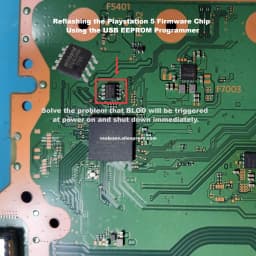
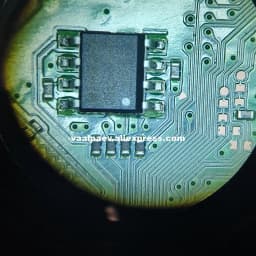
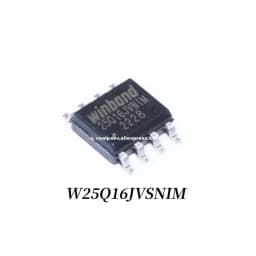
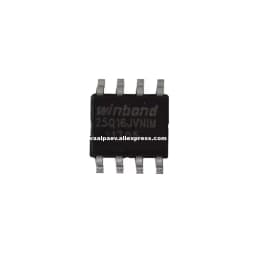
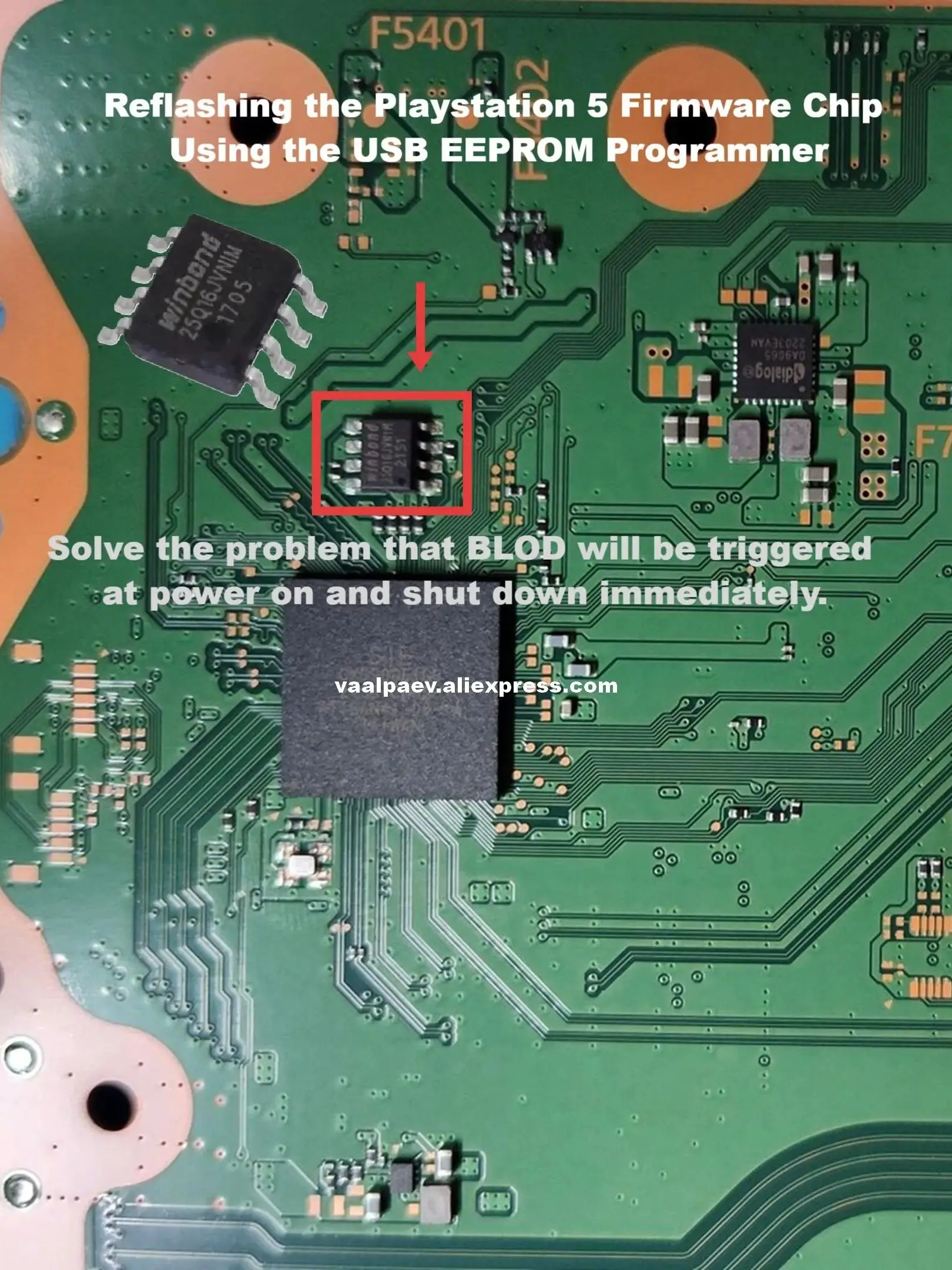
New Original Authentic For PS5 BIOS Chip Winbond 25Q16JVNIM Chip Located Next to the Southbridge on the Motherboard
27.6$
19.2$
Quantity:
1
Availability:
Color
Model Number
Card Payments
Crypto Payments
Easy return
Reliable Shipping
Product Name: New Original W25Q16JVNIM 25Q16JVNIM BIOS Chip for PS5 Console
Product Description:
This is a brand new, genuine Winbond W25Q16JVNIM SPI NOR Flash chip. It is the exact BIOS chip used on PlayStation 5 motherboards. The chip is shipped blank and must be programmed with your console's BIOS data before installation.
Specifications:
Part Number: W25Q16JVNIM / 25Q16JVNIM
Type: SPI NOR Flash Memory
Capacity: 16Mbit (2MB)
Package: SOP-8 150mil
Voltage: 2.7V – 3.6V
Condition: Brand New, Original
Quantity: 1 piece per order
Compatible Models:
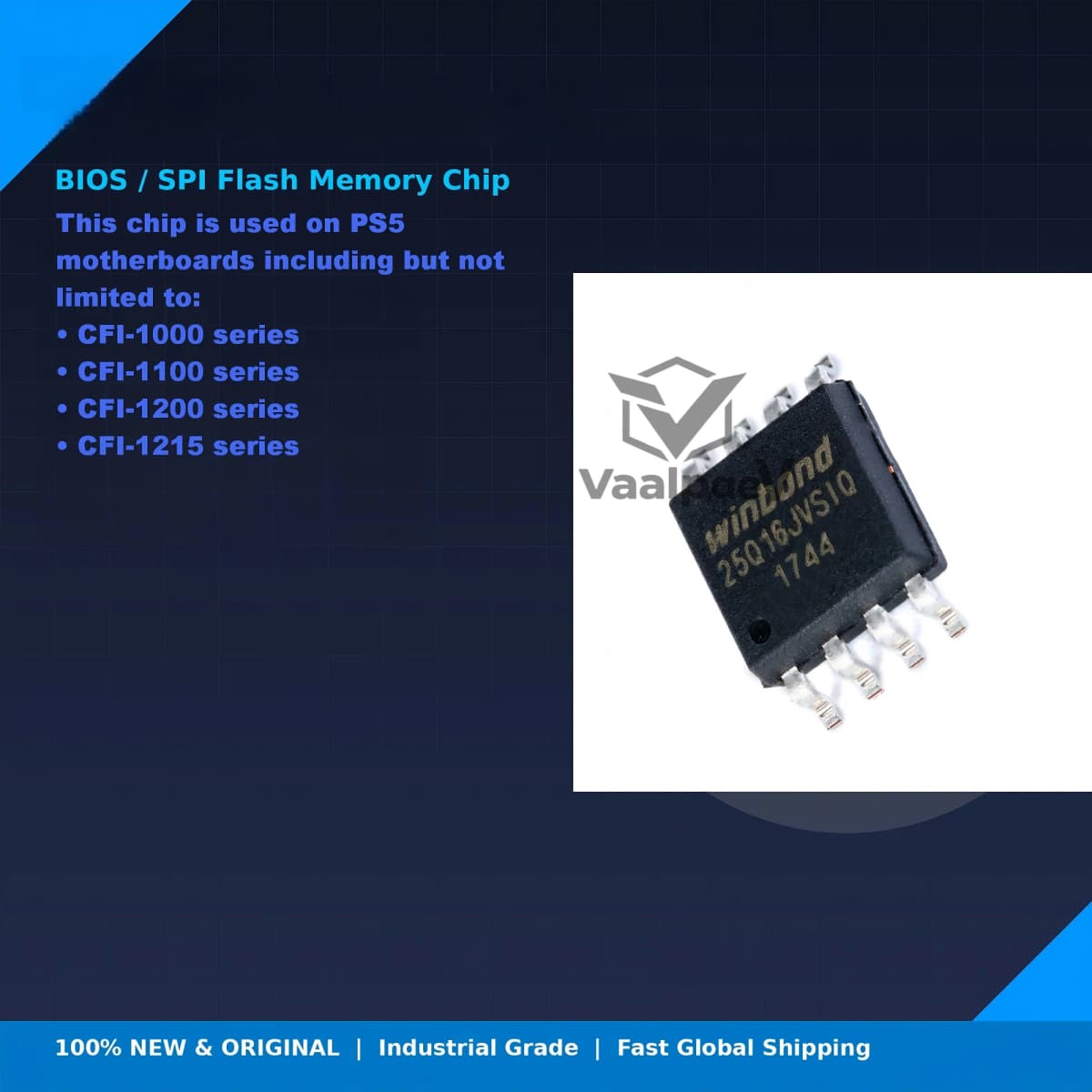
This chip is used on PS5 motherboards including but not limited to:
CFI-1000 series
CFI-1100 series
CFI-1200 series
CFI-1215 series
Common Repair Scenario:
If your PS5 shows "3 beeps and no power" when plugged in, the BIOS chip (NOR Flash) is often corrupted. Replacing and reprogramming this chip is the standard repair solution.
What You Need to Prepare (Not Included):
CH341A USB Programmer or equivalent SPI programmer
SOP-8 adapter or test clip
Hot air rework station (300-350°C)
AsProgrammer software (free)
PS5 NOR Editor software (free, by Dony)
Your original console BIOS dump (if available)
Programming Steps:
Read your original chip (if possible). Desolder the old chip and dump the data using CH341A + AsProgrammer. Save the .bin file — this contains your console's unique serial number and MAC address.
Prepare the BIOS file. Open PS5 NOR Editor. Select your motherboard model, load your original dump in the "Harvest" section, select all unique data options, and merge them into a clean donor BIOS. Save the repaired file.
Program the new chip. Place the new W25Q16JVNIM into the SOP-8 adapter. Connect to CH341A. In AsProgrammer, select chip model W25Q16JV, load your repaired .bin file, and click "Auto" (Erase + Write + Verify). Wait for 100% verification success.
Install on motherboard. Locate the BIOS chip position next to the Southbridge on the PS5 motherboard. Align Pin 1 with the white dot marking. Solder the chip using hot air. Inspect all 8 pins carefully.
Important Notes:
This chip is shipped BLANK. It contains NO data. You MUST program it before use.
Directly installing without programming will NOT fix your console.
Professional soldering skills and programming tools are required.
We are not responsible for damage caused by improper soldering or incorrect BIOS file preparation.
Please confirm your console issue is BIOS-related before purchasing.
Package Includes:
W25Q16JVNIM BIOS Chip (SOP-8)
Shipping & Service:
Fast shipping within 24-48 hours
Secure anti-static packaging
Professional customer support
Customer Reviews
No reviews yet
New Original Authentic For PS5 BIOS Chip Winbond 25Q16JVNIM Chip Located Next to the Southbridge on the Motherboard
27.6$
19.2$
Quantity:
1
Availability:
Color
Model Number