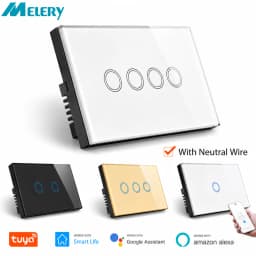
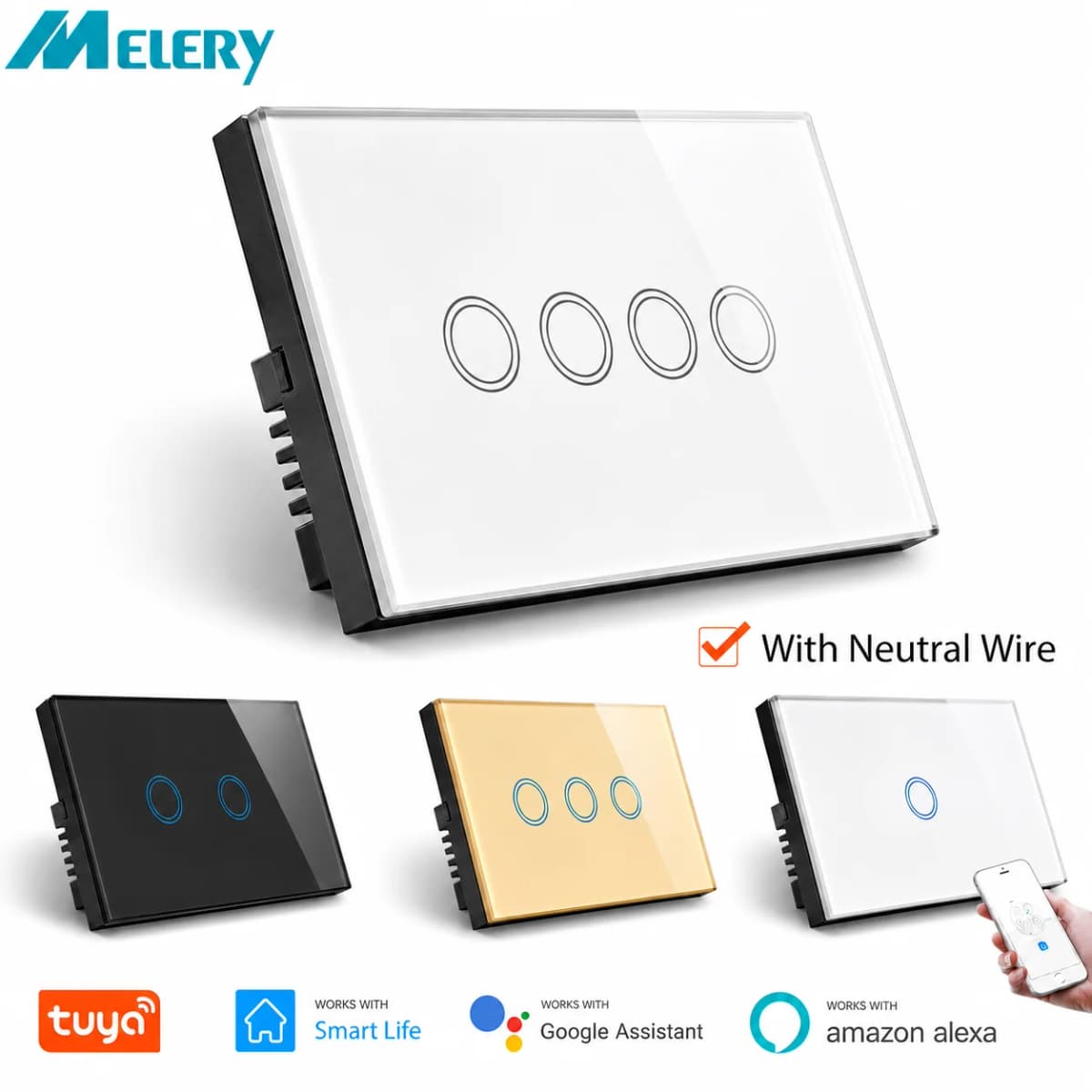
Melery Wall Switch Wifi Smart Life Tuya Light Switches Interruptor Glass Touch Sensor Panel Wireless Voice Remote Control by Alexa Assistant Google Home
92.76$
14.73$
Quantity:
1
Availability:
Color
Ships From
Card Payments
Crypto Payments
Easy return
Reliable Shipping
Melery Smart Wifi Touch Light Switch Product Description
Product Specifications
Key Features
High Power & Wide Compatibility
This smart touch switch supports a maximum power of 2200W, which is compatible with most lights and other electrical devices in your home. Whether it’s ceiling lights, table lamps, or small appliances, it can handle them easily, meeting your daily use needs.
Intelligent Voice & Remote Control
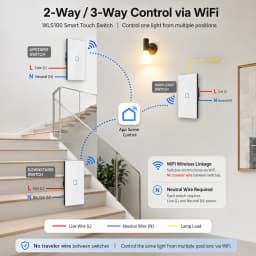
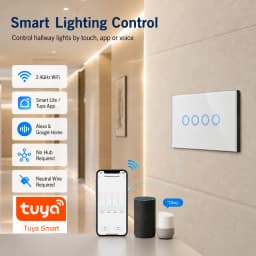
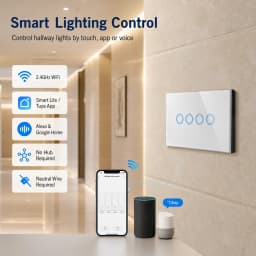
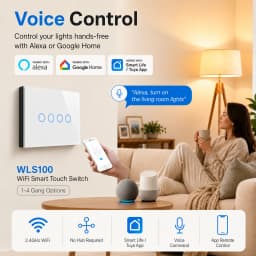
Compatible with Amazon Alexa (Echo/Dot/Tap) and Google Assistant, no hub required. Simply use voice commands to turn lights on or off, freeing your hands. Meanwhile, connect the switch to your smartphone via 2G/3G/Wi-Fi network (compatible with iOS and Android), and you can remotely control your home appliances anytime, anywhere through the SmartLife or Tuya APP.
Flexible Timing Function
Equipped with a practical timing function that works even in offline mode. You can set countdown timers, single timers, and repeat timers, up to 8 groups of timers in total. It helps you schedule daily routines, such as turning on the light automatically in the morning and turning off the light at night, bringing you a comfortable and intelligent lifestyle.
Sensitive Touch & Durable Design
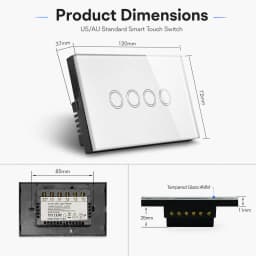
Adopting a tempered glass touch panel, the switch is highly sensitive to touch, providing a smooth and responsive operation experience. After rigorous testing, the premium glass material can withstand up to 20 million touches, ensuring long-term durability and a sleek, modern look that fits any home decor.
Easy Installation & Setup
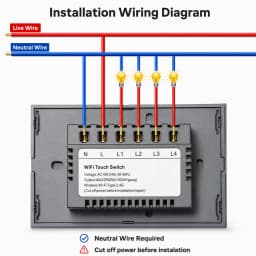
No complicated wiring required. Simply download the SmartLife APP from the App Store or Google Play Store, connect your mobile device to a 2.4 GHz Wi-Fi network, find the switch in the APP, and follow the simple instructions to complete the setup. Even if you’re not tech-savvy, you can get it working in minutes.
Pairing Guide (Tuya/Smart Life, Alexa, Google Home)
Follow these step-by-step instructions to pair your Melery smart switch with the corresponding APP and voice assistants, ensuring a smooth connection and stable use.
1. Pair with Tuya APP / SmartLife APP
① Download and install the Tuya APP or SmartLife APP on your iOS/Android smartphone (search in App Store or Google Play Store).
② Open the APP, register an account (if you don’t have one) and log in. Tap the “+” icon in the upper right corner of the APP homepage.
③ Select “Light Switch” from the device list, then choose “Auto Discovery” (the switch will be automatically detected if it’s powered on and in pairing mode).
④ Enter your 2.4 GHz Wi-Fi password (note: 5 GHz Wi-Fi is not supported), then tap “Confirm” to start pairing.
⑤ Wait for 1-3 minutes until the switch’s indicator light stops flashing and the APP prompts “Pairing Successful”. The switch will then be displayed in your APP device list, and you can start controlling it.
2. Pair with Amazon Alexa
① Ensure your Melery switch has been successfully paired with Tuya/SmartLife APP first.
② Open the Amazon Alexa APP, log in to your Amazon account, and tap “More” in the bottom right corner, then select “Skills & Games”.
③ Search for “Tuya Smart” or “SmartLife” skill, tap “Enable to Use”, and log in with your Tuya/SmartLife APP account to link the two accounts.
④ After linking, tap “Discover Devices” in Alexa APP, and Alexa will automatically search for your Melery switch.
⑤ Once discovered, the switch will be added to your Alexa device list. You can now use voice commands (e.g., “Alexa, turn on the living room light”) to control the switch.
3. Pair with Google Home
① Make sure your Melery switch is paired with Tuya/SmartLife APP and your Google Home device is connected to the same Wi-Fi network as your smartphone.
② Open the Google Home APP, log in to your Google account, and tap the “+” icon in the upper left corner, then select “Set up device”.
③ Choose “Works with Google”, search for “Tuya Smart” or “SmartLife” in the list, and log in with your Tuya/SmartLife APP account to authorize the connection.
④ After authorization, Google Home will automatically sync your Melery switch. Once synced, you can control the switch with voice commands (e.g., “Hey Google, turn off the bedroom light”).
Note: During pairing, ensure the switch is powered on, your smartphone is connected to 2.4 GHz Wi-Fi (not 5 GHz), and the distance between the switch and the router is within 30 meters (indoor) for a stable connection. If pairing fails, restart the switch and router, then try again.
Customer Reviews
No reviews yet
Melery Wall Switch Wifi Smart Life Tuya Light Switches Interruptor Glass Touch Sensor Panel Wireless Voice Remote Control by Alexa Assistant Google Home
92.76$
14.73$
Quantity:
1
Availability:
Color
Ships From