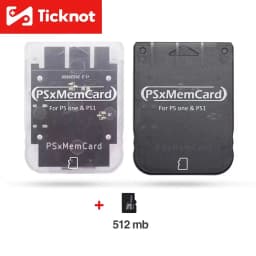

TicKnot PSxMemCard PSX Memory Card Save Data Game Card For PlayStation PS1 PS One Game Console Support MicroSD Card
19.22$
8.01$
Quantity:
1
Availability:
Color
Card Payments
Crypto Payments
Easy return
Reliable Shipping
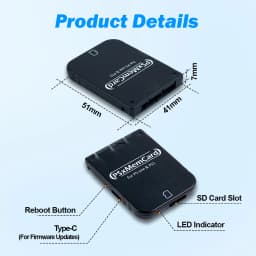
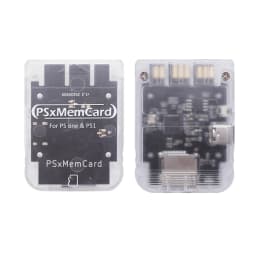
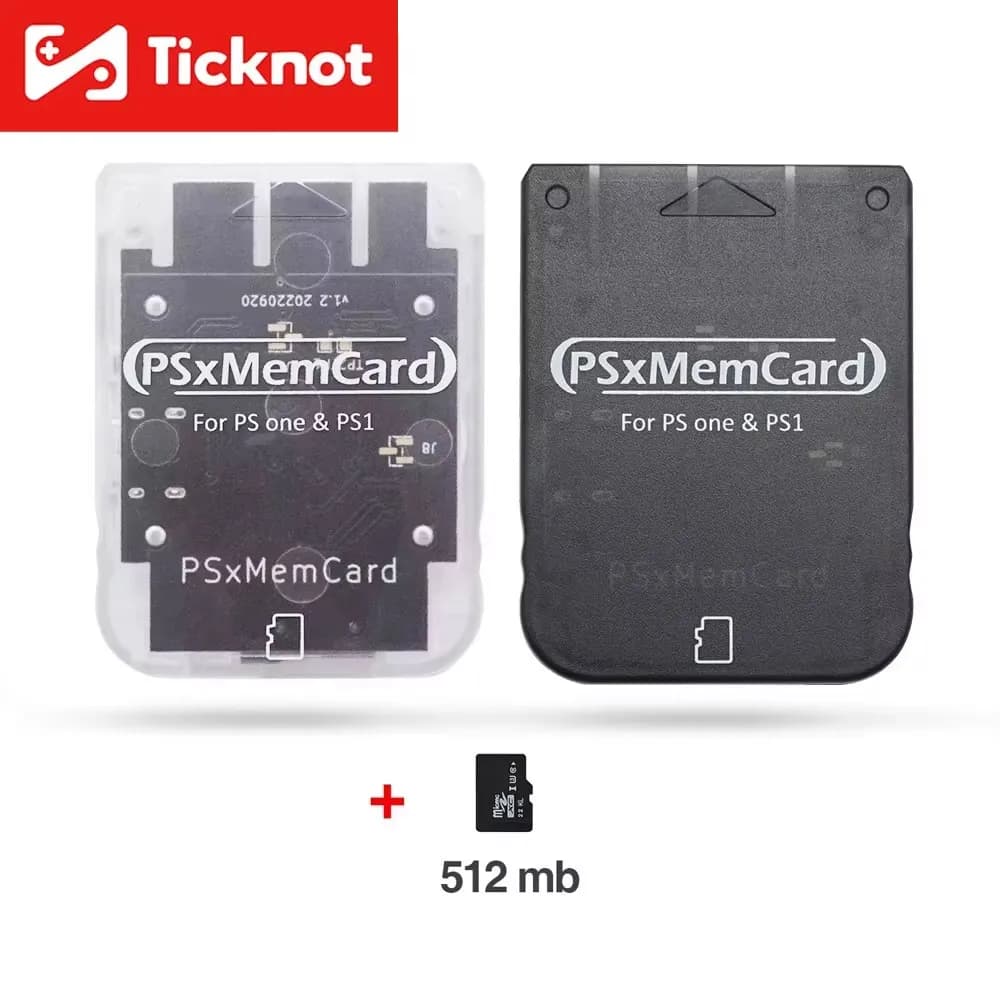
PSX Memory Card Save for PS1 Game Console
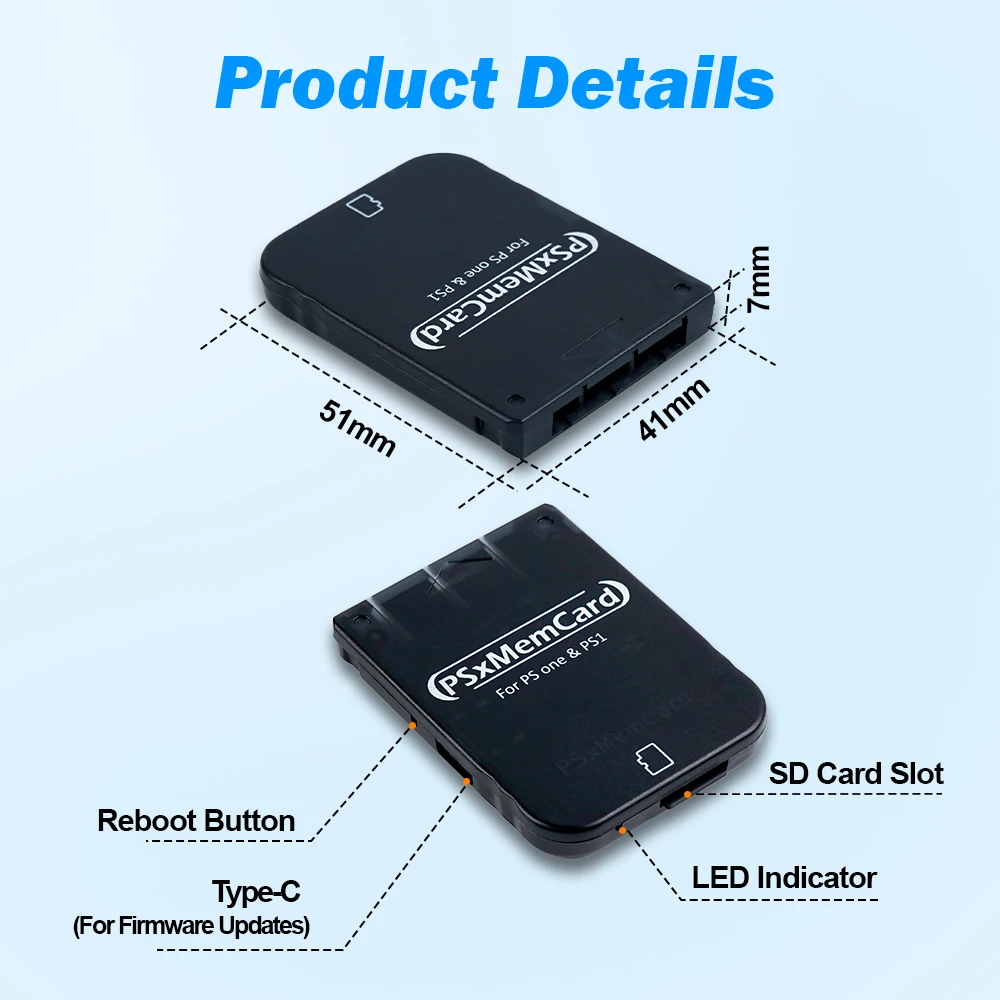
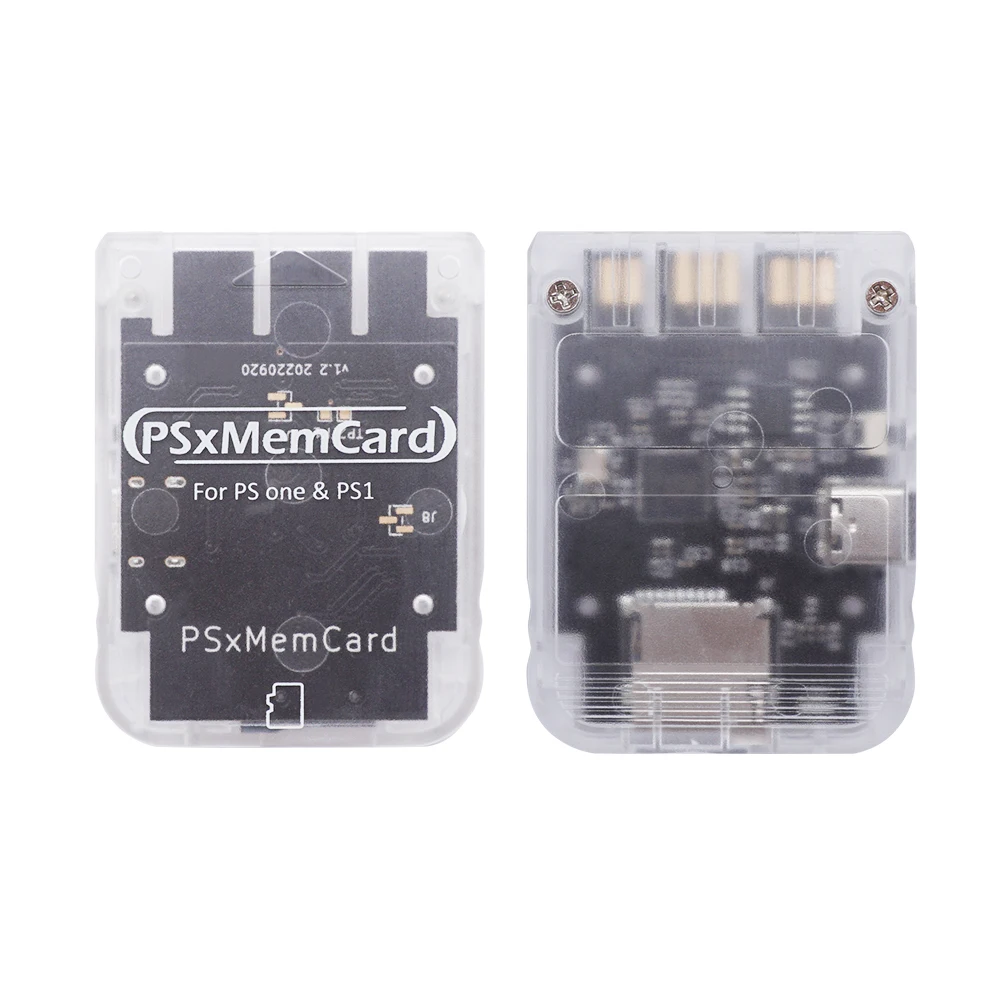
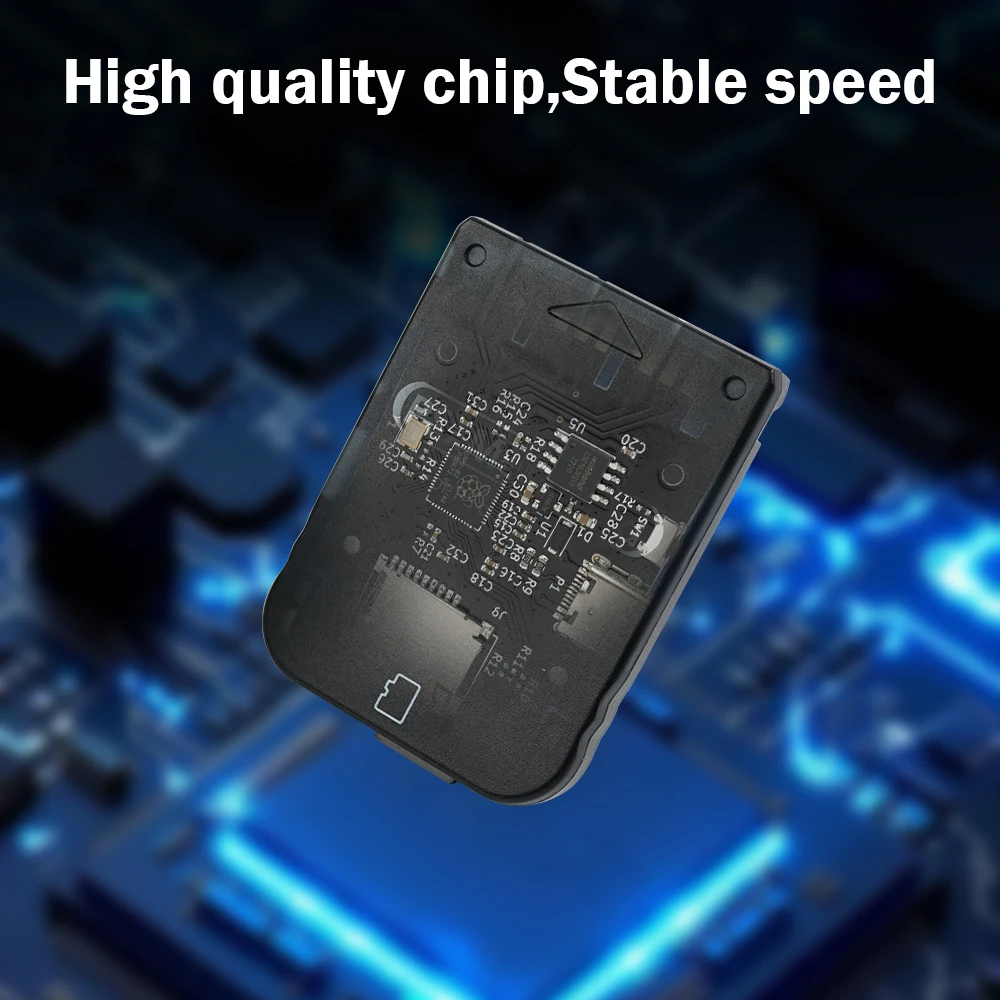
PSxMemcard is a psx console memory card based on Raspberry PI rp2040 chip production, can completely replace the original memory card. It supports MicroSD memory card, which can have larger storage space, save all your game backup in a memory card. It can also be used in the computer shang card reader device read.
PSxMemcard is designed based on dangiu's open source project PicoMemcard. It is a brand new product for PlayStation 1 and PlayStation 2 (PS1 games only), which solves the problem of permanently storing game archives.
Note
Never plug PicoMemcard both into the PC (via USB) and the PSX at the same time!
PSxMemcard Operation Video:
Features
• Cheaper price, large permanent storage space.
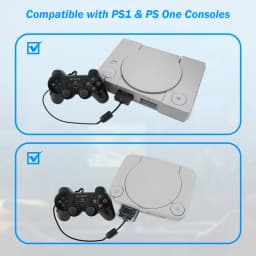
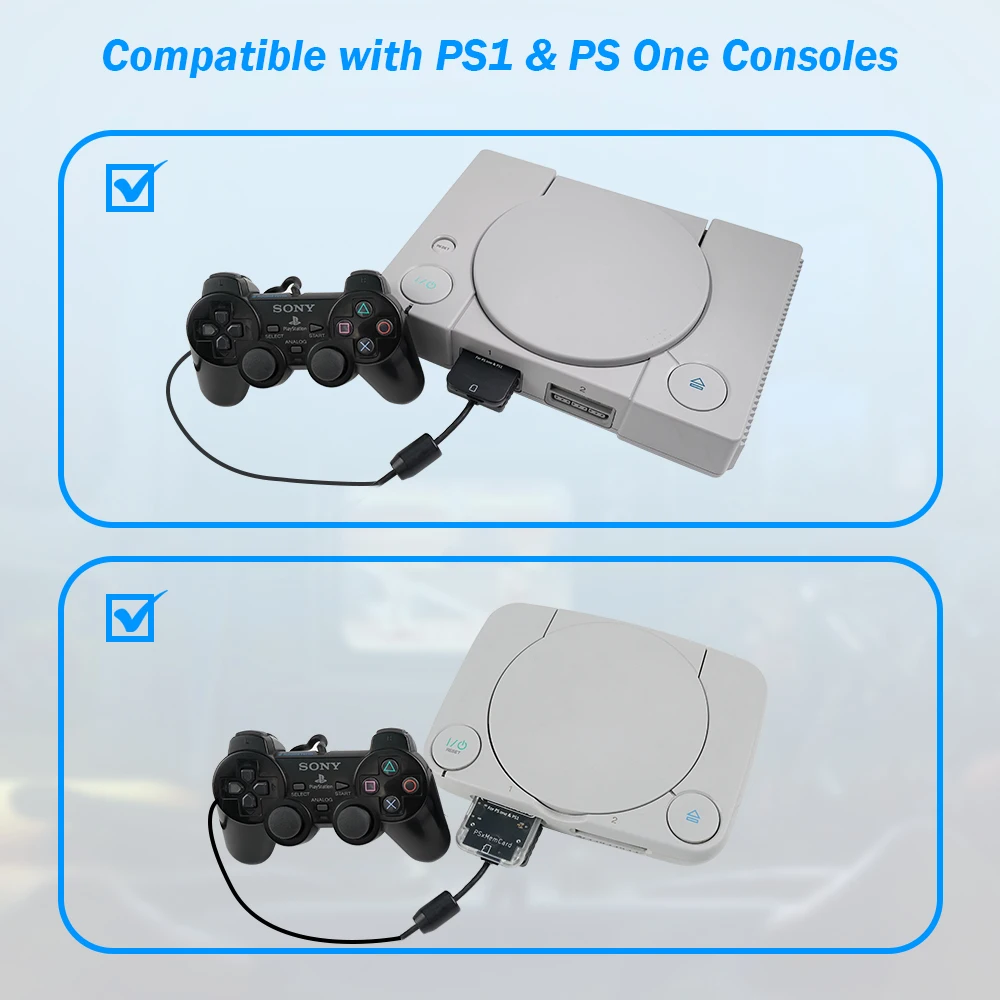
• Compatible with all Ps1 consoles,Completely replace the original memory card.
• Support up to 512GB microSD card,Every GB of storage has enough space for approximately 8000 memory cards.
• Easy to import or export game saves via card reader.
• Switch the active channel through a game pad combination.
• Allows to copy saves to/from any other memory card(using original PSX file manager).
• Allows playback of burned CDs via the freeboot program. (https://github.com/brad-lin/FreePSXBoot)
• High quality manufacturing with an injection molded shell and high-end black immersion gold process.
Note:
Memory card images must be exactly 128KB (131072 bytes) in size. PSXmemcard only support files with .MCR extensions.
However, .MCR and .MCD extensions are interchangable and can be converted to one another simply via renaming. For other file formats, try using MemcardRex for converting to the desired output. It supports hundreds of images. Each image must be named N.MCR where N is an integer number (e.g. 0.MCR, 1.MCR...). On boot the first image loaded will always be the one with the lowest number.
User manual
You contact us to obtain User Manual ofPSXmemcard.
Switching/Creating Images
On PSxMemcard you can switch the active memory card image with the following inputs:
• START + SELECT + DPAD UP will switch to the next image (e.g from 1.MCR to 2.MCR).
• START + SELECT + DPAD DOWN will switch to the previous image (e.g from 1.MCR to 0.MCR).
Additionally you can create a new empty memory card image (and automatically switch to it) by pressing START + SELECT + TRIANGLE.
Attention:
this method only works on PSX if the controller used to provide the input is plugged in the same slot as PsxMemcard (exactly under it). Using a controller from a different slot will have no effect.
After saving the game, please make sure to wait for the LED to go off before shutting down the console, otherwise you may lose the latest progress!
PsxMemCardLED Status Description

FAQ:
Q1:Can it compatible whit ODE?
A1:Yes, It can.
Q2:Can it be used to play roms from a SD card?
A2:No, It can’t be.
Customer Reviews
No reviews yet
TicKnot PSxMemCard PSX Memory Card Save Data Game Card For PlayStation PS1 PS One Game Console Support MicroSD Card
19.22$
8.01$
Quantity:
1
Availability:
Color