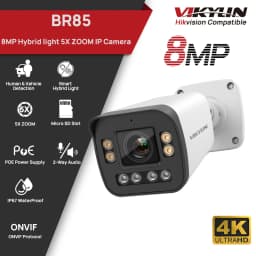
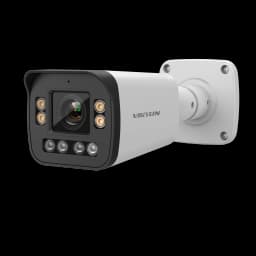
VIKYLIN 4K 8MP 5X Zoom Bullet IP Camera SD Card Slot 2-way Audio Surveillance IP Camera IP66 Onvif Home CCTV POE Security Camera
324$
115.67$
Quantity:
1
Availability:
Sensor Size
Ships From
Voltage/Plug Type
Card Payments
Crypto Payments
Easy return
Reliable Shipping
Customer sevice:
If you have any questions, please do not hesitate to contact us:

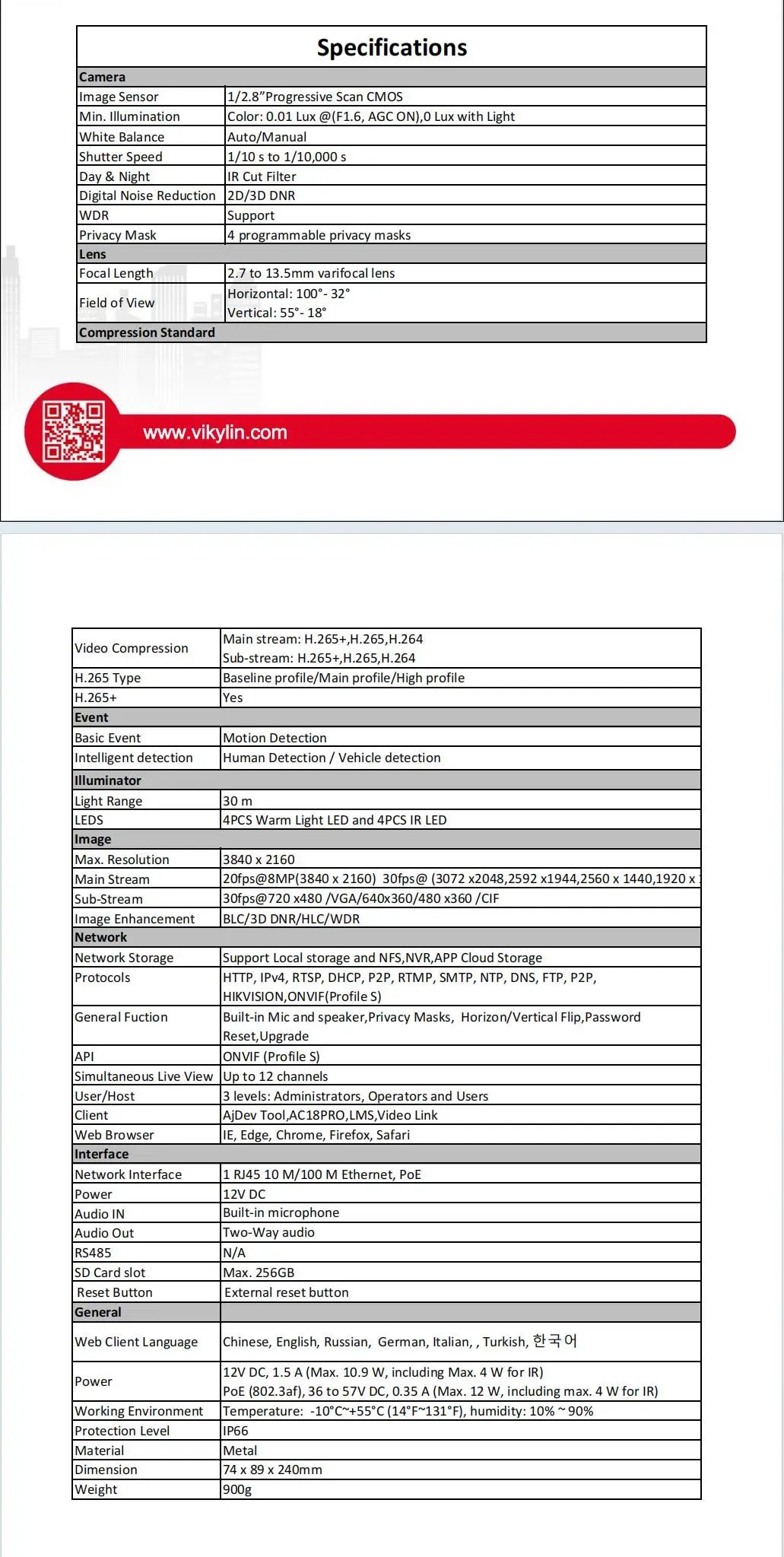
Key Features
·1/2.8” Progressive Scan CMOS
·3840 x 2160@20fps
·HD 2.7 to 13.5mm varifocal lens
·Color: 0.01 Lux @(F1.0, AGC ON),0 Lux with Light
·H.265+,H.265,H.264
·Support PoE
·BLC/3D DNR/HLC/WDR
·Built-in Mic and speaker
·IP66
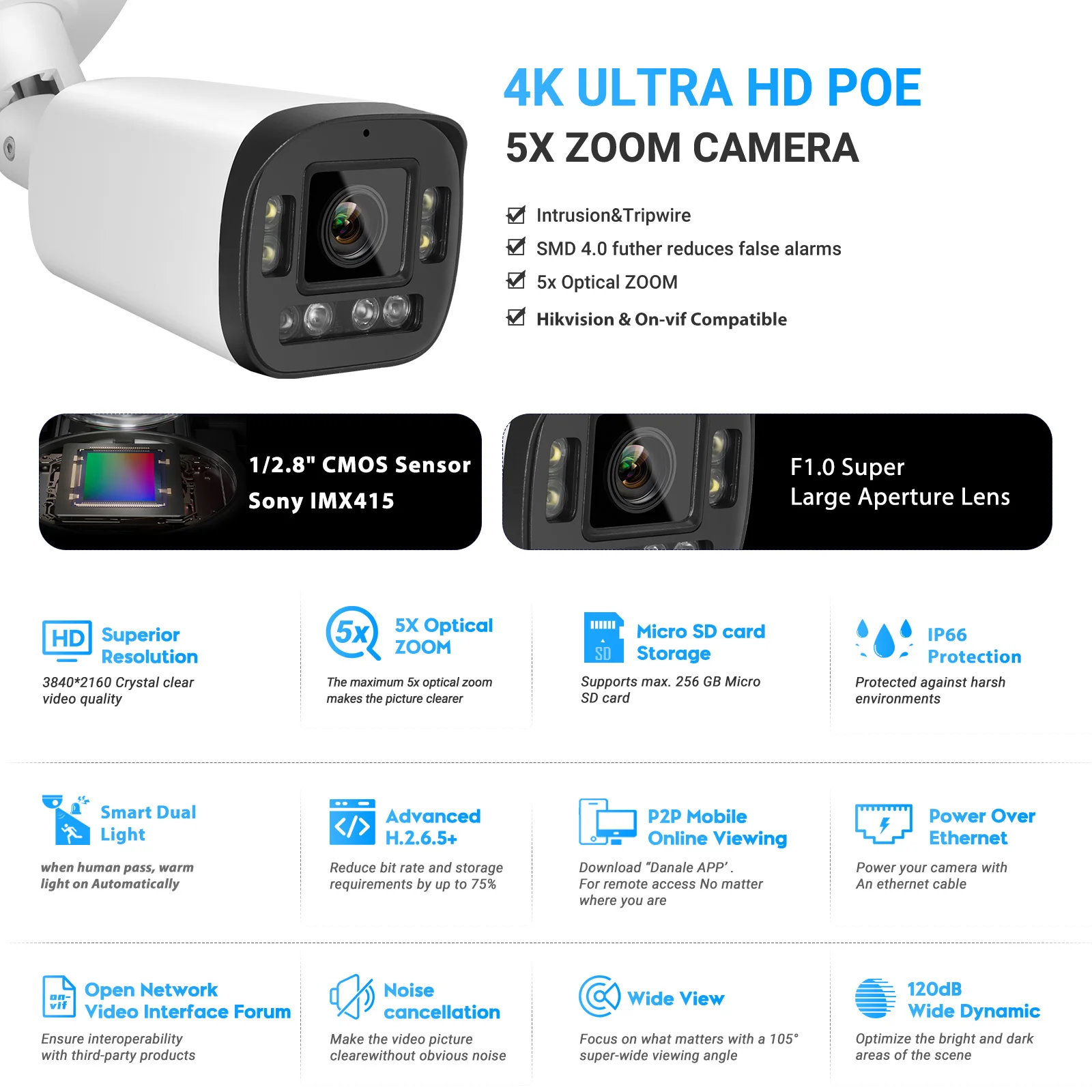
Vikylin 8MP HIK Compatible 5X Zoom Bullet IP Camera SD Card Slot CCTV Surveillance Camera Plug&Play with Hikision NVR
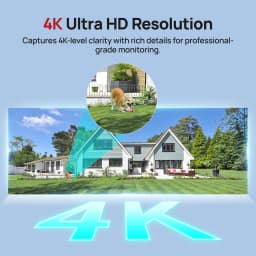
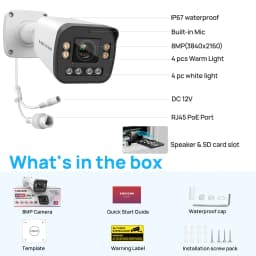
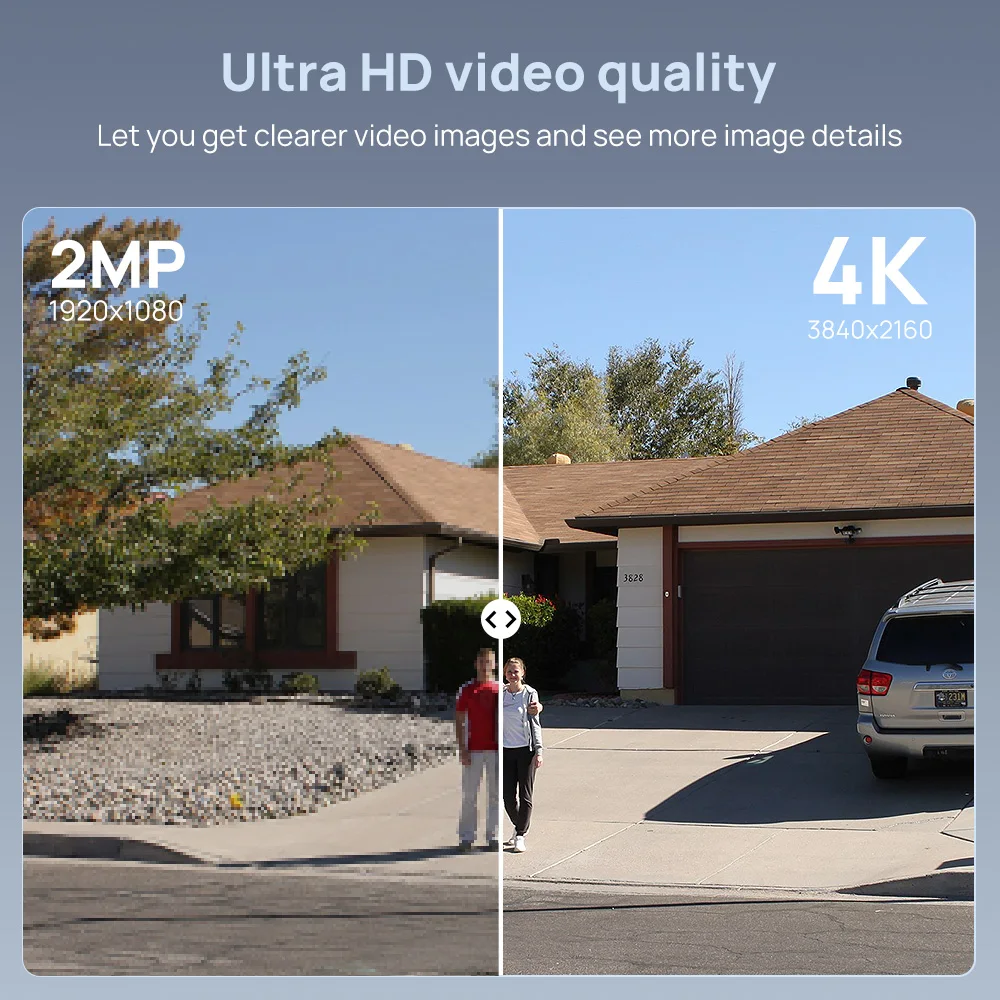
8MP 4K Utra HD
With a high resolution of 8megapixels (3840 x 2160), this 8MP HD lP surveillance camera is able to capturevideos in 3840p HD quality.lt is a huge advancement compared to 720p HD or 1080p Full HD. you nevermiss a single detail of your loved ones. which enables you to see all objects very clearly.
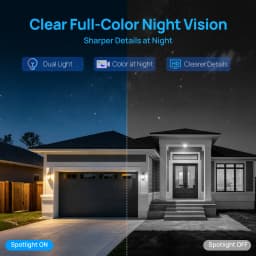
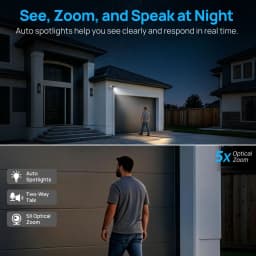
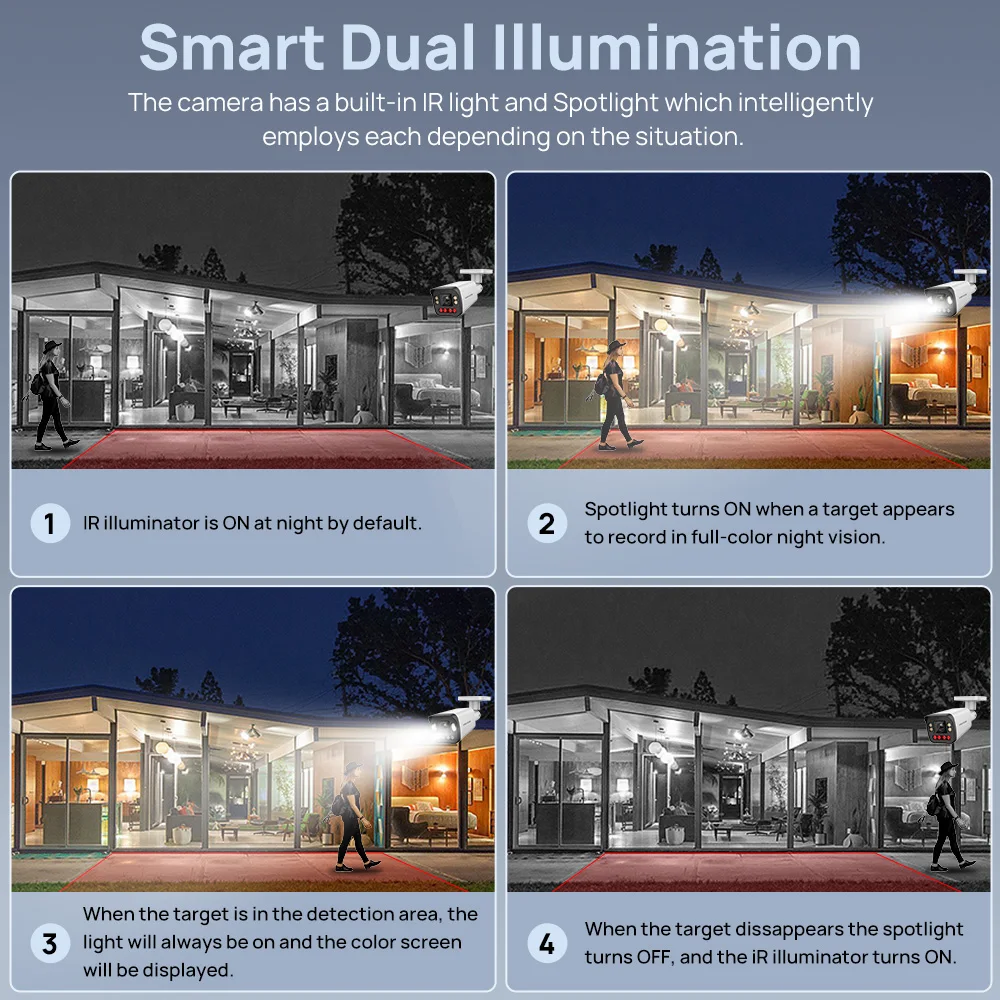
Smart Dual Light
① Under normal conditions at night, the IR light is on and the screen appears in black and white.
② When detecting the movement of people or vehicles, the LED light will turn on and the screen will be colorful.
③When people or vehicles leave the monitoring area, the IR light turns on and the screen appears in black and white.
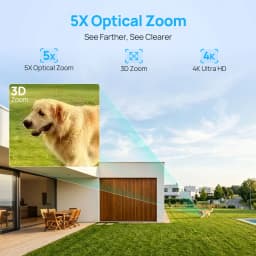
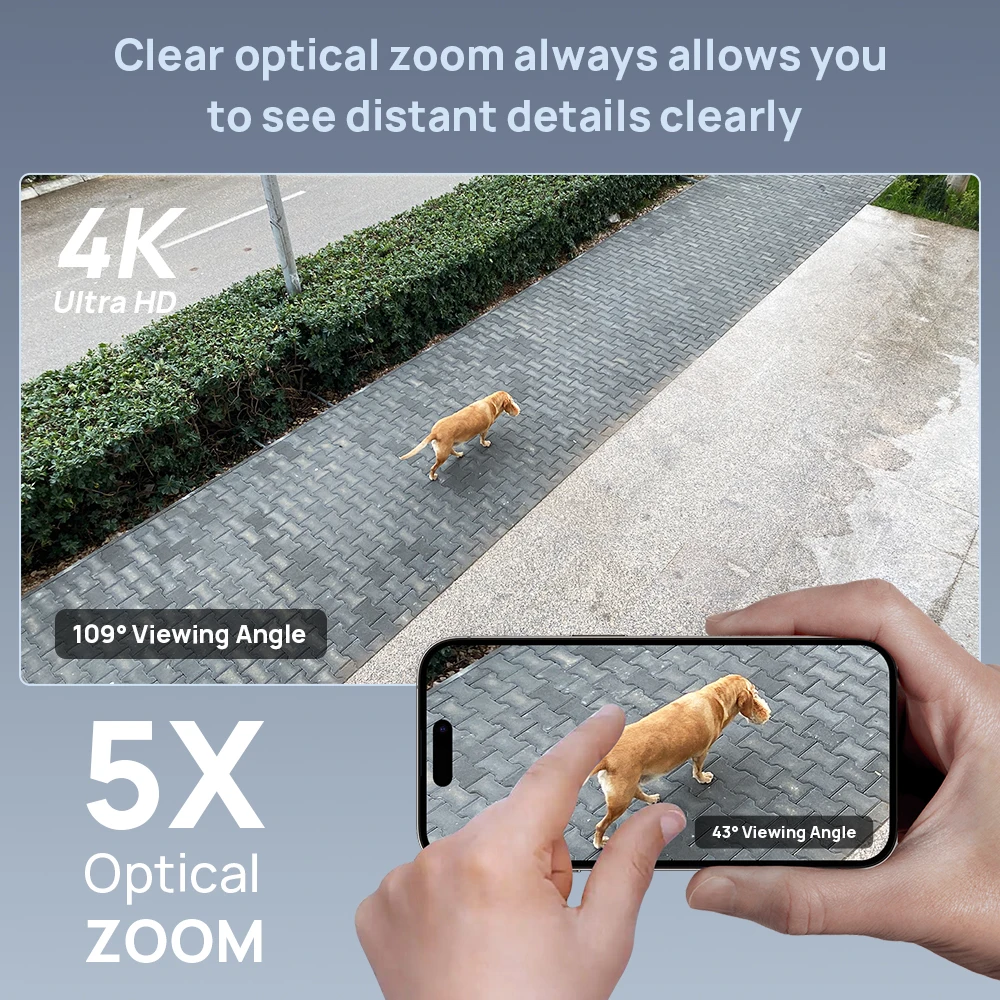
5X Zoom
2.7 to 13.5mm varifocal lens gives the camera a 5X zoom function to zoom in on the target for more detail in the surveillance image.
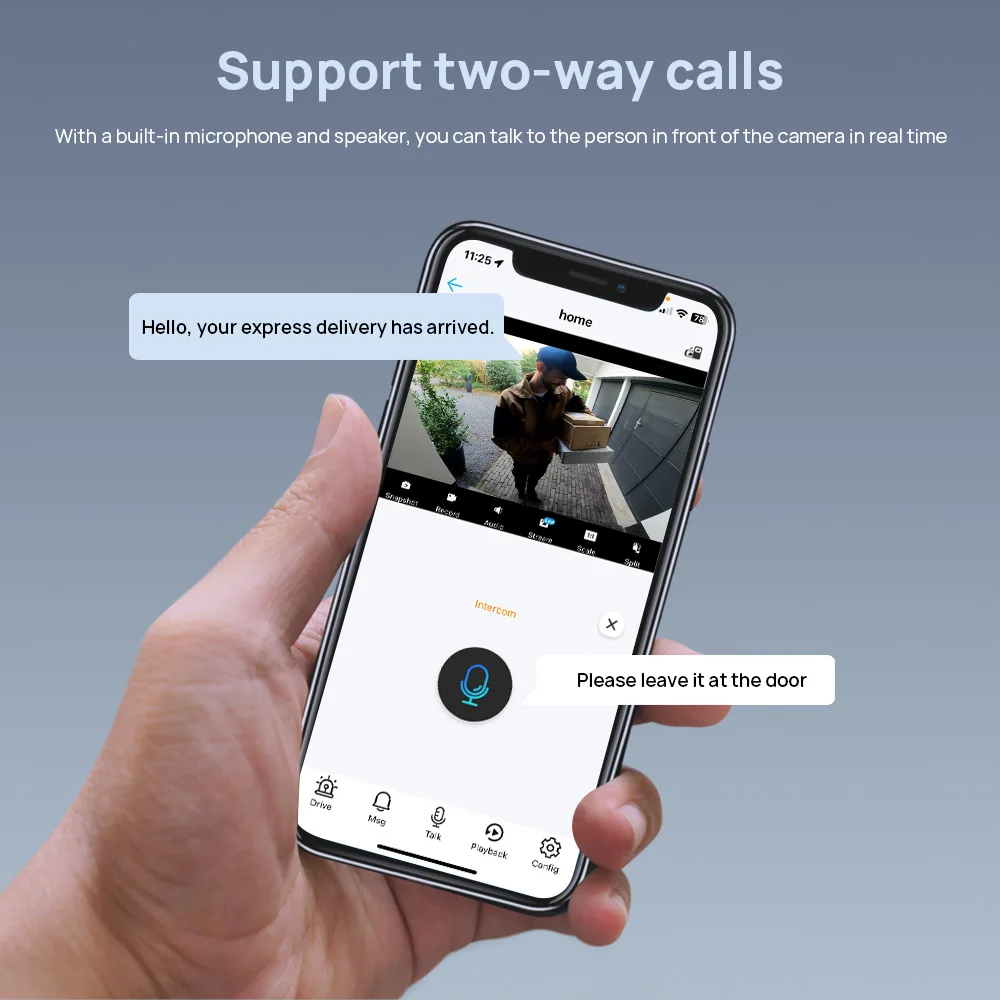
Two Way audio
This Dome video surveillance camera has built-in Two-way Audio function. It is capable of talking to or deterring visitors and suspects in real time, guarding your property.
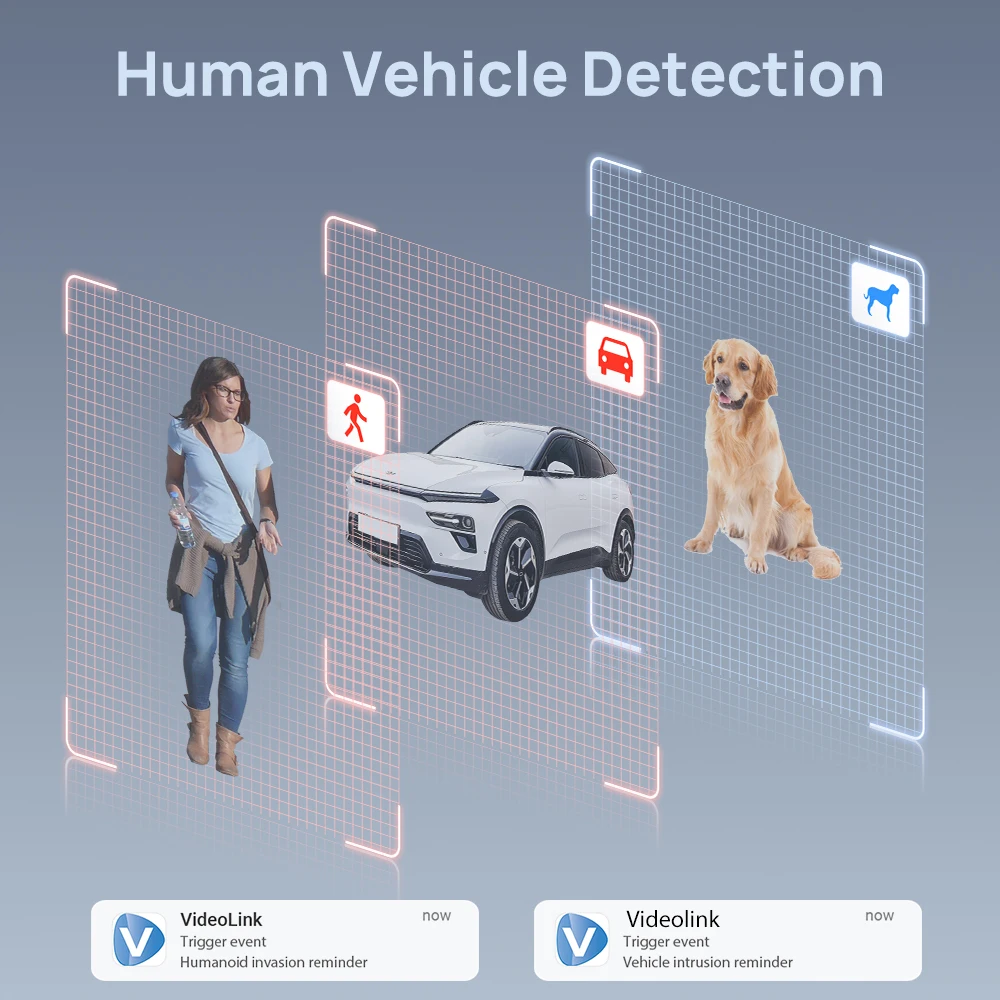
Human vehicle Detection
Powered by smart motion detection technology, this camera can tell people andvehicles from other objects. Get alerts when suspicious person or car is loiteringaround your house or store. Protect your property from potential threat.
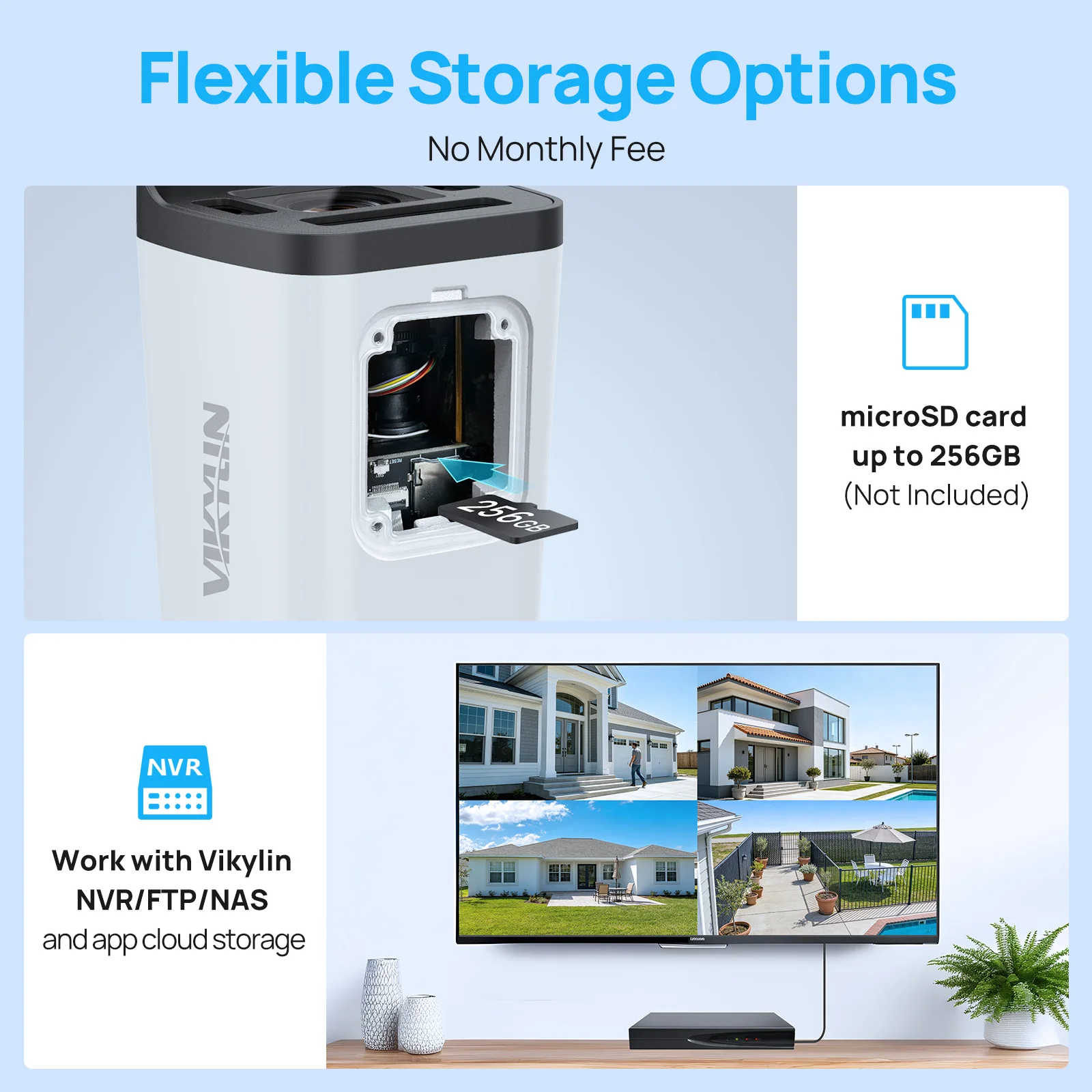
Support built-in memory card slot
The camera has a built-in SD card slot, located inside the camera's bell, that can support up to 256G memory cards.
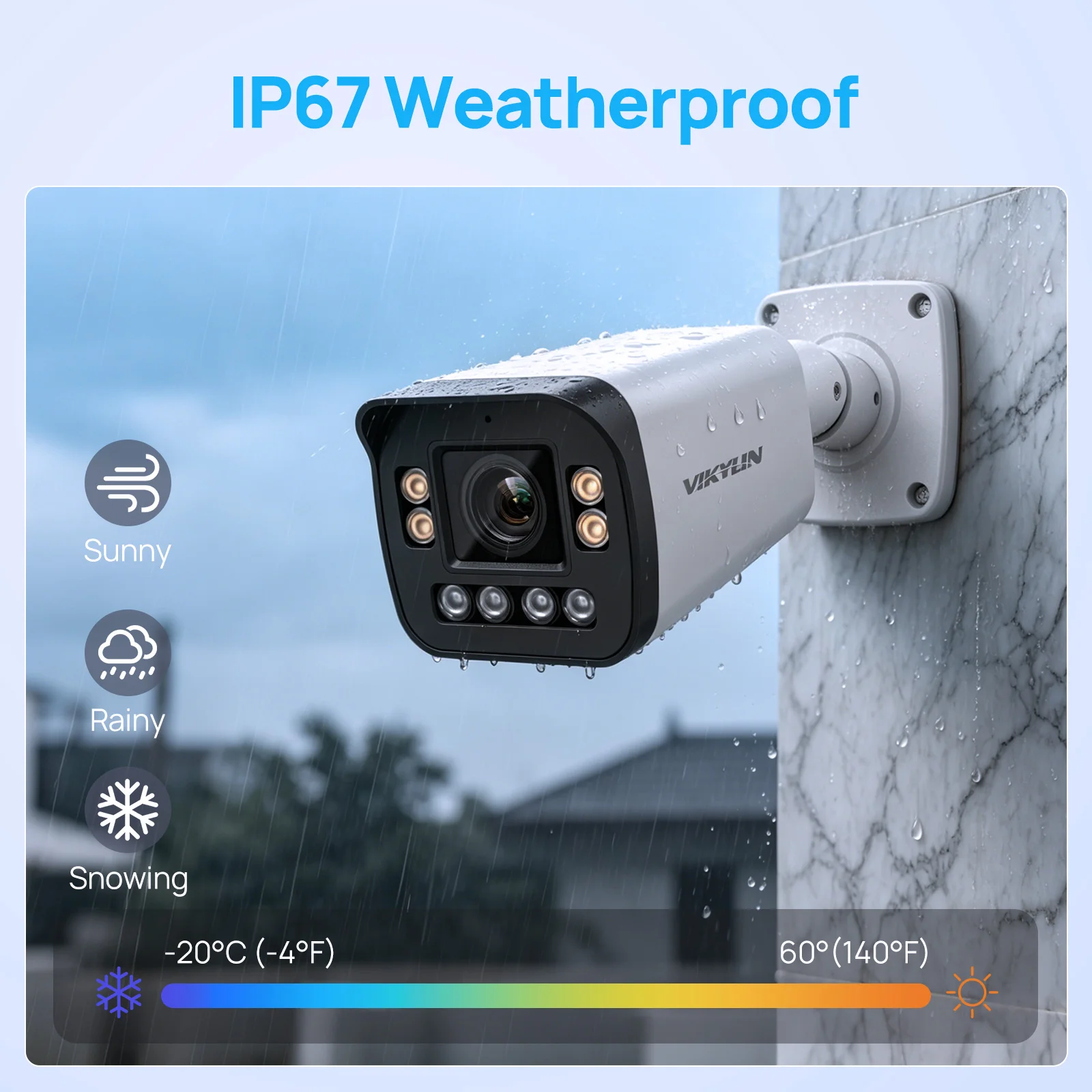
IP67
IP67 protection class equipment with strong dustproof and short-term water immersion ability, suitable for a variety of complex environments (such as wet, dusty scenes), can effectively protect the stability and service life of the equipment.
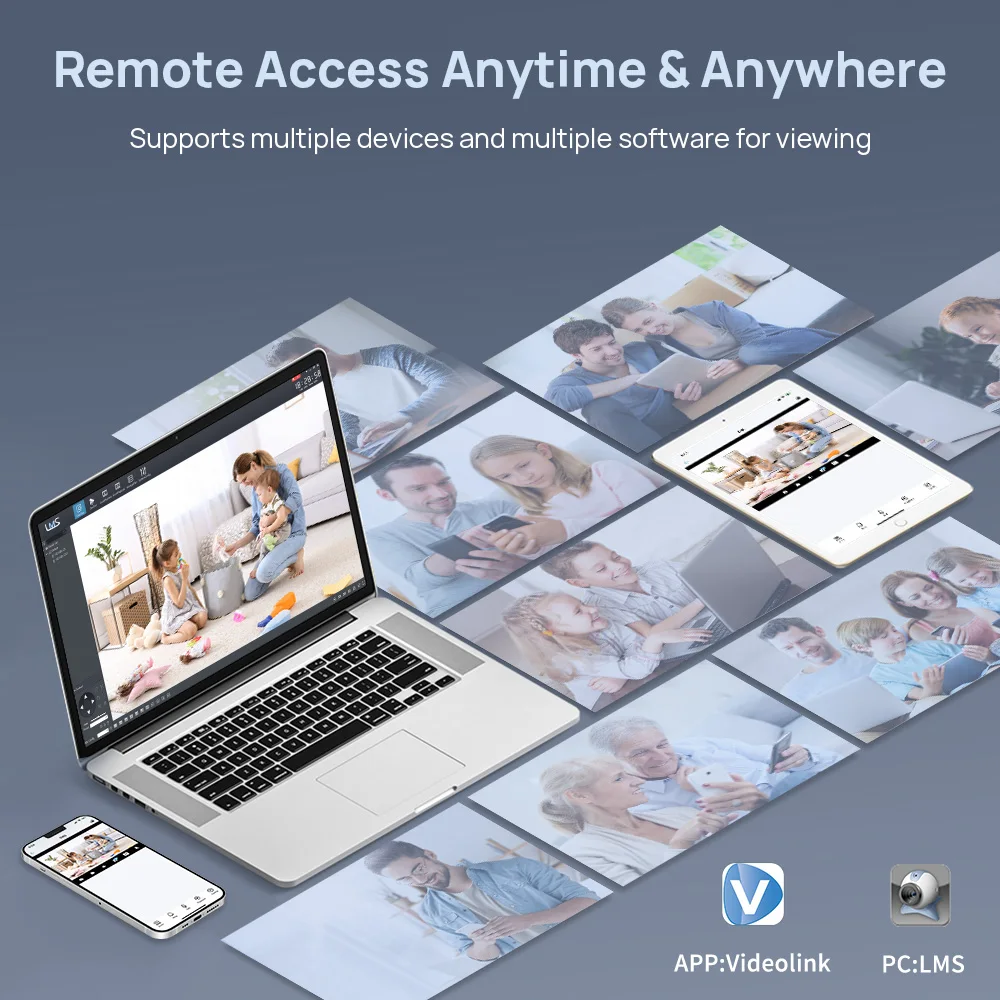
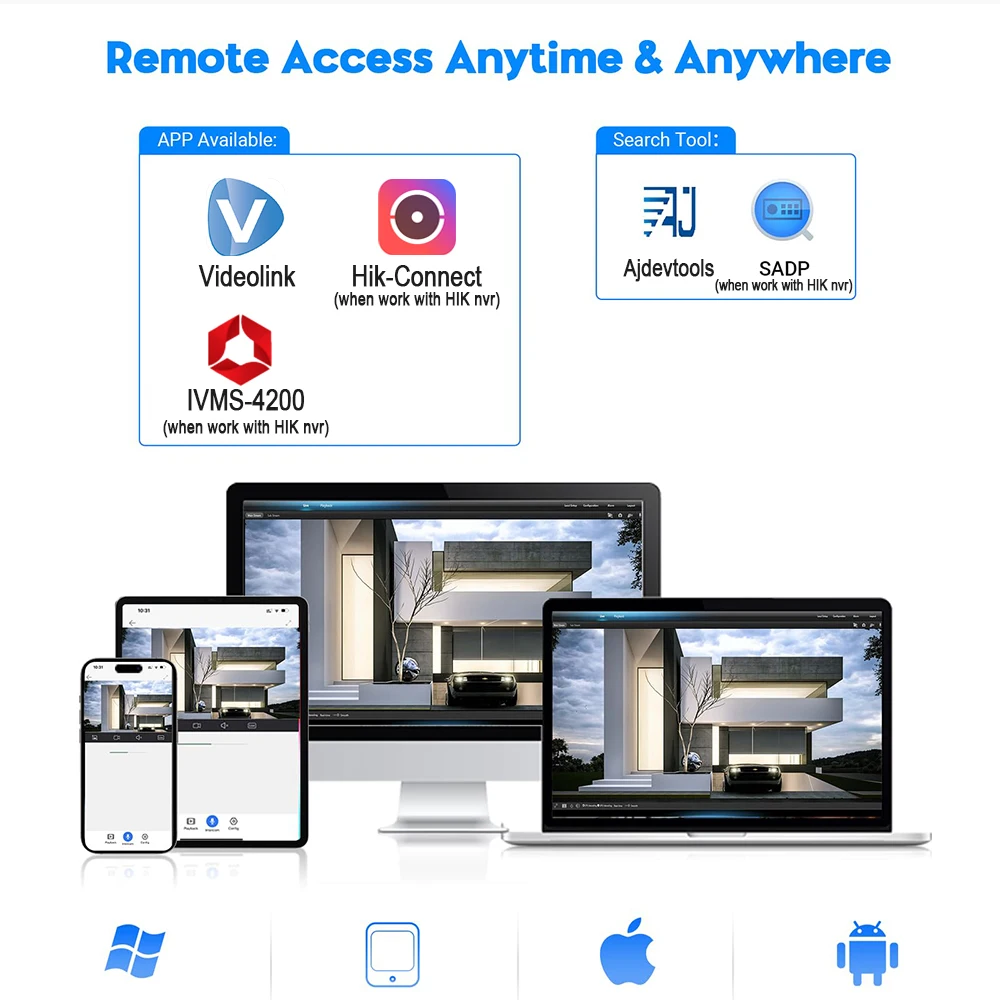
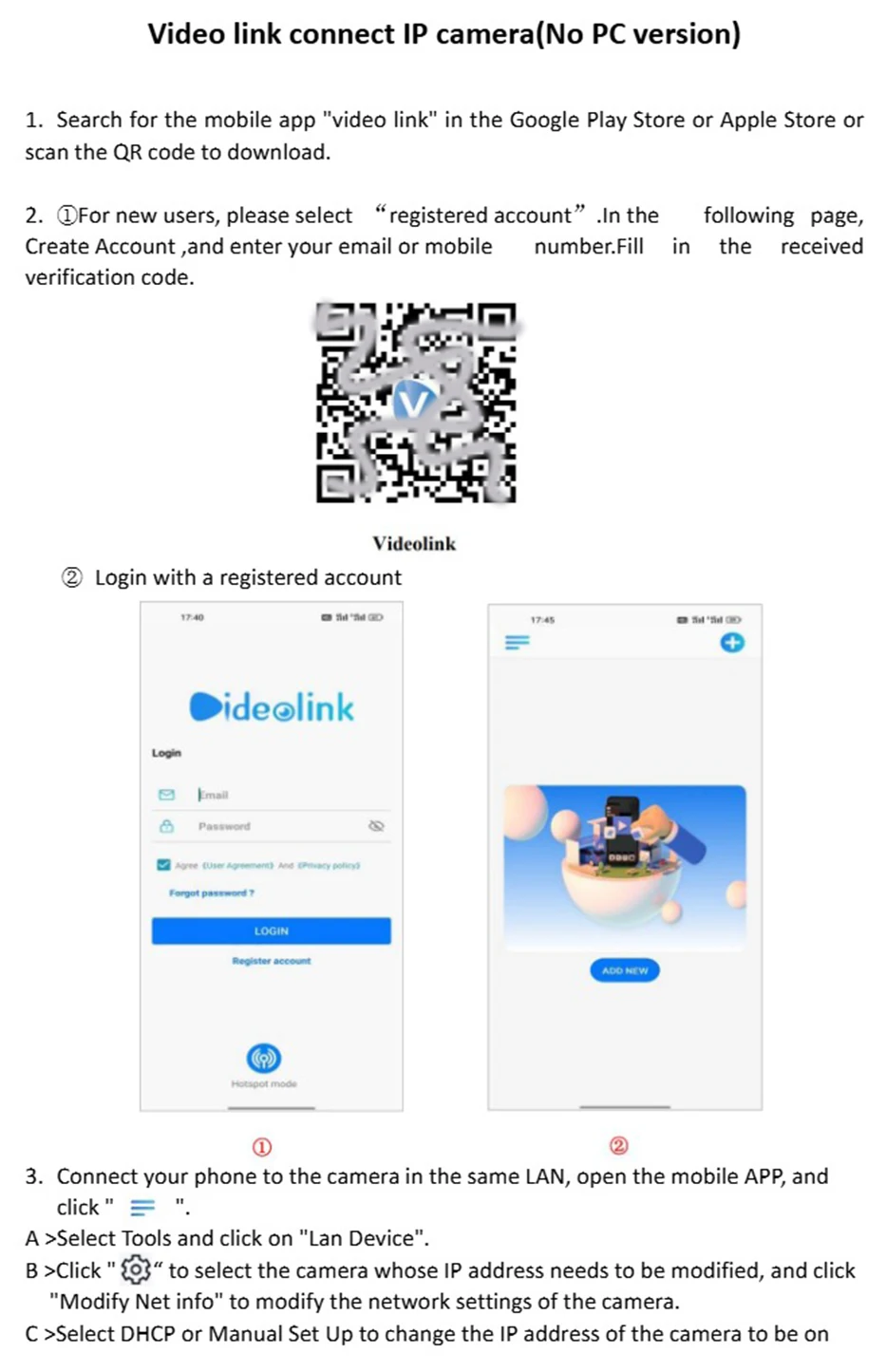
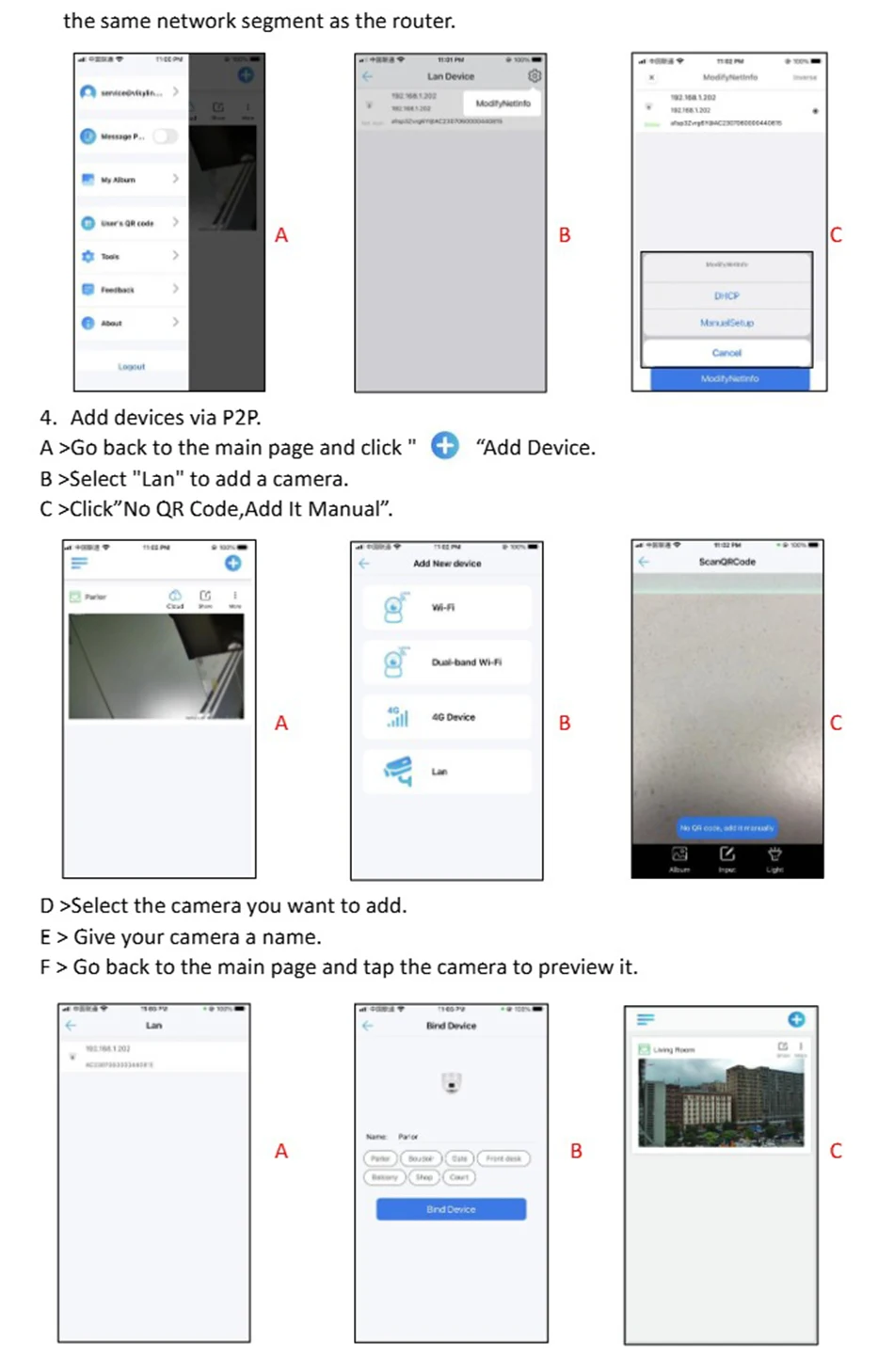
Camera mobile client APP:videolink, you can scan the P2P QR code on the camera's web page to add
Camera computer client APP:LMS, when the camera is not connected to the NVR, you can view the camera's monitoring screen through the computer client
Camera search tool:Ajdevtools, you can manage the camera's IP address in batch through the search tool and upgrade the camera's firmware. You can use the search tool to manage the IP address of the camera in batch, upgrade the firmware of the camera, and reset the camera.
How to Add a Camera via a Mobile App for Remote Management
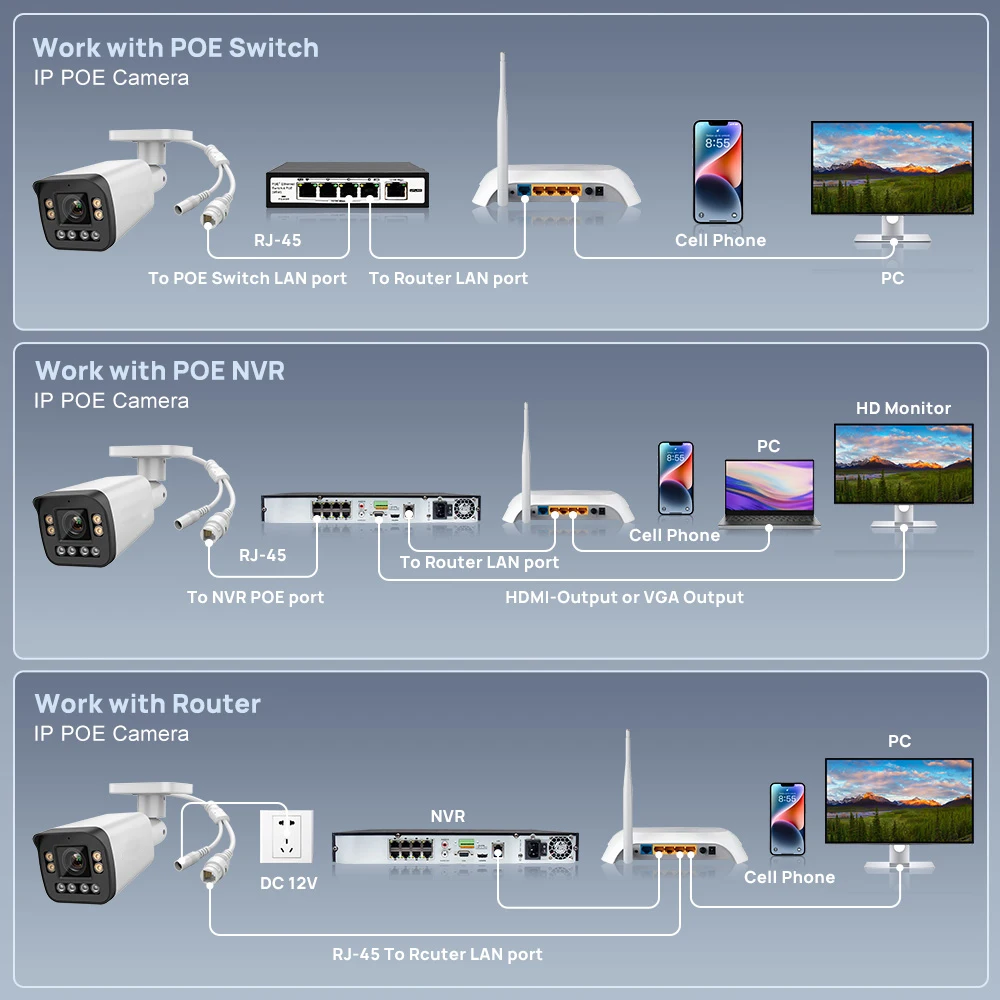
Connection methods
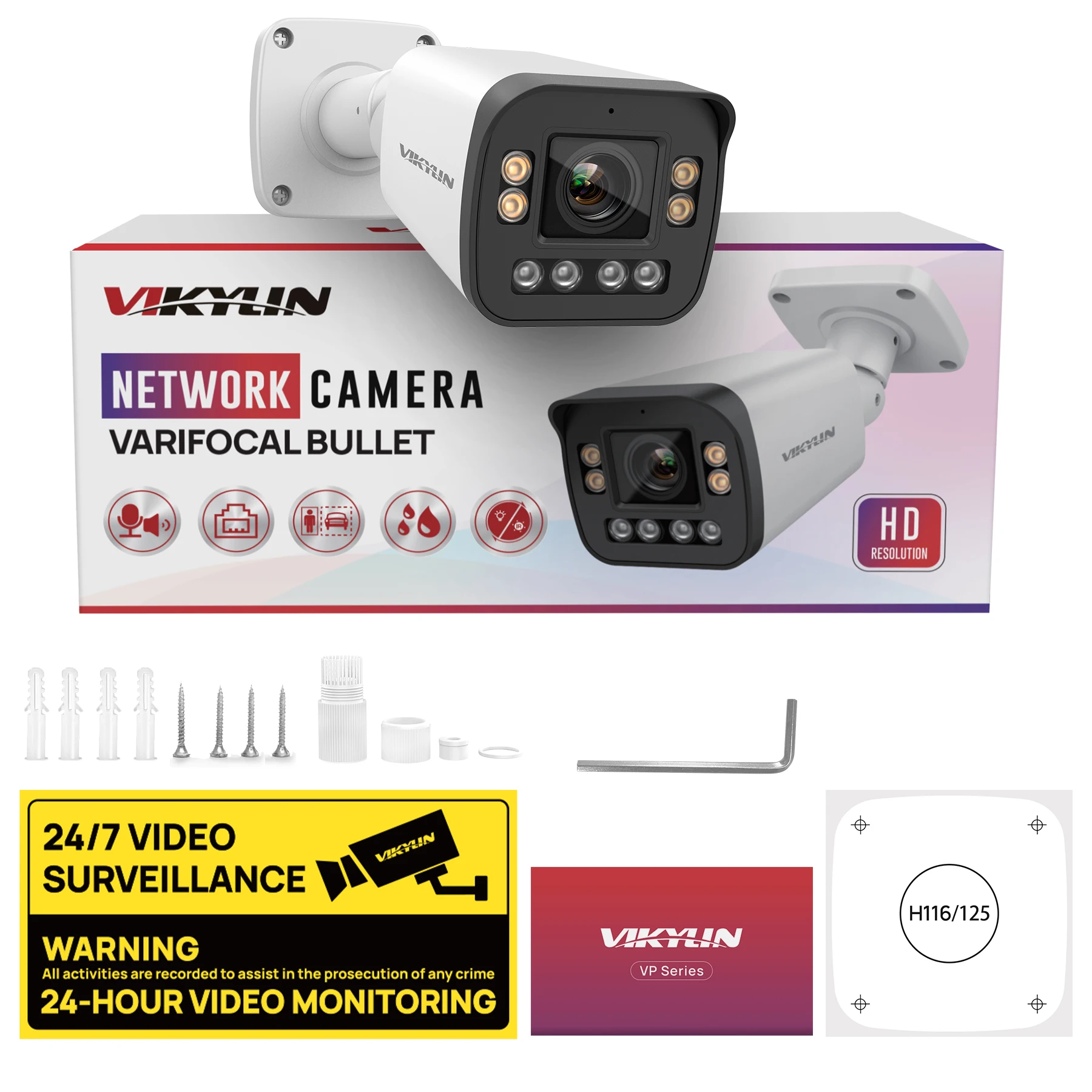
Package
Frequently Asked Questions:
1.Why can’t I open the default IP address 192.168.1.110 via web browser ?
A:The default IP address may not match your LAN’s IP scheme. Check your
computer’s IP address before accessing the camera. If the IP address does not match
the 192. 168. 0.x scheme, please install the IP search tool from the download website
to modify the camera’s IP address. Make sure the IP address of the camera matches
the LAN IP scheme. For example, if the your LAN is 192. 168.1.xxx(192. 168.2.xxx)...,
then set the IP camera to 192. 168.1. 123(192. 168.2.123)... and so on.
For details about how to change the IP address, please refer to 3.1
2.How to reset the password ?
A:The default Username: admin, Password: 123456. If you lost the password or wantto
reset the camera’s setting, please install the search tool Ajdev to search the
camera IP and click Batch Reset button.
3.How to upgrade the IP camera ?
A:①Ask the supplier for the suitable firmware.
②You can use the web browser, Ajdevtools, or PC client to upgrade the camera.
③Go to the Configuration > System >update, click browse and select the firmware,
then click Upgrade button and wait for the operation to complete.
4.How to fetch the RTSP video stream and http snapshot ?
A:①Main Stream : rtsp://admin:123456@IP address/stream0
②Sub Stream: rtsp://admin:123456@IP address/stream1
③Main stream snapshot:
http://192.168.20.131/snapshot.cgi?stream=1&username=admin&password=123456
④Sub Stream snapshot:
http://192.168.20.23/snapshot.cgi?stream=0&username=admin&password=123456
5.Why does the NVR not show image after adding your IP camera ?
A:①Make sure you selected the right protocol and enter the correct username and
password when adding the cameras
②Make sure the NVR and IP camera are the same IP segement.(eg. NVR:192.168.1.x,
and IP camera:192.168.1.y).
③Try changing the camera encode mode to H.264 if the NVR can’t support
H.265. (Configuration -> Camera -> Video > Encode mode: H.264)
Customer Reviews
No reviews yet
VIKYLIN 4K 8MP 5X Zoom Bullet IP Camera SD Card Slot 2-way Audio Surveillance IP Camera IP66 Onvif Home CCTV POE Security Camera
324$
115.67$
Quantity:
1
Availability:
Sensor Size
Ships From
Voltage/Plug Type