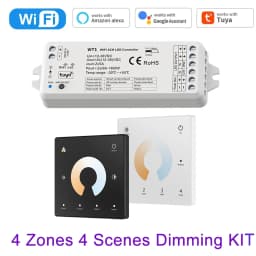
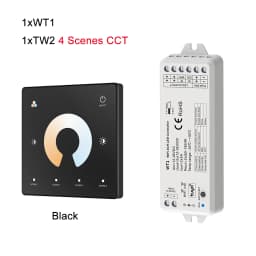
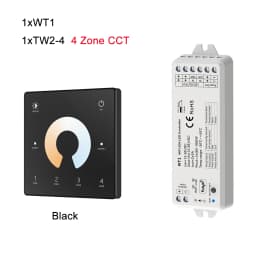
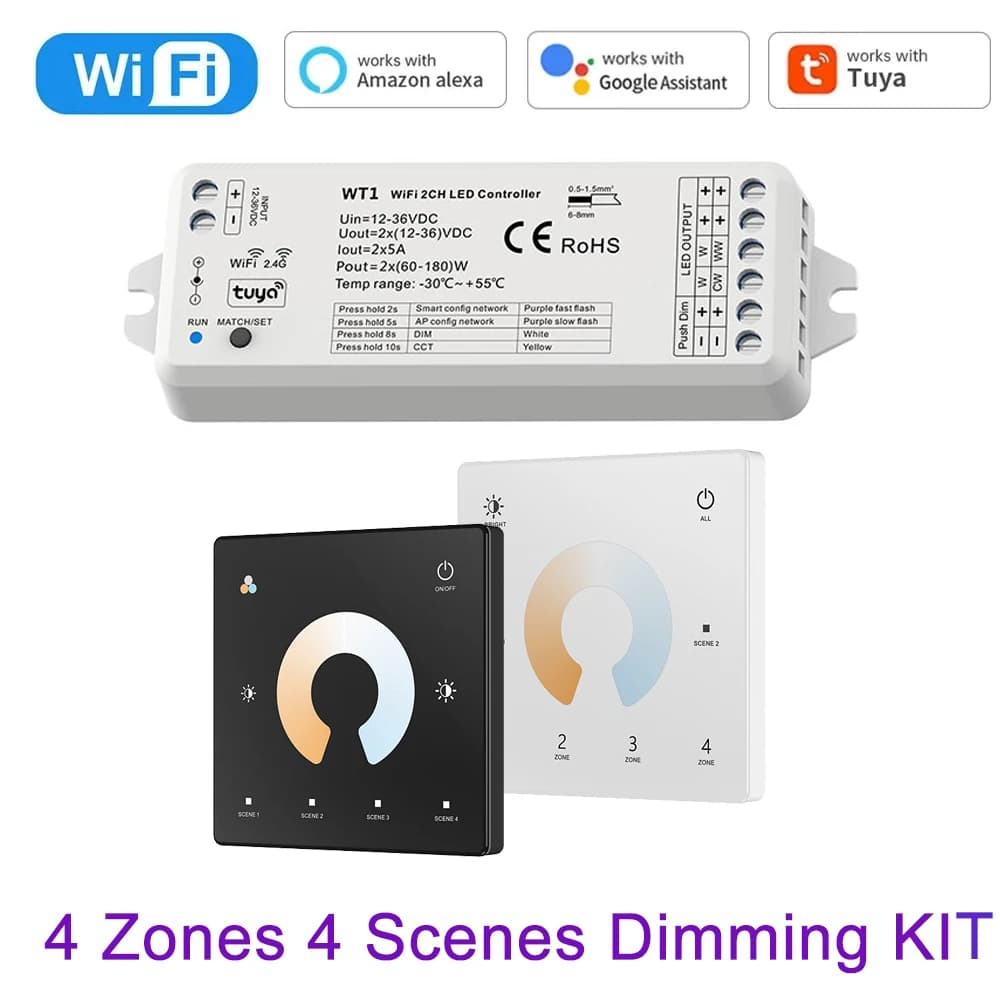
LED Smart Dimmer 2 CH 12V 24V 36V CCT LED Strip Dimming Controller Kit 2.4G RF Remote Control 4 Zone Touch Switch For TUYA Wifi
34.62$
22.76$
Quantity:
1
Availability:
Color
Card Payments
Crypto Payments
Easy return
Reliable Shipping
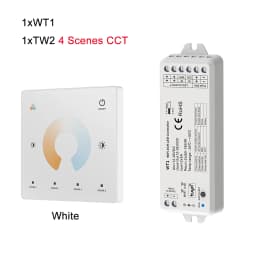
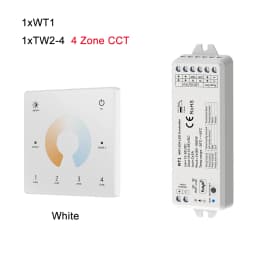
4 Scenes 4 Zone LED Strip Dimming Controller Kit FOR CCT
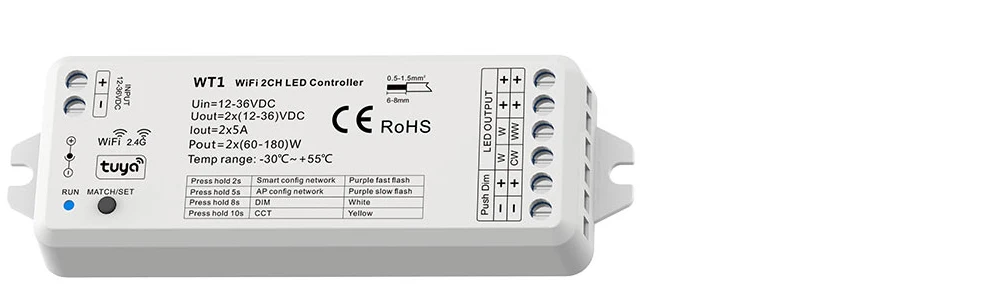
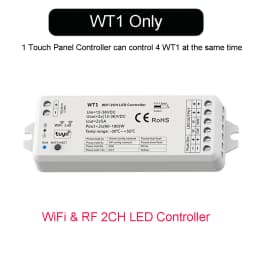
WiFi & RF 2CH LED Controller
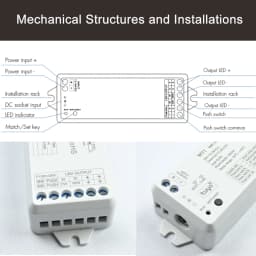
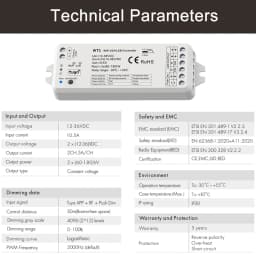
Model No.: WT1
Features
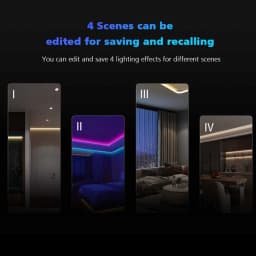
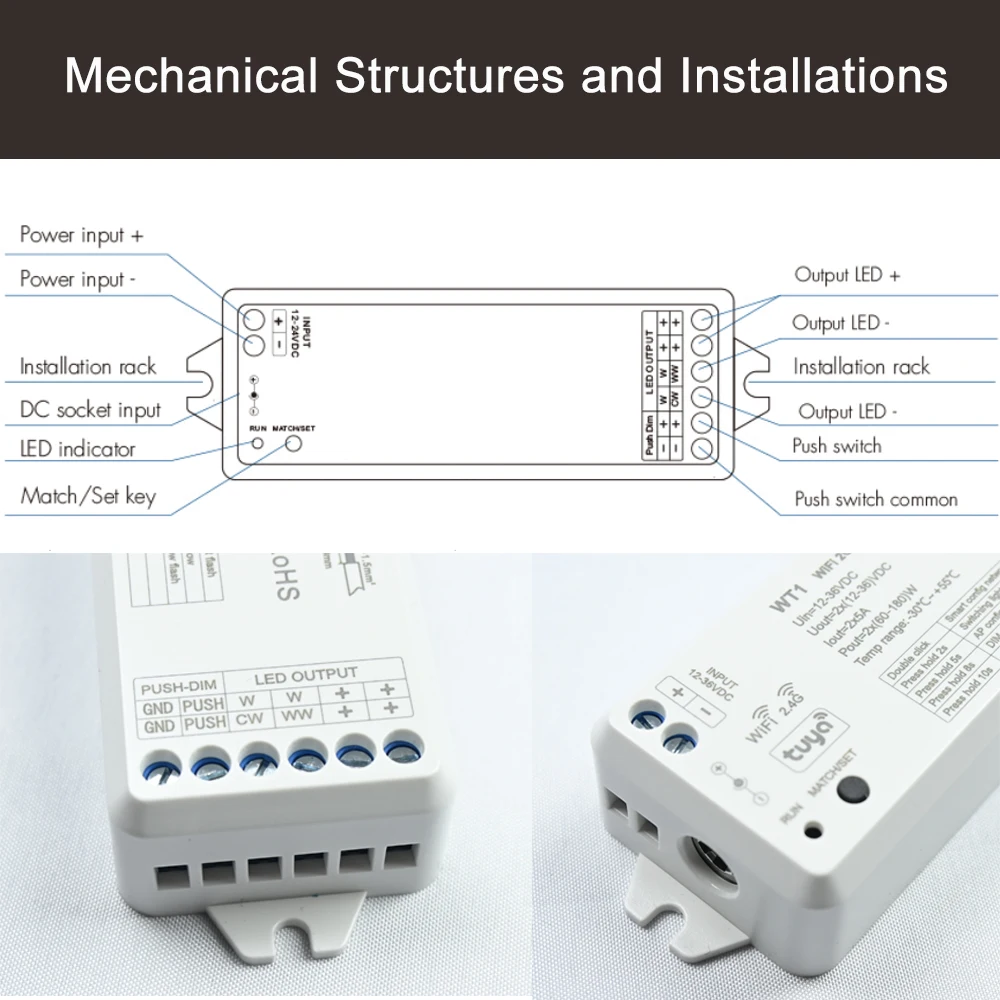
● Used for control single color or color temperature LED strip.
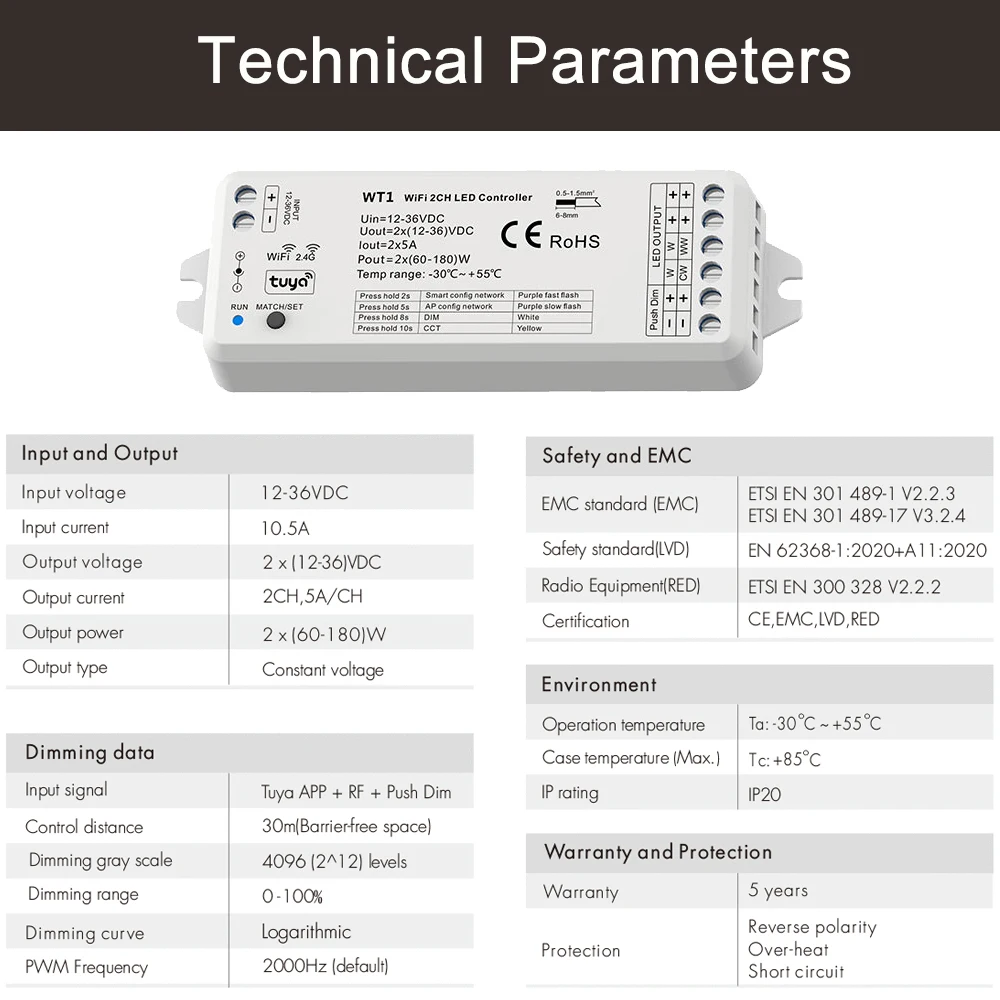
● DC power socket input and 2 channel constant voltage output.
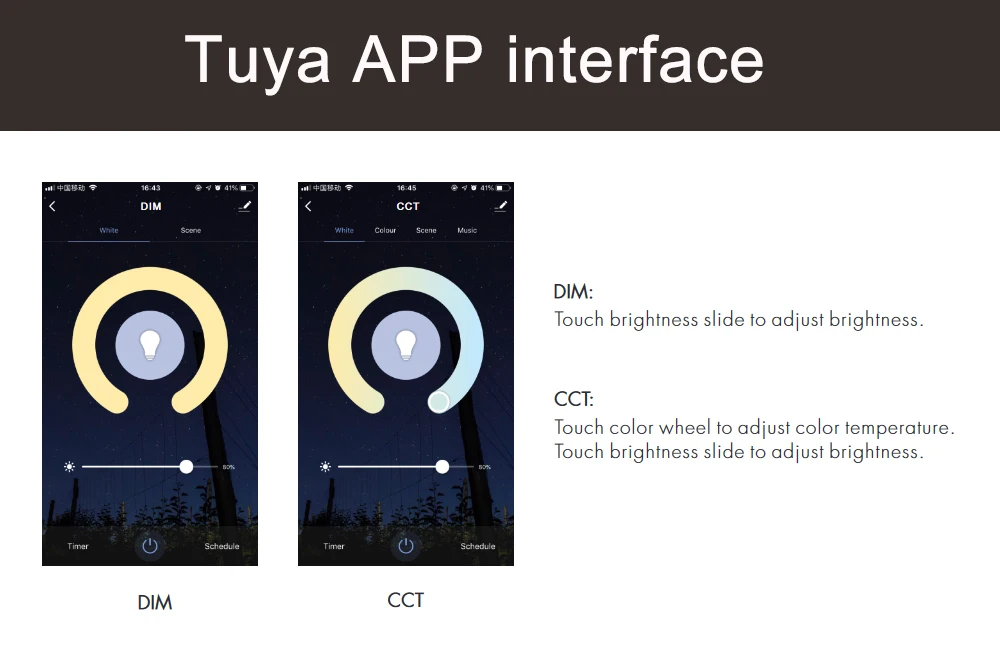
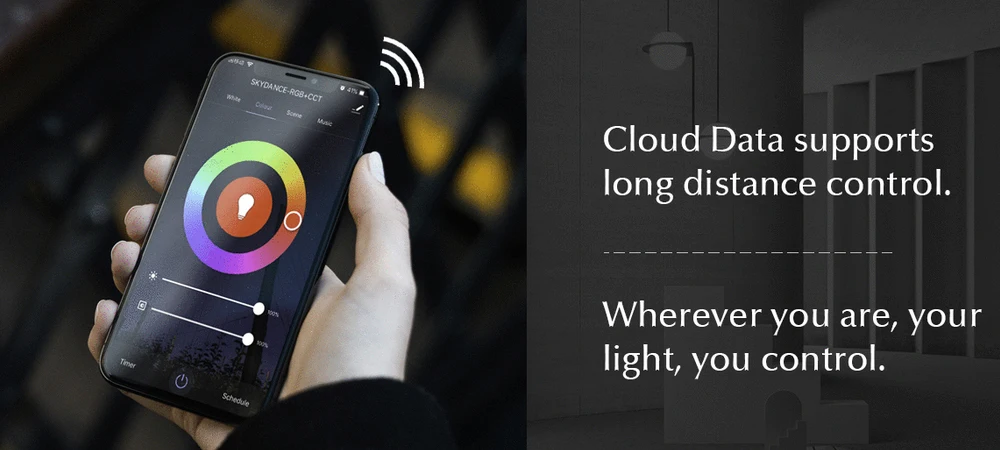
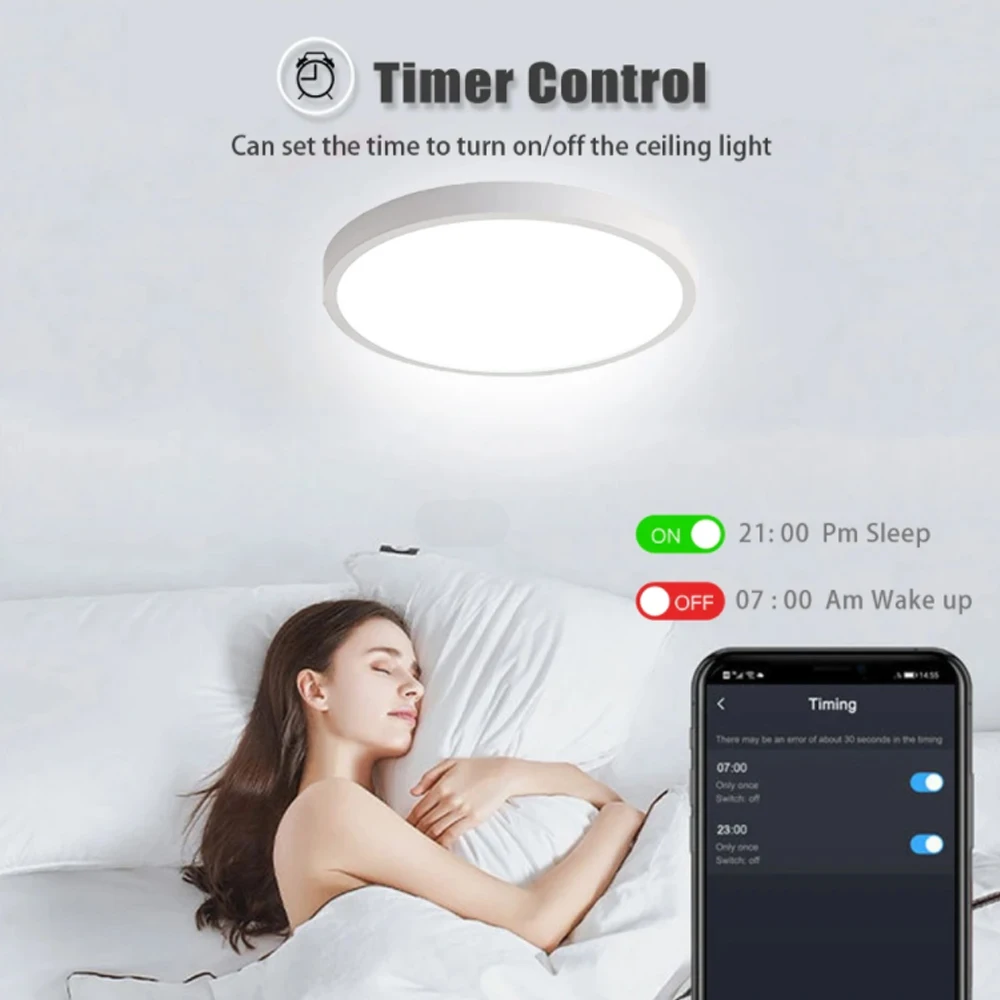
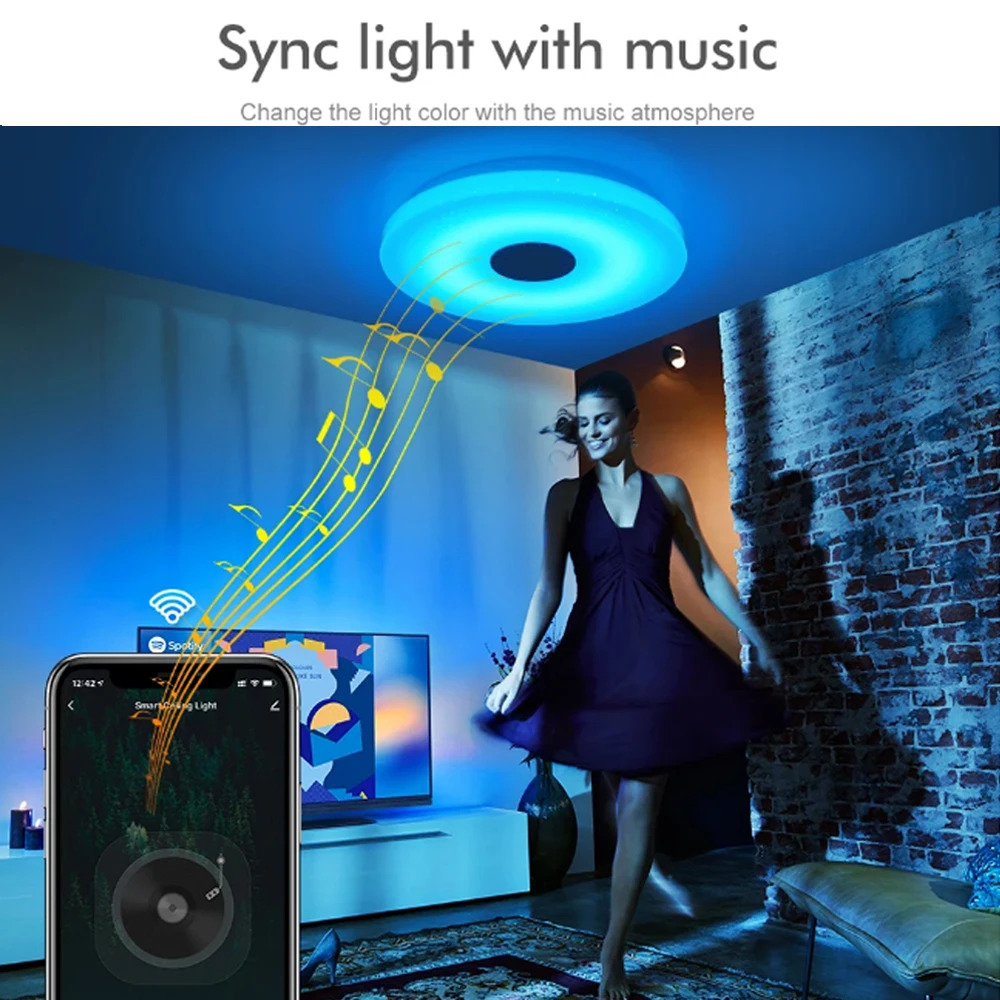
● Tuya APP cloud control, support on/off, color temperature and brightness adjust, delay turn on/off light,
timer run, scene edit function.
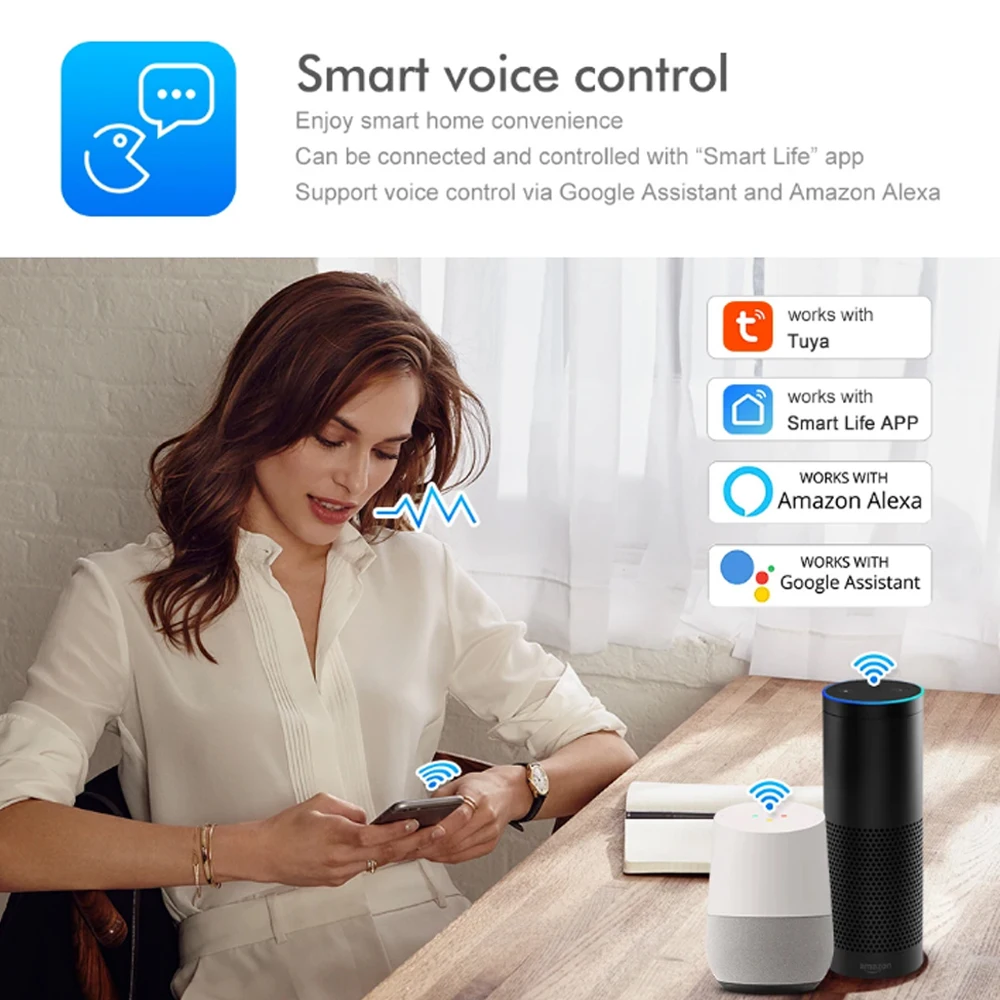
● Voice control, support amazon ECHO and TmallGenie smart speaker.
● Match with RF 2.4G remote control optional.
● User need set light type by press key before Tuya APP network connection and match RF remote of the same light type.
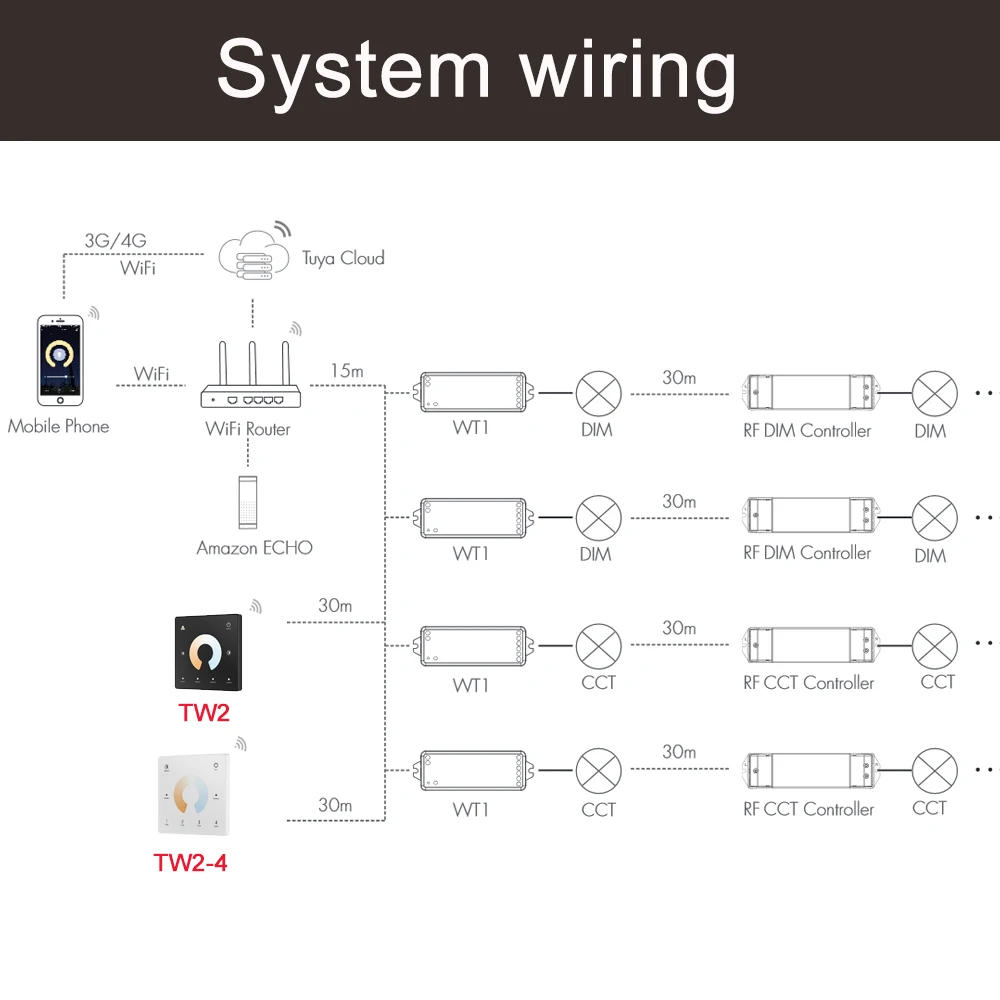
● Each WT1 controller can also work as WiFi-RF converter, then use Tuya APP to control one or more RF LED controller
or RF LED dimming driver synchronously.
● Connect with external push switch to achieve on/off and 0-100% dimming function.
● Light on/off fade time 3s selectable.
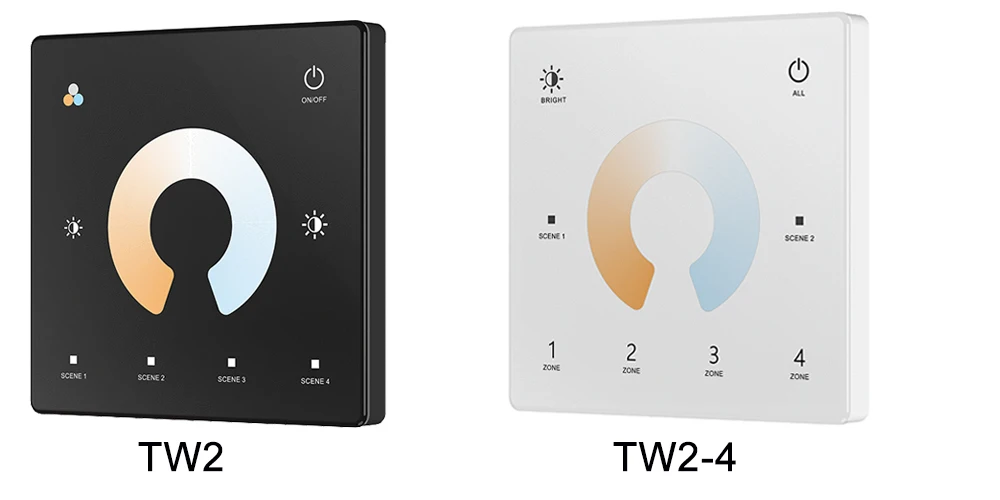
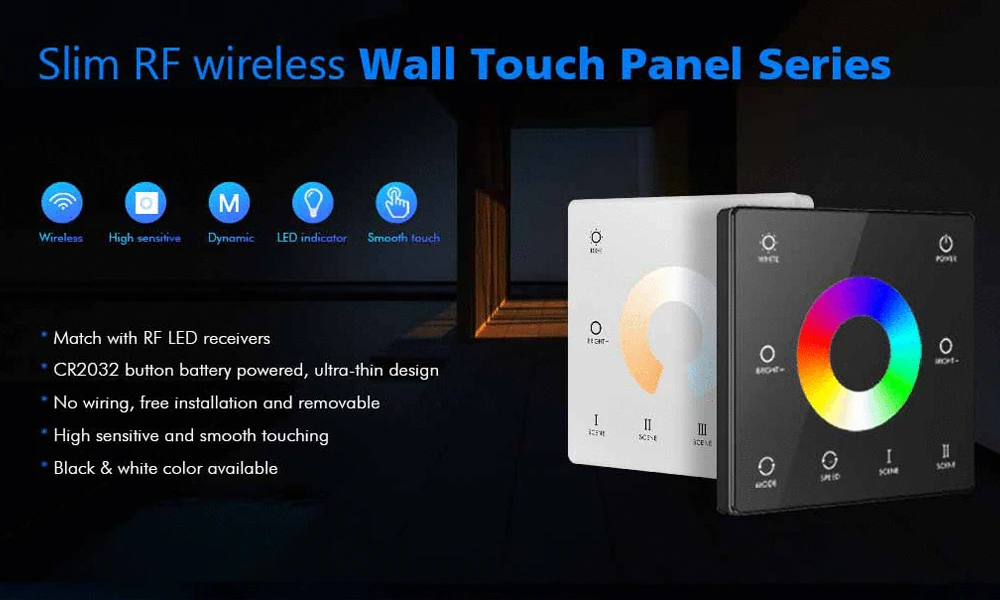
Wall Mounted Touch Panel Remote
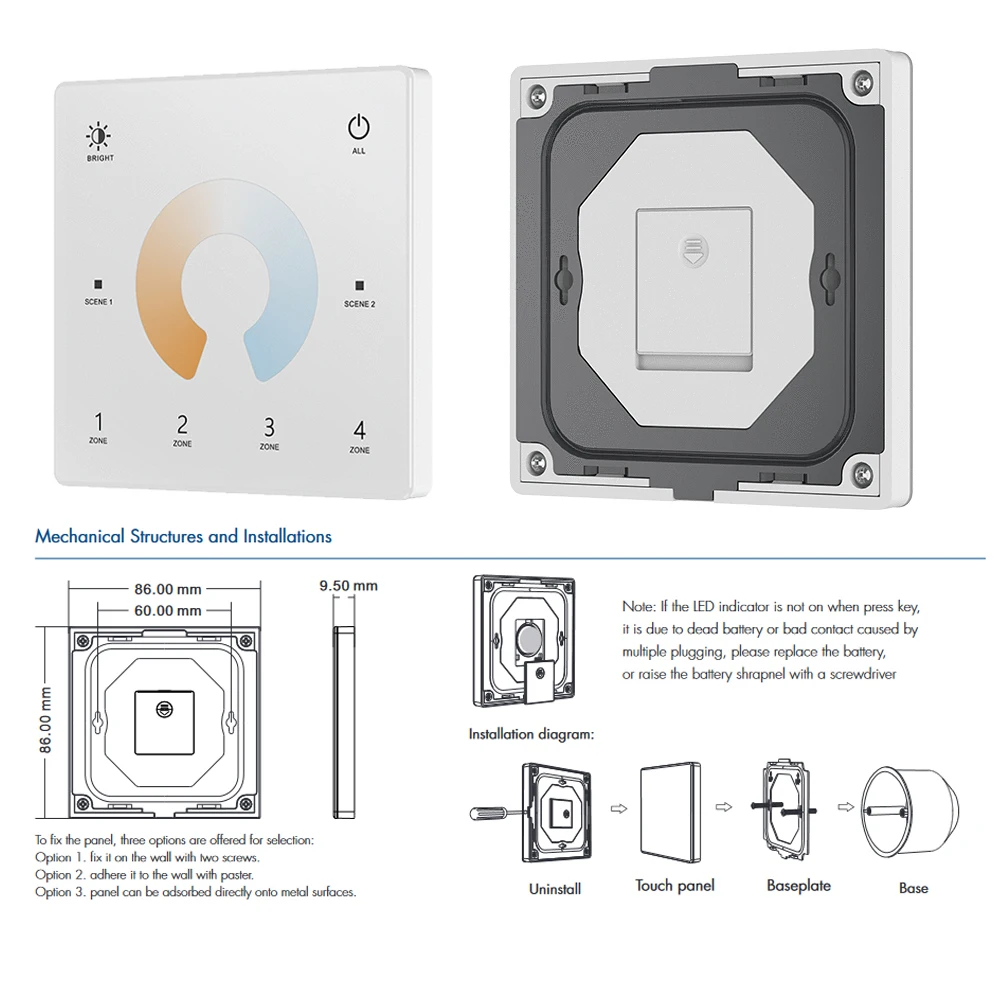
Model No.: TW2 TW2-4(4 Zone)
Features
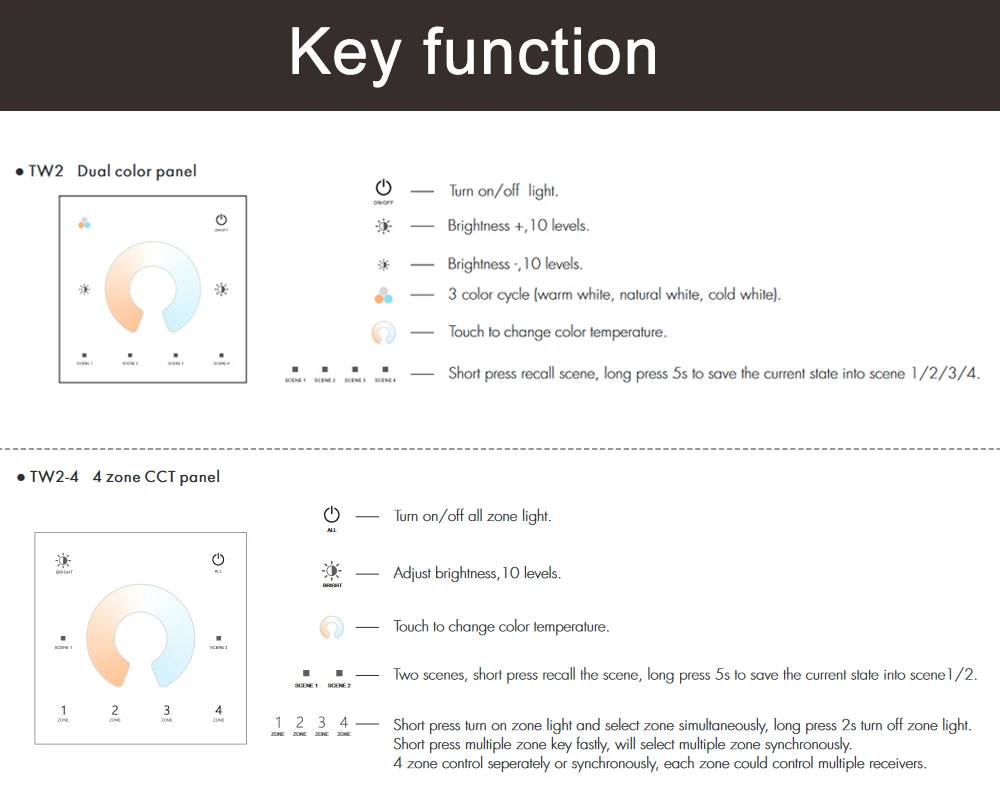
● Touch panel RF remote for CCT
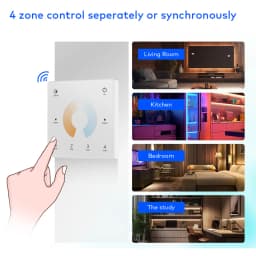
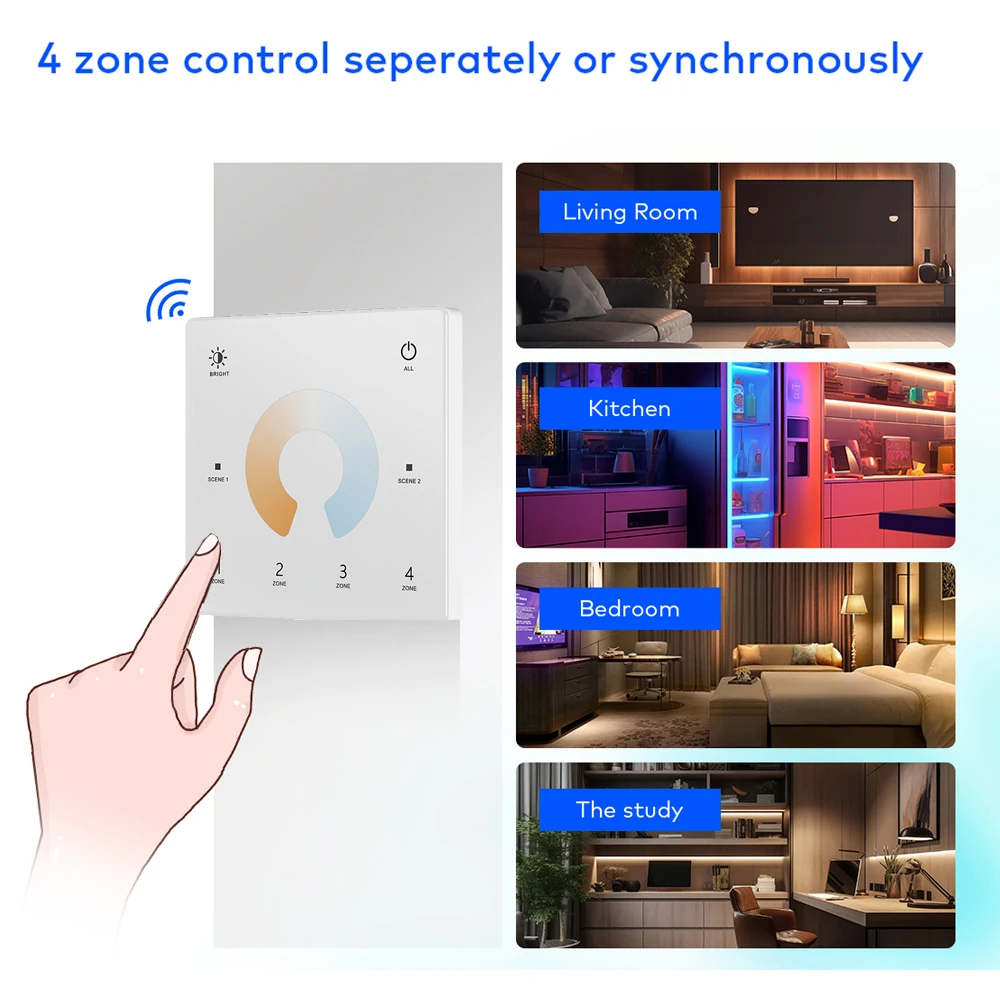
● Each Touch panel can remote control multiple LED controllers.RF 2.4G
● Ultra sensitive high strength glass touch panel with touch color wheel in the middle.
● Touch keys with LED indicator.
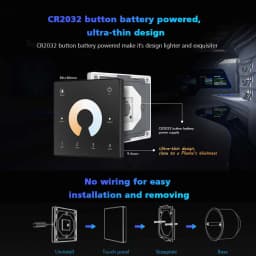
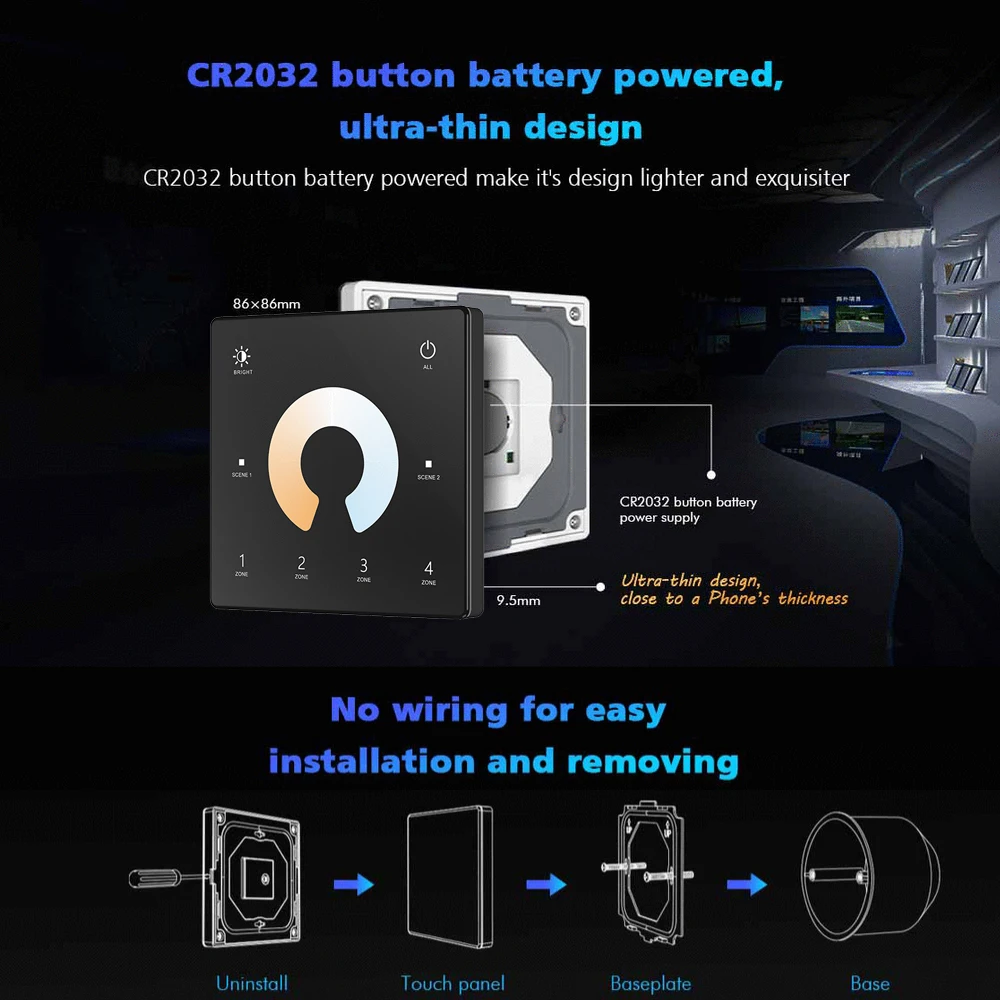
● Free installation, no wiring, removable.
● CR2032 battery powered.
● White & Black available.
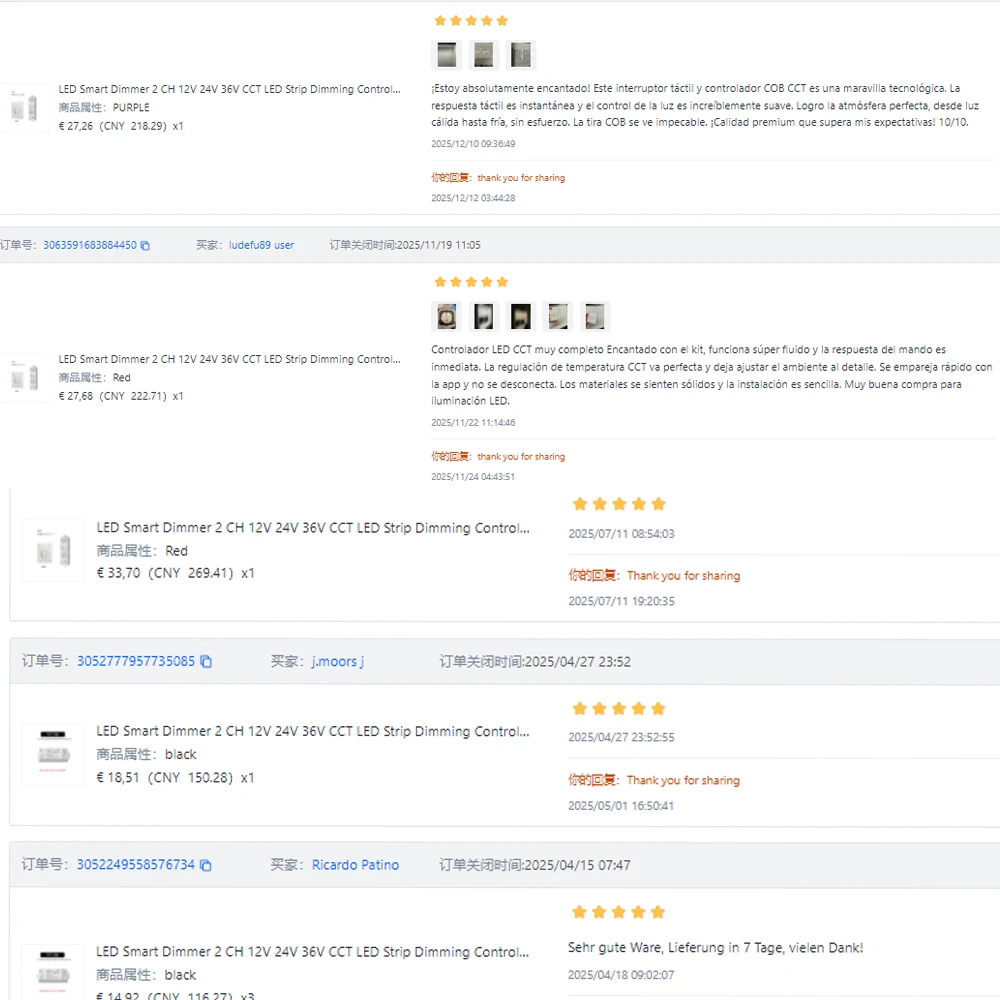
Our products have been sold for more than 2 years. The following are some of the real positive reviews from buyers.
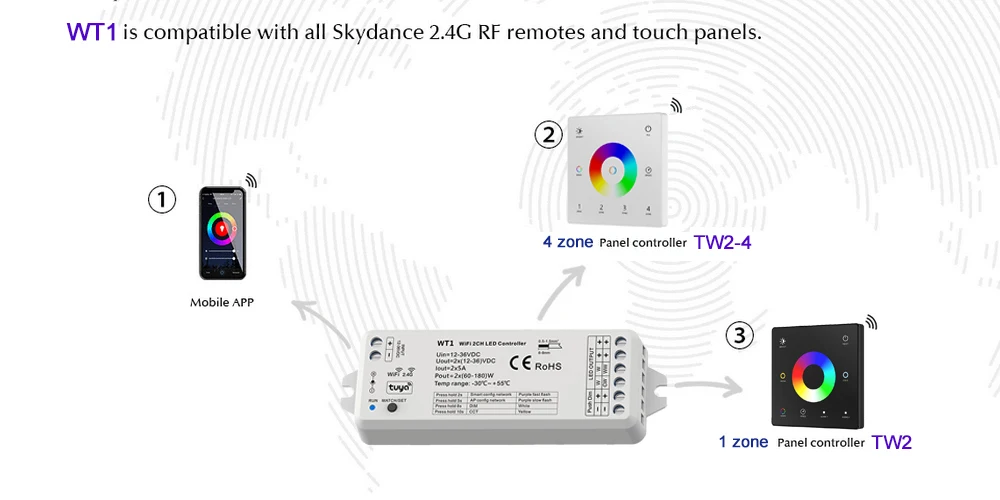
How to connect WT1 to TW2(TW2-4)
End user can choose the suitable match/delete ways. Two options are offered for selection
Use the WT1’s Match key
Match:
Short press match key of WT1,
immediately press on/off key (TW2)or zone key (TW2-4) on the remote.
The LED indicator fast flash a few times means match is successful
Delete:
Press and hold match key of WT1 for 15s to delete all match,
The LED indicator fast flash a few times means all matched remotes were deleted.
Use Power Restart
Match:
Switch off the power of WT1, then switch on power, repeat again.
Immediately short press on/off key (TW2)or zone key (TW2-4) 3 times on the remote.
The light blinks 3 times means match is successful
Delete:
Switch off the power of WT1, then switch on power, repeat again.
Immediately short press on/off key (TW2)or zone key (TW2-4) 5 times on the remote.
The light blinks 5 times means all matched remotes were deleted.
How to connect WT1 to TUYA APP
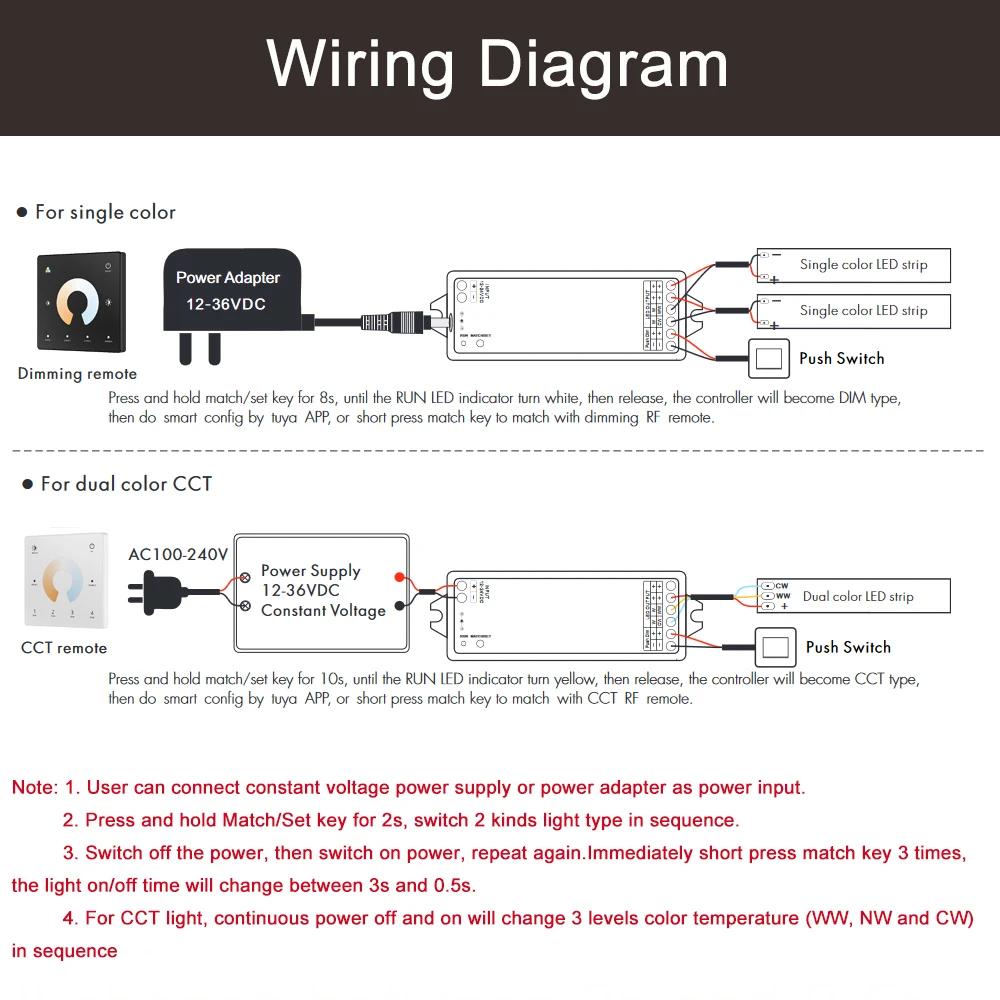
●Push twice Match/Set key fastly, or when press and hold Match/Set key for 8 or10s to set 2 kinds light type:
Clear previous network connection, enter Smart config mode, the purple LED indicator flash fastly,
the output LED will flash 10 times
●Press and hold Match/Set key for 2s:
Switch 2 kinds light type in sequence, notice this operation does not automatically clear previous network connection.
●Press and hold Match/Set key for 5s:
Clear previous network connection, enter AP config mode, the purple LED indicator flash slowly.
●If smart config failed, please try AP config
Repeat power on and off for 5 consecutive times, also clear previous network connection, enter Smart config mode,
the output LED will flash 10 times
●If Tuya APP network connection succeed, the RUN LED indicator will stop flash purple,
and turn corresponding light type color (White: DIM, Yellow: CCT.
and in Tuya APP, you can find DIM or CCT device.
NOTE: WT1 is a 2in1 dimmer. You can also control Single color light strips
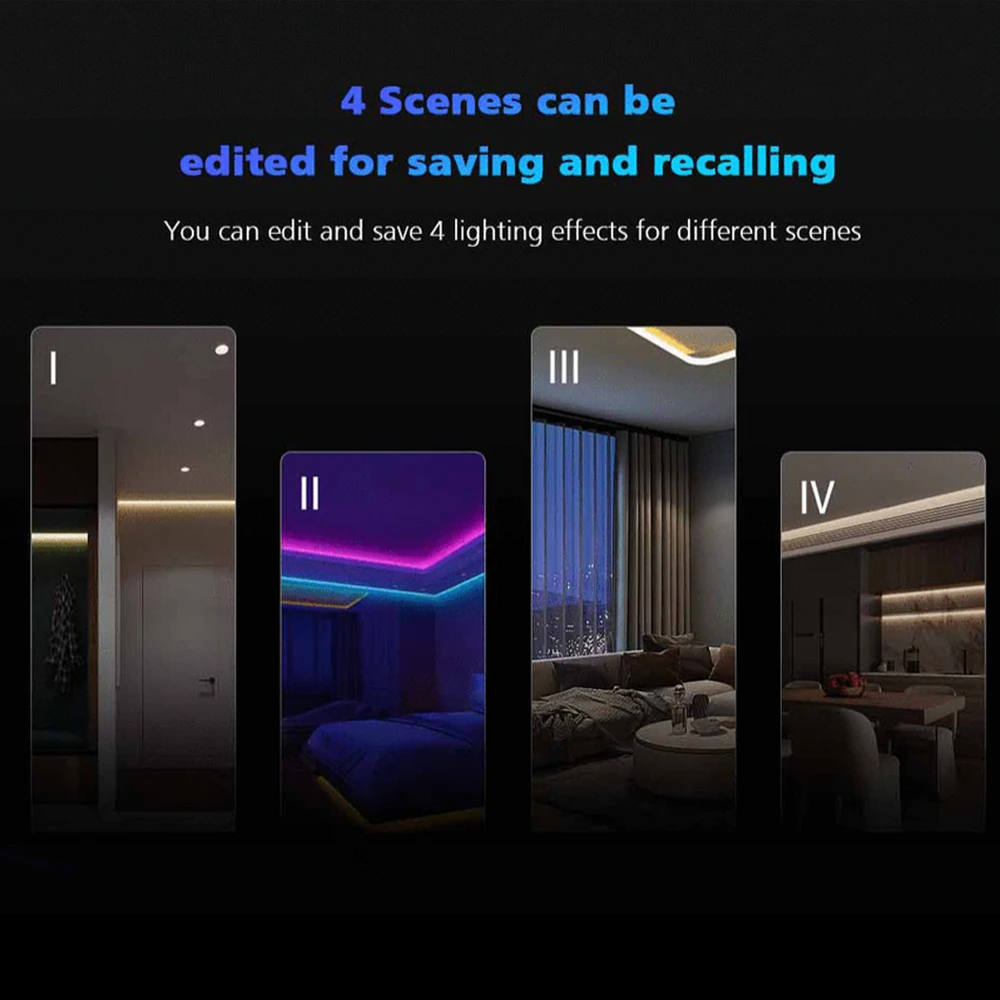
WT1 Match with TW2 TW2-4 realizes multi-scene and multi-area dimming control
Packing List:
Depends on which you selected.Plaese KIndly check th SKU picture.
WT1 only= 1pcs WT1only
The KIT includes a switch and a controller. Please choose your favorite color.
If you need multi-scene and multi-zone control. Please select the corresponding quantity of WT1
NOTE:For shippment safety, please kindly understand there is no battery included.
Safety information
1. Read all instructions carefully before you begin this installation.
2. When installing battery, pay attention to the battery positive and negative polarity.
A long time without the remote control, remove the battery.
When remote distance becomes smaller and insensitive, replace the battery.
3. If no response from the receiver, please re-match the remote.
4. Gently handle remote, beware of falling.
5. For indoor and dry location use only
WT1 also work as WiFi-RF converter to match RF LED controller or dimming driver
End user can choose the suitable match/delete ways. Two options are offered for selection
Use the controller’s Match key
Match:
Short press match key of the controller,
immediately press on/off key on the Tuya APP.
The LED indicator fast flash a few times
means match is successful
Delete:
Press and hold match key of the controller for 5s,
The LED indicator fast flash a few times
means match was deleted.
Use Power Restart
Match:
Switch off the power of the controller, then switch on power,
repeat again.
Immediately short press on/off key 3 times on the Tuya APP.
The light blinks 3 times means match is successful.
Delete:
Switch off the power of the controller, then switch on power,
repeat again.
Immediately short press on/off key 5 times on the Tuya APP.
The light blinks 5 times means match was deleted
Customer Reviews
No reviews yet
LED Smart Dimmer 2 CH 12V 24V 36V CCT LED Strip Dimming Controller Kit 2.4G RF Remote Control 4 Zone Touch Switch For TUYA Wifi
34.62$
22.76$
Quantity:
1
Availability:
Color