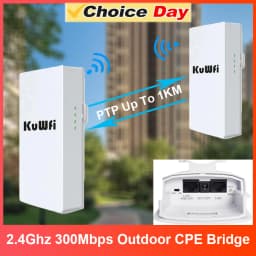
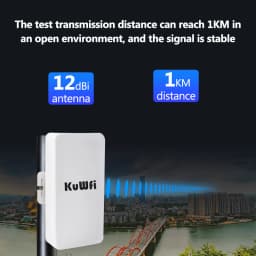
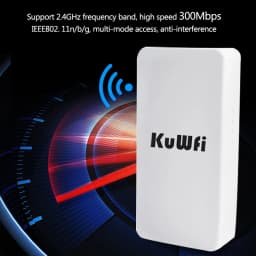
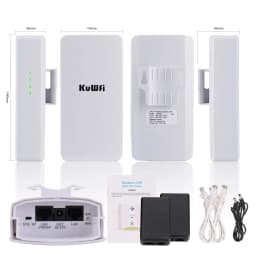
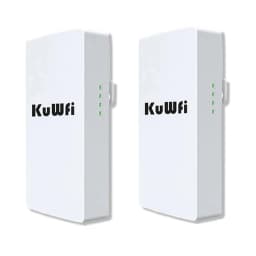
KuWFi 2.4Ghz 300Mbps Outdoor CPE Bridge Wireless Wifi Router AP Repeater Mode Long Range Extender Wireless Bridge PTP PTMP 1KM
94.17$
42.81$
Quantity:
1
Availability:
Out of StockColor
Card Payments
Crypto Payments
Easy return
Reliable Shipping
Tip:
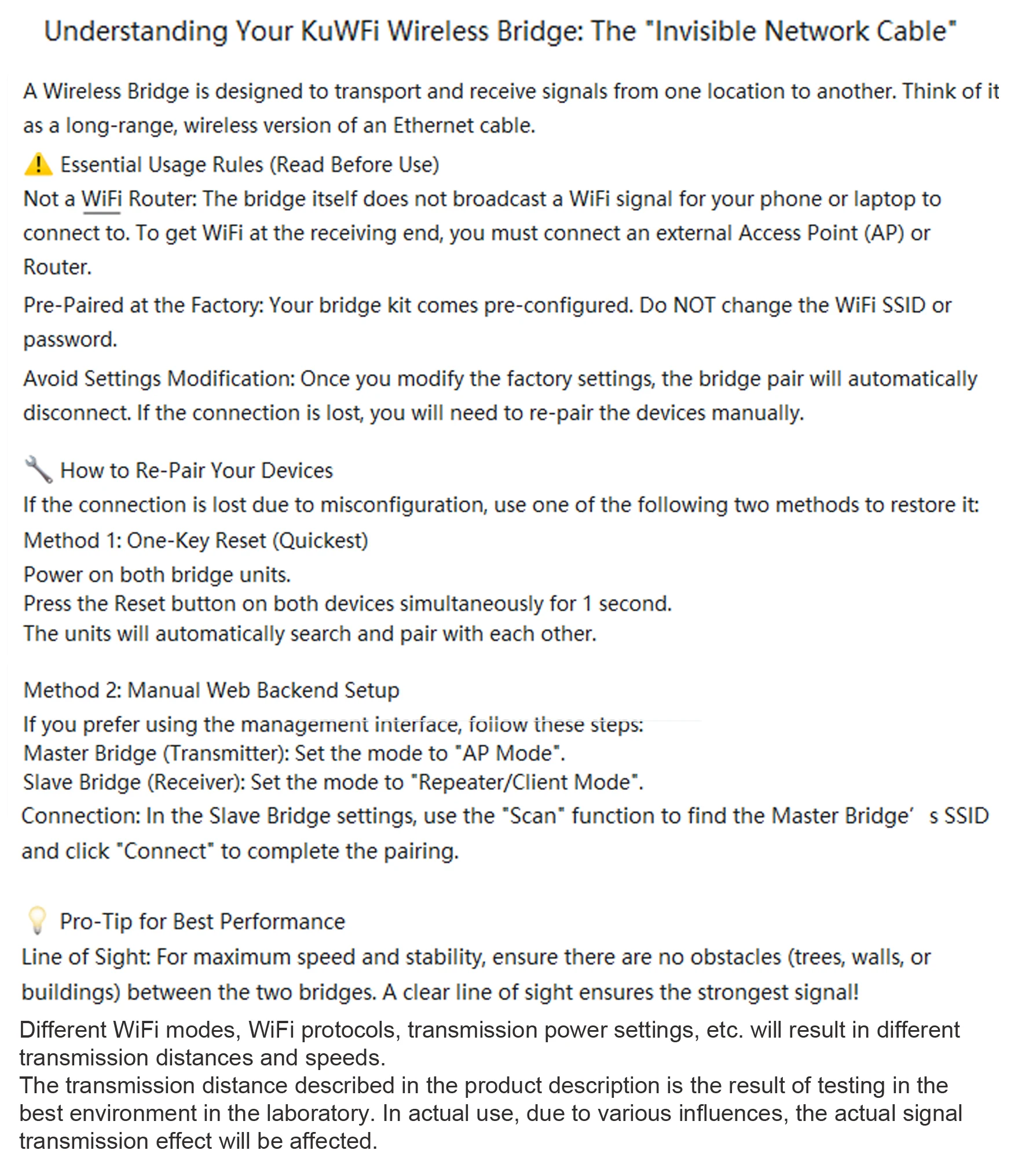
1 .The bridge only provide EU Plug POE Power .
2.About this CPE Bridge:
1) Professional & Technical:
The primary function of a wireless bridge is to establish a dedicated, high-speed link between two points for data transmission. It does not broadcast a Wi-Fi signal itself. Instead, it receives and seamlessly bridges the network connection to an external outdoor Access Point (AP). This AP then provides the Wi-Fi coverage. This design minimizes signal loss over distance, ensuring optimal performance and a reliable connection at the remote location.
2) Easy-to-Understand:
Think of a wireless bridge as a dedicated data pipeline. Its only job is to wirelessly carry your internet signal from one place to another with minimal loss. It doesn't create Wi-Fi itself. At the other end, it connects to an outdoor Access Point (AP), which takes that strong signal and broadcasts it as a powerful Wi-Fi network.
This teamwork ensures you get the best possible signal strength where you need it.
3.Better CPE Bridge Options
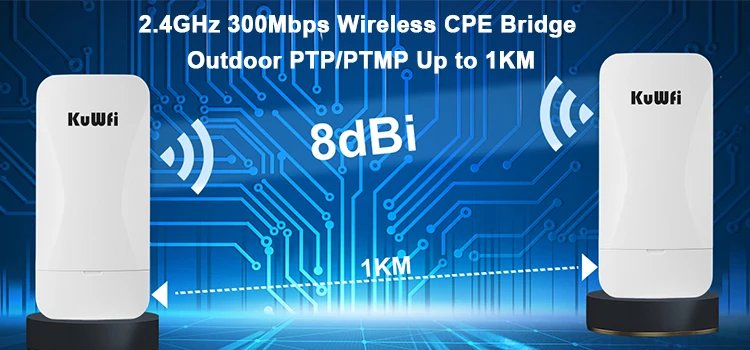
Provide 2.4GHz Wi-Fi signals and supports one-touch automatic pairing.
FAQ:
Q: I wan to login WEB UI page for IP Address,but i can not open it .
A: If you need to manage the bridge, you must use a computer to connect to the bridge.Then set a static IP address for the network to access the WEB UI page.
you can set static ip address : 192.168.11.10
Subnet mask: 255.255.255.0
And then login WEB UI page: 192.168.11.254(Master Bridge)
192.168.11.253(Slave Bridge)
Tips: After the configuration is complete, you need to restore the original ip address settings, otherwise you will not be able to surf the Internet.
Product Description
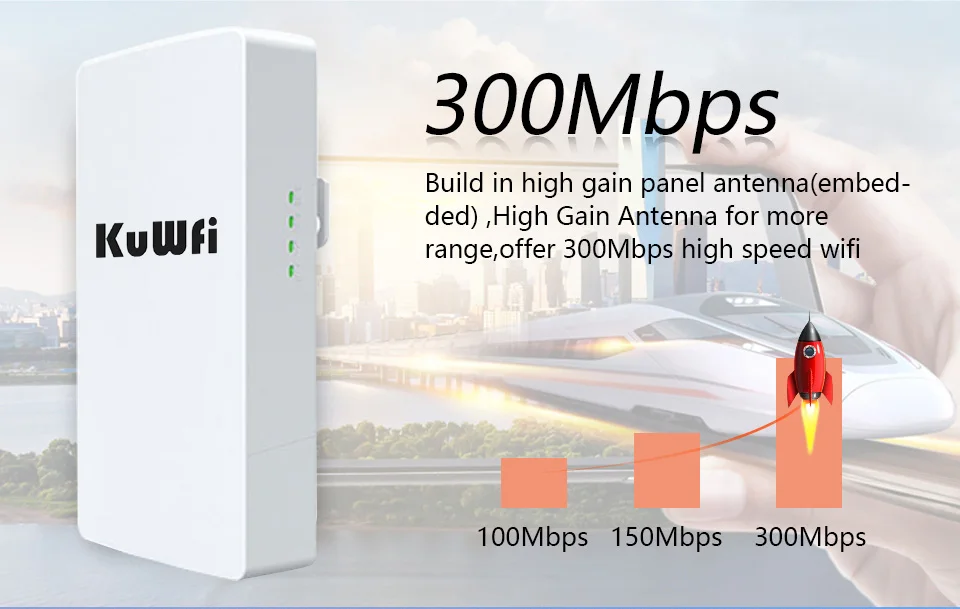
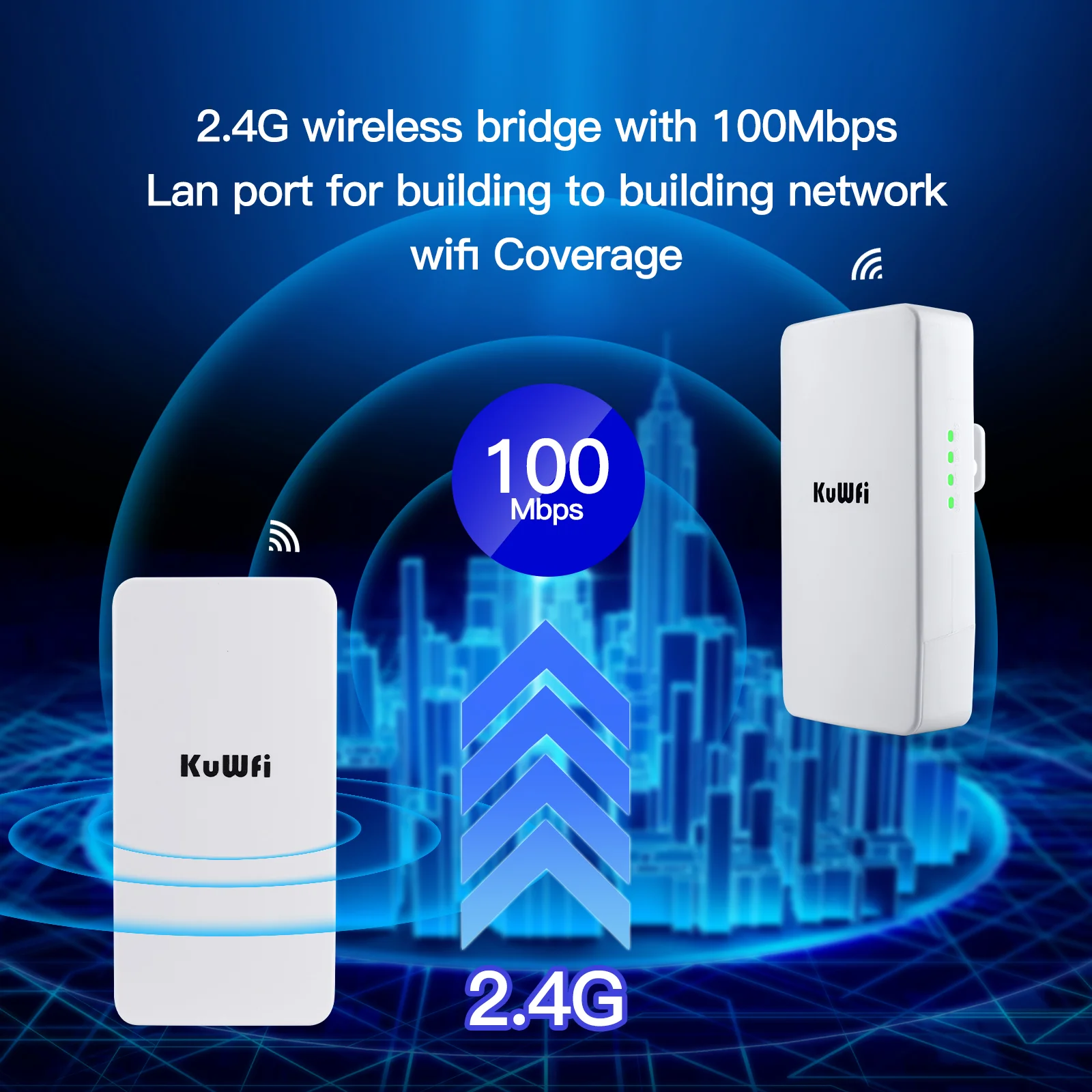
1. 2.4GHz frequency band, support 300Mbps AP function, can access more wireless clients.
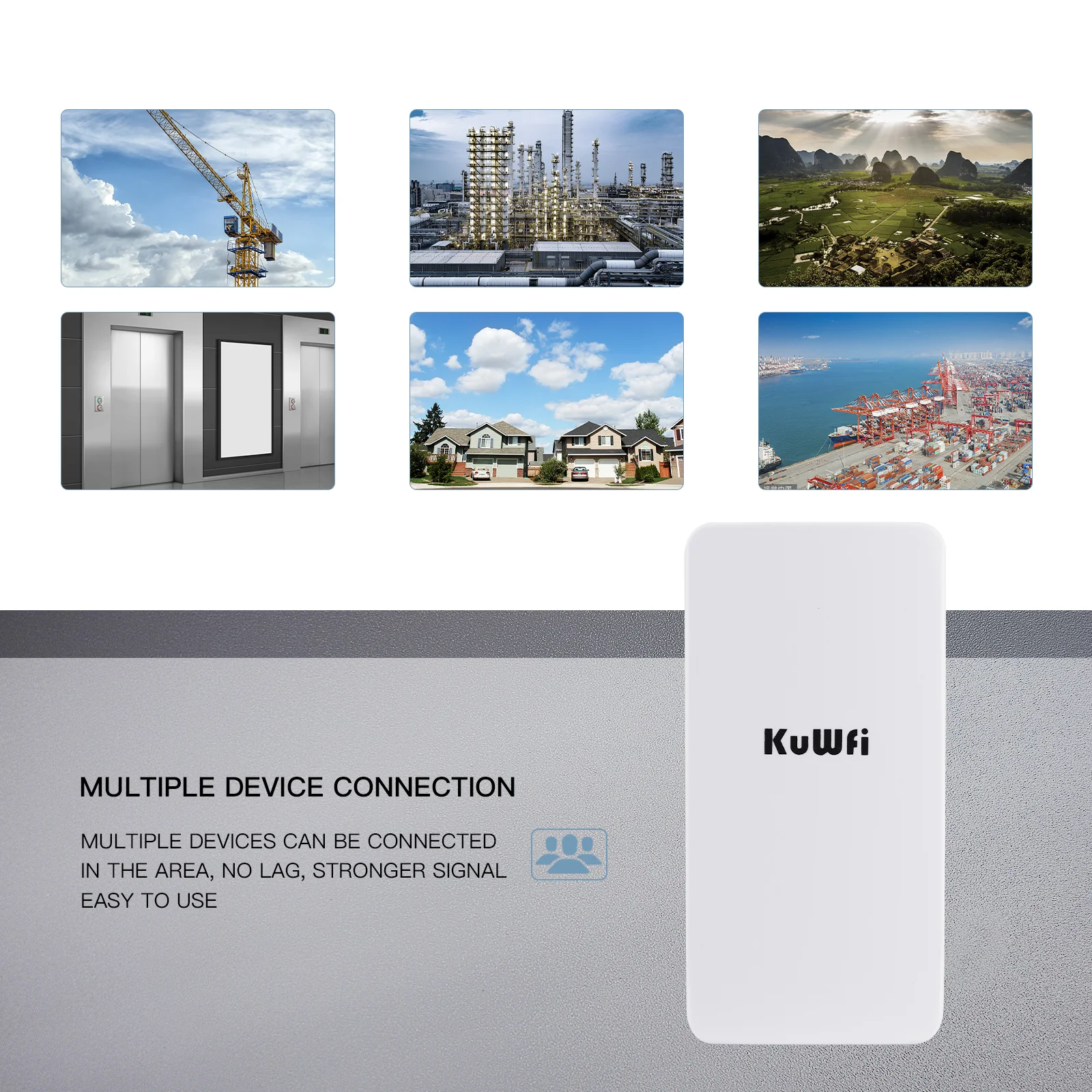
2. It adopts dust-proof and waterproof shell, all-weather sun protection, waterproof and dust-proof sealing design, which can be used in various outdoor environments.
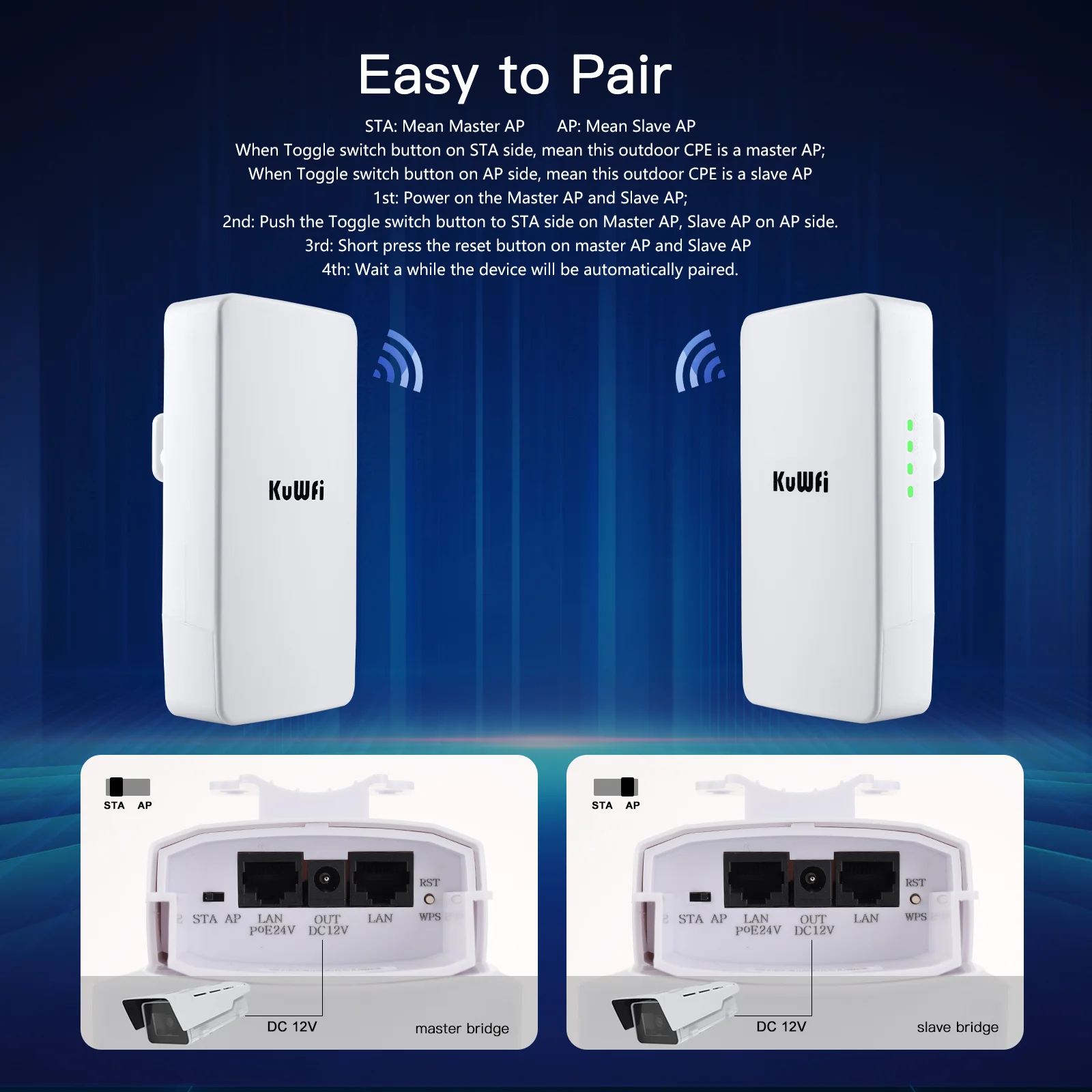
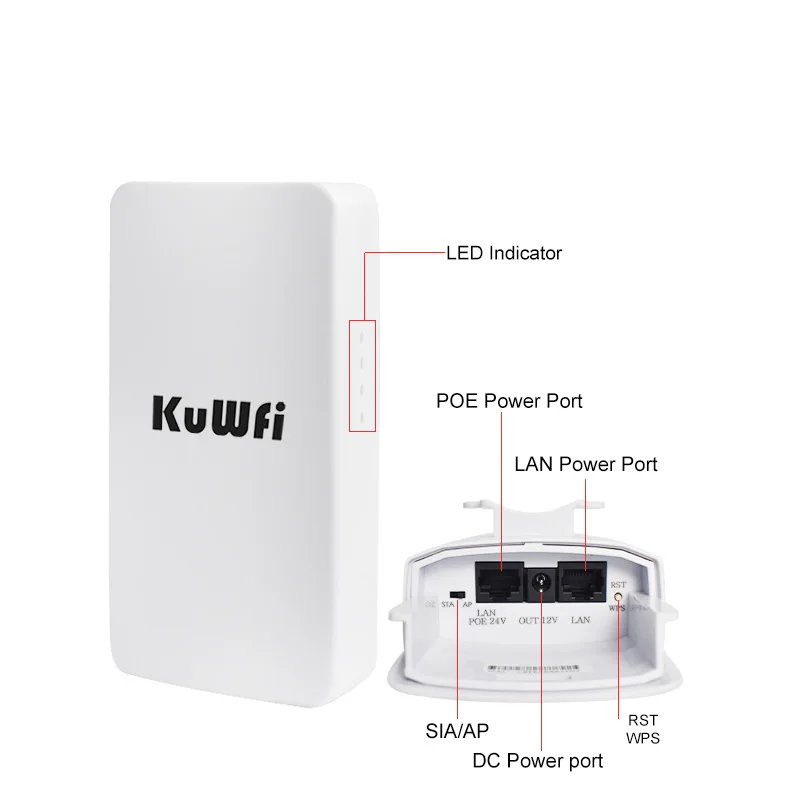
3. Support PoE remote 100M network cable power supply and DC power supply mode, easy to manage, support digital display pairing information for remote pairing debugging,
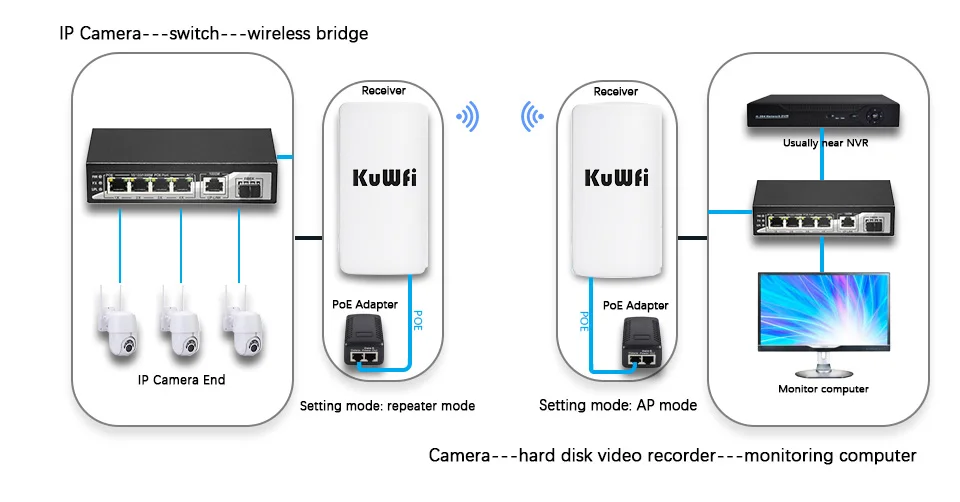
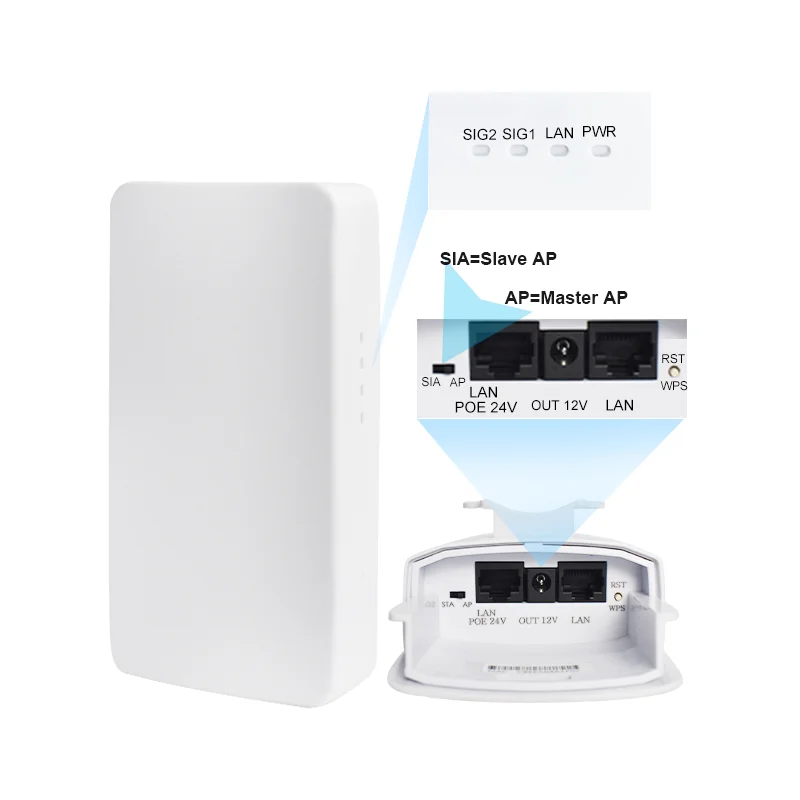
4. It is suitable for outdoor monitoring projects, especially when two routers work at the same time, the LED displays the same number NO, which means they have been paired.
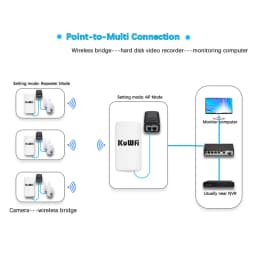
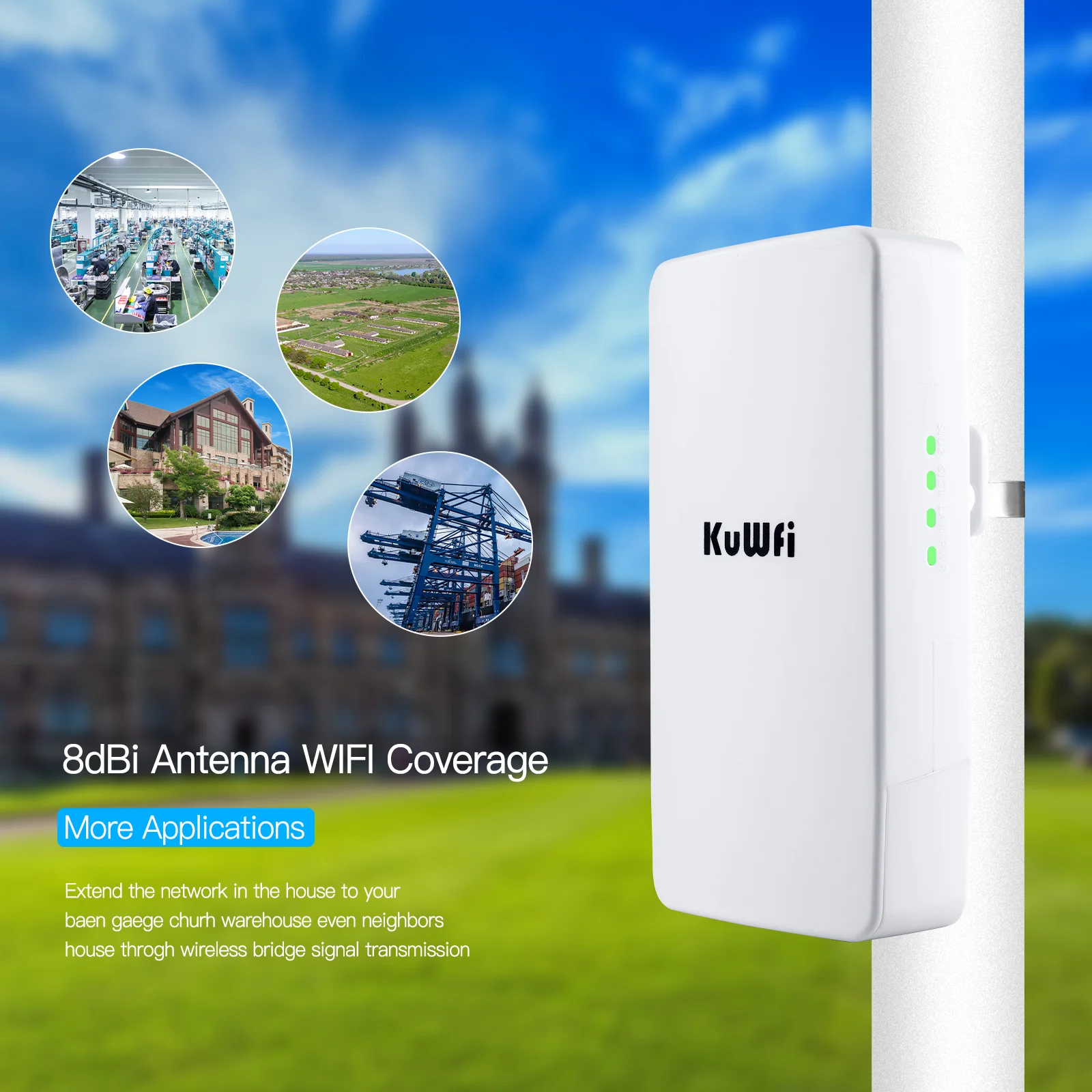
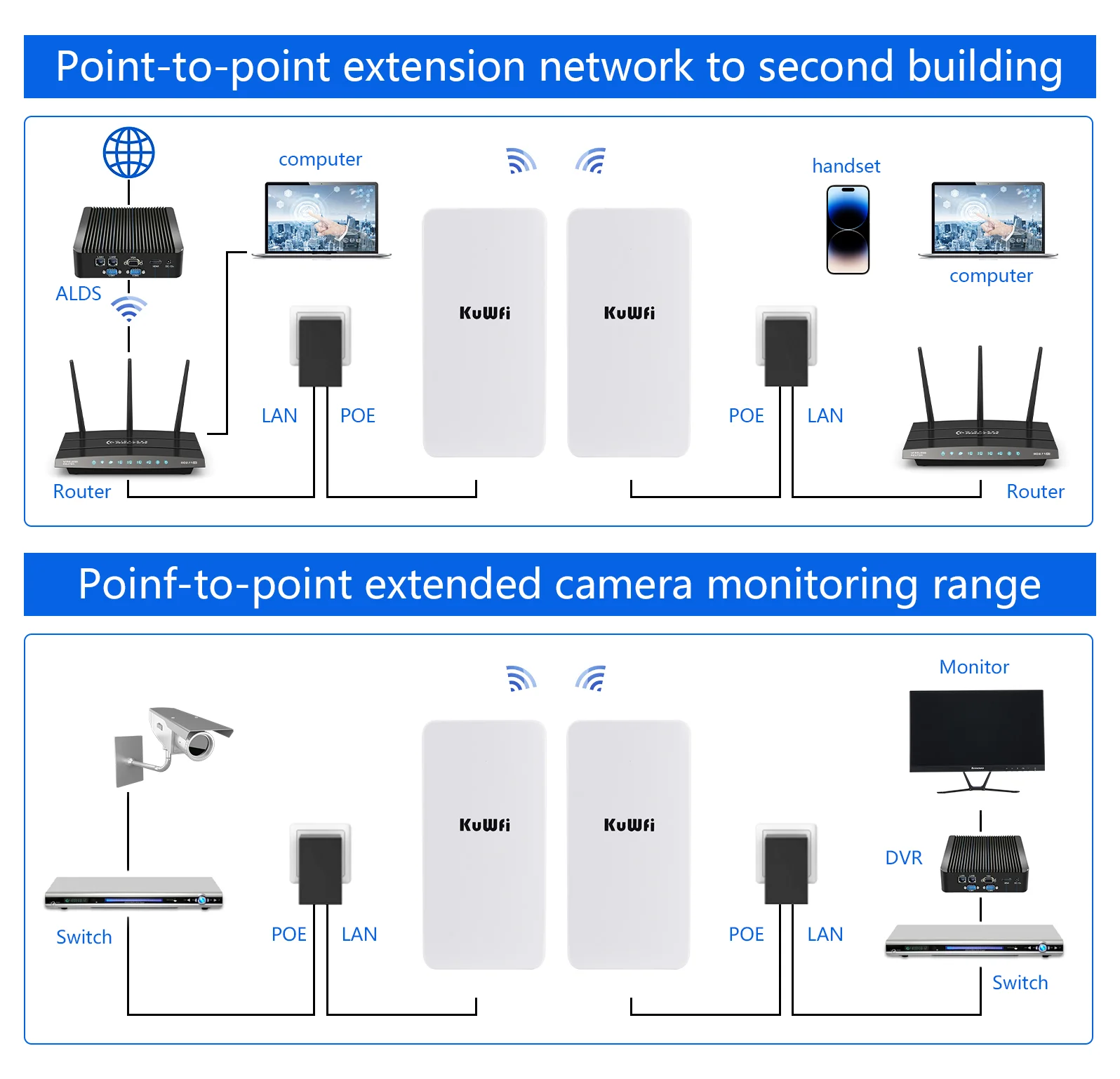
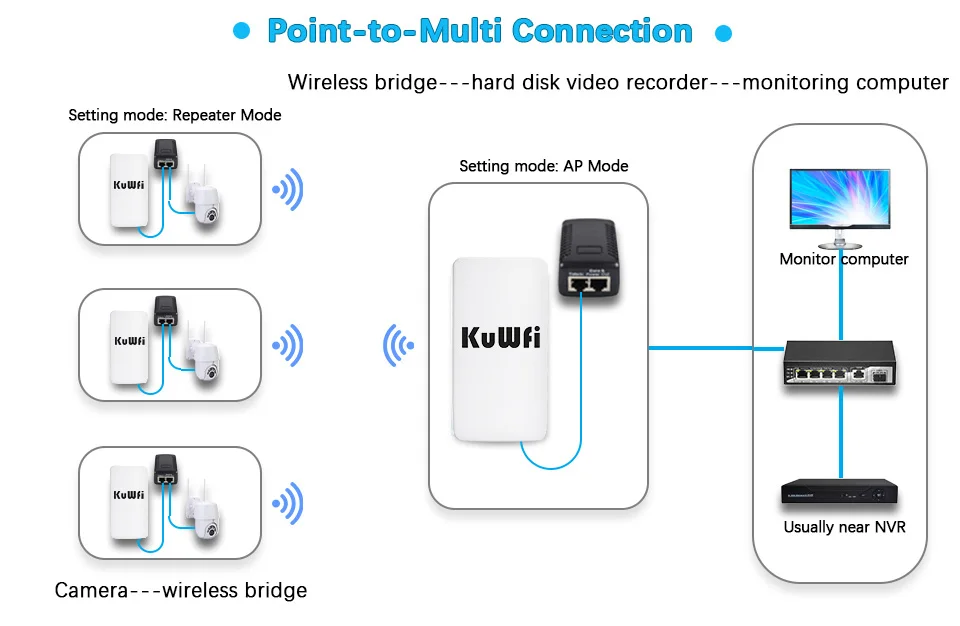
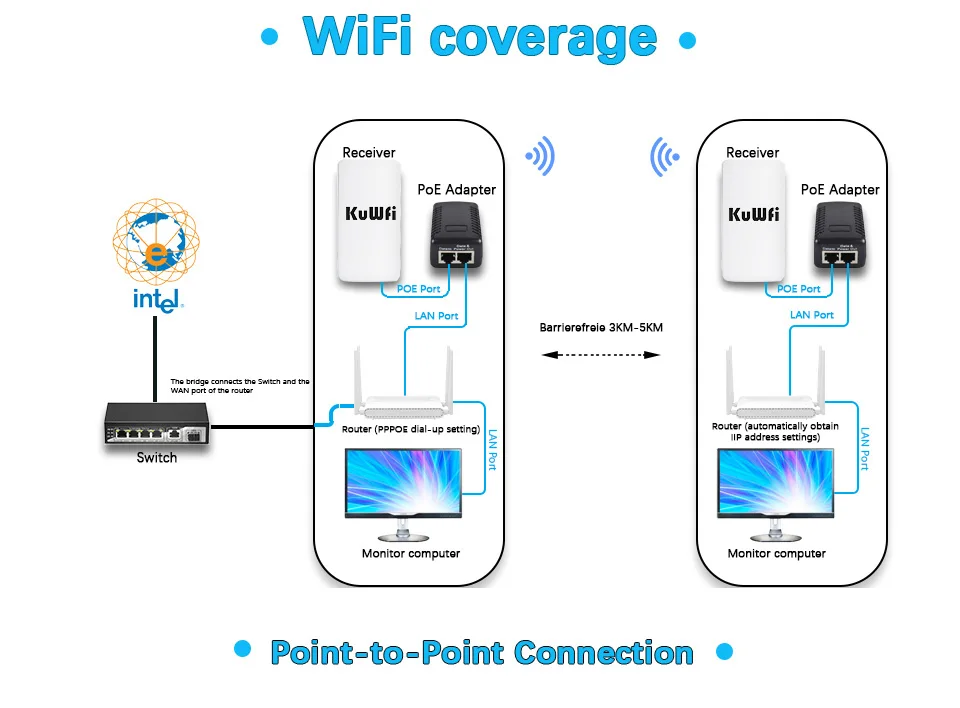
5. Effective solution for PTP, PTMP application and easy to use IP camera (camera) and network DVR to set up CPE
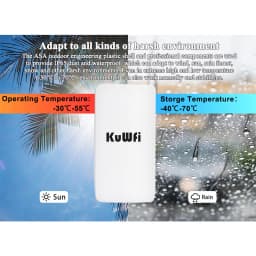
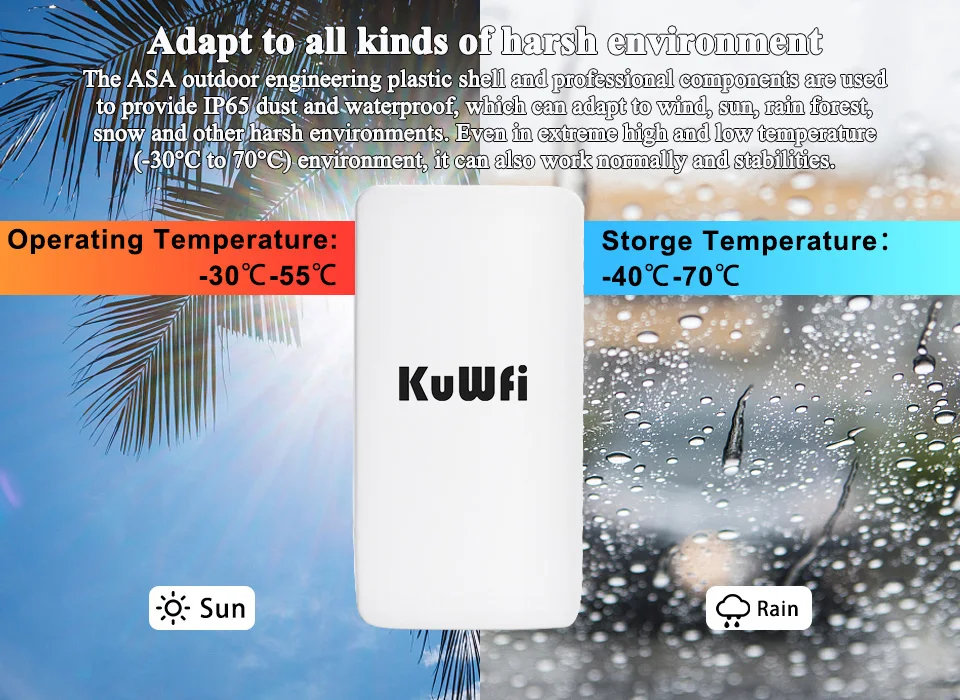
6. Working temperature: -30℃-55℃ Storage temperature: -40℃-70℃
7. Equipped with 2*10/100M LAN ports, Ethernet data rate is 2 times faster than ordinary CPE, support gateway (PPPOE, static IP, dynamic IP), wireless AP
Specification
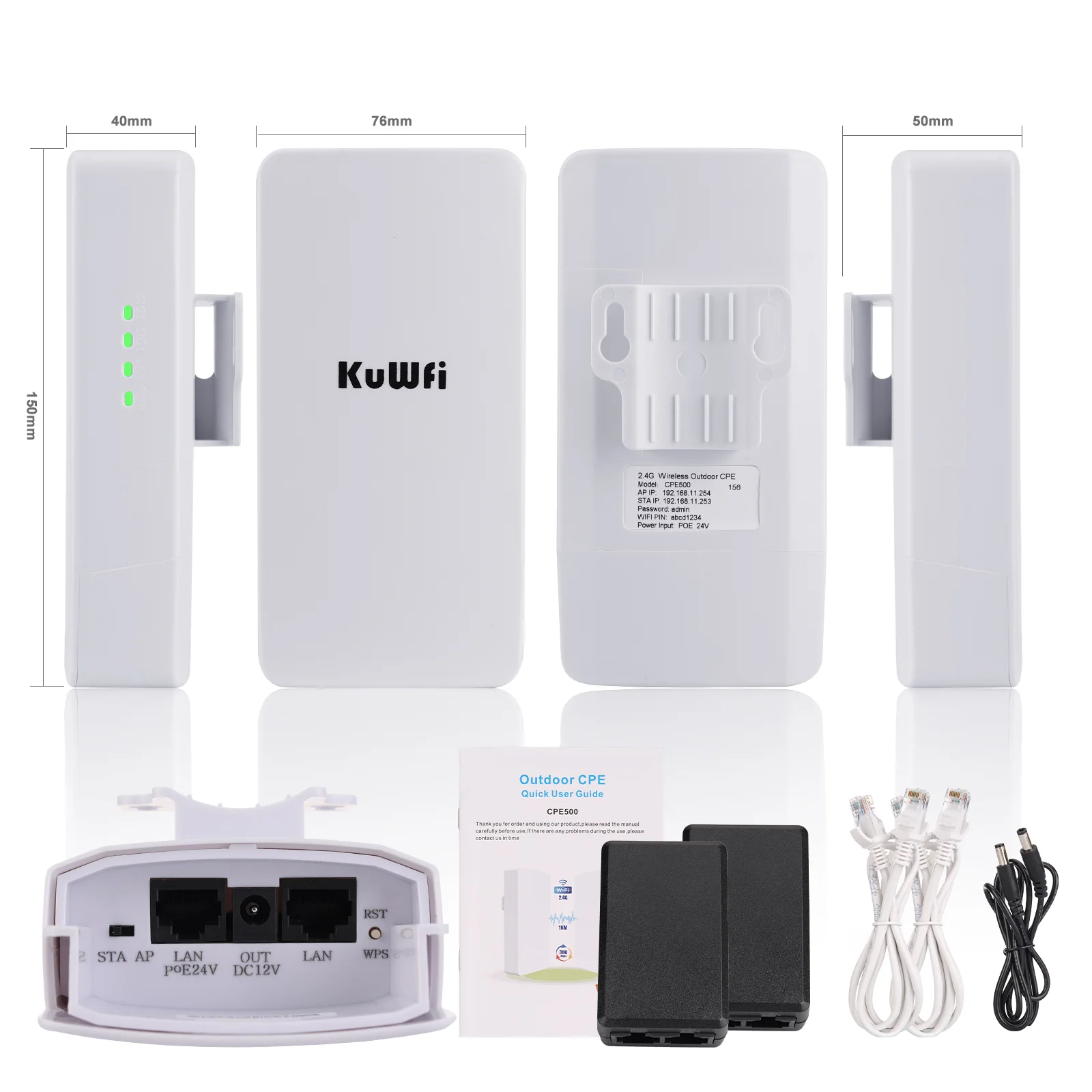
Wired Interface: 10/100Mbps LAN*2
Standard: IEEE 802. 11b,IEEE802.11g ,IEEE802.3n
Power : POE 24V 0.5A
Encryption: WEP encryption 64/128bits, WPA, WPA2,802.1x 5.
Operating temperature: -5℃ ~ 65℃
Packing list
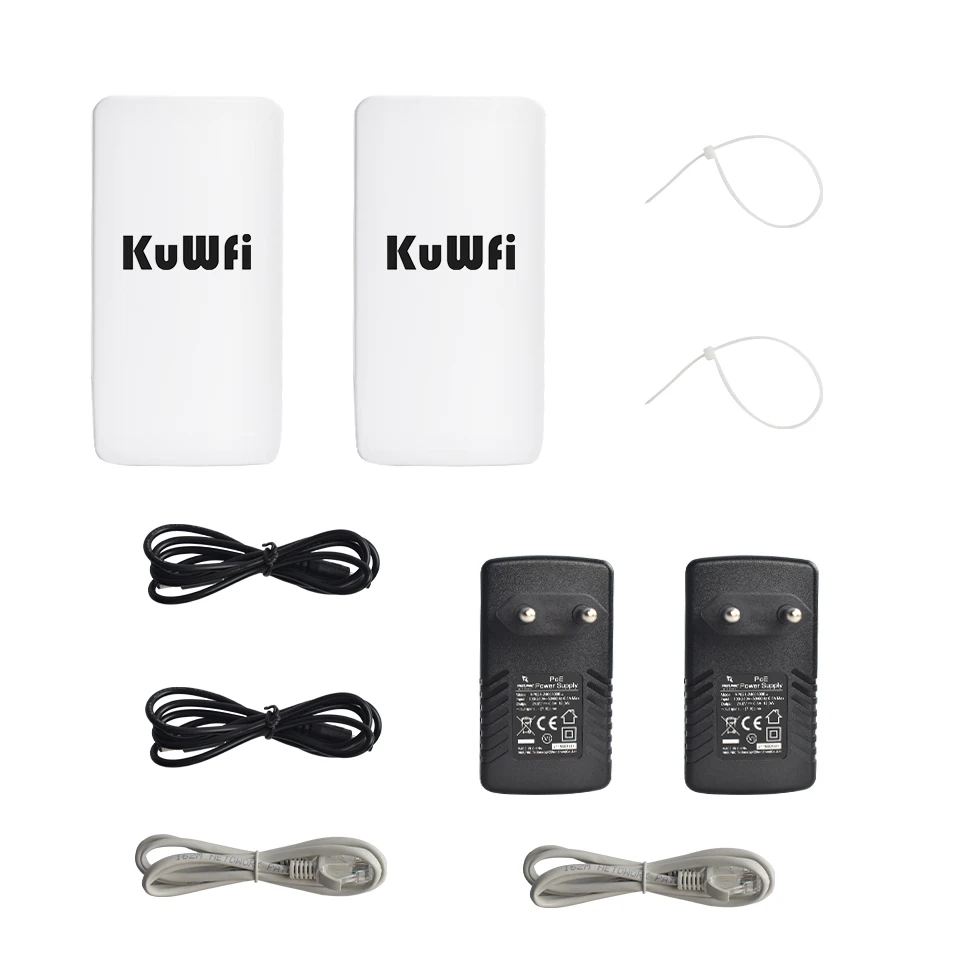
Router*1/2pcs
POE Power Adapter (24V0.5A)*2pcs
Quick Start Guide*1pc
Ethernet Cable (1meter) *2pcs
Note:
The IP addresses of routers in different modes are different.
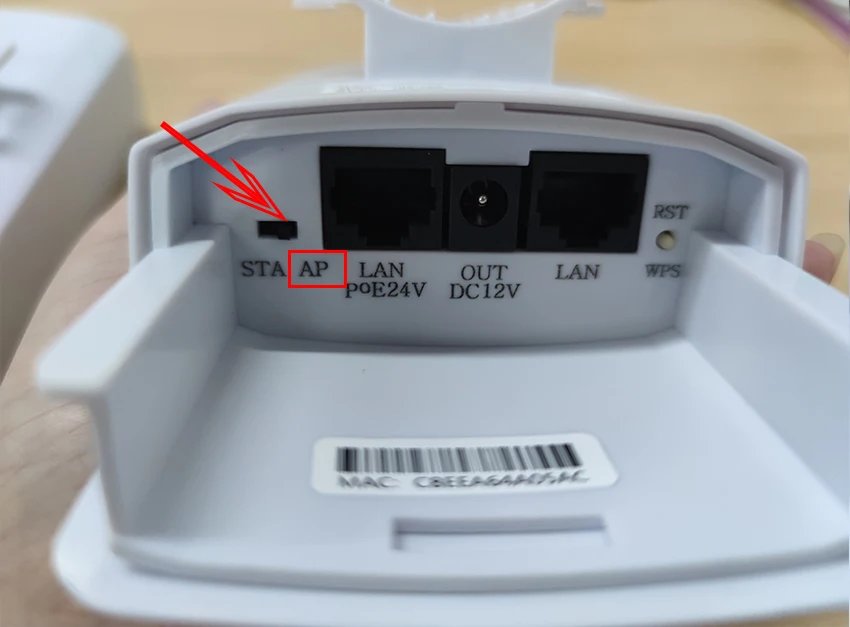
Master Bridge
(AP) IP address: 192.168.11.254
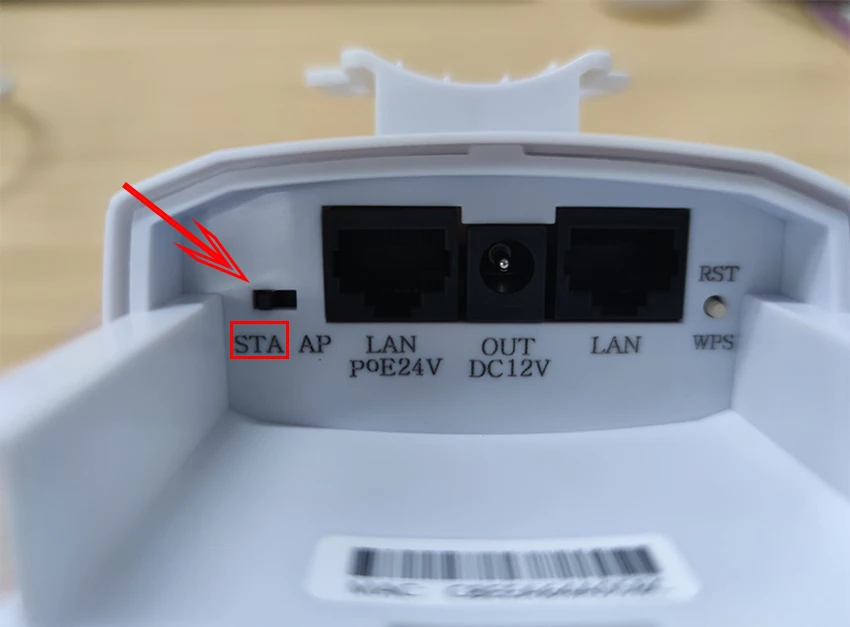
Slave Bridge
(STA)IP address:192.168.11.253
Since the Bridge devices are mainly used for long-range signal bridge and repeating,and to avoid IP address confliction when the CPE is connected with another router device,our bridge products disable the DHCP function(automatic IP address assignment)by default,you need to set CPE ,please make the follow step configure
1.Please connect cpe with power by poe adapter ,and then connect cpe with your PC
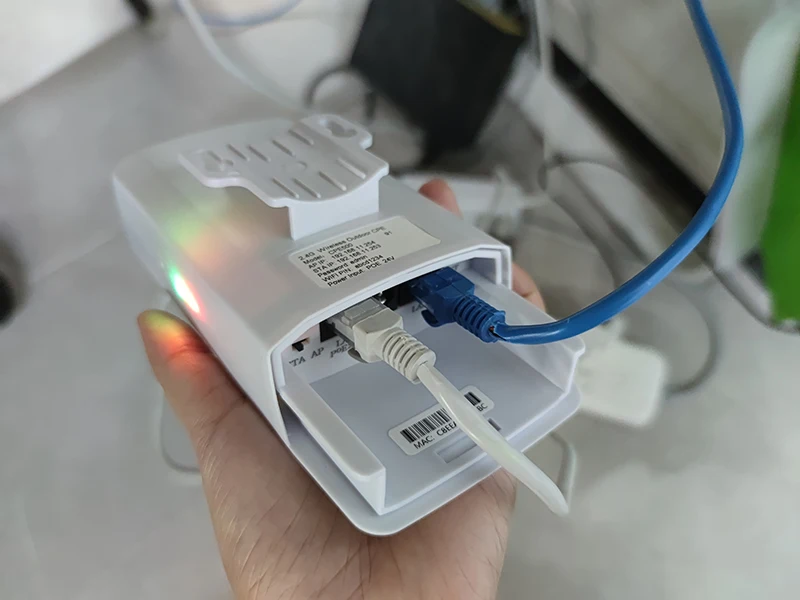
2.Pls configure your PC IP as 192.168.11.xxx (xxx is a figure 2-254)as the diagram below.
How to Configure Your PC IP As 192.168.11.xxx:
--Find the network icon in the lower right corner and click Open Network and Internet Settings.
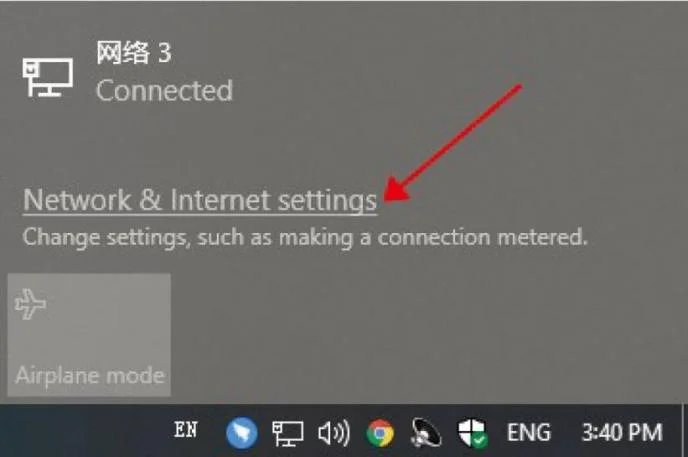
--Select Ethernet and Click the Change Adapter Option.
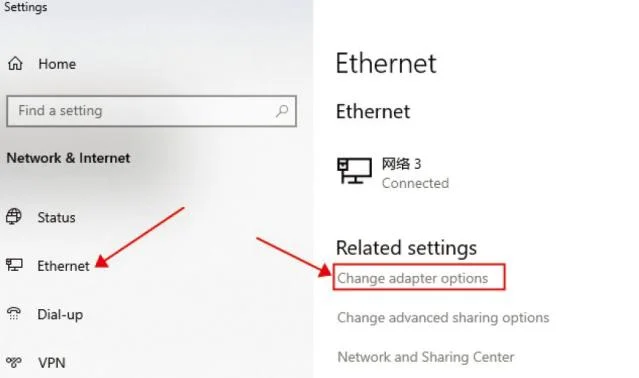
--Find the network connection you are using and right click on Properties
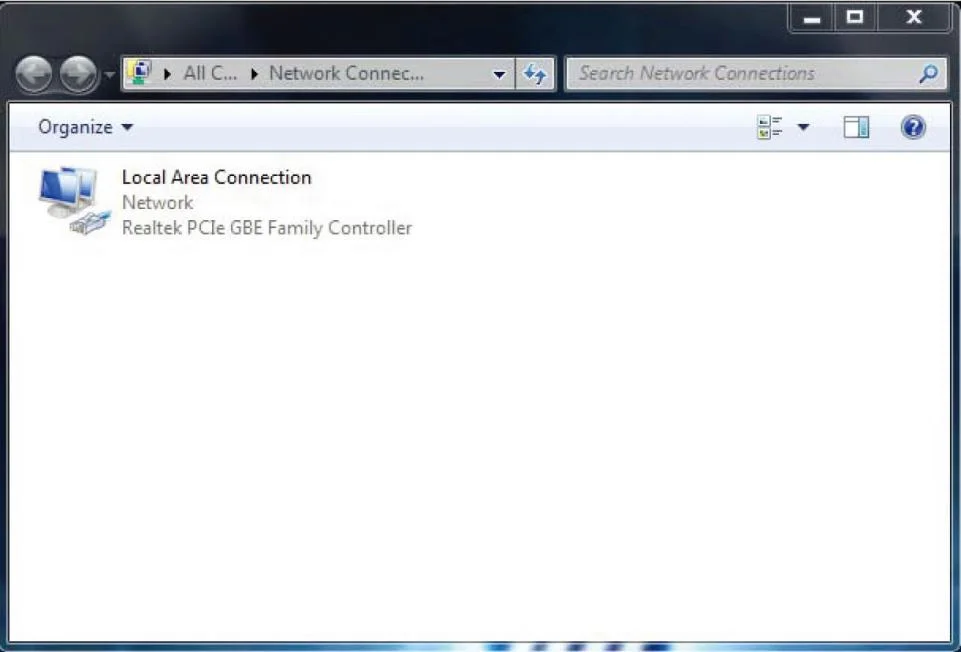
--Double-click the IPV4 setting,select the IP address below,enter the IP and confirm.
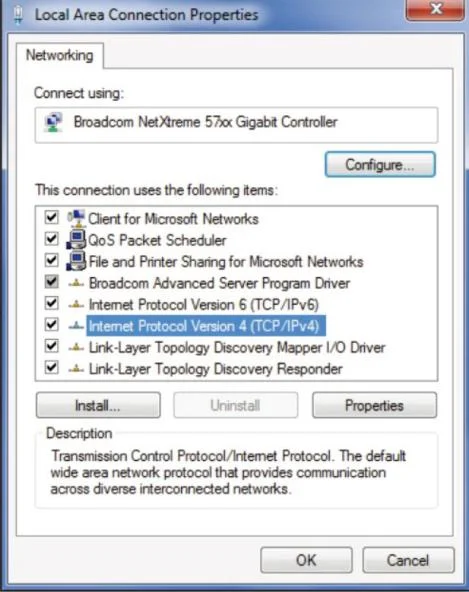
--Configure your PC IP as 192.168.11.xxx (xxx is a figure 2-254),note that the set PC IP cannot be the same as the IP of the CPE
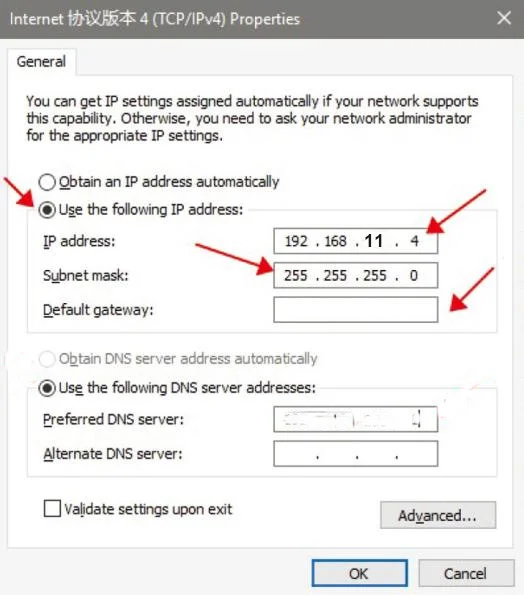
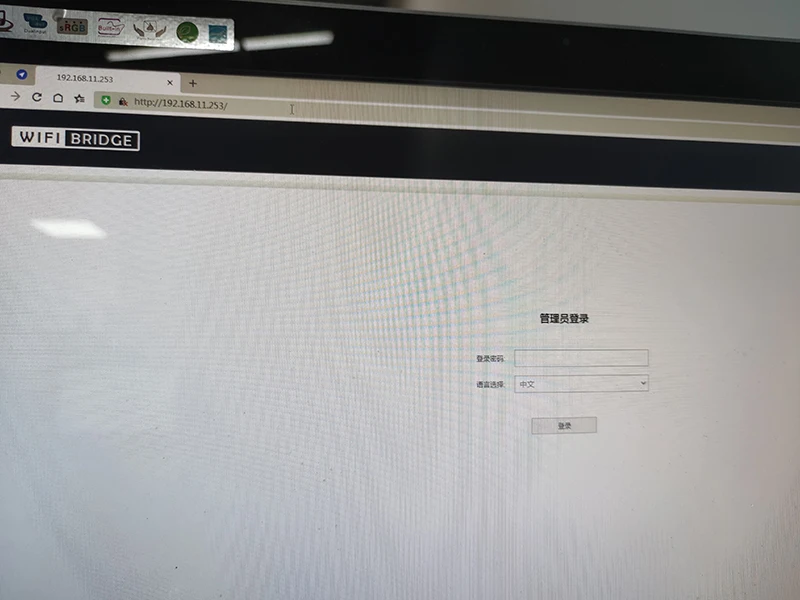
3.Open the browser ,input 192.168.11.254 or 192.168.11.253 at the IE bar,then input user name and password at the user interface to enter into the configuration page.
Master CPE Default IP:192.168.11.254
Slave CPE Default IP:192.168.11.253
Adapt to all kinds of harsh environments
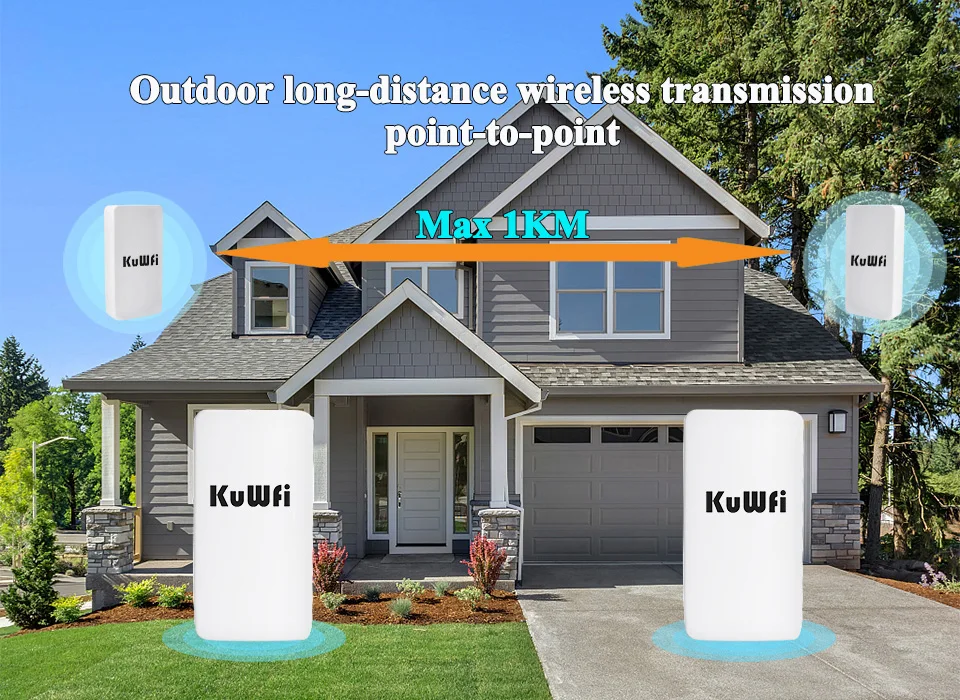
Using ASA outdoor engineering plastic shell and professional components, to provide IP65 level dust, waterproof, adapt to the wind blowing, sun exposure, rainforest, snow freeze and other harsh environment, even in the extreme high and low temperature (-30°C to 70°C) environment, also can be normal and stable work.
Customer Reviews
No reviews yet
KuWFi 2.4Ghz 300Mbps Outdoor CPE Bridge Wireless Wifi Router AP Repeater Mode Long Range Extender Wireless Bridge PTP PTMP 1KM
94.17$
42.81$
Quantity:
1
Availability:
Out of StockColor