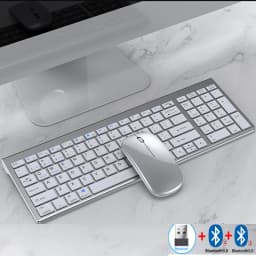
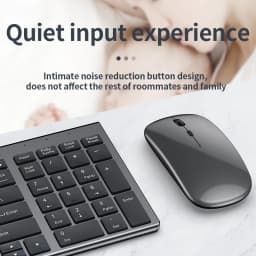
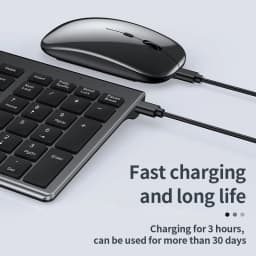
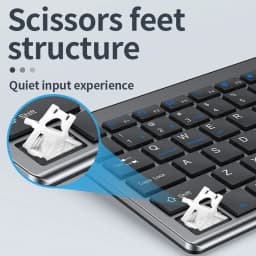
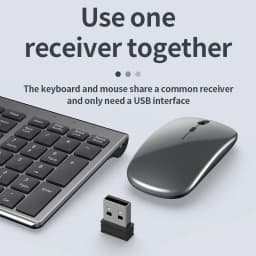
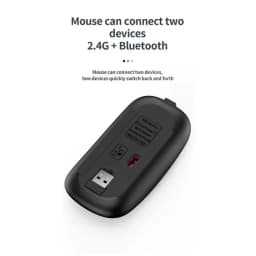
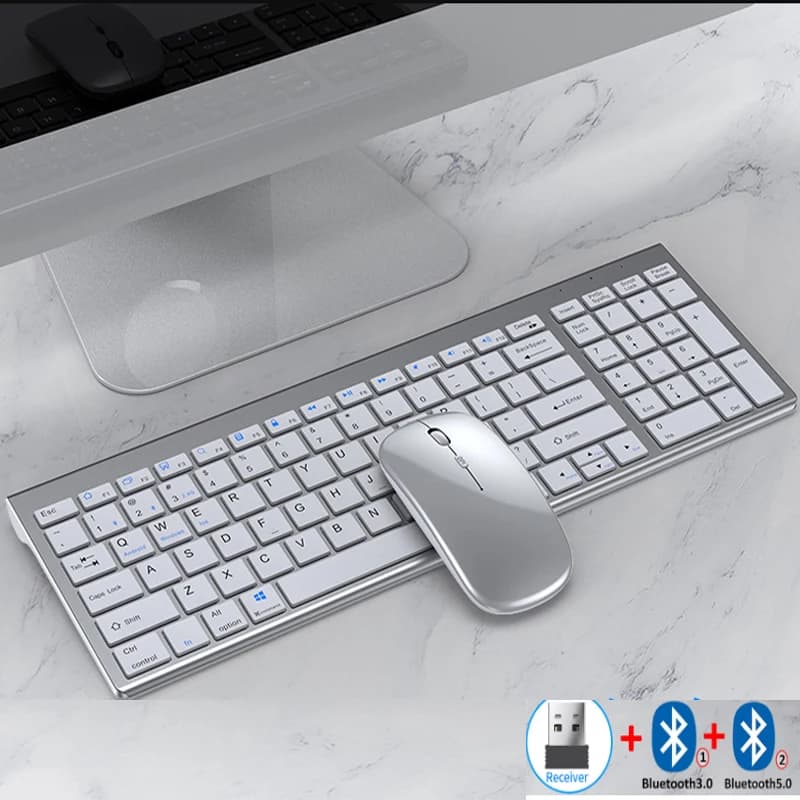
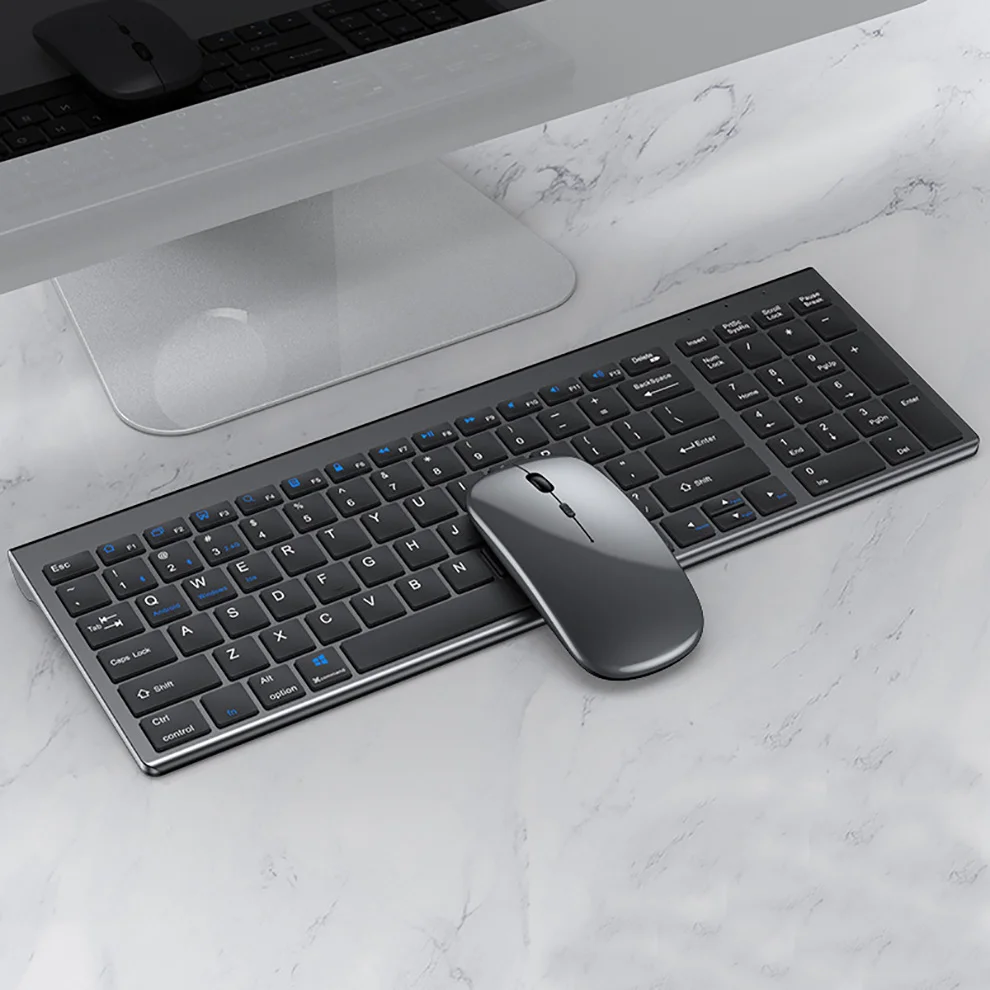
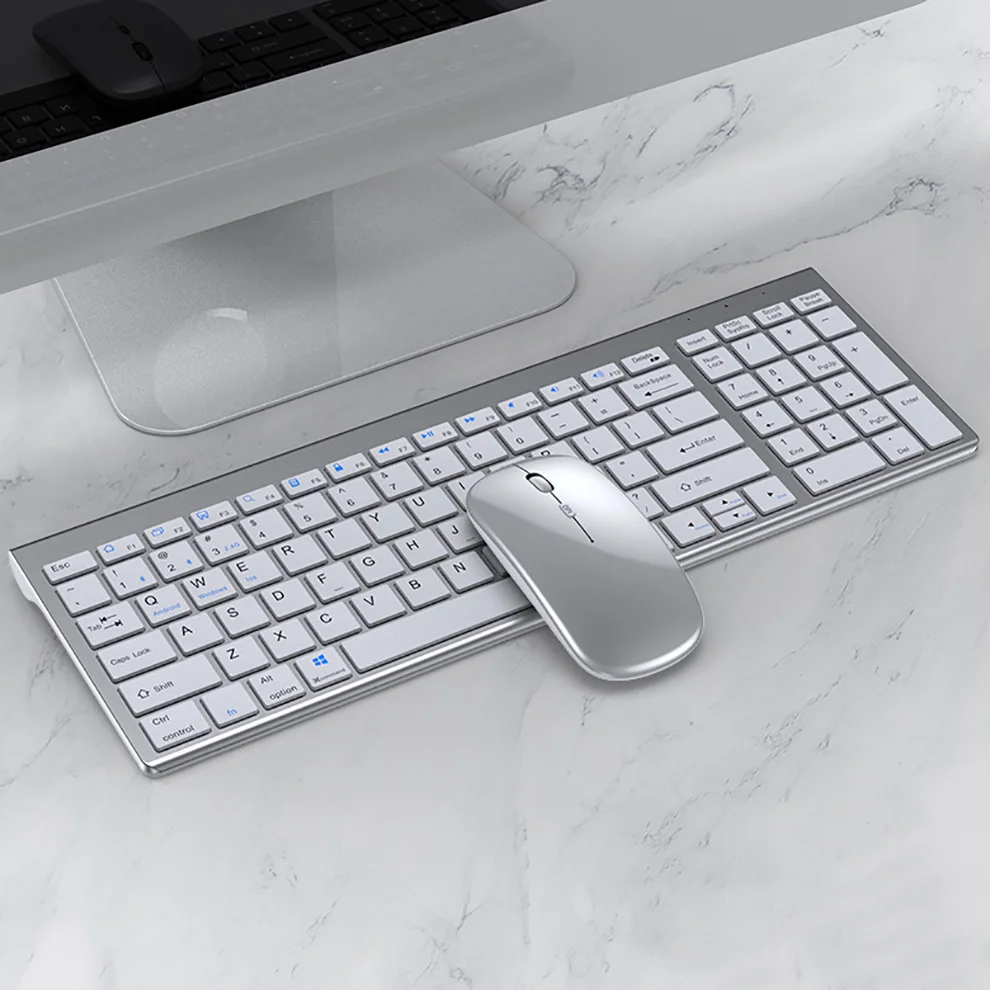
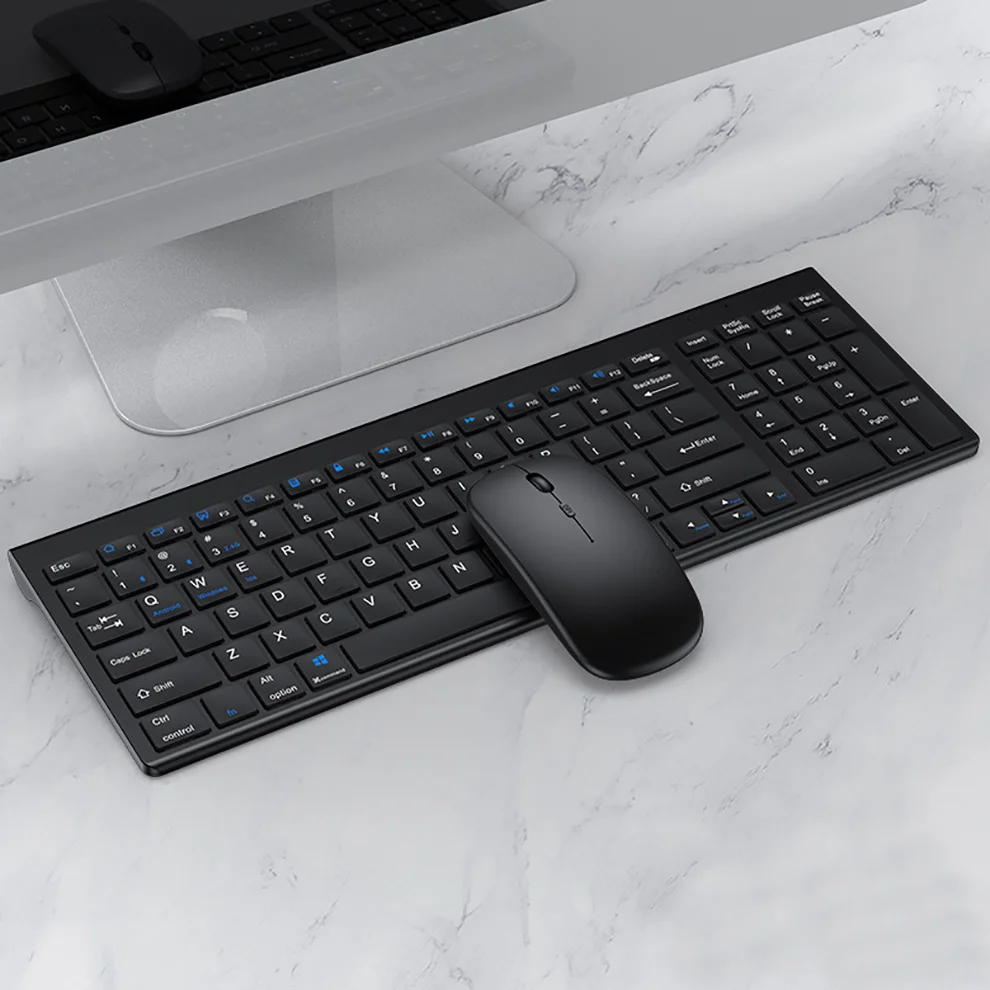
Jomaa Slim Rechargeable Bluetooth Keyboard and Mouse Set for Laptop Computer 2.4G USB Wireless Keyboard and Mouse Combo
Quantity:
1
Availability:
Not AvailableCard Payments
Crypto Payments
Easy return
Reliable Shipping
USB2.4G connection:
1. Flip the power switch to ON to turn on the keyboard
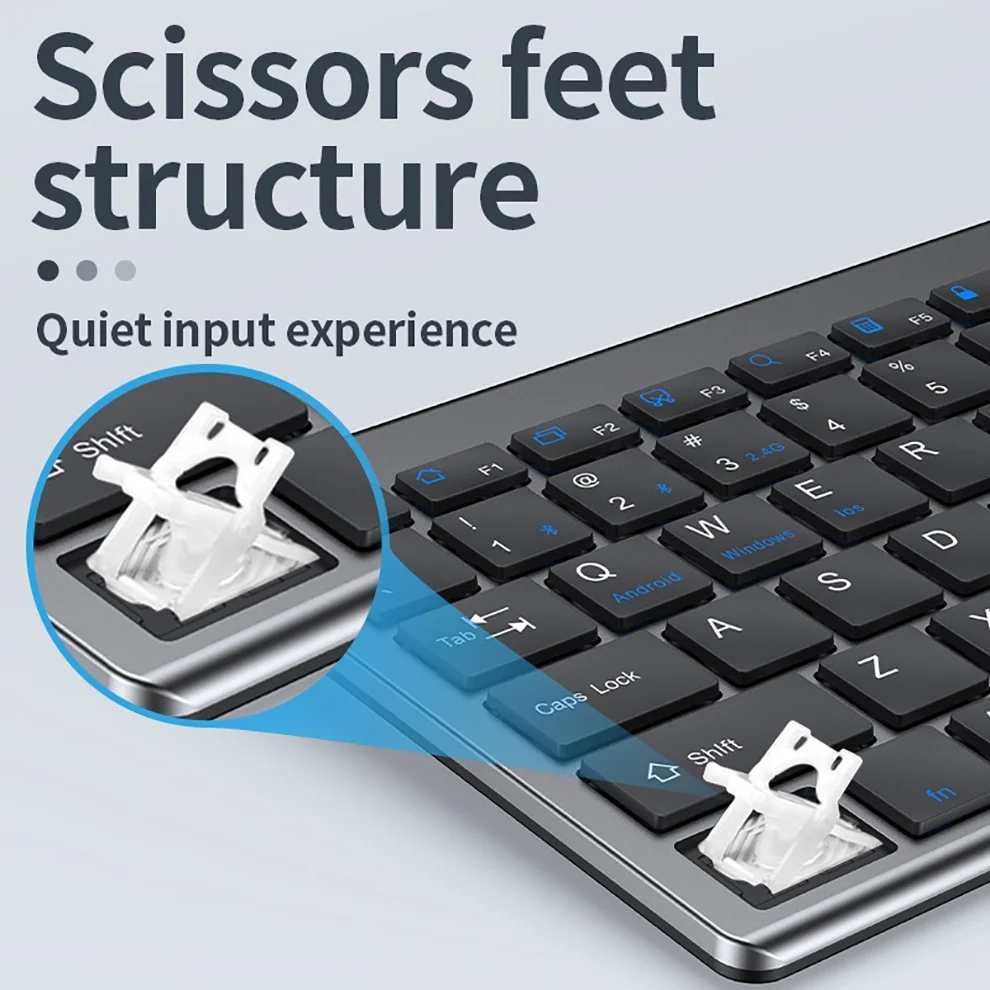
2. Insert the USB into the computer, press and hold the button FN+~, the connection is successful
Bluetooth connection:
1. Flip the power switch to ON to turn on the keyboard
2. Turn on your device's Bluetooth to enter the search state (system settings - turn on Bluetooth - search and add)
2. Press and hold the key FN+1 or FN+2 or FN+3 on the keyboard, the light flashes, the device will display "O50 keyboard BT", you can click to connect successfully.
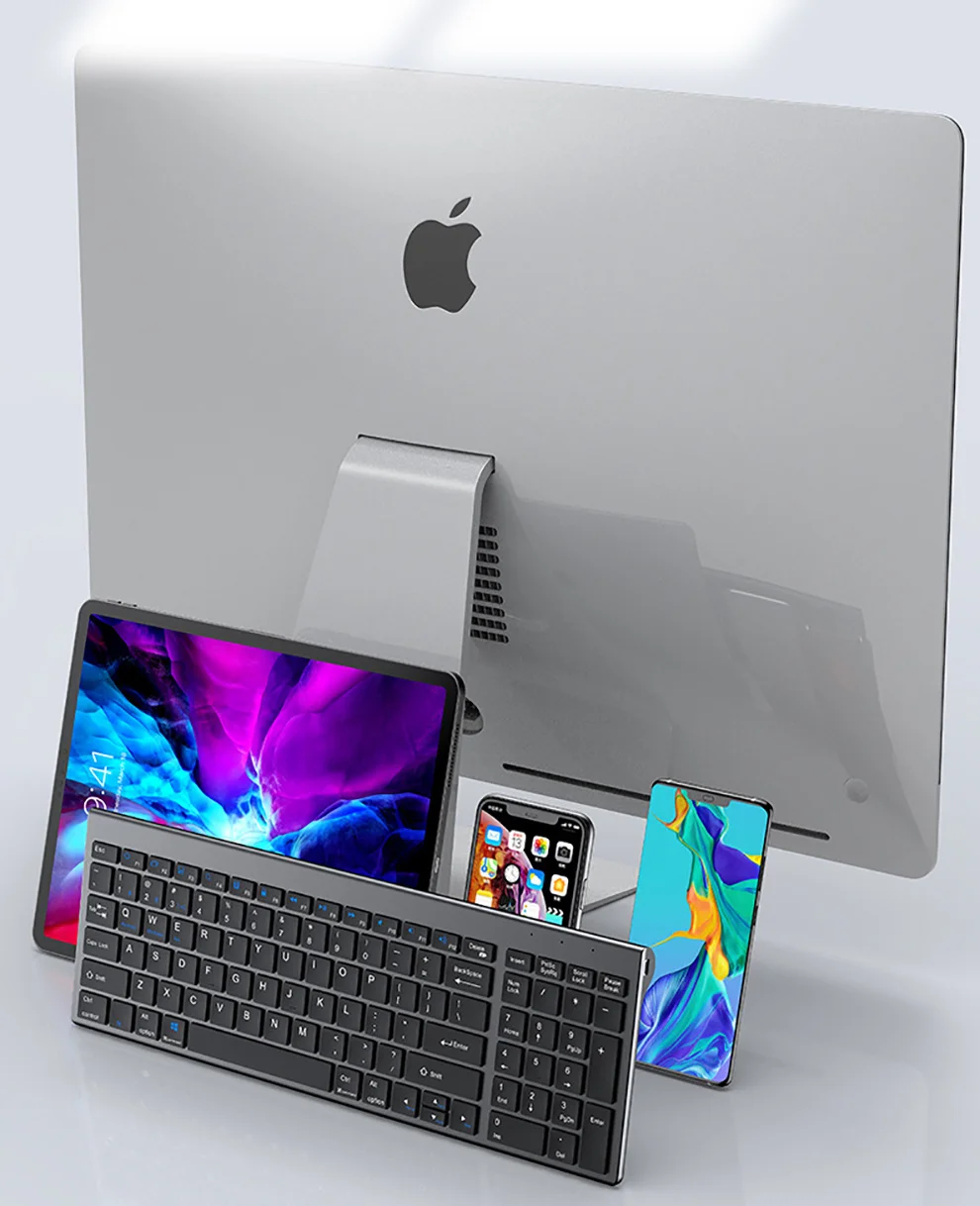
Multi-device connection:
1.FN+1: Connect to Bluetooth device 1
2.FN+2: connect to bluetooth device 2
3.FN+3: connect to bluetooth device 3
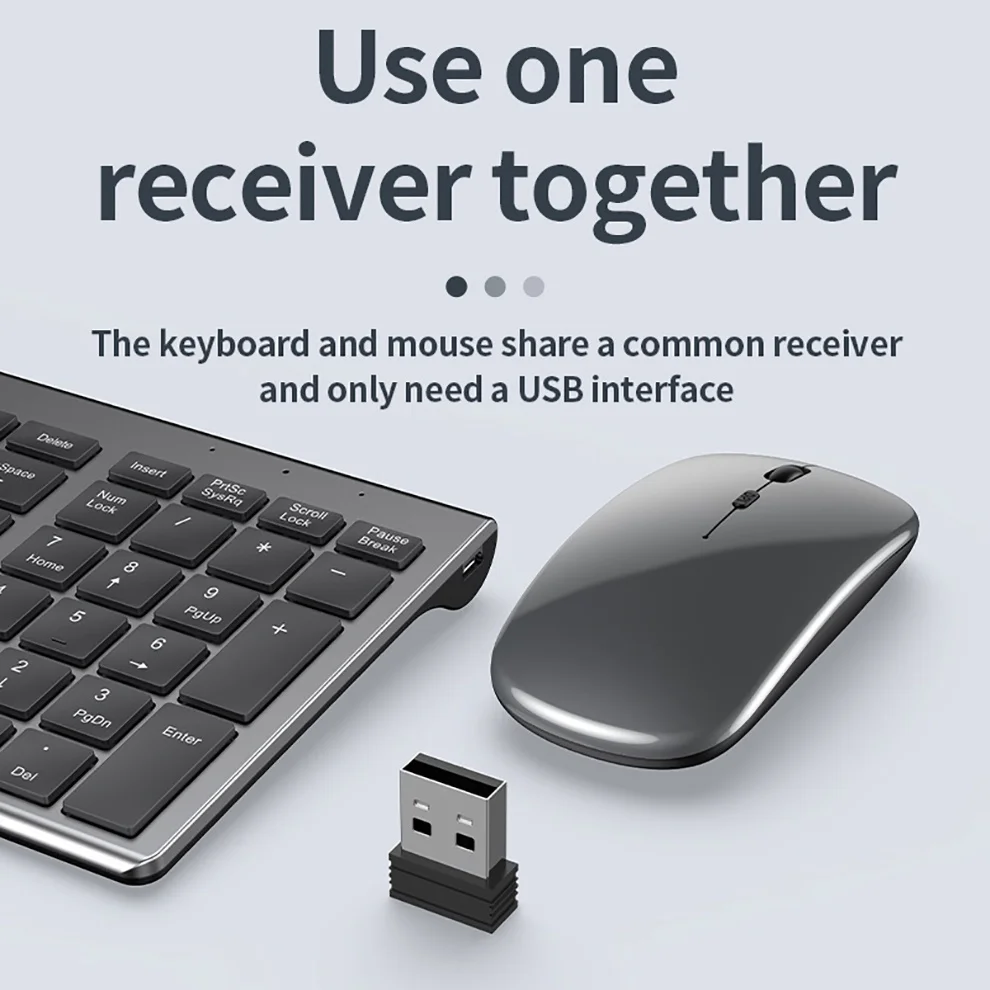
4.FN+~: connect to USB, 2.4G wireless reception
5. Press FN+1/2/3/~ alone to switch the paired devices
6.FN+1/2/3, press and hold for 3 seconds in combination: flashing light, can start the searched state (connect a new device)
Additional instructions:
1. For the first connection, you need to switch the keyboard to the corresponding system
2. Failure to switch may cause the function keys to not be used normally!
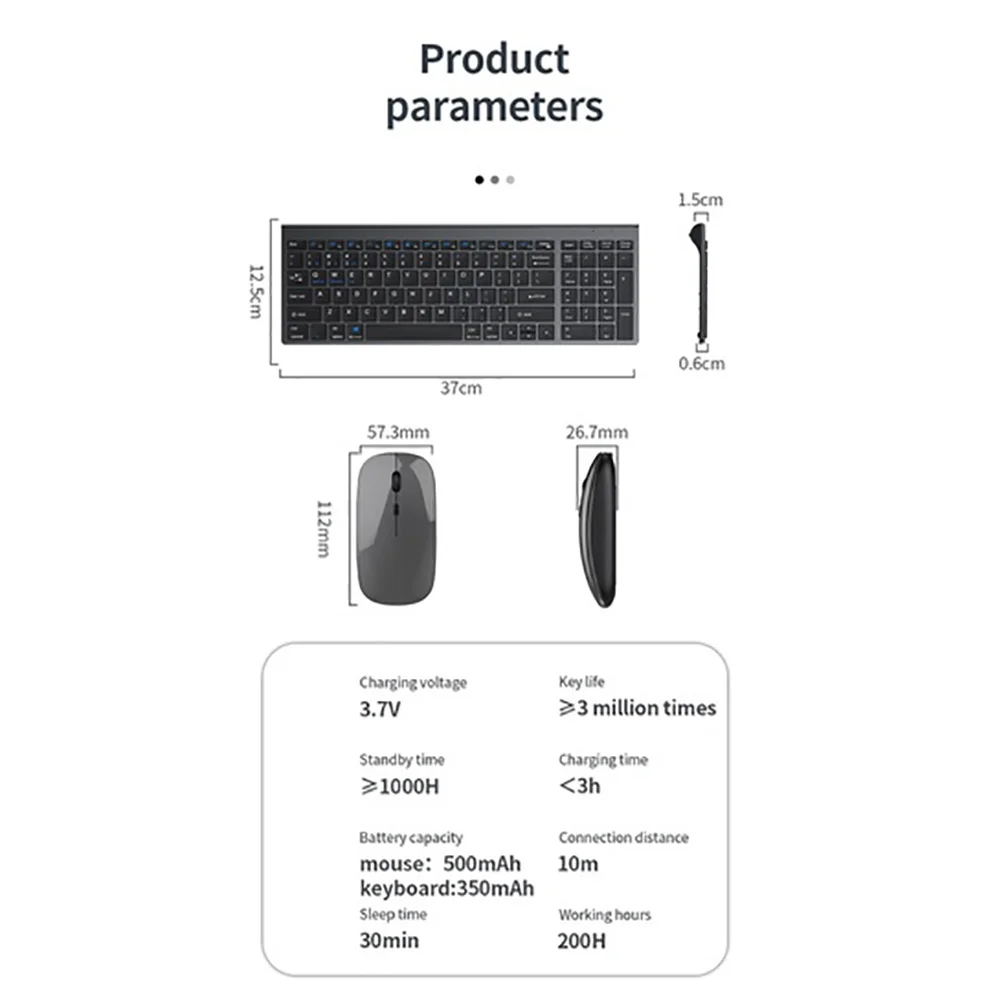
3. The keyboard distance is 5-10 meters, and the language environment factors of different devices are related to the distance.
troubleshooting:
1. When the keyboard cannot be searched, please try to turn on the bluetooth on the device to search again
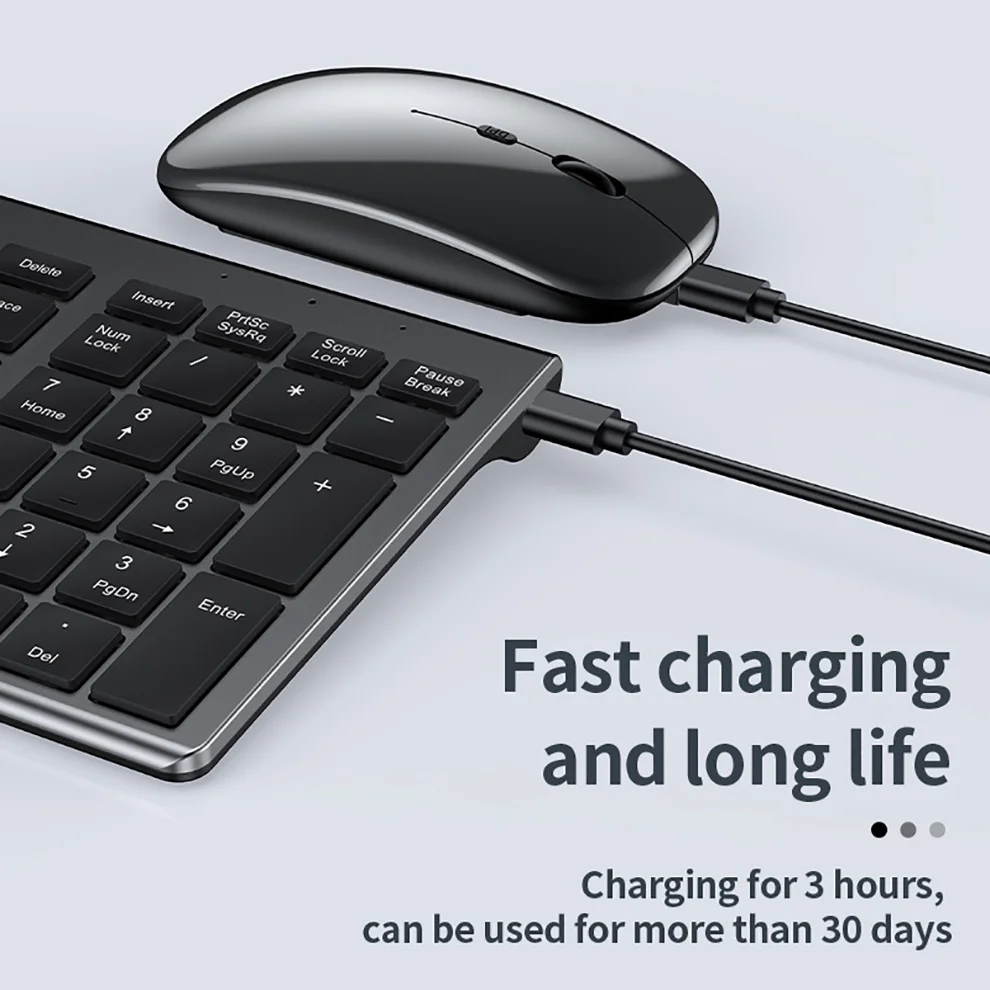
2. When the keyboard is turned on and there is no indicator light, try to charge the keyboard.
3. After connecting to other devices, go back to the original device again, you need to delete the old record before you can connect
4. When the pairing fails, you need to delete the failed pairing record, and then perform the second pairing
Customer Reviews
362 ratings
works well (16)
good value for price (15)
fast delivery (15)
excellent (10)
beautiful (9)
compact size (8)
Customer photos (30)

A***a
September 2, 2026
Variant: Color:Silver English
Keyboard would not fully charge and will malfunction. Not worth it.

G***z
August 18, 2026
Variant: Color:Black English
Bueno por el precio

M***n
July 5, 2026
Variant: Color:Silver Russia
Constantly shutting down while working.

P***D
May 6, 2026
Variant: Color:Silver English

Buyer from United States
April 1, 2026
Variant: Color:Silver English
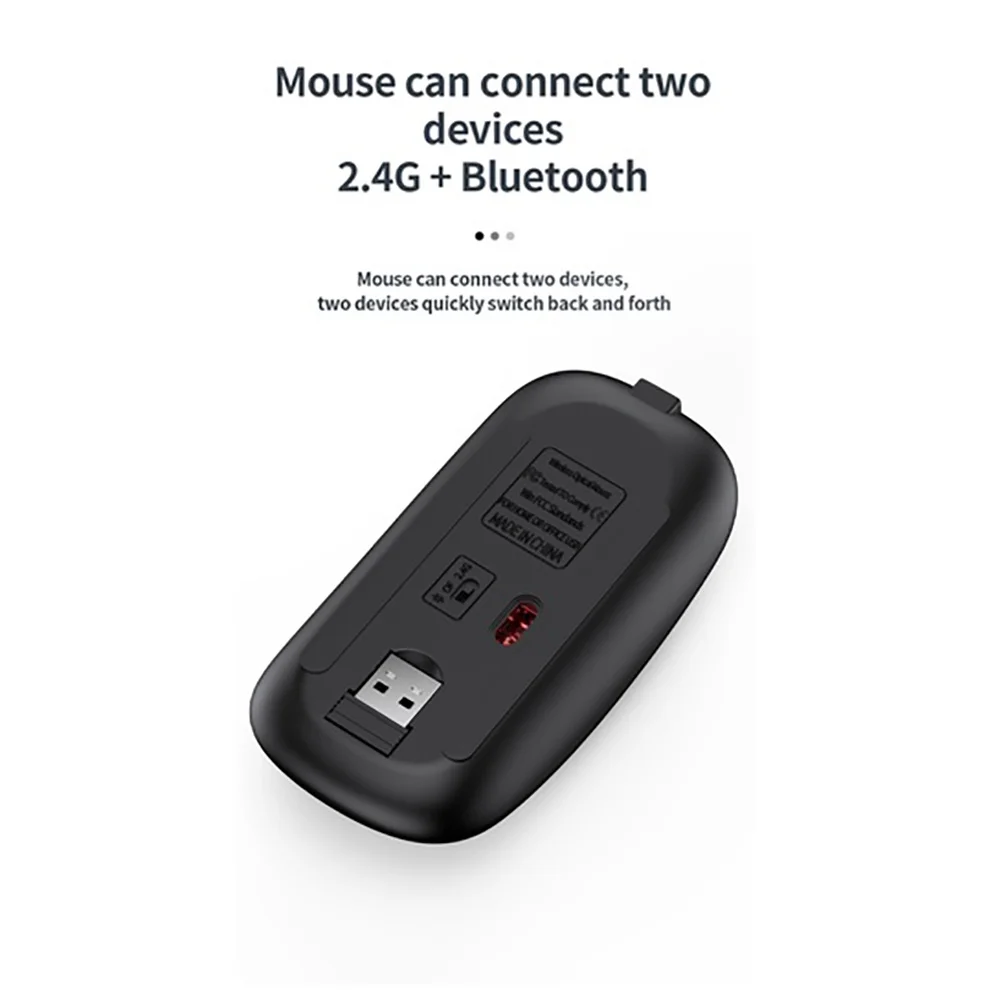
nearly everything i expected. i thought the key board would bluetooth to my ps5 but it didnt , bummer, it did connect to my ipad and PC. The mouse only connects via dongle so i still gotta swap the dongle to my ps5 to use the keyboard unless i use a seperate mouse dongled into my pc and just leave the keyboard one in my ps5 and connect bt to my pc. Its an option that all my devices hooked. How perfect would it be if it just comnected to my Ps5. Alas no, price was awesome and they size is perfect the keyboard is quiet too.
Buyer from United States
March 1, 2026
Variant: Color:Silver Korea
세련되고 얇고 충전식이라 좋아요
Jomaa Slim Rechargeable Bluetooth Keyboard and Mouse Set for Laptop Computer 2.4G USB Wireless Keyboard and Mouse Combo
Quantity:
1
Availability:
Not Available