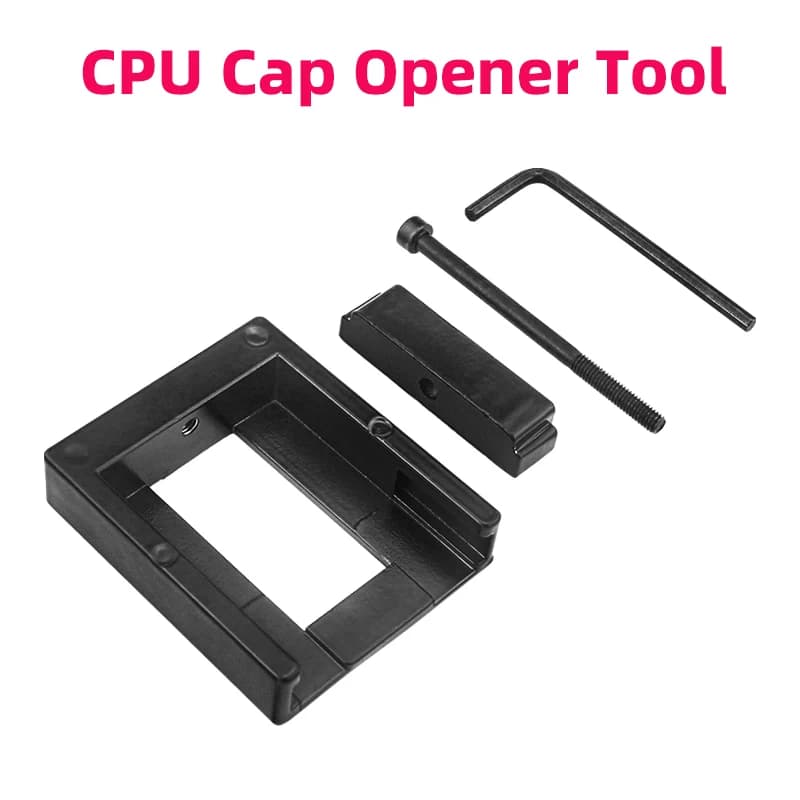
CPU Cap Opener Tool Delid to Remove Cover Improve Overclocking Cooling for 3770k I7 6700K 6700 7700 I7-7700K 3570 8700k E3
5.22$
1.19$
Quantity:
1
Availability:
Color
Card Payments
Crypto Payments
Easy return
Reliable Shipping
CPU Cap Opener Tool Delid to Remove Cover Improve Overclocking Cooling for 3770k I7 6700K 6700 7700 I7-7700K 3570 8700k E3
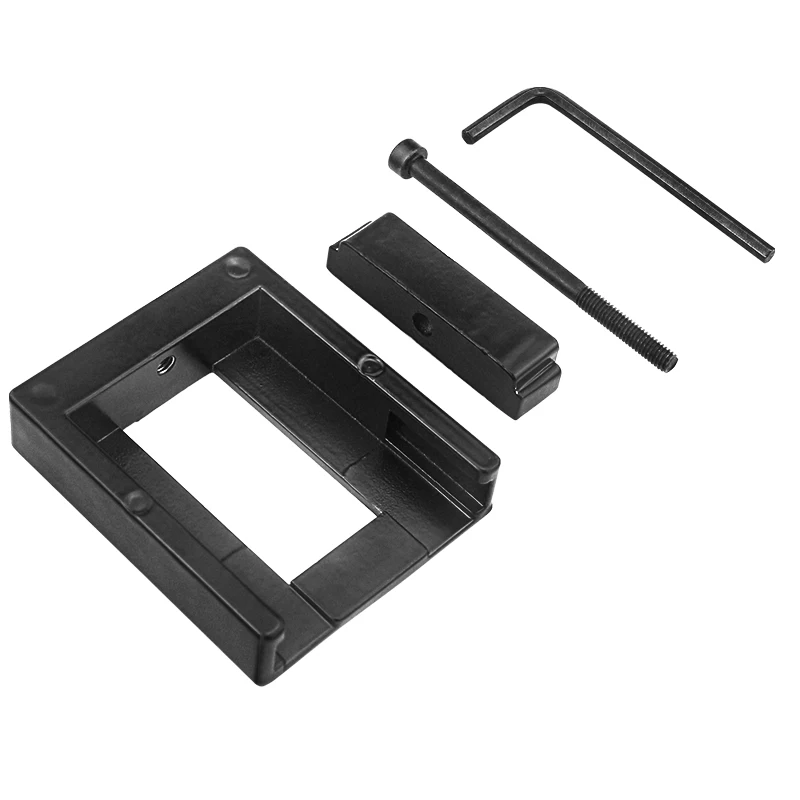
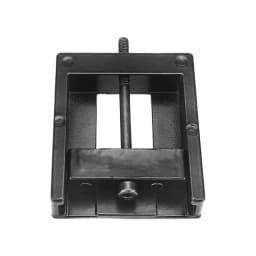
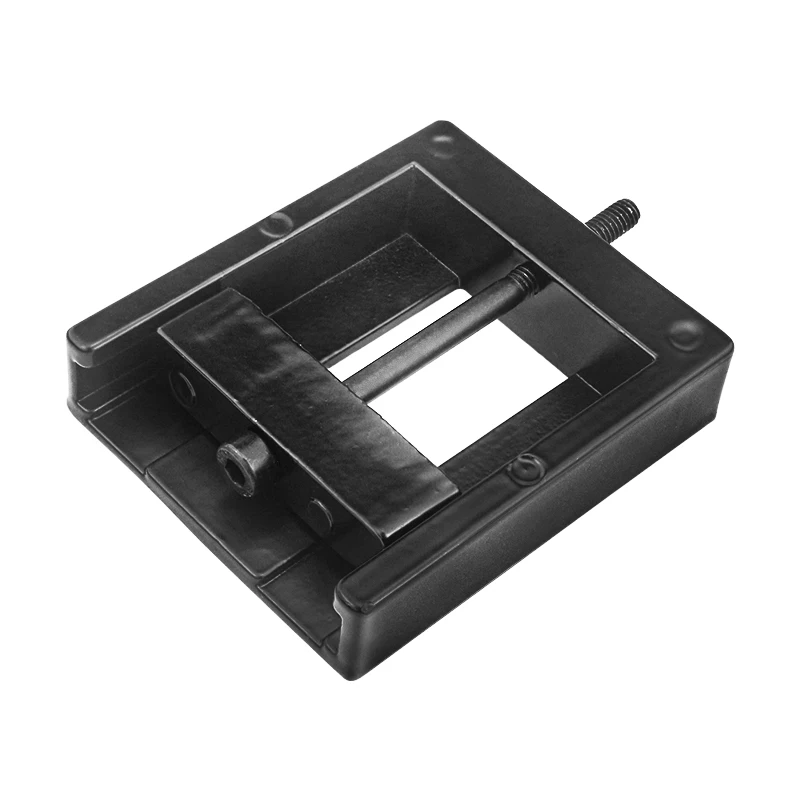
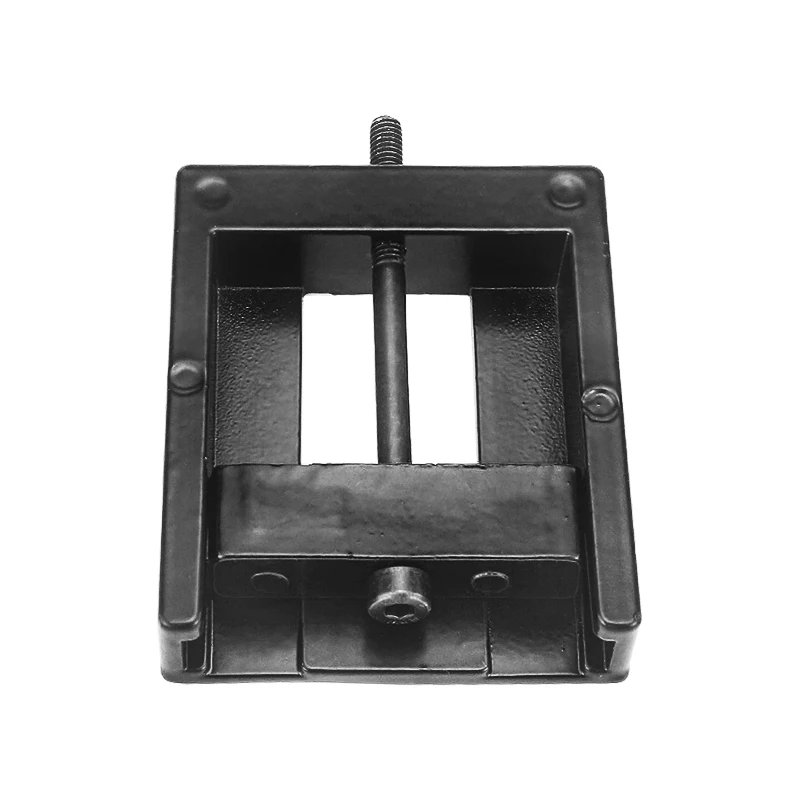
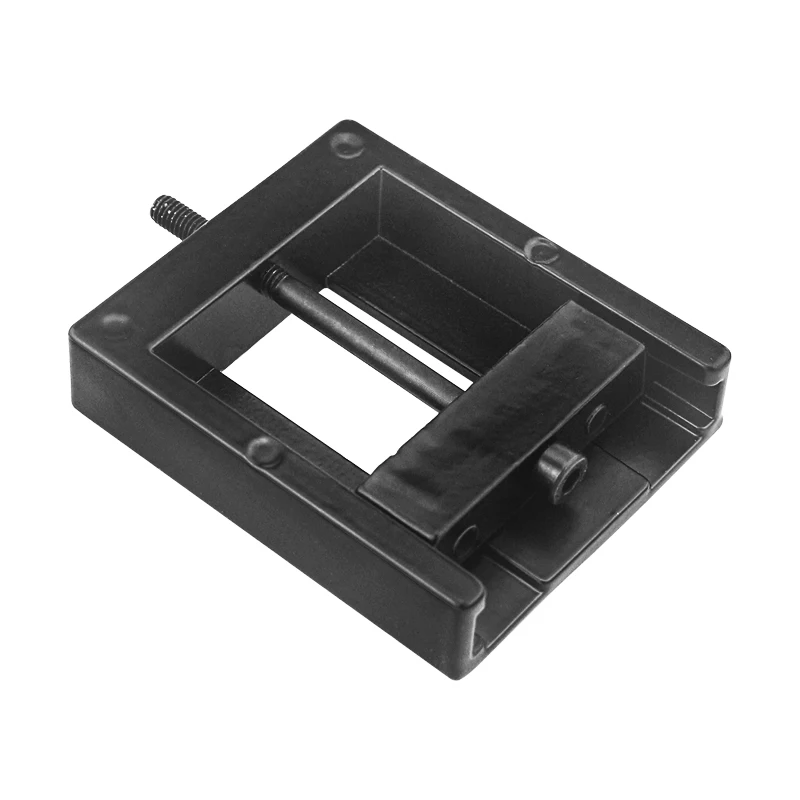
All alloy metal material, surface spray treatment, hard and not easily damaged, can completely replace table vice, suitable for Intel 115x series CPU cover opening; The covers of Intel second-generation, 2011 interfaces, and other CPUs are covered with solder joints, so there is no need to open the covers or replace the solder joints with liquid metal. The thermal conductivity of solder joints is not inferior to that of liquid metal.
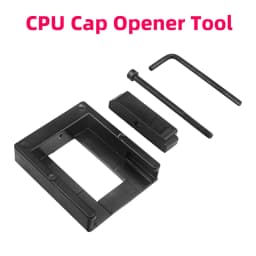
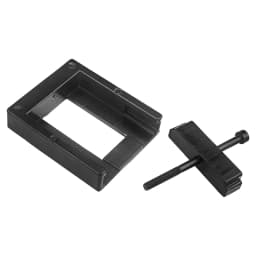
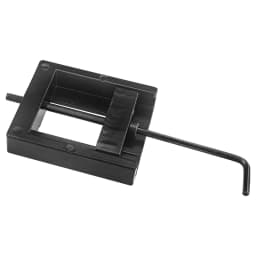
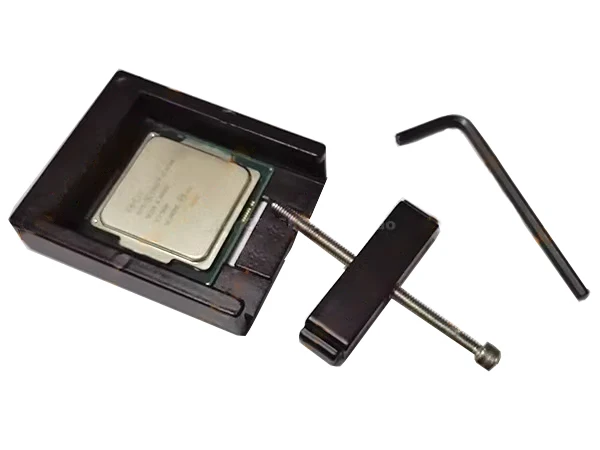
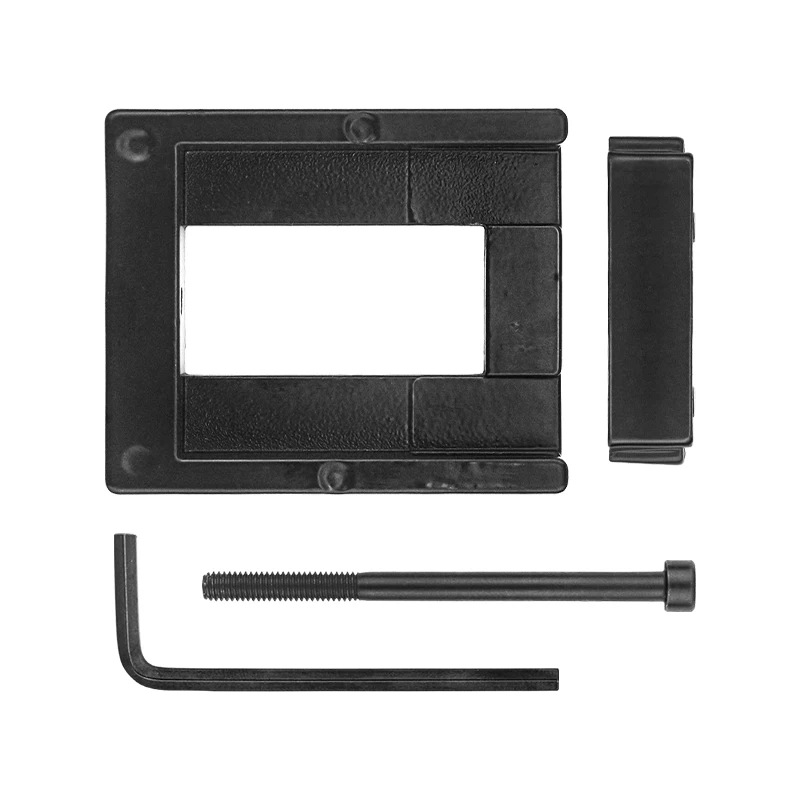
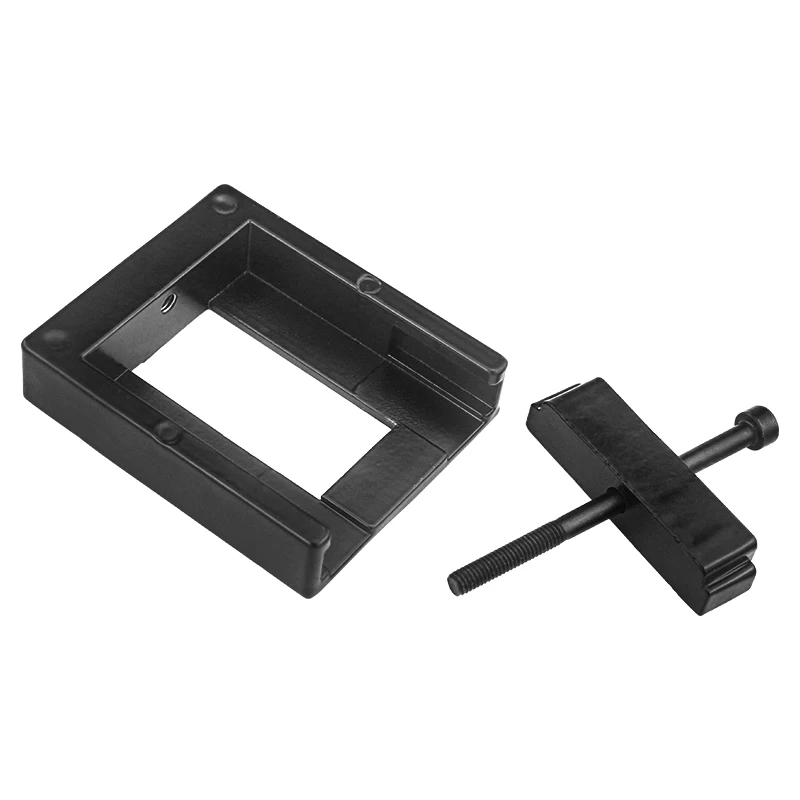
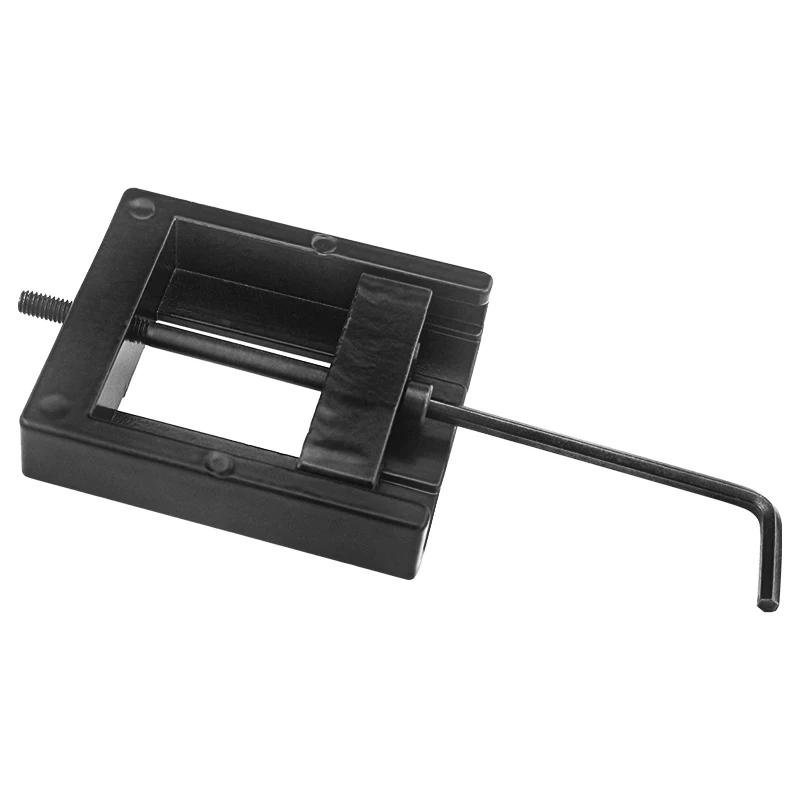
One set includes (base, slider, screw rod, hex wrench each), with a net weight of approximately 62g
The entire process and instructions for opening the lid and replacing the liquid gold can be found at the bottom of this page. Please be sure to read them thoroughly. Poor temperature or machine lighting may be related to what is mentioned below. The mentioned sealing glue 704, liquid gold protection, and the silicone grease applied on the surface of the top cover (the silicone grease on the surface of the top cover should not be too poor, otherwise it will become a bottleneck and affect the overall effect) are not included. Please purchase them yourself to avoid finding them useless and saying that the shopkeeper did not remind you; Before opening the lid, please also inform us of your current CPU baking machine temperature to see if it is necessary to open the lid. If the temperature of the baking machine before opening the lid is much lower than that after opening the lid, especially for some uncovered baking machines that are only 60-70 degrees or even lower, there is no need to open them. If it is not properly opened, it may not be worth the cost; The standby temperature generally has limited space to decrease. If there are only high requirements for the machine temperature, it is not recommended to open the cover. Opening the cover for improvement is generally limited.
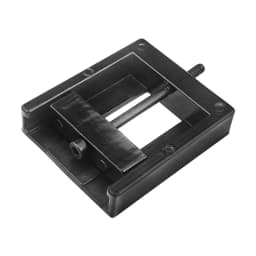
Principle of Cover Opener: By rotating the screw rod and pushing the slider to clamp the CPU back and forth (after clamping, the CPU cannot move, so there is no need to worry about it shaking), use the clamping force to horizontally separate the top cover from the substrate. There is no force on the left and right sides of the top and bottom of the CPU. All cover openers are based on this principle and belong to violent cover opening. Understanding its principle is more conducive to practical operation.
Steps for using the lid opener
(Before opening the lid, use a hot air blower to heat the CPU top cover to soften the glue, making it easier to open. For example, some 6700K and 7700K are very tightly glued, so it is particularly necessary to heat the top cover to soften the glue; and for the ninth generation U, as it is a soft soldering tool, it must be heated with a hot air blower to increase its temperature before opening):
1.Cover opener accessories
2.Before opening the cover, you can use a blade to cut a portion of the black glue between the upper cover and the substrate. You can cut all around it without completely cutting it in (the blade should be biased towards the bottom of the top cover, not towards the substrate, to avoid damaging the surface and raised capacitance of the substrate). Let the black glue separate a part first, and the subsequent opening of the cover by the upper cover opener will be more labor-intensive.
PS: For friends who are not very confident in the cutting operation, this step is not necessary (if it is difficult to cut to the substrate, it depends on personal operation level and needs to be done according to strength). The CPU will directly push the lid opener, but the force will be greater.
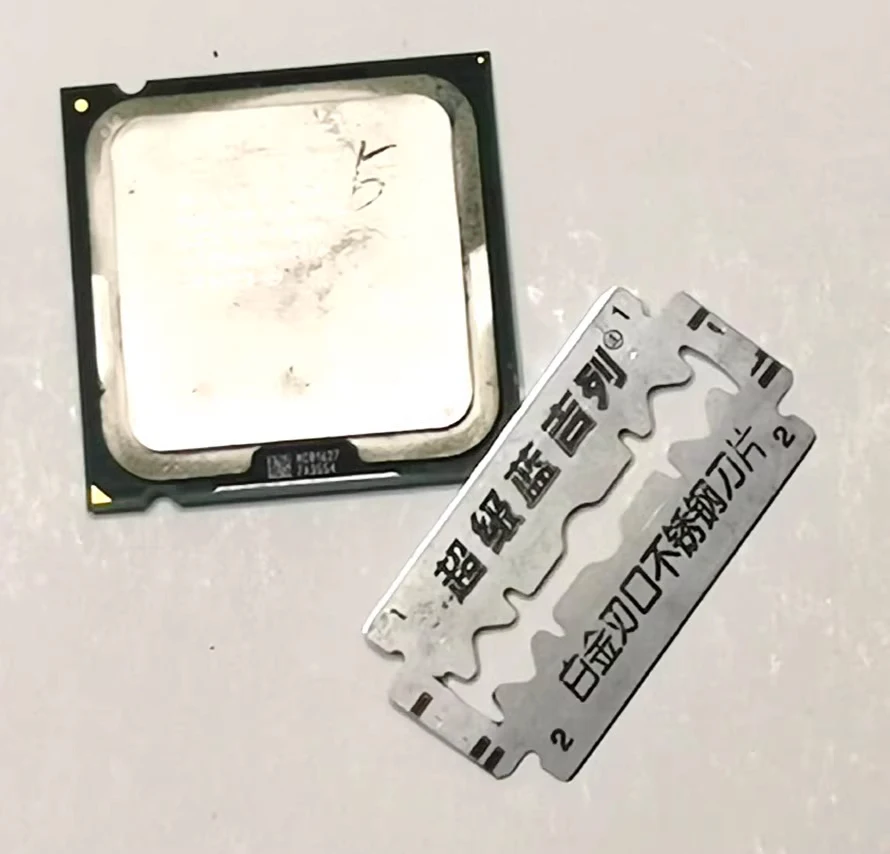
3.The CPU is arranged as shown in the figure below, with the two ears on the top cover on both sides.
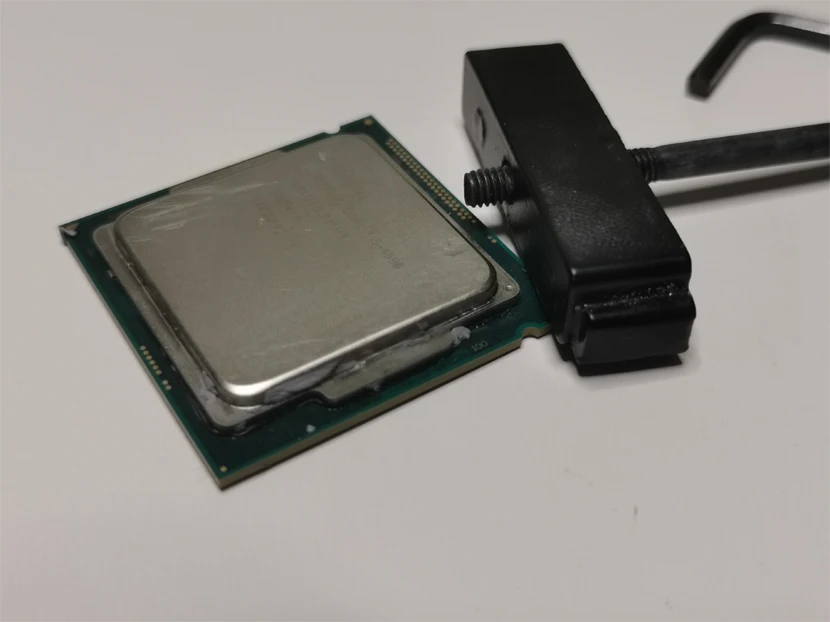
4.Use a small slider to press against the edge of the CPU cover, with the flat side of the small slider pressing against the edge of the cover. Do not use the side with a concave ring.
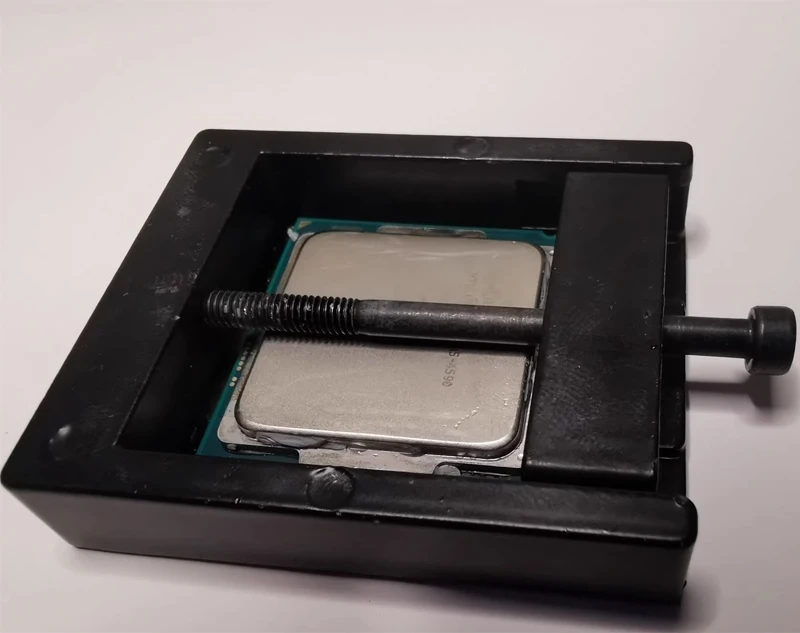
5.When the lid opener is placed horizontally, there is a distance of about 1mm between the screw rod and the CPU top cover, and the screw rod cannot touch the surface of the top cover. However, before the small slider clamps the CPU, if the lid opener is flipped over, the top cover may touch the screw rod, which is easy to scratch the surface; So it is recommended to clamp the CPU when placing it horizontally to maintain clearance (flip it over after clamping, the CPU will not fall and touch the screw rod), or simply place some paper between the screw rod and the top cover.
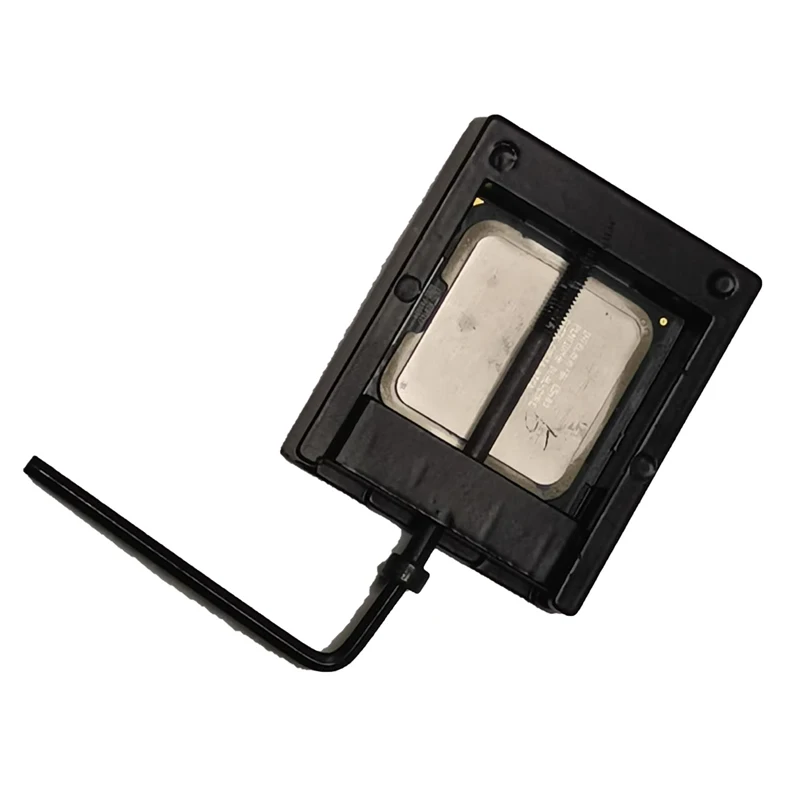
6. Insert the hexagonal screw rod and turn the wrench clockwise (insert the shorter part of the wrench into the hexagonal screw hole) to push open the upper cover; Rotate the wrench slowly to apply force, applying force step by step. The adhesive inside is partially separated, and only the top cover will be moved during the entire process. The substrate is always stuck and fixed from the moment of force, so as long as you see that the top cover has moved, it indicates that it has been opened.
Please also note that when inserting the wrench into the hexagonal hole, please insert it vertically to the bottom. Inserting it too shallow and tilting it when rotating can easily damage the hexagonal hole of the screw rod (the hexagonal screw rod has now been upgraded to the hardest material on the market, with a hardness level of 12.9); If one side of the top cover is pushed to the bottom, the wrench can no longer be tightened, which is like clamping the top cover hard. Otherwise, the hexagonal holes and threads of the screw will slip. Once the thread slips, it will be difficult to retract and the CPU will not be easy to remove.
7.After opening, the black glue on the substrate can be scraped off with hard cards such as bank cards, and any traces can be further wiped and cleaned with an eraser.
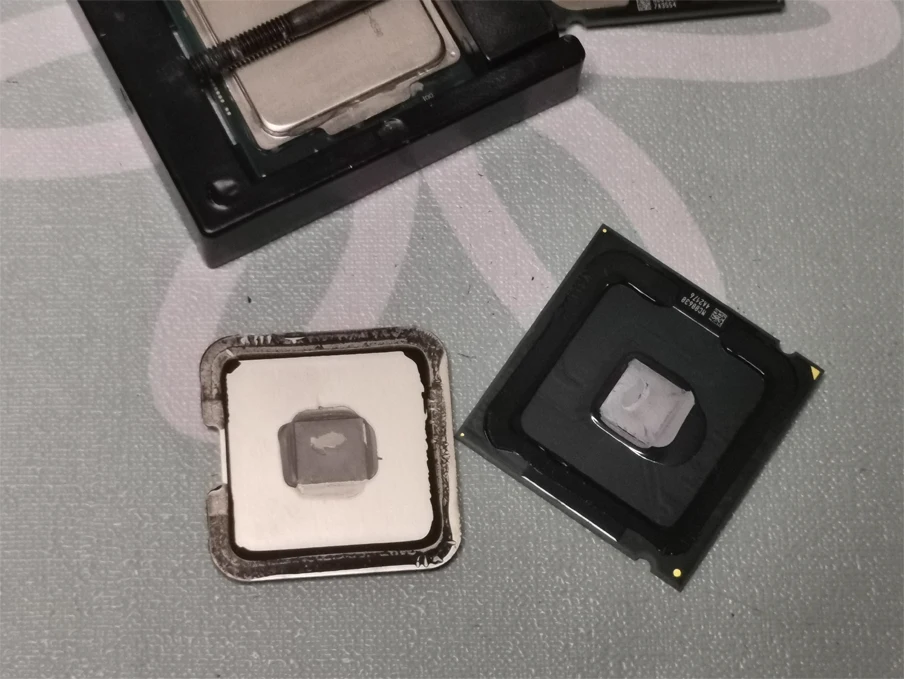
8. The internal soft soldering of the 9th generation U can be scraped with nails or other hard objects first. It is very soft, so be careful not to damage the core surface and the bottom of the top cover.
9. After scraping off a part of the solder joint, the remaining small part is difficult to clean. You can cover a small amount of liquid gold on the unfinished solder joint and wait for a period of time. The liquid gold will melt off the solder joint (you can add another time if it is not completely melted). After it is completely melted, wipe the surface clean with alcohol, and the bottom of the top cover can be further polished with copper water.
Note: Do not use sandpaper to polish and clean the soft solder joint. Grinding will not only scratch the surface of the core and the bottom of the top cover, but also affect the effect. Grinding too thin will cause the core to not touch the bottom of the top cover
Tip: The upper cover of the CPU is made of pure copper material, with a coating on the outside to prevent copper oxidation and blackening. After polishing, the natural color of the copper can be seen (as shown in the figure below). If using liquid gold, there is no need to worry; Also, please note that the original phase change silicone grease inside the Intel cover is hard and only melts at high temperatures at room temperature. If the core is opened and replaced with 7783, MX4, phase change materials, etc., it does not make much sense. There is not much difference from the original silicone grease itself, and the temperature will not improve significantly after replacement
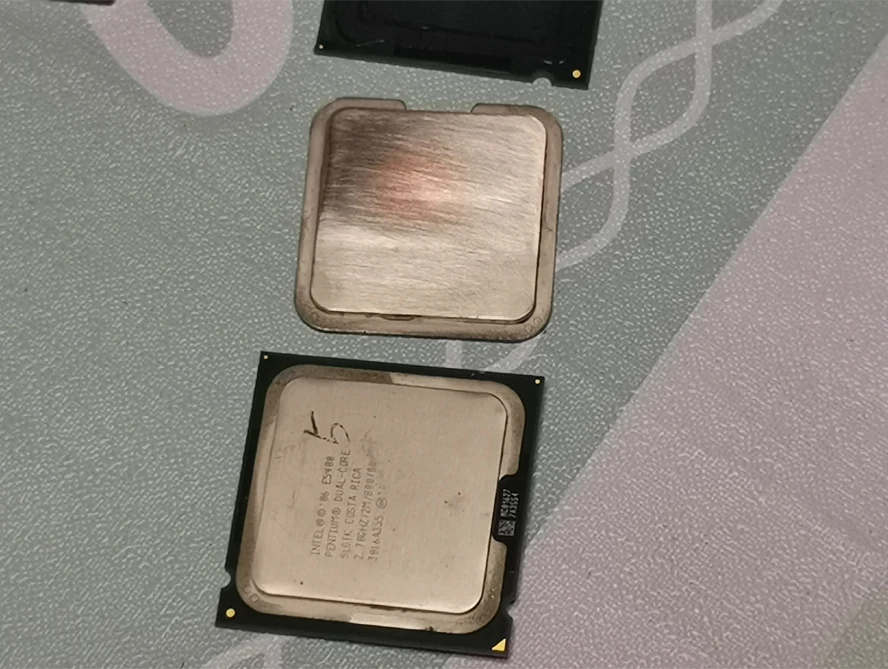
Steps for opening the lid and replacing the liquid gold:
1. Open the CPU top cover with a lid opener (as described above)
2. Remove the black glue from the bottom of the CPU substrate and top cover (gently scrape the bank card layer by layer, and the marks on the substrate can be further wiped with an eraser)
3. Remove the thermal conductive silicone grease from the surface of the core and the bottom of the top cover
4. Ensure liquid metal insulation protection around the core (only cover the capacitor contacts around the core with insulation, and do not worry about the outside of the top cover; the height of the insulation layer should not be higher than the core height, and do not touch the position where the top cover is glued to the substrate, as it will raise the top cover and cause the gap between the core and the top cover to increase)
5. Coating the surface of the core with liquid gold (if the protective paint around it is protective paint, be sure to wait for the protective paint to dry before applying liquid gold, otherwise it will be difficult to clean when mixed together; the liquid gold evenly covers the entire surface of the core, with a thickness of about 2-3 A4 sheets of paper, and the corresponding part at the bottom of the top cover also needs to be coated with about one A4 sheet of paper for better thickness)
6. Apply sealing adhesive to the bottom frame of the top cover in a circle (do not apply it to the groove at the bottom of the top cover, do not apply it to the substrate; the coating thickness is similar to that of liquid gold, just apply it with a toothpick)
7. Press the top cover heat sink tightly and wait for the sealing adhesive to dry. (When 704 is coated but not yet dry, it is recommended to first pinch the top cover and substrate with your fingers and press 704 thin. Then, install the CPU onto the motherboard buckle as soon as possible to lock the heat sink and press the top cover tightly and wait for it to dry. This way, the force is even and there is no possibility of 704 rebounding and causing the gap between the top cover and the core to increase. Do not slowly swallow 704 until it is completely dry. The top cover has not been covered yet, and it cannot be pressed thin again when it is dry. Also, be careful not to apply too thick to avoid raising the top cover and causing the gap between the core to increase. If 704 is applied too thin, it is not possible, and the gap around the top cover will also increase. The top cover is prone to warping; do not slide it again after it is tightly closed. If the top cover is moved, it will affect the misalignment of the liquid metal contact surface inside, leading to insufficient liquid metal contact; In addition, please pay special attention to the fact that 704 is too thick, which will increase the thickness of the entire CPU. Pressing the buckle and heat sink will increase the pressure on the motherboard pins, which may cause the machine to not light up, and may even bend or break the motherboard pins, leading to problems with the motherboard; Please do not ignore this explanation. Many cases where the 704 was not properly coated and disassembled for the first time are due to it not being properly repainted, even causing damage to the motherboard CPU; If you purchase a lid closer from our store, please refer to the illustration on the lid closer page for the operation steps to reduce the above risks, as shown in the following figure
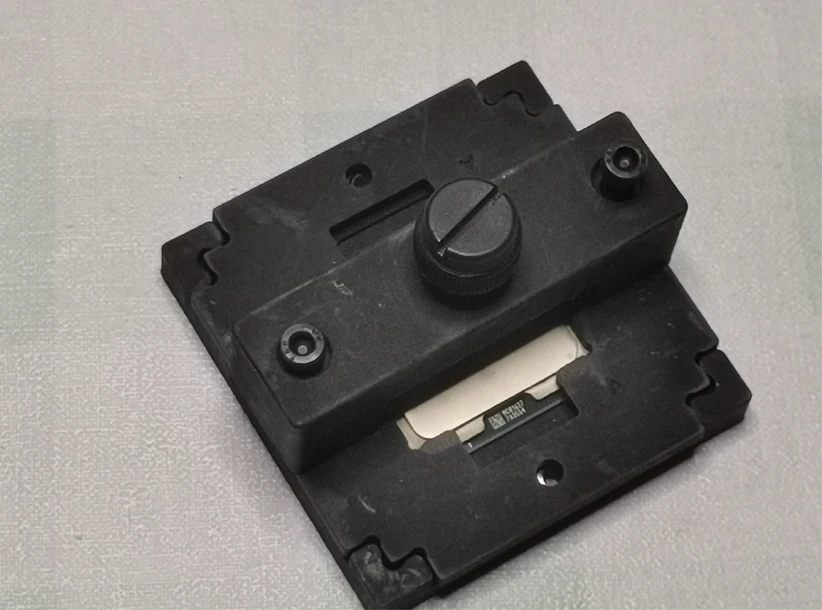
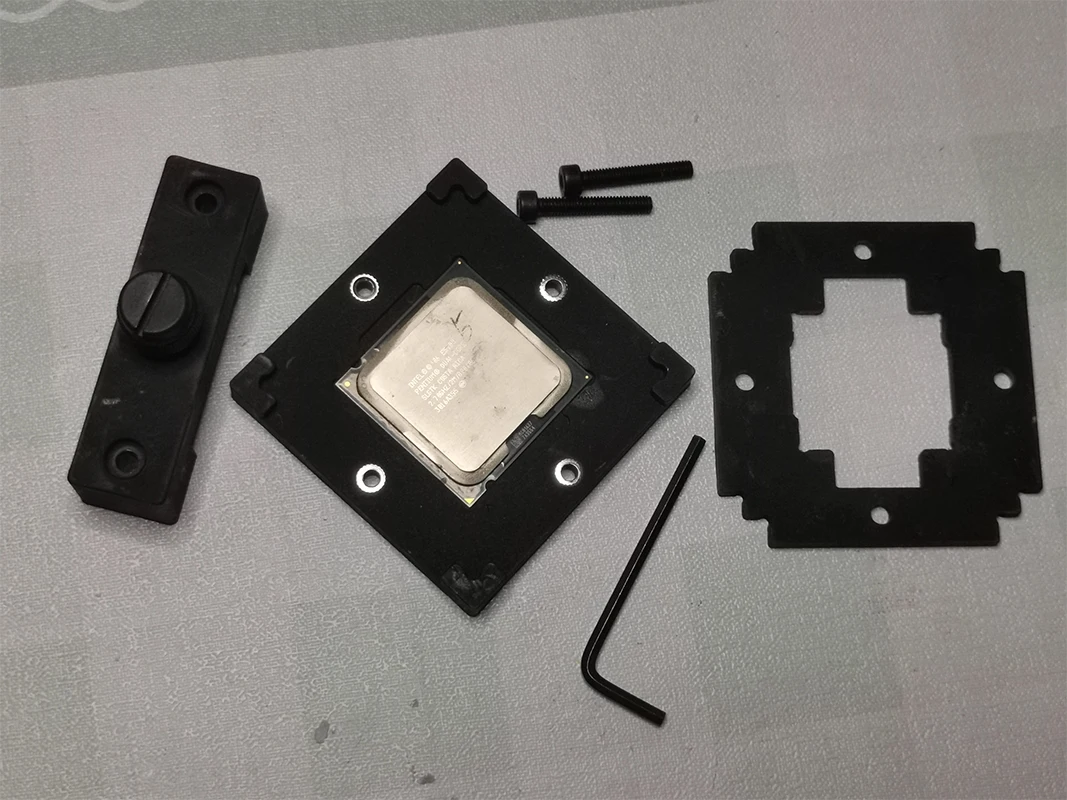
8. Power on inspection (apply silicone grease on the surface of the top cover and install the radiator to start the machine directly, 704 will solidify on its own); It is generally recommended to apply some silicone grease on the surface of the top cover, which is relatively safe, and if the silicone grease is too poor or not applied well, the final temperature will also be poor; If the surface of the top cover is coated with liquid gold (the radiator must be made of pure copper bottom to be suitable), please first protect the surrounding area of the top cover before coating. In addition, after closing the cover, do not immediately apply liquid gold to the surface of the top cover for testing. Use ordinary silicone grease to test if there are no problems before applying liquid gold, otherwise the liquid gold on the surface of the top cover will be completely wasted; In some cases, even after the lid is closed, it is not tightly pressed and placed naturally until the black glue is dried. Then, a small amount of liquid gold is applied to the surface of the top cover, which is not enough for sufficient contact. The plan is to complete it all at once on the machine, but the result is that not only does it require rework, but the liquid gold will be wasted. Moreover, if reworked, there is not enough liquid gold left, and there is no room for repair.
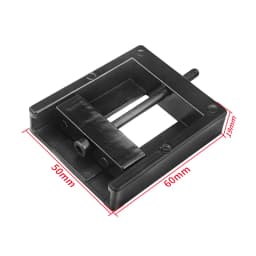
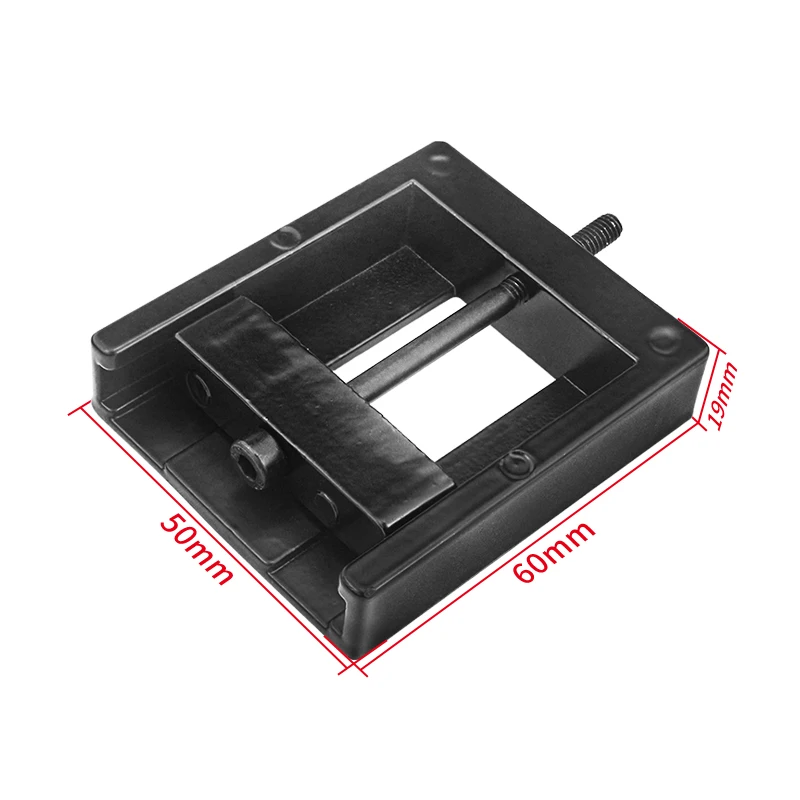
Dimension
Packing List
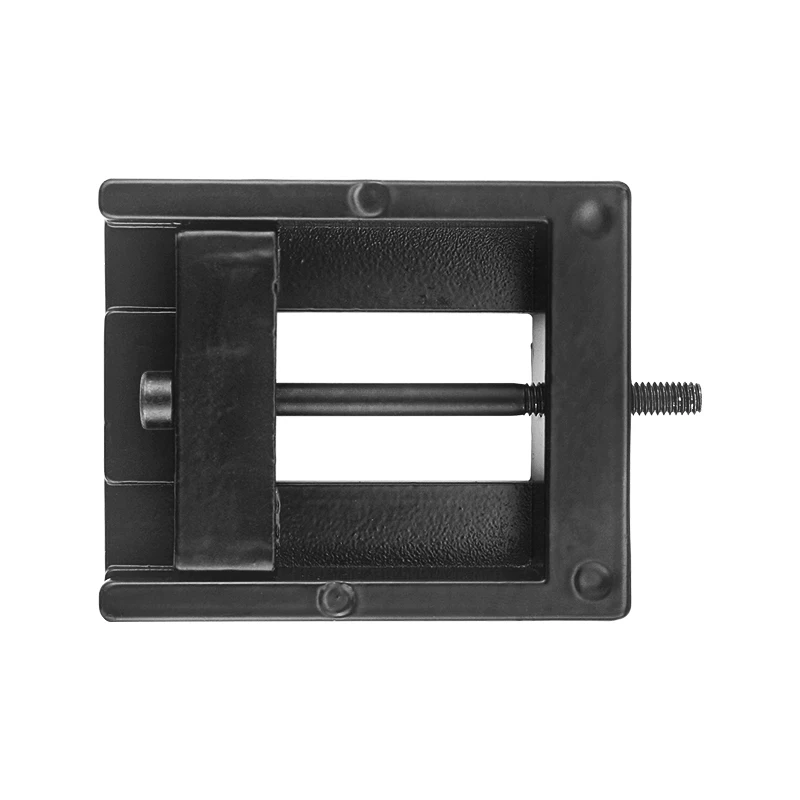
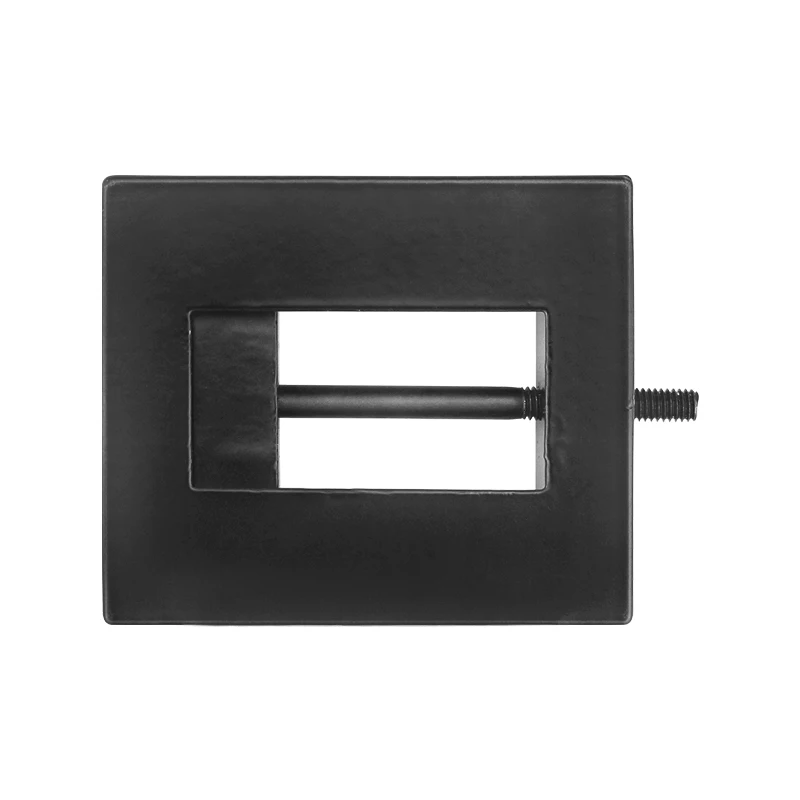
Product Photo
Customer Reviews
No reviews yet
CPU Cap Opener Tool Delid to Remove Cover Improve Overclocking Cooling for 3770k I7 6700K 6700 7700 I7-7700K 3570 8700k E3
5.22$
1.19$
Quantity:
1
Availability:
Color