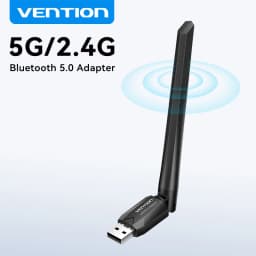

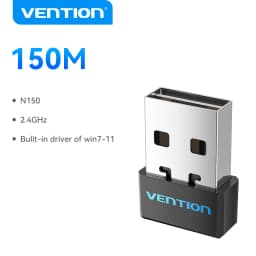
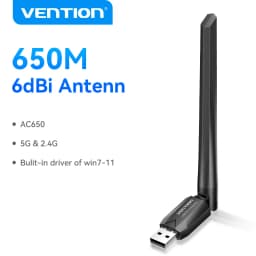
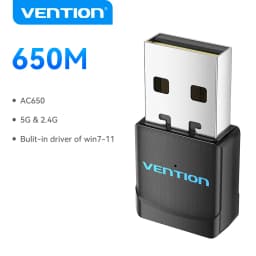
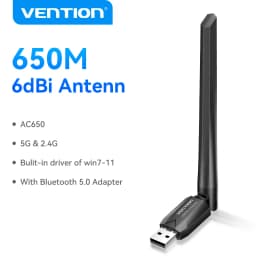
Vention WiFi Adapter AC650 WiFi5 5G&2.4G USB WiFi Card Dongle for PC Desktop Laptop Wifi Antenna USB Ethernet Network Card
6.72$
1.19$
Quantity:
1
Availability:
Color
Card Payments
Crypto Payments
Easy return
Reliable Shipping
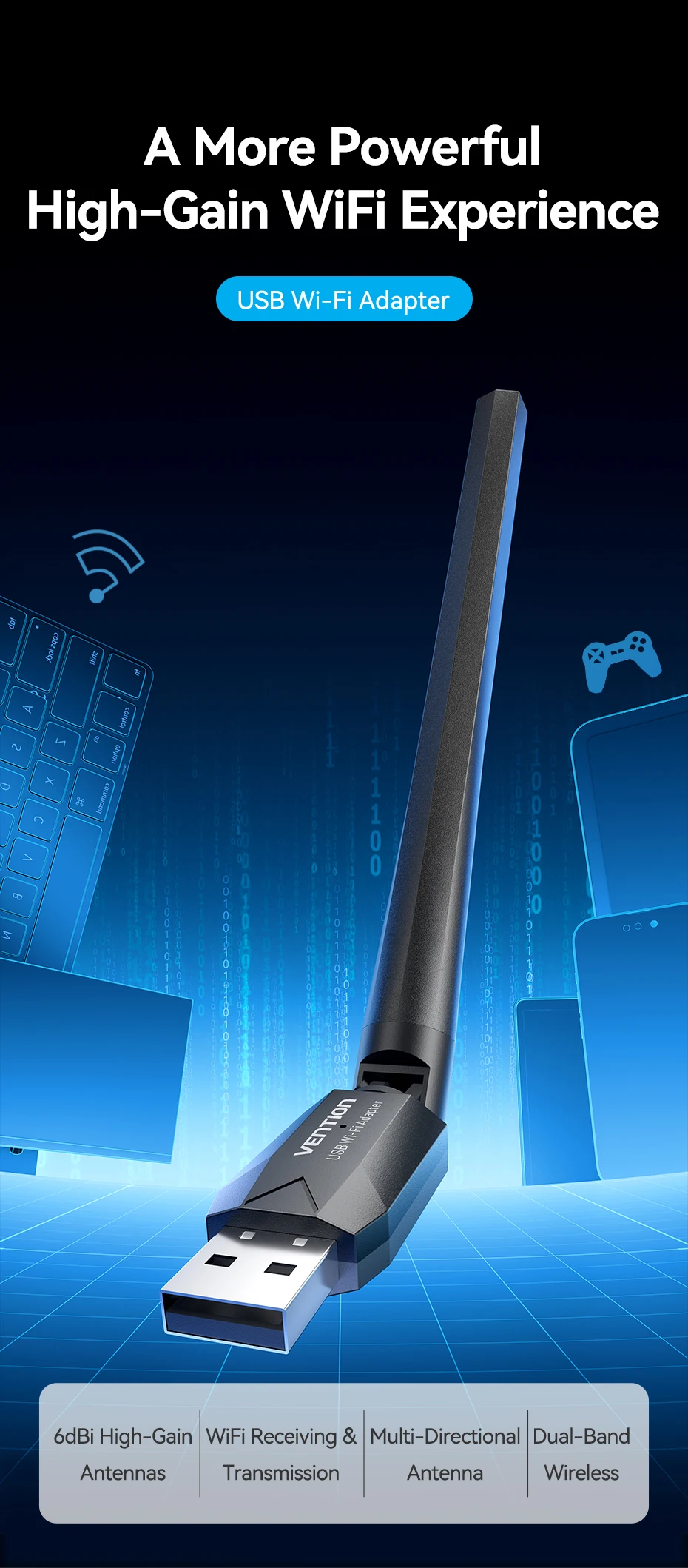
A More Powerful
High-Gain WiFi Experience
USB Wi-Fi Adapter
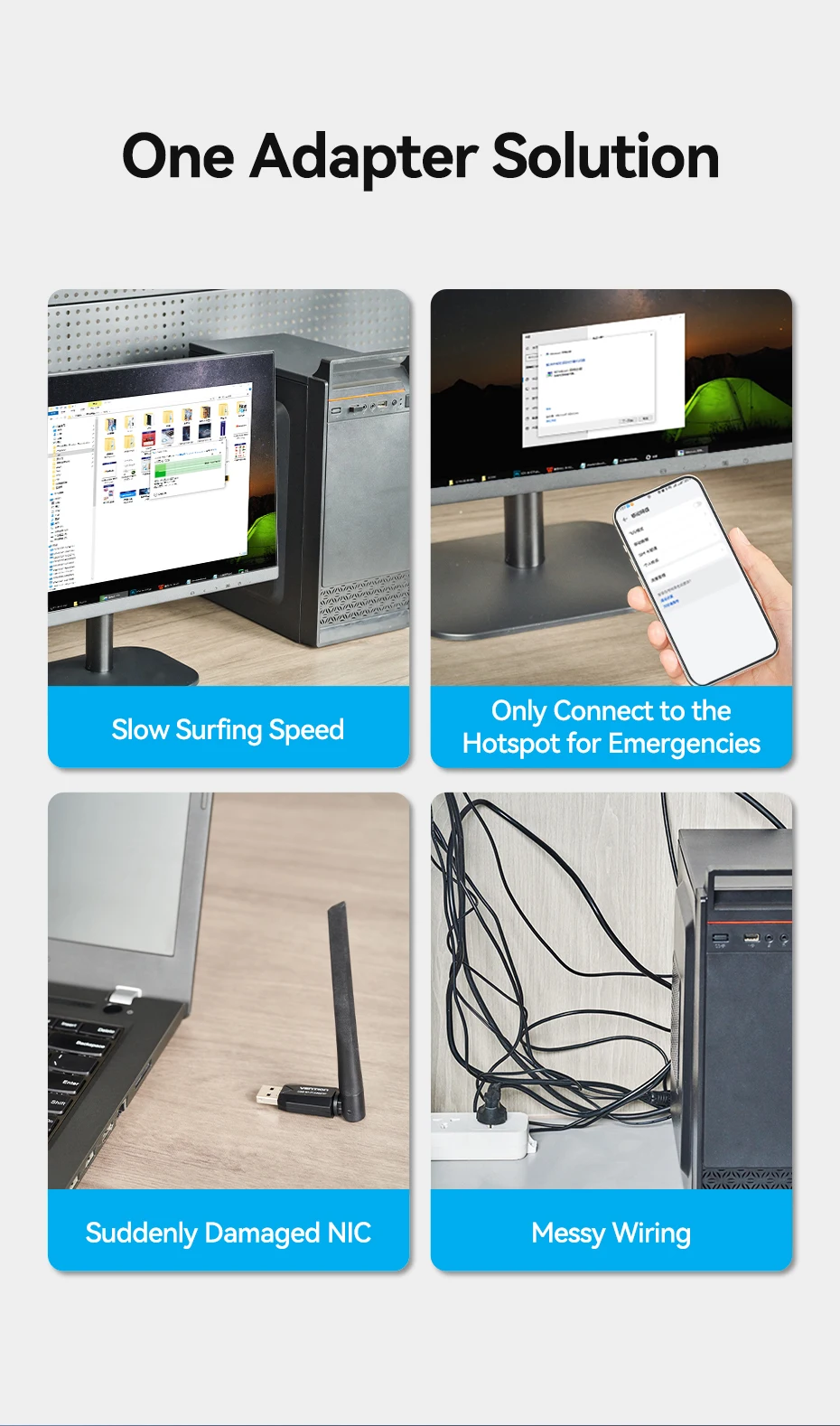
Easy to Solve the Problems:
(1) If you want to connect your desktop/laptop to the Wi-Fi network, you can connect the VENTION Wi-Fi adapter to your desktop/laptop, then your PC can connect to the WiFi network.
(2) When your desktop PC is connected to the network cable, the desktop or floor may be cluttered, then you can connect a VENTION Wi-Fi adapter to your desktop PC, and your PC can connect to the WiFi network.
(3) Computer's original old network card, have a slow download speed and poor signal, you can replace it with our Wi-Fi Adapter, to improve user experience.
(4) The original network card of the computer is damaged and cannot be used normally. You can purchase our Wi-Fi Adapter to reduce the time and cost of replacing the original network card.
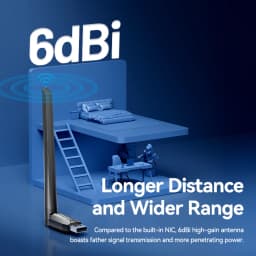
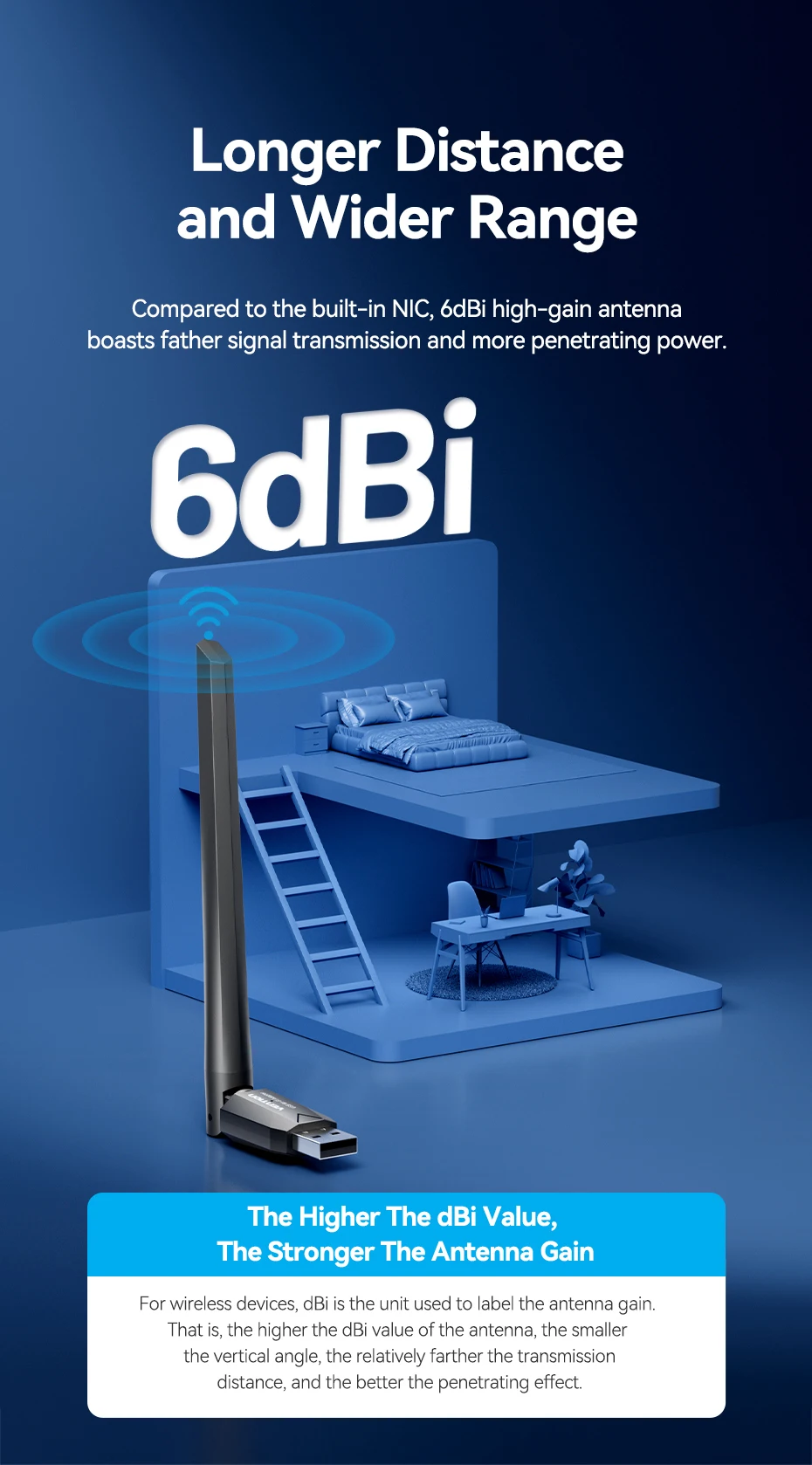
Longer Distance and Wider Range
Compared to the built-in NIC,6dBi high-gain antenna boasts father signal transmission and more penetrating power
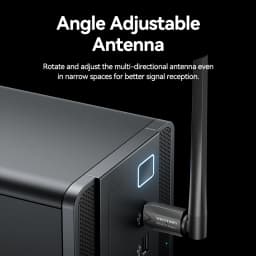
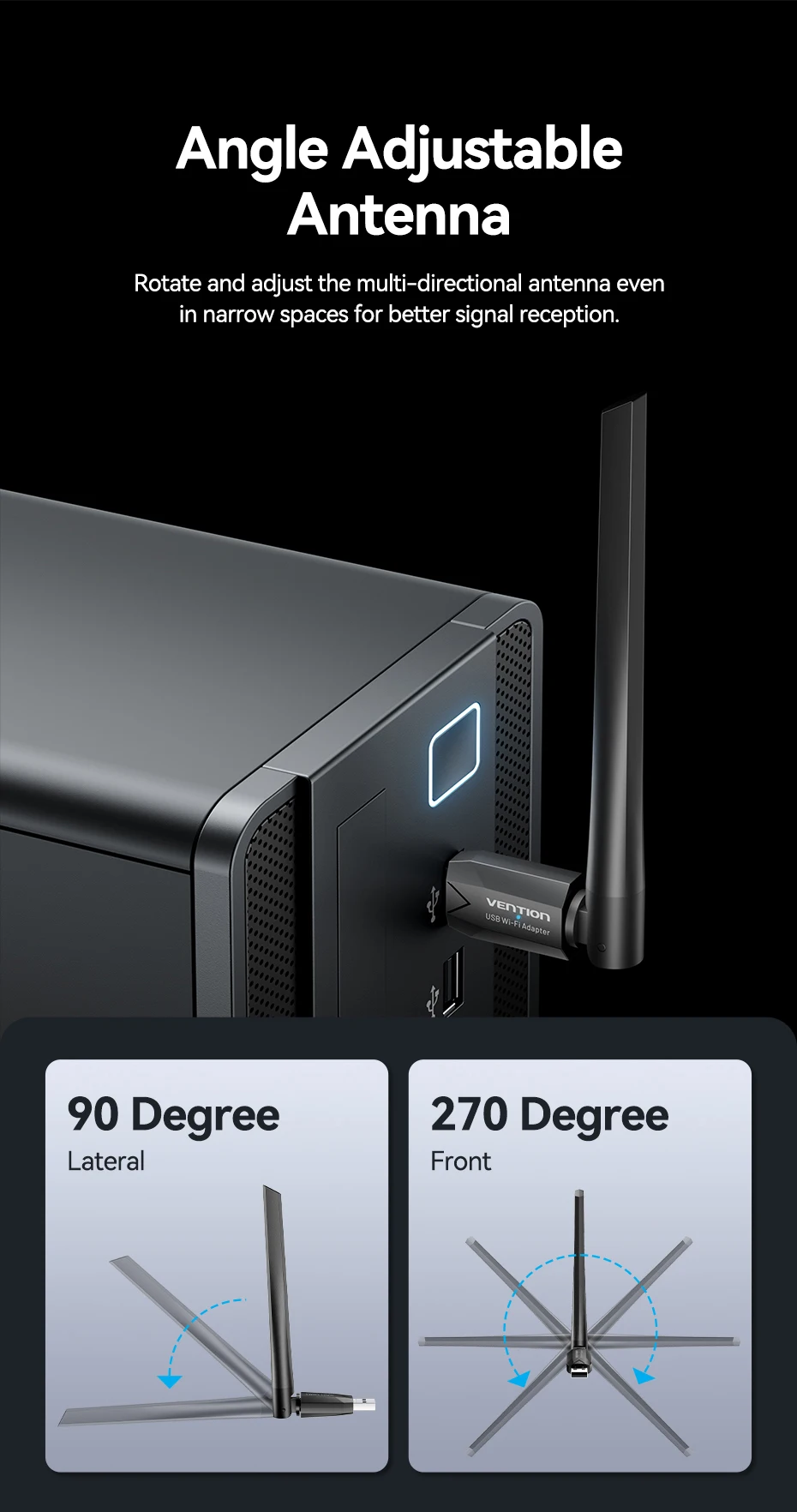
Angle Adjustable Antenna
Rotate and adjust the multi-directional antenna even in narrow spaces for better signal reception
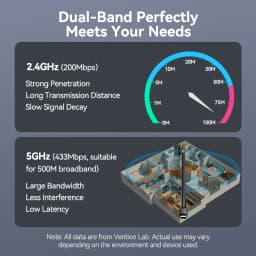
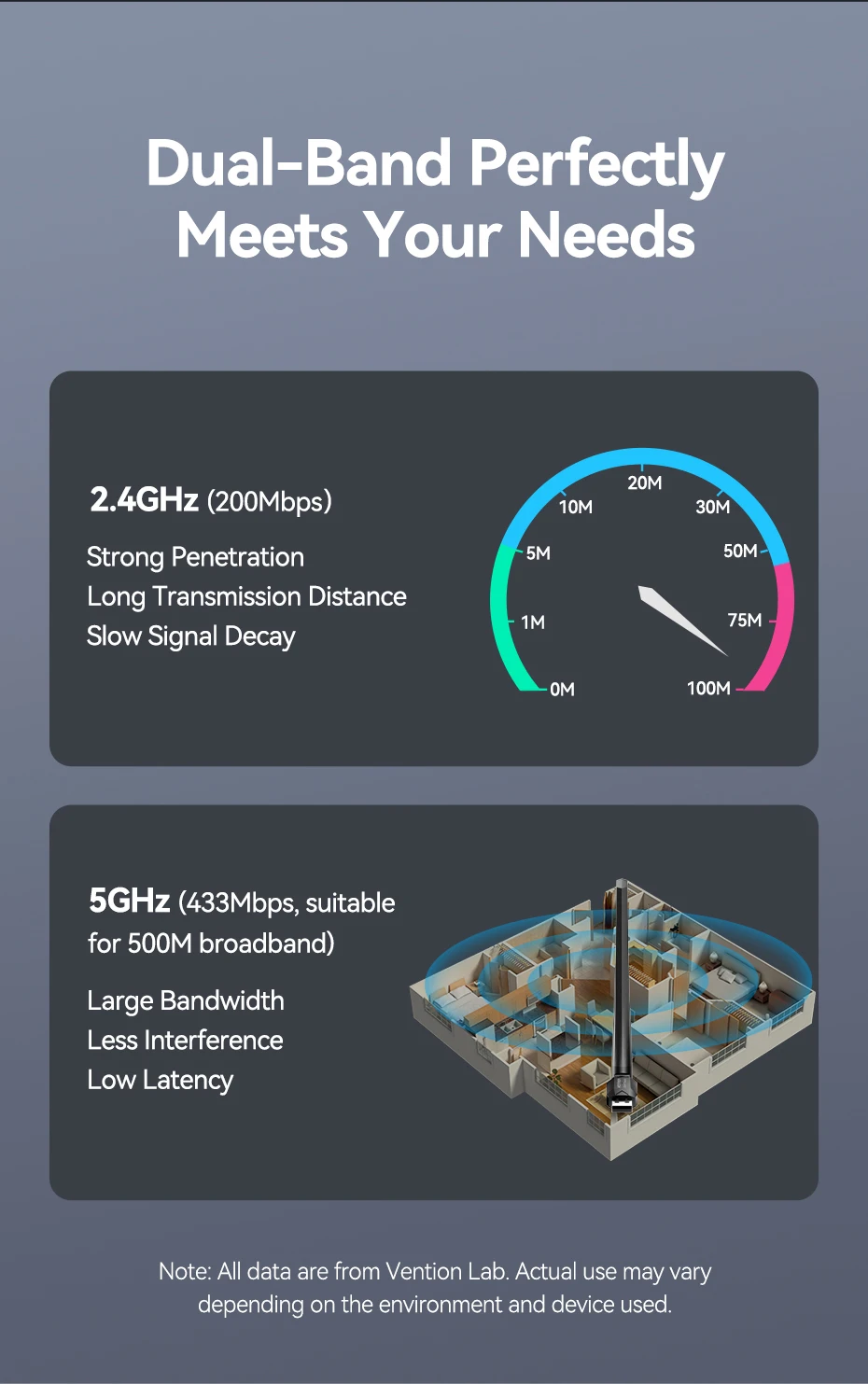
Dual-Band Perfectly Meets Your Needs
2.4GHz(200Mbps)
Strong Penetration
Long Transmission Distance
Slow Signal Decay
5GHz(433Mbps,suitable for 500M broadband)
Large Bandwidth
Less Interference
Low Latency
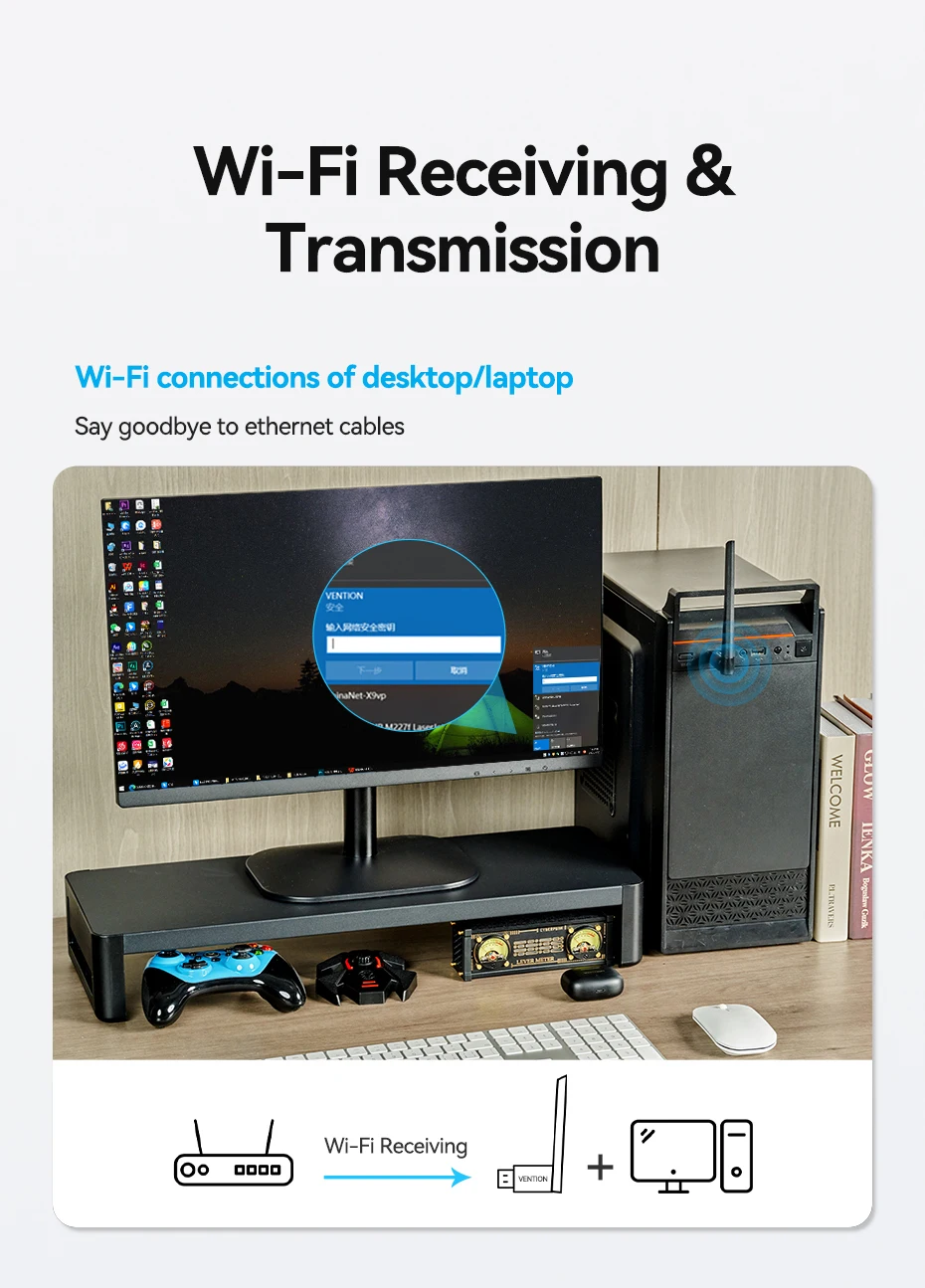
Wi-Fi Receiving & Transmission
Wi-Fi connections of desktop/laptop
Say goodbye to ethernet cables
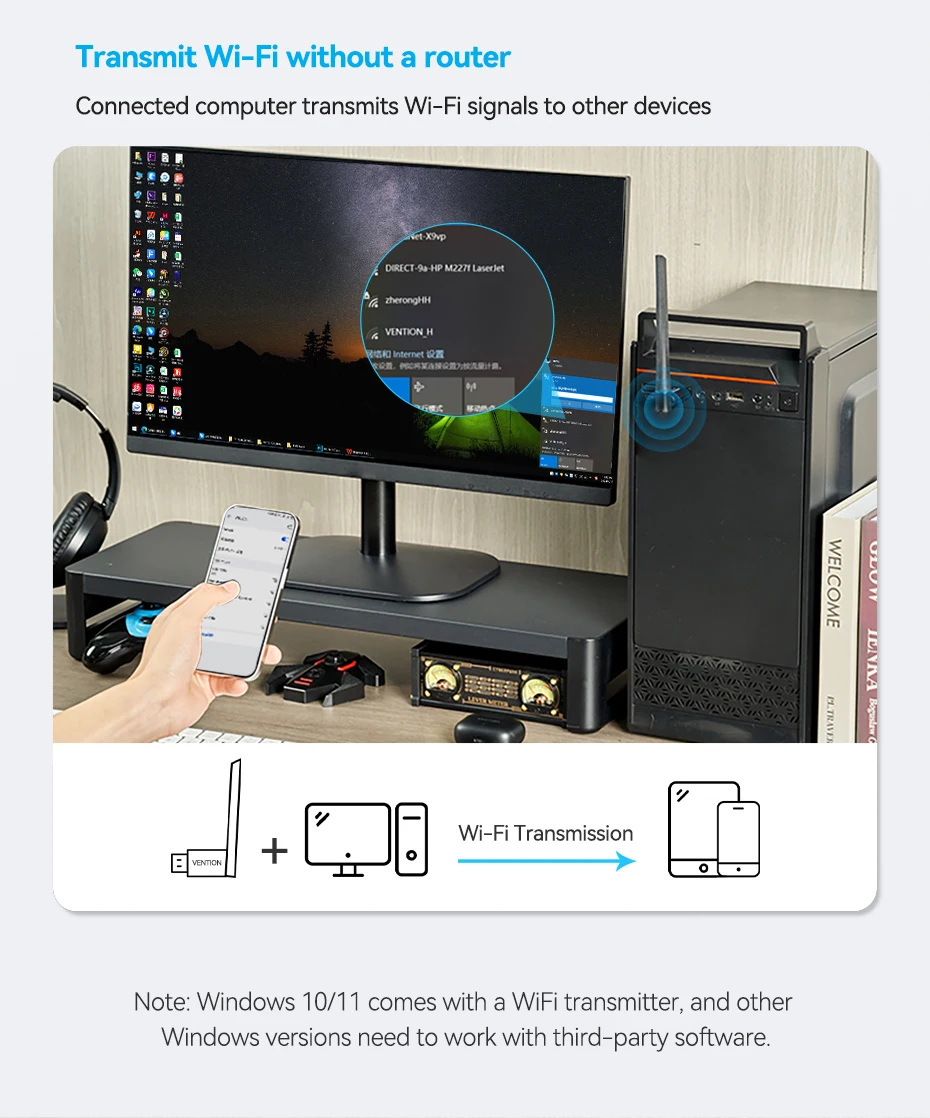
Transmit Wi-Fi without a router
Connected computer transmits Wi-Fi signals to other devices
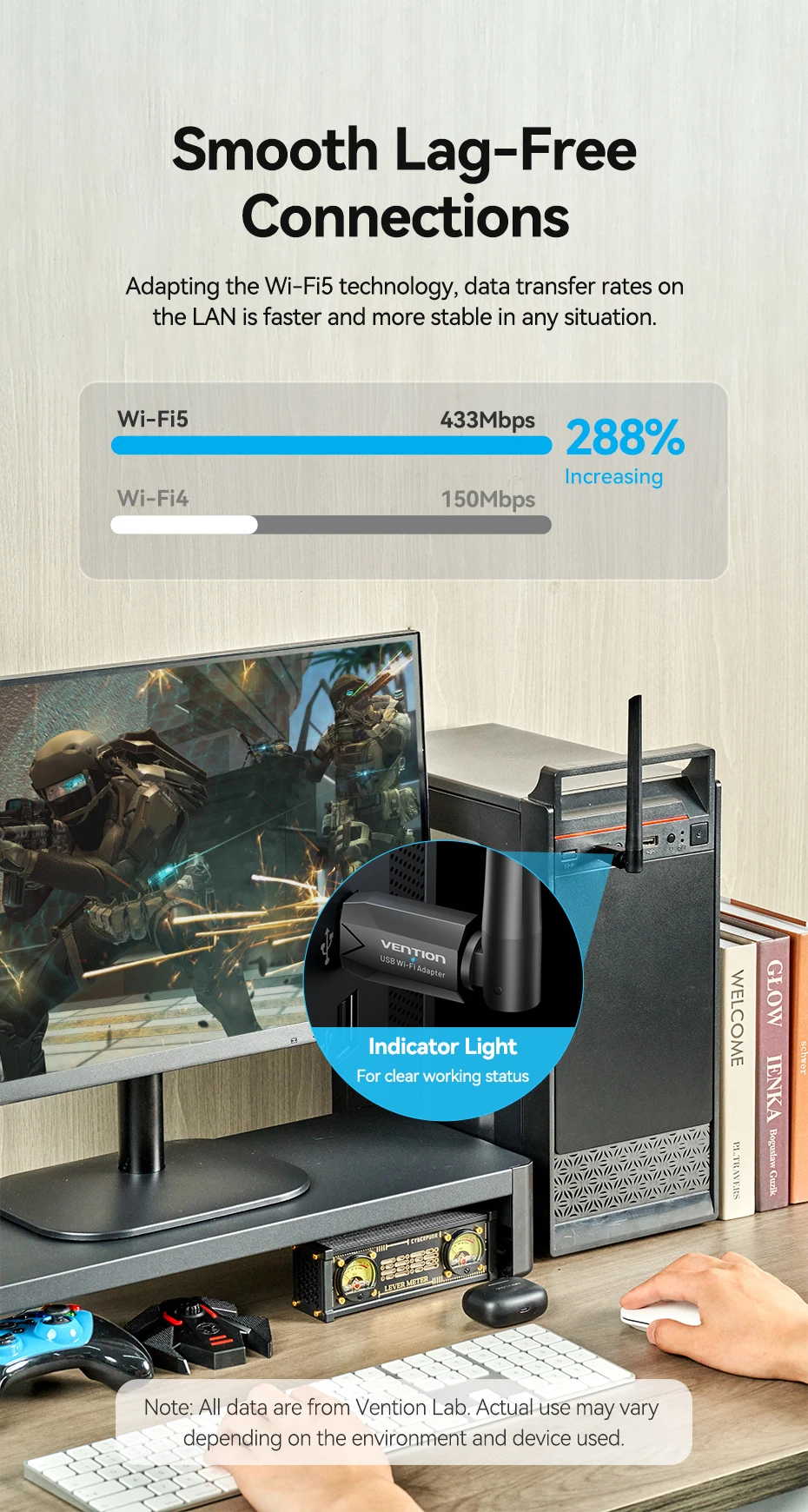
Smooth Lag-Free connections
Adapting the Wi-Fi5 technology,data transfer rates on
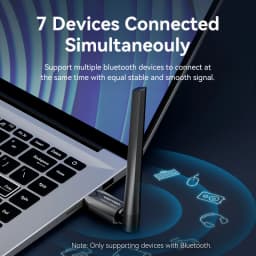
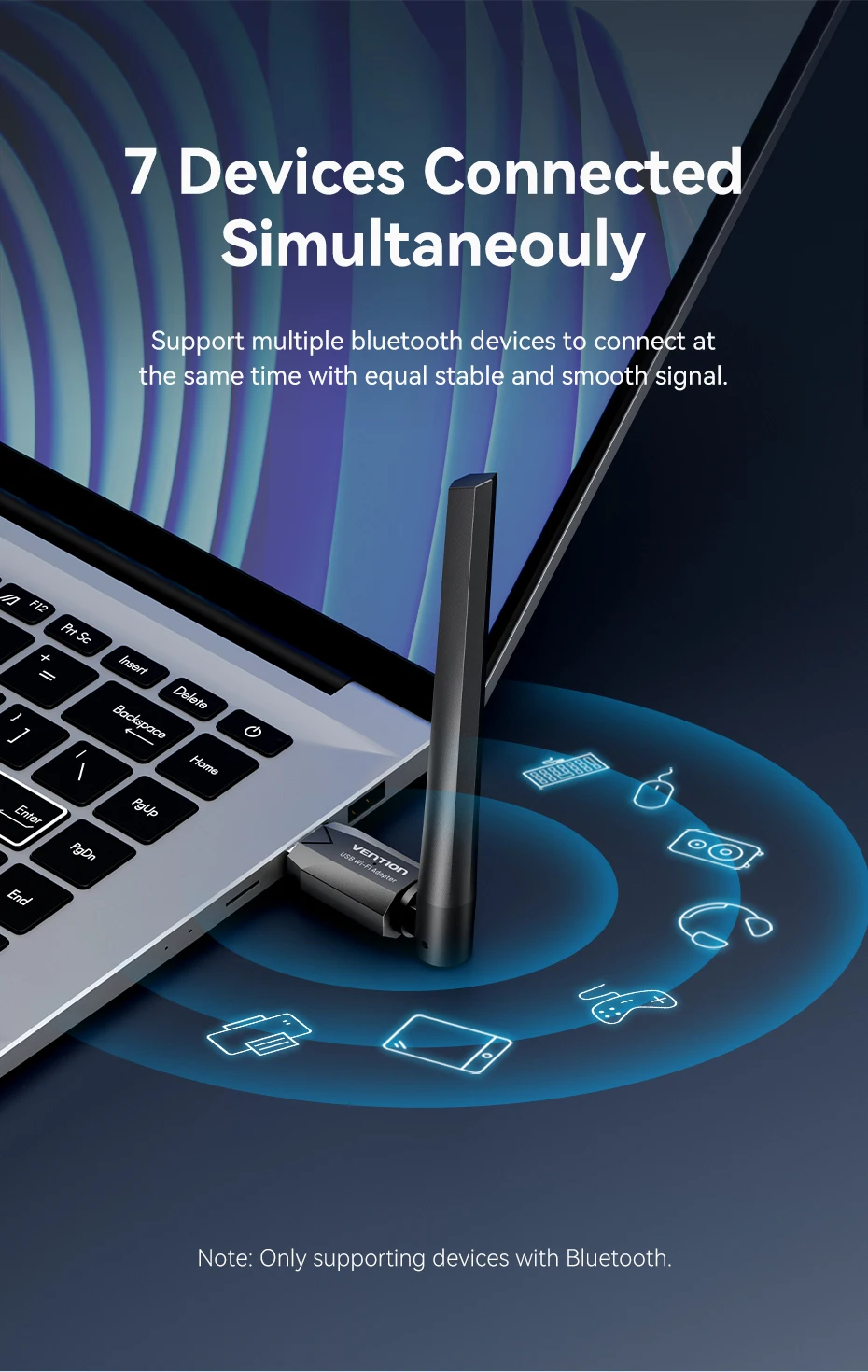
7 Devices Cpmmected Simultaneouly
Support multiple bluetooth devices to connect at
the same time with equal stable and smooth signal
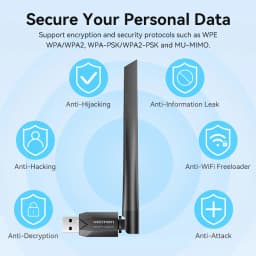
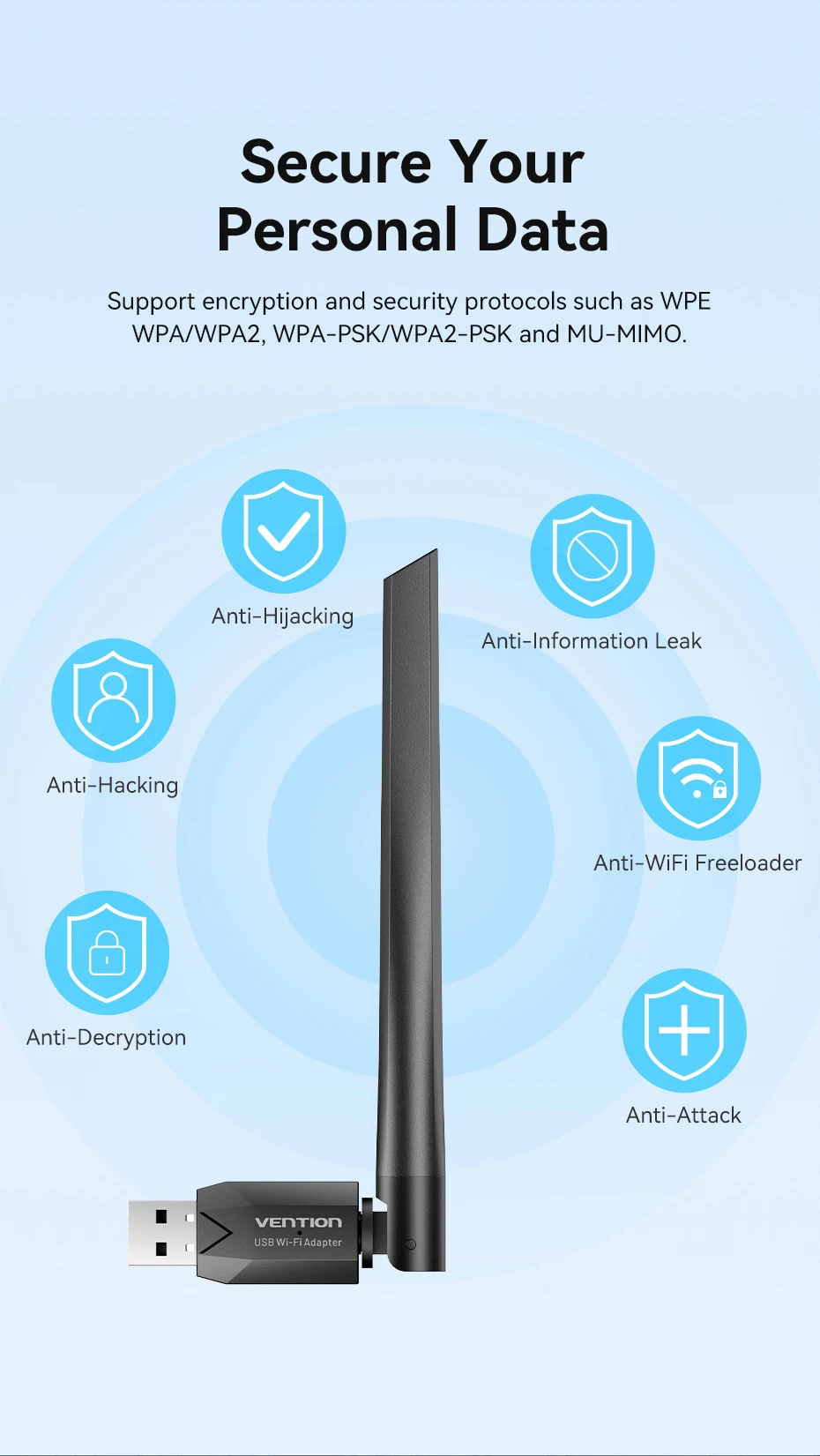
Secure Your Personal Data
Support encryption and security proticils such as WPE WPA/WPA2,WPA-PSK/WPA2-PSK and MU-MIMO
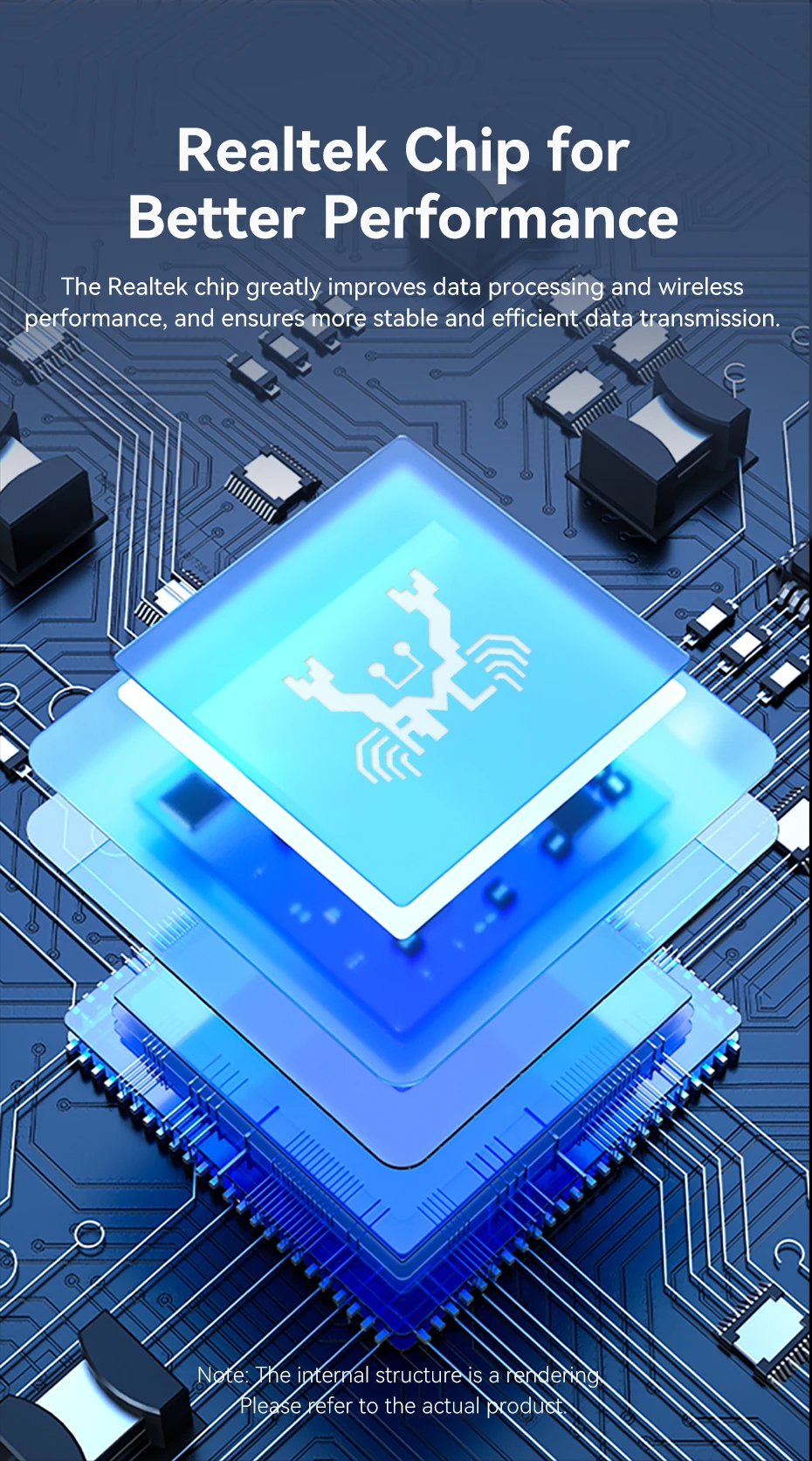
Realtek Chip for Better Performance
The Realtek Chip greatly improves data processing and wireless performance,and ensures more stable and efficient data transmission
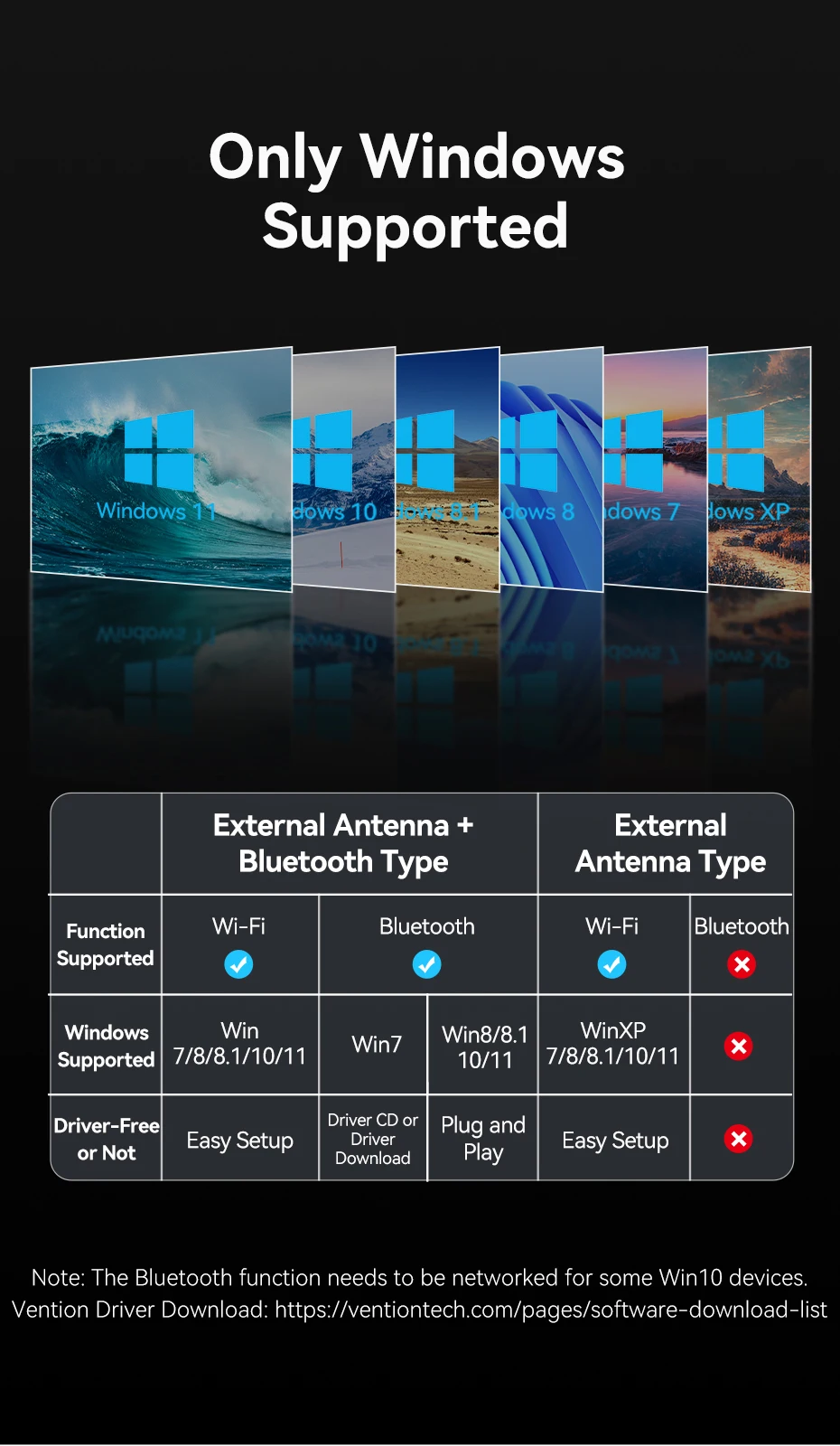
Only Windows Supported
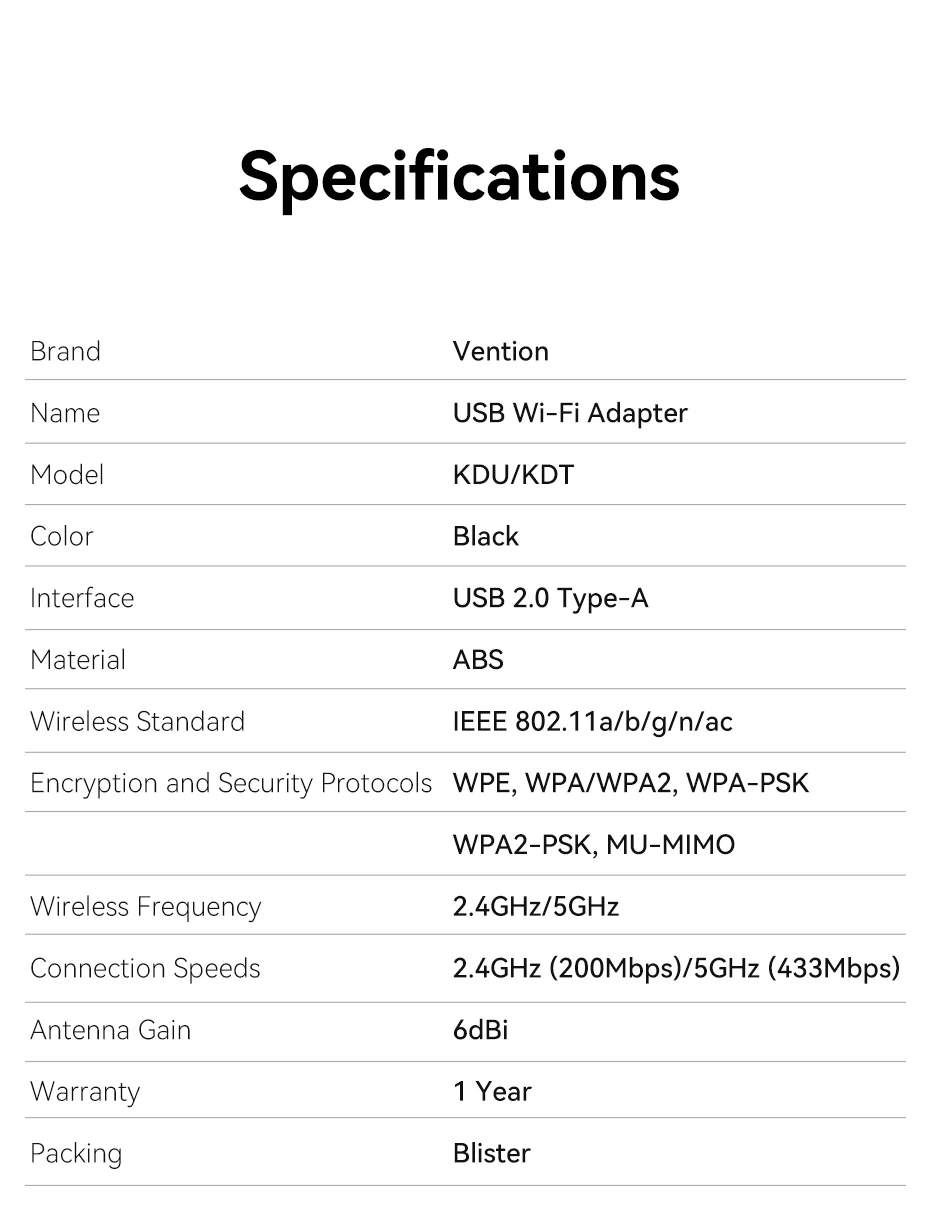
Specifications
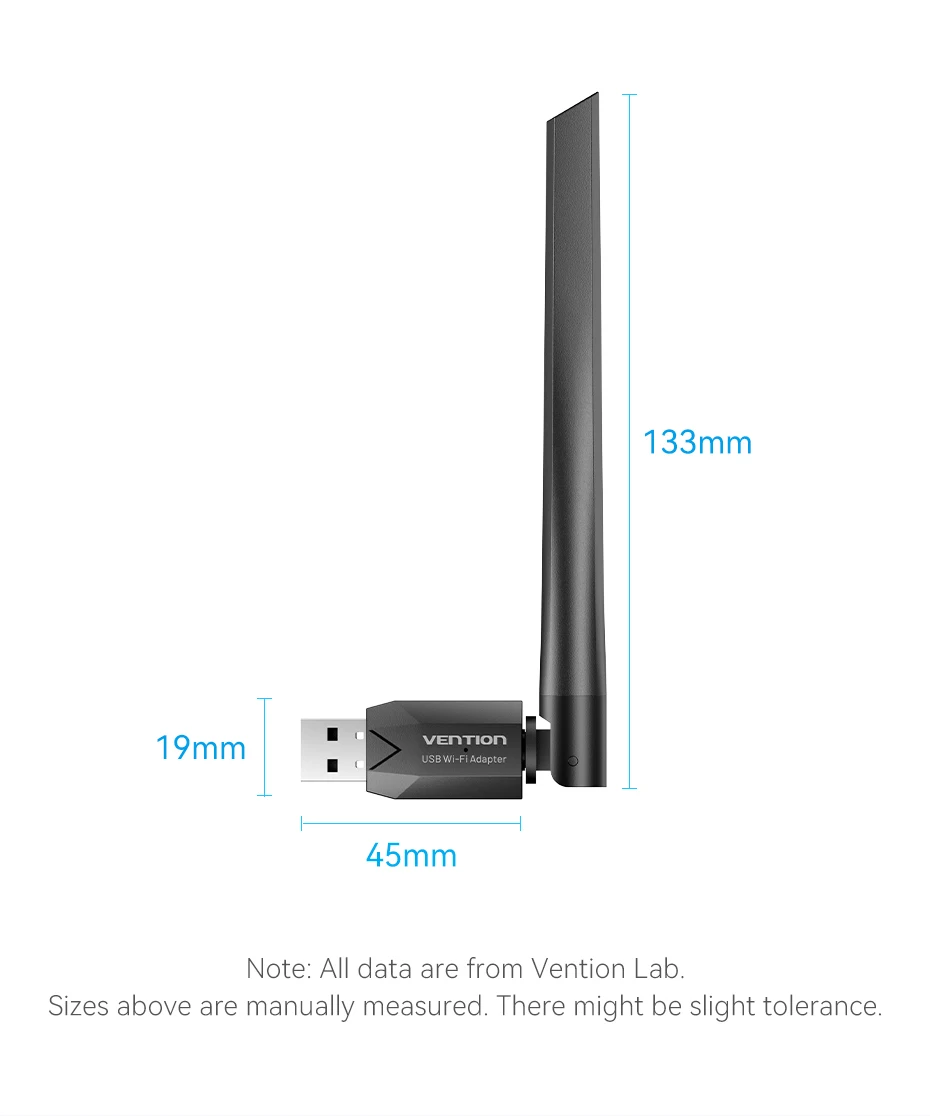
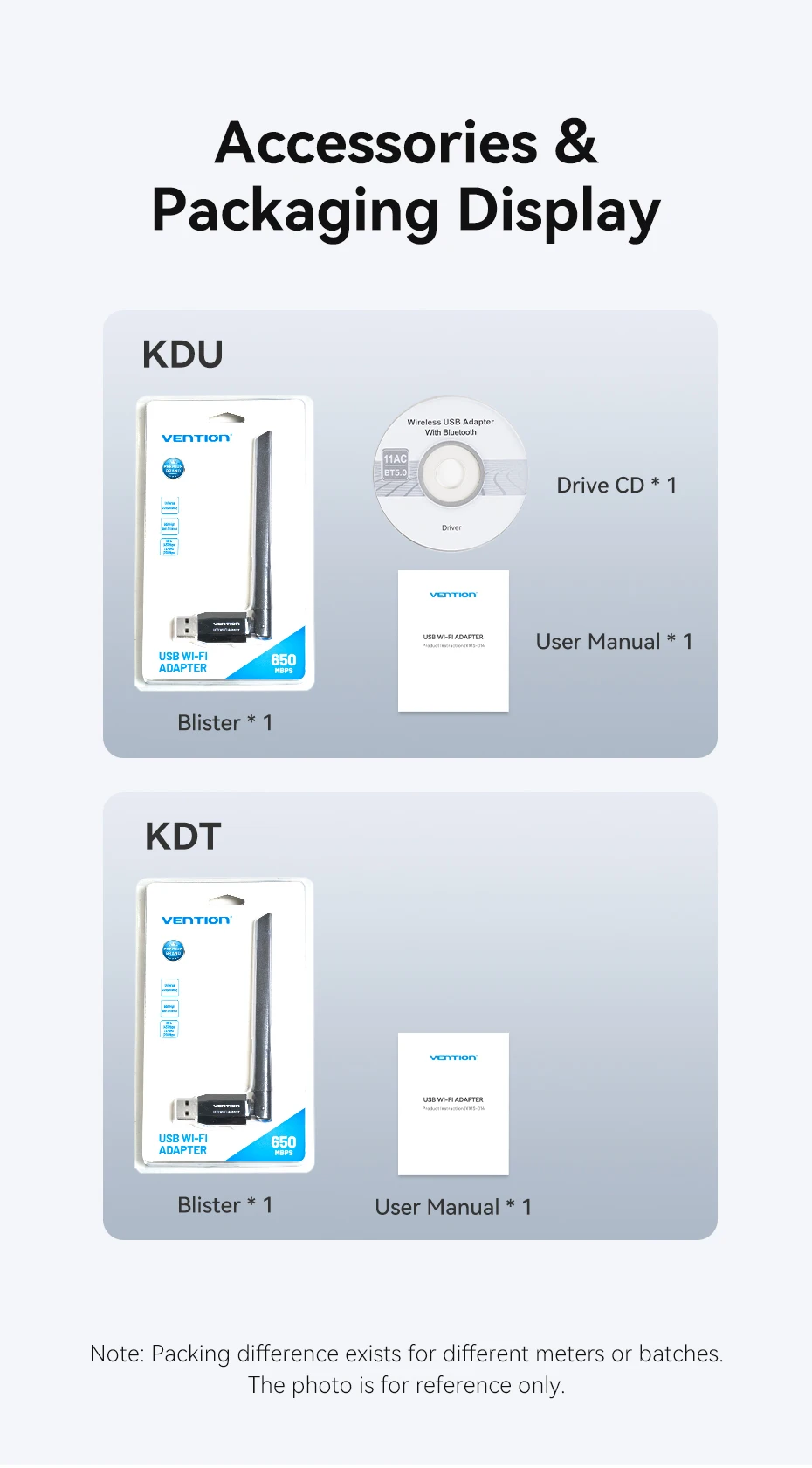
Accessories & Packaging Display
Quick Installation Guide
Operating instructions
The product requires manual driver installation on some devices or systemsDownload link:https://www.vention.cn/support/#Download
*Please ensure correct installation of drivers corresponding to your system and the product model
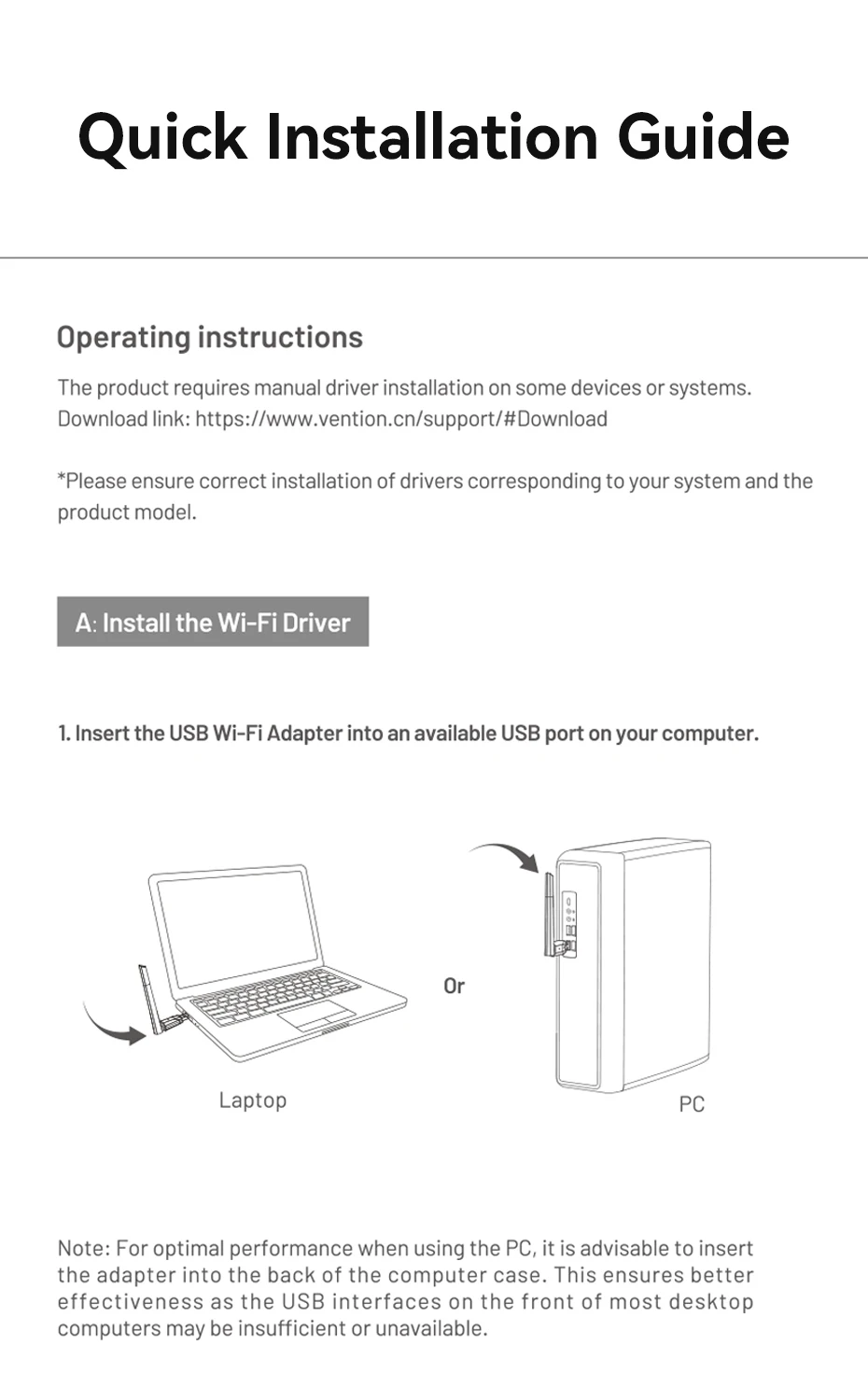
A:Install the Wi-Fi Driver
1、Insert the USB Wi-Fi adapter into an available USB port on your computer
A:Install the Wi-Fi Driver
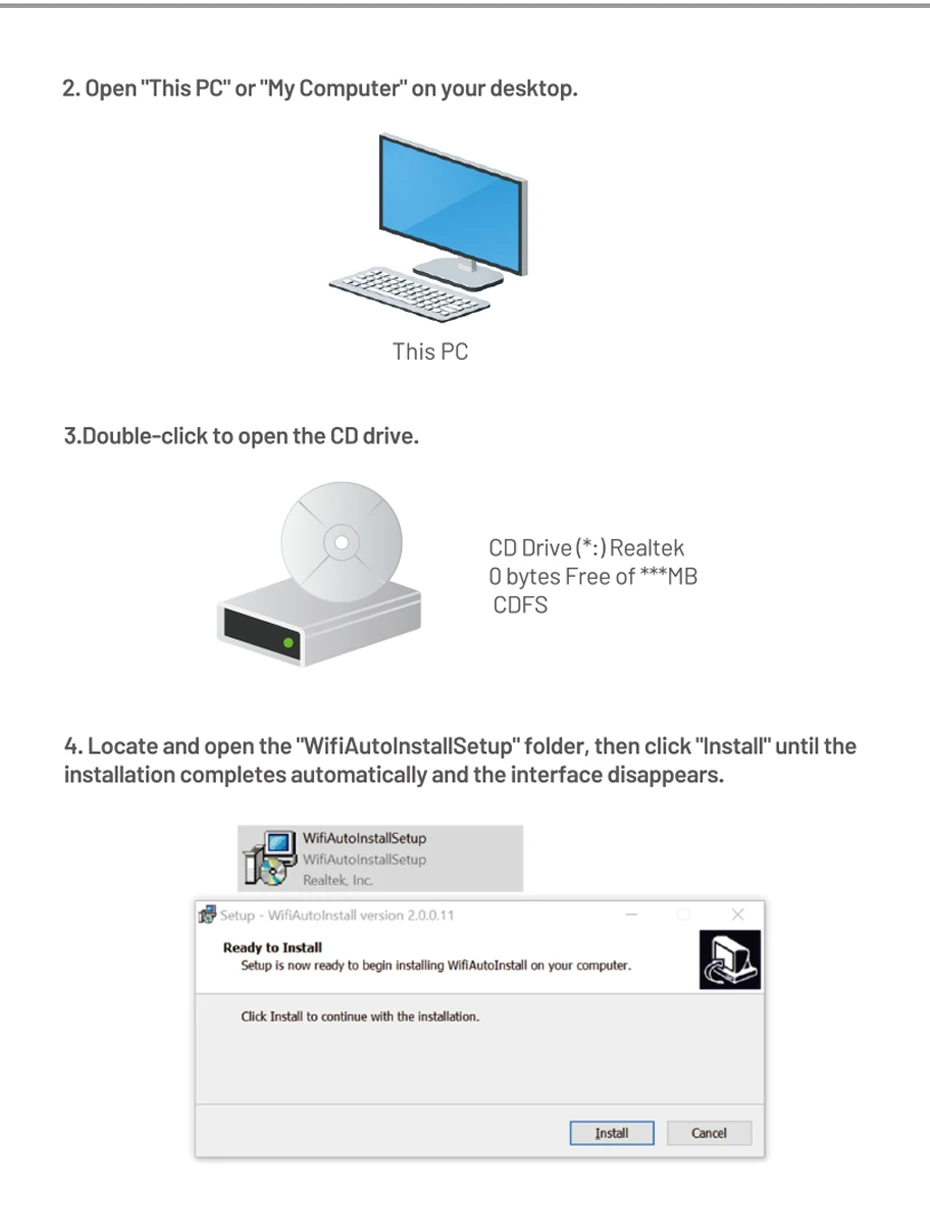
2.Open "This PC" or "My Computer" on yout desktop
3.Double-click to open the CD dreive
4.Locate and open the "Wifi Autolnstall Setup"folder,then click "Install" until the
installation completes automatically and the interface disappears
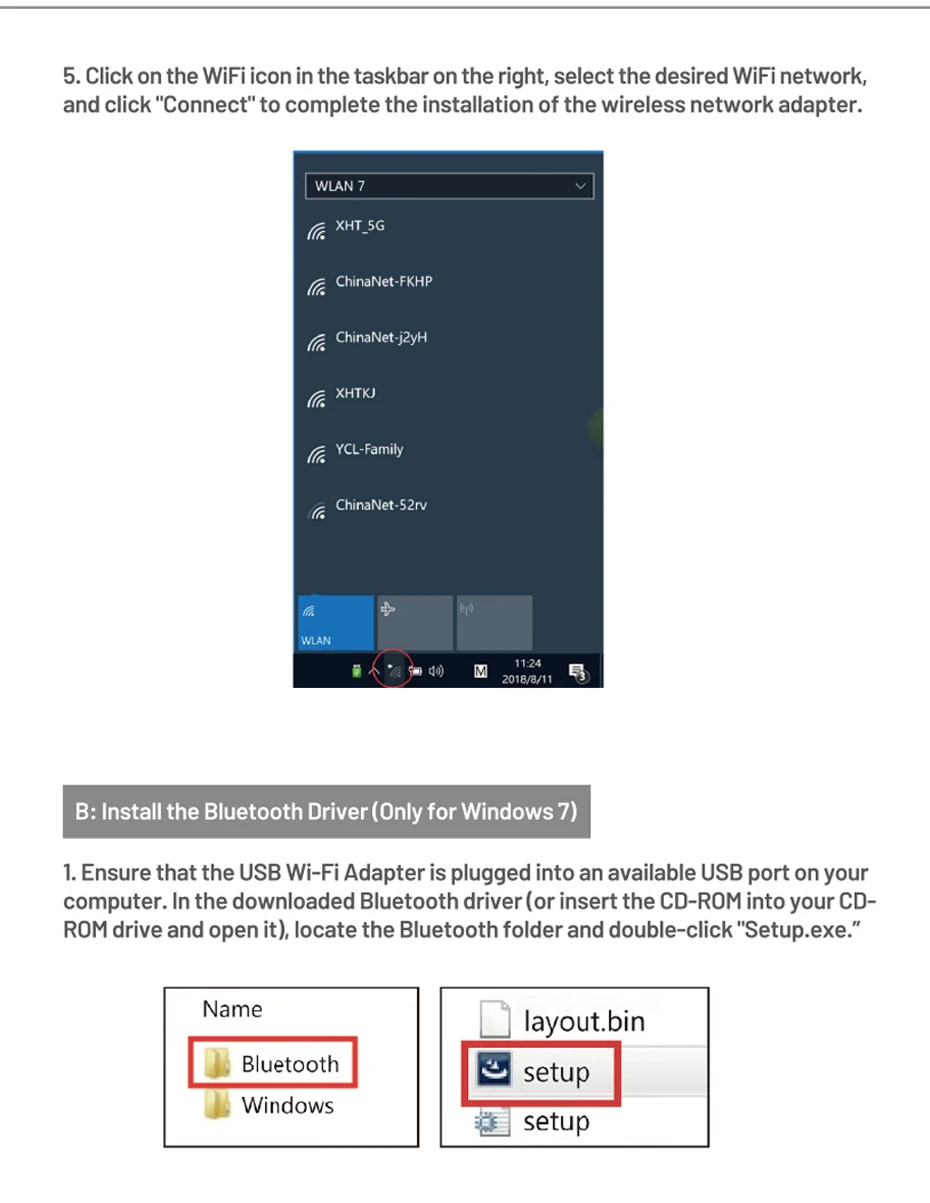
5.Click on the WiFi icon in the taskbar on the right,select the desired WiFi networkand click"Connect" to complete the installation of the wireless network adapter
B:Install the Bluetooth Driver(Only for Windows 7)
1.Ensure that the USB Wi-Fi Adapter is plugged into an available USB port on your
Computer.In the downloaded Bluetooth driver(or insert the CD-ROM into your CD-
ROM drive and open it),locate the Bluetooth folder and double-click "Setup.exe."
2.Follow the on-screen instructions to install the Bluetooth dreiver
3.Click "Next" to proceed with the installation
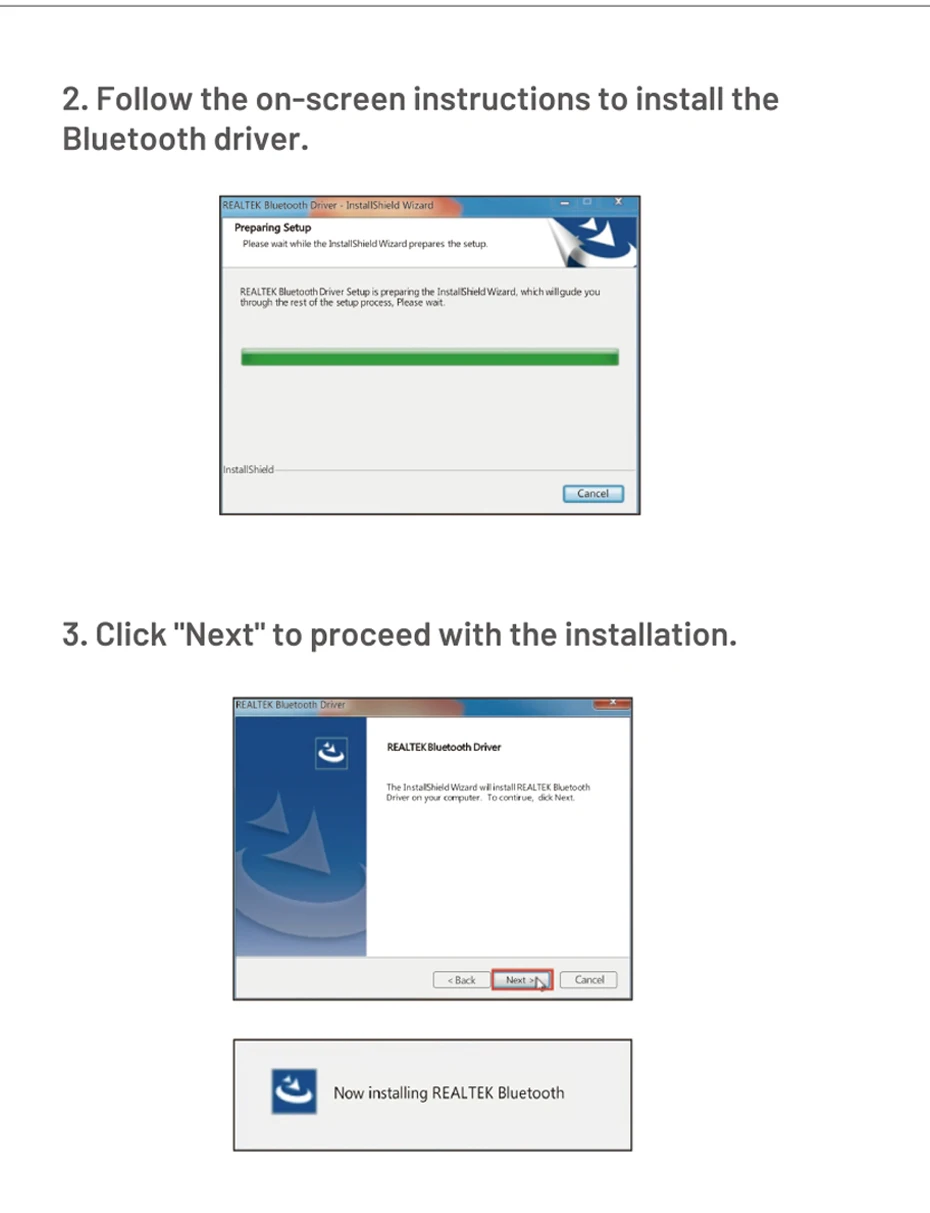
4.Select "Yes,I want to restart my computer now"
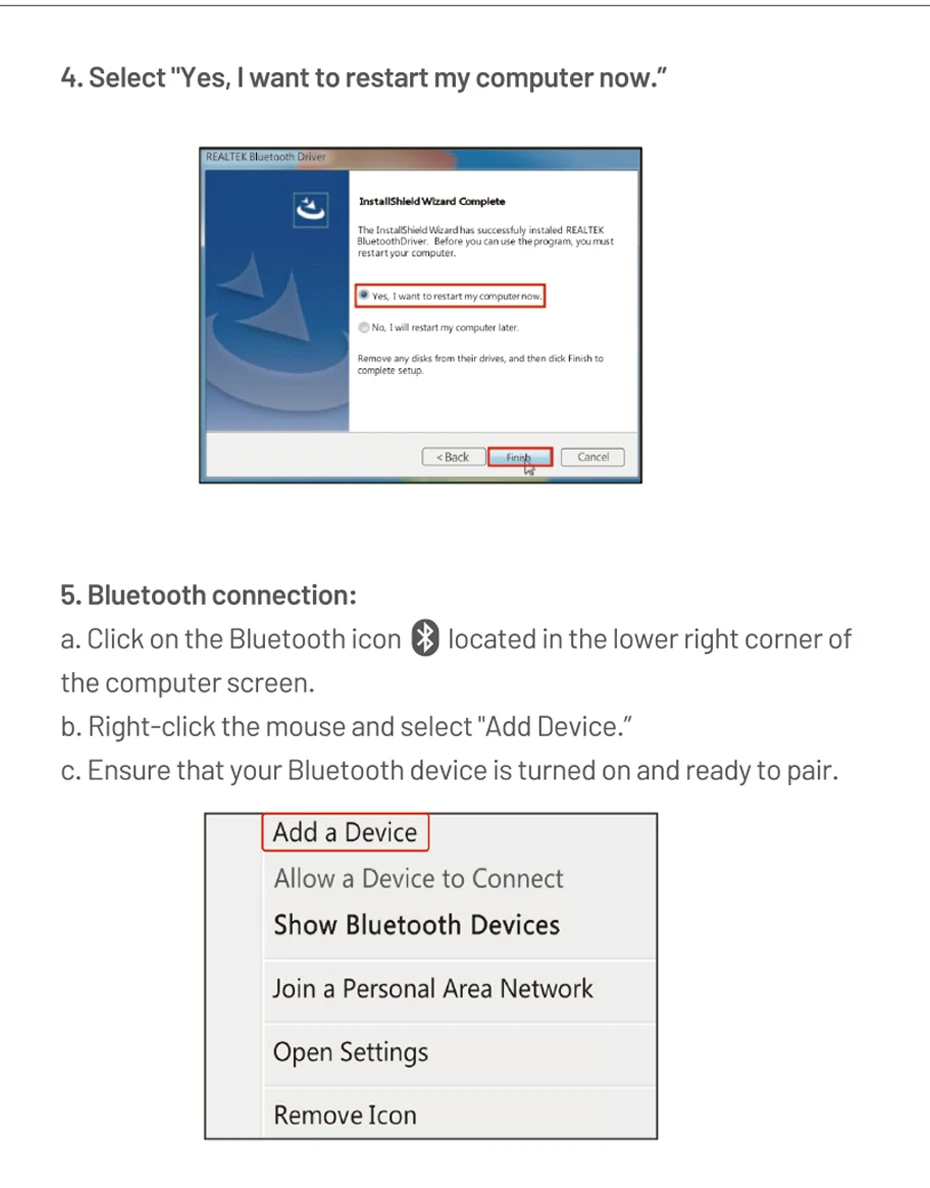
5.Bluetooth Connection:
a.Click on the Bluetooth icon located in the lower right corner of
the computer screen
b.Right-click the mouse and select"Add Device".
c.Ensure that your Bluetooth device is turned on and ready to pair
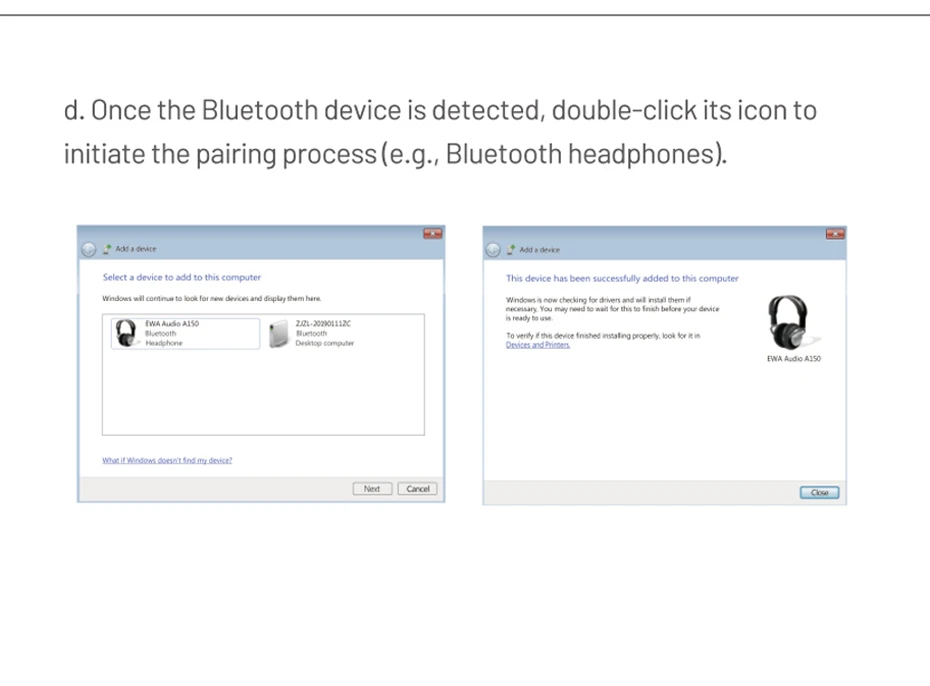
d.Once the Bluetooth device is detected,double-click its icon toinitiate the pairing process(e.g.,Bluetooth headphones).
Customer Reviews
No reviews yet
Vention WiFi Adapter AC650 WiFi5 5G&2.4G USB WiFi Card Dongle for PC Desktop Laptop Wifi Antenna USB Ethernet Network Card
6.72$
1.19$
Quantity:
1
Availability:
Color