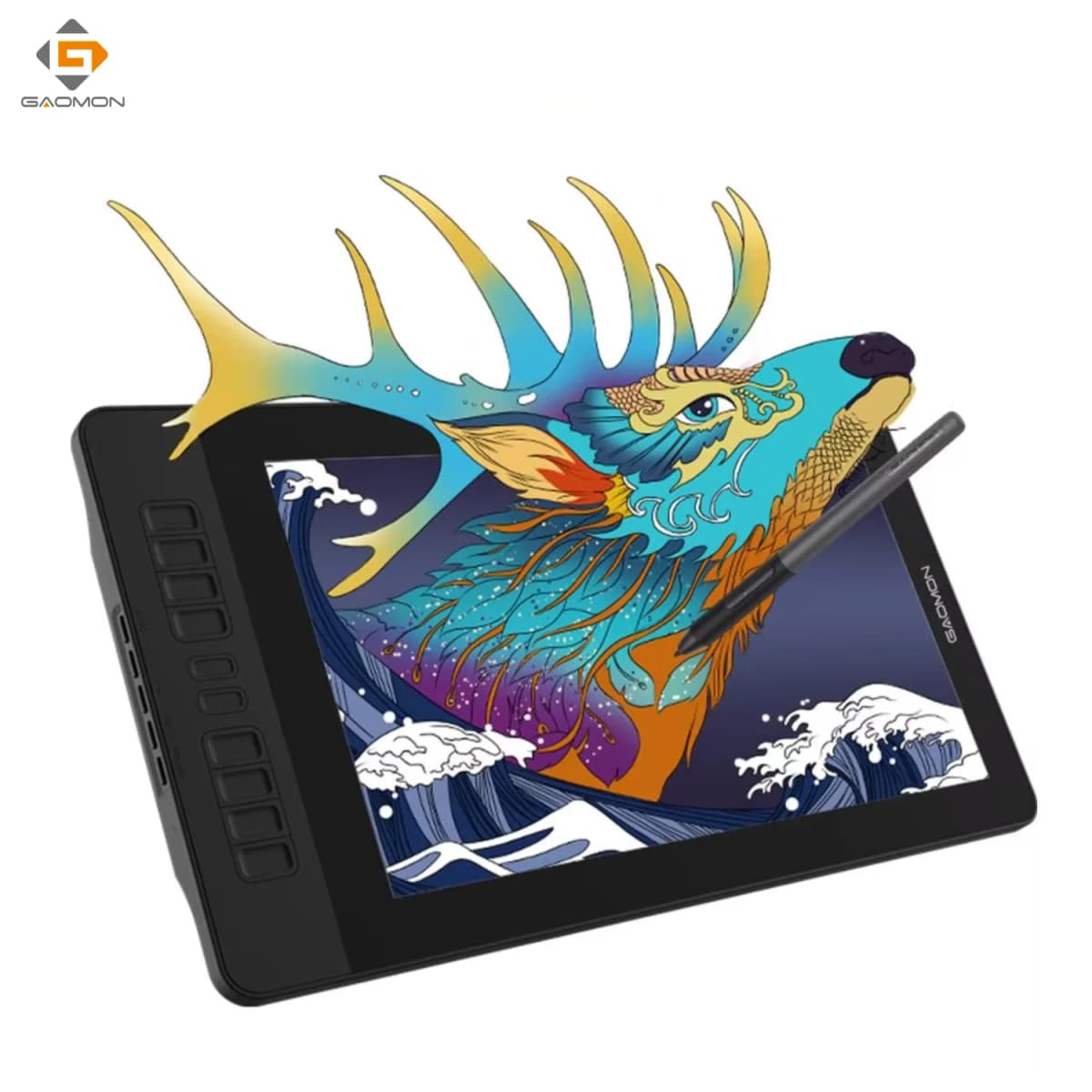
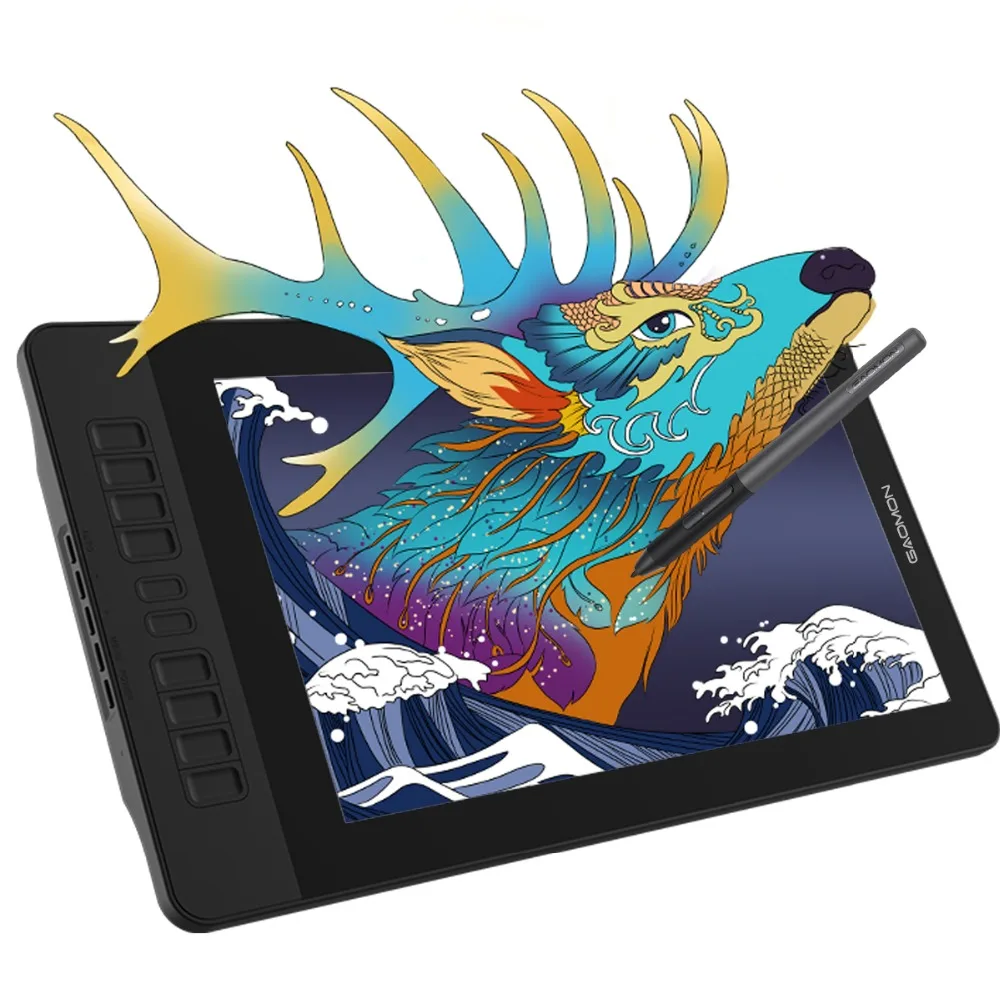
GAOMON Pen Display PD1561 15.6 Inches IPS HD Graphics Drawing Tablet Monitor 72% NTSC support Tilt Function with 10 Shortcut Key
358.8$
358.8$
Quantity:
1
Availability:
Out of StockColor
Ships From
Card Payments
Crypto Payments
Easy return
Reliable Shipping
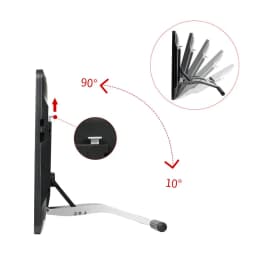
GAOMON Pen Display PD1561 15.6 Inches IPS HD Graphics Drawing Tablet Monitor 72% NTSC support Tilt Function
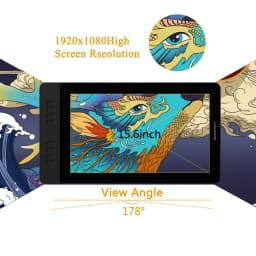
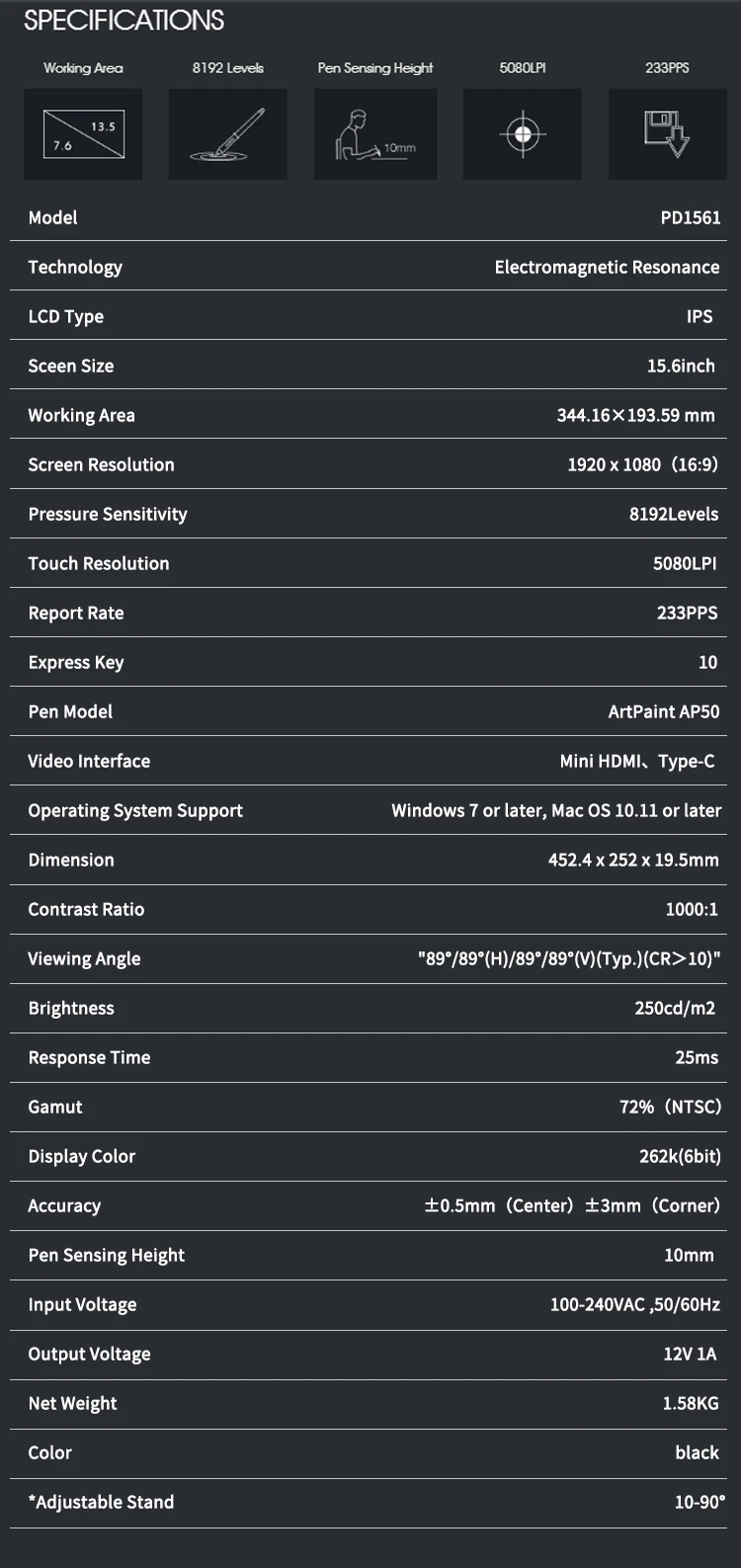
[ IPS HD DISPLAY & FILM ]-1920*1080 HD IPS FULL Screen ensures high quality and accuracy of color, lines and images. Resolution: 5080LPI Report Rate: 233PPS Viewing Angle: 178°Screen Resolution: 1920 x 1080(16:9) Colour gamut: 72% NTSC Display Area: 344.16 × 193.59mm(13.5*7.6 inch). [GIFT SCREEN FILM]-- To protect the monitor surface from scratching, meanwhile it provides more paper-like drawing experience. It’s well applied already.
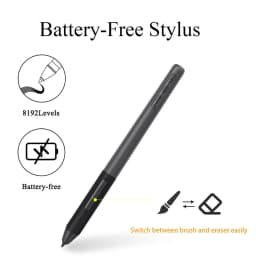
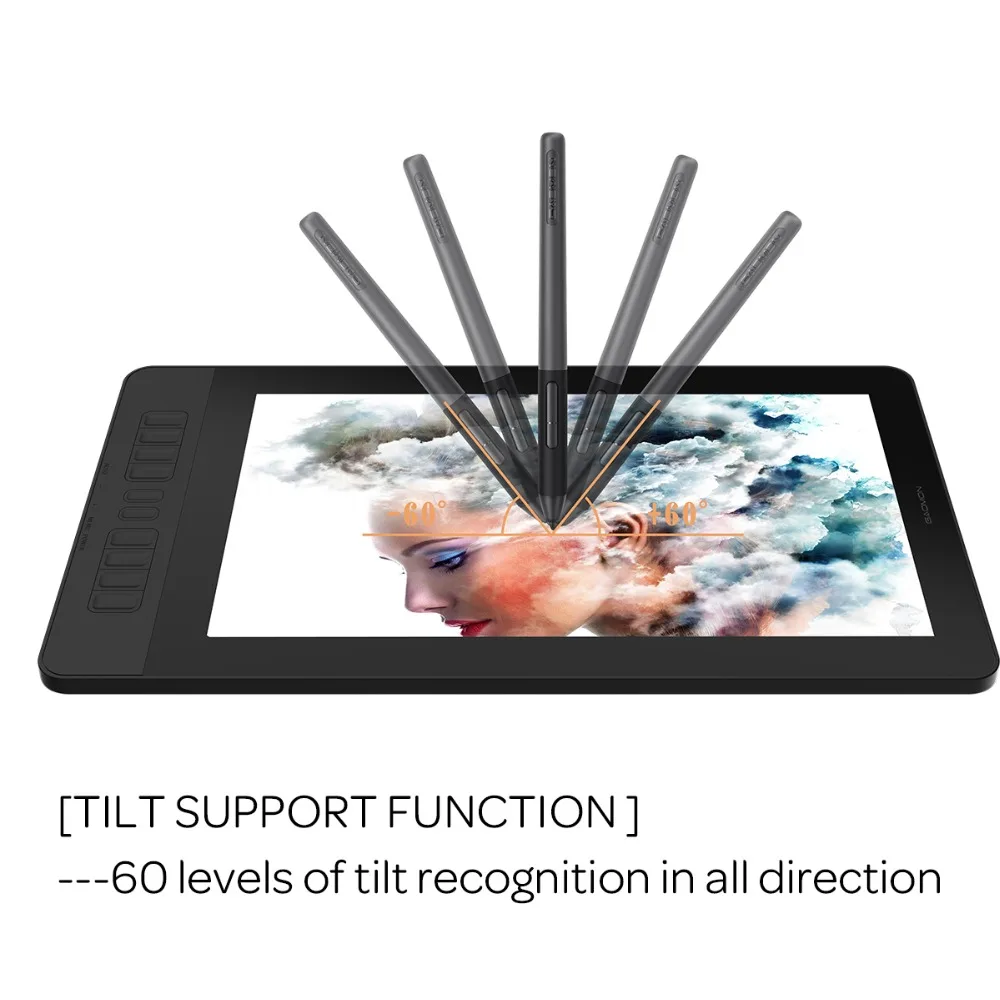
[ 8192 LEVELS BATTERY-FREE PEN & TILT SUPPORT FUNCTION ]-- High levels pen pressure battery-free stylus enables natural lines during digital creation. [TILT SUPPORT FUNCTION]-- Support tilt function, 60 levels of tilt recognition in all directions. [PEN HOLDER & PEN NIBS]-- 8 replacement nibs are put inside the pen holder.
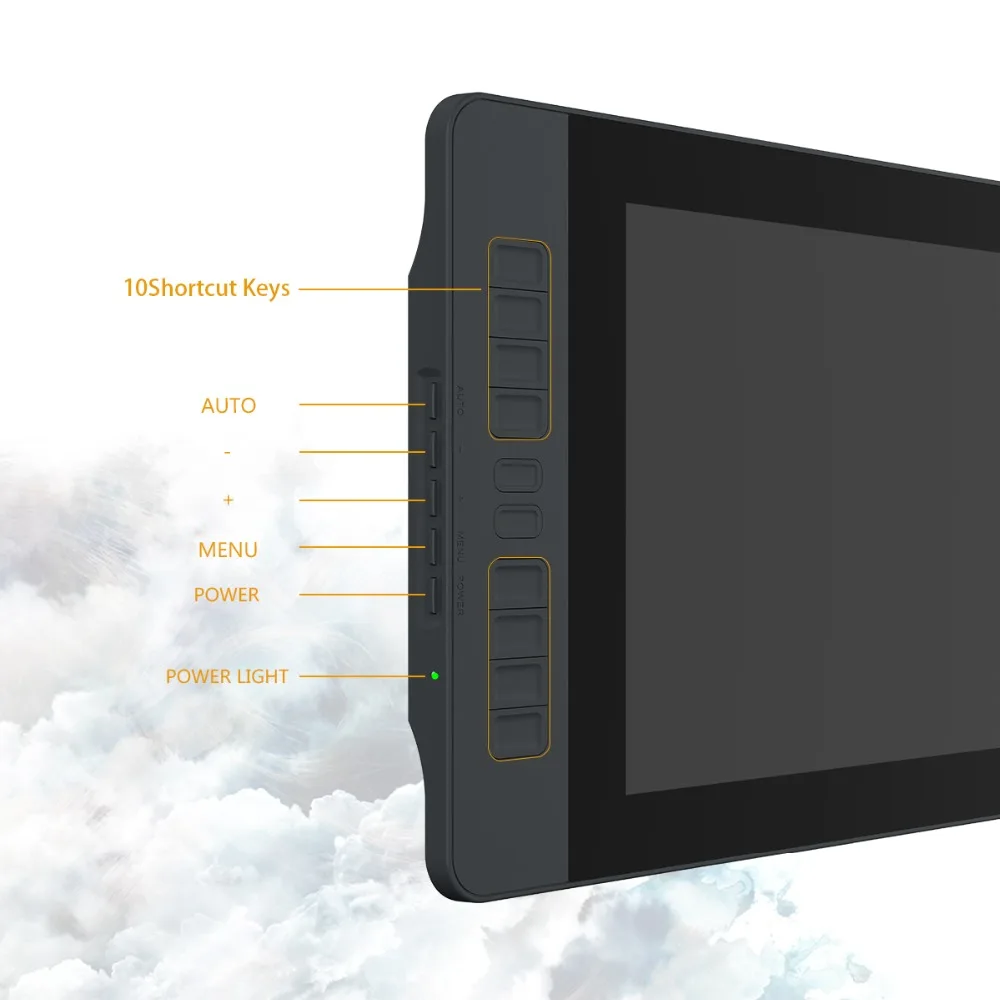
[ 10 SHORTCUT KEYS & 2 CUSTOMIZABLE PEN BUTTONS ]-- There are 10 shortcut keys on the left side of PD1561 and 2 pen buttons available to be customized according to your own creative habits, like zoom in/out, scroll up and down, and more, to accelerate your work efficiency. [5 MENUS KEYS]-- They are placed on left side surface of display: AUTO/+ /- /MENU/POWER. You can make adjustments of color, brightness, contrast, etc through here.
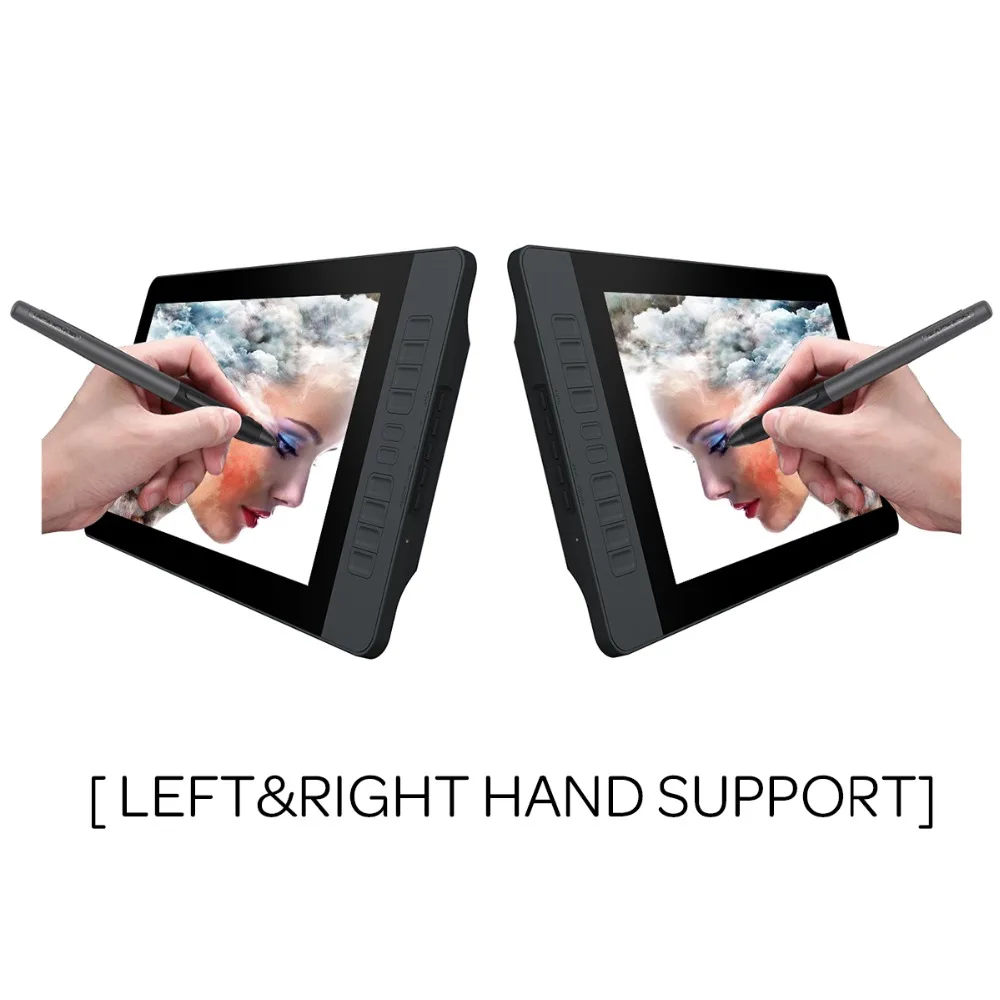
[ LEFT HAND SUPPORT & GLOVES ]--If using Windows OS, we need do BOTH Computer Setting & GAOMON Driver Setting. Computer Setting: Press “windows”+”p” on keyboard>set as extended mode>enter display setting>set PD1560 Display Orientation: Landscape(Flipped)>finished. GAOMON Driver Setting: Work Area> rotate 180 degree>finished. If using Mac OS, finish GAOMON Driver Setting Only will be enough. [2-FINGER GLOVES]- Suitable for both left and right handed users.
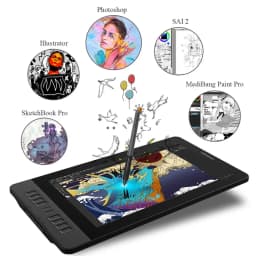
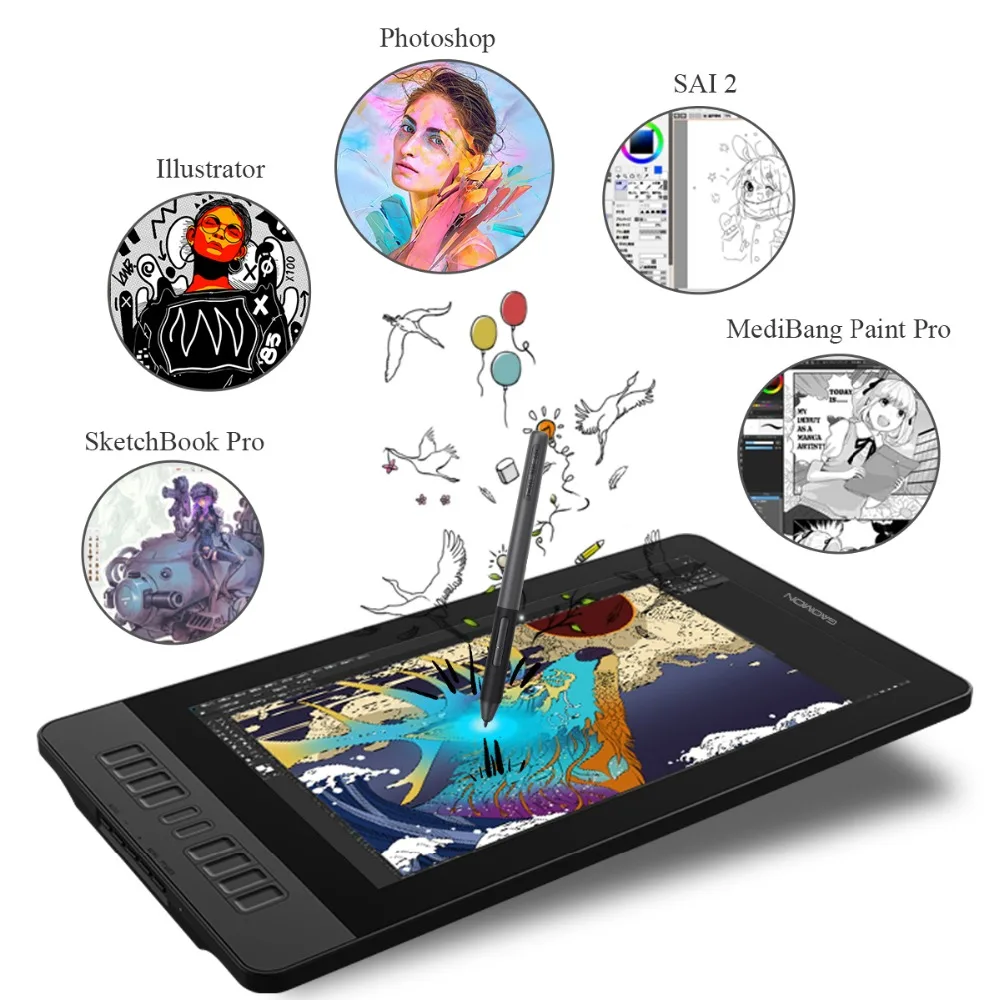
[ OS SUPPORT & PROGRAM COMPATIBILITY ]--Work with laptops or desktops which run Windows 7/8/8.1 or above, Mac OS 10.12/13/14 or above; Compatible with most painting software, like Adobe Photoshop, Illustrator, Clip Studio, Lightroom, Sketchbook Pro, Manga Studio, CorelPainter, FireAlpaca, OpenCanvas, Paint Tool Sai2, Krita and so on. [HDMI INTERFACE]--We adopts HDMI interface to transfer signal. Make sure to plug the HDMI cable into graphic card directly instead of plugging it into motherboard when using a desktop. [1 YEAR WARRANTY]--Basing on non human made damages and non accident damages within 1 year.
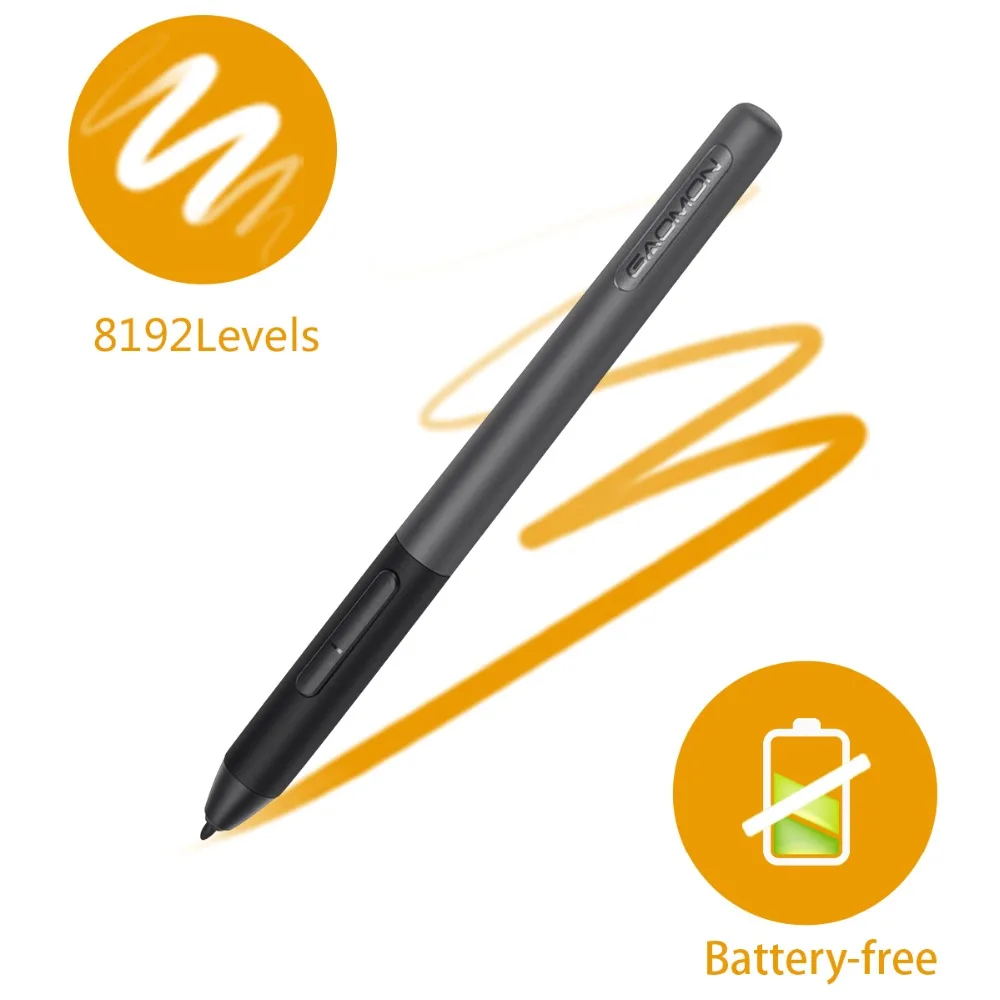
GAOMON Artpaint AP50 Passive Pen -- natural and accurate
Adopts state-of-the-art creative pen technology, environmentally friendly, supporting you a long-time work.
8,192 levels of pressure sensitivity and 60 levels of tilt recognition provides more accurate and responsive for every pen-cursor movement.
DUAL/TRI MONITOR SUPPORT
Duplicated Mode:
The PD1561 will display exact the same with your computer monitor.
Extended Mode:
PD1561 display the wall paper of computer monitor ONLY, without programs on it. You can draw on PD1561 while computer monitor can display other things separately.
TRI MONITOR SUPPORT is available as long as your computer graphic card supports 3 monitors connected together.
WARM PROMPT :Close all art programs and other brands tablet drivers on your computer before installing GAOMON Driver. Run as administrator when installing and running GAOMON Driver.
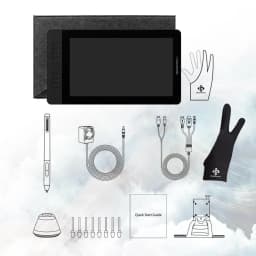
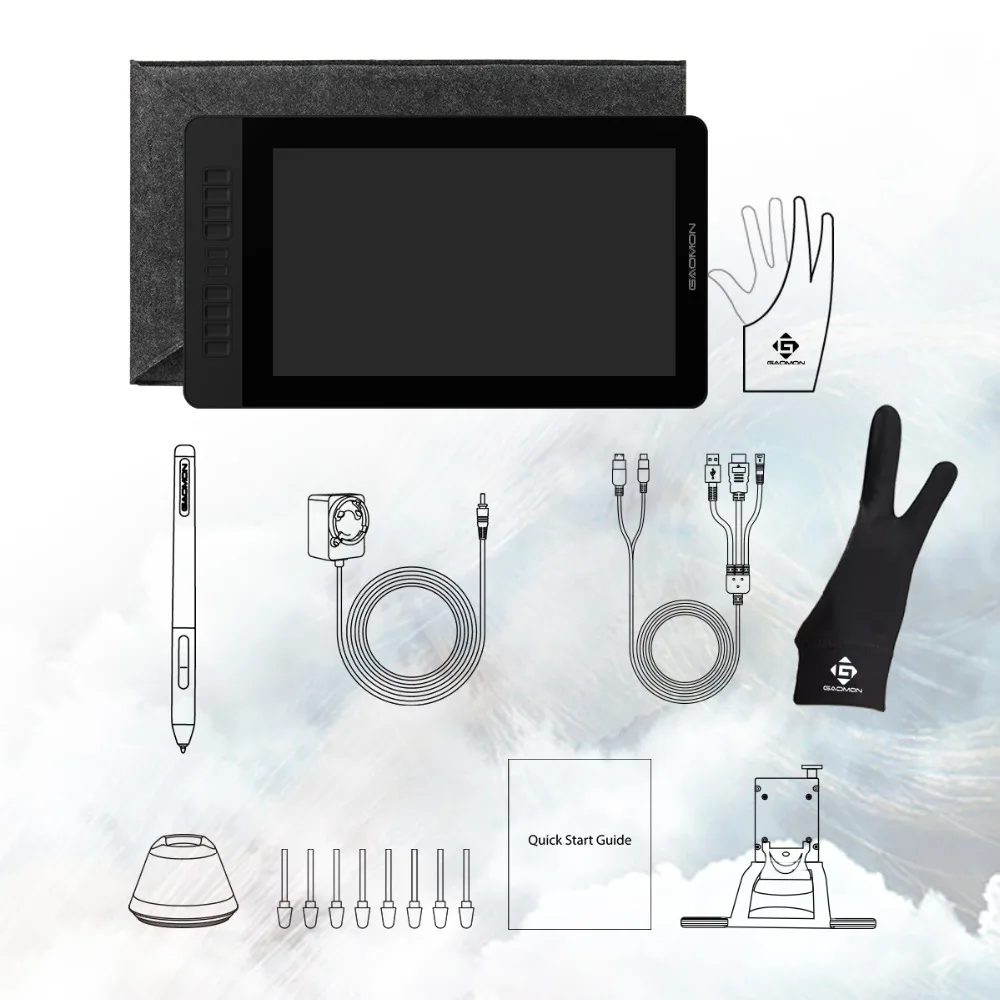
PACKAGE CONTENT:
1x Gift Film (Applied Already)
1x Adjustable Stand
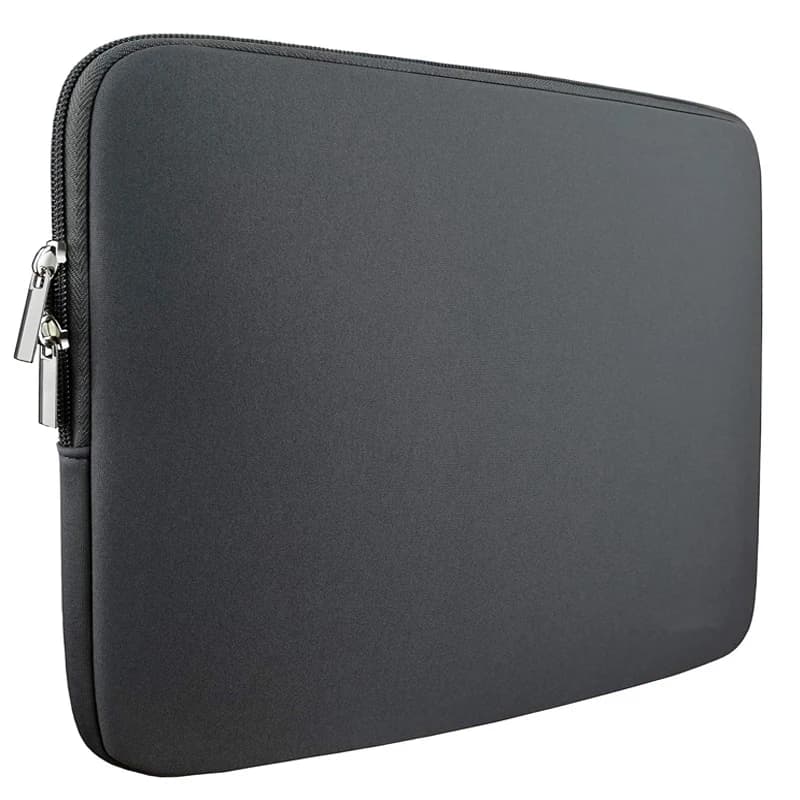
1x Protect Bag
1x Two-Finger Glove
1x AC Adapter
1x 3-in-1 Cable
1x Pen Holder
1x USA STD Adapter
1x Battery-free Pen AP50
Quick Start Guide
8x Replacement Nibs & 1x Tip Clip (In the Pen Holder)
Customer Reviews
No reviews yet
GAOMON Pen Display PD1561 15.6 Inches IPS HD Graphics Drawing Tablet Monitor 72% NTSC support Tilt Function with 10 Shortcut Key
358.8$
358.8$
Quantity:
1
Availability:
Out of StockColor
Ships From