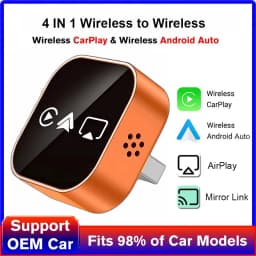
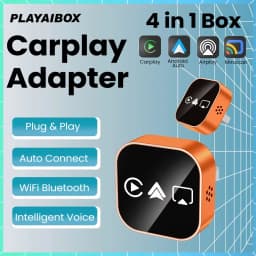
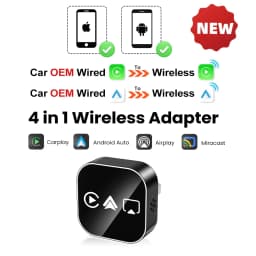
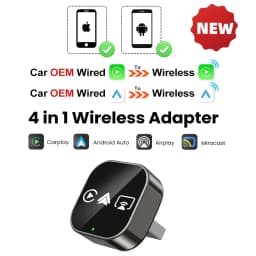
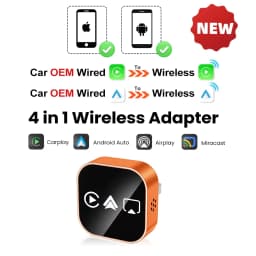
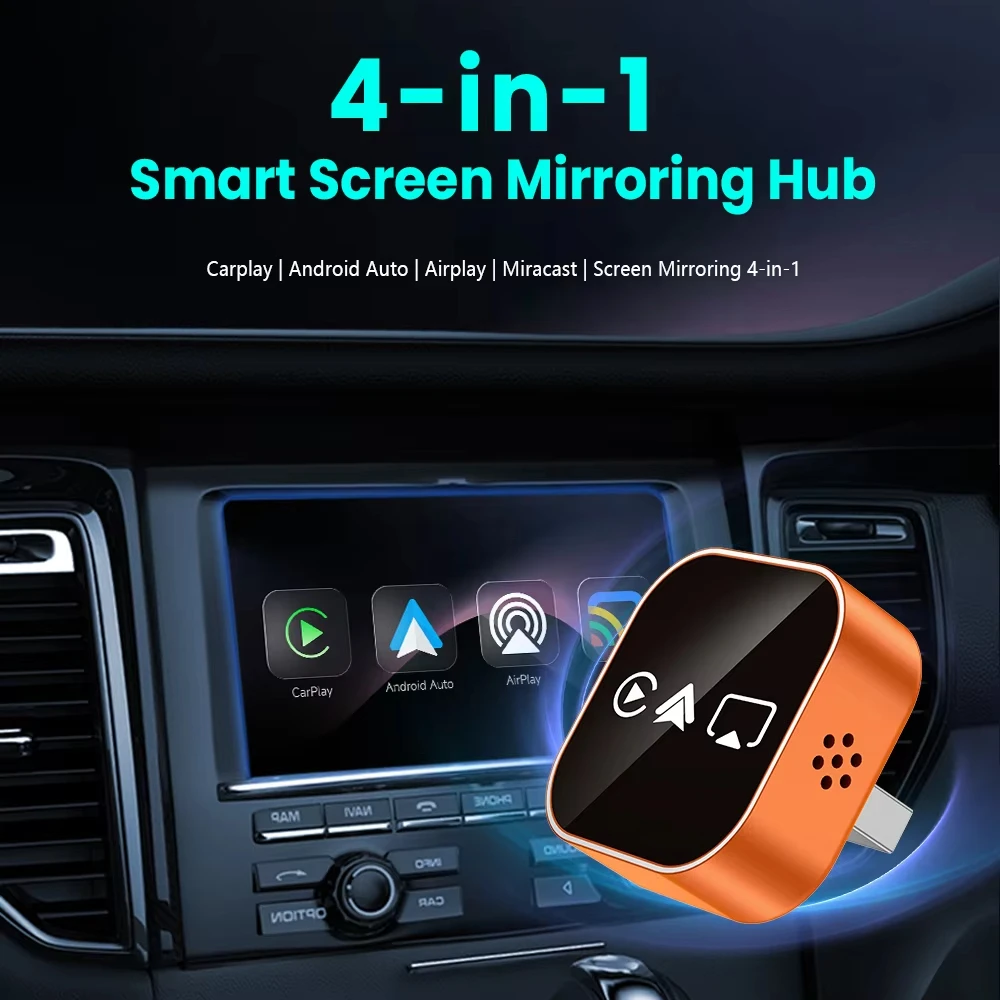
2026 Upgrade 4 In1 Wired to Wireless CarPlay Android Auto AirPlay Mirror Link Stable Bluetooth Adapter For Audi Benz Toyota VW
Quantity:
1
Availability:
Not AvailableCard Payments
Crypto Payments
Easy return
Reliable Shipping
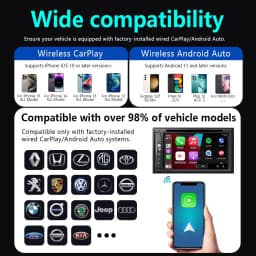
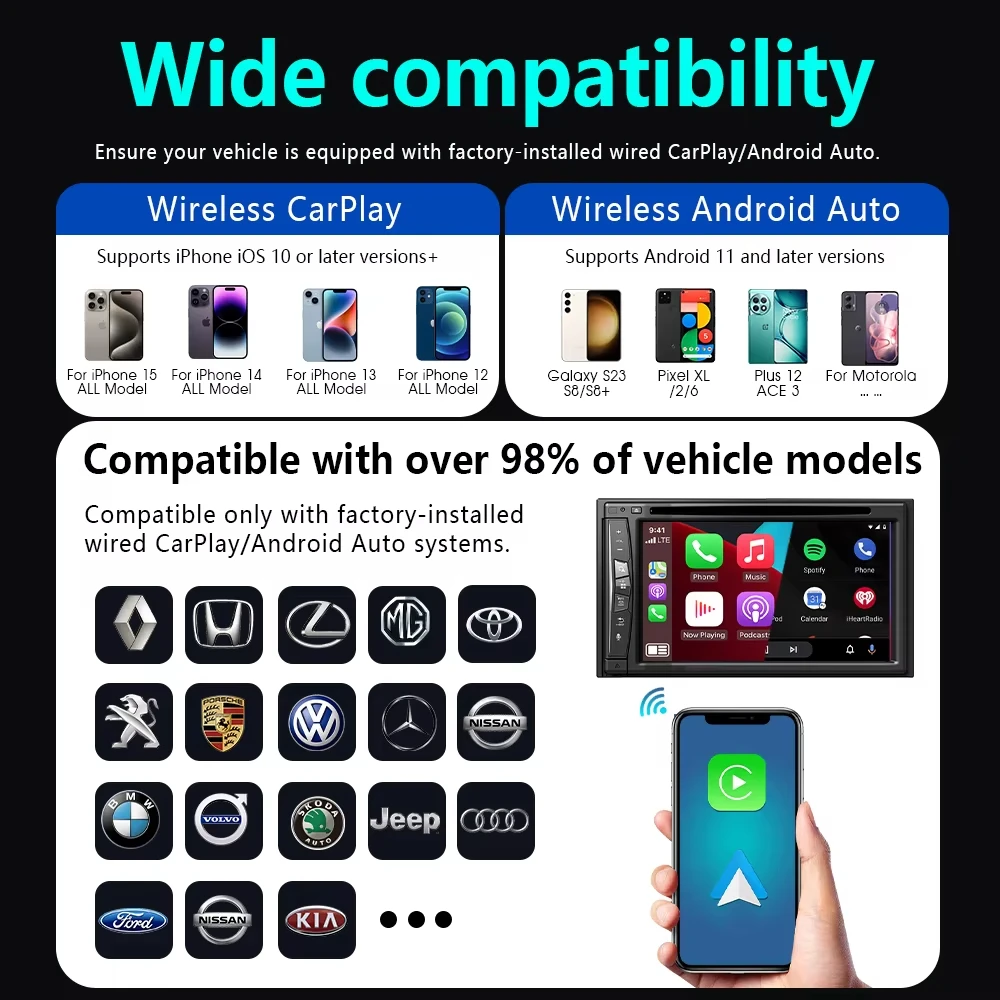
1. Please make sure your original car has OEM CarPlay/Android Auto, If not available, please do not purchase
Confirm whether the original car is not equipped with Carplay/Android Auto function ((View through official car website or car infotainment system)
2. This product is suitable for 98% of original wired CarPlay/Android Auto cars. BMW, Tesla, and some models are not compatible. If you're not sure. You can contact customer service for consultation.
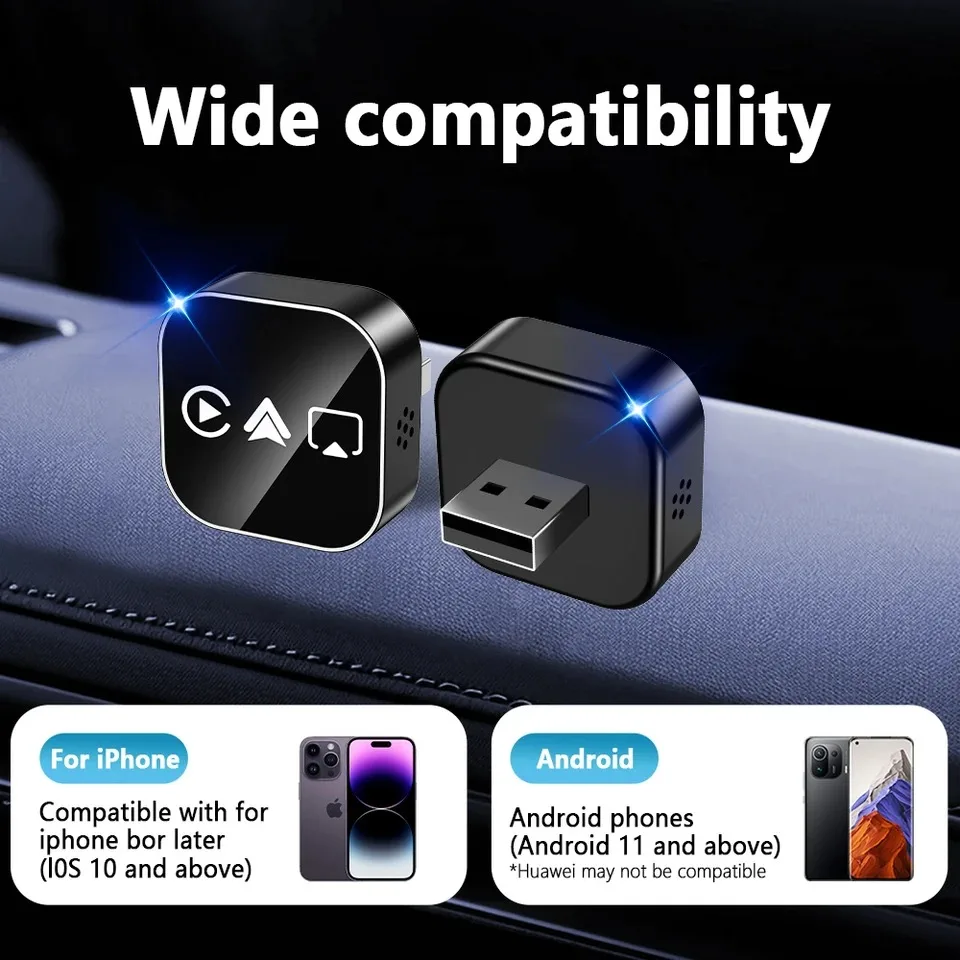
3.Carplay supports iPhone 6 and above models, with software versions of iOS 10 and above.
4. Android cars support Android 11 and above models. Please note that Huawei phones are very unique. Huawei devices have their own mobile operating system EMUl. Unfortunately, Android Auto Wireless does not support EMUl.
Product Features
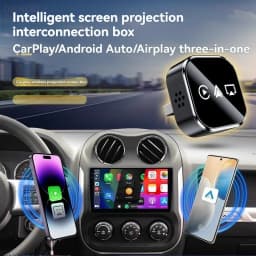
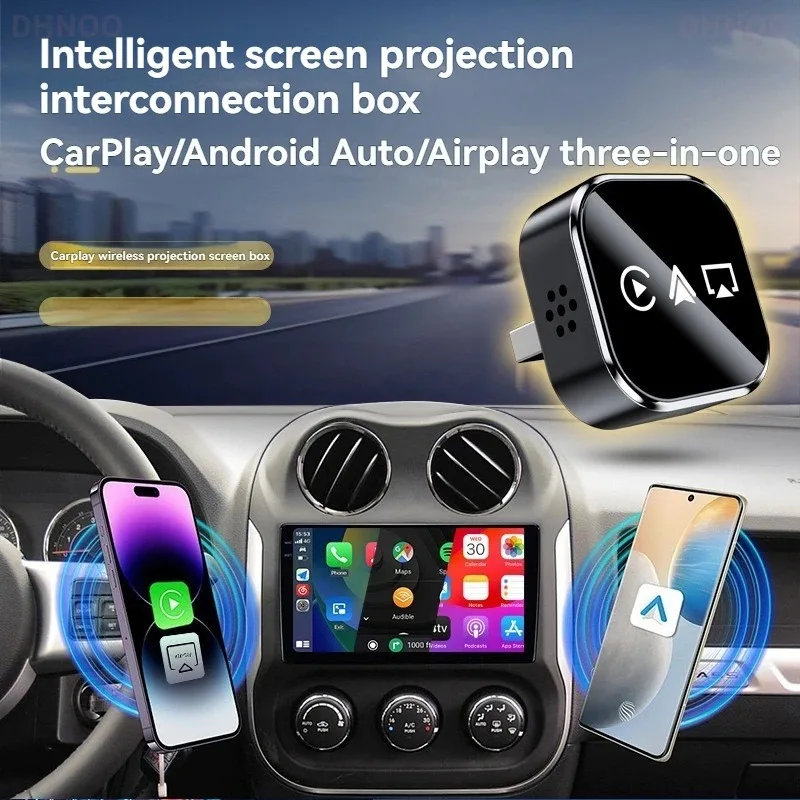
✅Upgrade from wired CarPlay to wireless CarPlay
✅Upgrade your vehicle's wired Android Auto to wireless Android Auto
✅Supports wireless Apple mirroring and Android mirroring connections
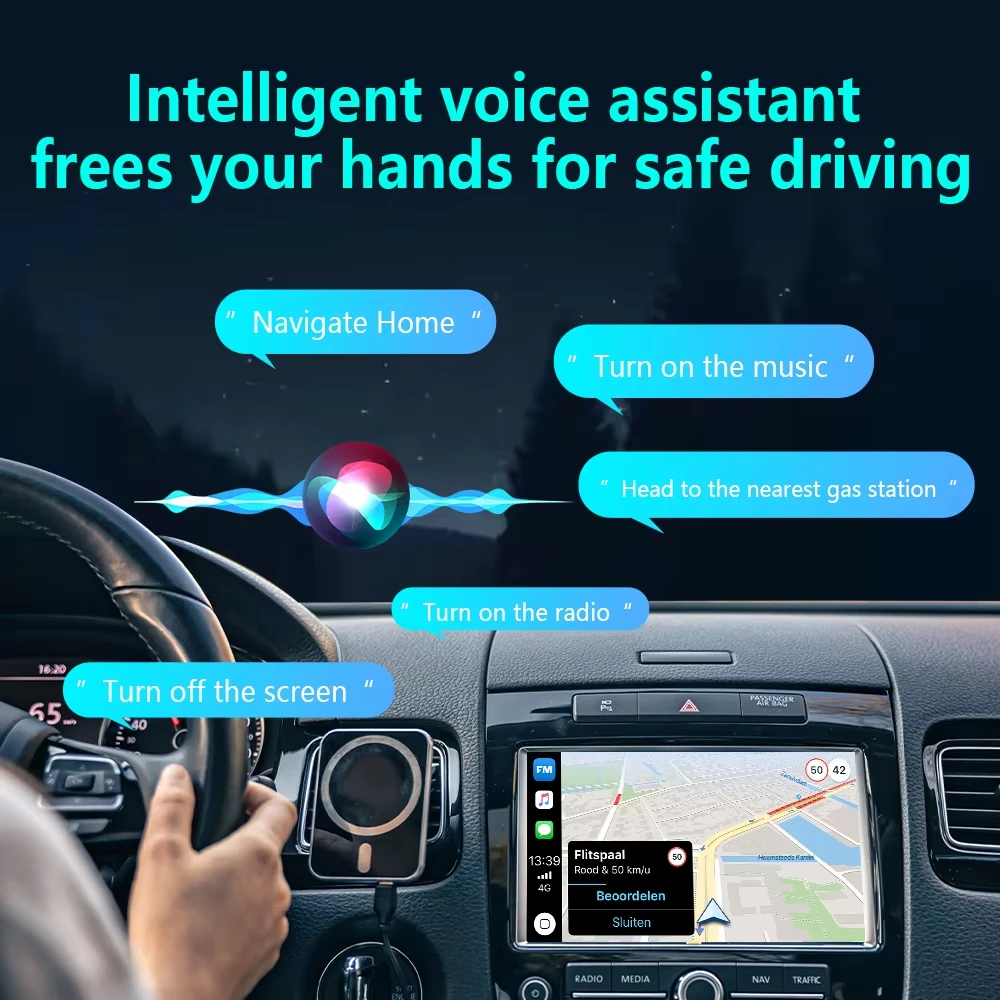
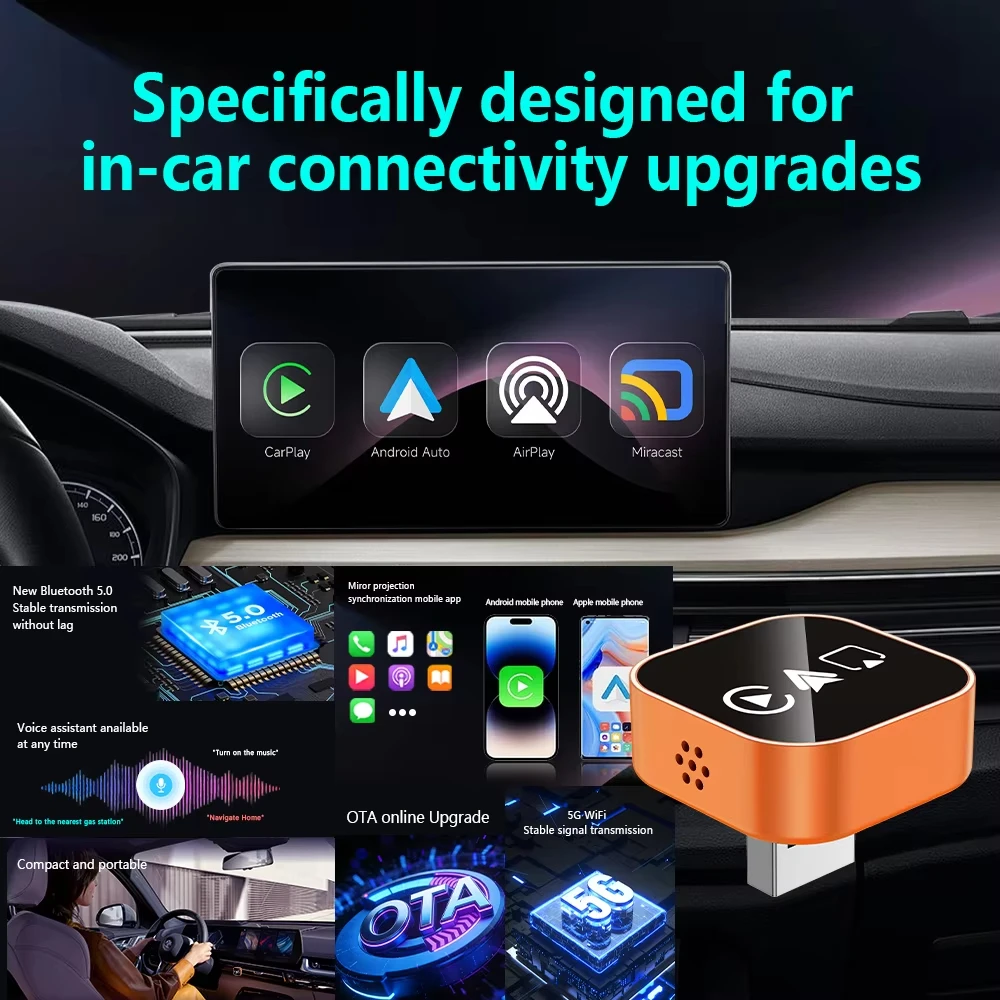
✅Original factory buttons/touchscreen control, plug-and-play, smooth operation
✅After the initial connection, the device automatically connects when you get in the car
✅Bluetooth 5.0, 5GHz Wi-Fi
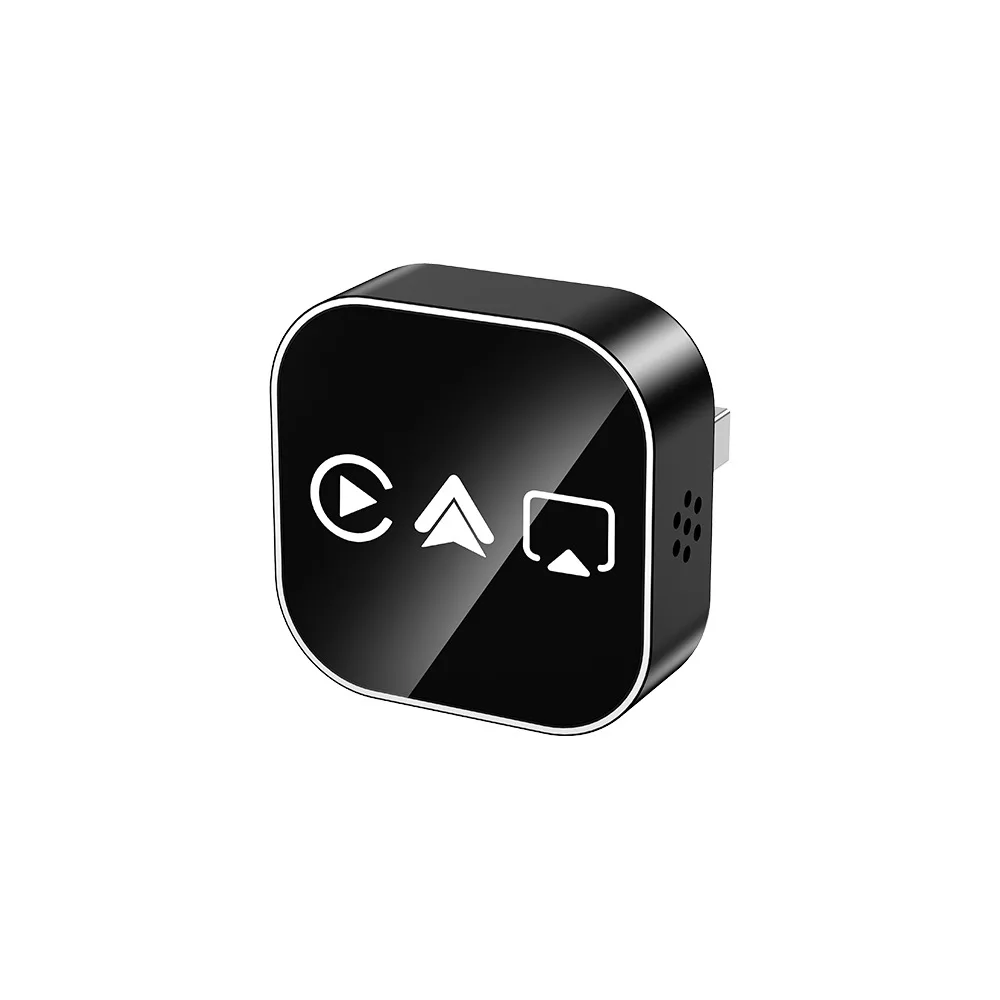
✅USB plug
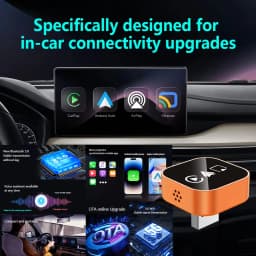
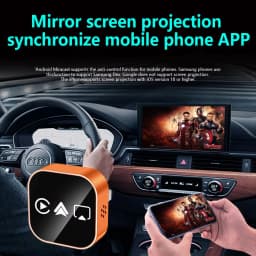
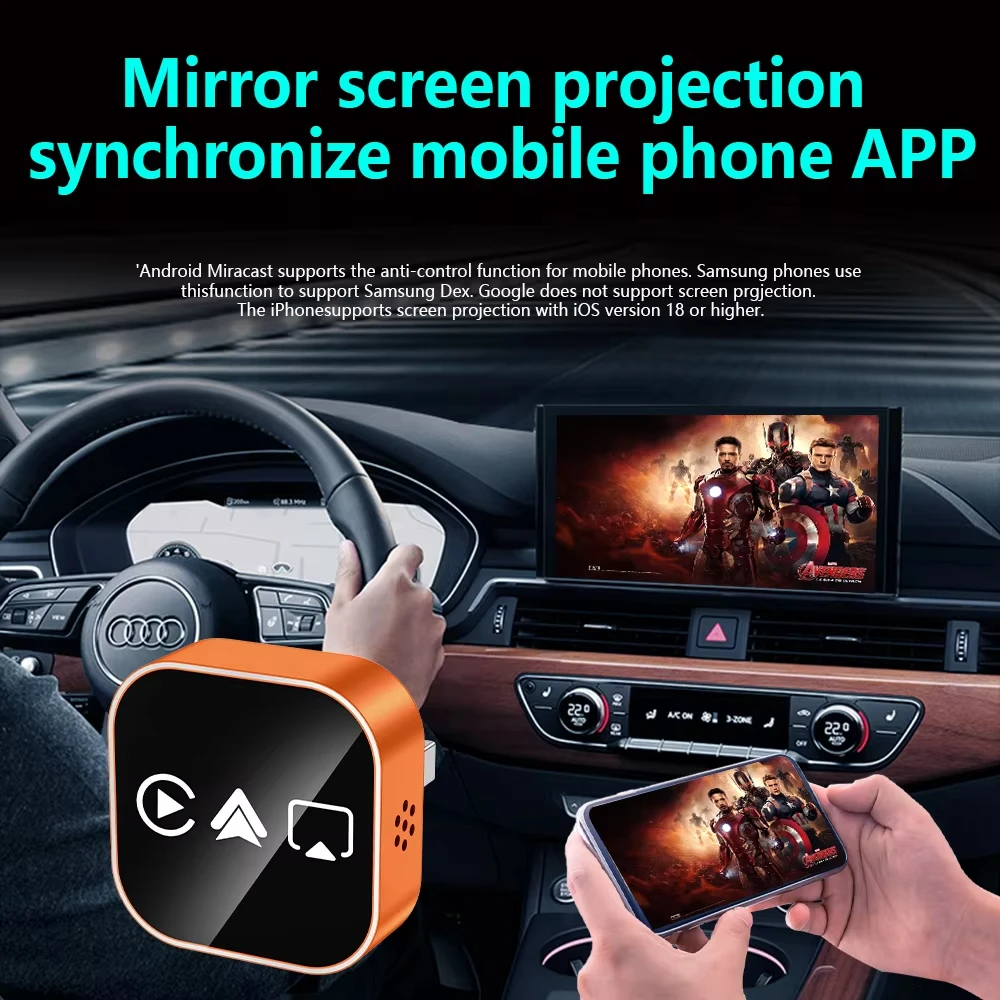
Airplay projection screen
Sync mobile APP
IPhone image projection screen, mobile phone system iOS. 18 and later
Miracast projection screen
Sync mobile APP
Android image projection screen, mobile version needs to be Android 11 or above
Airplay/Miracast Enabled: Allows wireless streaming of music, videos, and more from phone devices directly to your car's display.
(Attention: We are unable to screen copyrighted apps, and some copyrighted videos cannot be played. We apologize for any inconvenience caused)
How to connect Mirror link?
1:Turn on WiFl on your phone
2: Click on wireless screen mirroring
3: Find the wireless screen projection entrance onyour phone(usually available in the drop-down menufunction list)or search for itin the settings
4: Find the device name of the box in the wirelessscreen casting list.
5: Click on the device nome to connect and casthe screen for use.
How to use wireless Carplay/Android Auto?
1. Connect the USB box to the car USB
2. Check the Bluetooth name ;Smart Dongle-XXXX; that appears on the car
3. Turn on the phone's WIFI and Bluetooth, and use the Bluetooth pairing device name.
OTA Upgrade
Need to upgrade OTA in case of connection failureor disconnection.
1: Turn on your phone's WiFi.
2:Connect to WIF, name:;SmartBox-xxx;Password:12345678;
3:Open the mobile browser.
4: Enter the website address'192,168.1.101'
5: Enter the OTA upgrade interface.
6: Pull down the upgrade interface, click ;Update'and afterloading the box, the upgrade is complete.
Customer Reviews
58 ratings
does not work (6)
works really well (4)
fast delivery (4)
quick and smooth operation (3)
easy to install (2)
Customer photos (5)

E***h
July 21, 2026
Variant: Color:Orange
Keeps freezing and disconnecting. Previous version worked much better.

H***i
June 26, 2026
Variant: Color:black

F***t
June 18, 2026
Variant: Color:black
Doesn't work for my car.
Translated by AliExpress ·
d***r
June 10, 2026
Variant: Color:black
Doesn't work with my 2022 BMW G26.
Translated by AliExpress ·
Buyer from Israel
June 5, 2026
Variant: Color:black
I won't have a good product; it didn't work. I would recommend checking first to see if you really need this item. I returned it and got my money back.
Translated by AliExpress ·
Buyer from Israel
June 4, 2026
Variant: Color:black
Good
Translated by AliExpress ·
2026 Upgrade 4 In1 Wired to Wireless CarPlay Android Auto AirPlay Mirror Link Stable Bluetooth Adapter For Audi Benz Toyota VW
Quantity:
1
Availability:
Not Available